Adding subtitles to video content is time-consuming work. This article introduces how to efficiently generate multilingual subtitles (VTT) from video frame analysis to IIIF v3 manifest creation using Claude Code (CLI version of Claude).
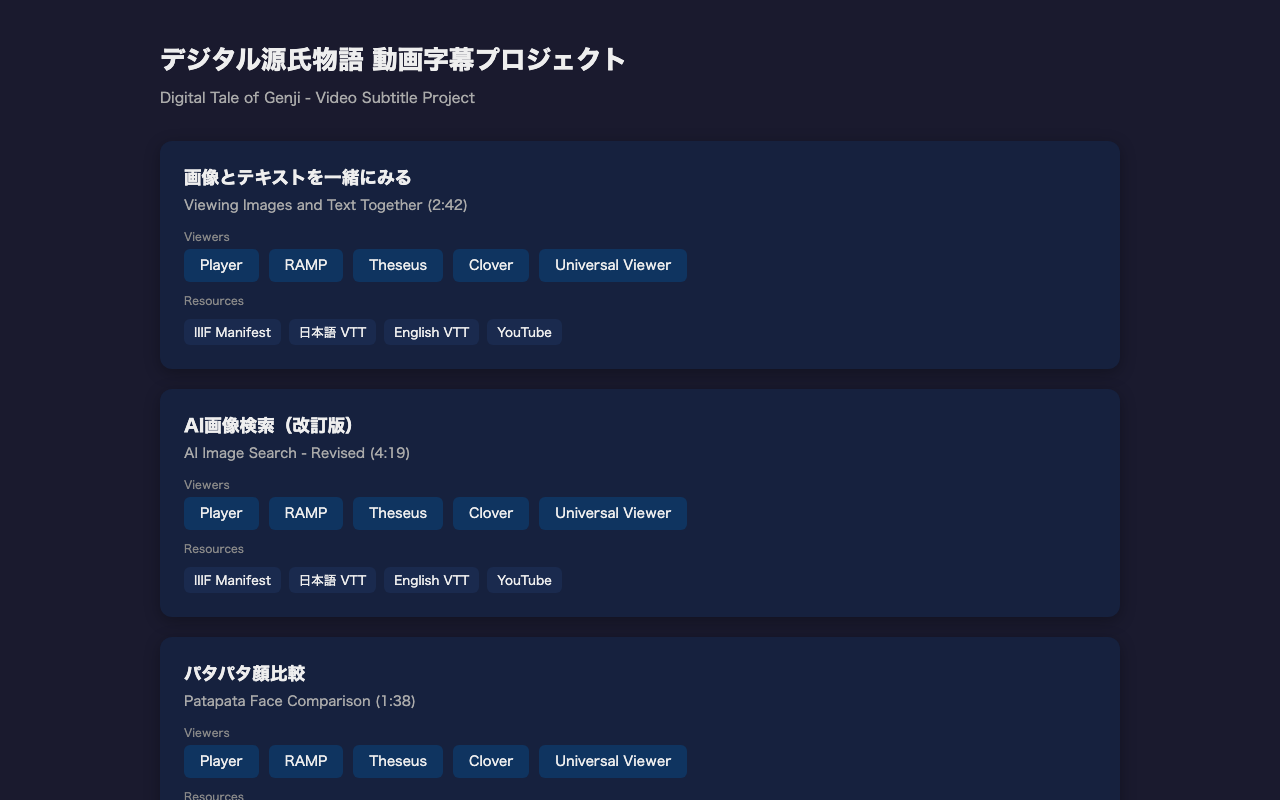
For the actual project, see the project introduction article.
Overall Workflow
1. Prepare a video file (mp4)
2. Detect scene changes with ffmpeg
3. Extract frames at scene change points
4. Read frame images with Claude Code to understand content
5. Create VTT files based on scene change timestamps
6. Create English subtitles similarly
7. Create IIIF v3 manifests
8. Sync video, subtitles, and speech in HTML player
Prerequisites
- Claude Code (CLI version)
- ffmpeg / ffprobe
- Video file (mp4) to add subtitles to
# macOS
brew install ffmpeg
Step 1: Scene Change Detection
Auto-detect the timing of screen transitions in the video. These become the basis for subtitle timestamps.
ffmpeg -i "video.mp4" \
  -vf "select='gt(scene,0.15)',showinfo" \
  -vsync vfr -f null - 2>&1 \
  | grep "pts_time" \
  | sed 's/.*pts_time:\([0-9.]*\).*/\1/'
Output example:
3.033333
8.066667
20.066667
25.066667
32.100000
...
Why Scene Change Detection Matters
Initially, we extracted frames at 3-second intervals, but this caused misalignment with actual screen transitions. Using scene change detection provides accurate subtitle timing based on when the screen actually changes.
Step 2: Extract Frames at Scene Change Points
mkdir -p scenes
ffmpeg -i "video.mp4" \
  -vf "select='gt(scene,0.15)'" \
  -vsync vfr -q:v 2 \
  scenes/scene_%03d.jpg
Step 3: Read Frame Images with Claude Code
Use Claude Code's multimodal capability to read the content of extracted frame images.
# Example Claude Code prompt
Read each scene image and understand the video content.
Describe in detail what is displayed on screen, including any Japanese text.
Since Claude Code can directly read images, it accurately identifies each scene's content (titles, explanatory text, UI elements, etc.).
Step 4: Create VTT Files
Create VTT files based on scene change timestamps and image content.
Subtitle Creation Tips
- Split into single sentences: Long subtitles are hard to read
- 2-5 seconds per cue: Comfortable reading length
- Respect scene change boundaries: Prevent text-screen misalignment
- Distribute sentences evenly within scenes: Match text to each scene's duration
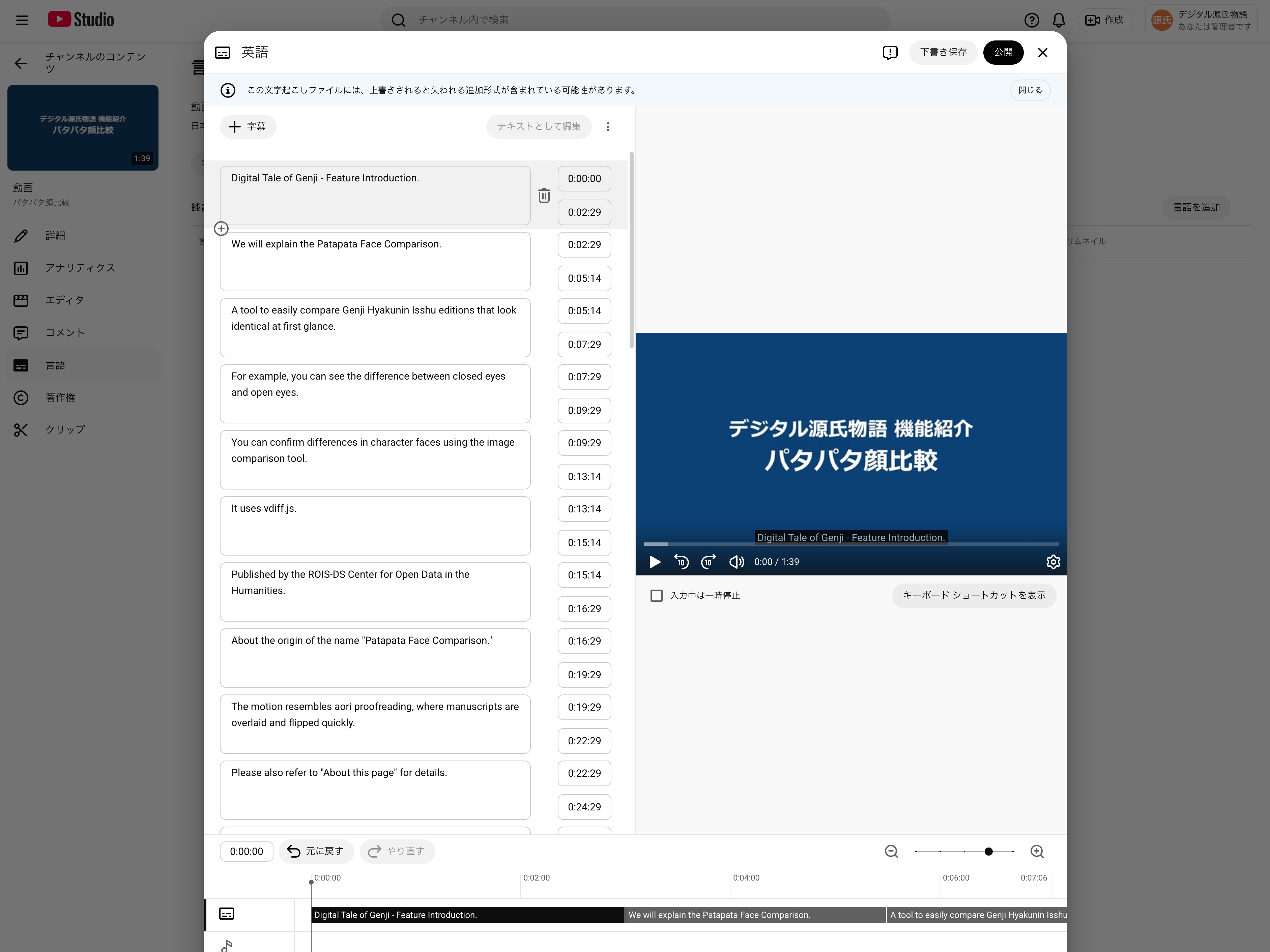
WEBVTT

00:00:00.000 --> 00:00:01.500
Digital Tale of Genji - Feature Introduction.

00:00:01.500 --> 00:00:03.000
We will explain "Viewing Images and Text Together."

00:00:03.000 --> 00:00:05.500
Access "View Images and Text Together" from the menu.
Step 5: Create English Subtitles
Create the English version using the same timestamps as the Japanese VTT.
Step 6: Create IIIF v3 Manifests
Create manifest files compliant with the IIIF Presentation API 3.0. Multilingual subtitles are described as annotations in the manifest.
{
  "@context": "http://iiif.io/api/presentation/3/context.json",
  "id": "https://example.com/manifest.json",
  "type": "Manifest",
  "label": {
    "ja": ["Video Title (Japanese)"],
    "en": ["Video Title (English)"]
  },
  "items": [
    {
      "id": "https://example.com/canvas",
      "type": "Canvas",
      "duration": 162.27,
      "width": 1920,
      "height": 1080,
      "items": [
        {
          "id": "https://example.com/canvas/page",
          "type": "AnnotationPage",
          "items": [
            {
              "id": "https://example.com/canvas/page/annotation",
              "type": "Annotation",
              "motivation": "painting",
              "body": {
                "id": "https://example.com/video.mp4",
                "type": "Video",
                "format": "video/mp4",
                "duration": 162.27,
                "width": 1920,
                "height": 1080
              },
              "target": "https://example.com/canvas"
            }
          ]
        }
      ],
      "annotations": [
        {
          "id": "https://example.com/canvas/annotations",
          "type": "AnnotationPage",
          "items": [
            {
              "id": "https://example.com/canvas/annotations/ja",
              "type": "Annotation",
              "motivation": "supplementing",
              "label": { "ja": ["日本語"] },
              "body": {
                "id": "https://example.com/ja.vtt",
                "type": "Text",
                "format": "text/vtt",
                "language": "ja"
              },
              "target": "https://example.com/canvas"
            },
            {
              "id": "https://example.com/canvas/annotations/en",
              "type": "Annotation",
              "motivation": "supplementing",
              "label": { "en": ["English"] },
              "body": {
                "id": "https://example.com/en.vtt",
                "type": "Text",
                "format": "text/vtt",
                "language": "en"
              },
              "target": "https://example.com/canvas"
            }
          ]
        }
      ]
    }
  ]
}
Key Points
- Videos are described as
Annotationwithmotivation: "painting"initems - Subtitles are described with
motivation: "supplementing"inannotations - Each language's VTT file is added as a separate
Annotation - Language switching is available in IIIF-compatible viewers like RAMP and Theseus
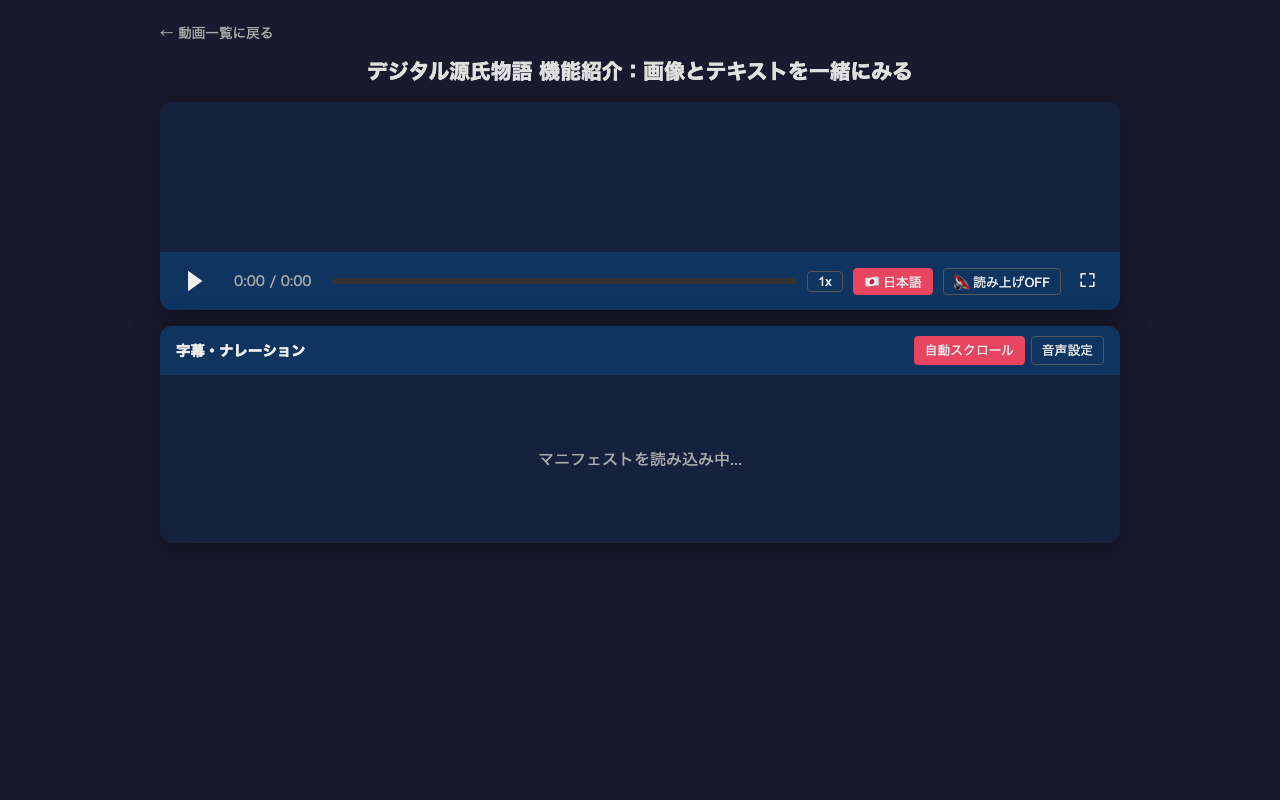
Step 7: HTML Player
We created an HTML player that loads and plays IIIF v3 manifests. Key features:
- Manifest URL specified via query parameter (
player.html?manifest=path/to/manifest.json) - Dynamically loads video URL and subtitle tracks from manifest
- Japanese/English subtitle switching
- Text-to-speech via Web Speech API (free, built into browser)
- Synchronized scrolling with subtitle list panel
- Custom subtitle rendering (dark background for visibility)
Summary
- Scene change detection (
ffmpeg -vf "select='gt(scene,0.15)'"...) provides accurate timestamps - Claude Code's multimodal capability reads frame images and generates subtitle text
- Single-sentence subtitles are easier to read and sync with text-to-speech
- IIIF v3 manifests describe multilingual subtitles as Annotations, ensuring interoperability
- Web Speech API enables free text-to-speech functionality