Home Articles Books Search About
日本語
How to Upload VTT Subtitle Files in YouTube Studio

How to Upload VTT Subtitle Files in YouTube Studio

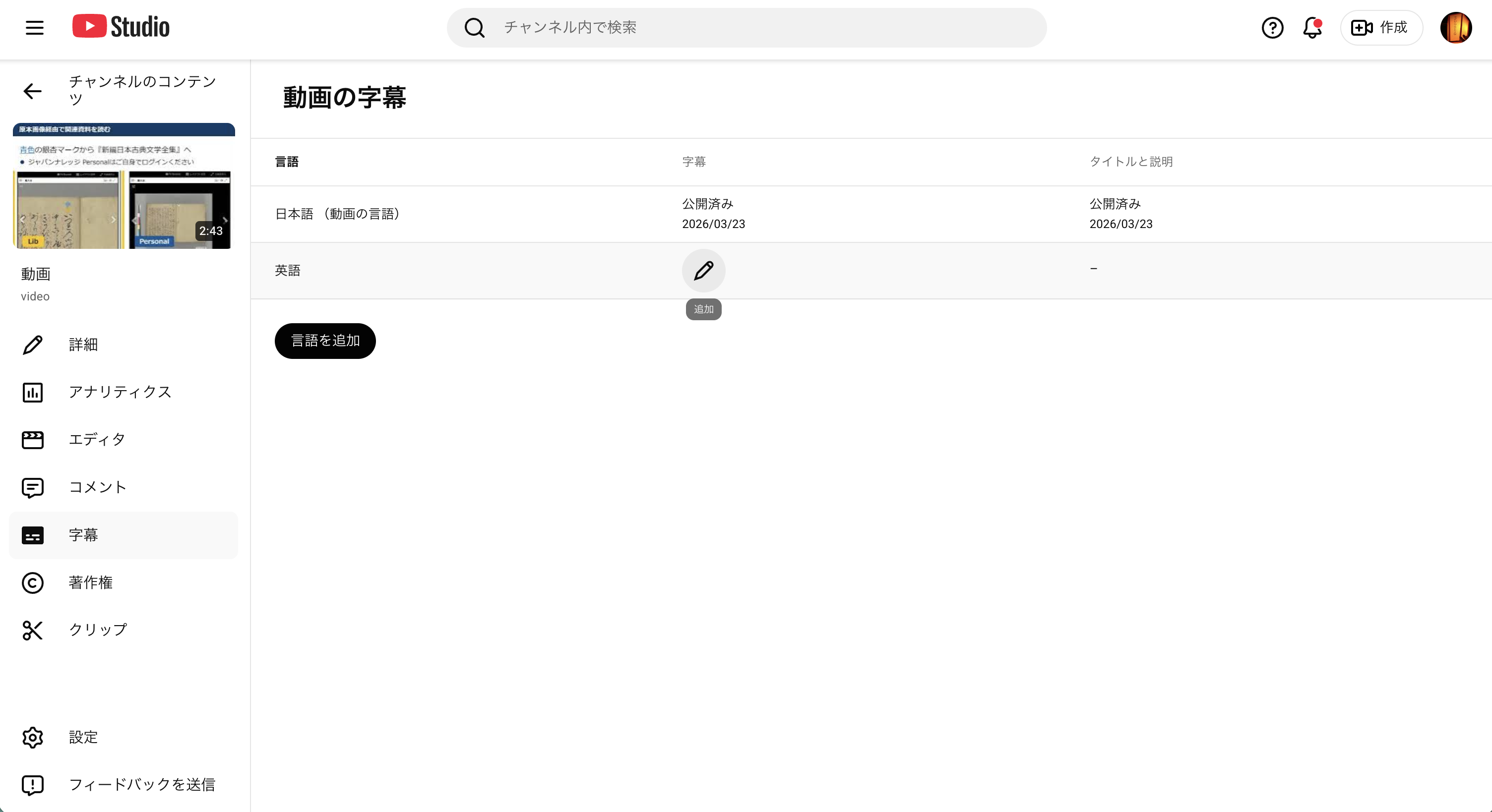
Uploading VTT subtitle files in YouTube Studio turned out to be less straightforward than expected. Here is a step-by-step guide. Prerequisites VTT files (with timecodes) ready Access to the video editing screen in YouTube Studio Step 1: Set the Video Language Open “Language” from the left menu. On first visit, the language is not set. Select “Japanese” from the “Set language” dropdown and click “Confirm.” After confirmation, the screen changes to show “Edit subtitles,” “Upload manually” buttons, and a “Translations” section. ...

How to Upload English Subtitles (VTT Files) in YouTube Studio

How to Upload English Subtitles (VTT Files) in YouTube Studio

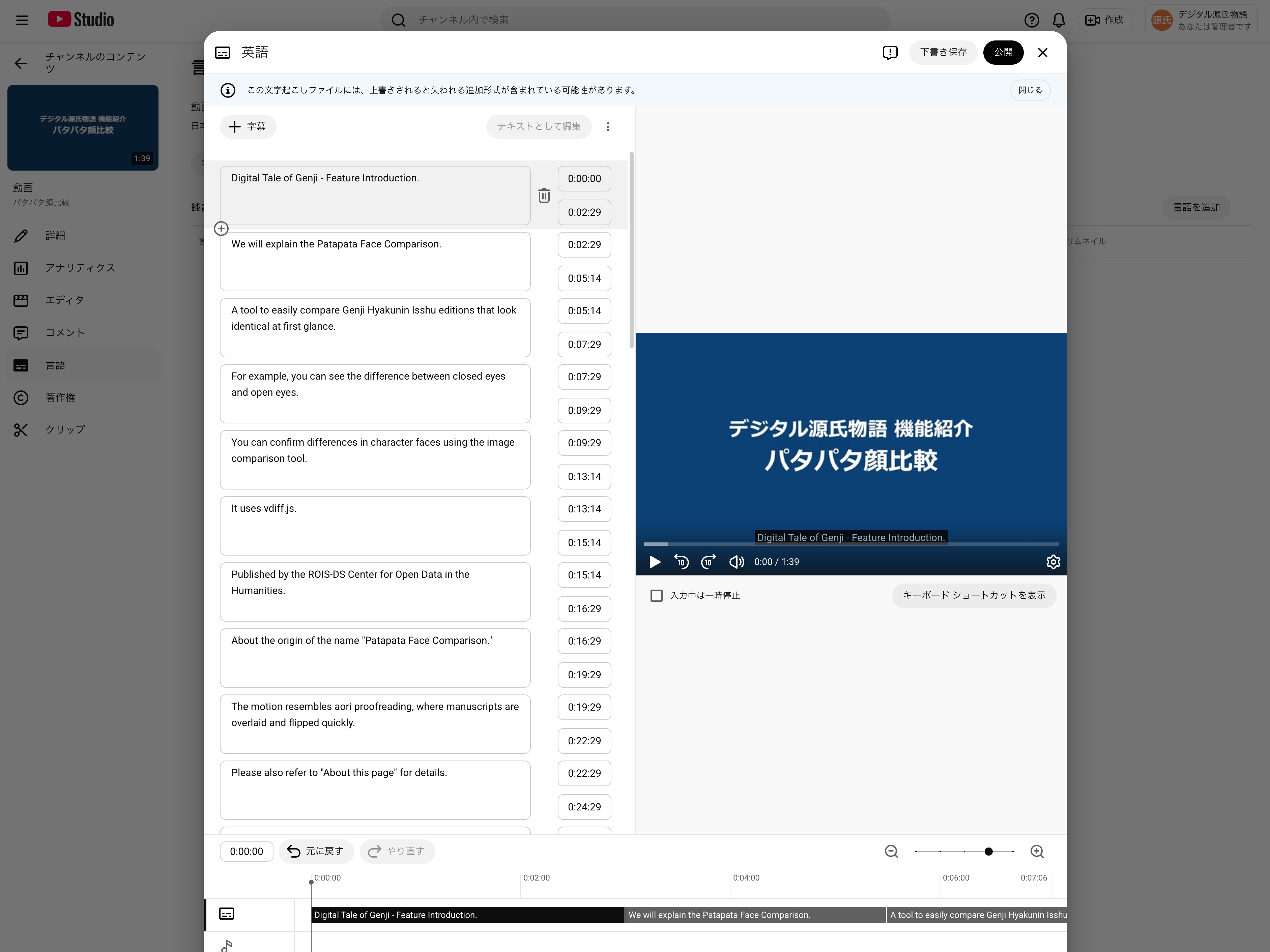
This guide explains how to add English subtitles (en.vtt) to a YouTube video that already has Japanese subtitles uploaded. Related post: Auto-generating multilingual subtitles for videos with Claude Code and publishing via IIIF v3 manifests Prerequisites Logged in to YouTube Studio Japanese subtitles (ja.vtt) already uploaded for the target video English subtitle file (en.vtt) ready Steps 1. Open the subtitle management page Go to YouTube Studio → select the target video → click “Subtitles” in the left menu. ...
Auto-Generating Bilingual Video Subtitles with Claude Code and Publishing via IIIF v3 Manifests

Auto-Generating Bilingual Video Subtitles with Claude Code and Publishing via IIIF v3 Manifests

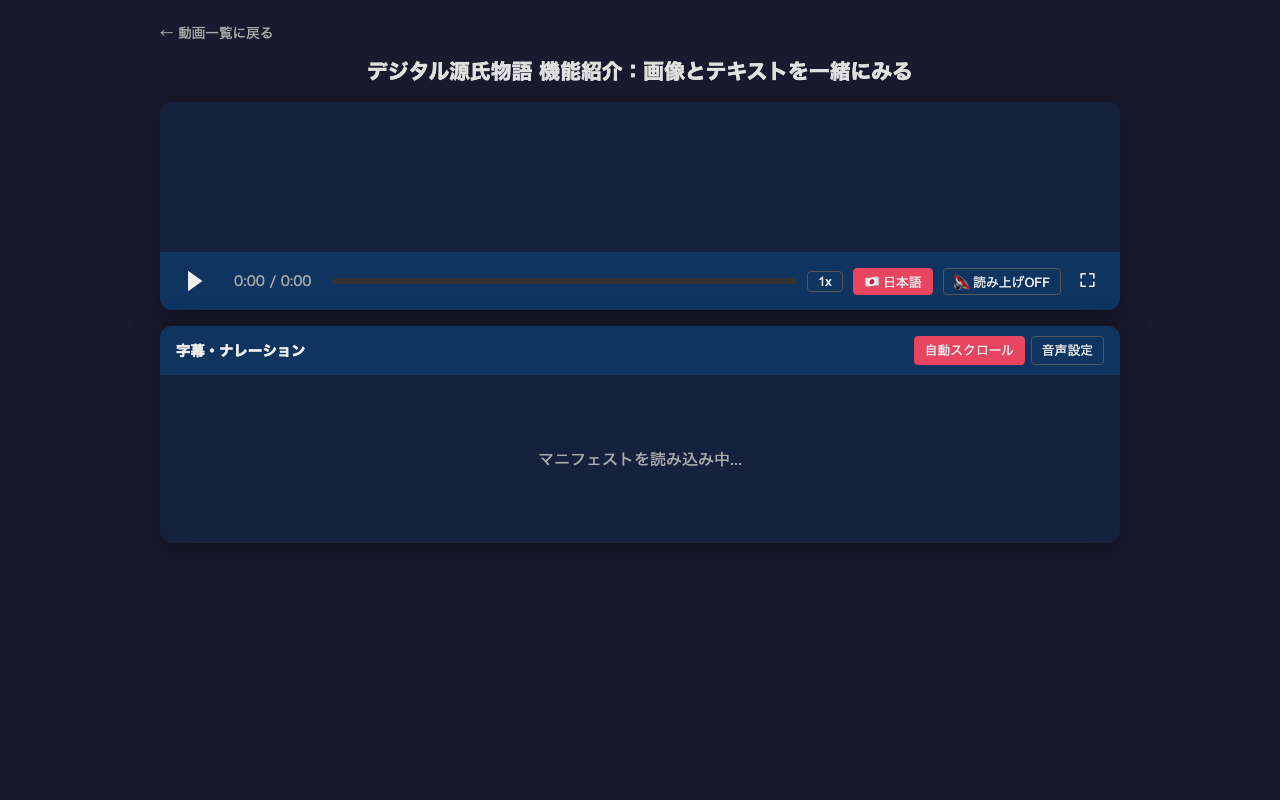
Adding subtitles to video content is time-consuming work. This article introduces how to efficiently generate multilingual subtitles (VTT) from video frame analysis to IIIF v3 manifest creation using Claude Code (CLI version of Claude). For the actual project, see the project introduction article. Overall Workflow 1. Prepare a video file (mp4) 2. Detect scene changes with ffmpeg 3. Extract frames at scene change points 4. Read frame images with Claude Code to understand content 5. Create VTT files based on scene change timestamps 6. Create English subtitles similarly 7. Create IIIF v3 manifests 8. Sync video, subtitles, and speech in HTML player Prerequisites Claude Code (CLI version) ffmpeg / ffprobe Video file (mp4) to add subtitles to # macOS brew install ffmpeg Step 1: Scene Change Detection Auto-detect the timing of screen transitions in the video. These become the basis for subtitle timestamps. ...

Digital Tale of Genji Video Subtitle Project: Publishing Bilingual Subtitles with IIIF v3 Manifests

Digital Tale of Genji Video Subtitle Project: Publishing Bilingual Subtitles with IIIF v3 Manifests

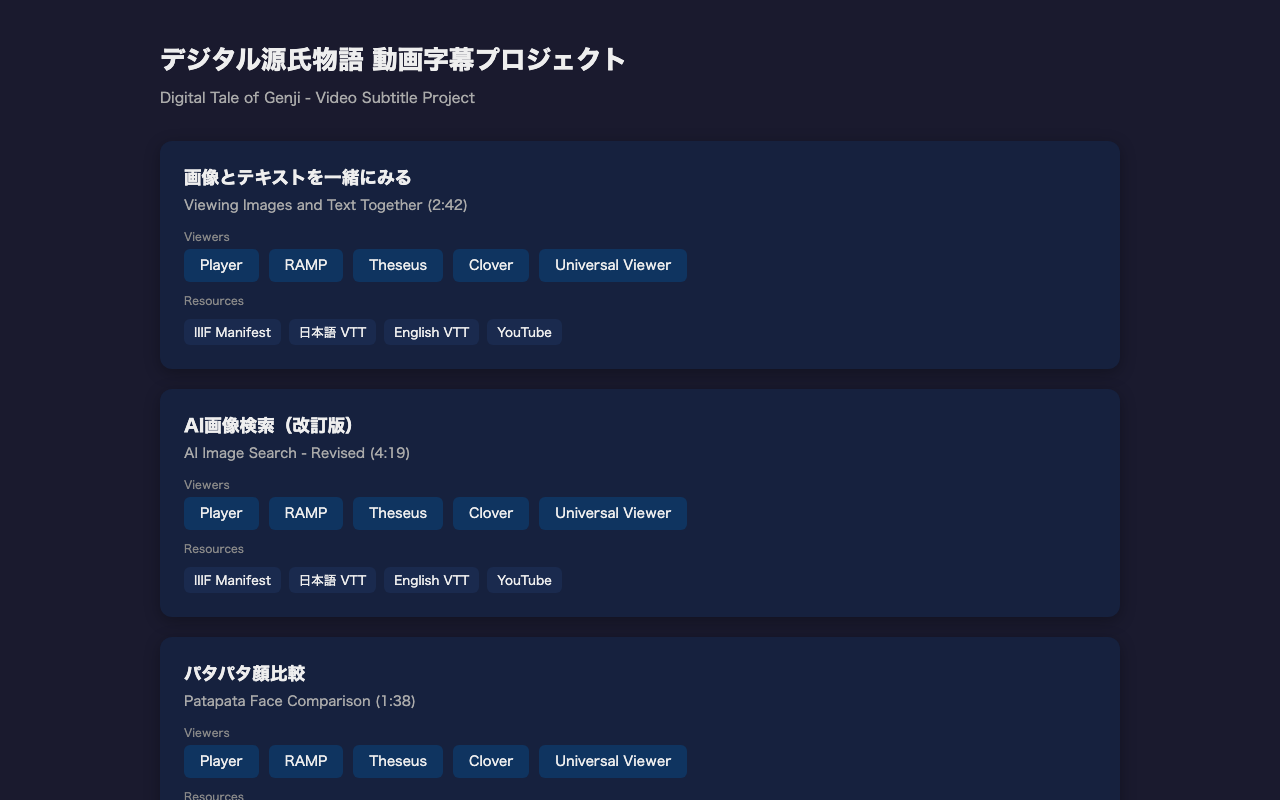
We created a project that adds Japanese and English bilingual subtitles to the Digital Tale of Genji tutorial videos and publishes them as IIIF v3 manifests. Demo: https://nakamura196.github.io/genji-movie/ GitHub: https://github.com/nakamura196/genji-movie Target Videos We added subtitles to the following three tutorial videos: Video Duration Description Viewing Images and Text Together 2:42 How to use the Parallel Text Viewer with TEI & IIIF AI Image Search (Revised) 4:19 Cross-searching manuscript images using kuzushiji OCR and similarity scoring Patapata Face Comparison 1:38 Comparing Genji Hyakunin Isshu illustrations using vdiff.js Bilingual Subtitles Each video has Japanese and English WebVTT subtitle files. Subtitles are split into single-sentence units for readability. ...