Home Articles Books Search About
日本語
Building a Custom Hugo Theme with Tailwind CSS v4 and Submitting to Hugo Themes Gallery

Building a Custom Hugo Theme with Tailwind CSS v4 and Submitting to Hugo Themes Gallery

This post documents the process of migrating a Hugo blog from the PaperMod theme to a custom theme built with Tailwind CSS v4, and submitting it to the official Hugo Themes gallery. Hugo + Tailwind CSS v4 Integration Hugo 0.157+ supports the css.TailwindCSS pipeline. Tailwind v4 uses @import "tailwindcss" syntax and no longer requires tailwind.config.js. /* assets/css/main.css */ @import "tailwindcss"; @theme { --color-primary: #2563eb; --font-sans: "Inter", sans-serif; } @variant dark (&:where(.dark, .dark *)); In templates, call css.TailwindCSS to process the stylesheet: ...

Handling App Store Rejection and Resubmission Entirely via API

Handling App Store Rejection and Resubmission Entirely via API

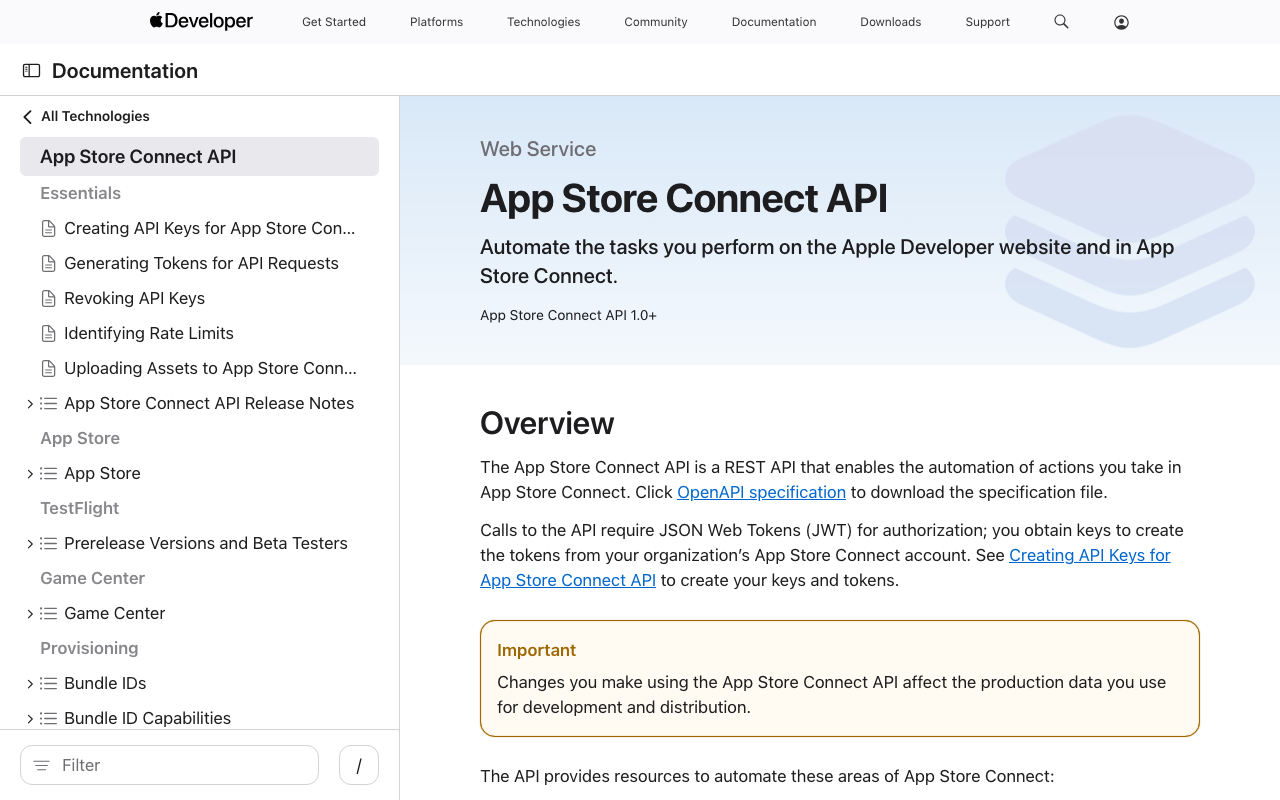
After getting rejected in App Store review, I completed the entire fix-and-resubmit workflow using the App Store Connect API. No browser interaction was needed. Rejection Details The initial submission of JPS Explorer (a Japan Search cultural resource exploration app) was rejected for two issues: The Tip Jar screen displayed an error because the In-App Purchase products had not been registered in App Store Connect. The camera search “Capture” button caused a crash because NSCameraUsageDescription was missing from the iOS Info.plist. Fixes Camera Crash Added camera and photo library usage descriptions to Info.plist: ...

How to Upload VTT Subtitle Files in YouTube Studio

How to Upload VTT Subtitle Files in YouTube Studio

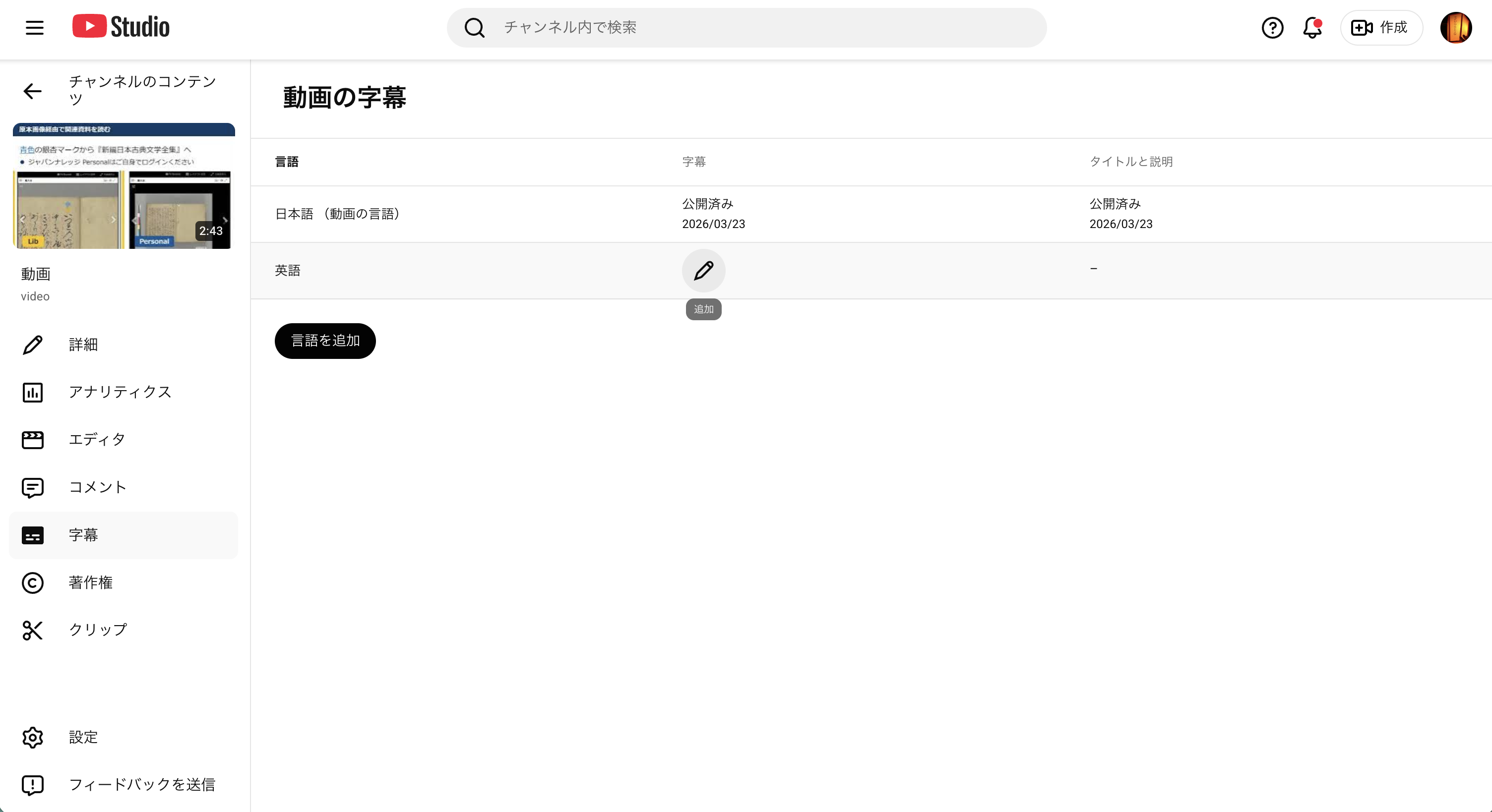
Uploading VTT subtitle files in YouTube Studio turned out to be less straightforward than expected. Here is a step-by-step guide. Prerequisites VTT files (with timecodes) ready Access to the video editing screen in YouTube Studio Step 1: Set the Video Language Open “Language” from the left menu. On first visit, the language is not set. Select “Japanese” from the “Set language” dropdown and click “Confirm.” After confirmation, the screen changes to show “Edit subtitles,” “Upload manually” buttons, and a “Translations” section. ...

No Firebase Needed: Operating an iOS App with Apple-Native Tools Only

Introduction When you start operating an iOS app, you quickly face these questions: Is the app crashing? Where? How many downloads and sessions do we have? How can we prompt users on old versions to update? How can we encourage reviews? Most guides recommend Firebase Crashlytics + Firebase Analytics, but this means sending user device information, usage data, and crash logs to Google’s servers. You’ll also need to declare “data collection and tracking” when submitting to the App Store. ...

Pitfalls of Converting TEI XML Standoff Annotations to Inline, and a DOM-Based Solution

Digital Engishiki is a project that encodes the Engishiki — a collection of supplementary regulations for the ritsuryō legal system, completed in 927 CE — in TEI (Text Encoding Initiative) XML, making it browsable and searchable on the web. Led by the National Museum of Japanese History, the project provides TEI markup for critical editions, modern Japanese translations, and English translations, served through a Nuxt.js (Vue.js) based viewer. During development, we encountered a bug where converting TEI XML standoff annotations to inline annotations caused the XML document structure to collapse. This article records the cause and the DOM-based solution. ...

Diagnosing and Fixing Memory-Related Crashes in an iOS OCR App

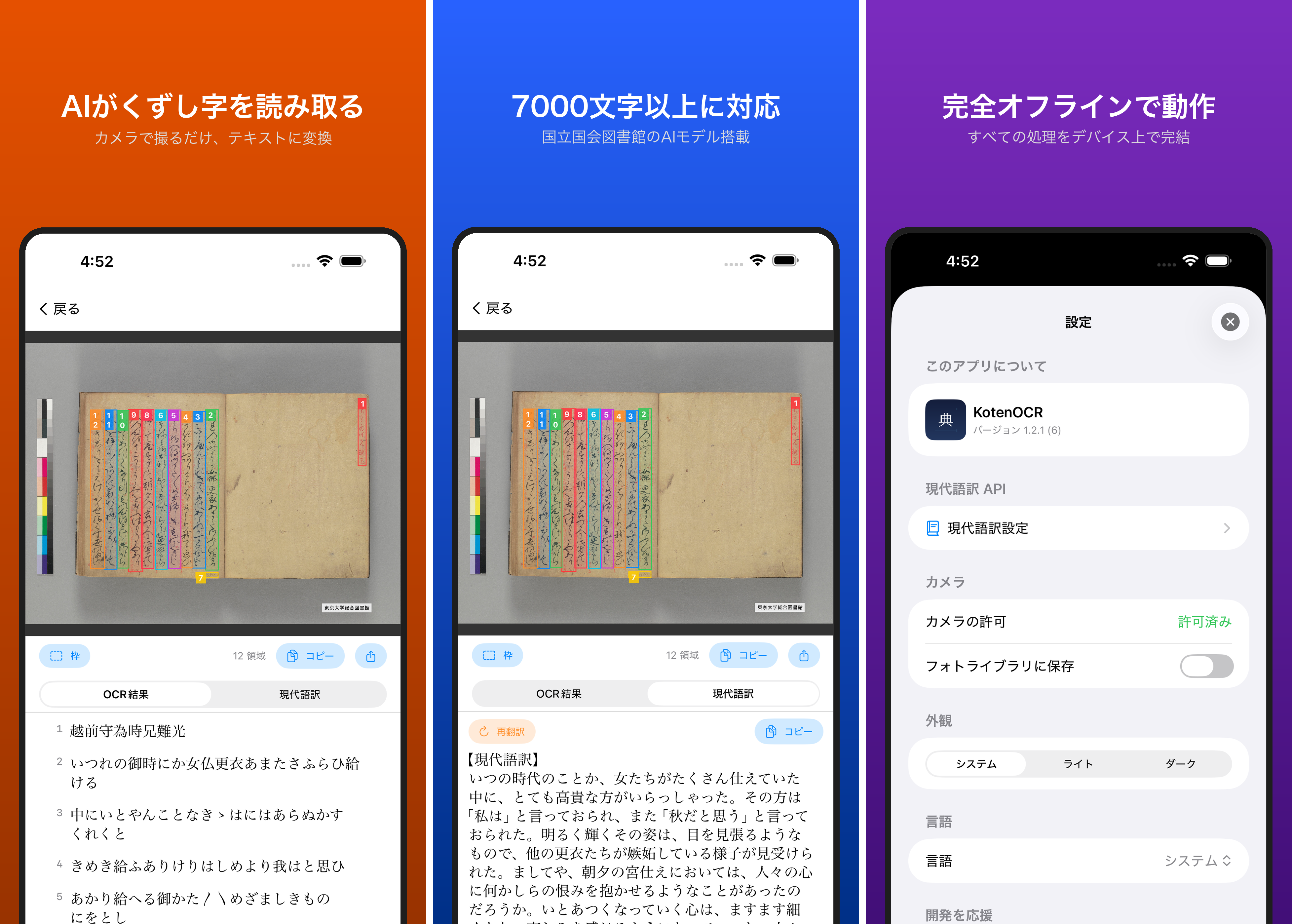
KotenOCR is an iOS app that performs OCR on classical Japanese texts using ONNX Runtime. It ships with 6 ONNX models totaling approximately 230MB on disk. After reaching 300 downloads, the crash rate was found to be 6.7% (20 crashes). No crash logs appeared in Xcode Organizer, so a different investigation approach was required. Investigation Approach Four parallel investigation tracks were pursued: Memory and model size analysis Image processing pipeline review ONNX Runtime thread safety audit Camera and UI lifecycle inspection Root Causes The investigation identified four issues, listed here in order of estimated severity. ...

Fixing Universal Viewer 4.x "Unknown content type" Error with Local Hosting

Fixing Universal Viewer 4.x "Unknown content type" Error with Local Hosting

The Problem In a Nuxt 3 project, I was using Universal Viewer (UV) embedded via iframe to display IIIF manifest images. The iframe source pointed to the external https://universalviewer.io/uv.html, but at some point the viewer stopped rendering entirely. The browser console showed these errors: SES Removing unpermitted intrinsics UV.js:2 Unknown content type Investigation universalviewer.io Redirect The first finding was that universalviewer.io now redirects to universalviewer.dev: <meta http-equiv="refresh" content="0; url=https://universalviewer.dev/uv.html"> Testing the same manifest URL on universalviewer.dev/uv.html produced the identical “Unknown content type” error. The issue was reproducible on the official site itself. ...

How to Upload English Subtitles (VTT Files) in YouTube Studio

How to Upload English Subtitles (VTT Files) in YouTube Studio

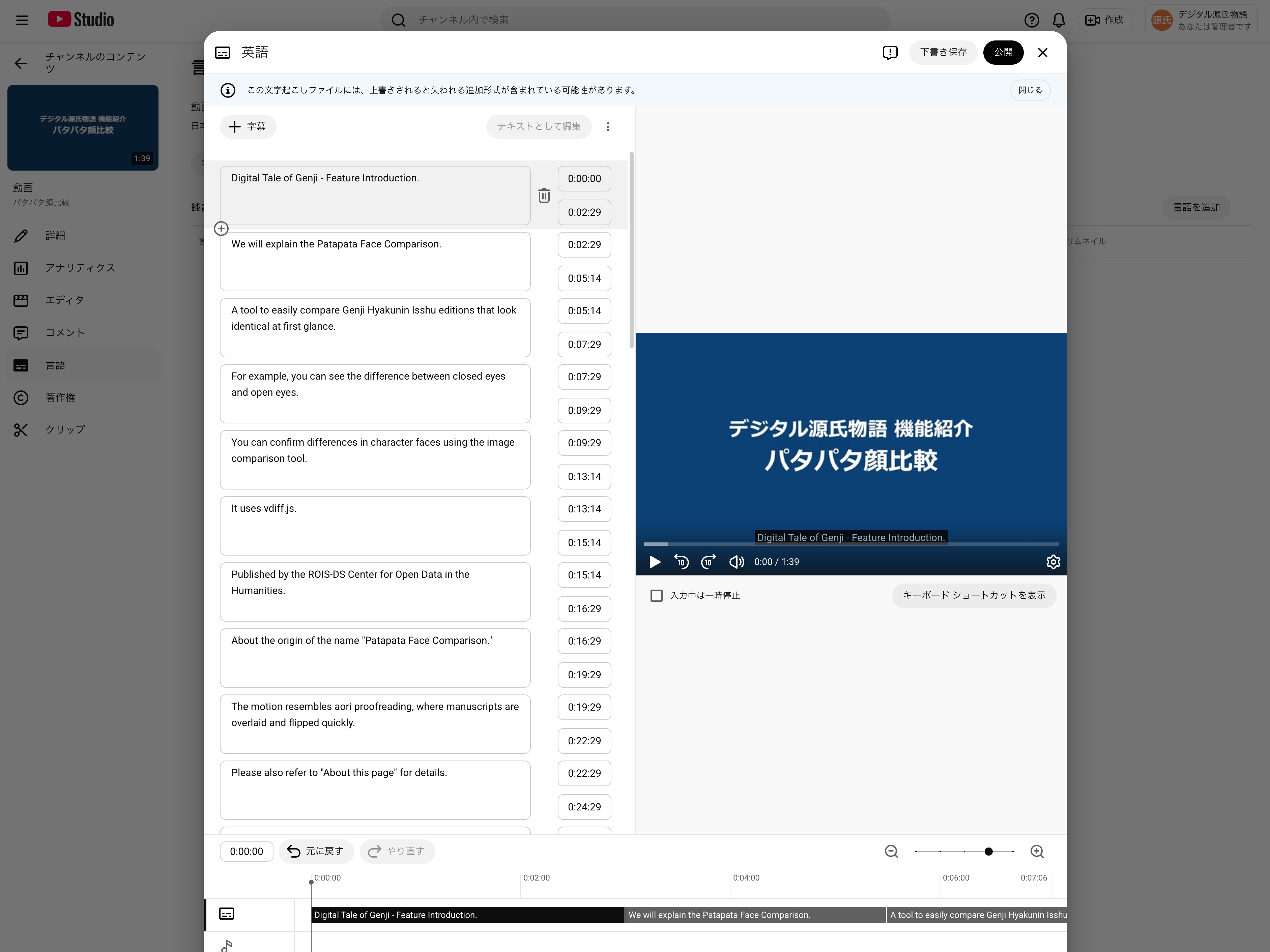
This guide explains how to add English subtitles (en.vtt) to a YouTube video that already has Japanese subtitles uploaded. Related post: Auto-generating multilingual subtitles for videos with Claude Code and publishing via IIIF v3 manifests Prerequisites Logged in to YouTube Studio Japanese subtitles (ja.vtt) already uploaded for the target video English subtitle file (en.vtt) ready Steps 1. Open the subtitle management page Go to YouTube Studio → select the target video → click “Subtitles” in the left menu. ...

Auto-Generating Bilingual Video Subtitles with Claude Code and Publishing via IIIF v3 Manifests

Auto-Generating Bilingual Video Subtitles with Claude Code and Publishing via IIIF v3 Manifests

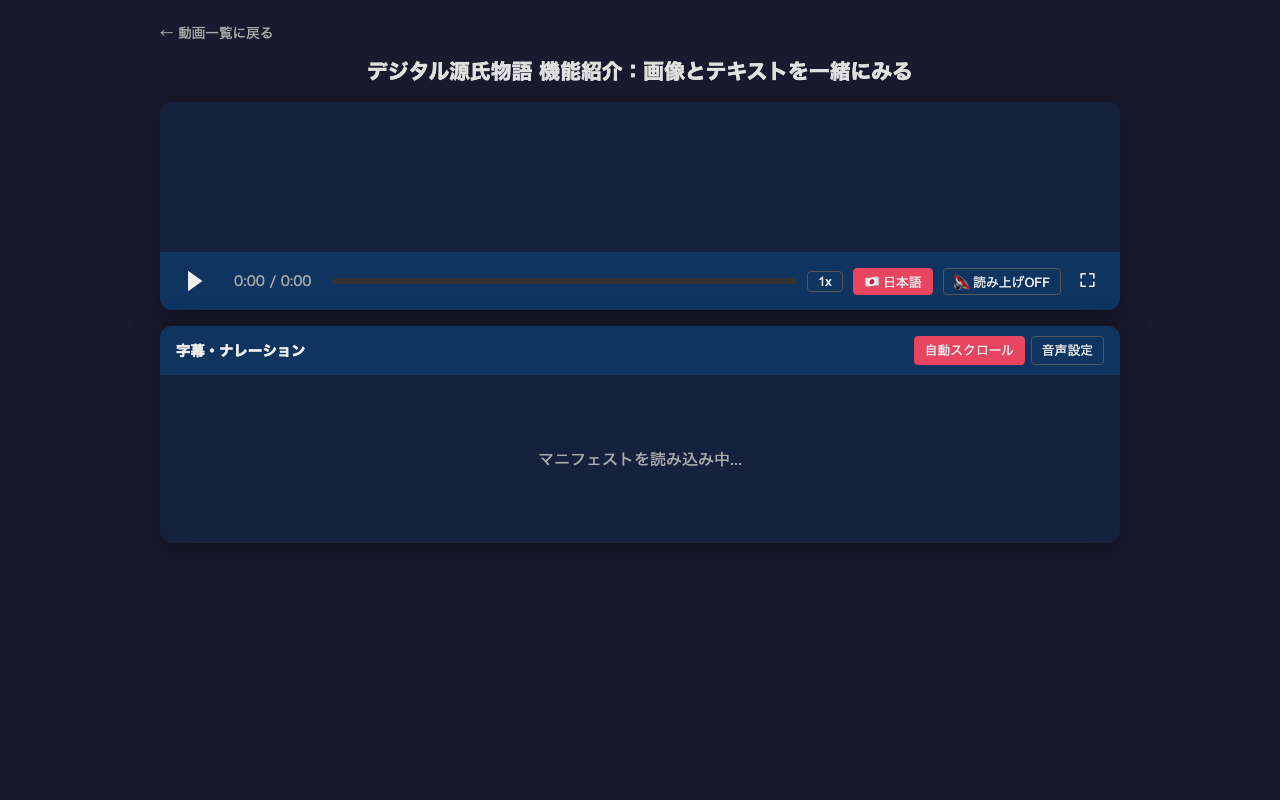
Adding subtitles to video content is time-consuming work. This article introduces how to efficiently generate multilingual subtitles (VTT) from video frame analysis to IIIF v3 manifest creation using Claude Code (CLI version of Claude). For the actual project, see the project introduction article. Overall Workflow 1. Prepare a video file (mp4) 2. Detect scene changes with ffmpeg 3. Extract frames at scene change points 4. Read frame images with Claude Code to understand content 5. Create VTT files based on scene change timestamps 6. Create English subtitles similarly 7. Create IIIF v3 manifests 8. Sync video, subtitles, and speech in HTML player Prerequisites Claude Code (CLI version) ffmpeg / ffprobe Video file (mp4) to add subtitles to # macOS brew install ffmpeg Step 1: Scene Change Detection Auto-detect the timing of screen transitions in the video. These become the basis for subtitle timestamps. ...

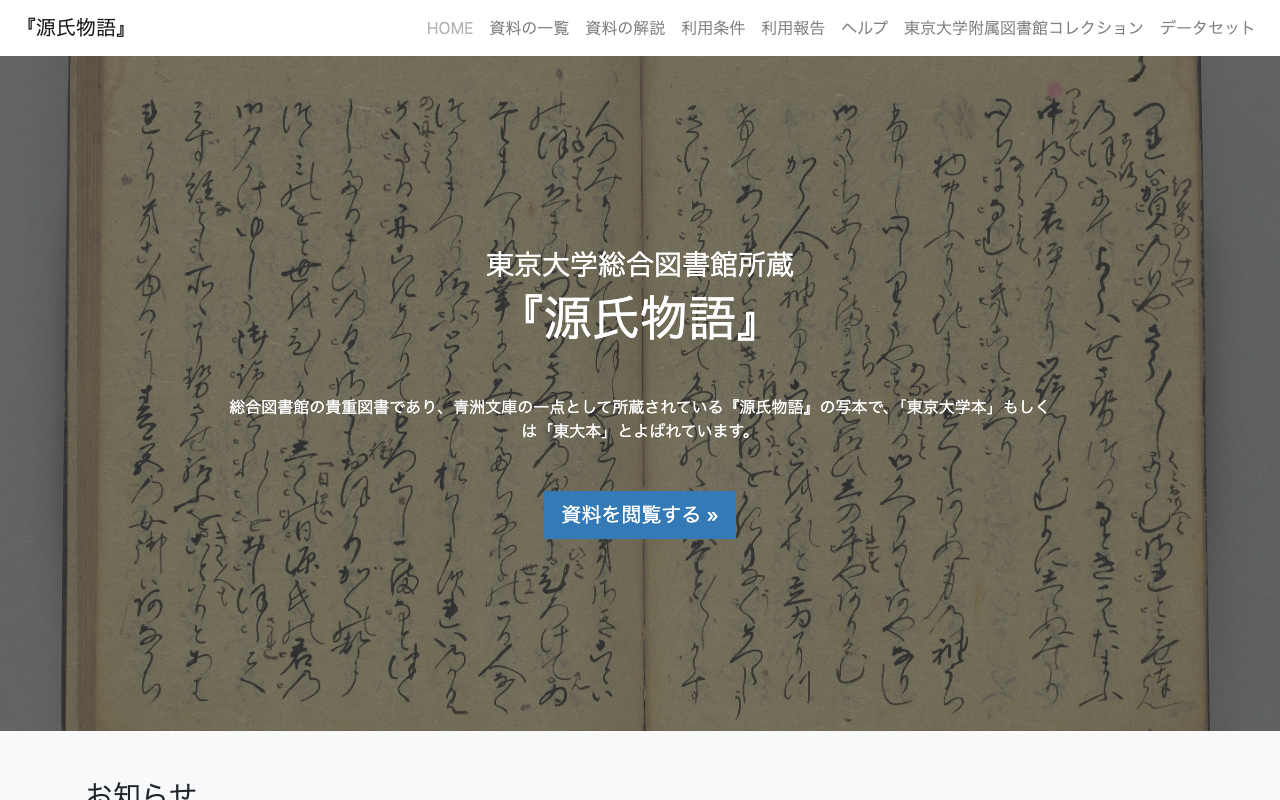
Digital Tale of Genji Video Subtitle Project: Publishing Bilingual Subtitles with IIIF v3 Manifests

Digital Tale of Genji Video Subtitle Project: Publishing Bilingual Subtitles with IIIF v3 Manifests

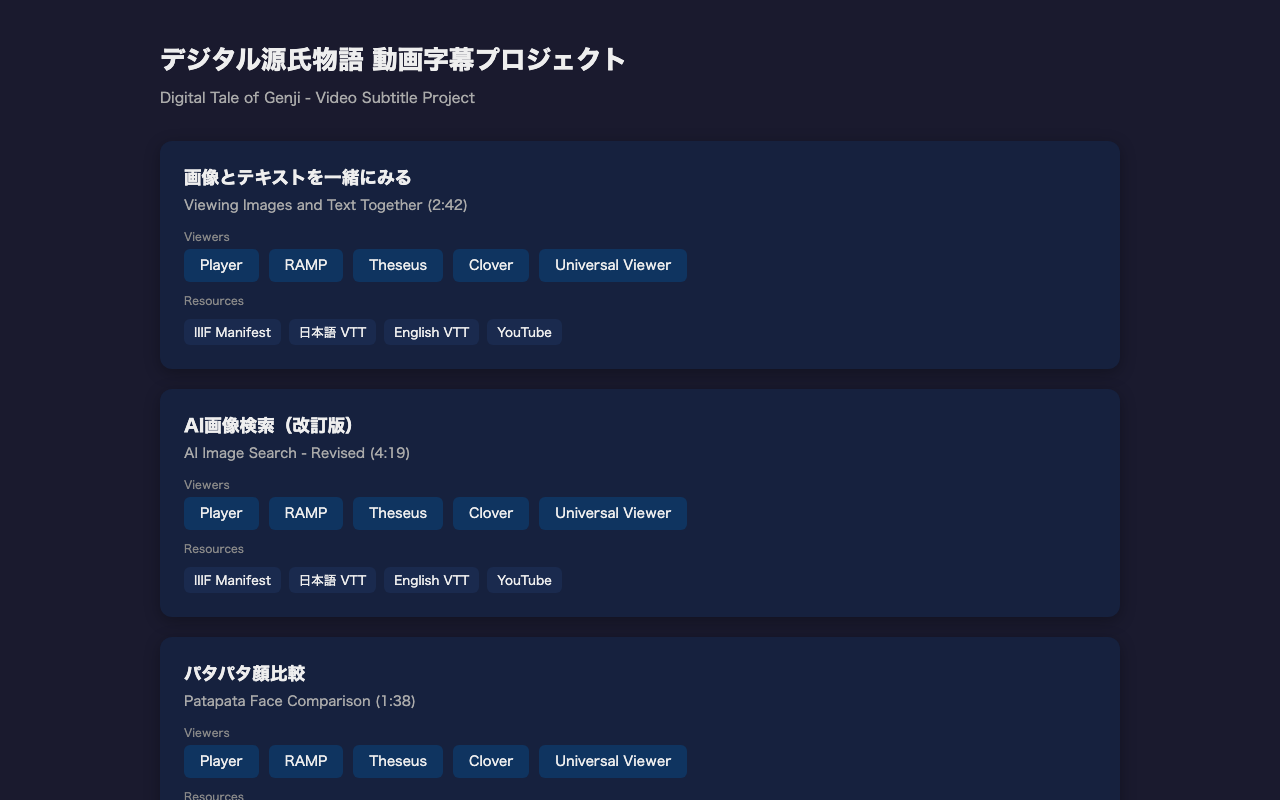
We created a project that adds Japanese and English bilingual subtitles to the Digital Tale of Genji tutorial videos and publishes them as IIIF v3 manifests. Demo: https://nakamura196.github.io/genji-movie/ GitHub: https://github.com/nakamura196/genji-movie Target Videos We added subtitles to the following three tutorial videos: Video Duration Description Viewing Images and Text Together 2:42 How to use the Parallel Text Viewer with TEI & IIIF AI Image Search (Revised) 4:19 Cross-searching manuscript images using kuzushiji OCR and similarity scoring Patapata Face Comparison 1:38 Comparing Genji Hyakunin Isshu illustrations using vdiff.js Bilingual Subtitles Each video has Japanese and English WebVTT subtitle files. Subtitles are split into single-sentence units for readability. ...

Observed Timing: Apple Sales Reports API Data Availability and YouTube API Quota Reset

When automating daily data collection with external APIs, knowing when data becomes available or when quotas reset helps with scheduling. This post documents the observed timings for two APIs: Apple App Store Connect Sales Reports and YouTube Data API v3. Apple App Store Connect Sales Reports API What the official documentation says According to Apple’s official documentation, daily sales reports are available “by 8:00 AM Pacific Time” the following day. ...

Building a Cultural Heritage Explorer App with Japan Search API

Building a Cultural Heritage Explorer App with Japan Search API

JPS Explorer is an iOS/Android app for browsing over 32 million Japanese cultural heritage items through the Japan Search (jpsearch.go.jp) Web API. This article covers what was learned during API investigation, app implementation with Flutter, and automating the App Store release process. Japan Search API Japan Search is operated by the National Diet Library of Japan and provides cross-search access to metadata for over 32 million digital cultural resources. A public Web API supports the following search parameters: ...

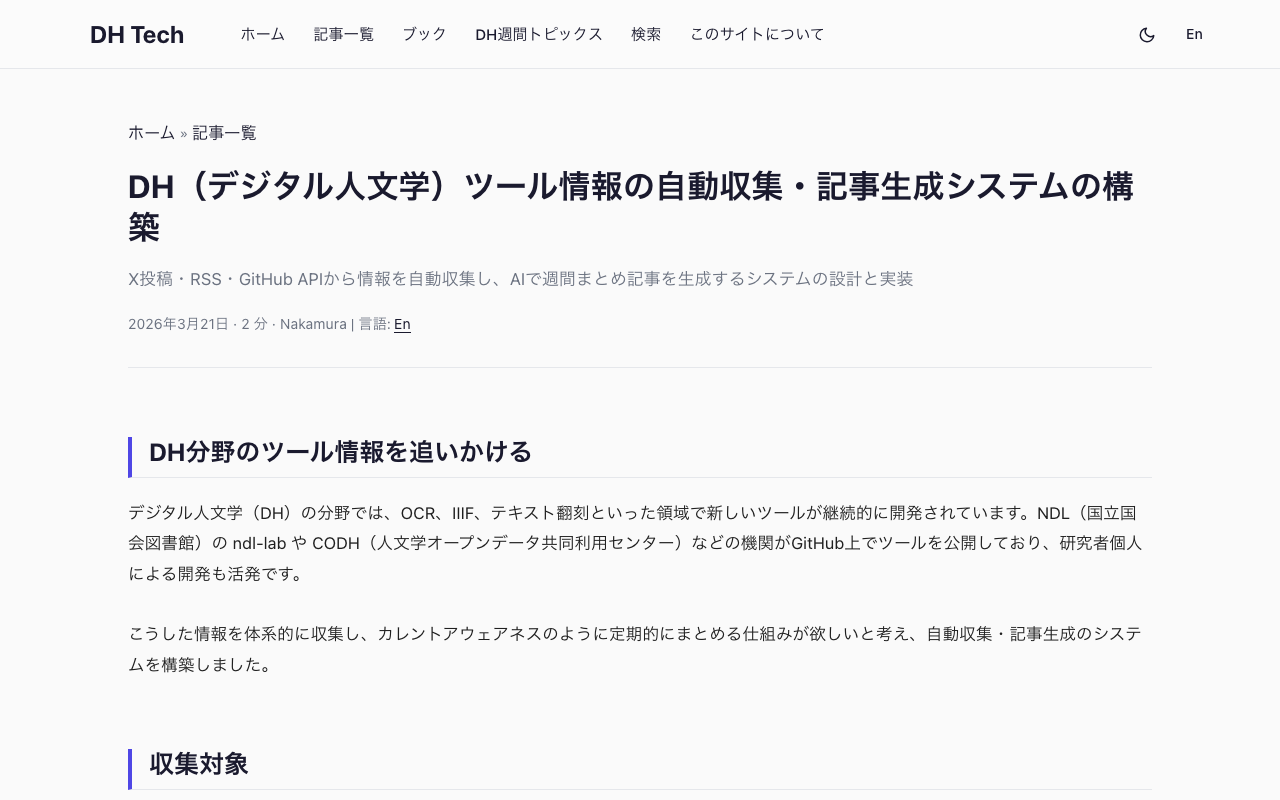
Building an Automated DH Tool Awareness System with Playwright, RSS, and AI

Building an Automated DH Tool Awareness System with Playwright, RSS, and AI

Why track DH tools In the Digital Humanities (DH) field, new tools are continuously developed and released. OCR engines for historical documents, IIIF viewers, text transcription platforms, and kuzushiji (classical Japanese cursive) recognition systems are just a few examples. In Japan, several organizations actively develop and publish such tools: NDL (National Diet Library of Japan) develops OCR tools for digitized materials. CODH (Center for Open Data in the Humanities, ROIS-DS) maintains kuzushiji recognition models and the IIIF Curation Platform. National Museum of Japanese History develops Minna de Honkoku (a crowdsourced transcription platform) and related IIIF tools. Keeping up with these releases manually is time-consuming. The goal was to build a system that systematically collects new DH tool releases and generates weekly summary articles, similar to a “current awareness” service. ...

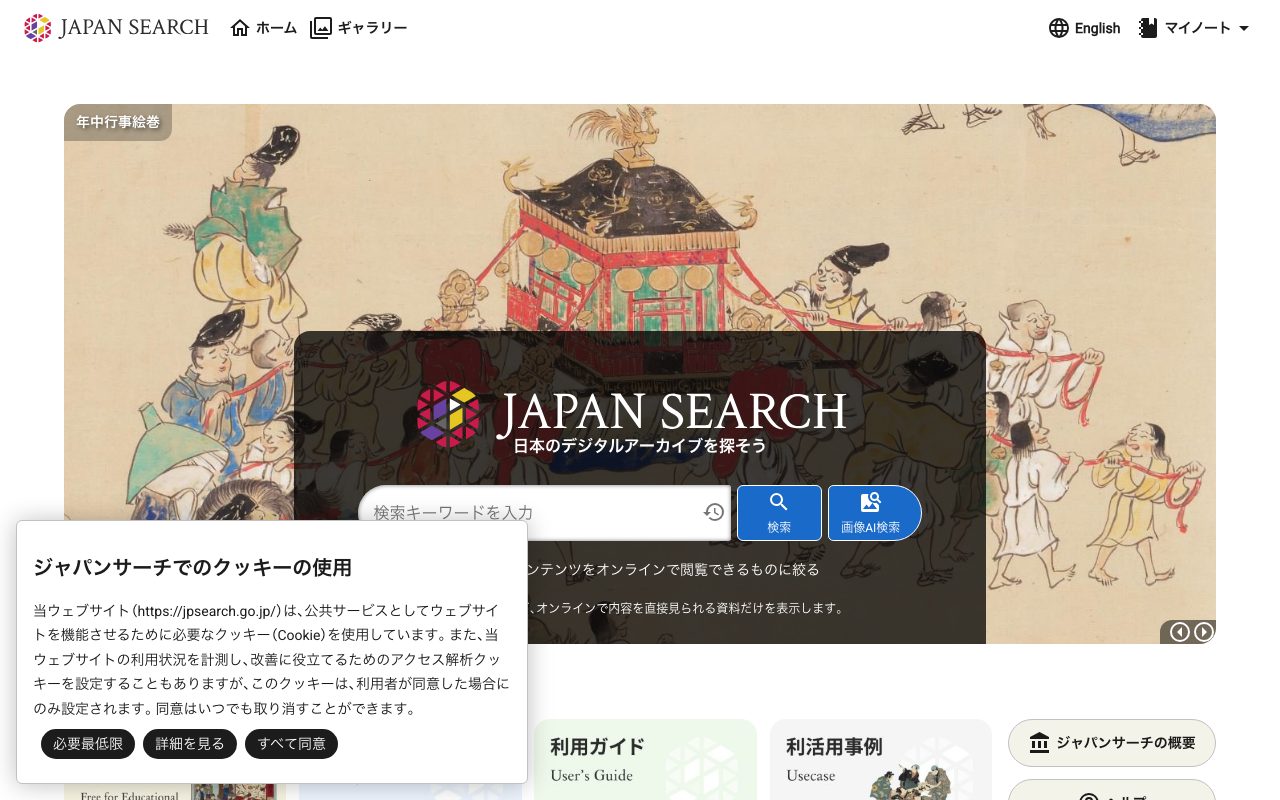
How Japan Search's Image Similarity Search API Works

How Japan Search's Image Similarity Search API Works

Japan Search (https://jpsearch.go.jp) provides an “Image AI Search” feature that supports both text-based motif search and image upload similarity search. The official API guide documents text search (text2image parameter) and searching by existing item ID (image parameter), but says nothing about searching by uploading an image file. Inspecting the Web UI’s network traffic revealed that image upload search is implemented through a 3-step API flow. The 3-step API flow Step 1: Extract a feature vector from the image Endpoint: POST https://jpsearch.go.jp/dl/api/imagefeatures/ ...

Parallelizing OCR Recognition on iOS with Swift Concurrency for up to 6.7x Speedup

Parallelizing OCR Recognition on iOS with Swift Concurrency for up to 6.7x Speedup

OCR Pipeline Structure An OCR pipeline using ONNX Runtime on iOS generally follows these steps: Text region detection on the full image (Detection) Character recognition for each detected region (Recognition) Reading order estimation and text assembly Detection runs once on the entire image. Recognition, however, runs once per detected region. When the number of regions is large, recognition dominates the total processing time. The Problem with Sequential Processing Running recognition in a simple for loop means processing time scales linearly with the number of regions. ...

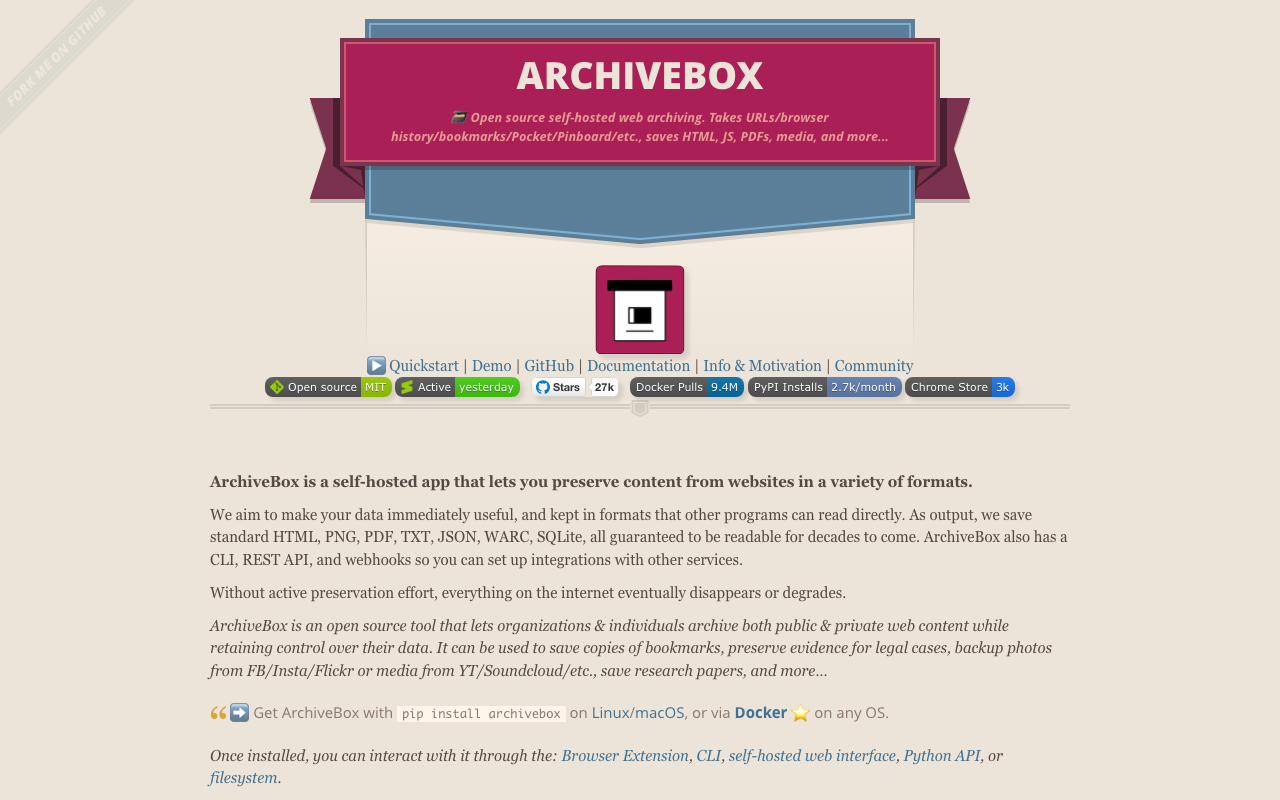
Comparing Local Archiving Methods for Yahoo News Articles (SingleFile, Playwright, ArchiveBox, WARC, yt-dlp)

Comparing Local Archiving Methods for Yahoo News Articles (SingleFile, Playwright, ArchiveBox, WARC, yt-dlp)

Yahoo News articles may be deleted after a certain period. When archiving them locally for personal records, several tools are available. Here, the following five methods were tested against the same article, and the results were compared. SingleFile CLI — saves as a single HTML file Playwright PDF — converts the page to PDF ArchiveBox — batch saves in multiple formats (including WARC) WARC — a standard web archive format yt-dlp — downloads embedded videos Comparison Results Method Format Folder Size Ads Video SingleFile CLI Single HTML 1.3MB Included × Playwright PDF PDF 2.5MB Mostly excluded × ArchiveBox Multiple formats 43MB Included △ yt-dlp MP4 27MB - ○ The 43MB from ArchiveBox includes SingleFile, PDF, WARC, and extracted text. When all methods are used together, a single article consumes approximately 74MB of storage. ...

KotenOCR: An Offline iOS App for Recognizing Classical Japanese Cursive Script

KotenOCR: An Offline iOS App for Recognizing Classical Japanese Cursive Script

Introduction Reading kuzushiji — the cursive script used in pre-modern Japanese texts — is challenging even for trained scholars. While AI-powered OCR has made machine recognition possible in recent years, as far as I could find, no tool previously offered offline kuzushiji recognition on a smartphone. KotenOCR brings the National Diet Library’s lightweight kuzushiji OCR model (NDL Koten OCR-Lite) to iOS, letting you recognize classical Japanese text simply by taking a photo — with no internet connection required. ...

Automating researchmap KAKENHI-Achievement Linking with Playwright

Automating researchmap KAKENHI-Achievement Linking with Playwright

Introduction researchmap is a platform for researchers in Japan to manage and publish their academic achievements. In addition to registering publications, presentations, and other works, researchers can link them to KAKENHI (Grants-in-Aid for Scientific Research) projects to aggregate outputs per research project. I looked into whether this linking could be done in bulk via the API or CSV import. As far as I could tell, it appeared to be limited to manual operations through the Web UI. So I tried automating it with Playwright. ...

Building an NDC Book Classifier with LoRA: Fine-Tuning a Japanese LLM on Library Data

Building an NDC Book Classifier with LoRA: Fine-Tuning a Japanese LLM on Library Data

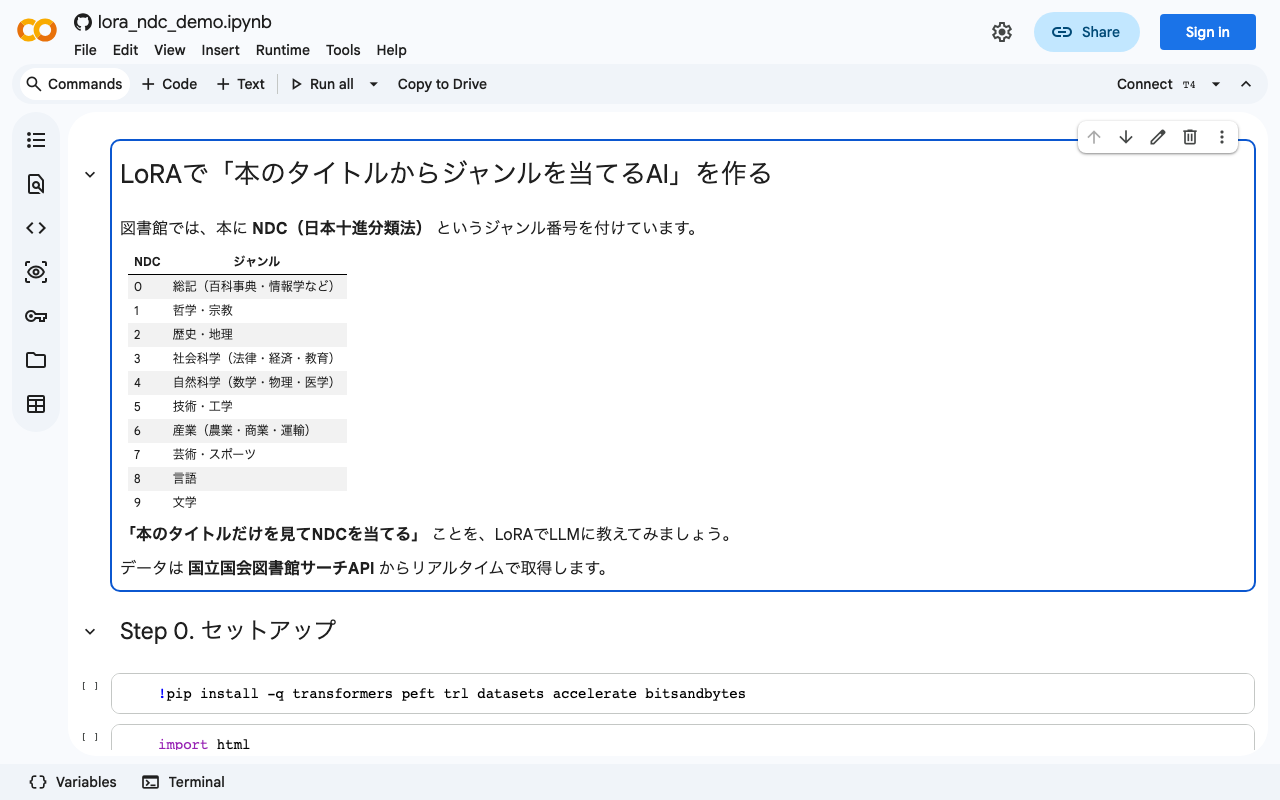
Notebook: Open in Google Colab / GitHub TL;DR Collected 617 bibliographic records from the National Diet Library Search API (SRU endpoint) Fine-tuned llm-jp-3-1.8b with LoRA, training only 0.67% of all parameters Pre-training accuracy: 22.0% → Post-training: 78.0% (+56 points) LoRA teaches the model how to perform a task, not just memorize facts What is NDC? The Nippon Decimal Classification (NDC) is the standard book classification system used across Japanese libraries. Every book is assigned a numeric code, where the first digit indicates one of ten broad categories: ...

Fully Automating App Store Screenshot Generation with Python and Xcode UI Tests

Fully Automating App Store Screenshot Generation with Python and Xcode UI Tests

TL;DR Capture iPhone and iPad simulator screenshots in multiple languages using XCUITest Generate marketing images with Python Pillow: gradient backgrounds, device frames, and text overlays Record demo videos with xcrun simctl io recordVideo Upload everything to App Store Connect via API Run it all from a single shell script Introduction Preparing App Store screenshots involves a fair amount of repetitive work: iPhone 6.7-inch, iPad 12.9-inch, each in two languages – that’s 12+ images minimum. ...