Home Articles Books Search About
日本語
Auto-Generating Bilingual Video Subtitles with Claude Code and Publishing via IIIF v3 Manifests

Auto-Generating Bilingual Video Subtitles with Claude Code and Publishing via IIIF v3 Manifests

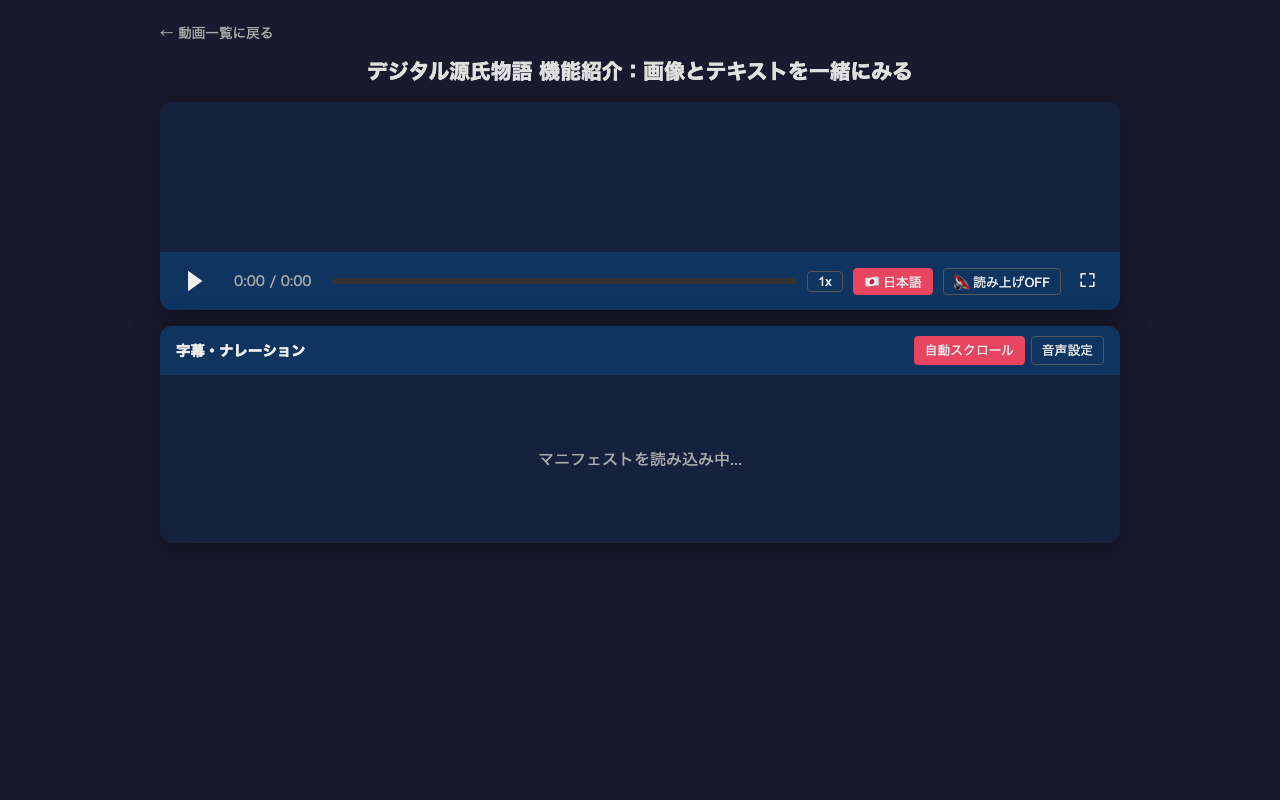
Adding subtitles to video content is time-consuming work. This article introduces how to efficiently generate multilingual subtitles (VTT) from video frame analysis to IIIF v3 manifest creation using Claude Code (CLI version of Claude). For the actual project, see the project introduction article. Overall Workflow 1. Prepare a video file (mp4) 2. Detect scene changes with ffmpeg 3. Extract frames at scene change points 4. Read frame images with Claude Code to understand content 5. Create VTT files based on scene change timestamps 6. Create English subtitles similarly 7. Create IIIF v3 manifests 8. Sync video, subtitles, and speech in HTML player Prerequisites Claude Code (CLI version) ffmpeg / ffprobe Video file (mp4) to add subtitles to # macOS brew install ffmpeg Step 1: Scene Change Detection Auto-detect the timing of screen transitions in the video. These become the basis for subtitle timestamps. ...
Auto-Generating VRM Character Animation Videos with Three.js + Puppeteer

Auto-Generating VRM Character Animation Videos with Three.js + Puppeteer

Introduction What if we could automatically convert tech blog posts into VTuber-style explainer videos? Starting from that idea, I built a pipeline that renders VRM characters frame-by-frame using Three.js + Puppeteer, syncs them with VOICEVOX speech, and produces finished videos. In this post, I’ll share the lessons learned and pitfalls encountered during implementation. Overall Pipeline The processing flow is as follows: Load a Markdown article → Generate a section-divided script using an LLM (OpenRouter API) VOICEVOX generates speech audio (WAV) and phoneme timing for each section Three.js + @pixiv/three-vrm renders a VRM model on headless Chrome, outputting lip-synced animation as sequential PNG frames based on phoneme data Auto-generate slide images (HTML → headless Chrome → PNG) FFmpeg composites the slide background + VRM animation + audio into an MP4 video A Python script serves as the orchestrator, invoking the Node.js VRM rendering script as a child process. ...

Fixing the White Bar at the Bottom of Chrome Headless Screenshots

Fixing the White Bar at the Bottom of Chrome Headless Screenshots

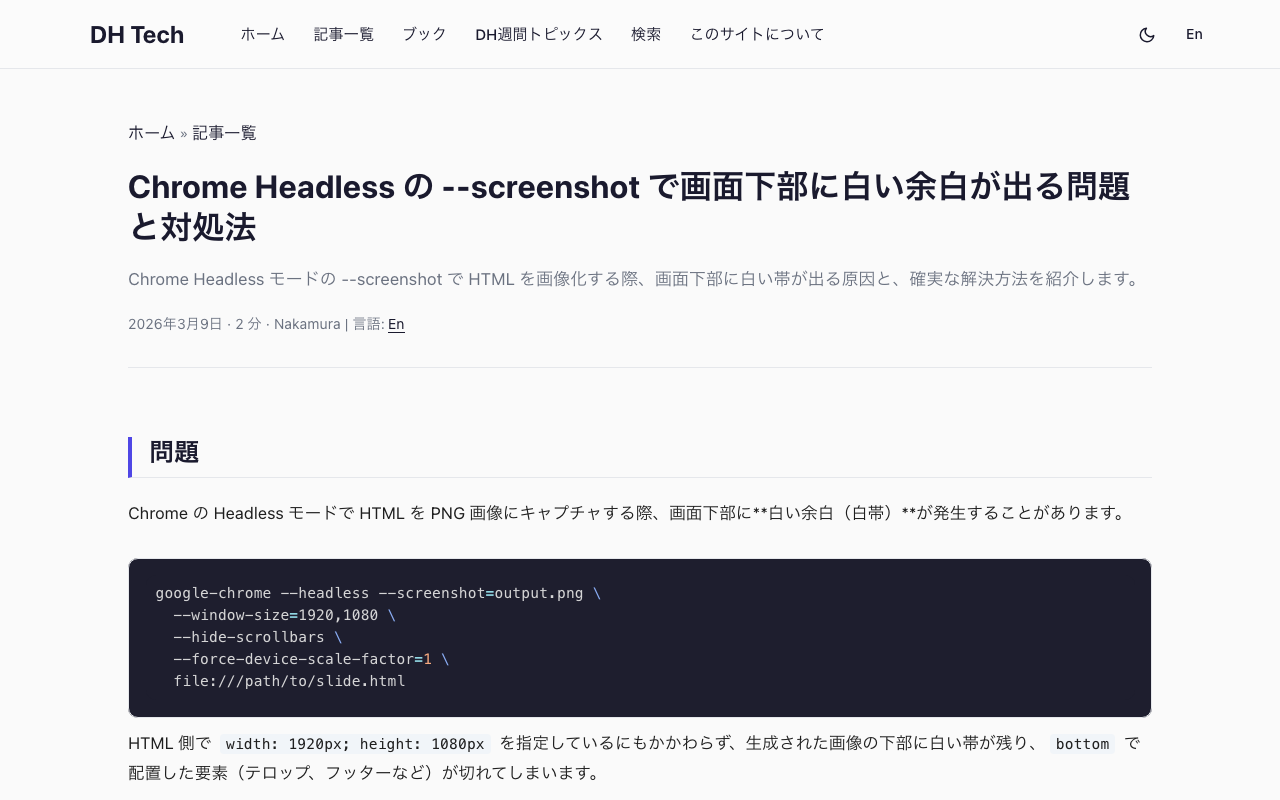
The Problem When capturing HTML as PNG images using Chrome’s Headless mode, a white bar appears at the bottom of the output image. google-chrome --headless --screenshot=output.png \ --window-size=1920,1080 \ --hide-scrollbars \ --force-device-scale-factor=1 \ file:///path/to/slide.html Even when the HTML specifies width: 1920px; height: 1080px, the generated image has a white strip at the bottom, and elements positioned with bottom (such as captions, footers, or telops) get clipped. Root Cause --window-size=1920,1080 sets the outer window size, not the actual viewport (rendering area). The viewport ends up slightly smaller, even in Headless mode. ...

How to Create Distortion-Free Thumbnails from 360-Degree Videos and Photos

How to Create Distortion-Free Thumbnails from 360-Degree Videos and Photos

This article explains how to create natural-looking thumbnail images from 360-degree content (equirectangular format) captured with cameras like the Insta360. The Problem: Simple Resizing Causes Distortion 360-degree videos and photos are stored in equirectangular (equidistant cylindrical projection) format. This format unfolds a sphere onto a flat plane, causing horizontal stretching that increases toward the top and bottom edges. Simply resizing this to create a thumbnail results in a distorted, unnatural image. ...

Converting Audio Published on the NDL Historical Sound Archive to mp4

Converting Audio Published on the NDL Historical Sound Archive to mp4

Overview I had an opportunity to convert audio published on the National Diet Library Historical Sound Archive (hereinafter “Rekion”) to mp4, so here are my notes. Format Provided by Rekion Rekion provides files in m3u8 format. For example, let’s check the following: “Lecture: Union of Morality and Economy (Part 1).” https://rekion.dl.ndl.go.jp/pid/3574643 By checking with developer tools, you can confirm that it is accessible from the following URL. https://rekion.dl.ndl.go.jp/contents/3574643/83389ec6-2b45-4fdd-88d6-89628841039f/317d6ab4-32ec-4085-88e6-cfe36ffd34c3/317d6ab4-32ec-4085-88e6-cfe36ffd34c3_hls.m3u8 The IDs that make up this URL can be found in the response from the following API. ...