Home Articles Books Search About
日本語
Handling App Store Rejection and Resubmission Entirely via API

Handling App Store Rejection and Resubmission Entirely via API

After getting rejected in App Store review, I completed the entire fix-and-resubmit workflow using the App Store Connect API. No browser interaction was needed. Rejection Details The initial submission of JPS Explorer (a Japan Search cultural resource exploration app) was rejected for two issues: The Tip Jar screen displayed an error because the In-App Purchase products had not been registered in App Store Connect. The camera search “Capture” button caused a crash because NSCameraUsageDescription was missing from the iOS Info.plist. Fixes Camera Crash Added camera and photo library usage descriptions to Info.plist: ...

No Firebase Needed: Operating an iOS App with Apple-Native Tools Only

Introduction When you start operating an iOS app, you quickly face these questions: Is the app crashing? Where? How many downloads and sessions do we have? How can we prompt users on old versions to update? How can we encourage reviews? Most guides recommend Firebase Crashlytics + Firebase Analytics, but this means sending user device information, usage data, and crash logs to Google’s servers. You’ll also need to declare “data collection and tracking” when submitting to the App Store. ...

Diagnosing and Fixing Memory-Related Crashes in an iOS OCR App

KotenOCR is an iOS app that performs OCR on classical Japanese texts using ONNX Runtime. It ships with 6 ONNX models totaling approximately 230MB on disk. After reaching 300 downloads, the crash rate was found to be 6.7% (20 crashes). No crash logs appeared in Xcode Organizer, so a different investigation approach was required. Investigation Approach Four parallel investigation tracks were pursued: Memory and model size analysis Image processing pipeline review ONNX Runtime thread safety audit Camera and UI lifecycle inspection Root Causes The investigation identified four issues, listed here in order of estimated severity. ...

Building a Cultural Heritage Explorer App with Japan Search API

Building a Cultural Heritage Explorer App with Japan Search API

JPS Explorer is an iOS/Android app for browsing over 32 million Japanese cultural heritage items through the Japan Search (jpsearch.go.jp) Web API. This article covers what was learned during API investigation, app implementation with Flutter, and automating the App Store release process. Japan Search API Japan Search is operated by the National Diet Library of Japan and provides cross-search access to metadata for over 32 million digital cultural resources. A public Web API supports the following search parameters: ...

Parallelizing OCR Recognition on iOS with Swift Concurrency for up to 6.7x Speedup

Parallelizing OCR Recognition on iOS with Swift Concurrency for up to 6.7x Speedup

OCR Pipeline Structure An OCR pipeline using ONNX Runtime on iOS generally follows these steps: Text region detection on the full image (Detection) Character recognition for each detected region (Recognition) Reading order estimation and text assembly Detection runs once on the entire image. Recognition, however, runs once per detected region. When the number of regions is large, recognition dominates the total processing time. The Problem with Sequential Processing Running recognition in a simple for loop means processing time scales linearly with the number of regions. ...

KotenOCR: An Offline iOS App for Recognizing Classical Japanese Cursive Script

KotenOCR: An Offline iOS App for Recognizing Classical Japanese Cursive Script

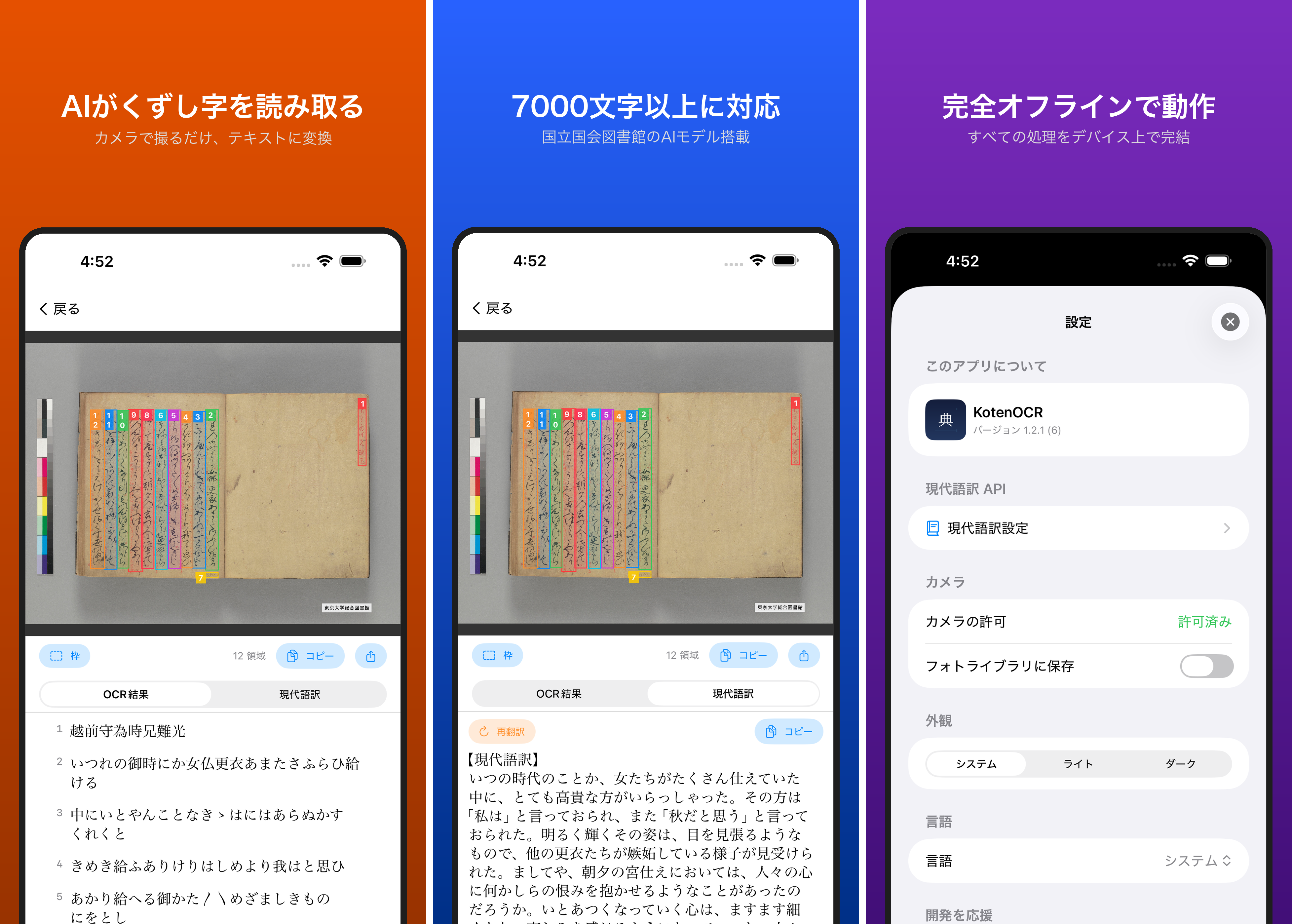
Introduction Reading kuzushiji — the cursive script used in pre-modern Japanese texts — is challenging even for trained scholars. While AI-powered OCR has made machine recognition possible in recent years, as far as I could find, no tool previously offered offline kuzushiji recognition on a smartphone. KotenOCR brings the National Diet Library’s lightweight kuzushiji OCR model (NDL Koten OCR-Lite) to iOS, letting you recognize classical Japanese text simply by taking a photo — with no internet connection required. ...

Fully Automating App Store Screenshot Generation with Python and Xcode UI Tests

Fully Automating App Store Screenshot Generation with Python and Xcode UI Tests

TL;DR Capture iPhone and iPad simulator screenshots in multiple languages using XCUITest Generate marketing images with Python Pillow: gradient backgrounds, device frames, and text overlays Record demo videos with xcrun simctl io recordVideo Upload everything to App Store Connect via API Run it all from a single shell script Introduction Preparing App Store screenshots involves a fair amount of repetitive work: iPhone 6.7-inch, iPad 12.9-inch, each in two languages – that’s 12+ images minimum. ...

How to Submit an iOS App Update for Review Using the App Store Connect API

How to Submit an iOS App Update for Review Using the App Store Connect API

TL;DR I submitted an iOS app update for review—build → upload → build association → whatsNew → review submission—entirely from the command line using the App Store Connect REST API. Unlike the initial release, metadata and screenshots carry over from the previous version, so the required operations are minimal. Prerequisite: This guide assumes you’ve already completed the setup from Complete Guide to Submitting an iOS App for Review Using Only the App Store Connect API (API key, JWT generation, helper functions). ...

Complete Guide to Adding a Tip Jar (In-App Purchase) to Your iOS App with App Store Connect API

Complete Guide to Adding a Tip Jar (In-App Purchase) to Your iOS App with App Store Connect API

TL;DR I added a Tip Jar feature to my iOS app. The app side was implemented with SwiftUI + StoreKit 2, and the App Store Connect REST API was used to complete product registration, localization, pricing, review screenshots, territory availability, and TestFlight distribution entirely from the command line. This article documents the full procedure in a reproducible manner. Prerequisites: This is a follow-up to Complete Guide to Submitting an iOS App for Review Using Only the App Store Connect API. It assumes you have already set up API key retrieval and JWT generation. ...

Submitting an iOS App for Review Using Only the App Store Connect API

Submitting an iOS App for Review Using Only the App Store Connect API

TL;DR Using the App Store Connect REST API, I completed nearly all the tasks required for iOS app review submission—metadata, screenshots, age ratings, build association, encryption compliance, pricing, and URL configuration—from the command line. This article documents the procedure in a reproducible way. Note: As of March 2026, “App Privacy” (data usage declarations) cannot be configured via API and must be set through the App Store Connect web interface. Prerequisites Enrolled in the Apple Developer Program API key issued in App Store Connect Bundle ID registered A build archived and uploaded via Xcode (can be uploaded with xcodebuild -exportArchive) Python 3 + PyJWT + cryptography installed pip install PyJWT cryptography 1. Preparing the API Key 1.1 Issuing an API Key Go to App Store Connect → Users and Access → Integrations → App Store Connect API and generate a new key. ...