Home Articles Books Search About
日本語
Handling App Store Rejection and Resubmission Entirely via API

Handling App Store Rejection and Resubmission Entirely via API

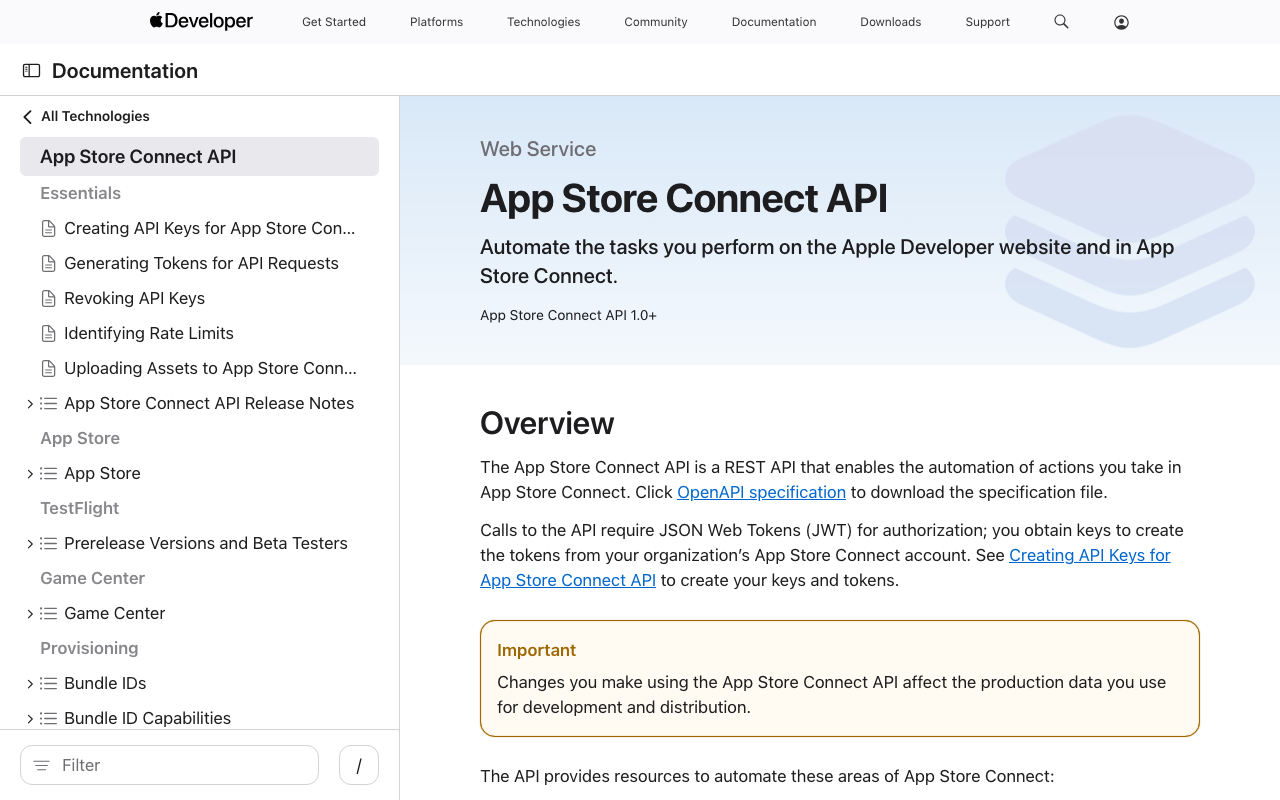
After getting rejected in App Store review, I completed the entire fix-and-resubmit workflow using the App Store Connect API. No browser interaction was needed. Rejection Details The initial submission of JPS Explorer (a Japan Search cultural resource exploration app) was rejected for two issues: The Tip Jar screen displayed an error because the In-App Purchase products had not been registered in App Store Connect. The camera search “Capture” button caused a crash because NSCameraUsageDescription was missing from the iOS Info.plist. Fixes Camera Crash Added camera and photo library usage descriptions to Info.plist: ...

Observed Timing: Apple Sales Reports API Data Availability and YouTube API Quota Reset

When automating daily data collection with external APIs, knowing when data becomes available or when quotas reset helps with scheduling. This post documents the observed timings for two APIs: Apple App Store Connect Sales Reports and YouTube Data API v3. Apple App Store Connect Sales Reports API What the official documentation says According to Apple’s official documentation, daily sales reports are available “by 8:00 AM Pacific Time” the following day. ...

Building a Cultural Heritage Explorer App with Japan Search API

Building a Cultural Heritage Explorer App with Japan Search API

JPS Explorer is an iOS/Android app for browsing over 32 million Japanese cultural heritage items through the Japan Search (jpsearch.go.jp) Web API. This article covers what was learned during API investigation, app implementation with Flutter, and automating the App Store release process. Japan Search API Japan Search is operated by the National Diet Library of Japan and provides cross-search access to metadata for over 32 million digital cultural resources. A public Web API supports the following search parameters: ...

Building an Automated DH Tool Awareness System with Playwright, RSS, and AI

Building an Automated DH Tool Awareness System with Playwright, RSS, and AI

Why track DH tools In the Digital Humanities (DH) field, new tools are continuously developed and released. OCR engines for historical documents, IIIF viewers, text transcription platforms, and kuzushiji (classical Japanese cursive) recognition systems are just a few examples. In Japan, several organizations actively develop and publish such tools: NDL (National Diet Library of Japan) develops OCR tools for digitized materials. CODH (Center for Open Data in the Humanities, ROIS-DS) maintains kuzushiji recognition models and the IIIF Curation Platform. National Museum of Japanese History develops Minna de Honkoku (a crowdsourced transcription platform) and related IIIF tools. Keeping up with these releases manually is time-consuming. The goal was to build a system that systematically collects new DH tool releases and generates weekly summary articles, similar to a “current awareness” service. ...

Automating researchmap KAKENHI-Achievement Linking with Playwright

Automating researchmap KAKENHI-Achievement Linking with Playwright

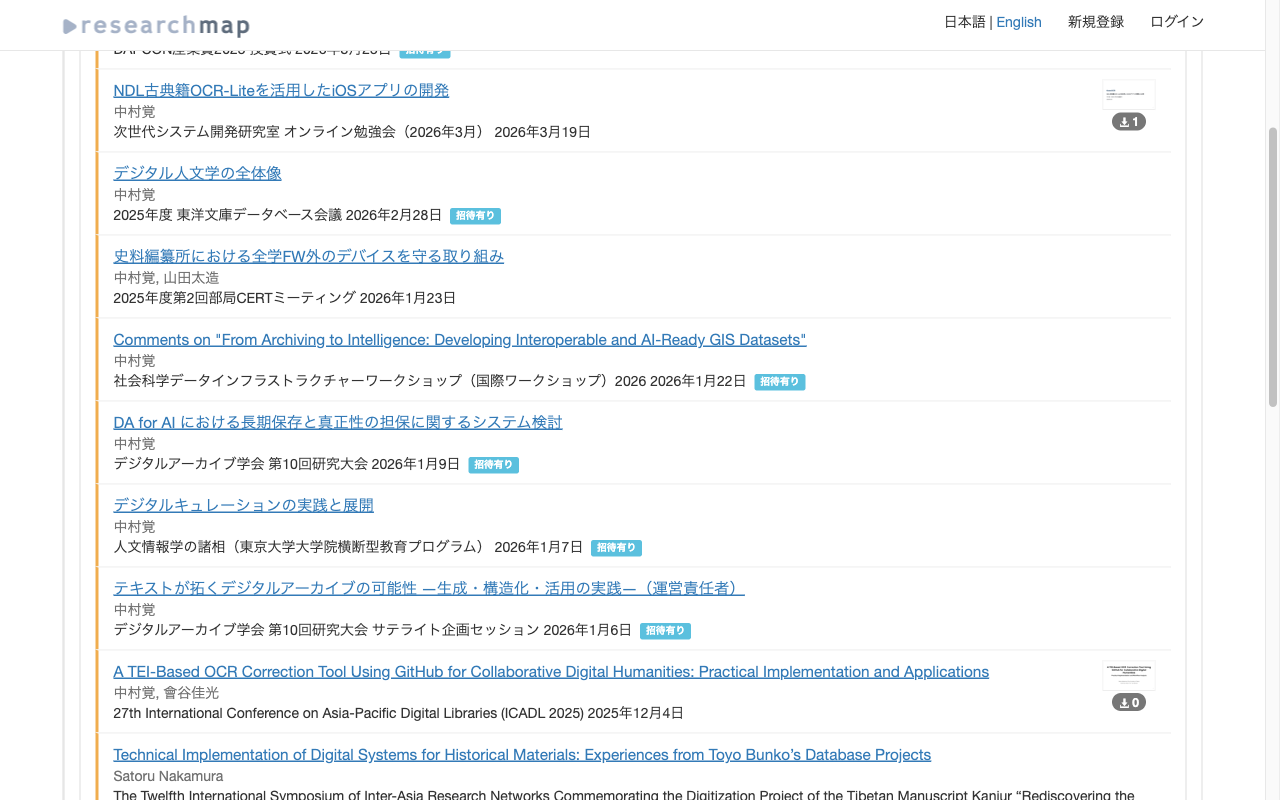
Introduction researchmap is a platform for researchers in Japan to manage and publish their academic achievements. In addition to registering publications, presentations, and other works, researchers can link them to KAKENHI (Grants-in-Aid for Scientific Research) projects to aggregate outputs per research project. I looked into whether this linking could be done in bulk via the API or CSV import. As far as I could tell, it appeared to be limited to manual operations through the Web UI. So I tried automating it with Playwright. ...

Fully Automating App Store Screenshot Generation with Python and Xcode UI Tests

Fully Automating App Store Screenshot Generation with Python and Xcode UI Tests

TL;DR Capture iPhone and iPad simulator screenshots in multiple languages using XCUITest Generate marketing images with Python Pillow: gradient backgrounds, device frames, and text overlays Record demo videos with xcrun simctl io recordVideo Upload everything to App Store Connect via API Run it all from a single shell script Introduction Preparing App Store screenshots involves a fair amount of repetitive work: iPhone 6.7-inch, iPad 12.9-inch, each in two languages – that’s 12+ images minimum. ...

How I Used Claude Code's Parallel Agents to Auto-Generate Videos from 882 Blog Posts

How I Used Claude Code's Parallel Agents to Auto-Generate Videos from 882 Blog Posts

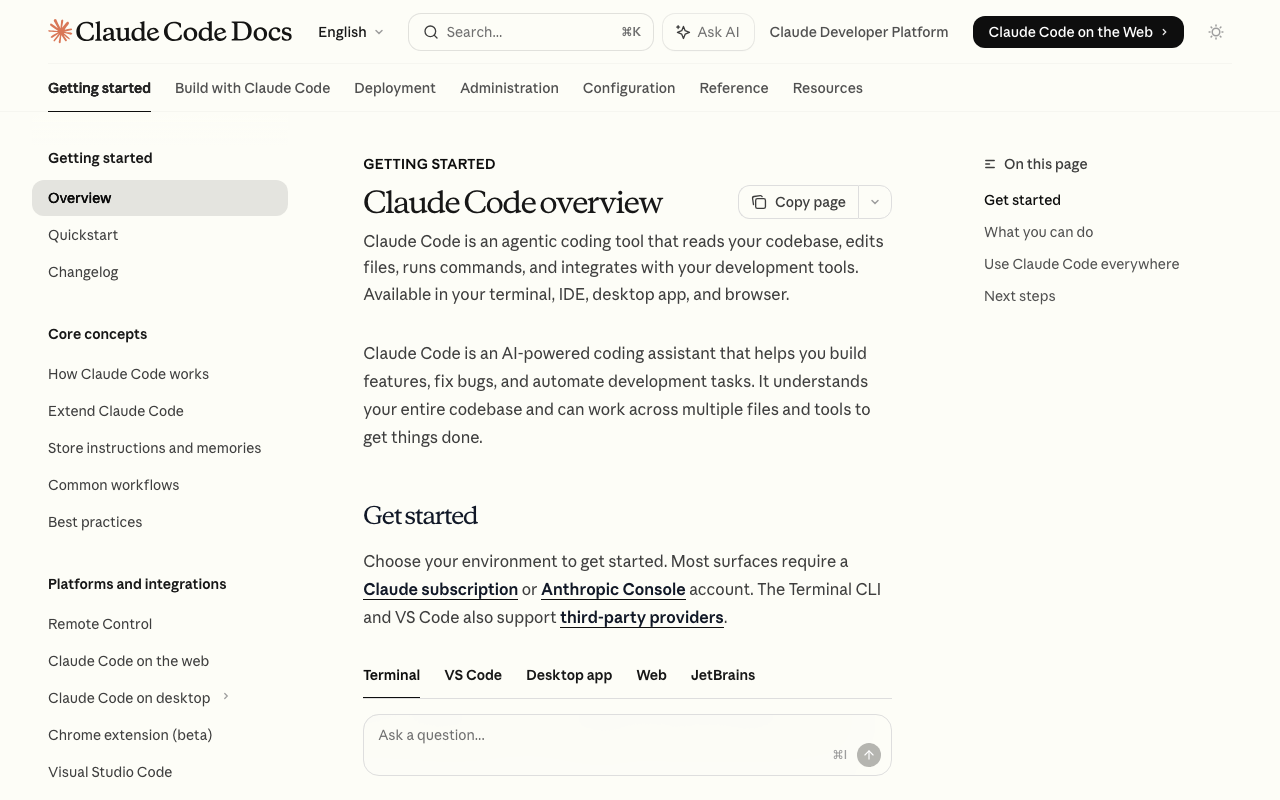
Introduction I run a bilingual (Japanese/English) tech blog with 882 articles. To repurpose this content as YouTube videos, I built an automated pipeline combining Claude Code’s parallel agent feature with VOICEVOX text-to-speech. In the process, I hit Claude Code’s weekly usage limit — something that reportedly affects only the top 2% of users. Here’s how the pipeline works and what I learned. Pipeline Overview Blog article (.md) ↓ Claude Code parallel agents (10 concurrent) Dialogue script (sections.json) ↓ VOICEVOX × 3 parallel workers Narrated video (video.mp4) ↓ YouTube API Published on YouTube 1. Script Generation (Claude Code) Each article is read and converted into a two-character dialogue script (sections.json). Using Claude Code’s Agent tool, 10 agents run simultaneously for parallel processing. ...

Auto-Generating VRM Character Animation Videos with Three.js + Puppeteer

Auto-Generating VRM Character Animation Videos with Three.js + Puppeteer

Introduction What if we could automatically convert tech blog posts into VTuber-style explainer videos? Starting from that idea, I built a pipeline that renders VRM characters frame-by-frame using Three.js + Puppeteer, syncs them with VOICEVOX speech, and produces finished videos. In this post, I’ll share the lessons learned and pitfalls encountered during implementation. Overall Pipeline The processing flow is as follows: Load a Markdown article → Generate a section-divided script using an LLM (OpenRouter API) VOICEVOX generates speech audio (WAV) and phoneme timing for each section Three.js + @pixiv/three-vrm renders a VRM model on headless Chrome, outputting lip-synced animation as sequential PNG frames based on phoneme data Auto-generate slide images (HTML → headless Chrome → PNG) FFmpeg composites the slide background + VRM animation + audio into an MP4 video A Python script serves as the orchestrator, invoking the Node.js VRM rendering script as a child process. ...

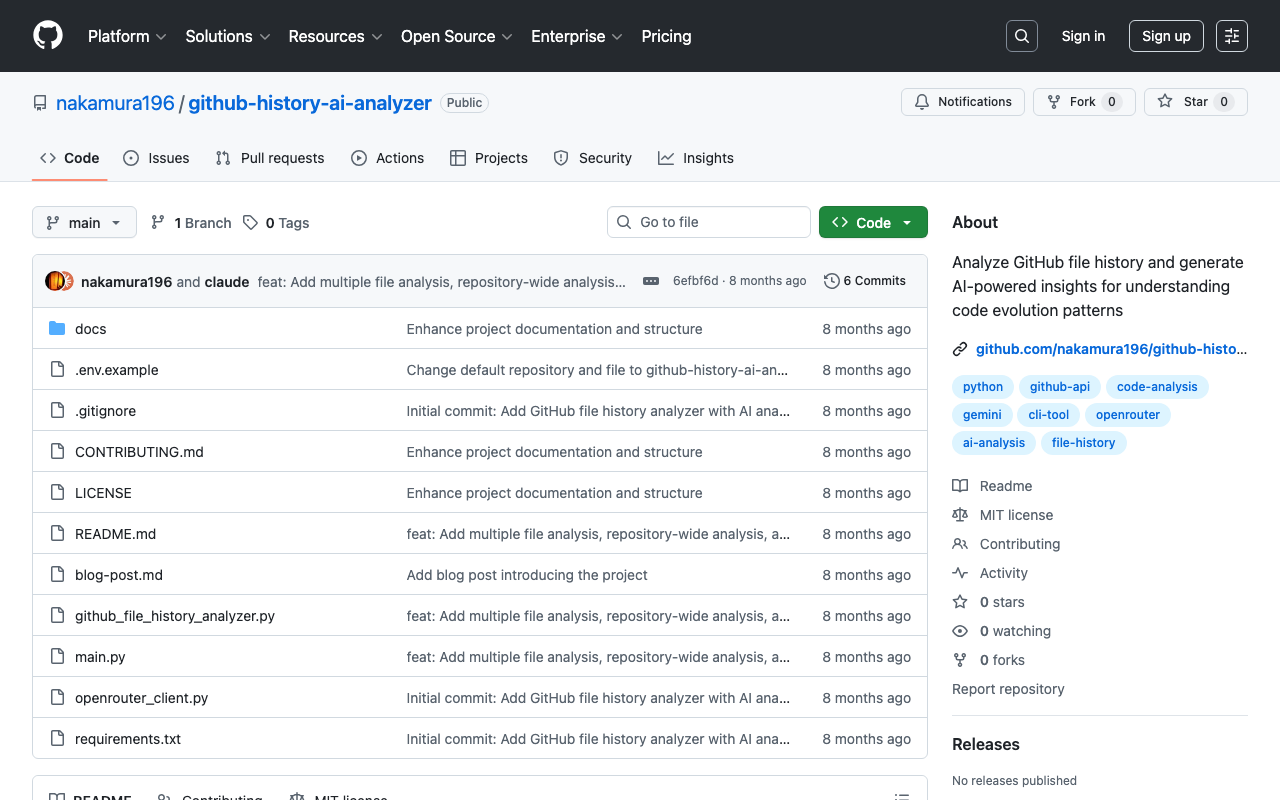
Introducing GitHub File History Analyzer: A Tool for Analyzing File Edit History with AI

Introducing GitHub File History Analyzer: A Tool for Analyzing File Edit History with AI

This article was created by AI. Introduction Have you ever wanted to analyze the edit history of files managed in a GitHub repository? There are cases where you want to understand change patterns of files that have been updated over a long period, or the evolution process of a project. GitHub File History Analyzer is a command-line tool developed to meet such needs. Tool Overview This tool provides the following features: ...