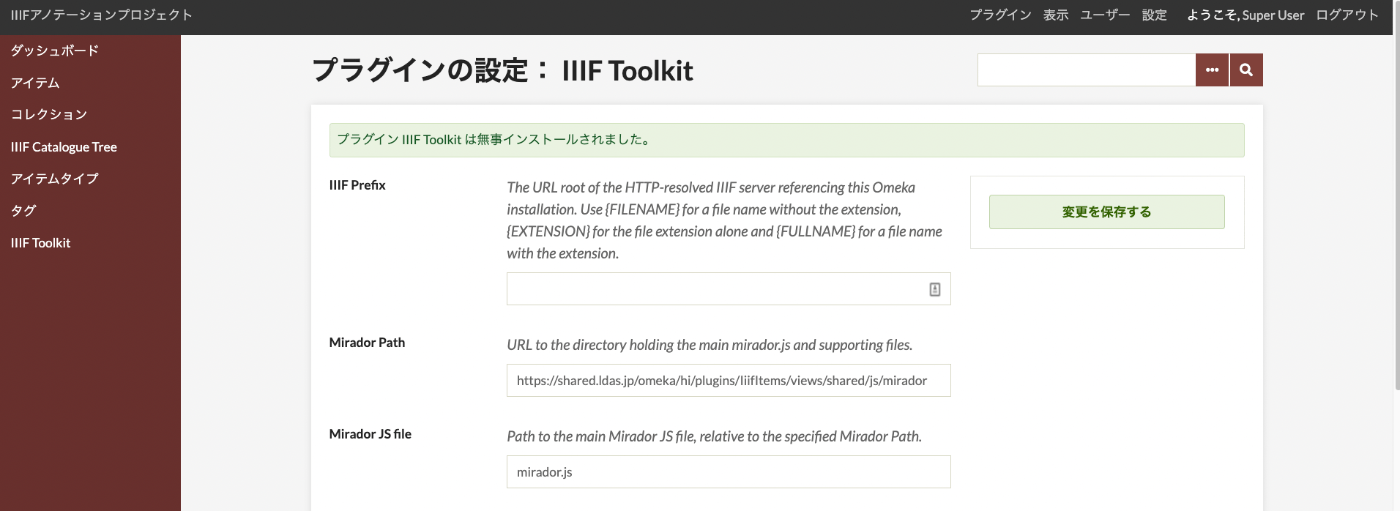
This guide covers building an annotation environment for IIIF images using Omeka Classic and the IIIF Toolkit plugin.
For basic installation of Omeka Classic, please refer to this article.
Installation
Access the following URL and copy the link URL shown in the image.
https://omeka.org/classic/plugins/IiifItems/
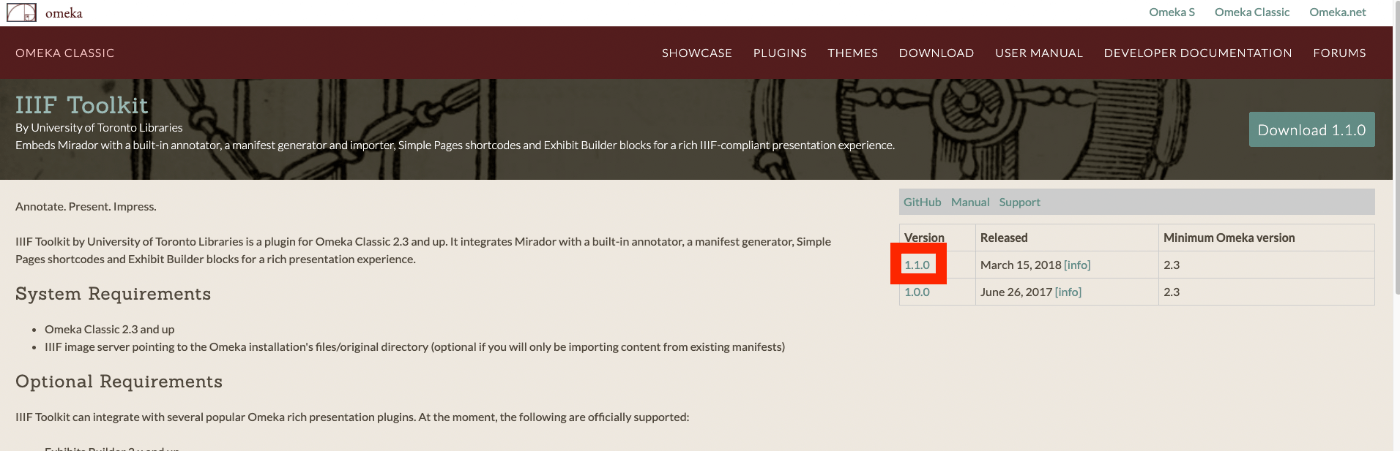
Next, navigate to /home/xxxx/www/omeka/hi/plugins, download the zip file, and extract it. (This example downloads v1.1.0.)
cd /home/xxxx/www/omeka/hi/plugins
wget https://github.com/utlib/IiifItems/releases/download/v1.1.0/IiifItems.zip
unzip IiifItems.zip
Browser Operations
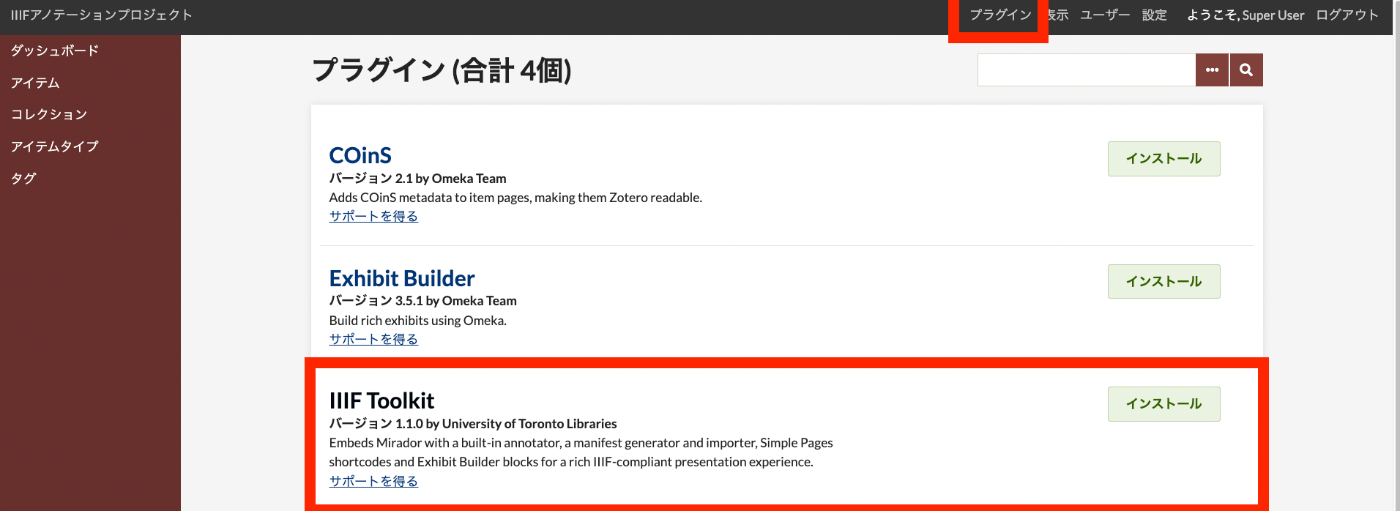
On the dashboard screen, click "Plugins" at the top of the screen. The "IIIF Toolkit" will appear as shown in the following screen.
After clicking the Install button, you will be taken to the following screen. For now, the default settings are fine (no changes are needed on this screen).