Home Articles Books Search About
日本語
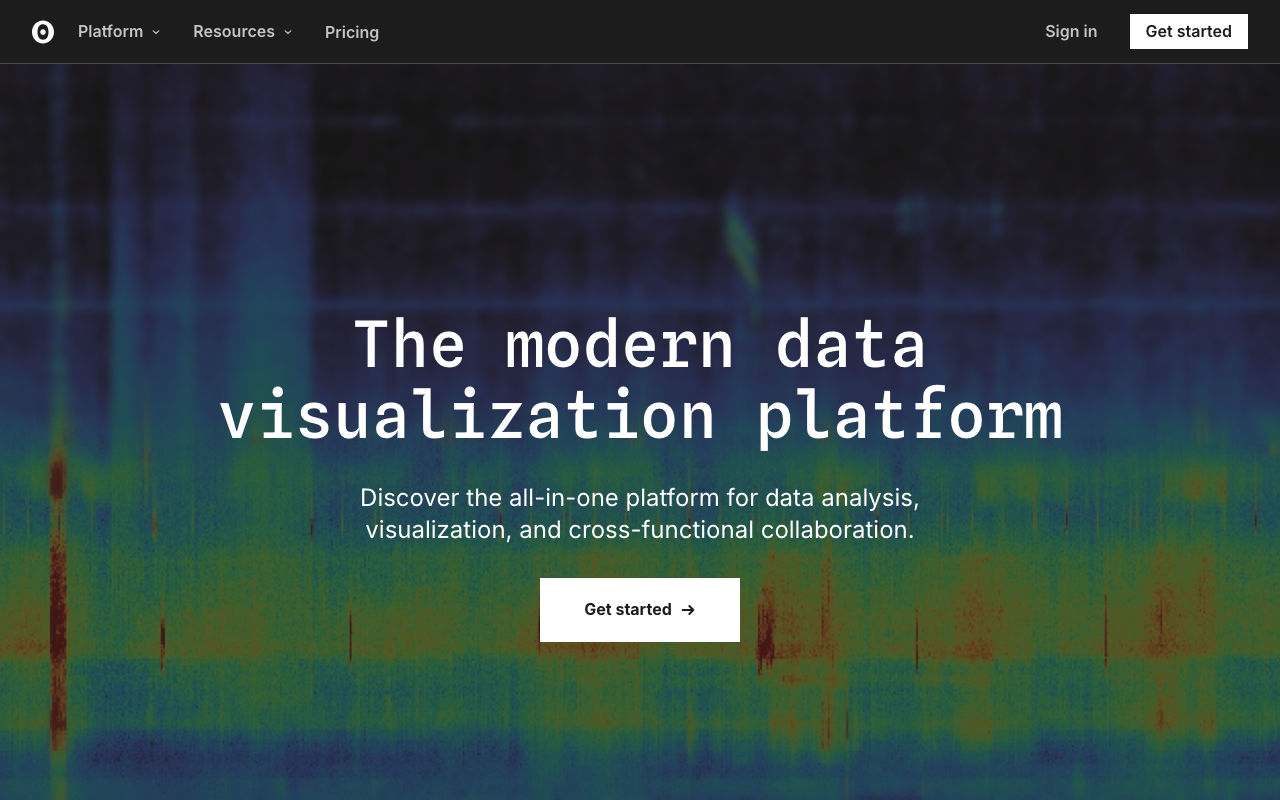
Observable: Data Visualization Notebooks by the Creator of D3.js

Observable: Data Visualization Notebooks by the Creator of D3.js

Introduction Observable is a JavaScript-based data analysis and visualization notebook platform developed by Mike Bostock, the creator of D3.js. It provides an environment where you can write reactive code in the browser and instantly create interactive data visualizations. In the field of Digital Humanities (DH), Observable has gained attention as a powerful tool for exploratory data analysis and creating interactive visualizations of research data. Key Features of Observable Reactive Notebooks Observable notebooks share concepts with Jupyter Notebooks but adopt a JavaScript-based reactive execution model. ...

Fixing Custom Marker Lag on Zoom in MapLibre GL JS with GeoJSON Layers

Fixing Custom Marker Lag on Zoom in MapLibre GL JS with GeoJSON Layers

Introduction When placing custom markers on a map with MapLibre GL JS, a common approach is to pass custom DOM elements to maplibregl.Marker. This allows flexible CSS styling, such as round markers with count badges. However, this approach has a problem: markers lag behind the map during zoom and pan operations. The lag becomes particularly noticeable with many markers or on mobile devices, and zooming out can cause coastal markers to appear over the ocean. ...

Auto-Generating VRM Character Animation Videos with Three.js + Puppeteer

Auto-Generating VRM Character Animation Videos with Three.js + Puppeteer

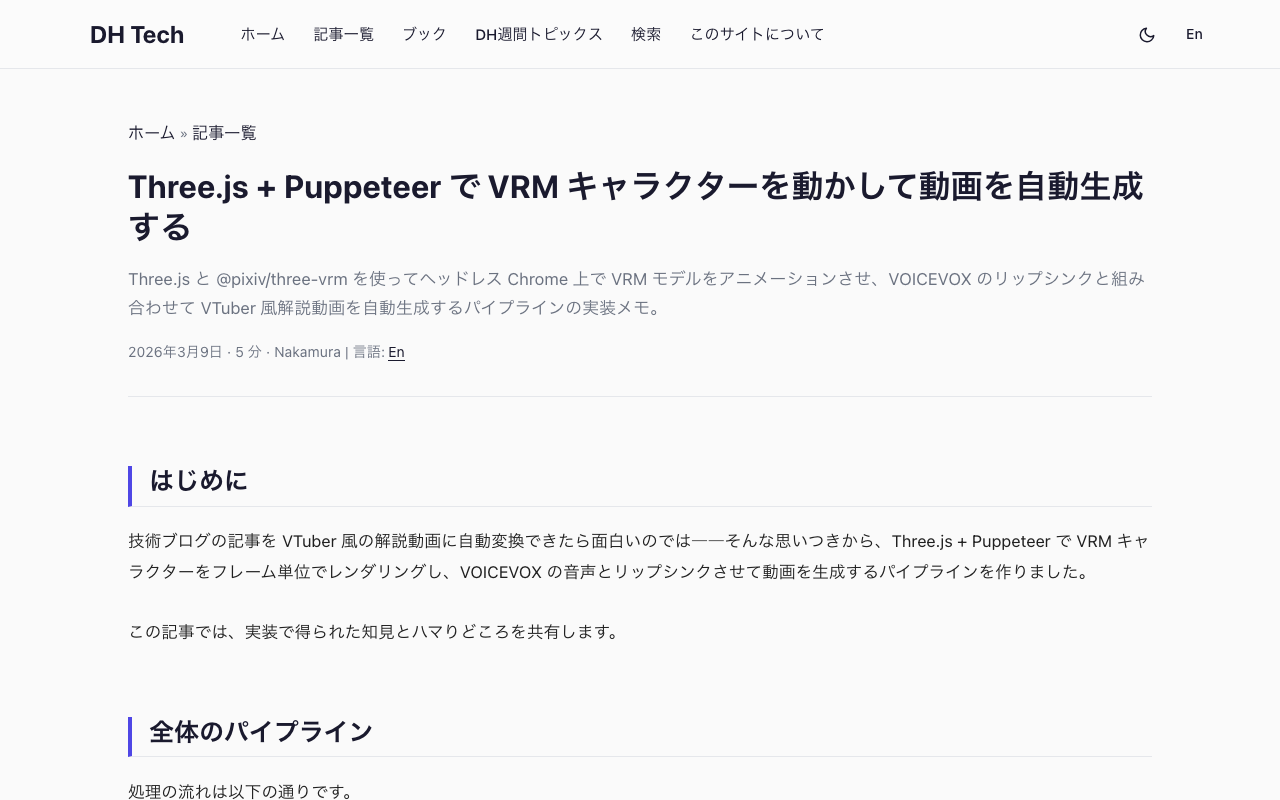
Introduction What if we could automatically convert tech blog posts into VTuber-style explainer videos? Starting from that idea, I built a pipeline that renders VRM characters frame-by-frame using Three.js + Puppeteer, syncs them with VOICEVOX speech, and produces finished videos. In this post, I’ll share the lessons learned and pitfalls encountered during implementation. Overall Pipeline The processing flow is as follows: Load a Markdown article → Generate a section-divided script using an LLM (OpenRouter API) VOICEVOX generates speech audio (WAV) and phoneme timing for each section Three.js + @pixiv/three-vrm renders a VRM model on headless Chrome, outputting lip-synced animation as sequential PNG frames based on phoneme data Auto-generate slide images (HTML → headless Chrome → PNG) FFmpeg composites the slide background + VRM animation + audio into an MP4 video A Python script serves as the orchestrator, invoking the Node.js VRM rendering script as a child process. ...

Upgrading from Astro 4 to 5 — A Migration Log

Background A website built with Astro 4 + MDX + Tailwind CSS had an issue. Due to pnpm overrides, astro 5.x was being force-installed, causing a compatibility issue with @astrojs/mdx@2.x (designed for Astro 4): Package subpath './jsx/renderer.js' is not defined by "exports" in astro/package.json Rather than rolling back to Astro 4, I decided to upgrade to Astro 5. Changes 1. Package Updates // Before "@astrojs/mdx": "^2.0.0", "astro": "^4.0.3" // After "@astrojs/mdx": "^4.0.0", "astro": "^5.0.0" @astrojs/tailwind and tailwindcss remained unchanged. ...

Adding a CETEIcean-Powered TEI Preview to the DOCX → TEI/XML Converter

Adding a CETEIcean-Powered TEI Preview to the DOCX → TEI/XML Converter

Introduction In a previous post, I introduced a DOCX → TEI/XML Converter — a browser-based tool that converts Word documents to TEI/XML using the TEI Garage API. After publishing, I received feedback from users requesting the ability to visually verify that the converted tags function as expected. With only the syntax-highlighted XML view, it was difficult to confirm how headings, notes, lists, and tables would actually render. To address this, I added a TEI preview feature using CETEIcean. ...

Building a DOCX to TEI/XML Conversion Tool in the Browser Using the TEI Garage API

Building a DOCX to TEI/XML Conversion Tool in the Browser Using the TEI Garage API

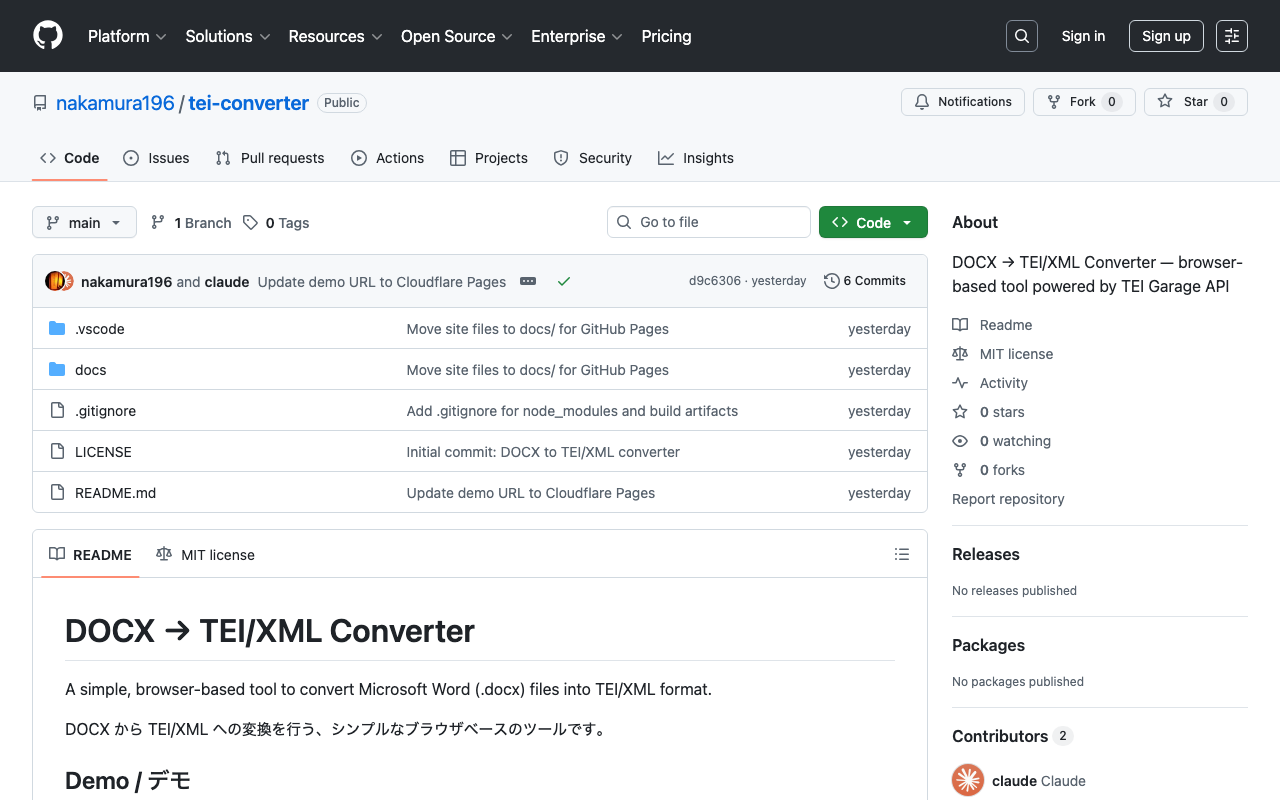
Introduction TEI (Text Encoding Initiative) is an international standard for digitally structuring texts in the humanities. It is used in libraries, museums, and academic research, but writing TEI/XML directly requires knowledge of markup, making the barrier to entry high. This is where conversion tools from Microsoft Word (.docx) to TEI/XML come in. A well-known example is TEI Garage (formerly OxGarage), but its multi-purpose nature makes the UI somewhat complex. This time, I created a simple browser-based tool specialized for DOCX to TEI/XML conversion. ...

I Created a Japanese Tutorial for ethers.js v6

I Created a Japanese Tutorial for ethers.js v6

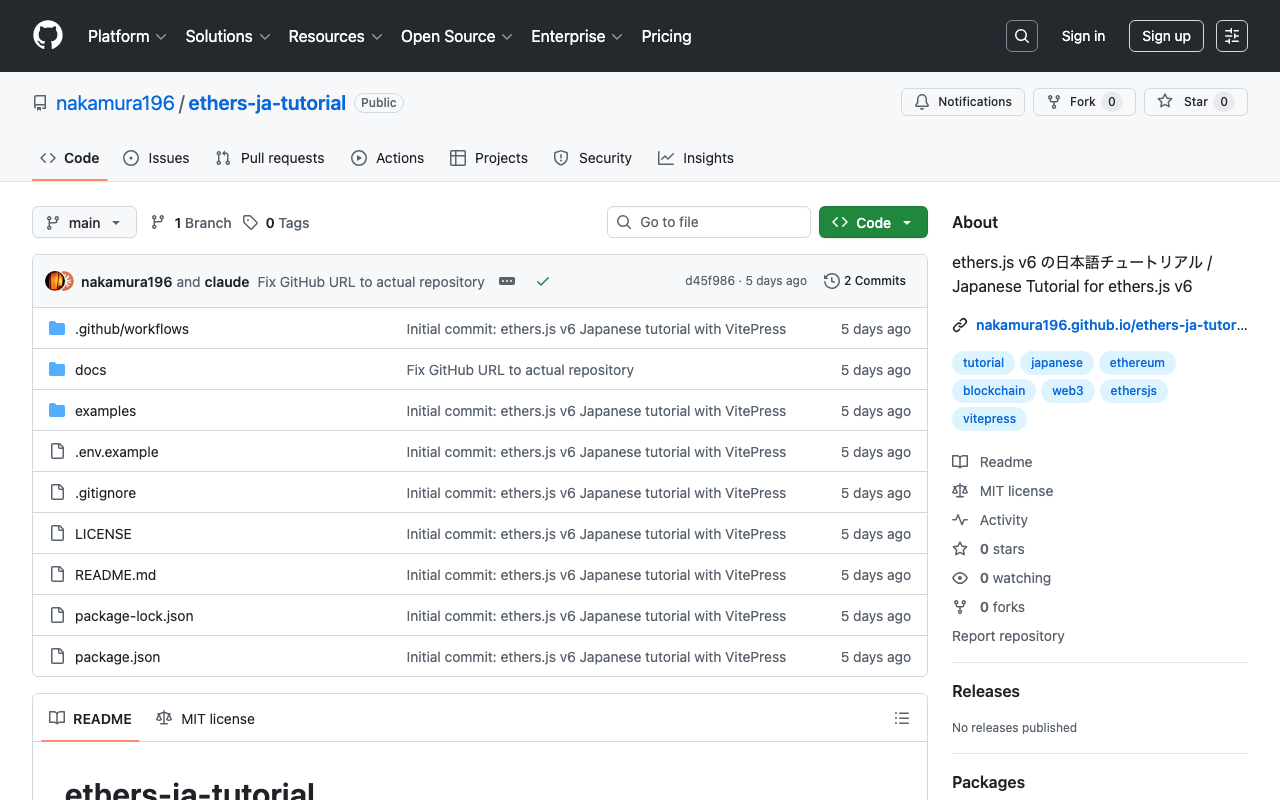
Introduction I created a Japanese tutorial for ethers.js, a JavaScript library for Ethereum. https://github.com/nakamura196/ethers-ja-tutorial It is also published as a static site using VitePress. https://nakamura196.github.io/ethers-ja-tutorial/ Background ethers.js is one of the most widely used libraries in Ethereum development. Japanese articles about v6 were mostly focused on migration guides from v5, and there was no systematic tutorial for beginners to learn from scratch. Since the official documentation is only available in English, I created a tutorial that allows learners to study the basics step by step in Japanese. ...

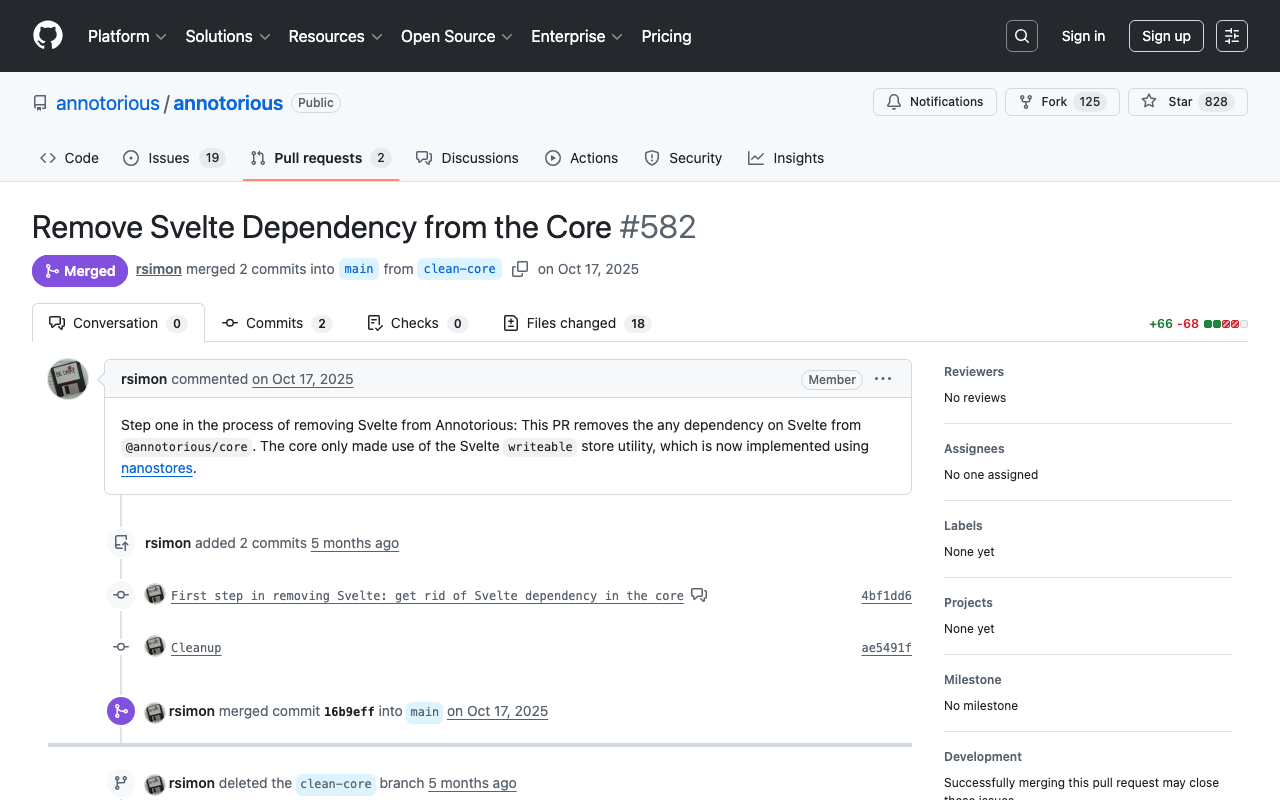
Annotorious Drawing Mode Breaks Only in Production Build

Annotorious Drawing Mode Breaks Only in Production Build

Introduction One day, I noticed that annotations could no longer be created at all in a IIIF annotation editor deployed on Vercel. It worked correctly on the local development server, but in the production environment, drawing mode could not be entered. There were no console errors. The UI buttons switched correctly, but dragging on the image did nothing. The cause was an automatic upgrade of Annotorious due to caret (^) specification in package.json, and a state management library migration in v3.7.13 that caused issues with webpack’s production build. ...

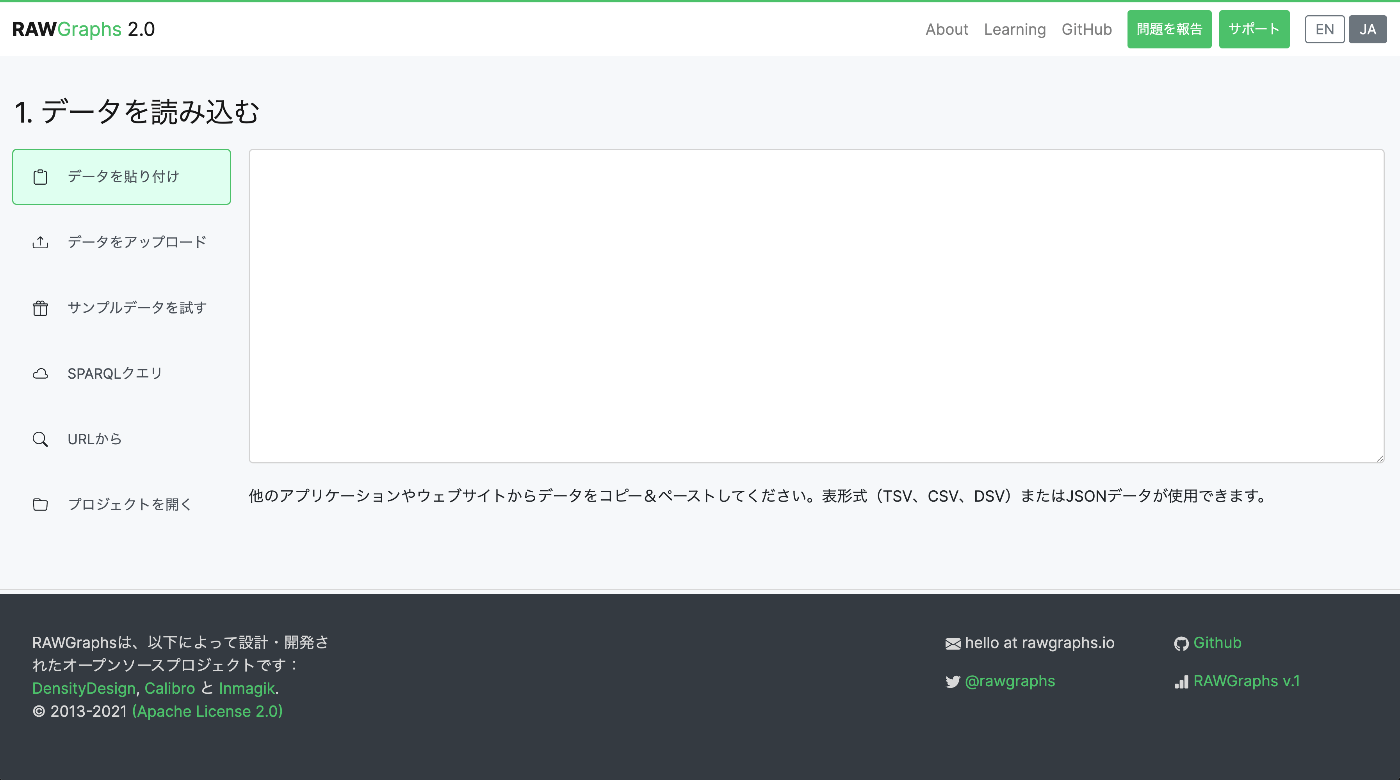
Japanese Localization of RAWGraphs 2.0

Japanese Localization of RAWGraphs 2.0

Introduction I localized and published a Japanese version of the data visualization tool RAWGraphs. https://rawgraphs-ja.vercel.app/ RAWGraphs is an open-source web application that can transform complex data into beautiful visualizations. Without any coding, you can create various charts simply by dragging and dropping CSV or JSON data. What is RAWGraphs? RAWGraphs is a data visualization tool developed by DensityDesign Research Lab in Italy. https://www.rawgraphs.io/ Key features: ...

Highlighting TeX with Ace.js

Highlighting TeX with Ace.js

Overview I had an opportunity to highlight TeX with Ace.js, so here are my notes. I referenced the following article. https://banatech.net/blog/view/11 I hope this serves as a helpful reference. Screen Example Demo Site https://nakamura196.github.io/ace_latex/ Repository https://github.com/nakamura196/ace_latex Source Code <html lang="en"> <head> <title>ACE in Action</title> </head> <body> <div id="editor" style="width: 100%; height: 400px; border: 1px solid gray;"></div> <script src="https://cdnjs.cloudflare.com/ajax/libs/ace/1.23.2/ace.js" integrity="sha512-oVyp48/610D5Jo577cvp2vX+Fc0kYaI6s2tZRqBRzjZh7+y/vOEHTzUefbXk/B8P0B76bOK3tL1zeF/QcXlyiA==" crossorigin="anonymous" referrerpolicy="no-referrer" ></script> <script> const text = `\\usepackage{hiragino,ryumin,cid} \\usepackage[dvips]{graphics} \\usepackage{multicol} \\begin{document} テキスト \\右注{(サンプル)}テキスト \\end{document}`; const editor = ace.edit("editor"); // editor.setTheme("ace/theme/monokai"); editor.setFontSize(14); editor.getSession().setMode("ace/mode/latex"); editor.getSession().setUseWrapMode(true); editor.getSession().setTabSize(4); editor.$blockScrolling = Infinity; editor.setOptions({ enableBasicAutocompletion: true, enableSnippets: true, }); editor.setValue(text, 1); </script> </body> </html>

Loading .glb Files with Nuxt3 x babylon.js

Loading .glb Files with Nuxt3 x babylon.js

Overview I encountered an error when attempting to load a .glb file in Nuxt3 x babylon.js, so this is a memo of how I resolved it. Error Details The following error occurred: Unable to load from ./models/test.glb: importScene of undefined from undefined version: undefined, exporter version: undefinedimportScene has failed JSON parse Solution The issue was resolved by additionally installing the following package: npm install @babylonjs/loaders As a result, I was able to display the model with the following JavaScript file: ...

Implementing Exact Non-Match Search with Fuse.js (Explained by GPT-4)

Implementing Exact Non-Match Search with Fuse.js (Explained by GPT-4)

Introduction I previously wrote the following article, but GPT-4’s explanation was more useful, so I am sharing it here. How to Implement Exact Non-Match Search in JavaScript Fuse.js is a lightweight fuzzy search library that operates on the client side. However, it is not suitable for the purpose of exact non-match search. Instead, you can easily implement it using JavaScript’s Array methods. Exact Non-Match Search Example The following example uses the filter method to perform an exact non-match search. ...

Partially Implementing Exact Non-Match Search with Fuse.js

Partially Implementing Exact Non-Match Search with Fuse.js

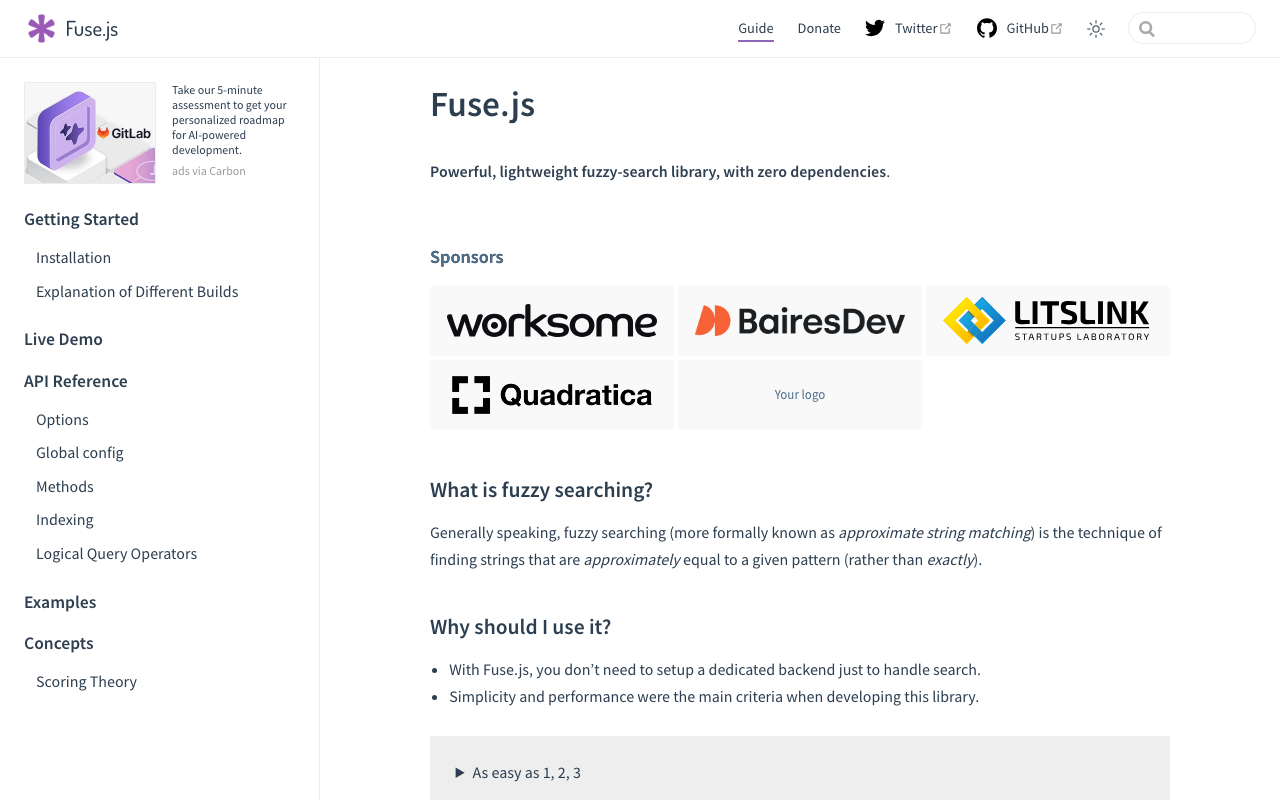
Overview Fuse.js is a search engine written in JavaScript. https://fusejs.io/ It is very useful as a search engine when building frontend-only applications. This time, when implementing exact non-match search using Fuse.js, I needed to craft the query carefully, so here are my notes. Advanced Search Fuse.js supports various types of searches, including exact/partial match and partial non-match. These are described on the following page. https://fusejs.io/examples.html#extended-search A Japanese translation is also available in the following article: ...

[TEI x JavaScript] Removing Unintended Whitespace in Nuxt 3

[TEI x JavaScript] Removing Unintended Whitespace in Nuxt 3

Problem When loading TEI/XML files and visualizing them with JavaScript (Vue.js, etc.), there were cases where unintended whitespace was inserted. Specifically, when writing HTML like the following: <template> <div> お問い合わせは <a href="#">こちらから</a> お願いします </div> </template> It would render with unintended spaces: “お問い合わせは こちらから お願いします” as shown below. A solution for this issue was published in the following repository: https://github.com/aokiken/vue-remove-whitespace However, I was unable to get it working in Nuxt 3 in my environment, so I used the source code as a reference and adapted it for Nuxt 3. ...