Overview
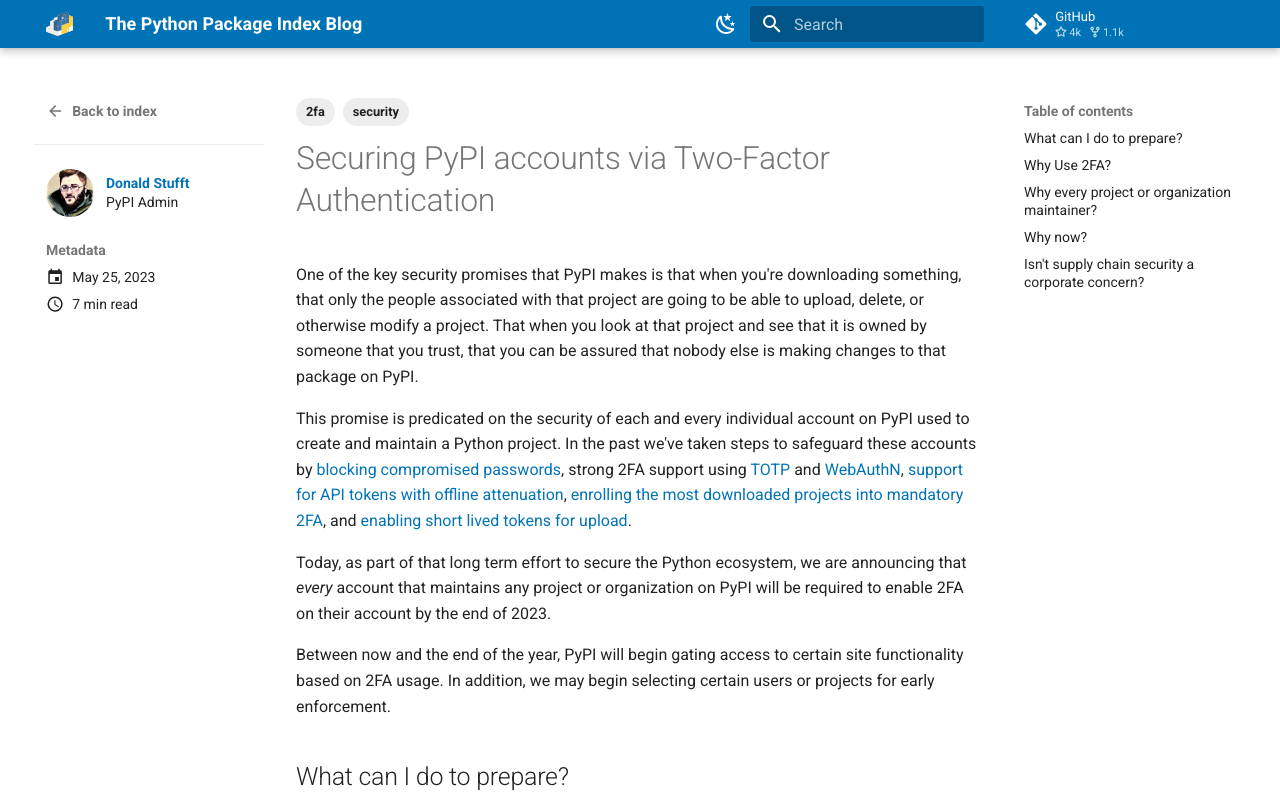
Two-factor authentication is becoming mandatory on PyPI.
https://blog.pypi.org/posts/2023-05-25-securing-pypi-with-2fa/
After setting up two-factor authentication and attempting to upload, the following error occurred.
Uploading xxxx.whl
100% ━━━━━━━━━━━━━━━━━━━━━━━━━━━━━━━━━━━━━━━━ 22.2/22.2 kB • 00:00 • 65.2 MB/s
WARNING  Error during upload. Retry with the --verbose option for more details.
ERROR    HTTPError: 401 Unauthorized from https://upload.pypi.org/legacy/
         User <アカウント名> has two factor auth enabled, an API Token or Trusted Publisher must be used to
         upload in place of password.
Solution
I had ~/.pypirc configured as follows.
[pypi]
username = <アカウント名>
password = <パスワード>
Changing it to the following resolved the error. The API token can be created in the PyPI account settings page.
[pypi]
username = __token__
password = <発行したAPIトークン>
Summary
In my case, I needed to change from the method described at the following page when using nbdev.
https://nbdev.fast.ai/tutorials/tutorial.html#upload-to-pypi
Whether or not you are using nbdev, I hope this serves as a useful reference for anyone experiencing the same issue.