Overview
This is a memo on how to scroll to a specific element using CETEIcean and XPath.
Demo
You can try it at the following URL.
https://next-ceteicean-router.vercel.app/xpath/
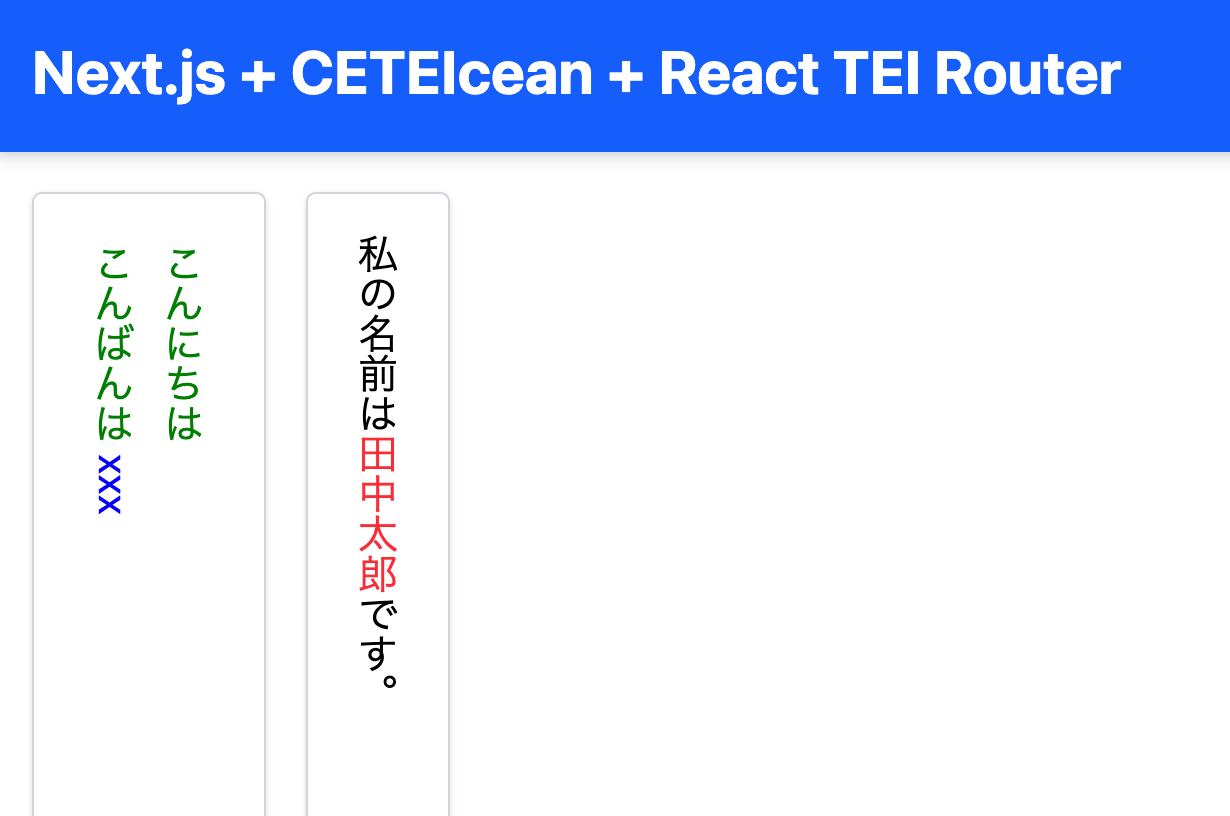
After accessing the page and scrolling, it is displayed as follows.

Obtaining the XPath
The above example targets the XML file from the "Koui Genji Monogatari Text DB."
https://kouigenjimonogatari.github.io/tei/01.xml
The following XPath is specified.
/TEI/text[1]/body[1]/p[1]/seg[267]
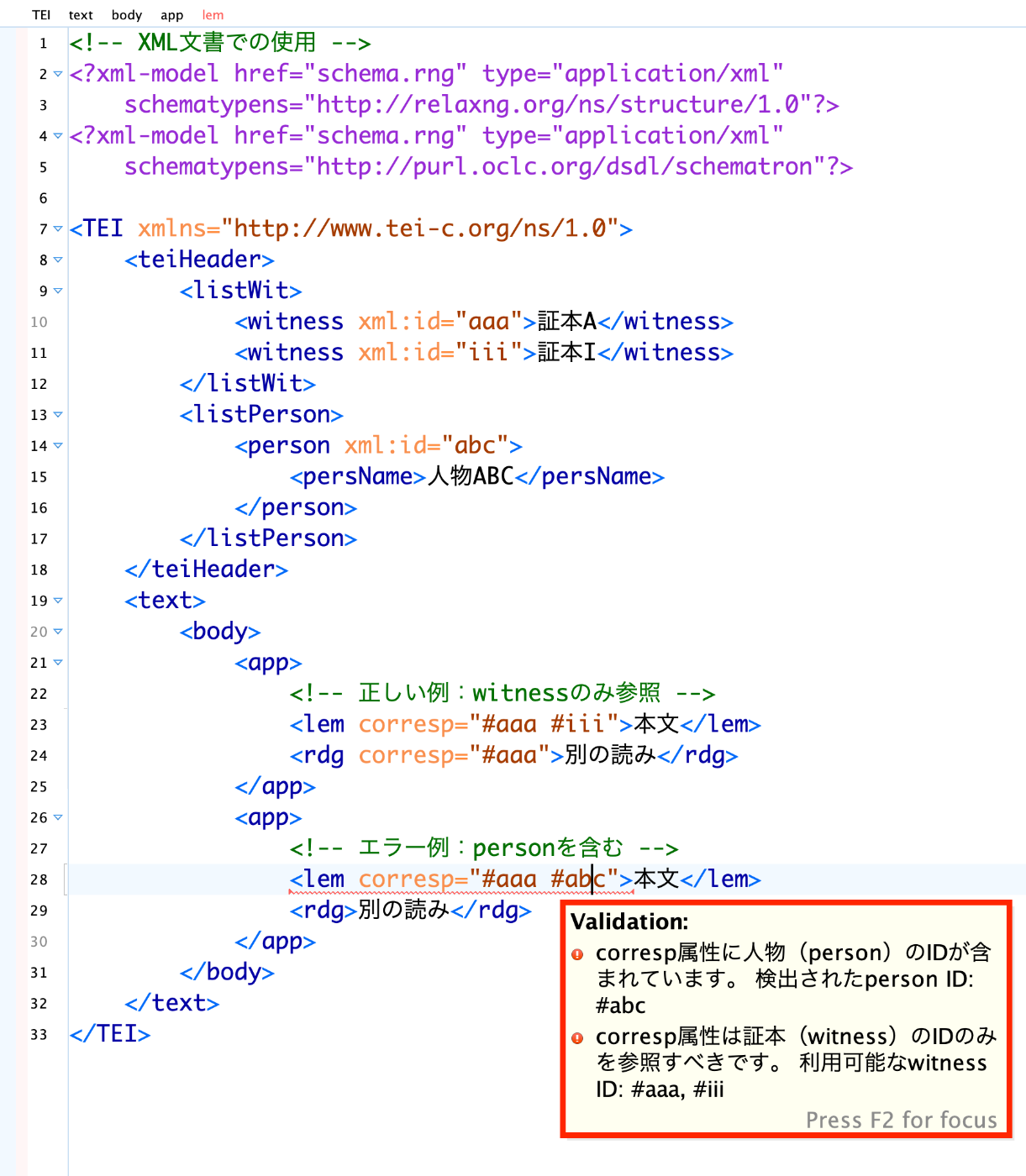
To obtain this XPath, you can right-click on the target element in Oxygen XML Editor and select "Copy XPath."

Implementing the Scroll
This is based on the application introduced in the following article.
The source code on GitHub is available here.
https://github.com/nakamura196/next-ceteicean-router/blob/main/src/components/xpath/Render.tsx
In particular, the following section converts the XPath to element names created by CETEIcean and scrolls using scrollIntoView.
// Modified fetchData
  React.useEffect(() => {
    const rawXpath = "/TEI/text[1]/body[1]/p[1]/seg[267]";

    const xpath = rawXpath
      .replace(/^\//, "") // Remove leading slash
      .replace(/([A-Za-z]+)(?=\/|\[|$)/g, "tei-$1") // Add tei- prefix
      .toLowerCase();

    if (teiContentRef.current) {
      const result = document.evaluate(
        xpath,
        teiContentRef.current,
        null,
        XPathResult.FIRST_ORDERED_NODE_TYPE,
        null
      );

      const targetElement = result.singleNodeValue as HTMLElement;
      if (targetElement) {
        targetElement.scrollIntoView({
          behavior: "smooth",
          block: "center",
          inline: "center",
        });
        targetElement.style.backgroundColor = "yellow";
      }
    }
  }, [teiDoc]);
Summary
There may be better approaches, but I hope this serves as a helpful reference.