Home Articles Books Search About
日本語
Improving DTS Viewer ― Multiple Citation Trees, Hierarchical Navigation, and XML Browser Display

Improving DTS Viewer ― Multiple Citation Trees, Hierarchical Navigation, and XML Browser Display

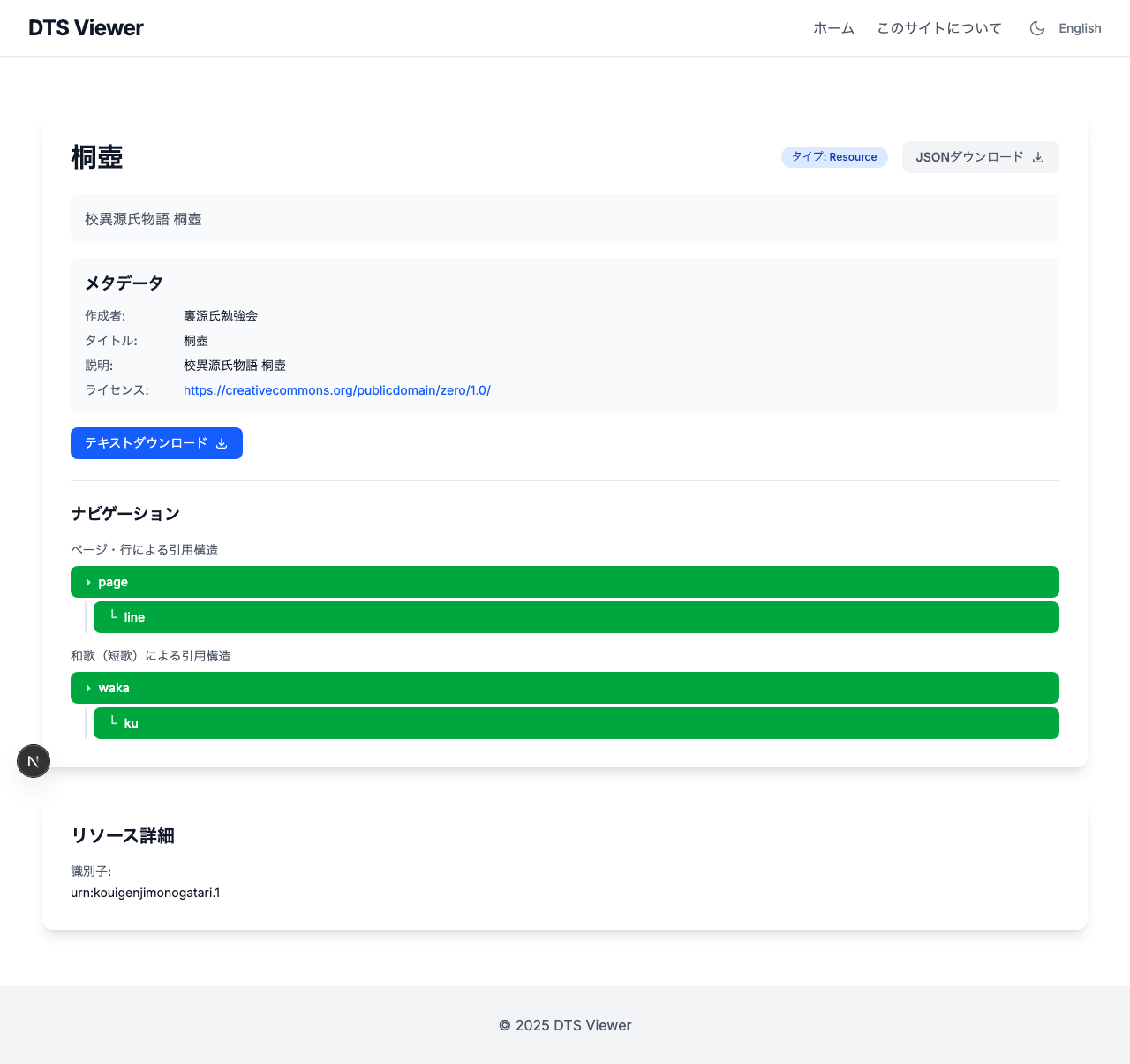
Introduction In the previous article, the Kouigenji Monogatari Text Database DTS API was updated to the 1.0 specification, including the addition of a waka (tanka poem) Citation Tree. This article covers improvements made to the viewer application “DTS Viewer” that consumes this API. Three main improvements were made: Multiple Citation Tree support ― Correct tree parameter passing Hierarchical navigation display ― Switching from card grid to table layout Inline XML display ― Leveraging the mediaType parameter 1. Multiple Citation Tree Support Problem DTS 1.0 allows defining multiple Citation Trees per resource. Kouigenji Monogatari has two trees: “page/line” and “waka” (poems). ...

Tech Stack for a RAG App That Searches Historical Documents with AI

Tech Stack for a RAG App That Searches Historical Documents with AI

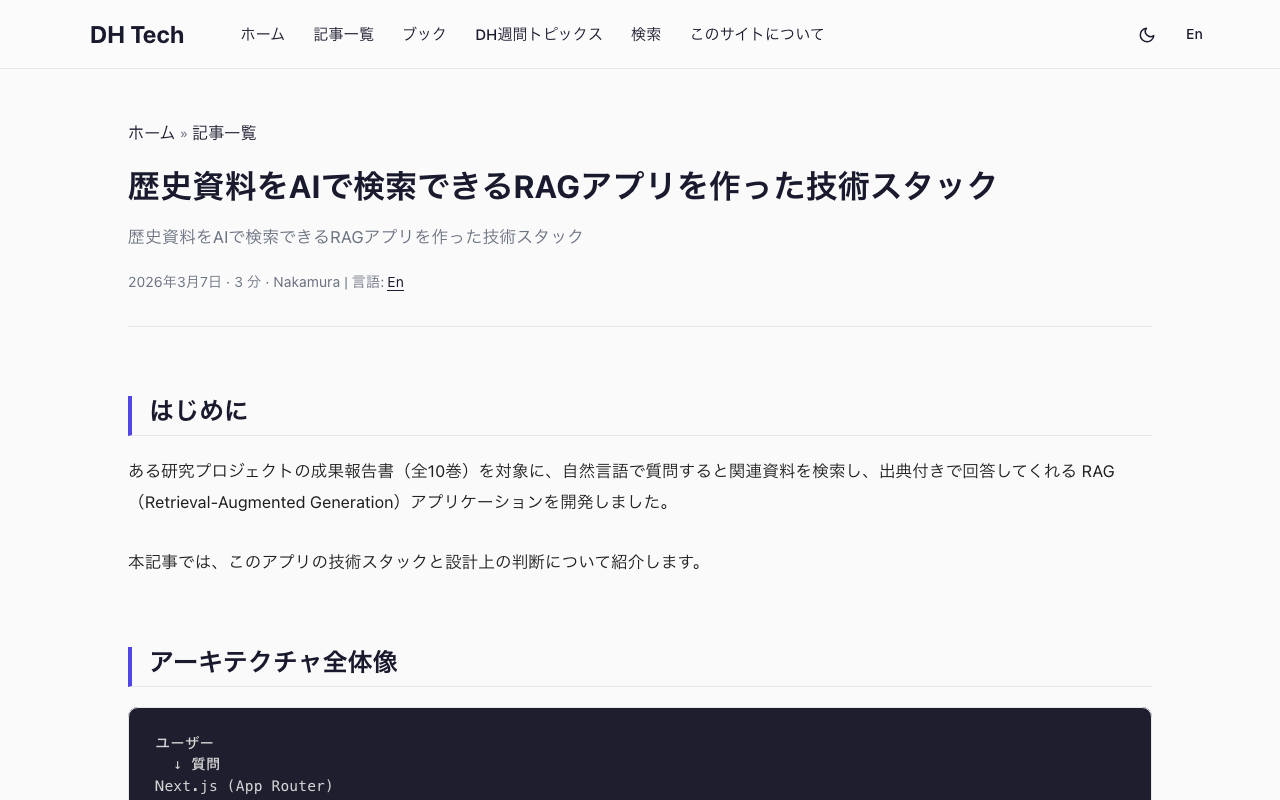
Introduction I built a RAG (Retrieval-Augmented Generation) application that lets users ask natural language questions about a research project’s published reports (10 volumes) and receive answers with citations to the relevant source materials. This article covers the tech stack and key design decisions behind the app. Architecture Overview User ↓ Question Next.js (App Router) ↓ API Route Query Rewrite (LLM) ↓ Refined search query Embedding Generation (text-embedding-3-small) ↓ Vector Pinecone (Vector Search, topK=8) ↓ Relevant chunks LLM (Claude Sonnet) ← System prompt + Context ↓ SSE Streaming Display answer to user Frontend Next.js 16 + React 19 + TypeScript The app uses the App Router with a simple 3-page structure. ...

Annotorious Drawing Mode Breaks Only in Production Build

Annotorious Drawing Mode Breaks Only in Production Build

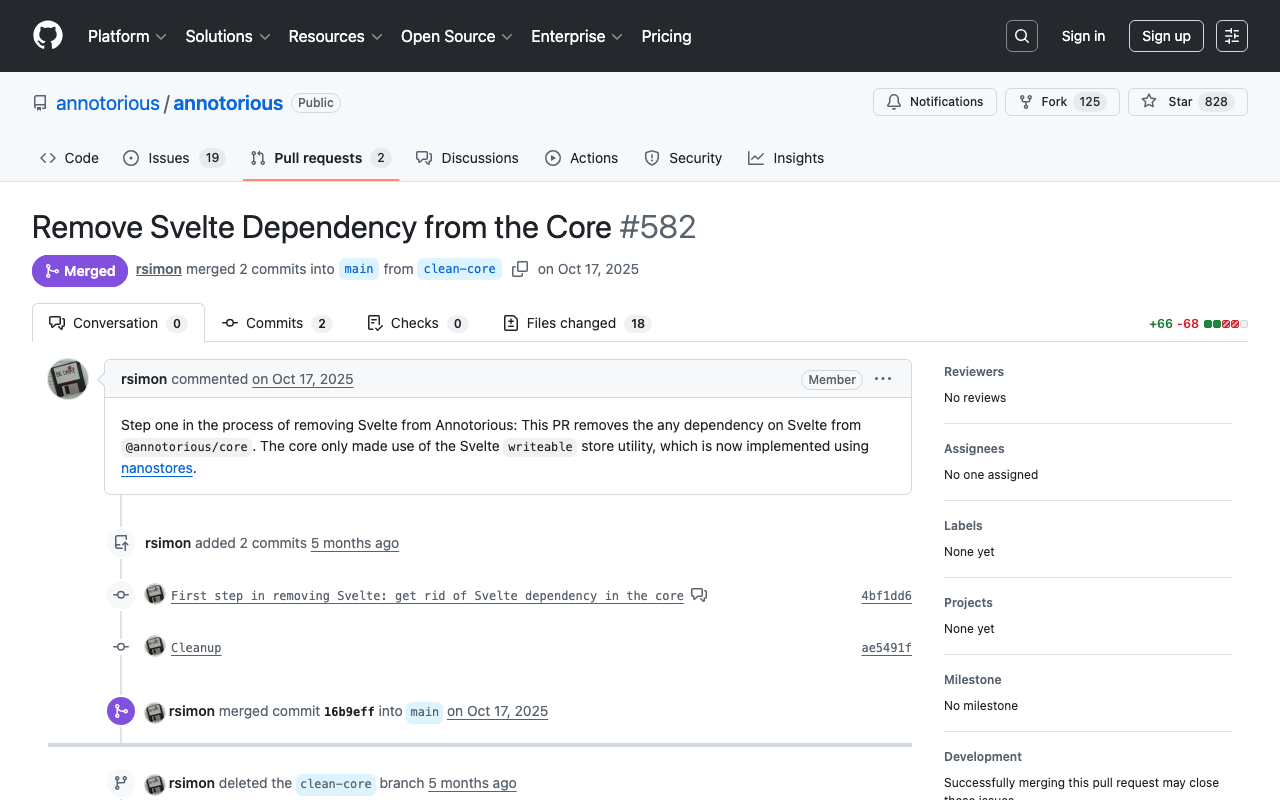
Introduction One day, I noticed that annotations could no longer be created at all in a IIIF annotation editor deployed on Vercel. It worked correctly on the local development server, but in the production environment, drawing mode could not be entered. There were no console errors. The UI buttons switched correctly, but dragging on the image did nothing. The cause was an automatic upgrade of Annotorious due to caret (^) specification in package.json, and a state management library migration in v3.7.13 that caused issues with webpack’s production build. ...

Cause and Fix for `localStorage.getItem is not a function` Error in Next.js 15

Cause and Fix for `localStorage.getItem is not a function` Error in Next.js 15

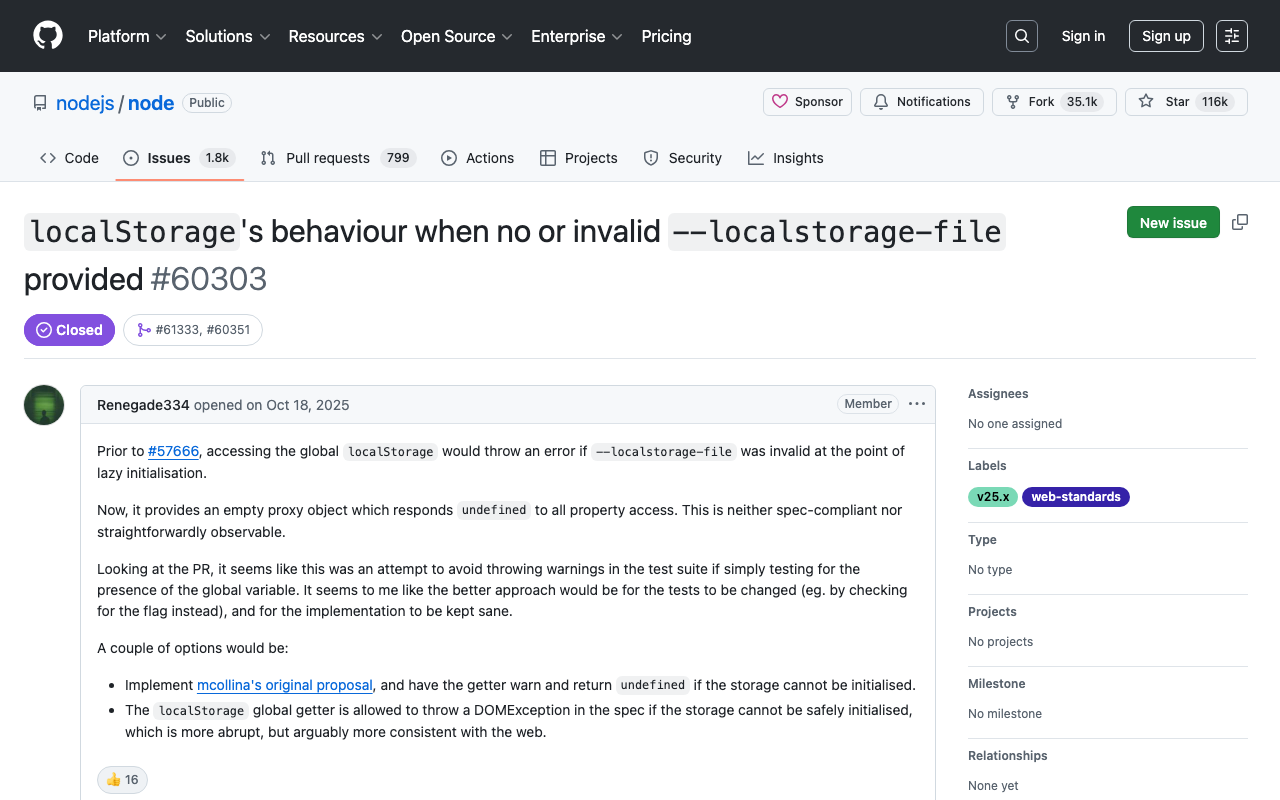
Cause and Fix for localStorage.getItem is not a function Error in Node.js 25 + Next.js 15 Introduction When running npm run dev in a Next.js 15 project, the following error occurred and the development server stopped working properly. ⨯ [TypeError: localStorage.getItem is not a function] { digest: '2892703879' } [TypeError: localStorage.getItem is not a function] ⨯ [TypeError: localStorage.getItem is not a function] { page: '/ja' } (node:2405) Warning: `--localstorage-file` was provided without a valid path There was no code directly calling localStorage, which made identifying the cause time-consuming. This article explains the root cause and solution for this error. ...

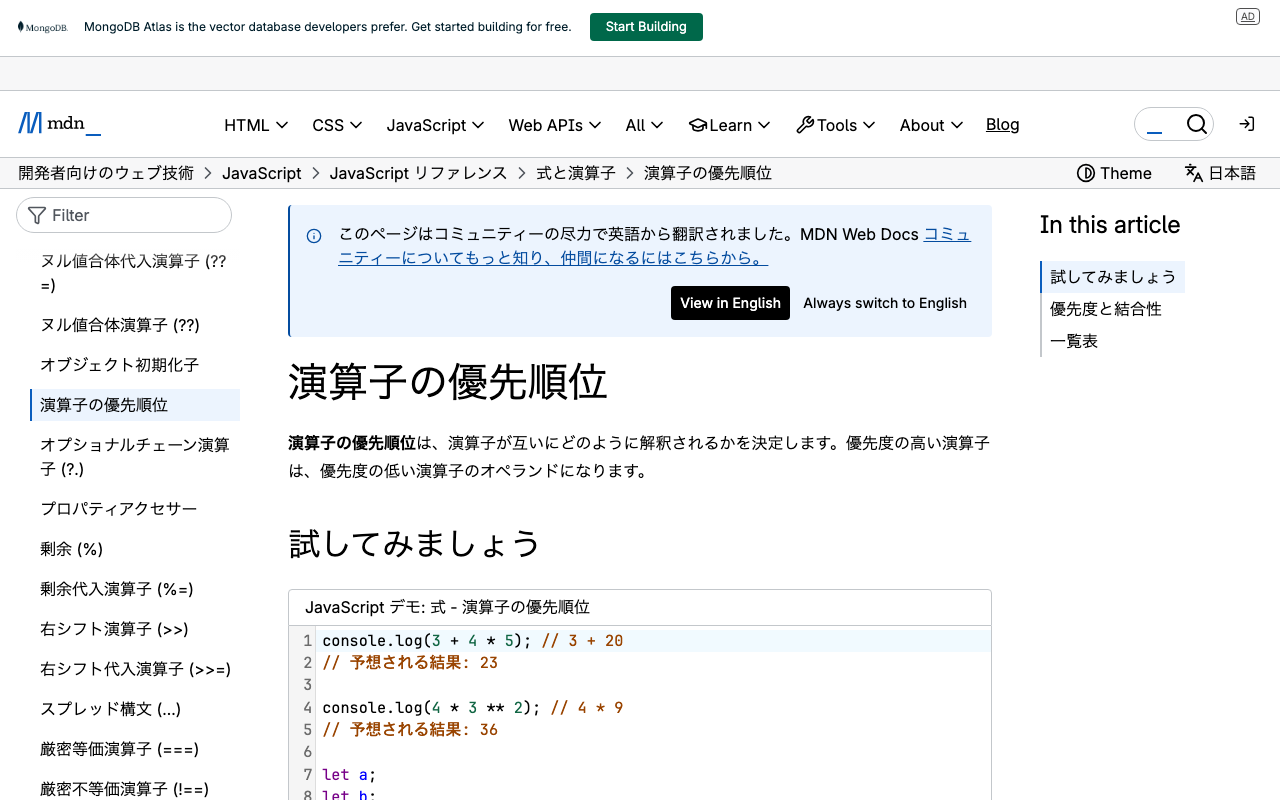
The Pitfall of JavaScript Operator Precedence - Investigating a Vercel Build Error

The Pitfall of JavaScript Operator Precedence - Investigating a Vercel Build Error

Introduction When trying to deploy a Next.js application to Vercel, we encountered a problem where the build succeeded locally but failed on Vercel. The error messages were vague, making it difficult to identify the cause. This article shares the process from discovering the problem to resolving it, and summarizes what we learned about JavaScript operator precedence. Symptoms Error Message Error occurred prerendering page "/en/smells/22-03" [Error: An error occurred in the Server Components render. The specific message is omitted in production builds to avoid leaking sensitive details.] Notable Behavior Local build succeeds, but Vercel build fails Errors occur on different pages each time (22-03, 24-03, 25-04, etc.) Error details are hidden in production builds Discovering the Cause While investigating multiple files, we found the following code pattern: ...

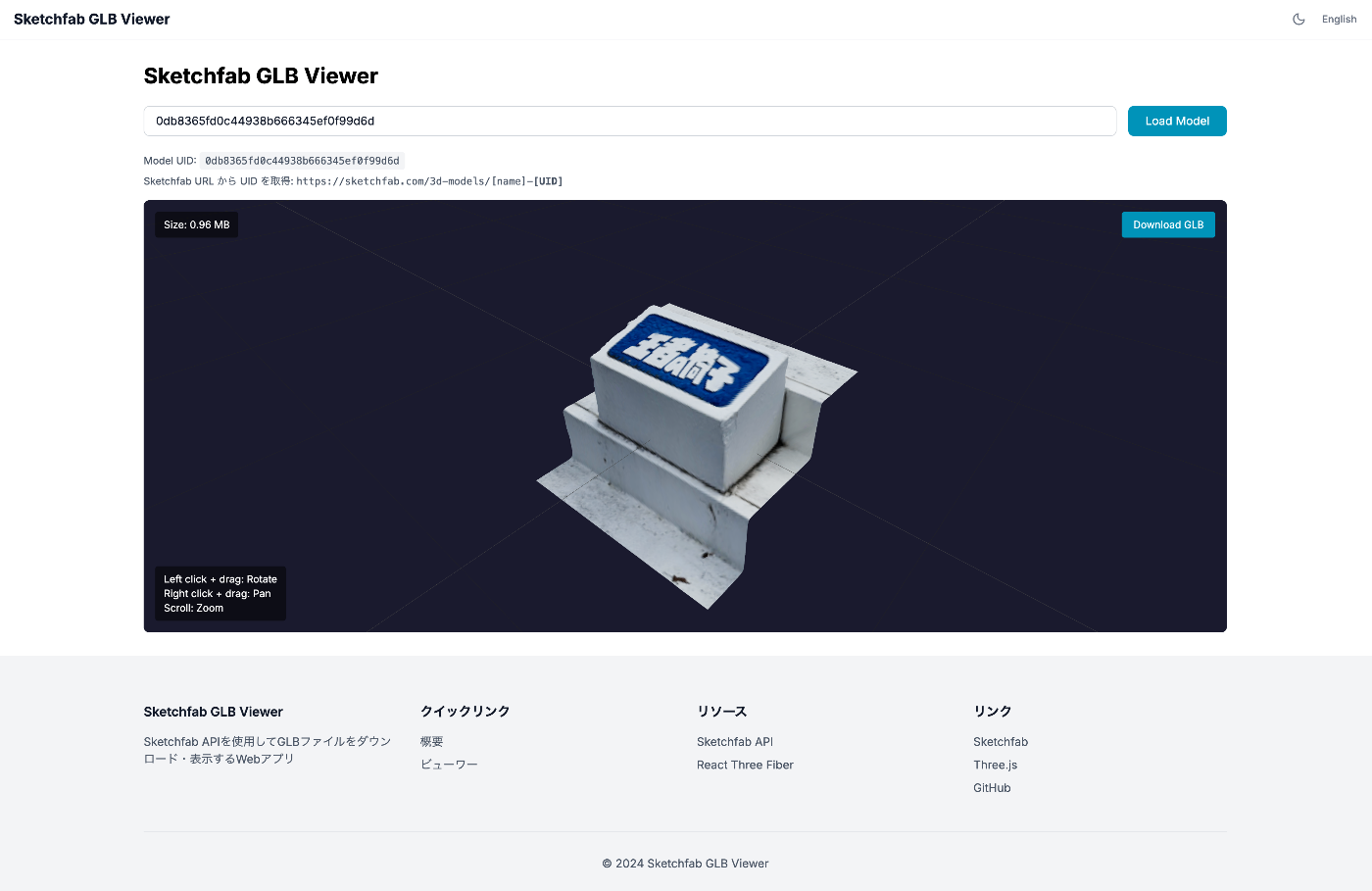
Building a Web App to Download and Display GLB Files Using the Sketchfab API

Building a Web App to Download and Display GLB Files Using the Sketchfab API

I built a web app that uses the Sketchfab API to download 3D models as GLB files and display them in the browser using Three.js. This article covers everything from the security-conscious architecture design to implementation. What I Wanted to Do Download 3D models from Sketchfab in GLB format Display downloaded GLB files in 3D within the browser Manage API tokens securely Tech Stack Next.js 16 (App Router) React Three Fiber / @react-three/drei TypeScript First Attempt: Client-Side Only Implementation Initially, I tried implementing it with just HTML + JavaScript. ...

Why AUTH_URL Is Required in Production for Next Auth (Auth.js v5)

Why AUTH_URL Is Required in Production for Next Auth (Auth.js v5)

Overview When deploying an application using Next Auth (Auth.js v5) to a Docker container or production environment, the following error occurs with GitHub OAuth authentication if the AUTH_URL environment variable is not configured: Be careful! The redirect_uri is not associated with this application. Development Environment vs Production Environment Development Environment (npm run dev) In the development environment, Next.js automatically detects host information, so configuring AUTH_URL is not required. # This alone works npm run dev Production Environment (Docker / npm run build && npm start) In the production environment, Next Auth cannot automatically detect host information, so configuring AUTH_URL is required. ...

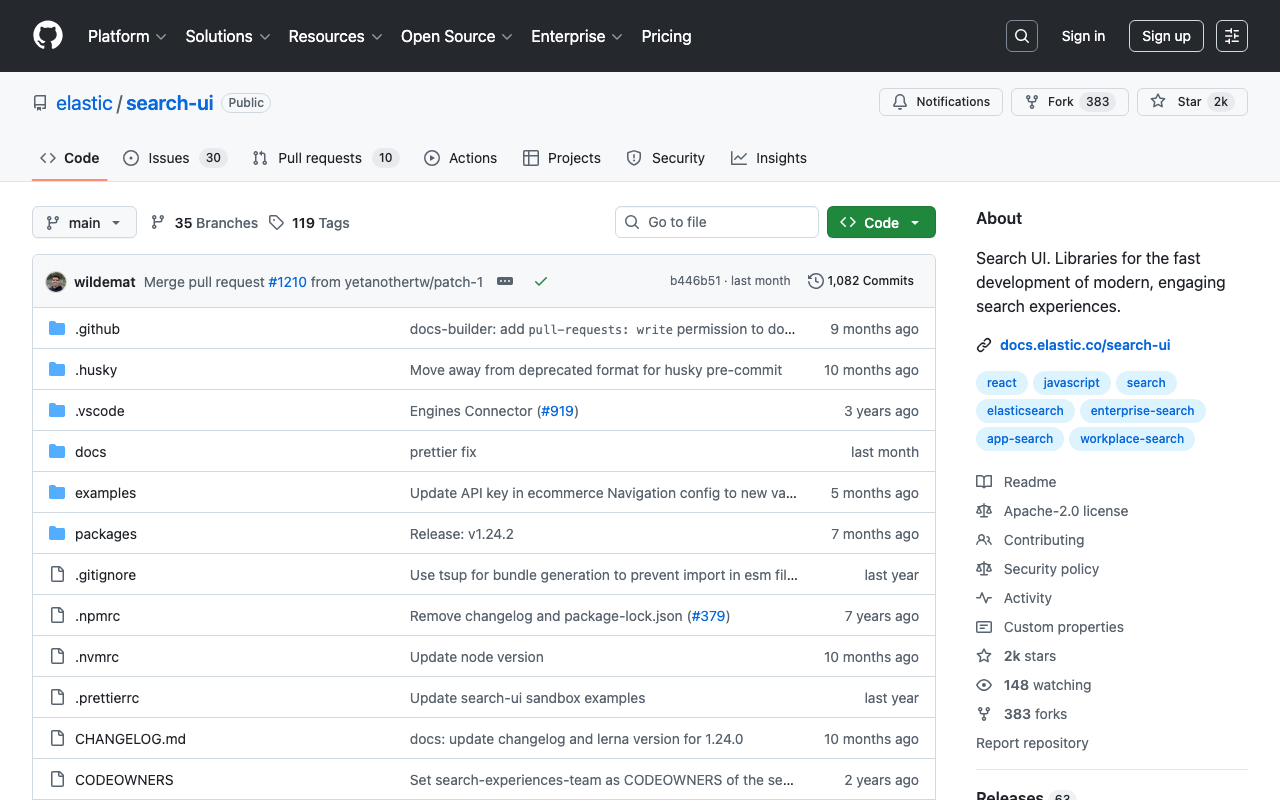
How to Use @elastic/react-search-ui with React 19 + Next.js 15.5

How to Use @elastic/react-search-ui with React 19 + Next.js 15.5

Introduction When trying to use @elastic/react-search-ui in a project using React 19 and Next.js 15, you may encounter the following dependency error: npm error ERESOLVE could not resolve npm error peer react@">= 16.8.0 < 19" from @elastic/react-search-ui@1.23.1 This article explains the cause of this problem and the solution in detail. Cause of the Problem The peer dependency of @elastic/react-search-ui@1.23.1 was set to react@">= 16.8.0 < 19", which did not support React 19. ...

Integrating Next.js + next-auth with GakuNin RDM via OAuth2

Integrating Next.js + next-auth with GakuNin RDM via OAuth2

Introduction This article explains how to integrate the research data management platform “GakuNin RDM” with a Next.js application using OAuth2. Since GakuNin RDM provides an API compatible with OSF (Open Science Framework), implementation can be based on the OSF OAuth2 flow. This article provides a detailed explanation of the implementation using next-auth and the pitfall of automatic access token refresh. What is GakuNin RDM? GakuNin RDM (Research Data Management) is a research data management service provided by the National Institute of Informatics (NII). ...

Language Switching Implementation Guide with Next.js + next-intl

Language Switching Implementation Guide with Next.js + next-intl

This article summarizes how to implement language switching without page reload in a multilingual application using Next.js App Router and next-intl. Environment Next.js 16 (App Router) next-intl TypeScript Configuration Overview localePrefix: ‘as-needed’ Using the localePrefix: 'as-needed' setting in next-intl, the default language does not have a URL prefix, while other languages do. Example (when the default language is Japanese): Japanese: /, /gallery, /viewer English: /en, /en/gallery, /en/viewer Implementation Steps 1. Middleware Configuration (Important) next-intl uses middleware to handle locale routing. It is important to configure the matcher so that static files are not redirected by the middleware. ...

Development of the NDL Kotenseki OCR-Lite Next.js Version

Development of the NDL Kotenseki OCR-Lite Next.js Version

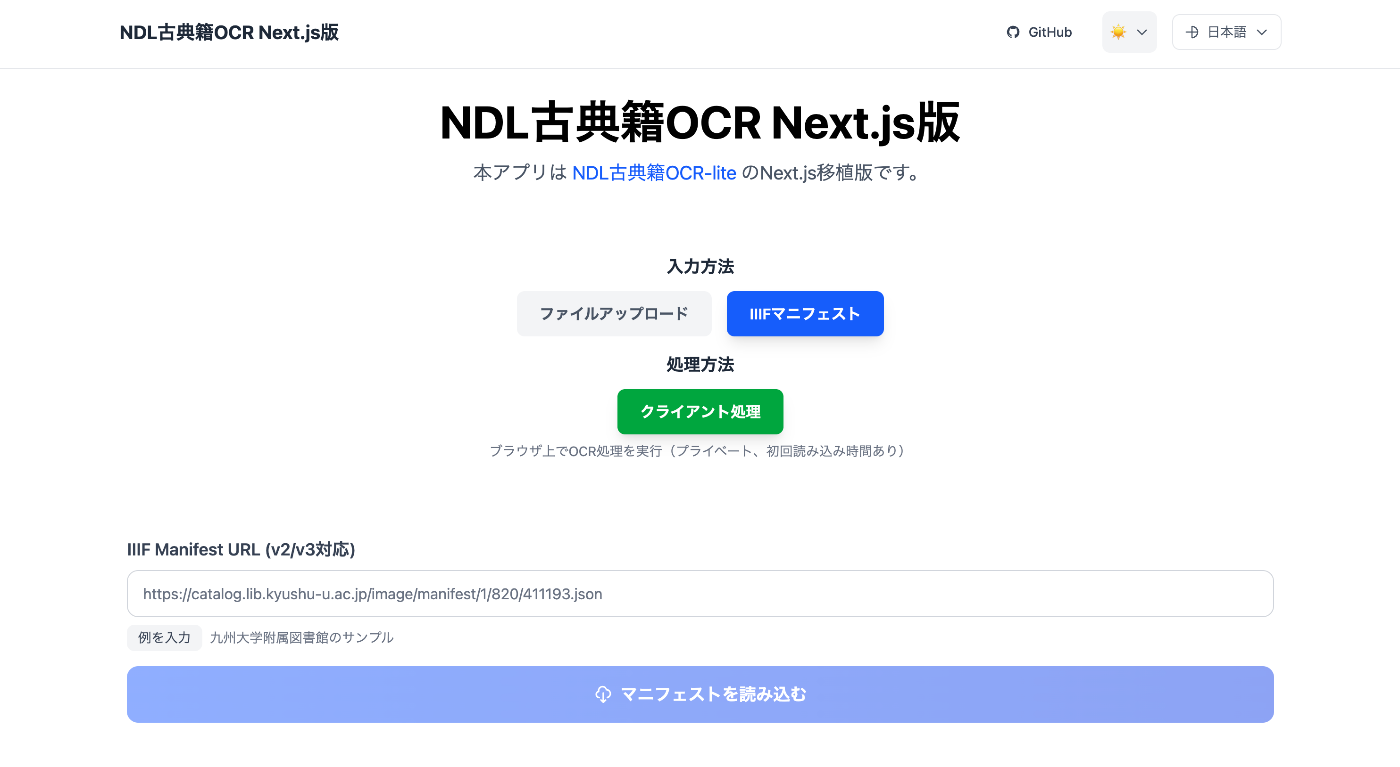
Overview @yuta1984 developed a “WebAssembly-based web port of NDL Kotenseki OCR-Lite”: https://github.com/yuta1984/ndlkotenocr-lite-web Using the above repository as a reference, I created a Next.js version: https://nkol.vercel.app/ja/ In addition, the following features have been added: IIIF manifest file input form TEI/XML file download functionality Creation of an ODD file for the output format Usage As an example, we use the Tale of Genji from the Kyushu University Library: https://catalog.lib.kyushu-u.ac.jp/image/manifest/1/820/411193.json After entering the manifest file and clicking the “Load” button, a list of images is displayed as shown below: ...

Image Collection Management Tool: Technical Architecture Explained

Image Collection Management Tool: Technical Architecture Explained

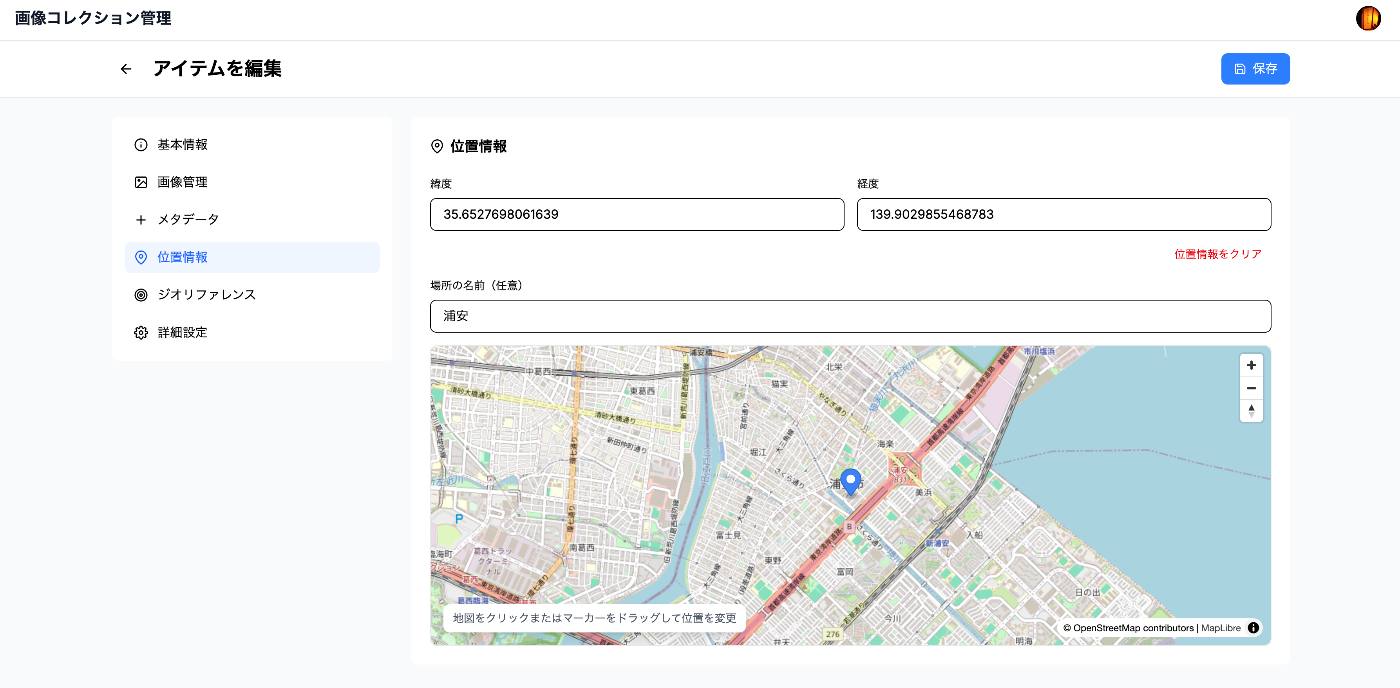
Overview In a previous article, we introduced an “Image Collection Management” tool designed for easily trying out IIIF features. https://zenn.dev/nakamura196/articles/7d6bb4cdc414c4 This article introduces the technologies used behind the scenes of this tool. Background The Image Collection Management Tool is a web application for managing and publishing image collections in the IIIF (International Image Interoperability Framework) format, an international standard. This article explains the technical implementation of the tool, focusing particularly on the IIIF specification implementation and the handling of geospatial information. ...

I Built a Prototype IIIF 3D Viewer

I Built a Prototype IIIF 3D Viewer

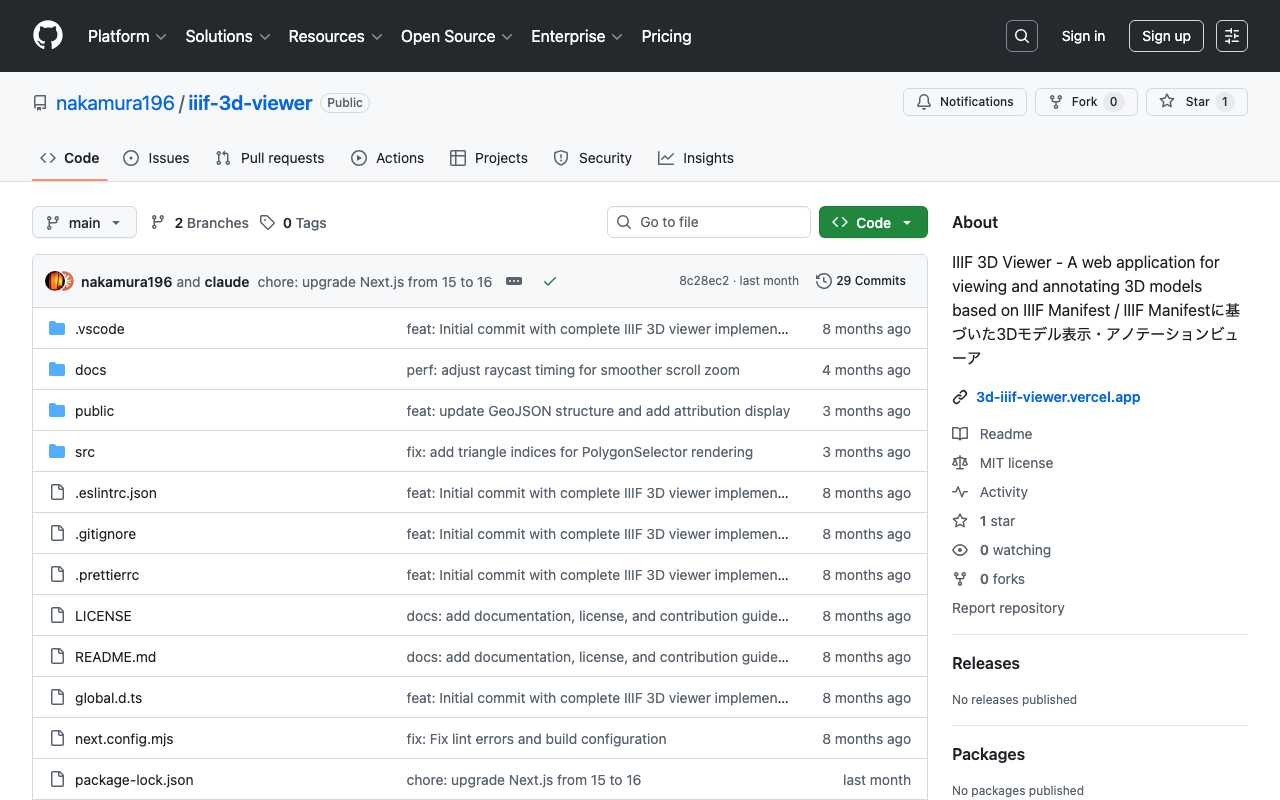
! This article was generated by AI. Introduction In the field of digital humanities, the 3D digitization of cultural properties and historical materials is rapidly advancing. However, appropriate tools are needed not only for simply viewing 3D models but also for utilizing them in academic analysis and education. This article introduces “IIIF 3D Viewer,” a web application for viewing 3D models that complies with the IIIF (International Image Interoperability Framework) standard. ...

Next.js 15 Compatible Multilingual and Dark Mode SSG Template

Next.js 15 Compatible Multilingual and Dark Mode SSG Template

This article was reviewed by a human for implementation and written by AI. Overview This template is a starting point for web application development that supports static site generation (SSG) with Next.js 15, with built-in multilingual support and dark mode. It combines TypeScript, Tailwind CSS, next-intl, and next-themes. https://nextjs-i18n-themes-ssg-template.vercel.app/ja/ Key Features 1. Static Site Generation (SSG) Full static export with output: 'export' Fast page loading and SEO optimization Reduced hosting costs 2. Internationalization (i18n) Full multilingual support with next-intl Japanese and English support (easy to add more languages) URL-based language switching (/ja/about, /en/about) Type-safe translation keys 3. Dark Mode System-linked dark mode with next-themes Automatic detection of user preferences Smooth theme switching animation Persistent settings via LocalStorage 4. Improved Developer Experience Type safety with TypeScript Efficient styling with Tailwind CSS Code quality management with ESLint Unified component structure Tech Stack { "dependencies": { "next": "^15.4.4", "react": "^19.1.0", "next-intl": "^4.3.4", "next-themes": "^0.4.6", "tailwindcss": "^4.1.11", "@tailwindcss/typography": "^0.5.16" } } Project Structure src/ ├── app/ │ ├── [locale]/ │ │ ├── layout.tsx # Root layout │ │ ├── page.tsx # Home page │ │ ├── about/ # About page │ │ └── example/ # Sample page │ ├── icon.svg # Favicon │ └── sitemap.ts # Sitemap generation ├── components/ │ ├── layout/ # Layout components │ │ ├── Header.tsx │ │ ├── Footer.tsx │ │ ├── PageLayout.tsx │ │ ├── ToggleTheme.tsx │ │ └── ToggleLanguage.tsx │ └── page/ # Page-specific components ├── i18n/ │ └── routing.ts # i18n configuration └── messages/ # Translation files ├── en.json └── ja.json Notable Implementations 1. Static Export Support for sitemap.ts export const dynamic = 'force-static'; export const revalidate = false; export default function sitemap(): MetadataRoute.Sitemap { // Implementation } 2. Unified Page Layout <PageLayout breadcrumbItems={breadcrumbItems} title={t('title')} description={t('description')} > <YourContent /> </PageLayout> 3. Configuration via Environment Variables # .env.example NEXT_PUBLIC_SITE_URL=http://localhost:3000 NEXT_PUBLIC_BASE_PATH= Usage Installation git clone [repository-url] cd nextjs-i18n-themes-ssg-template npm install Development npm run dev Build npm run build Customization Points Adding languages: src/i18n/routing.ts and messages/ directory Adding pages: Create new directories under src/app/[locale]/ Theme customization: tailwind.config.js and global CSS Metadata: generateMetadata function in each page Best Practices Component naming: Use PascalCase Translation keys: Organize with nested structure Type safety: Maximize use of TypeScript types Performance: Cache strategy utilizing static generation Summary This template aims to enable quick construction of static sites optimized for SEO, with built-in internationalization and dark mode features. The goal is to improve developer productivity while providing an excellent experience for end users. ...

How to Implement sitemap.ts When Using output: 'export' in Next.js 15

How to Implement sitemap.ts When Using output: 'export' in Next.js 15

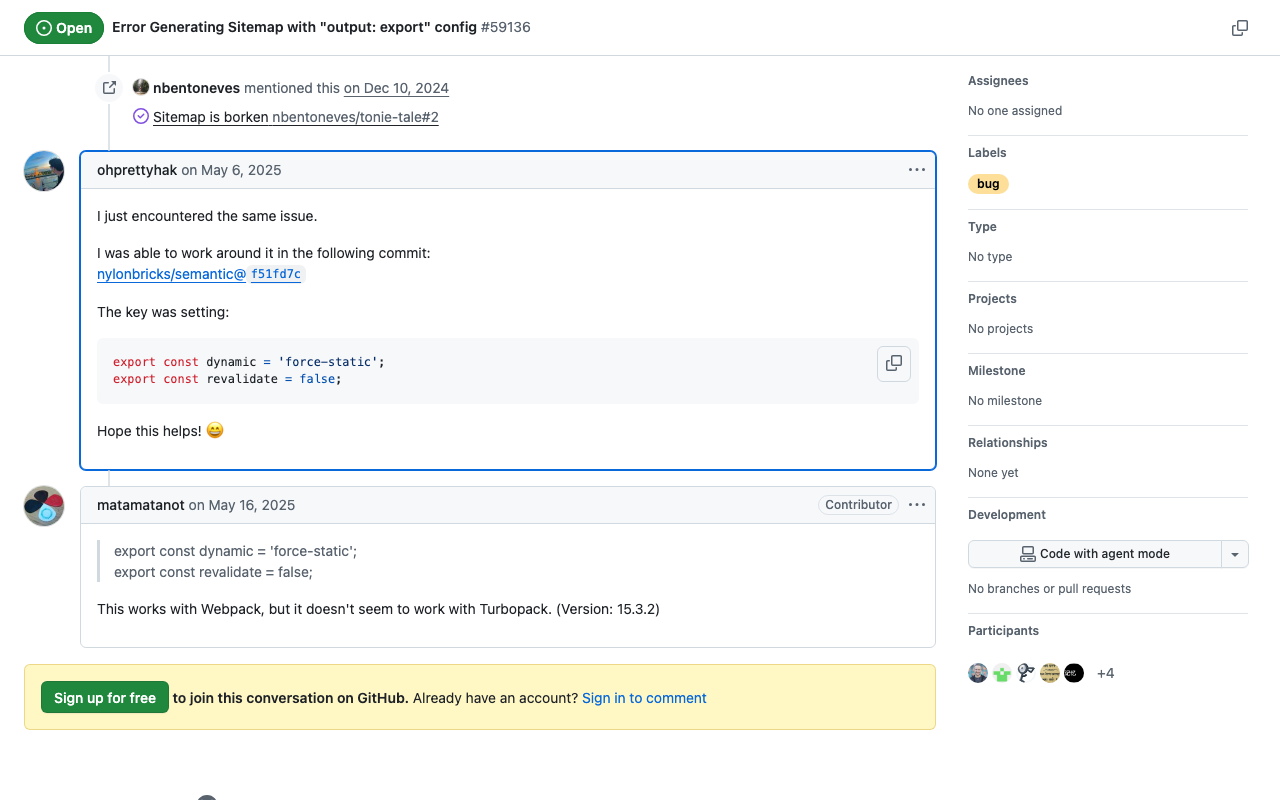
This article was written by AI after a human verified the implementation. Background When using static site generation (output: 'export') in Next.js 15, you may encounter an error with the sitemap.ts implementation: Error: export const dynamic = "force-static"/export const revalidate not configured on route "/sitemap.xml" with "output: export". Solution This problem can be solved by adding the following two exports to sitemap.ts: // src/app/sitemap.ts import { MetadataRoute } from 'next'; export const dynamic = 'force-static'; export const revalidate = false; export default function sitemap(): MetadataRoute.Sitemap { // sitemap generation logic } Implementation Example import { MetadataRoute } from 'next'; import { routing } from '@/i18n/routing'; export const dynamic = 'force-static'; export const revalidate = false; export default function sitemap(): MetadataRoute.Sitemap { const baseUrl = process.env.NEXT_PUBLIC_SITE_URL || 'http://localhost:3000'; const staticPages = [ '', // Home page '/about', '/example', ]; const sitemapEntries: MetadataRoute.Sitemap = routing.locales.flatMap((locale) => staticPages.map((page) => ({ url: `${baseUrl}/${locale}${page}`, lastModified: new Date(), changeFrequency: page === '' ? 'daily' : 'weekly' as const, priority: page === '' ? 1 : 0.8, })) ); return sitemapEntries; } Verification With this implementation, /out/sitemap.xml is correctly generated when running npm run build. ...

Next.js x Search UI x Fuse.js Search Application

Next.js x Search UI x Fuse.js Search Application

Overview This article explains the technical architecture and implementation of a search application combining Next.js, Elastic Search UI, and Fuse.js. The created site is available here. https://nsf-psi.vercel.app/ja/ The GitHub repository is here. https://github.com/nakamura196/nsf Sample data uses the “Bird’s-eye View of the Main Campus and Faculty of Agriculture Buildings, Tokyo Imperial University (Graduate School of Agricultural and Life Sciences / Faculty of Agriculture, The University of Tokyo).” https://da.dl.itc.u-tokyo.ac.jp/portal/assets/187cc82d-11e6-9912-9dd4-b4cca9b10970 The following was generated by AI. ...

Testing IIIF Authentication API 2.0

Testing IIIF Authentication API 2.0

Overview I had the opportunity to test the IIIF Authentication API 2.0, so here are my notes. https://iiif.io/api/auth/2.0/ I created the following demo site. https://iiif-auth-nextjs.vercel.app/ja The repository is available here. https://github.com/nakamura196/iiif-auth-nextjs The following explanation is AI-generated. Note that I was unable to get it working with Mirador, which remains a future task. Overview This article explains the authentication flow of IIIF Authentication API 2.0 in detail at the HTTP request/response level. We will trace what requests are sent and what responses are returned at each step. ...

Added Route Registration Feature to "Rekichizu x Next.js"

Added Route Registration Feature to "Rekichizu x Next.js"

Overview “Rekichizu x Next.js” is a web application built with Rekichizu and Next.js. I have added a route registration feature to this web application, which I will introduce here. Feature Introduction Access the top page and click the “Manage My Routes” button. You will be prompted to log in, so click the “Login” button in the upper right corner. After logging in, a list screen like the following will be displayed. ...

Prototyping a Digital Cultural Heritage Management System Using Blockchain and Pinata IPFS

Prototyping a Digital Cultural Heritage Management System Using Blockchain and Pinata IPFS

Notice: 2025-06-14 The development progress is summarized at the following link. https://zenn.dev/nakamura196/books/41693d2d017082 Overview As part of learning blockchain technology, I created a prototype management system for digital cultural heritage. Since the purpose is learning blockchain, there are many missing features, but I plan to add and improve them in the future. https://digital-heritage-five.vercel.app/ Technologies Used The Ethereum Sepolia network is used. Since the purpose is blockchain learning and prototype development, a test network is used. Pinata is used as the hosting service for the distributed file storage IPFS. https://pinata.cloud/ ...

Part 2: Creating Annotated IIIF Manifest Files and TEI/XML Files Using NDL Classical Book OCR-Lite

Part 2: Creating Annotated IIIF Manifest Files and TEI/XML Files Using NDL Classical Book OCR-Lite

Overview In the following article, I introduced how to create annotated IIIF manifest files and TEI/XML files using NDL Classical Book OCR-Lite. Since the explanation above was insufficient in many areas, I will re-introduce how to use it. Supplement Along with writing this article, the following improvements were made. Process 1: Creating IIIF Manifest Files Added support for IIIF Presentation API v3. Process 2: Creating TEI/XML Files Added a form that accepts string input, considering the connection with Process 1. Usage Process 1: Creating IIIF Manifest Files Access the following. ...