Home Articles Books Search About
日本語
Creating an Inline Marker Tool with Editor.js

Creating an Inline Marker Tool with Editor.js

Overview These are notes on how to create an inline marker tool with Editor.js. References The following pages were helpful: https://editorjs.io/creating-an-inline-tool/ https://note.com/eveningmoon_lab/n/n638b9541c47c For writing in TypeScript, the following was helpful: https://github.com/codex-team/editor.js/issues/900 Implementation Implemented with Nuxt. Create the following marker.ts: import type { API } from "@editorjs/editorjs"; class MarkerTool { button: null | HTMLButtonElement; state: boolean; api: API; tag: string; class: string; // 静的メソッドで許可されるHTMLタグと属性を指定 static get sanitize() { return { mark: { class: "cdx-marker", }, }; } // インラインツールとしての振る舞いを定義 static get isInline() { return true; } constructor({ api }: { api: API }) { this.api = api; this.button = null; this.state = false; this.tag = "MARK"; this.class = "cdx-marker"; } // ボタン要素を作成し、SVGアイコンを設定 render() { this.button = document.createElement("button"); this.button.type = "button"; this.button.innerHTML = '<svg width="20" height="18"><path d="M10.458 12.04l2.919 1.686-.781 1.417-.984-.03-.974 1.687H8.674l1.49-2.583-.508-.775.802-1.401zm.546-.952l3.624-6.327a1.597 1.597 0 0 1 2.182-.59 1.632 1.632 0 0 1 .615 2.201l-3.519 6.391-2.902-1.675zm-7.73 3.467h3.465a1.123 1.123 0 1 1 0 2.247H3.273a1.123 1.123 0 1 1 0-2.247z"/></svg>'; this.button.classList.add(this.api.styles.inlineToolButton); return this.button; } // 選択されたテキストを <mark> タグで囲む surround(range: Range) { if (this.state) { this.unwrap(range); return; } this.wrap(range); } // テキストを <mark> タグでラップ wrap(range: Range) { const selectedText = range.extractContents(); const mark = document.createElement(this.tag); mark.className = this.class; // class 属性の追加 mark.appendChild(selectedText); range.insertNode(mark); this.api.selection.expandToTag(mark); } // <mark> タグを解除 unwrap(range: Range) { const mark = this.api.selection.findParentTag(this.tag); const text = range.extractContents(); mark?.remove(); range.insertNode(text); } // ツールの状態をチェック checkState() { const mark = this.api.selection.findParentTag(this.tag, this.class); this.state = !!mark; if (this.state) { this.button?.classList.add("cdx-marker--active"); } else { this.button?.classList.remove("cdx-marker--active"); } } } export default MarkerTool; Call it as follows: ...

Changing the max-width of Editor.js

Changing the max-width of Editor.js
Overview When using Editor.js, large margins appear on the left and right sides by default. This article introduces how to solve this issue. Method The following was helpful. https://github.com/codex-team/editor.js/issues/1328 Specifically, add the following CSS. .ce-block__content, .ce-toolbar__content { max-width: calc(100% - 80px) !important; } .cdx-block { max-width: 100% !important; } The full source code is as follows. <script setup lang="ts"> import EditorJS from "@editorjs/editorjs"; import type { OutputData } from "@editorjs/editorjs"; const blocks = ref<OutputData>({ time: new Date().getTime(), blocks: [ { type: "paragraph", data: { text: "大明副使蒋 承奉すらく 、 欽差督察総制提督浙江等処軍務各衙門 、近年以来、日本各島小民、仮るに買売を以て名と為し 、 しばしば中国辺境を犯し、居民を刼掠するを因となし、旨を奉じて 、 浙江等処承宣布政使司 に議行し、本職に転行して 、 親しく貴国に詣り面議せしめん等の因あり。", }, }, ], }); const editor = () => { new EditorJS({ holder: "editorjs", data: blocks.value, onChange: async (api) => { blocks.value = await api.saver.save(); }, }); }; editor(); </script> <template> <div style="background-color: aliceblue"> <div id="editorjs"></div> <hljson :content="blocks" /> </div> </template> <style> .ce-block__content, .ce-toolbar__content { max-width: calc(100% - 80px) !important; } .cdx-block { max-width: 100% !important; } pre { background-color: #f4f4f4; border: 1px solid #ccc; padding: 10px; } </style> As a result, the left and right margins were reduced as shown below. ...

Trying Leaflet Marker Cluster with Nuxt 3 and Composition API
Trying Leaflet Marker Cluster with Nuxt 3 and Composition API

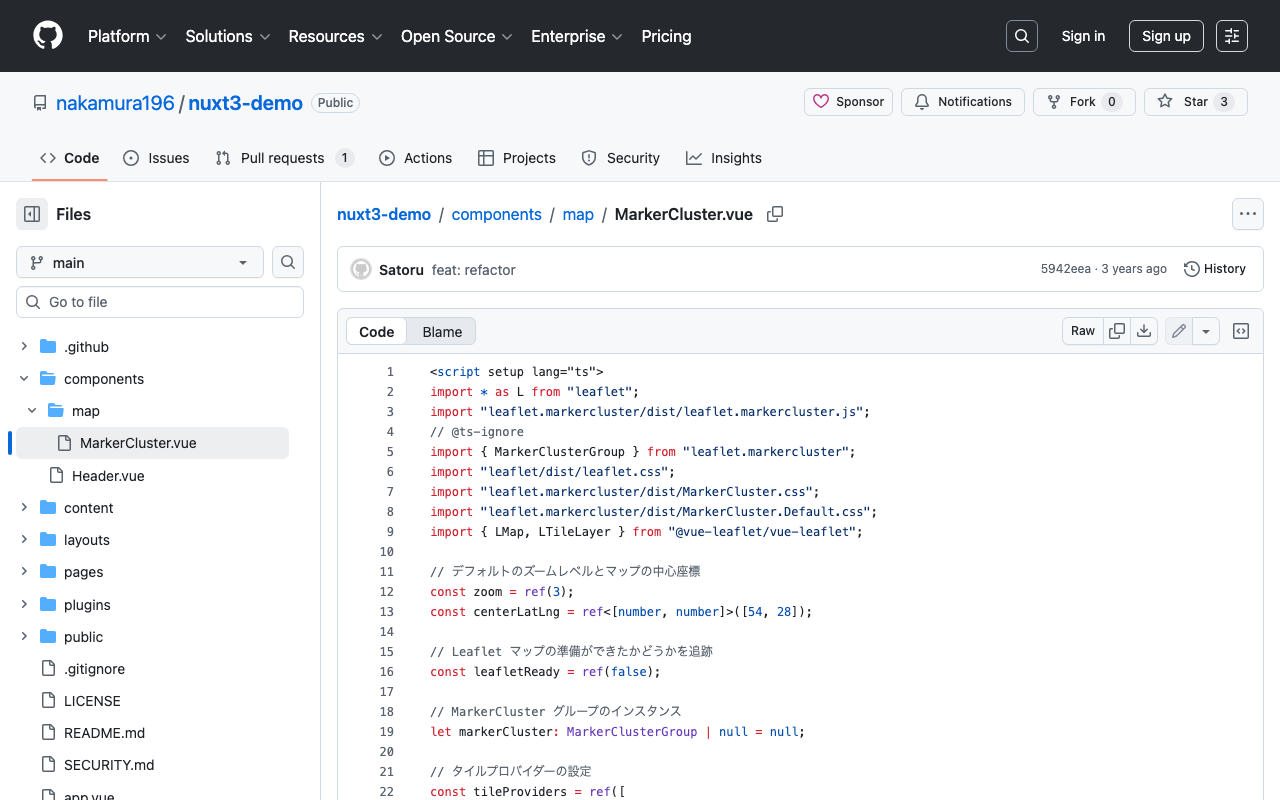
Overview In the following article, I introduced how to use Leaflet Marker Cluster with Nuxt 3. This time, I updated it to use the Composition API, so here are my notes. Installation Install the following: npm i leaflet leaflet.markercluster @vue-leaflet/vue-leaflet npm i -D @types/leaflet @types/leaflet.markercluster Source Code Please refer to the following: https://github.com/nakamura196/nuxt3-demo/blob/main/components/map/MarkerCluster.vue Summary There are some parts where TypeScript support is incomplete, but I hope this serves as a useful reference. ...

Nuxt3 x Vuetify x Cytoscape

Nuxt3 x Vuetify x Cytoscape

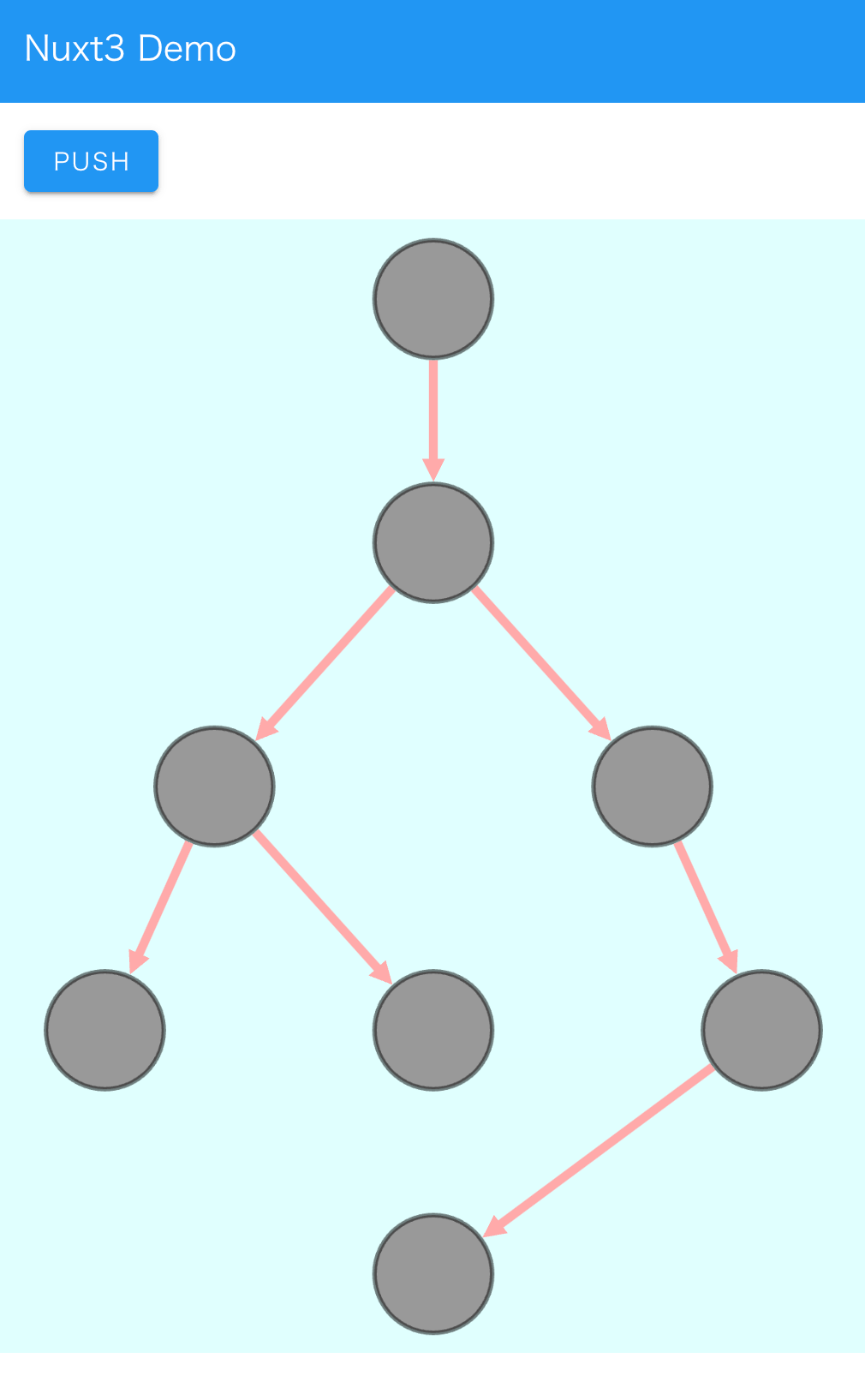
Overview I added a Cytoscape demo to a sample repository using Nuxt3 and Vuetify. https://github.com/nakamura196/nuxt3-demo You can check it working on the following page. https://nakamura196.github.io/nuxt3-demo/ Installation I ran the following. npm i cytoscape npm i @types/cytoscape Source Code <template> <div id="view"> <v-btn class="ma-4" color="primary" v-on:click="addNode">push</v-btn> <div id="cy"></div> </div> </template> <script setup lang="ts"> import cytoscape from "cytoscape"; let cy: any = null; // = ref(null); //reactive({}); //: any const count: number = 0; // = ref(0); //reactive(0); const addNode = () => { cy.add([ { group: "nodes", data: { id: "node" + count }, position: { x: 300, y: 200 }, }, { group: "edges", data: { id: "edge" + count, source: "node" + count, target: "cat" }, }, ]); }; onMounted(() => { cy = cytoscape({ container: document.getElementById("cy"), boxSelectionEnabled: false, autounselectify: true, style: cytoscape .stylesheet() .selector("node") .css({ height: 80, width: 80, "background-fit": "cover", "border-color": "#000", "border-width": 3, "border-opacity": 0.5, content: "data(name)", "text-valign": "center", }) .selector("edge") .css({ width: 6, "target-arrow-shape": "triangle", "line-color": "#ffaaaa", "target-arrow-color": "#ffaaaa", "curve-style": "bezier", }), elements: { nodes: [ { data: { id: "cat" } }, { data: { id: "bird" } }, { data: { id: "ladybug" } }, { data: { id: "aphid" } }, { data: { id: "rose" } }, { data: { id: "grasshopper" } }, { data: { id: "plant" } }, { data: { id: "wheat" } }, ], edges: [ { data: { source: "cat", target: "bird" } }, { data: { source: "bird", target: "ladybug" } }, { data: { source: "bird", target: "grasshopper" } }, { data: { source: "grasshopper", target: "plant" } }, { data: { source: "grasshopper", target: "wheat" } }, { data: { source: "ladybug", target: "aphid" } }, { data: { source: "aphid", target: "rose" } }, ], }, layout: { name: "breadthfirst", directed: true, padding: 10, }, }); }); </script> <style scoped> #cy { width: 100%; height: 80%; position: absolute; background-color: lightcyan; } </style> Summary I hope this is helpful. ...

Vue.js: Handling Panes with iframes When Using Splitpanes

Vue.js: Handling Panes with iframes When Using Splitpanes

Splitpanes is a Vue.js library that enables pane splitting and resizing, as shown below. https://github.com/antoniandre/splitpanes When using this library, I encountered an issue where resizing did not work properly when a pane contained an iframe element. A solution was described in the following pull request. https://github.com/antoniandre/splitpanes/pull/162 As described there, adding the following CSS resolved the issue and allowed correct resize operations even with panes containing iframe elements. .splitpanes--dragging .splitpanes__pane { pointer-events: none; } I hope this helps anyone experiencing the same issue. ...

Text Selection Using VueUse (Nuxt 3)

Text Selection Using VueUse (Nuxt 3)

Overview This is a personal note on using VueUse for implementing text selection functionality with Nuxt 3 (Vue 3). https://vueuse.org/ Demo You can try it from the following page. https://nuxt3-demo-git-main-nakamura196.vercel.app/textSelection The source code is at the following URL. https://github.com/nakamura196/nuxt3-demo/blob/main/pages/textSelection.vue Installation Method The installation instructions are described on the following page. https://vueuse.org/guide/ The specific steps are as follows. npm i -D @vueuse/nuxt @vueuse/core // nuxt.config.ts export default defineNuxtConfig({ modules: [ '@vueuse/nuxt', ], }) Summary In addition to text selection, there seem to be many other useful features available, so I would like to continue trying them out. ...

Bidirectional Interaction Between Vue 3 and Babylon.js (Part 2)
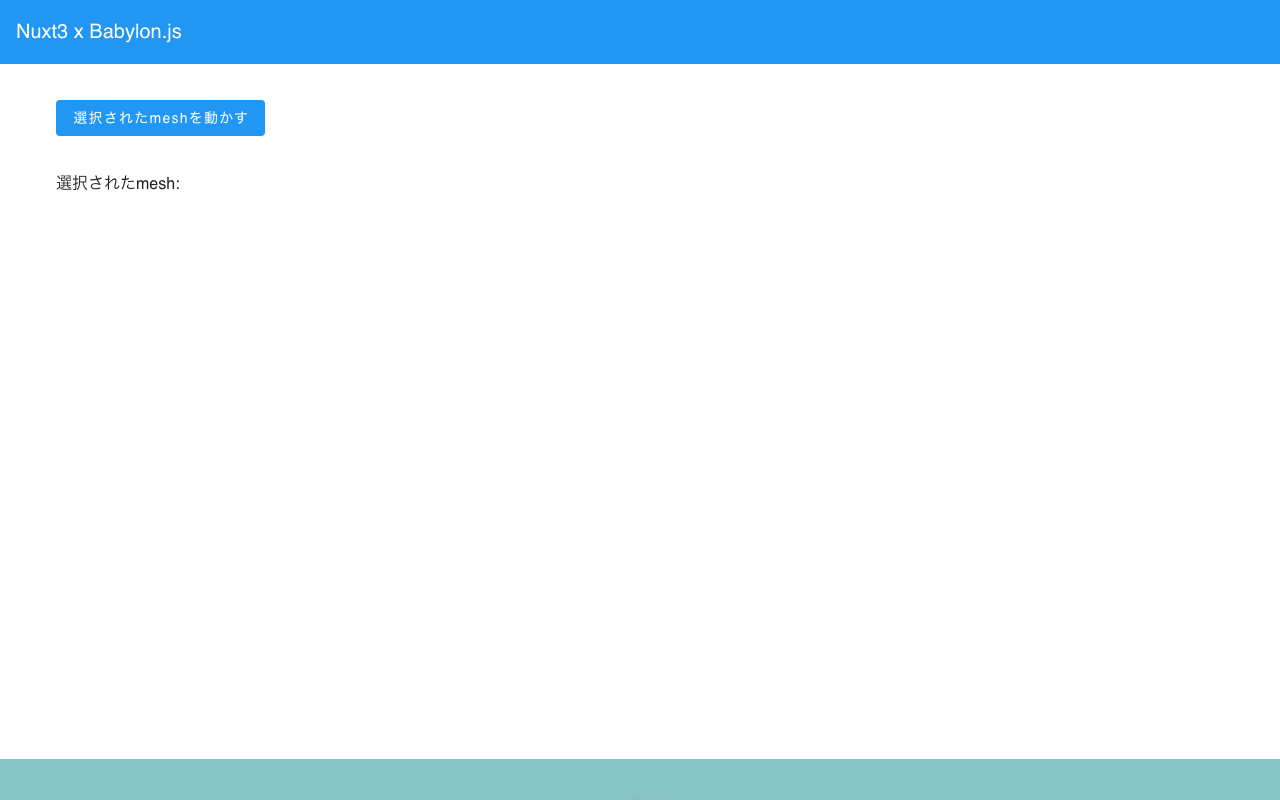
Bidirectional Interaction Between Vue 3 and Babylon.js (Part 2)
Overview In the following article, I created a program for interaction between Vue 3 and Babylon.js. This time, as an advanced version of the above, the mesh to be passed to the scene is specified from Vue. You can check the content at the following link. (There are some parts where meshes are not properly deleted. This is planned to be fixed in the future.) https://youtu.be/-dyQp-QX42I Demo Site https://nakamura196.github.io/nuxt3-babylonjs/10 ...

Bidirectional Interaction Between Vue 3 and Babylon.js

Bidirectional Interaction Between Vue 3 and Babylon.js

Overview I prototyped a program for bidirectional interaction between Vue 3 and Babylon.js. You can check the content at the following link. https://youtube.com/shorts/BIdj-3T2_z8 Demo Site https://nakamura196.github.io/nuxt3-babylonjs/9 Source Code https://github.com/nakamura196/nuxt3-babylonjs/blob/main/pages/9/index.vue Summary We hope this serves as a useful reference.

Trying Leaflet Marker Cluster with Nuxt 3

Trying Leaflet Marker Cluster with Nuxt 3

I had the opportunity to try Leaflet Marker Cluster with Nuxt 3. The implementation example is as follows. https://nuxt3-demo-nine.vercel.app/map-cluster For this implementation, I referenced the following page. https://codesandbox.io/s/ns238 The source code is at the following URL. https://github.com/nakamura196/nuxt3-demo As of March 2023, it appears to be at the POC (Proof of Concept) stage. I hope this serves as a useful reference.

Created a Custom OpenSeaDragon Viewer for Use in TEI Viewers
Created a Custom OpenSeaDragon Viewer for Use in TEI Viewers

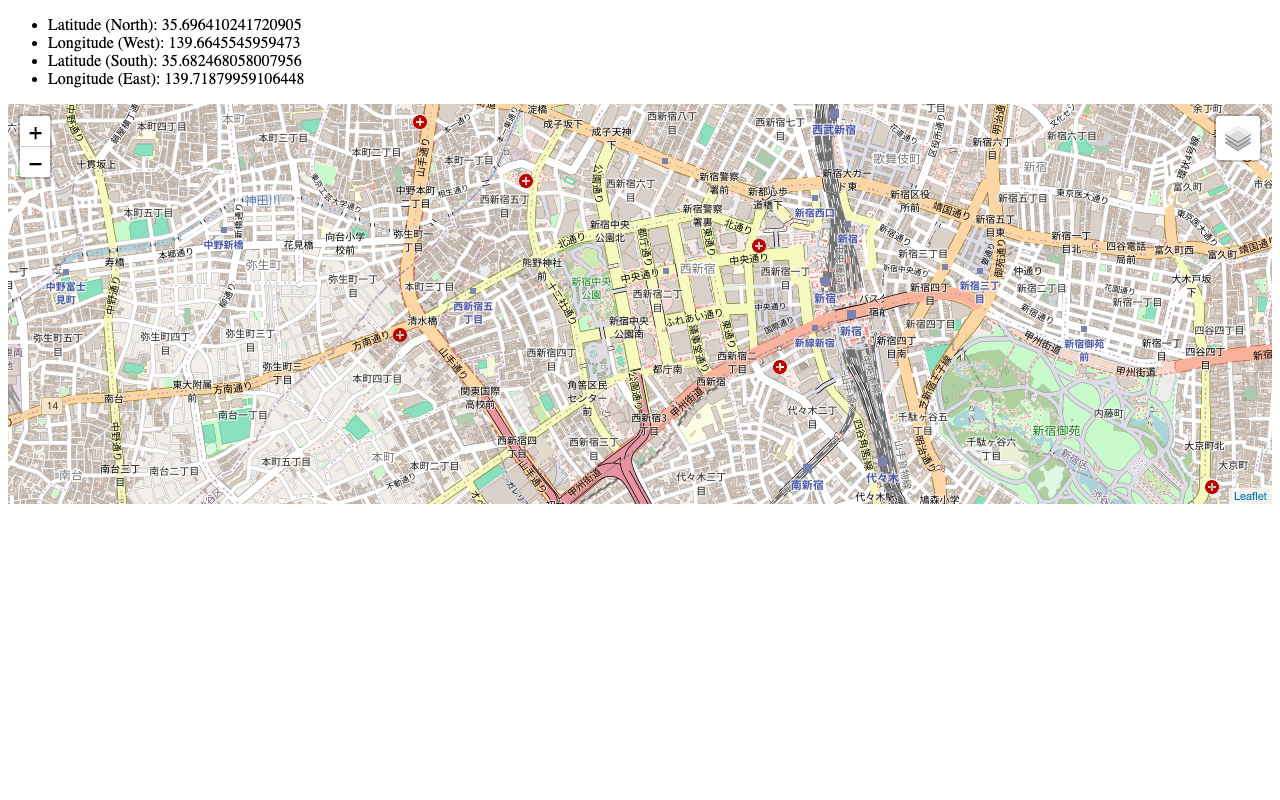
Overview I created a Custom OpenSeaDragon Viewer intended for use in TEI viewers. Background In developing a viewer that links TEI and IIIF as shown below, a viewer with the following capabilities was needed. https://www.hi.u-tokyo.ac.jp/collection/digitalgallery/wakozukan/tei/ Ability to load IIIF manifest files. Ability to track page navigation within the viewer component from outside the component. Ability to highlight partial regions of images. Since I could not find an existing IIIF-compatible viewer that met all of the above requirements, I attempted to develop a custom viewer. I also tried publishing it as an npm package. ...

Usage Example of Leaflet with Vue 3 (Including Coordinate Range Retrieval)
Usage Example of Leaflet with Vue 3 (Including Coordinate Range Retrieval)

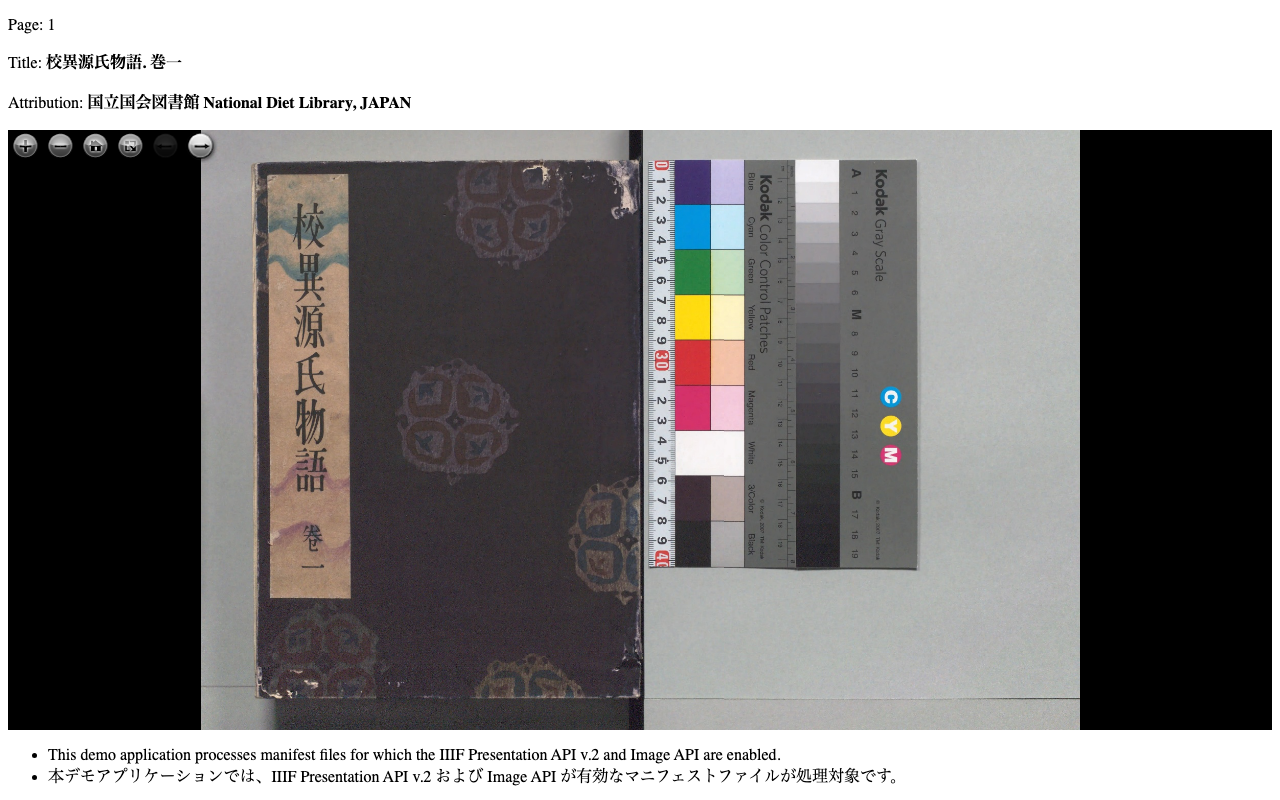
I created a repository introducing a usage example of Leaflet with Vue 3 (including coordinate range retrieval). The working example is available here: https://static.ldas.jp/vue3-leaflet/ The source code is available here: https://github.com/ldasjp8/vue3-leaflet As a Vue 3 beginner, there may be errors, but we hope this serves as a useful reference.

Created a Sample Repository for Using OpenSeadragon with Vue3

Created a Sample Repository for Using OpenSeadragon with Vue3

I created a sample repository for using OpenSeadragon with Vue3. Here is a working example. https://static.ldas.jp/vue3-osd/ The source code is available below. https://github.com/ldasjp8/vue3-osd As I am a Vue3 beginner, there may be some errors, but I hope this is helpful.