Home Articles Books Search About
日本語
Starting Alfresco Governance Services Community Edition

Starting Alfresco Governance Services Community Edition

Overview I attempted to install Alfresco Governance Services Community Edition, referring to the following manual, so here are my notes. https://support.hyland.com/r/Alfresco/Alfresco-Governance-Services-Community-Edition/23.4/Alfresco-Governance-Services-Community-Edition References As a similar effort, the following is available. Please refer to it as well. https://irisawadojo.blogspot.com/2020/11/72alfresco2.html Virtual Machine The following machine was created as an Azure virtual machine. Image: Ubuntu Server 24.04 LTS - Gen2 VM Architecture: x64 Size: Standard D2ads v6 (2 vcpus, 8 GiB memory) Open port 8080 for use. ...

Cantaloupe: Serving Images Stored in Microsoft Azure Blob Storage

Cantaloupe: Serving Images Stored in Microsoft Azure Blob Storage

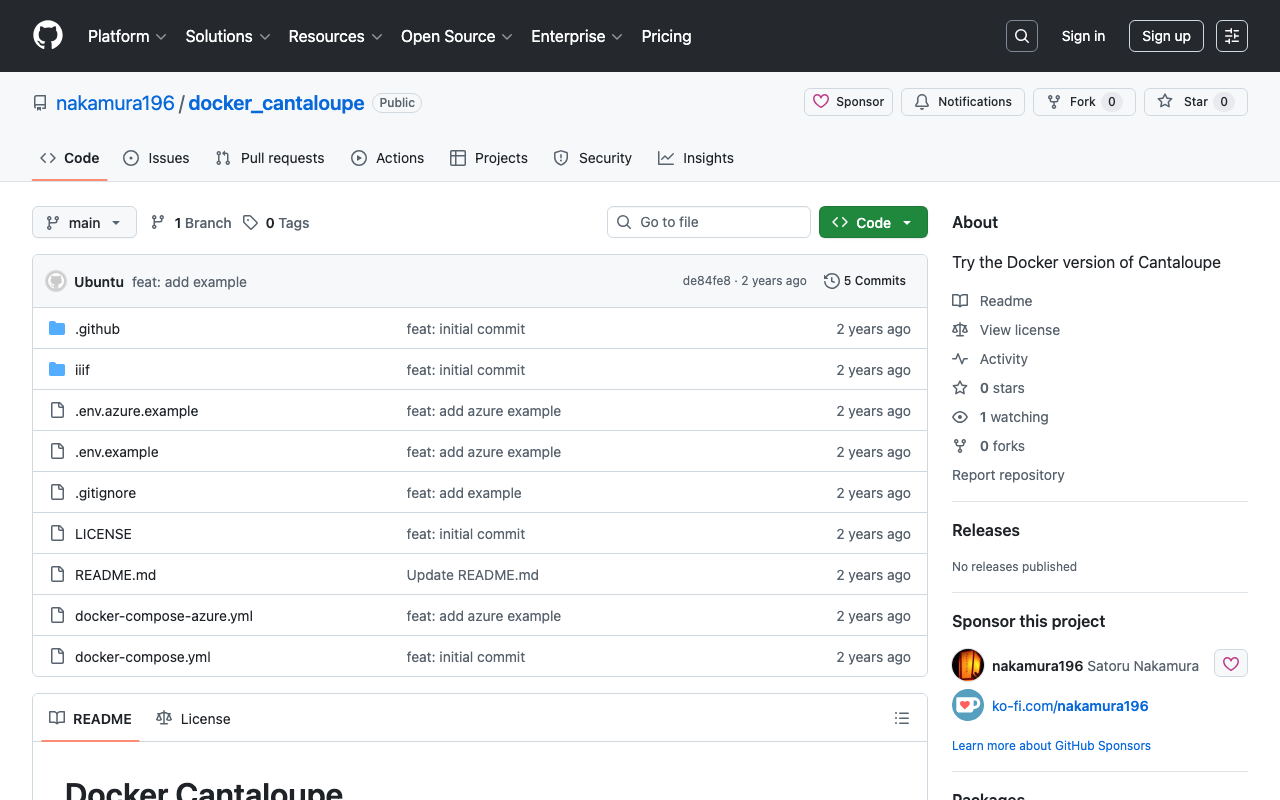
Overview This is a memo on how to serve images stored in Microsoft Azure Blob Storage using Cantaloupe Image Server, one of the IIIF image servers. This is the Microsoft Azure Blob Storage version of the following article. Method This time we will use the Docker version. Please clone the following repository. https://github.com/nakamura196/docker_cantaloupe In particular, rename .env.azure.example to .env and set the environment variables. # For Microsoft Azure Blob Storage CANTALOUPE_AZURESTORAGESOURCE_ACCOUNT_NAME= CANTALOUPE_AZURESTORAGESOURCE_ACCOUNT_KEY= CANTALOUPE_AZURESTORAGESOURCE_CONTAINER_NAME= # For Traefik CANTALOUPE_HOST= LETS_ENCRYPT_EMAIL= The last two settings also include HTTPS configuration using Traefik. ...

Reverse Proxy Settings for Drupal Running with Docker + Traefik

Reverse Proxy Settings for Drupal Running with Docker + Traefik

Overview I was running Drupal with HTTPS using Docker + Traefik, as introduced in the following article. At the time, with Drupal’s default settings, URLs were set with http as shown below. The problem with this was that, for example, when setting up Google account login as described in the following article, the redirect URL started with http, while the Google Cloud console requires URLs starting with https. This discrepancy caused authentication to fail in some cases. ...

Redirecting to HTTPS with Traefik

Redirecting to HTTPS with Traefik

Overview In the following article, I introduced an example of running HTTPS-enabled containers using Traefik. However, (this has since been fixed) the setting to redirect HTTP connections to HTTPS was missing, and accessing port 80 resulted in a “not found” error. This is a memorandum on how to fix this issue. Before the Change log: # level: DEBUG entryPoints: web: address: :80 websecure: address: :443 api: dashboard: true providers: docker: exposedByDefault: false certificatesResolvers: myresolver: acme: email: aaa@bbb storage: /acme.json caServer: https://acme-v02.api.letsencrypt.org/directory # caServer: https://acme-staging-v02.api.letsencrypt.org/directory httpChallenge: entryPoint: web After the Change log: # level: DEBUG entryPoints: web: address: :80 http: redirections: entryPoint: to: websecure schema: https permanent: true websecure: address: :443 api: dashboard: true providers: docker: exposedByDefault: false certificatesResolvers: myresolver: acme: email: na.kamura.1263@gmail.com storage: /acme.json caServer: https://acme-v02.api.letsencrypt.org/directory # caServer: https://acme-staging-v02.api.letsencrypt.org/directory httpChallenge: entryPoint: web In the entryPoints section, the redirect configuration has been added as follows: ...

Operating Multiple HTTPS-Enabled Containers with Traefik

Operating Multiple HTTPS-Enabled Containers with Traefik

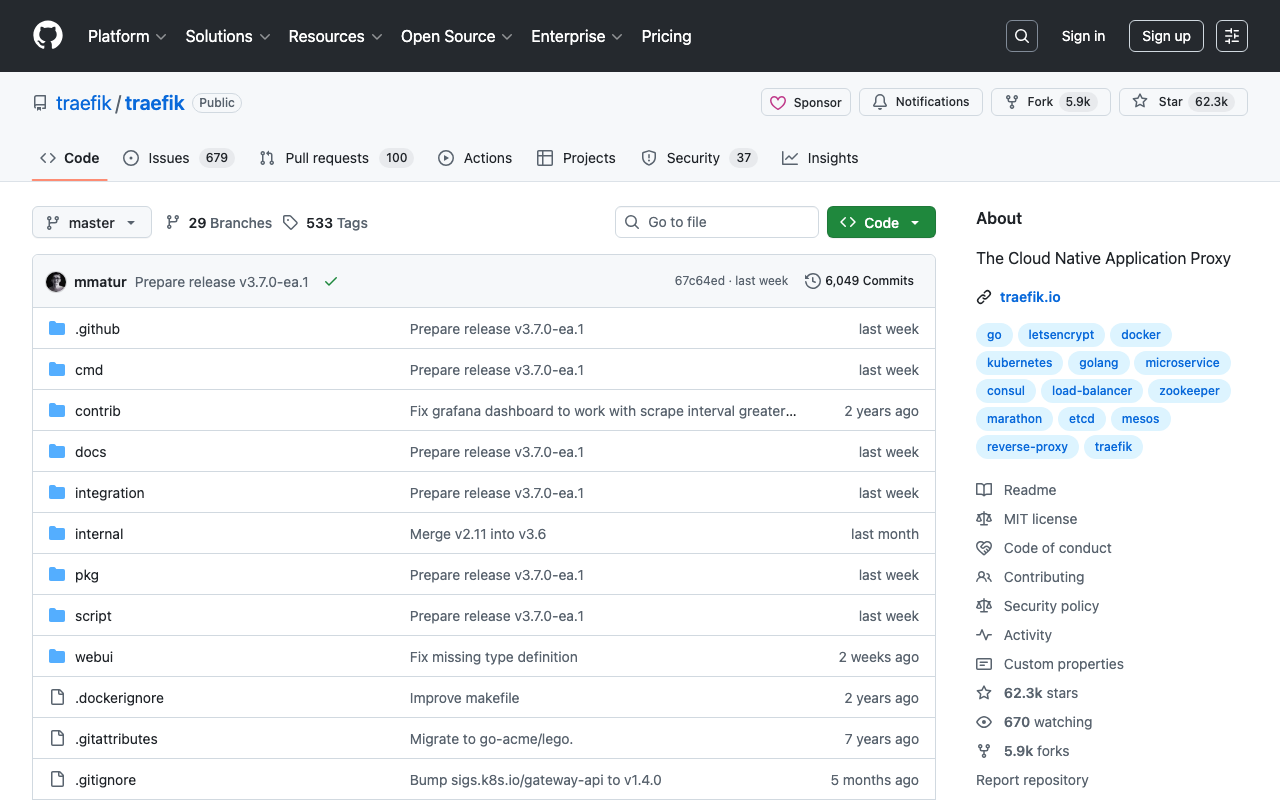
Overview This is a note on how to operate multiple HTTPS-enabled containers with Traefik. https://github.com/traefik/traefik Background Previously, I was using jwilder/nginx-proxy and jrcs/letsencrypt-nginx-proxy-companion with the following configuration. Proxy version: '3' # proxy services: nginx-proxy: image: jwilder/nginx-proxy container_name: nginx-proxy ports: - "80:80" - "443:443" volumes: - html:/usr/share/nginx/html - dhparam:/etc/nginx/dhparam - vhost:/etc/nginx/vhost.d - certs:/etc/nginx/certs:ro - /var/run/docker.sock:/tmp/docker.sock:ro - /srv/docker/nginx-proxy-with-encrypt/log:/var/log/nginx labels: - "com.github.jrcs.letsencrypt_nginx_proxy_companion.nginx_proxy" restart: always letsencrypt: image: jrcs/letsencrypt-nginx-proxy-companion container_name: nginx-proxy-lets-encrypt depends_on: - "nginx-proxy" volumes: - certs:/etc/nginx/certs:rw - vhost:/etc/nginx/vhost.d - html:/usr/share/nginx/html - /var/run/docker.sock:/var/run/docker.sock:ro volumes: certs: html: vhost: dhparam: networks: default: external: name: common_link Container Below is a Django example. ...