Home Articles Books Search About
日本語
Building an MCP Server for Searching the Koui Genji Monogatari Text DB

Building an MCP Server for Searching the Koui Genji Monogatari Text DB

Overview This is a memo on building an MCP server for searching the Koui Genji Monogatari Text DB. As an example, it can be used from Claude Desktop as follows: https://youtu.be/8s2R9V2hEvc?si=p9SW-IvhdNSzwTLN Background In the following article, I introduced the construction of an API server for searching the Koui Genji Monogatari Text DB. As an application of this, I built an MCP server to try interacting with AI agents. ...

Building an API Server for Searching the Koui Genji Monogatari Text DB

Building an API Server for Searching the Koui Genji Monogatari Text DB
Overview I built an API server for searching the Koui Genji Monogatari (Collated Tale of Genji) Text DB, so here are my notes. https://genji-api.aws.ldas.jp/ Background The following page publishes the text data of “Koui Genji Monogatari” in a TEI/XML-compliant format. https://kouigenjimonogatari.github.io/ This text data is registered in Elasticsearch to create an API that enables searching by text segments. Usage The usage documentation page using OpenAPI and Swagger is accessible at the following URL: ...

Enabling OpenAPI in Drupal

Enabling OpenAPI in Drupal

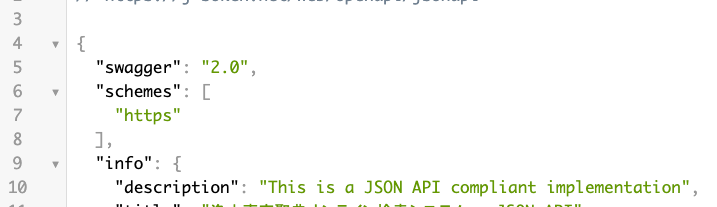
Overview I had the opportunity to enable OpenAPI in Drupal, so this is a memo. Note that the JSON:API module has already been enabled. Installing Modules Install the following two modules. https://www.drupal.org/project/openapi https://www.drupal.org/project/openapi_jsonapi As a result, JSON can be obtained from the following URL. /openapi/jsonapi Accessing the following displays “No UI …”. Next, let’s add a UI. /admin/config/services/openapi Adding a UI Install the following two modules. https://www.drupal.org/project/openapi_ui https://www.drupal.org/project/openapi_ui_redoc ...

Specifying the Initial Specification to Display in Swagger UI Demo via GET Parameter

Specifying the Initial Specification to Display in Swagger UI Demo via GET Parameter

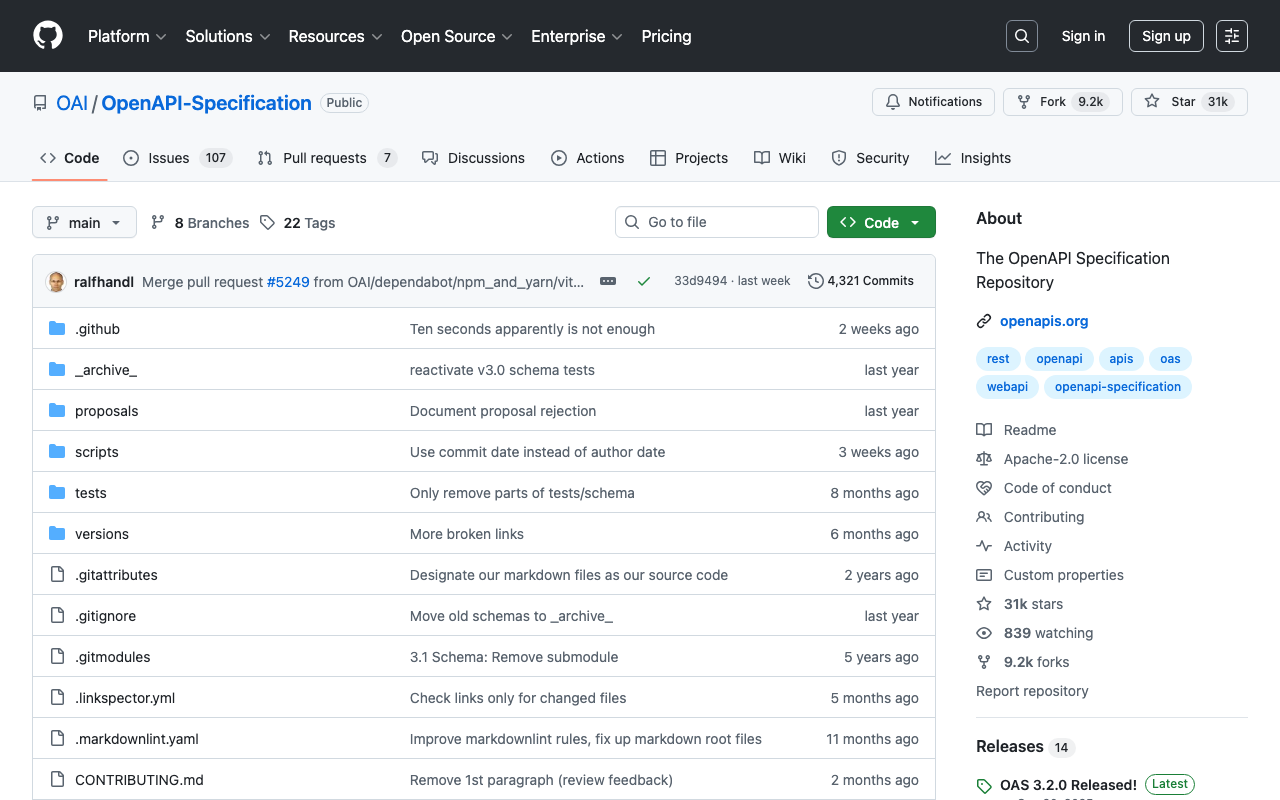
The Swagger UI demo is available at the following link. https://petstore.swagger.io/ By appending ?url=(URL to a JSON or YAML file) to the above URL, you can specify the initial specification to display. Here, we will use the following publicly available examples. https://github.com/OAI/OpenAPI-Specification For example, you can specify it as follows. https://petstore.swagger.io/?url=https://raw.githubusercontent.com/OAI/OpenAPI-Specification/main/examples/v3.0/api-with-examples.yaml I hope this serves as a useful reference when sharing specifications with others.