
Home Articles Books Search About
日本語
Tech Stack for a RAG App That Searches Historical Documents with AI

Tech Stack for a RAG App That Searches Historical Documents with AI

Introduction I built a RAG (Retrieval-Augmented Generation) application that lets users ask natural language questions about a research project’s published reports (10 volumes) and receive answers with citations to the relevant source materials. This article covers the tech stack and key design decisions behind the app. Architecture Overview User ↓ Question Next.js (App Router) ↓ API Route Query Rewrite (LLM) ↓ Refined search query Embedding Generation (text-embedding-3-small) ↓ Vector Pinecone (Vector Search, topK=8) ↓ Relevant chunks LLM (Claude Sonnet) ← System prompt + Context ↓ SSE Streaming Display answer to user Frontend Next.js 16 + React 19 + TypeScript The app uses the App Router with a simple 3-page structure. ...

Minor Modifications to openai-assistants-quickstart
Minor Modifications to openai-assistants-quickstart

Overview When building a chat interface using RAG (Retrieval-augmented generation) with OpenAI’s Assistants API, I used the following repository. https://github.com/openai/openai-assistants-quickstart A modification was needed regarding the handling of citation, so I am documenting it here as a memo. Background I used the above repository to try RAG with OpenAI’s Assistants API. With the default settings, citation markers like “4:13†” were displayed as-is, as shown below. Solution I modified annotateLastMessage as follows. By changing file_path to file_citation, the citation markers could be replaced. ...

Deleting All Files in OpenAI Storage

Deleting All Files in OpenAI Storage

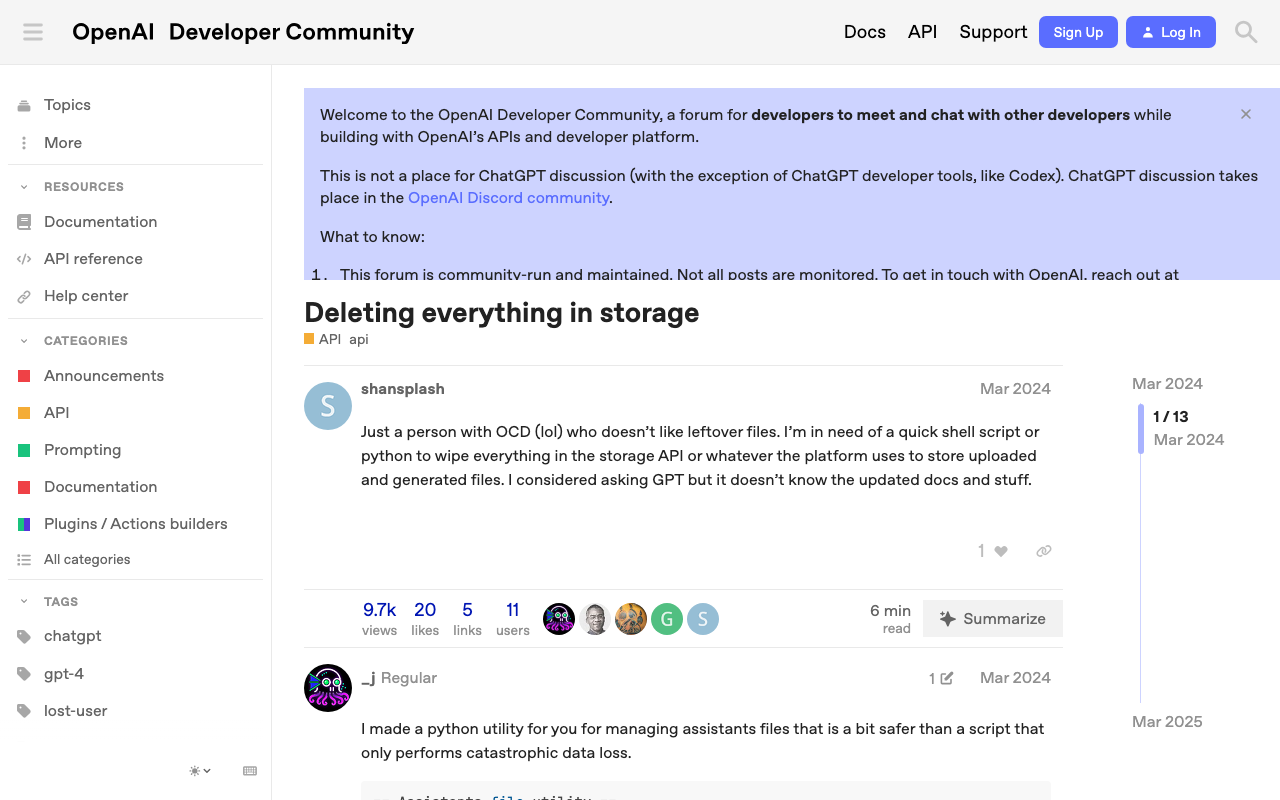
Overview This is a memo on how to delete all files in OpenAI storage. The following page was helpful. https://community.openai.com/t/deleting-everything-in-storage/664945 Background There was a case where I wanted to bulk-delete multiple files uploaded using code like the following. file_paths = glob("data/txt/*.txt") file_streams = [open(path, "rb") for path in file_paths] # Use the upload and poll SDK helper to upload the files, add them to the vector store, # and poll the status of the file batch for completion. file_batch = client.beta.vector_stores.file_batches.upload_and_poll( vector_store_id=vector_store.id, files=file_streams ) # You can print the status and the file counts of the batch to see the result of this operation. print(file_batch.status) print(file_batch.file_counts) Method Running the following code allowed me to perform bulk deletion. ...