Home Articles Books Search About
日本語
Application of DTS (Distributed Text Services) dts:wrapper When Building Search Systems from TEI/XML
Application of DTS (Distributed Text Services) dts:wrapper When Building Search Systems from TEI/XML

Overview This is a note on the application of the DTS (Distributed Text Services) dts:wrapper tag when building search systems from TEI/XML. DTS (Distributed Text Services) is described as follows: Cayless, H., Clérice, T., Jonathan, R., Scott, I., & Almas, B. Distributed Text Services Specifications (Version 1-alpha) [Computer software]. https://github.com/distributed-text-services/specifications` References As an example of building DTS, the following may also be helpful. Example The following “Digital Engishiki” is used as an example. ...

Using the GakuNin RDM API

Using the GakuNin RDM API

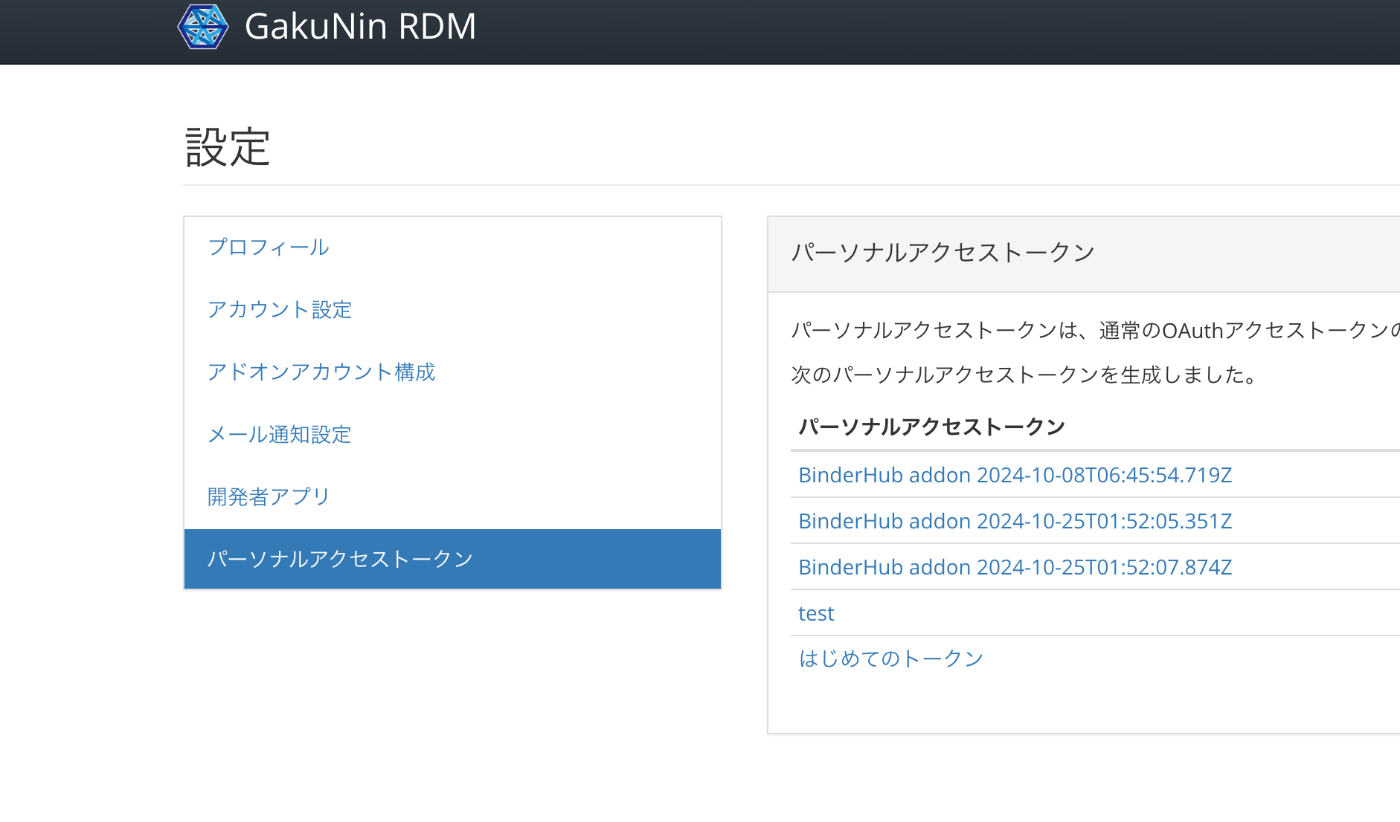
Overview GakuNin RDM provides an API at the following link. These are notes on usage examples of this API. https://api.rdm.nii.ac.jp/v2/ Reference GakuNin RDM is built on OSF (Open Science Framework), and API documentation can be found at the following link. It conforms to OpenAPI. https://developer.osf.io/ Obtaining a PAT Obtain a PAT (Personal Access Token). After logging in, you can create one from the following URL. https://rdm.nii.ac.jp/settings/tokens/ Usage You can also access it programmatically with the following script. ...

Using Node.js to Validate JSON:API Compliance
Using Node.js to Validate JSON:API Compliance

Overview This is a note about using the following repository to validate JSON:API compliance. https://github.com/elliotttf/jsonapi-validator At the time of writing this article, it appears to have not been updated for 7 years, so it may not support the latest schemas, but I was able to perform simple validation. Usage I prepared the following repository to try the library above. https://github.com/nakamura196/jsonapi-validator-demo Installation This assumes the use of nvm, but it is not required. ...

How to Use Drupal JSON:API (include and Multilingual Support)
How to Use Drupal JSON:API (include and Multilingual Support)

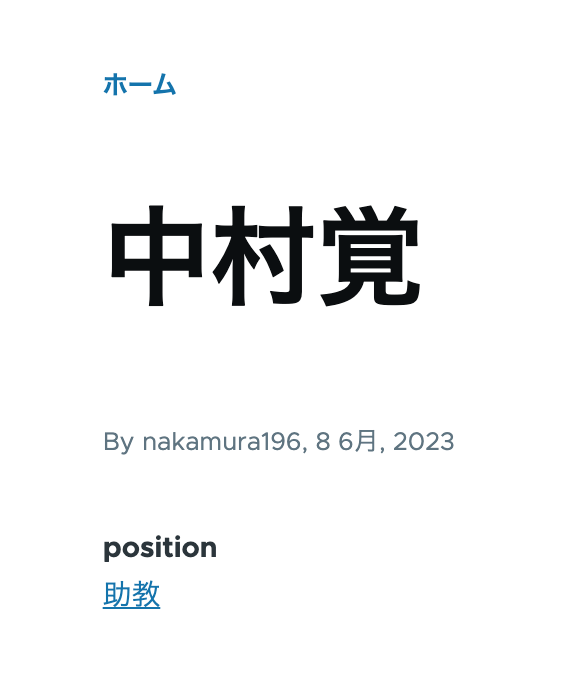
Overview This is a personal note on how to use Drupal’s JSON:API. This time, I will cover the use of include for taxonomies and multilingual processing. Data As shown below, the taxonomy “Assistant Professor” has been assigned to the position field. /node/5 Additionally, content multilingualization is enabled, so the English versions of the title and position are also displayed as shown below. /en/node/5 JSON:API Since the above content was created with the content type “faculty”, the data list can be retrieved from the following URL. ...

Content Registration and Multilingual Support Using Drupal Key Auth

Content Registration and Multilingual Support Using Drupal Key Auth

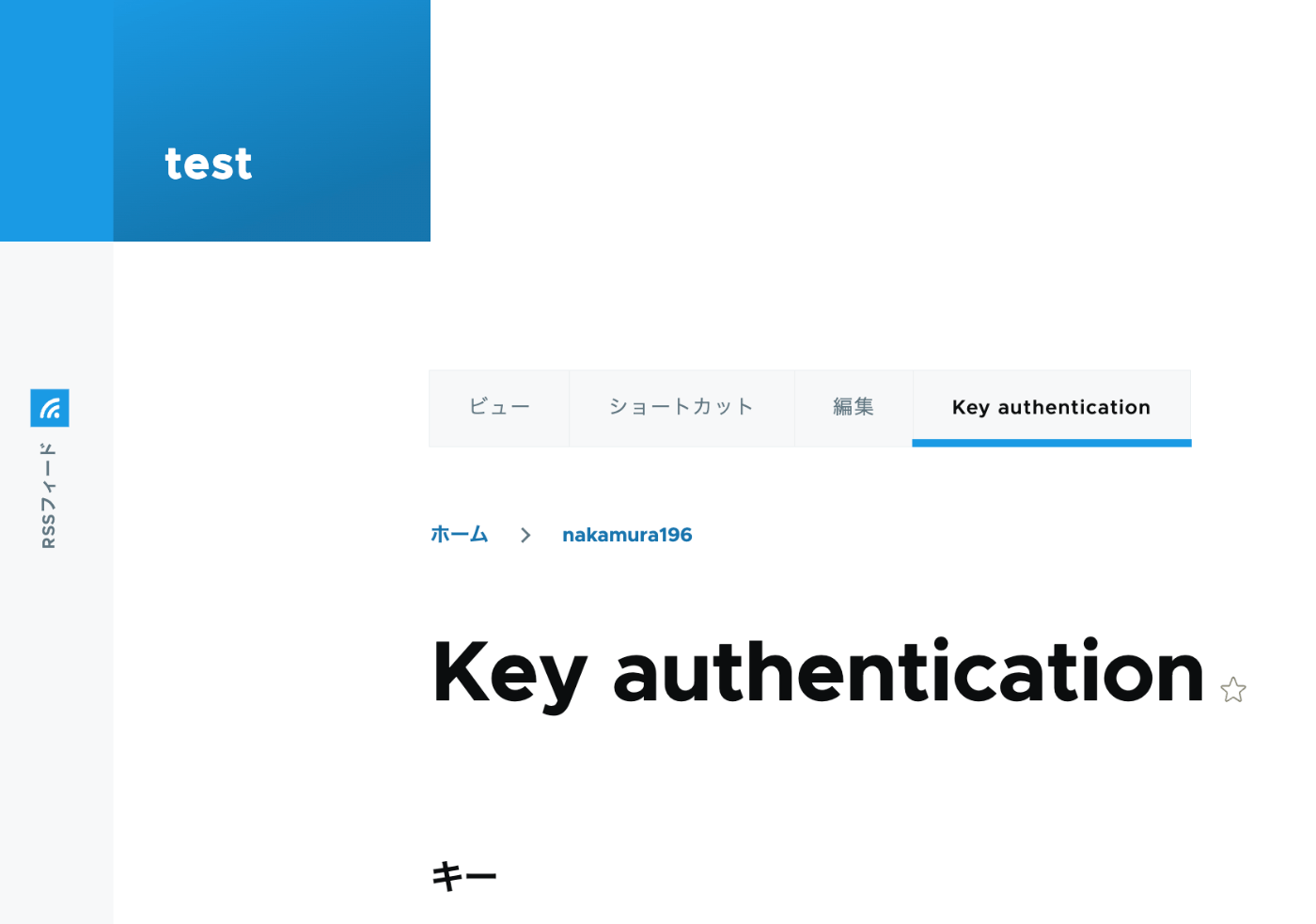
Overview In the following article, I performed content registration using Python with Basic authentication. This time, I tried API Key Authentication, referring to the following article. https://designkojo.com/post-drupal-using-jsonapi-vuejs-front-end API Key Authentication The following module was used. https://www.drupal.org/project/key_auth A “Key authentication” tab appeared on the user edit screen, allowing an API key to be generated. When using the API key, the following program can be used. import requests endpoint = 'http://{IP address or domain name}/jsonapi/node/article' key = '{API key}' headers = { 'Accept': 'application/vnd.api+json', 'Content-Type': 'application/vnd.api+json', "api-key": key } payload = { "data": { "type": "node--article", "attributes": { "title": "What's up from Python", "body": { "value": "Be water. My friends.", "format": "plain_text" } } } } r = requests.post(endpoint, headers=headers, json=payload) r.json() Notes on Multilingual Support As a note, it appears that creating translation data is not supported. ...