Home Articles Books Search About
日本語
Handling CORS for Express Deployed on Vercel Using vercel.json
Handling CORS for Express Deployed on Vercel Using vercel.json

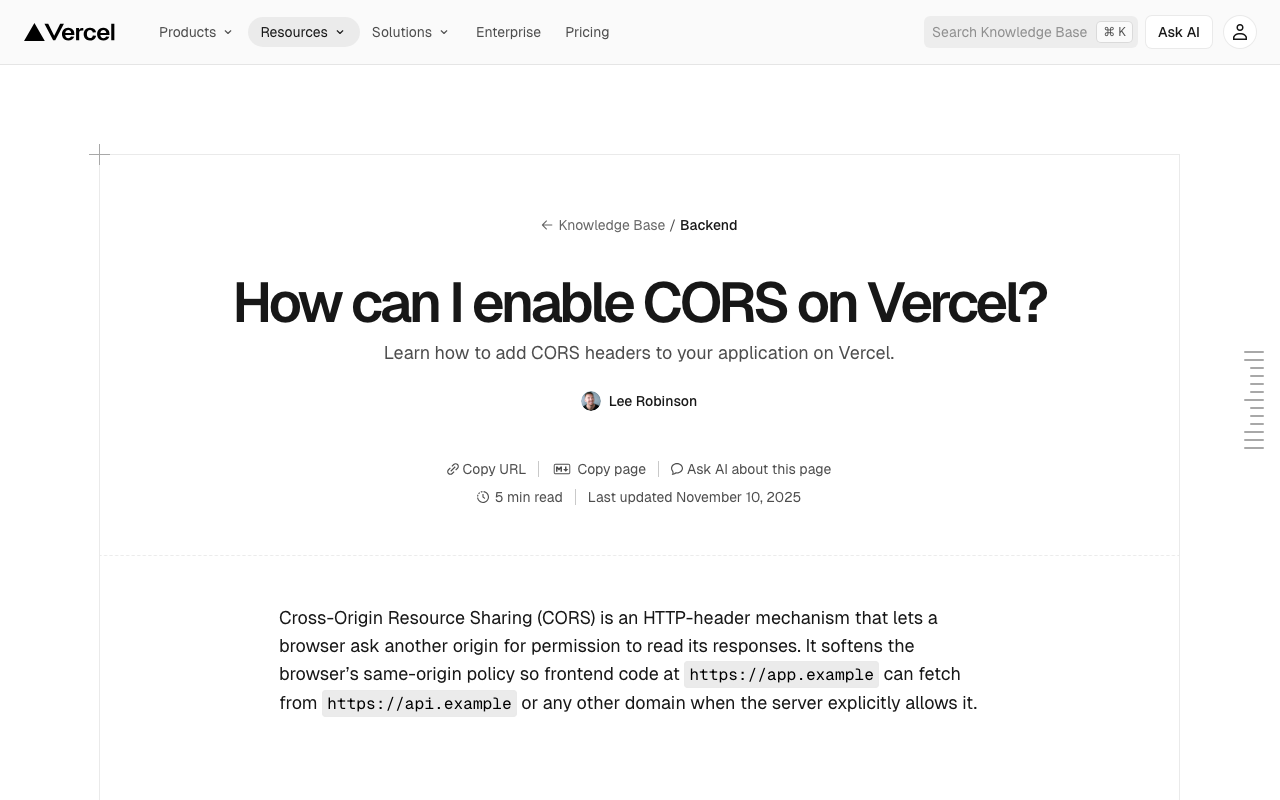
Overview This is a memo on how to handle CORS for Express deployed on Vercel using vercel.json. Background I implemented CORS handling for the program introduced in the following article. The following was used as a reference. https://vercel.com/guides/how-to-enable-cors Method The solution is as follows. While there may be other approaches, adding headers resolved the issue. https://github.com/nakamura196/dts-typescript/commit/4c28f66b2af68950656dcb812f3e941d1b9b5feb { "version": 2, "builds": [ { "src": "src/index.ts", "use": "@vercel/node" } ], "rewrites": [ { "source": "/api/dts(.*)", "destination": "/src/index.ts" } ], "redirects": [ { "source": "/", "destination": "/api/dts", "permanent": true } ], "headers": [ { "source": "/api/(.*)", "headers": [ { "key": "Access-Control-Allow-Credentials", "value": "true" }, { "key": "Access-Control-Allow-Origin", "value": "*" }, { "key": "Access-Control-Allow-Methods", "value": "GET,OPTIONS,PATCH,DELETE,POST,PUT" }, { "key": "Access-Control-Allow-Headers", "value": "X-CSRF-Token, X-Requested-With, Accept, Accept-Version, Content-Length, Content-MD5, Content-Type, Date, X-Api-Version" } ] } ] } Summary I hope this serves as a helpful reference. ...

Building a Proxy Server for mdx I Object Storage

Building a Proxy Server for mdx I Object Storage

Overview This is a memo on building a proxy server for mdx I’s object storage. Background The mdx I user guide explains the following. https://docs.mdx.jp/ja/index.html#オブジェクトストレージ This is a DataDirect Networks manual describing the API specifications handled by the S3 Data Service (DDN EXAScaler S3 Data Service) provided by mdx. Please review it together with the object storage usage examples in Tips. https://docs.mdx.jp/ja/_downloads/b5d961f2c152387fa10ed951d5278f47/S3 Data Services 5.2.7 API Reference Guide.pdf ...

CORS Configuration for Omeka S Image Server
CORS Configuration for Omeka S Image Server

Overview This is a note on handling CORS configuration for the Omeka S Image Server. Background In the following article, I introduced how to address CORS errors with the Omeka S IIIF Server module. While the above configuration resolved the issue of downloading IIIF manifest files, there were cases where images could not be downloaded, as shown below. Access to image at 'https://xxx/iiif/2/8455/full/86,/0/default.jpg' from origin 'https://uv-v4.netlify.app' has been blocked by CORS policy: The 'Access-Control-Allow-Origin' header contains multiple values '*, *', but only one is allowed. This article describes how to address this issue. ...

Handling CORS Errors with Drupal's JSON:API

Handling CORS Errors with Drupal's JSON:API

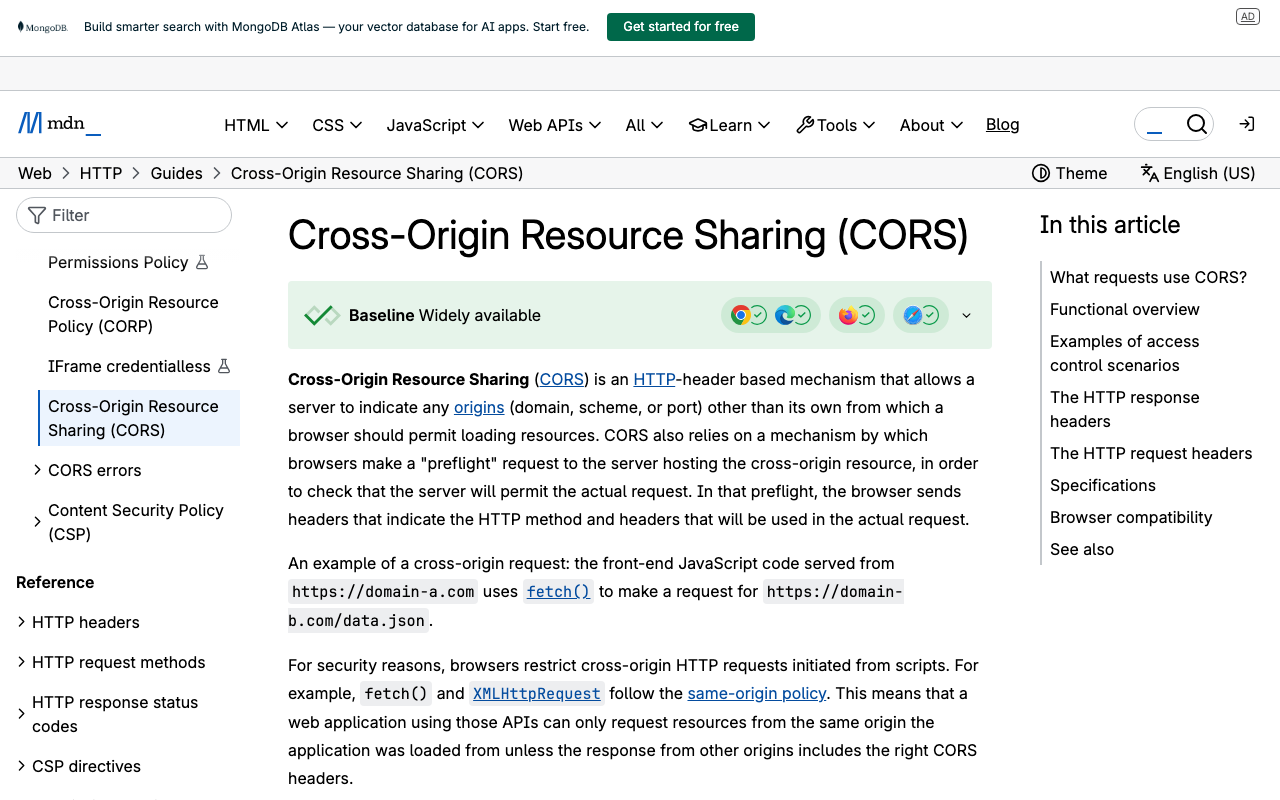
Overview When using the output from Drupal’s JSON:API in a separate application, a CORS error occurred. Here, I explain how to resolve the CORS error. Solution Copy the following file: /web/sites/default/default.services.yml cp /web/sites/default/default.services.yml /web/sites/default/services.yml Then, set enabled to true in cors.config: # Configure Cross-Site HTTP requests (CORS). # Read https://developer.mozilla.org/en-US/docs/Web/HTTP/Access_control_CORS # for more information about the topic in general. # Note: By default the configuration is disabled. cors.config: enabled: false # Change this to true! # Specify allowed headers, like 'x-allowed-header'. allowedHeaders: [] As a result, the CORS error was resolved. ...