概要
ArchivesSpaceをDockerで起動する機会がありましたので、備忘録です。
方法
以下に記載されています。
https://docs.archivesspace.org/administration/docker/
以下のようにcloneした上で、コンテナを起動します。
git clone https://github.com/archivesspace/archivesspace
cd archivesspace
docker compose up --detach
ドキュメントでは、以下のように記載されていますが、Public User interfaceは3001ポート、Staff User Interfaceは3000ポート、およびバックエンドシステムには4567ポートでアクセスできました。
Using the default proxy configuration, the Public User interface becomes available at http://localhost/ and the Staff User Interface at: http://localhost/staff/ (default login with: admin / admin)
翻訳ファイルの更新
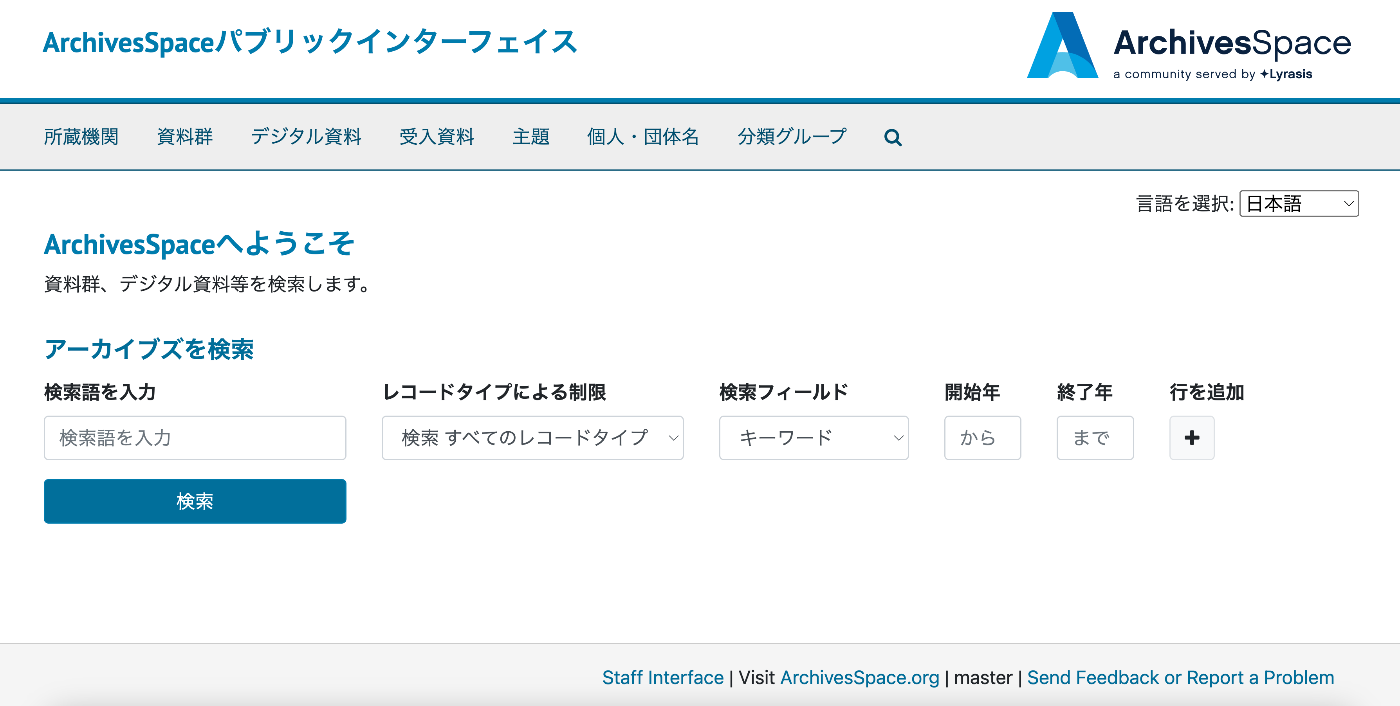
Public User interfaceはpublic/config/locales/ja.yml、Staff User Interfaceはfrontend/config/locales/ja.ymlの翻訳ファイルを更新することで、翻訳データを適用することができました。
以下、翻訳ファイルの更新前後の画面比較です。

まとめ
ArchivesSpaceの利用にあたり、参考になりましたら幸いです。
動画版(生成AIによる自動生成): この記事の内容をずんだもん×四国めたんの掛け合いで解説しています。自動生成のため、内容に誤りがある可能性があります。正確な情報は記事本文をご参照ください。