ホーム 記事一覧 ブック DH週間トピックス 検索 このサイトについて
English
StrapiでCSPのエラーが発生した際の対処法

StrapiでCSPのエラーが発生した際の対処法

概要 Strapiと以下のプラグインを使って、メディアをS3に格納する構成としました。 https://www.npmjs.com/package/@liashchynskyi/strapi-provider-upload-s3-cloudfront その際、以下のエラーが発生し、画像が表示されませんでした。 Refused to load the image 'https://xxx/uploads/yyy.jpg' because it violates the following Content Security Policy directive: "img-src 'self' data: blob: dl.airtable.com". この課題に対して、以下の記事で述べられている通り、./config/middleware.jsを修正することで、この問題を解決することができました。 https://zenn.dev/studiobros/articles/04400f413eb2aa ACLについても 同様に、S3にメディアをアップロードできない状態にも遭遇しましたが、上記の記事にある通り、S3のACLを有効にし、さらに適切なブロックパブリックアクセス (バケット設定)を設定することで、無事にアップロードできるようになりました。 まとめ StrapiとS3を組み合わせたヘッドレスCMSの構築にあたり、参考になりましたら幸いです。

StrapiのData transferを試す

StrapiのData transferを試す

概要 Strapiにおいて、ローカル環境のデータを公開環境に反映させる機会があり、以下のData transferを使ってみました。 https://docs.strapi.io/dev-docs/data-management/transfer 手順 公開環境側 公開環境側で、Transfer Tokensを発行します。 ローカル環境 公開サイトをhttps://strapi.example.org、tokenをxxxとします。 この時、以下のコマンドにより、ローカル環境のデータを公開環境に反映することができました。 strapi transfer --to https://strapi.example.org/admin --to-token xxx 既存のデータが上書きされるため、その点はご注意ください。 ? The transfer will delete existing data from the remote Strapi! Are you sure you want to proceed? Yes Starting transfer... ✔ entities: 71 transfered (size: 73.6 KB) (elapsed: 1680 ms) ✔ links: 54 transfered (size: 10.3 KB) (elapsed: 687 ms) ... まとめ Strapiの利用にあたり、参考になりましたら幸いです。

Strapi v4のGraphQLのソートやページネーション

Strapi v4のGraphQLのソートやページネーション

Strapi v4のGraphQLのソートやページネーションの方法を調べました。以下に記載がありました。 https://docs.strapi.io/dev-docs/api/graphql 具体的には、以下のような形で記述することで、ページネーションやソートを行うことができました。 query { blogPosts(pagination: {page: 1, pageSize: 10}, sort: "createdAt:desc") { meta { pagination { total } } data { id attributes { createdAt } } } } 参考になりましたら幸いです。

StrapiとAmazon OpenSearchを連携する

StrapiとAmazon OpenSearchを連携する

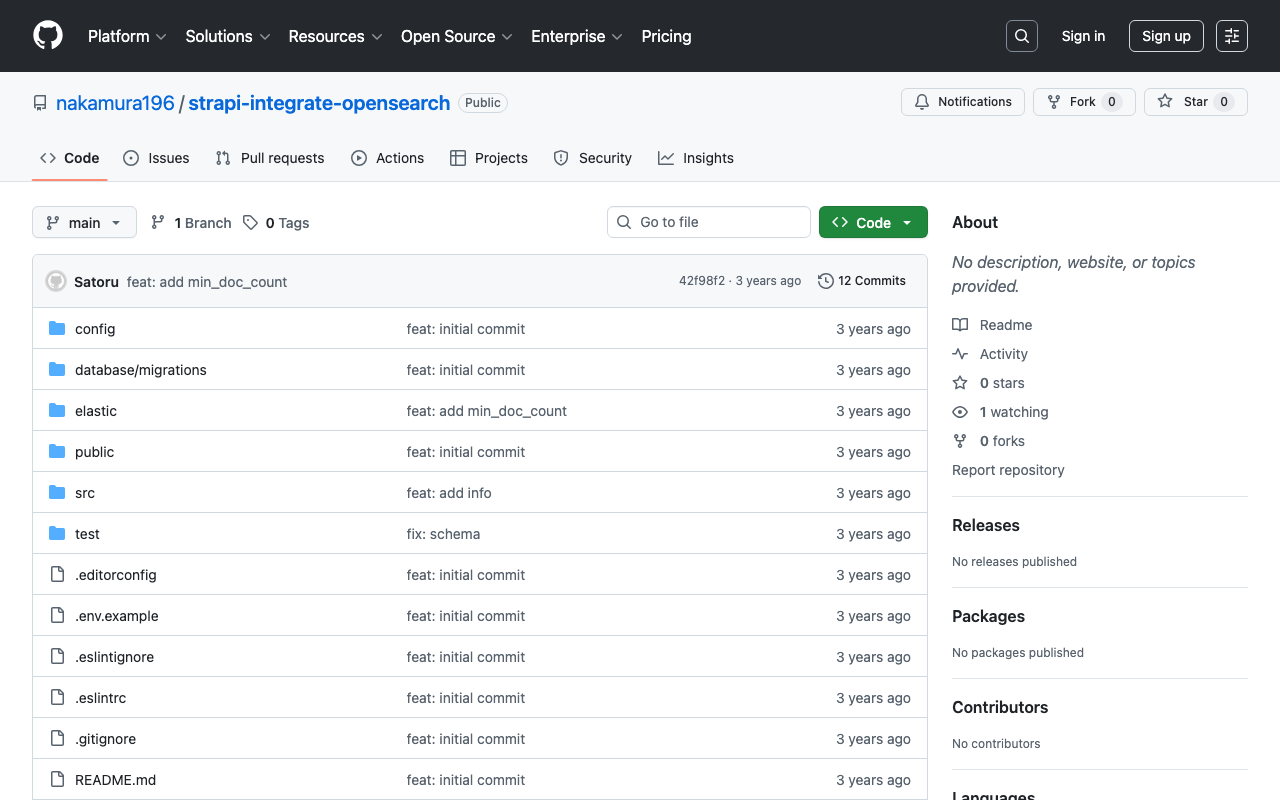
概要 StrapiとElasticsearchとの連携にあたり、以下の記事が参考になりました。 https://punits.dev/blog/integrating-elasticsearch-with-strapi/ ソースコードも公開されています。 https://github.com/geeky-biz/strapi-integrate-elasticsearch ここでは、上記の記事を参考にして、Amazon OpenSearchと連携するなど、一部カスタマイズした内容についてメモします。 カスタマイズしたソースコードは以下です。 https://github.com/nakamura196/strapi-integrate-opensearch 修正点 以下について、記事ではindexing_typeとなっていますが、indexing_request_typeとする必要がありました。 https://github.com/nakamura196/strapi-integrate-opensearch/blob/006c533d4d7882fc9779552db31a7b0e2ada5e57/elastic/cron-search-indexing.js#L16 またElasticsearchではなく、Amazon OpenSearchを使用するにあたり、以下のライブラリをインストールする必要があります。 npm install @opensearch-project/opensearch npm install @aws-sdk/credential-providers 認証の方法はいくつかあると思いますが、ここでは以下のように変更しました。 https://github.com/nakamura196/strapi-integrate-opensearch/blob/006c533d4d7882fc9779552db31a7b0e2ada5e57/elastic/elasticClient.js#L1C1-L30 インデックスへの登録および削除の処理についても、以下のように修正する必要がありました。 https://github.com/nakamura196/strapi-integrate-opensearch/blob/006c533d4d7882fc9779552db31a7b0e2ada5e57/elastic/elasticClient.js#L39-L44 上記のような修正の結果、StrapiとAmazon OpenSearchを接続させることができました。 elastic/elasticClient.js および src/api/search/controllers/search.js を変更することで、APIの出力結果もカスタマイズできました。これにより、ElasticsearchのAggregationsを使用することができるようになりました。(私の調査不足により、Strapi単体でも実現できるかもしれません。) まとめ StrapiとAmazon OpenSearchの連携にあたり、参考になりましたら幸いです。

StrapiのREST APIの設定など

StrapiのREST APIの設定など

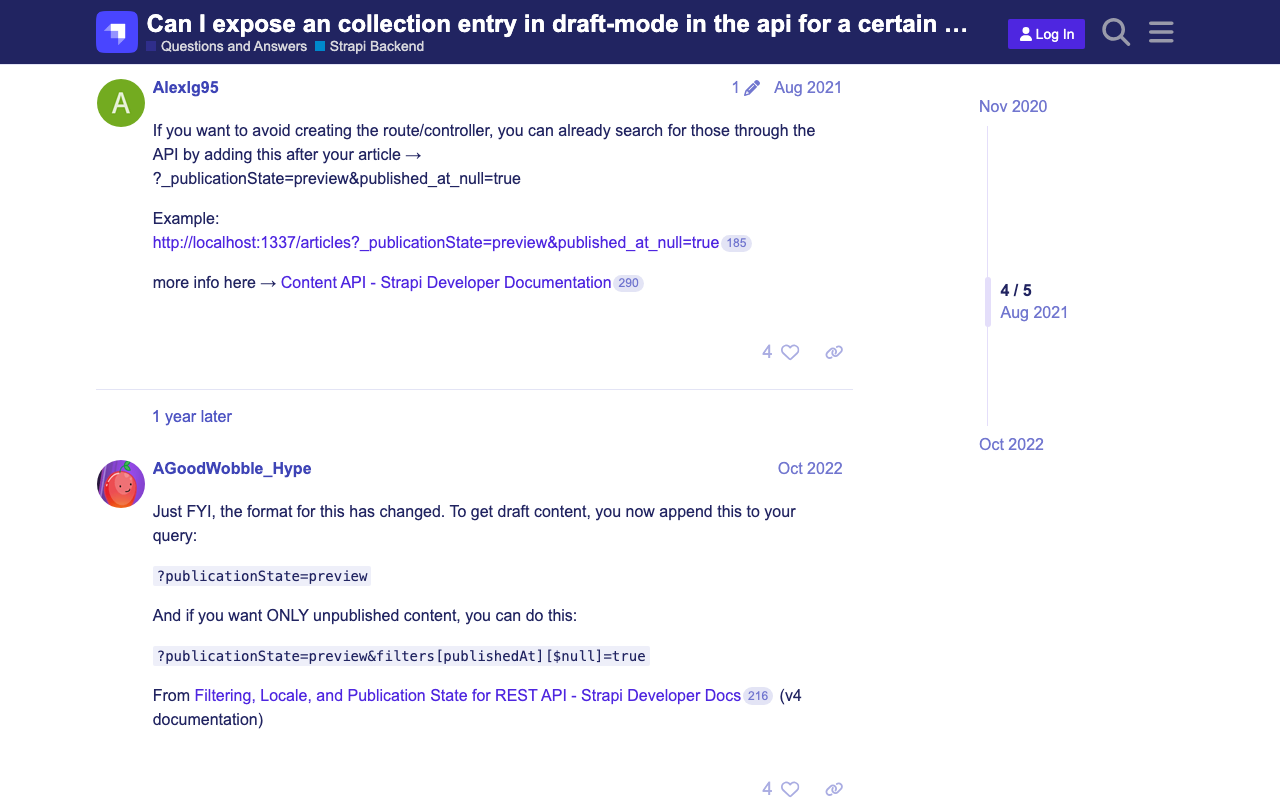
概要 StrapiのREST APIの一部設定に関する備忘録です。 検索結果の上限を変更する 以下に記載がありました。 https://docs.strapi.io/dev-docs/api/rest/sort-pagination#pagination 具体的には、以下です。 The default and maximum values for pagination[limit] can be configured in the ./config/api.js file with the api.rest.defaultLimit and api.rest.maxLimit keys. module.exports = { rest: { defaultLimit: 25, maxLimit: 1000, // 100, withCount: true, }, }; STATEがDraftのものも含めて取得する デフォルトではSTATEがDraftのものは取得できませんでした。以下の記事が参考になりました。 https://forum.strapi.io/t/can-i-expose-an-collection-entry-in-draft-mode-in-the-api-for-a-certain-user/895/4 具体的には以下のようなクエリパラメータを追加することで取得できました。 ?publicationState=preview&filters[publishedAt][$null]=true まとめ Strapiの利用にあたり、参考になりましたら幸いです。

Auth0 プロバイダーと Strapi のチュートリアル

Auth0 プロバイダーと Strapi のチュートリアル

概要 Auth0 を使用して Strapi を認証する方法を試しました。以下の記事の通りに進めることで、実現することができました。 https://strapi.io/blog/auth0-provider-and-strapi-tutorial-1 ただし、Allowed Callback URLsを指定する箇所で、http://localhost:1337/connect/auth0/callbackとなっている箇所を、http://localhost:1337/api/connect/auth0/callbackに修正する必要がありました。 (参考)github 上記手順を参考に、githubをプロパイダーとして使用する方法もうまく設定できました。

Strapi: 深くネストされたフィールドで結果をフィルタリングする方法

Strapi: 深くネストされたフィールドで結果をフィルタリングする方法

概要 以下での記事で、深くネストされたフィールドで結果をフィルタリングする方法が紹介されています。 https://strapi.io/blog/deep-filtering-alpha-26 上記の通り、コンテンツタイプやフィールドを用意することで、意図した結果を得ることができました。 注意点 上記の記事のコメントにもありますが、本文中で「\」が含まれていますが、これは不要なようです。 誤 GET /api/books?filters\[authors\][hobby][$contains]=dance 以下のように、「\」なしのクエリにより、意図した結果が得られました。 正 GET /api/books?filters[authors][hobby][$contains]=dance まとめ 参考になりましたら幸いです。

StrapiにGraphQLを追加する

StrapiにGraphQLを追加する

概要 以下の記事で、StrapiをAmazon Lightsail上に立ち上げました。 今回は、GraphQLを追加して、使用してみます。 GraphQLプラグインのインストール 以下を実行しました。backendなどのパスは適宜読み替えてください。 cd /opt/bitnami/apache2/htdocs/backend yarn add @strapi/plugin-graphql そして、アプリを起動します。 yarn develop そして、/graphqlにアクセスすると、以下のような画面が表示されます。 今回、servicesというコンテンツタイプを作成し、titleというフィールドを作成済みでした。なので、以下のようなクエリを発行することで、その一覧やメタデータを取得できました。 # Write your query or mutation here query getServices { services { data { id attributes { title createdAt updatedAt } } } } 以下が結果です。 { "data": { "services": { "data": [ { "id": "1", "attributes": { "title": "Cultural Japan", "createdAt": "2023-04-10T21:59:08.768Z", "updatedAt": "2023-04-10T21:59:12.752Z" } } ] } } } まとめ 次は、Next.jsなどとの連携を試してみたいと思います。

Amazon LightsailでStrapiを動かす(SSL, 独自ドメイン)

Amazon LightsailでStrapiを動かす(SSL, 独自ドメイン)

概要 Amazon LightsailでStrapiを動かす機会がありましたので、その備忘録です。以下の記事を参考にしました。 https://zenn.dev/holykzm/articles/1e54cc25207657 インスタンス Node.jsを選択します。 メモリは1GB以上のものを選択してください。Lightsail上でビルドする場合、メモリ不足でエラーが発生します。 SSL、独自ドメイン 以下を参考にしてください。 https://zenn.dev/nakamura196/articles/5772d6c918508a#独自ドメインの付与 Static IPを付与して、Route 53で独自ドメインを設定し、以下を実行します。 sudo /opt/bitnami/bncert-tool ProxyPassの設定 (より適切な記述箇所があるかと思いますが、)以下を追記します。 /opt/bitnami/apache2/conf/httpd.conf # 末尾に以下を追加 ProxyPass / http://localhost:1337/ ProxyPassReverse / http://localhost:1337/ apacheの再起動 sudo /opt/bitnami/ctlscript.sh restart apache Strapi のインストール cd /opt/bitnami/apache2/htdocs/ npx create-strapi-app@latest backend --quickstart アプリが起動するので、Ctrl+Cなどで一旦停止します。 pm2 pm2のインストール sudo npm install pm2 -g server.jsの作成 cd /opt/bitnami/apache2/htdocs/backend vi server.js /opt/bitnami/apache2/htdocs/backend/server.js const strapi = require('@strapi/strapi'); strapi(/* {...} */).start(); ビルド cd /opt/bitnami/apache2/htdocs/backend NODE_ENV=production npm run build サーバの起動 NODE_ENV=production pm2 start server.js --name strapi 以下のように、strapiを起動できました。 ...