Amazon SNSを用いたEC2上のVirtuosoの再起動
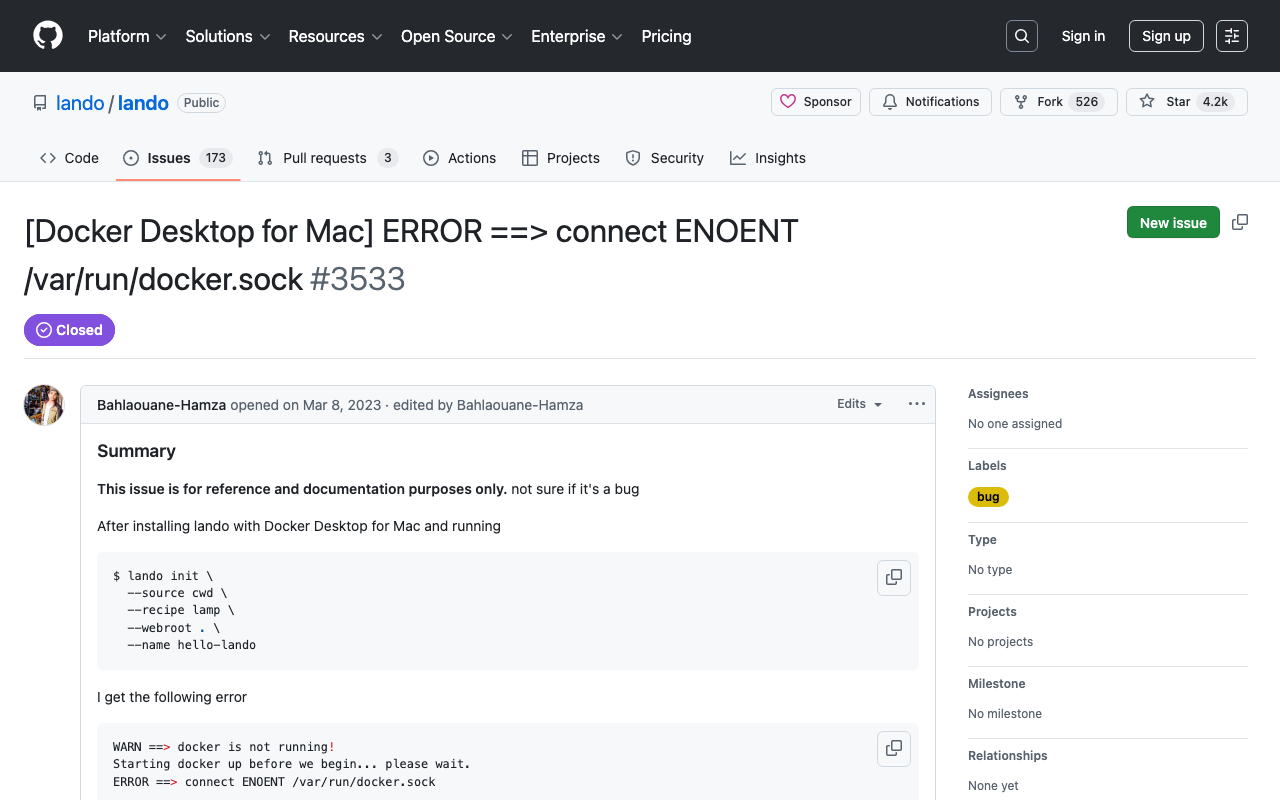
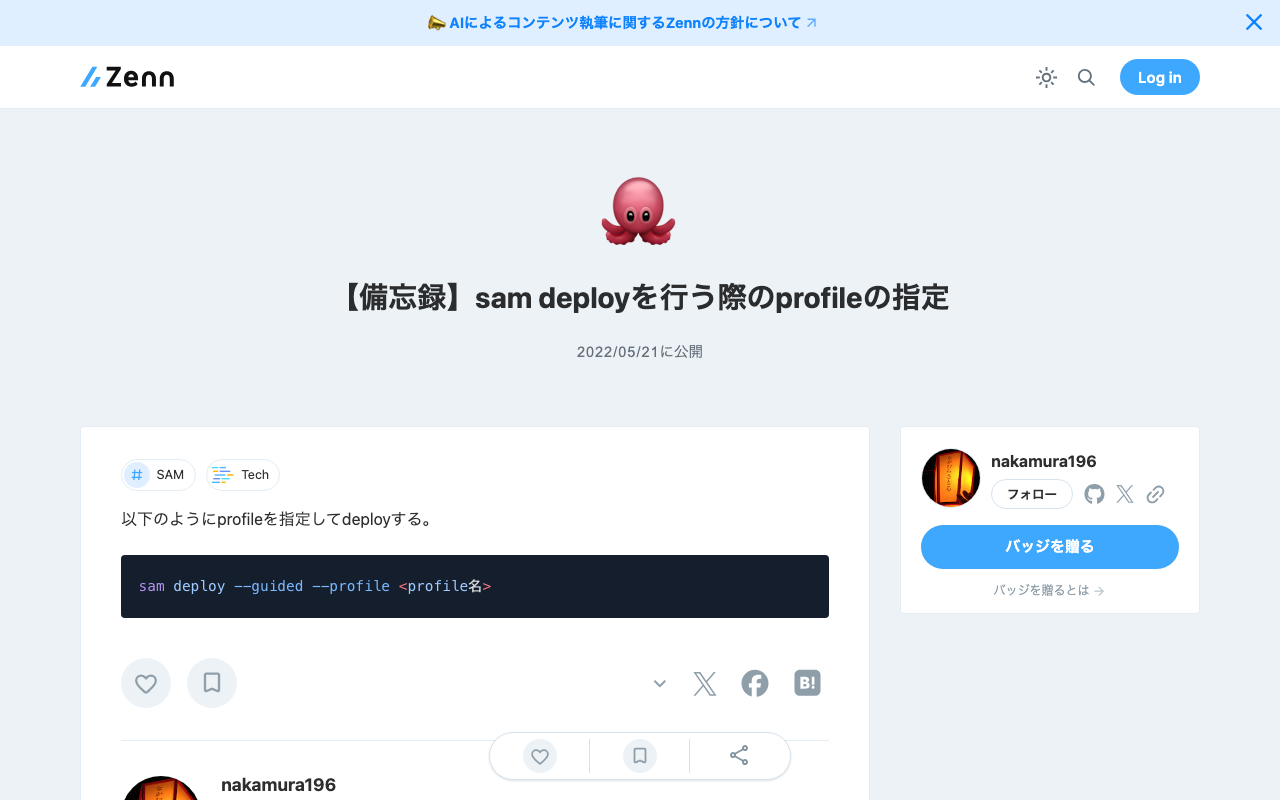
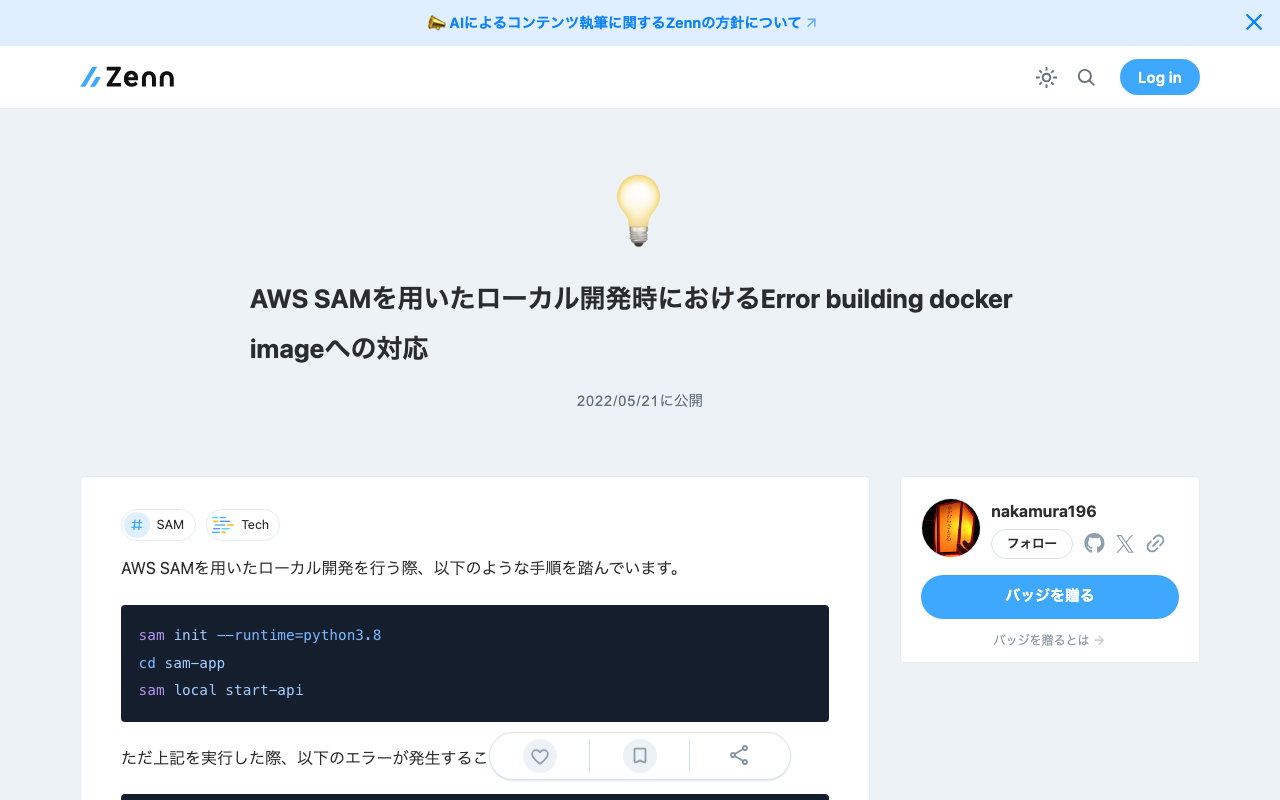
概要 以下の記事で、ヘルスチェックを行う方法について記述しました。 また、Virtuosoが停止した際の再起動のためのコマンドを以下に記述しました。 今回は、Amazon SNSを用いた通知に合わせて、Virtuosoを再起動してみます。 方法 EC2インスタンスにsudo rm -rf /usr/local/var/lib/virtuoso/db/virtuoso.lck && ...のようなコマンドを送信するには、SSM(AWS Systems Manager)に関する設定が必要でした。 IAMロールとポリシー IAMロールを新規に作成して、AmazonSSMFullAccessというポリシーを許可しました。はじめ、AmazonSSMManagedInstanceCoreというポリシーを許可していましたが、後述するlambda実行時に以下のようなエラーが発生して、うまく動作させることができませんでした。 An error occurred (InvalidInstanceId) when calling the SendCommand operation: Instances [[i-xxxxxx]] not in a valid state for account xxxxxx EC2インスタンスの「IAMロールを変更」から、作成したIAMロールを選択して更新しました。 AWS SAM: lamda関数の作成 AWS SAMを用いました。以下でのプロジェクトを作成します。 sam init hello_world/app.pyを以下のように作成しました。instance_idの部分には、要修正です。 import boto3 import time def lambda_handler(event, context): # EC2クライアントの初期化 ec2 = boto3.client('ec2') # 特定のEC2インスタンスIDを指定 instance_id = 'i-xxxxxxxx' # EC2インスタンスのステータスチェック response = ec2.describe_instance_status(InstanceIds=[instance_id]) if len(response['InstanceStatuses']) == 0: print(f"インスタンス {instance_id} は停止中です。") return # Define the command to be executed on the instance (e.g., restart software) command = 'sudo rm -rf /usr/local/var/lib/virtuoso/db/virtuoso.lck && sudo /usr/local/bin/virtuoso-t +configfile /usr/local/var/lib/virtuoso/db/virtuoso.ini' # SSMを通じてEC2インスタンスにコマンドを送信 ssm_client = boto3.client('ssm') response = ssm_client.send_command( InstanceIds=[instance_id], DocumentName='AWS-RunShellScript', Parameters={'commands': [command]} ) time.sleep(1.0) command_id = response['Command']['CommandId'] output = ssm_client.get_command_invocation( CommandId=command_id, InstanceId=instance_id, ) print("コマンドを実行しました。") # Extract only the necessary information from the output simplified_response = { "Output": output['StandardOutputContent'], "Error": output['StandardErrorContent'], } return simplified_response また、hello_word/requirements.txtにboto3を追記しました。 ...