ホーム 記事一覧 ブック DH週間トピックス 検索 このサイトについて
English
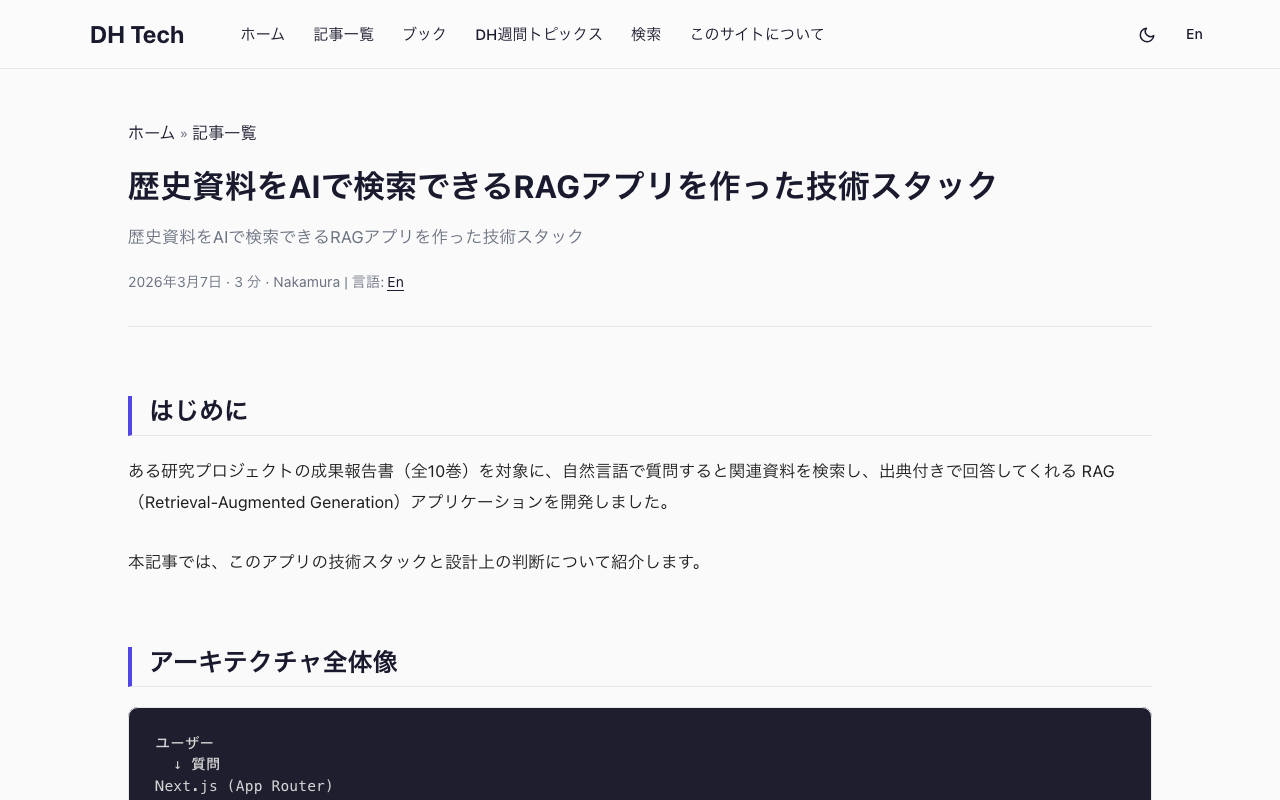
歴史資料をAIで検索できるRAGアプリを作った技術スタック

歴史資料をAIで検索できるRAGアプリを作った技術スタック

はじめに ある研究プロジェクトの成果報告書(全10巻)を対象に、自然言語で質問すると関連資料を検索し、出典付きで回答してくれる RAG(Retrieval-Augmented Generation)アプリケーションを開発しました。 本記事では、このアプリの技術スタックと設計上の判断について紹介します。 アーキテクチャ全体像 ユーザー ↓ 質問 Next.js (App Router) ↓ API Route クエリ補完 (LLM) ↓ 補完された検索クエリ Embedding生成 (text-embedding-3-small) ↓ ベクトル Pinecone (ベクトル検索, topK=8) ↓ 関連チャンク LLM (Claude Sonnet) ← システムプロンプト + コンテキスト ↓ SSEストリーミング ユーザーに回答表示 フロントエンド Next.js 16 + React 19 + TypeScript App Router を採用し、ページ構成はシンプルに3ページです。 パス 内容 / ランディングページ(質問例へのリンク付き) /chat チャットUI /about サイト概要 チャットページでは useSearchParams を使い、ランディングページの質問例をクリックすると /chat?q=... でそのまま質問が送信される仕組みにしています。 Tailwind CSS v4 スタイリングには Tailwind CSS v4 を使用。v4 では @import "tailwindcss" だけで設定が完了するため、tailwind.config.js が不要になりました。 ...

openai-assistants-quickstartの微修正

openai-assistants-quickstartの微修正

概要 OpenAIのAssistants APIを用いたRAG( Retrieval-augmented generation)を用いたチャット画面の構築にあたり、以下のリポジトリを使用しました。 https://github.com/openai/openai-assistants-quickstart この時、citationの扱いについて修正が必要であったため、備忘録としてメモします。 背景 上記のリポジトリを使い、OpenAIのAssistants APIを用いたRAGを試みました。 この時、デフォルトの設定では、以下のように、「4:13†」のように、引用箇所を示す記号がそのまま表示されてしまいました。 対策 annotateLastMessageを以下のように修正しました。file_pathをfile_citationに変更することで、引用箇所を置換することができた。 一例として、以下では、File APIへのリンクに置換しています。 const annotateLastMessage = (annotations) => { // Get the current messages setMessages((prevMessages) => { const lastMessage = prevMessages[prevMessages.length - 1]; const updatedLastMessage = { ...lastMessage, }; annotations.forEach((annotation) => { if (annotation.type === "file_citation") { updatedLastMessage.text = updatedLastMessage.text.replaceAll( annotation.text, `[リンク](/api/files/${annotation.file_citation.file_id})` ); } }); return [...prevMessages.slice(0, -1), updatedLastMessage]; }); }; 結果、以下のようにリンクが表示されました。 まとめ 目的に応じて、置換の内容を変更できるかと思います。参考になりましたら幸いです。

OpenAIでストレージ内のすべてのファイルを削除する

OpenAIでストレージ内のすべてのファイルを削除する

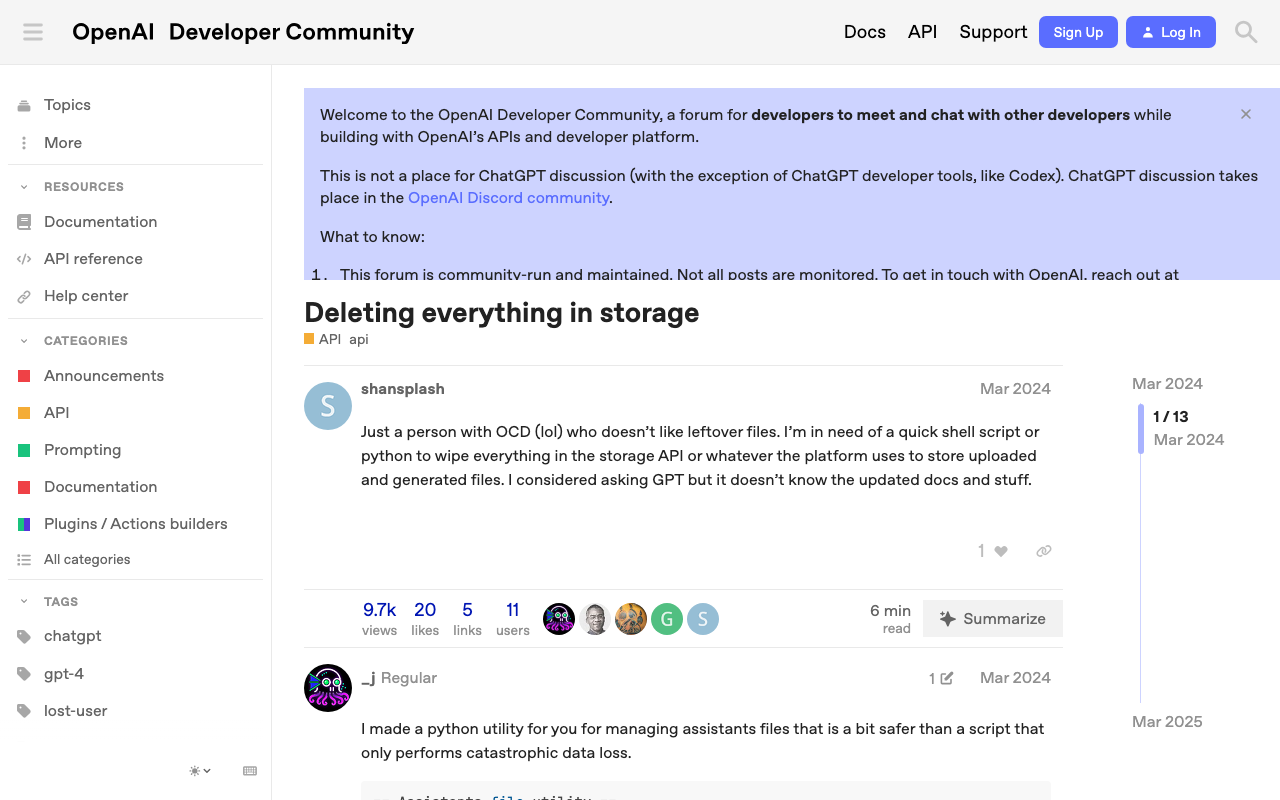
概要 OpenAIでストレージ内のすべてのファイルを削除する方法に関する備忘録です。 以下のページが参考になりました。 https://community.openai.com/t/deleting-everything-in-storage/664945 背景 以下のようなコードによってアップロードした複数ファイルを一括削除したいケースがありました。 file_paths = glob("data/txt/*.txt") file_streams = [open(path, "rb") for path in file_paths] # Use the upload and poll SDK helper to upload the files, add them to the vector store, # and poll the status of the file batch for completion. file_batch = client.beta.vector_stores.file_batches.upload_and_poll( vector_store_id=vector_store.id, files=file_streams ) # You can print the status and the file counts of the batch to see the result of this operation. print(file_batch.status) print(file_batch.file_counts) 方法 以下のコードを実行することに、一括削除を行うことができました。 ...