Drupal Key authを用いたコンテンツの登録と多言語対応
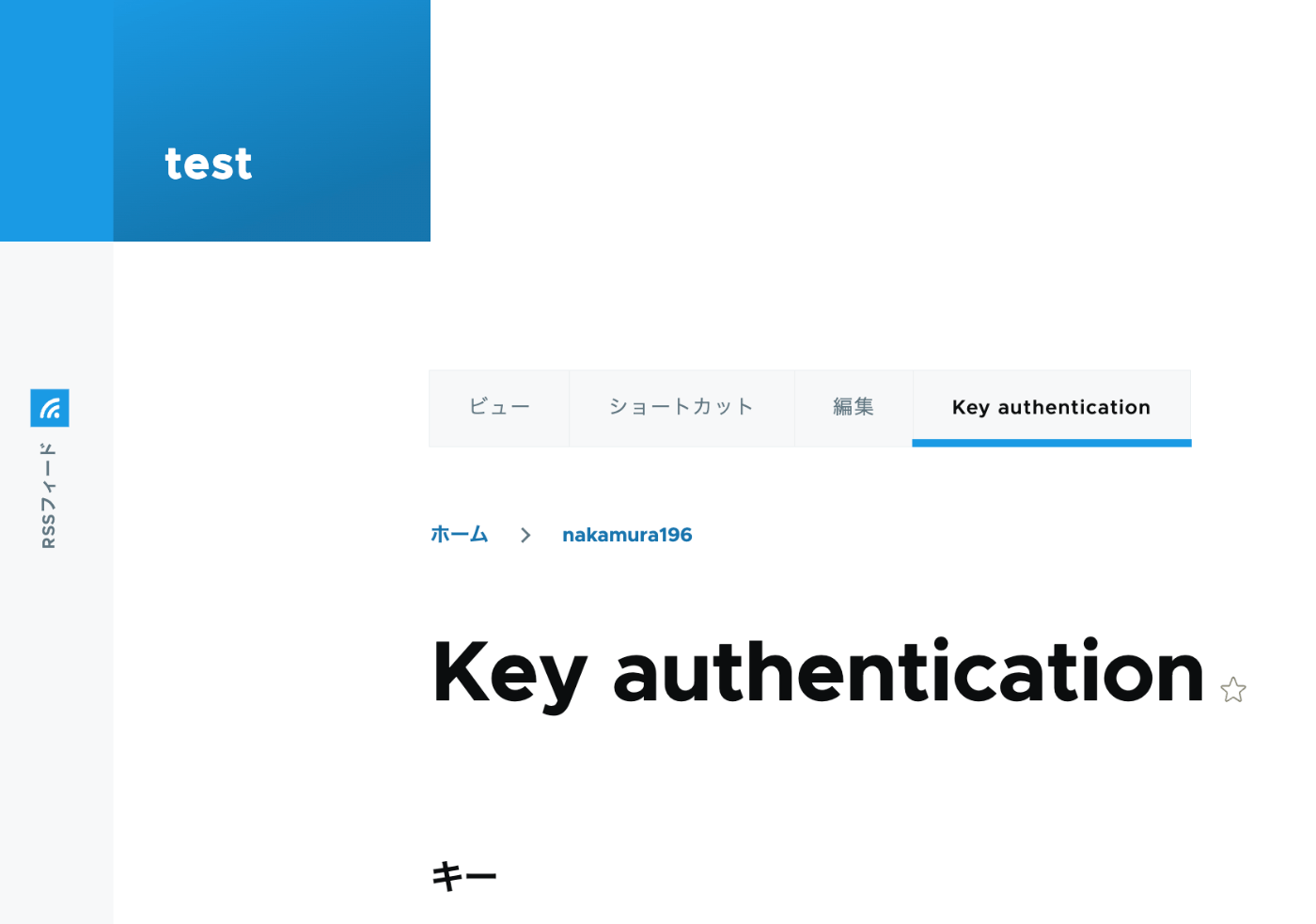
概要 以下の記事で、Basic認証を使ったPythonによるコンテンツ登録を行いました。 今回は、以下の記事を参考に、API Key Authenticationを試しました。 https://designkojo.com/post-drupal-using-jsonapi-vuejs-front-end API Key Authentication 以下のモジュールを使用しました。 https://www.drupal.org/project/key_auth ユーザの編集画面に「Key authentication」というタブが表示され、APIキーを生成できました。 APIキーを使用する場合には、以下のようなプログラムで実行することができました。 import requests endpoint = 'http://{ipアドレス or ドメイン名}/jsonapi/node/article' key = '{APIキー}' headers = { 'Accept': 'application/vnd.api+json', 'Content-Type': 'application/vnd.api+json', "api-key": key } payload = { "data": { "type": "node--article", "attributes": { "title": "What's up from Python", "body": { "value": "Be water. My friends.", "format": "plain_text" } } } } r = requests.post(endpoint, headers=headers, json=payload) r.json() 多言語対応における注意点 注意点として、翻訳データの作成はできないようでした。 https://www.drupal.org/docs/core-modules-and-themes/core-modules/jsonapi-module/translations 作成済みの翻訳データの更新は可能ですが、翻訳データがないノードに対しては、以下のエラーが発生しました。 { "jsonapi": { "version": "1.0", "meta": { "links": { "self": { "href": "http://jsonapi.org/format/1.0/" } } } }, "errors": [ { "title": "Method Not Allowed", "status": "405", "detail": "The requested translation of the resource object does not exist, instead modify one of the translations that do exist: ja." } ] } この点について、既に対応策ができているかもしれません。引き続き調査したいと思います。 ...