ホーム 記事一覧 ブック DH週間トピックス 検索 このサイトについて
English
Nuxt 3 プロジェクトのパッケージ更新まとめ

Nuxt 3 プロジェクトのパッケージ更新まとめ

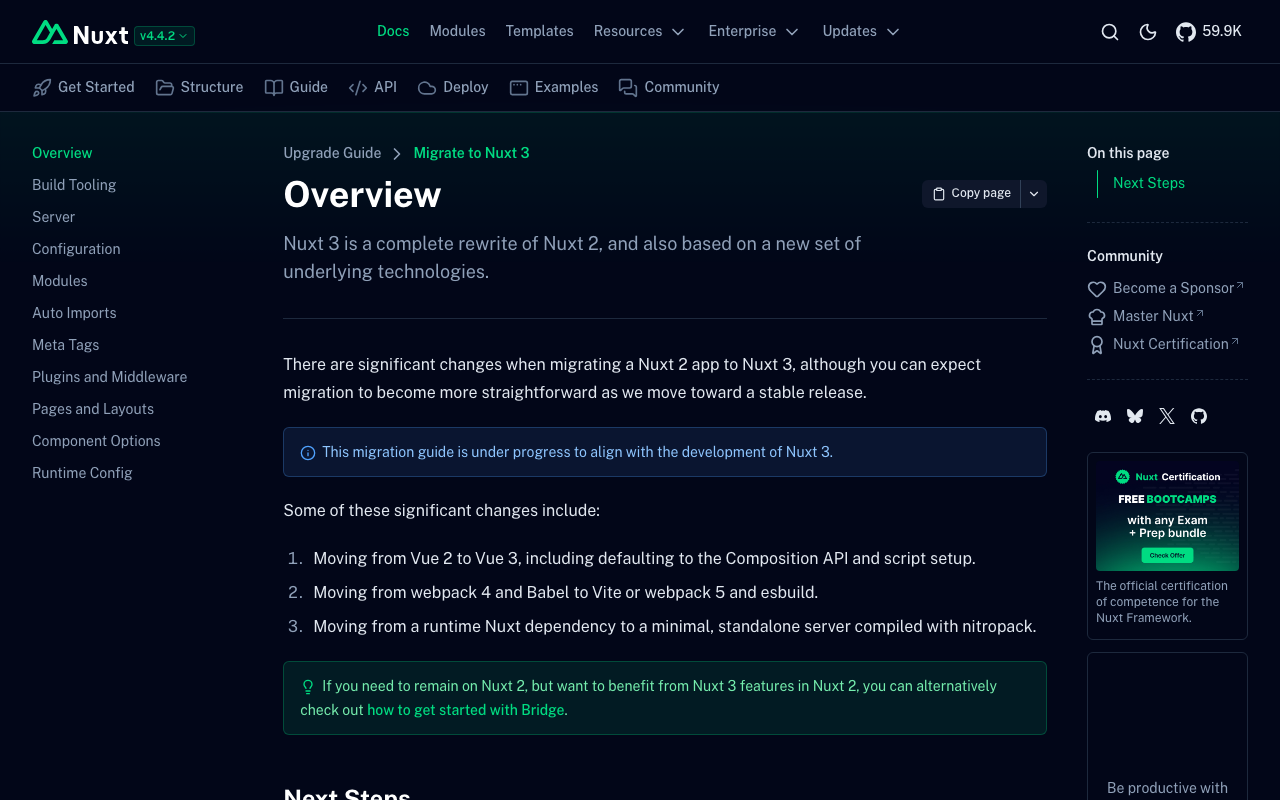
概要 Nuxt 3.2.3 から 3.20.2 へのメジャーアップデートを含む、依存パッケージの大規模更新を実施しました。 主要なパッケージ更新 パッケージ 更新前 更新後 nuxt 3.2.3 3.20.2 @nuxt/content 2.5.2 3.11.0 @nuxtjs/i18n 8.0.0-beta.10 10.2.1 vuetify 3.1.8 3.7.6 sass 1.58.3 1.83.4 @mdi/js 7.1.96 7.4.47 新規追加パッケージ better-sqlite3: ^12.5.0 - @nuxt/content v3 の依存 vue-i18n: ^11.0.0 - i18n モジュールの依存 対応が必要だった変更点 1. @nuxt/content v3 への移行 content.config.ts の新規作成が必要になりました。 // content.config.ts import { defineContentConfig, defineCollection } from '@nuxt/content' export default defineContentConfig({ collections: { content: defineCollection({ type: 'page', source: '**/*.md' }) } }) 2. @nuxtjs/i18n v10 への移行 nuxt.config.ts の変更点 // Before i18n: { locales: [ { code: "ja", iso: "ja_JP", file: "ja.js" }, { code: "en", iso: "en-US", file: "en.js" }, ], langDir: "locales/", vueI18n: { fallbackLocale: lang, }, } // After i18n: { locales: [ { code: "ja", language: "ja-JP", file: "ja.js" }, // iso → language { code: "en", language: "en-US", file: "en.js" }, ], bundle: { optimizeTranslationDirective: false, runtimeOnly: true, }, langDir: "locales", // 末尾スラッシュ削除 vueI18n: "./i18n.config.ts", // 外部ファイル化 } i18n.config.ts の新規作成 export default defineI18nConfig(() => ({ legacy: false, fallbackLocale: "ja", })); localesフォルダの移動 locales/ → i18n/locales/ ...

Nuxt i18nのブラウザ言語検出を無効化する方法

Nuxt i18nのブラウザ言語検出を無効化する方法

概要 (ChatGPTによる作成) Nuxt i18nモジュールでは、ユーザーのブラウザ言語を検出して、適切な言語のページにリダイレクトする機能があります。しかし、特定の状況ではこの機能を無効化したい場合もあります。この記事では、detectBrowserLanguage: falseを使用してブラウザ言語検出を完全に無効化する方法について解説します。 https://v8.i18n.nuxtjs.org/guide/browser-language-detection 設定方法 ブラウザの言語検出機能を無効にするには、nuxt.config.jsファイルでdetectBrowserLanguageオプションをfalseに設定します。 export default defineNuxtConfig({ // その他の設定 i18n: { // 言語検出を無効化 detectBrowserLanguage: false }, // その他の設定 }) これが役立つケース 特定のURLで直接アクセスさせたい場合 : 特定のコンテンツをユーザーが直接訪れることを意図している場合、リダイレクトが邪魔になることがあります。 クロールの最適化 : 検索エンジンのクローラーが特定の言語ページに直接アクセスできるようにしたい場合。 一貫性のあるユーザーエクスペリエンス : 例えば、リンクされた言語のページ同士を行き来するユーザーに対して、予想外のリダイレクトを避けたい場合。 まとめ detectBrowserLanguage: falseを利用することで、ユーザー体験やSEO最適化のために、リダイレクトに頼らずにサイトのアクセスを制御できます。適切な状況でこの設定を利用することで、サイトのユーザビリティを向上させることができます。 ブラウザの言語設定に影響されずに、指定した言語ページをユーザーに見てもらいたいときに、この設定を試してみてください。

Nuxt Content: Cannot find name 'queryContent'.への対応

Nuxt Content: Cannot find name 'queryContent'.への対応

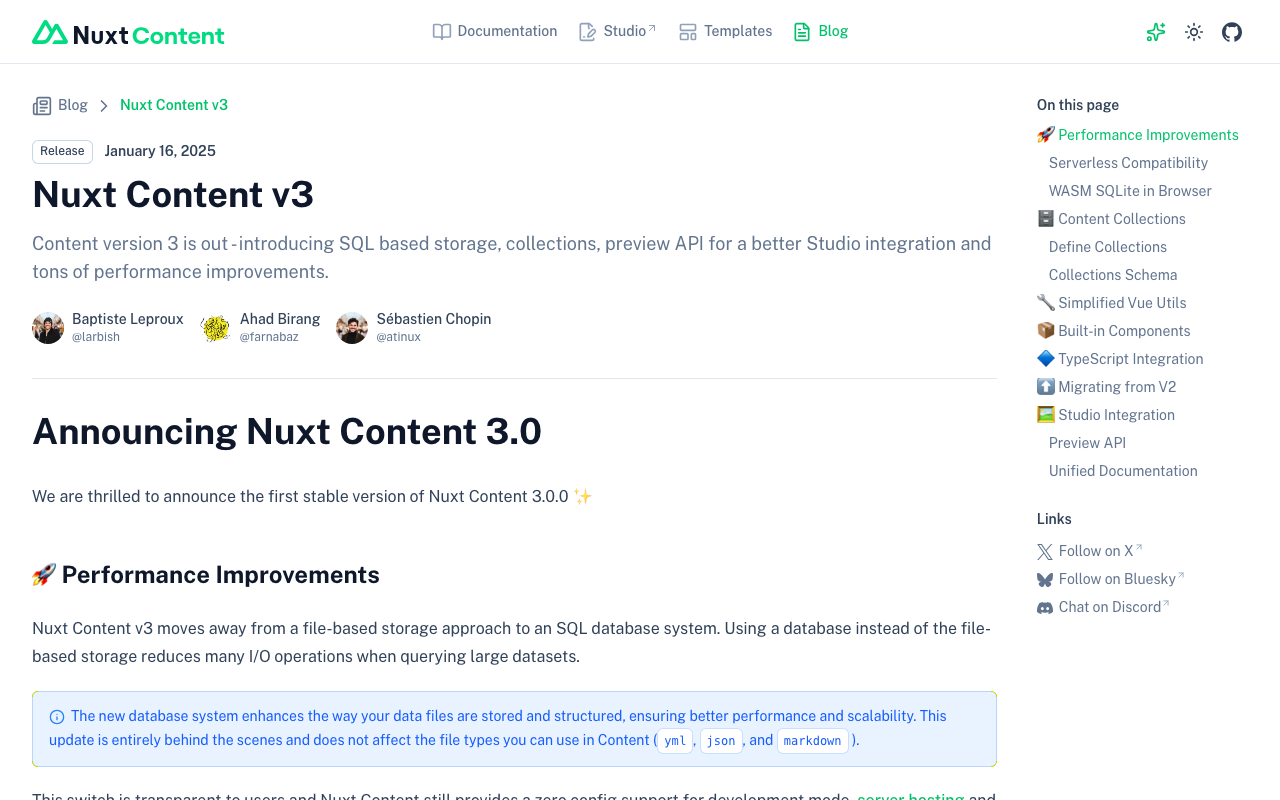
概要 Nuxt Contentにおいて、「Cannot find name ‘queryContent’.」というエラーが発生しましたので、対処方法に関する備忘録です。 原因 2025/1/16にNuxt Content v3がリリースされたようです。 https://content.nuxt.com/blog/v3 これにより、queryContentはqueryCollectionなどに変更されたようです。 対処方法 以下に記載があるように、content.config.tsを作成した上で、queryCollectionなどを使用するように変更する必要があるようです。 https://content.nuxt.com/blog/v3#️-content-collections 上記の対応により、エラーを解消できました。 まとめ Nuxt Content v2からv3への移行にあたり、参考になりましたら幸いです。

@sidebase/nuxt-authのローカル認証を試す

@sidebase/nuxt-authのローカル認証を試す

概要 @sidebase/nuxt-authのローカル認証を試す機会がありましたので、備忘録です。 背景 以下の記事で、@sidebase/nuxt-authを使って、Drupalの認証を行う方法を紹介しました。 上記の記事では、Nuxt3のSSRを利用して、@sidebase/nuxt-authのauthjsプロバイダを使用していました。プロバイダの説明は以下です。 authjs: for non-static apps that want to use Auth.js / NextAuth.js to offer the reliability & convenience of a 23k star library to the Nuxt 3 ecosystem with a native developer experience (DX) local: for static pages that rely on an external backend with a credential flow for authentication. The Local Provider also supports refresh tokens since v0.9.0. Read more here. (機械翻訳)authjs: 非静的なアプリ向けで、Auth.js / NextAuth.js を使用し、23,000以上のスターを持つ信頼性と利便性をNuxt 3エコシステムに提供します。開発者にネイティブな開発体験 (DX) を提供します。 local: 外部バックエンドを使用し、認証のために資格情報フローを利用する静的ページ向けです。このローカルプロバイダーは、バージョン0.9.0以降、リフレッシュトークンもサポートしています。詳しくはこちらをご覧ください。 ...

Nuxt3と@sidebase/nuxt-authを使って、Drupalの認証を行う

Nuxt3と@sidebase/nuxt-authを使って、Drupalの認証を行う

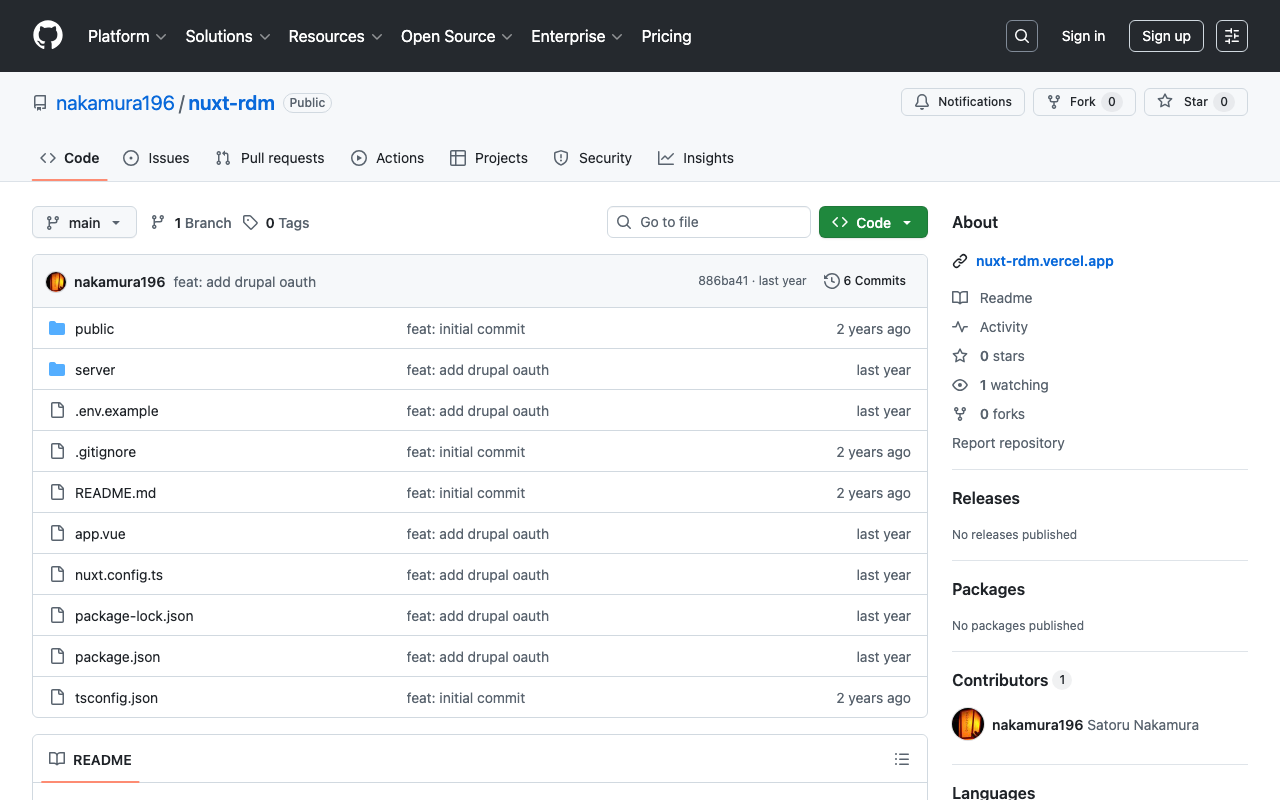
概要 Nuxt3と@sidebase/nuxt-authを使って、Drupalの認証を行う方法です。 背景 以下の記事で、GakuNin RDMの認証を行う方法を紹介しました。 また、以下の記事で、Next.jsからDrupalのOAuthを利用する方法を紹介しました。 これらを参考にして、Nuxt3からDrupalのOAuthを利用します。 方法 ソースコードは以下のリポジトリでご確認いただけます。 https://github.com/nakamura196/nuxt-rdm 具体的には、以下です。 https://github.com/nakamura196/nuxt-rdm/blob/main/server/api/auth/[…].ts { id: "drupal", name: "Drupal", type: "oauth", clientId: useRuntimeConfig().drupalClientId, clientSecret: useRuntimeConfig().drupalClientSecret, authorization: { url: process.env.DRUPAL_AUTH_URL, params: { scope: process.env.DRUPAL_SCOPE, response_type: "code", redirect_uri: `${ useRuntimeConfig().nextAuthUrl }/api/auth/callback/drupal`, }, }, token: { async request(context) { const body = new URLSearchParams({ client_id: useRuntimeConfig().drupalClientId, client_secret: useRuntimeConfig().drupalClientSecret, code: context.params.code || "", grant_type: "authorization_code", redirect_uri: `${ useRuntimeConfig().nextAuthUrl }/api/auth/callback/drupal`, }); const res = await fetch(process.env.DRUPAL_TOKEN_URL || "", { method: "POST", headers: { "Content-Type": "application/x-www-form-urlencoded", }, body, }); const json = await res.json(); // Parse the response body once if (!res.ok) { throw new Error(`Token request failed: ${res.statusText}`); } return { tokens: json }; }, }, profile(profile) { return { id: profile.sub, // "sub" をユーザーの一意のIDとして利用 name: profile.name || profile.preferred_username || "Unknown User", // 名前の優先順位を設定 email: profile.email || "No Email Provided", // メールがない場合のフォールバック image: profile.profile || null, // プロファイルURLを画像として使用(必要に応じて調整) }; }, }, まとめ 間違っている点もあるかもしれませんが、参考になりましたら幸いです。 ...

Nuxtで@elastic/search-uiを使ったサンプルリポジトリを作成しました。

Nuxtで@elastic/search-uiを使ったサンプルリポジトリを作成しました。

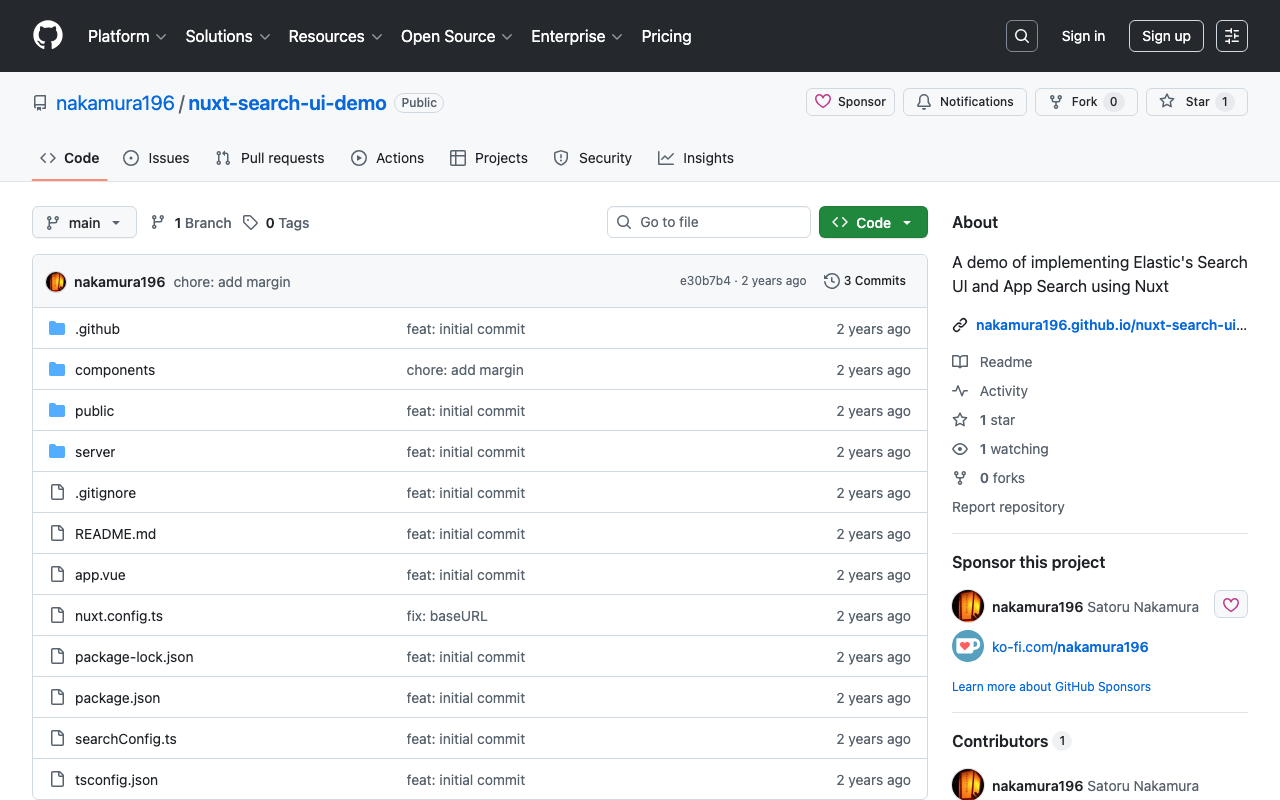
概要 Nuxtで@elastic/search-uiを使ったサンプルリポジトリを作成しました。 https://github.com/nakamura196/nuxt-search-ui-demo 以下からお試しいただけます。 https://nakamura196.github.io/nuxt-search-ui-demo 背景 @elastic/search-uiは以下のように説明されています。 https://www.elastic.co/docs/current/search-ui/overview A JavaScript library for the fast development of modern, engaging search experiences with Elastic. Get up and running quickly without re-inventing the wheel. (機械翻訳)Elasticを使用して、モダンで魅力的な検索エクスペリエンスを迅速に開発するためのJavaScriptライブラリです。車輪を再発明することなく、すぐに使い始めることができます。 以下でVue.jsを使ったサンプルリポジトリが公開されています。 https://github.com/elastic/vue-search-ui-demo 今回は上記のリポジトリを参考に、Nuxtを使ったサンプルリポジトリを作成しました。 メモ 初期検索 以下のように指定することで、初期読み込み時の検索を実行することができました。 https://github.com/nakamura196/nuxt-search-ui-demo/blob/main/searchConfig.ts#L49 alwaysSearchOnInitialLoad: true, 公式ドキュメントの以下に記載がありました。 https://www.elastic.co/docs/current/search-ui/api/react/search-provider 参考: カスタムconnectorの作成 以下を参考にカスタムconnectorを作成することで、Elasticsearch以外のAPIでも使用することができました。 https://www.elastic.co/docs/current/search-ui/guides/building-a-custom-connector 具体的には以下のような手順を参考に、Drupalで作成したJSON:API Search APIと組み合わせて使用することも可能でした。 https://next-drupal.org/guides/search-api まとめ 検索機能を持つアプリケーションの作成にあたり、参考になりましたら幸いです。

nuxt3-leafletで、指定したマーカーを前面に表示する

nuxt3-leafletで、指定したマーカーを前面に表示する

概要 nuxt3-leafletで、指定したマーカーを前面に表示する方法に関する備忘録です。 方法 以下のように、LMarkerにz-index-offset属性を用いることで、指定したマーカーを前面に表示することができました。 <template v-for="marker in markers"> <LMarker @click="selectMarker(marker)" :lat-lng="[marker.lat, marker.lng]" :z-index-offset="selectedSpotId === marker.id ? 1000 : 0" > <LTooltip> {{ marker.title }} </LTooltip> <LIcon :iconUrl="marker.icon" :iconSize="[25, 41]" :iconAnchor="[12, 41]" :popupAnchor="[1, -34]" :tooltipAnchor="[16, -28]" shadowUrl="https://esm.sh/leaflet@1.9.2/dist/images/marker-shadow.png" :shadowSize="[41, 41]" :shadowAnchor="[12, 41]" ></LIcon> </LMarker> </template> まとめ nuxt3-leafletの利用にあたり、参考になりましたら幸いです。

Nuxt3でサイトマップを作成する

Nuxt3でサイトマップを作成する

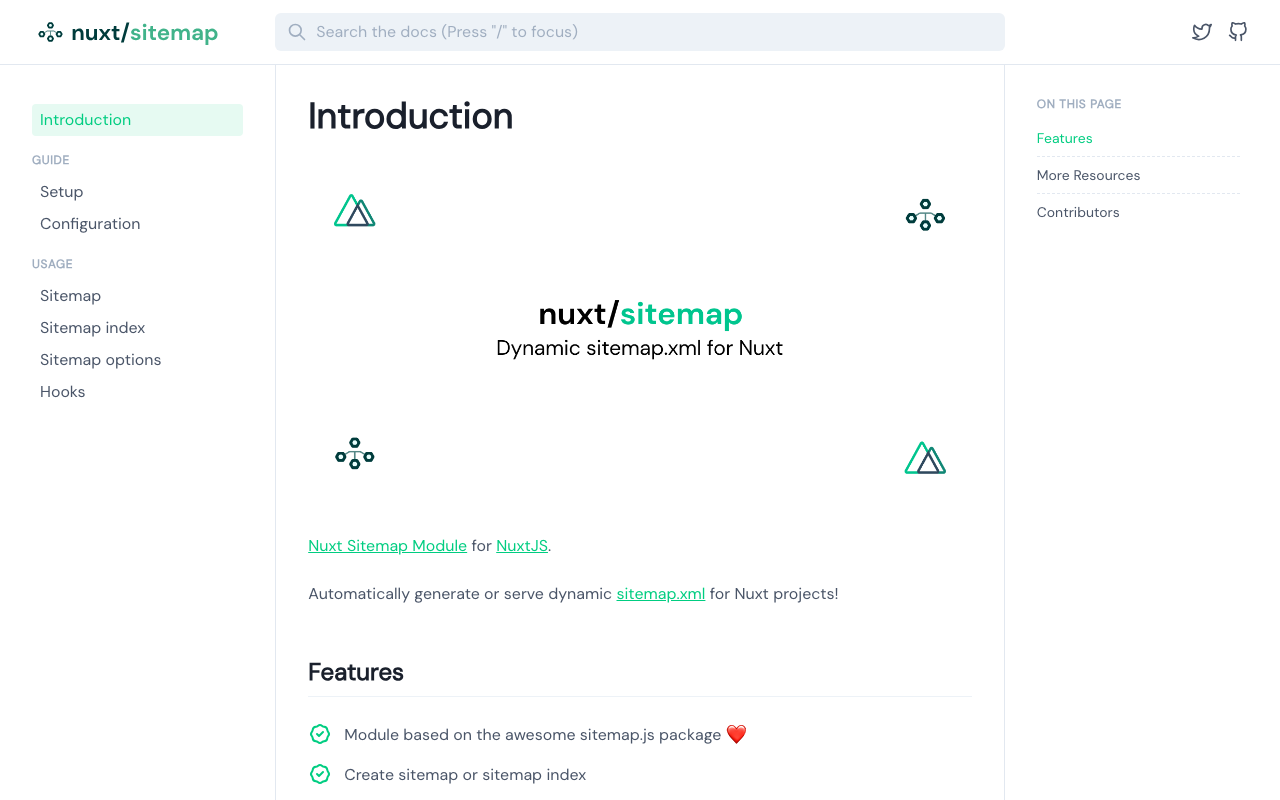
概要 Nuxt3でサイトマップを作成する方法がいくつかありましたので、備忘録です。 [1] @nuxtjs/sitemap ドキュメント https://sitemap.nuxtjs.org/ 参考記事 https://zenn.dev/kumao/articles/3fe10078a7e9d2 インストール npm install -D @nuxtjs/sitemap リポジトリ https://github.com/nuxt-community/sitemap-module [2] sitemap 参考記事 https://zenn.dev/kakkokari_gtyih/articles/db1aed4fed6054 インストール npm install -D sitemap リポジトリ https://github.com/ekalinin/sitemap.js [3] nuxt-simple-sitemap こちらは、以下の記載がありましたので、[1]の@nuxtjs/sitemapを使うのがよさそうです。 Package has been migrated to @nuxtjs/sitemap. https://www.npmjs.com/package/nuxt-simple-sitemap ドキュメント https://nuxt.com/modules/simple-sitemap 参考記事 https://shinobiworks.com/blog/615/ インストール npm install --save-dev nuxt-simple-sitemap リポジトリ https://github.com/nuxt-modules/sitemap まとめ 他にもあるかもしれませんが、参考になりましたら幸いです。

Nuxt3 x Vuetify x Cesium

Nuxt3 x Vuetify x Cesium

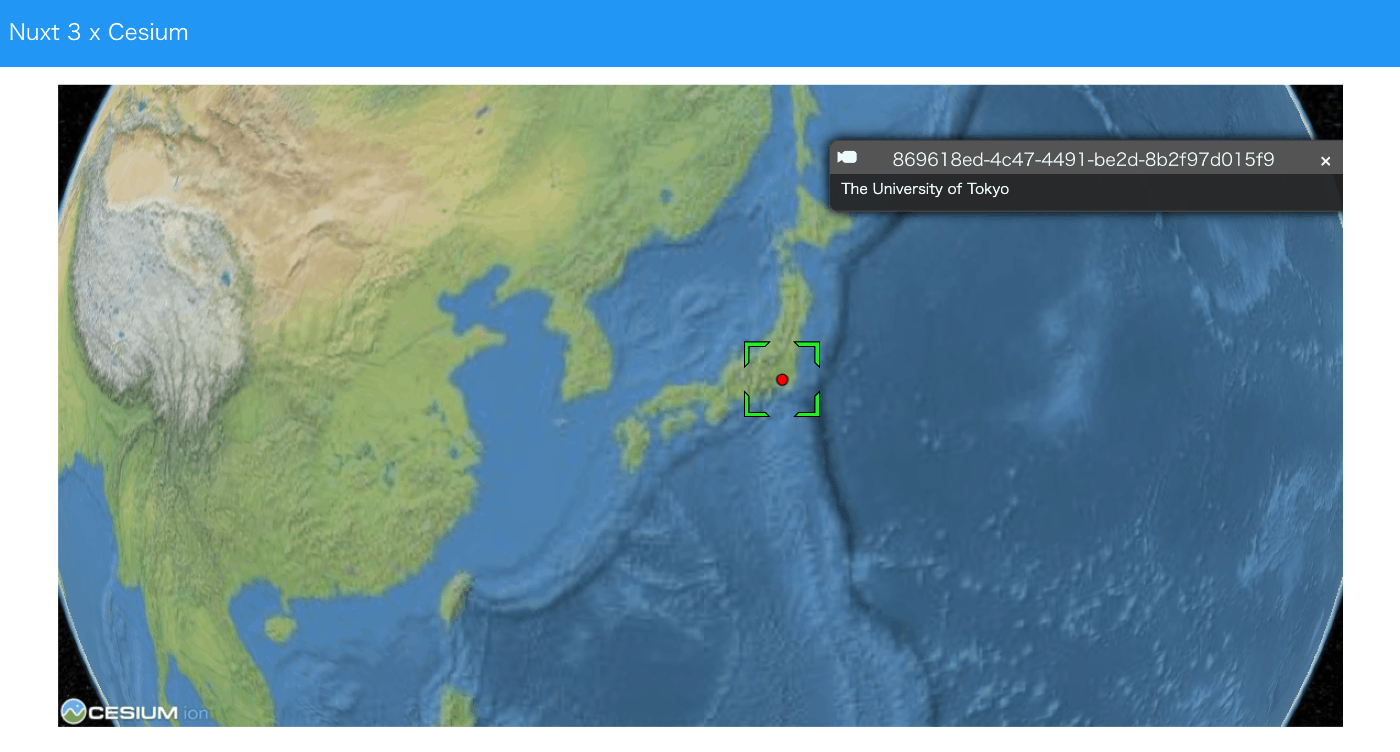
概要 Nuxt3とVuetifyとCesiumを使用したサンプルリポジトリを作成しました。 ソースコード vue-cesiumを使用しています。 https://github.com/zouyaoji/vue-cesium GitHubリポジトリは以下です。 https://github.com/nakamura196/nuxt3-vuetify-cesium デモサイト https://nakamura196.github.io/nuxt3-vuetify-cesium/ まとめ 参考になりましたら幸いです。

Nuxt 3とDecap CMSを試す

Nuxt 3とDecap CMSを試す

概要 Nuxt 3とDecap CMSを試してみましたので、その備忘録です。 https://decapcms.org/ Nuxt3プロジェクトの用意 既存のサイトにDecap CMSを追加する以下を参考にしました。 https://decapcms.org/docs/add-to-your-site/ まず、nuxt/contentモジュールを含む、Nuxt3のプロジェクトを用意します。 ソースコードの例はこちらです。 https://github.com/nakamura196/nuxt3-decapcms 以下の2つのファイルを作成しました。 # when using the default proxy server port local_backend: true # This line should *not* be indented publish_mode: editorial_workflow backend: name: git-gateway branch: main # Branch to update (optional; defaults to master) media_folder: public/img public_folder: /img collections: - name: 'blog' label: 'Blog' folder: 'content/blog' format: 'frontmatter' create: true slug: '{{year}}-{{month}}-{{day}}-{{slug}}' fields: - { label: 'Title', name: 'title', widget: 'string' } - { label: 'Publish Date', name: 'date', widget: 'datetime' } - { label: 'Description', name: 'description', widget: 'string' } - { label: 'Body', name: 'body', widget: 'markdown' } <!DOCTYPE html> <html> <head> <meta charset="utf-8" /> <meta name="viewport" content="width=device-width, initial-scale=1.0" /> <title>Content Manager</title> <!-- Include the script that enables Netlify Identity on this page. --> <script src="https://identity.netlify.com/v1/netlify-identity-widget.js"></script> </head> <body> <!-- Include the script that builds the page and powers Decap CMS --> <script src="https://unpkg.com/decap-cms@^3.0.0/dist/decap-cms.js"></script> </body> </html> そして、GitHubにpushしました。 ...

Nuxt 3 x Composition APIでLeaflet Marker Clusterを試す

Nuxt 3 x Composition APIでLeaflet Marker Clusterを試す

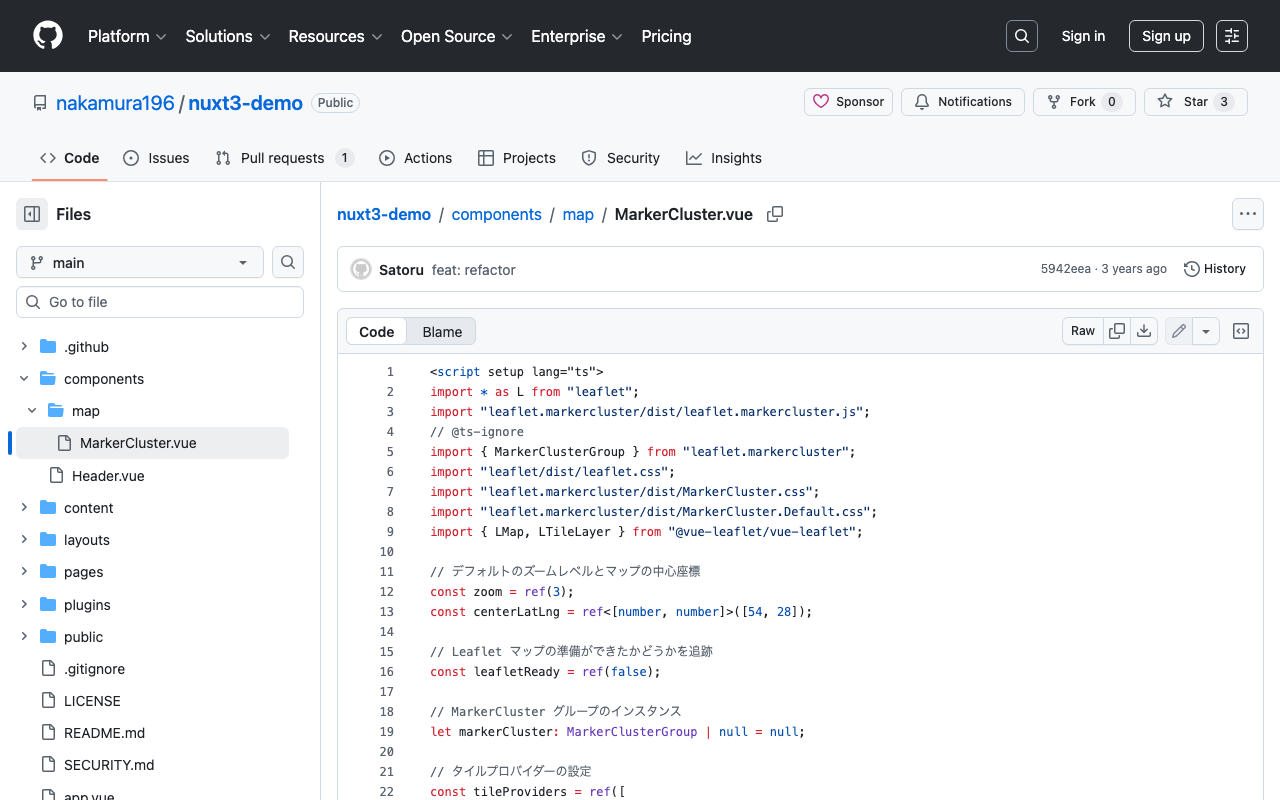
概要 以下の記事で、Nuxt 3でLeaflet Marker Clusterを試す方法を紹介しました。今回は、Composition APIを使った書き方に更新したので、その備忘録です。 インストール 以下をインストールします。 npm i leaflet leaflet.markercluster @vue-leaflet/vue-leaflet npm i -D @types/leaflet @types/leaflet.markercluster ソースコード 以下を参考にしてください。 https://github.com/nakamura196/nuxt3-demo/blob/main/components/map/MarkerCluster.vue まとめ TypeScriptに一部対応できていない点がありますが、参考になりましたら幸いです。

Nuxt3 x Vuetify x Cytoscape

Nuxt3 x Vuetify x Cytoscape

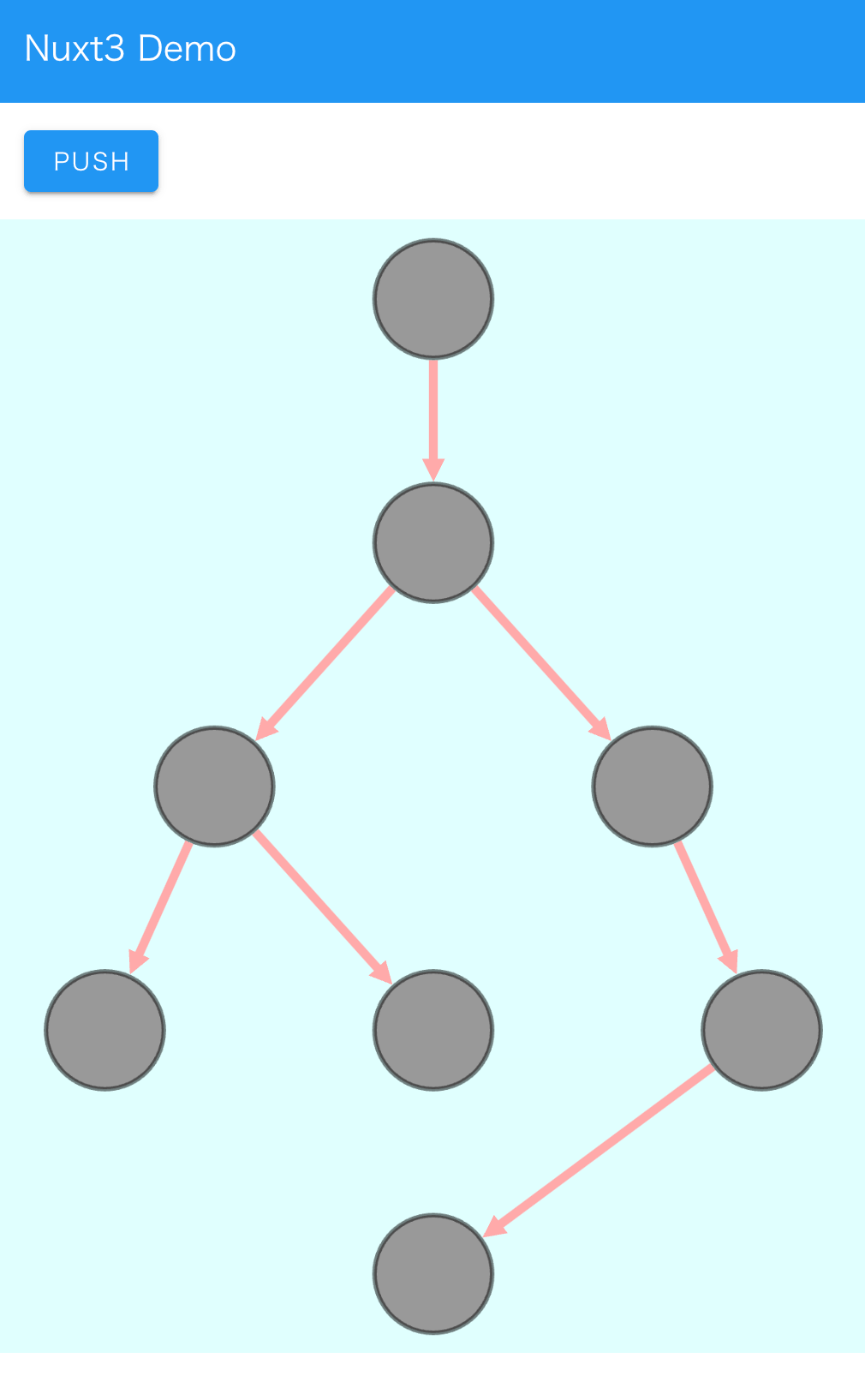
概要 Nuxt3とVuetifyを使用したサンプルリポジトリに、Cytoscapeの動作デモを追加しました。 https://github.com/nakamura196/nuxt3-demo 以下のページで動作確認いただけます。 https://nakamura196.github.io/nuxt3-demo/ インストール 以下を実行しました。 npm i cytoscape npm i @types/cytoscape ソースコード <template> <div id="view"> <v-btn class="ma-4" color="primary" v-on:click="addNode">push</v-btn> <div id="cy"></div> </div> </template> <script setup lang="ts"> import cytoscape from "cytoscape"; let cy: any = null; // = ref(null); //reactive({}); //: any const count: number = 0; // = ref(0); //reactive(0); const addNode = () => { cy.add([ { group: "nodes", data: { id: "node" + count }, position: { x: 300, y: 200 }, }, { group: "edges", data: { id: "edge" + count, source: "node" + count, target: "cat" }, }, ]); }; onMounted(() => { cy = cytoscape({ container: document.getElementById("cy"), boxSelectionEnabled: false, autounselectify: true, style: cytoscape .stylesheet() .selector("node") .css({ height: 80, width: 80, "background-fit": "cover", "border-color": "#000", "border-width": 3, "border-opacity": 0.5, content: "data(name)", "text-valign": "center", }) .selector("edge") .css({ width: 6, "target-arrow-shape": "triangle", "line-color": "#ffaaaa", "target-arrow-color": "#ffaaaa", "curve-style": "bezier", }), elements: { nodes: [ { data: { id: "cat" } }, { data: { id: "bird" } }, { data: { id: "ladybug" } }, { data: { id: "aphid" } }, { data: { id: "rose" } }, { data: { id: "grasshopper" } }, { data: { id: "plant" } }, { data: { id: "wheat" } }, ], edges: [ { data: { source: "cat", target: "bird" } }, { data: { source: "bird", target: "ladybug" } }, { data: { source: "bird", target: "grasshopper" } }, { data: { source: "grasshopper", target: "plant" } }, { data: { source: "grasshopper", target: "wheat" } }, { data: { source: "ladybug", target: "aphid" } }, { data: { source: "aphid", target: "rose" } }, ], }, layout: { name: "breadthfirst", directed: true, padding: 10, }, }); }); </script> <style scoped> #cy { width: 100%; height: 80%; position: absolute; background-color: lightcyan; } </style> まとめ 参考になりましたら幸いです。 ...

npx nuxi typecheck実行時のエラー

npx nuxi typecheck実行時のエラー

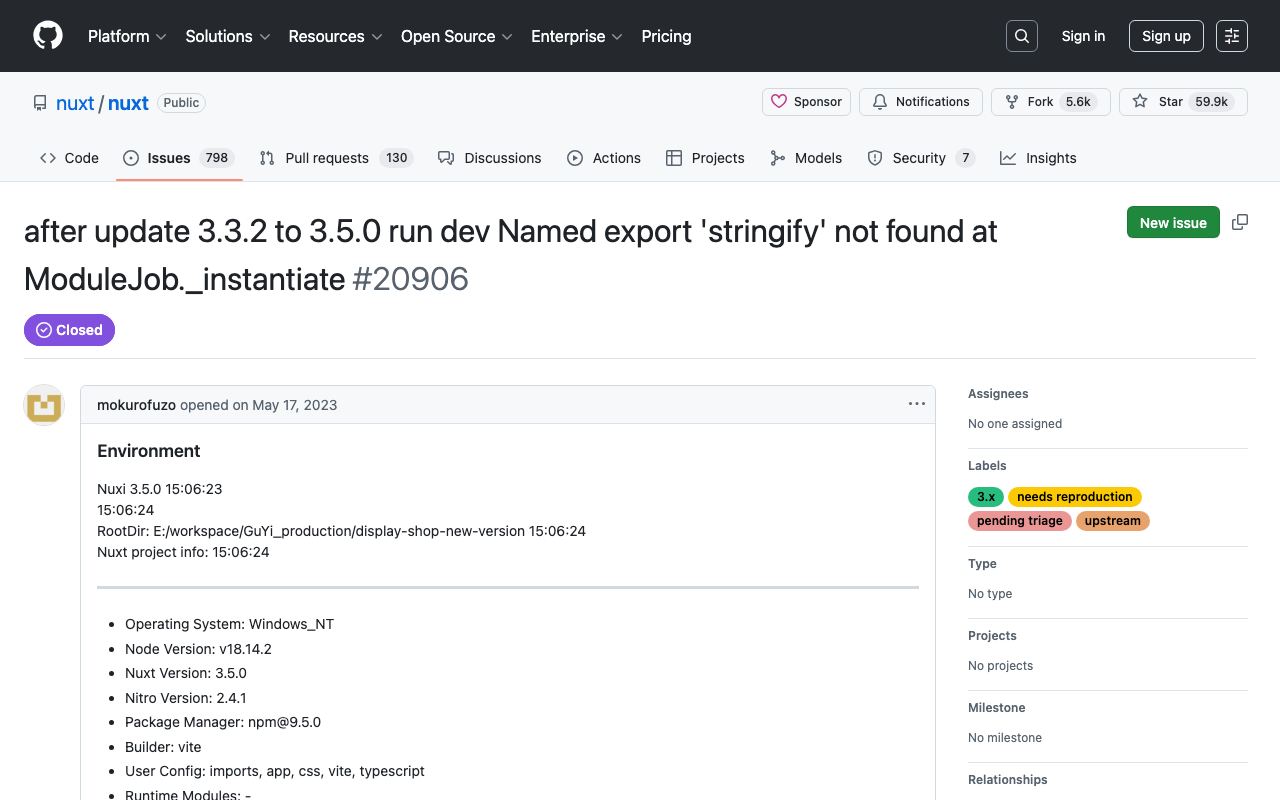
Nuxt3でnpx nuxi typecheckを実行したところ、以下のエラーがでました。 nuxt.config.ts:16:3 - error TS2345: Argument of type '{ app: { baseURL: string; }; runtimeConfig: { public: { token: string; }; }; typescript: { strict: boolean; }; }' is not assignable to parameter of type 'InputConfig<NuxtConfig, ConfigLayerMeta>'. Object literal may only specify known properties, and '"app"' does not exist in type 'InputConfig<NuxtConfig, ConfigLayerMeta>'. この解決策として、以下に記載がある通り、2つもライブラリをインストールする必要がありました。 https://nuxt.com/docs/api/commands/typecheck npm i -D typescript npm i -D vue-tsc 以下が関連するissueかもしれません。 https://github.com/nuxt/nuxt/issues/20906 同様のことでお困りの方の参考になりましたら幸いです。

Nuxt3でURLクエリの変更をwatchで監視する

Nuxt3でURLクエリの変更をwatchで監視する

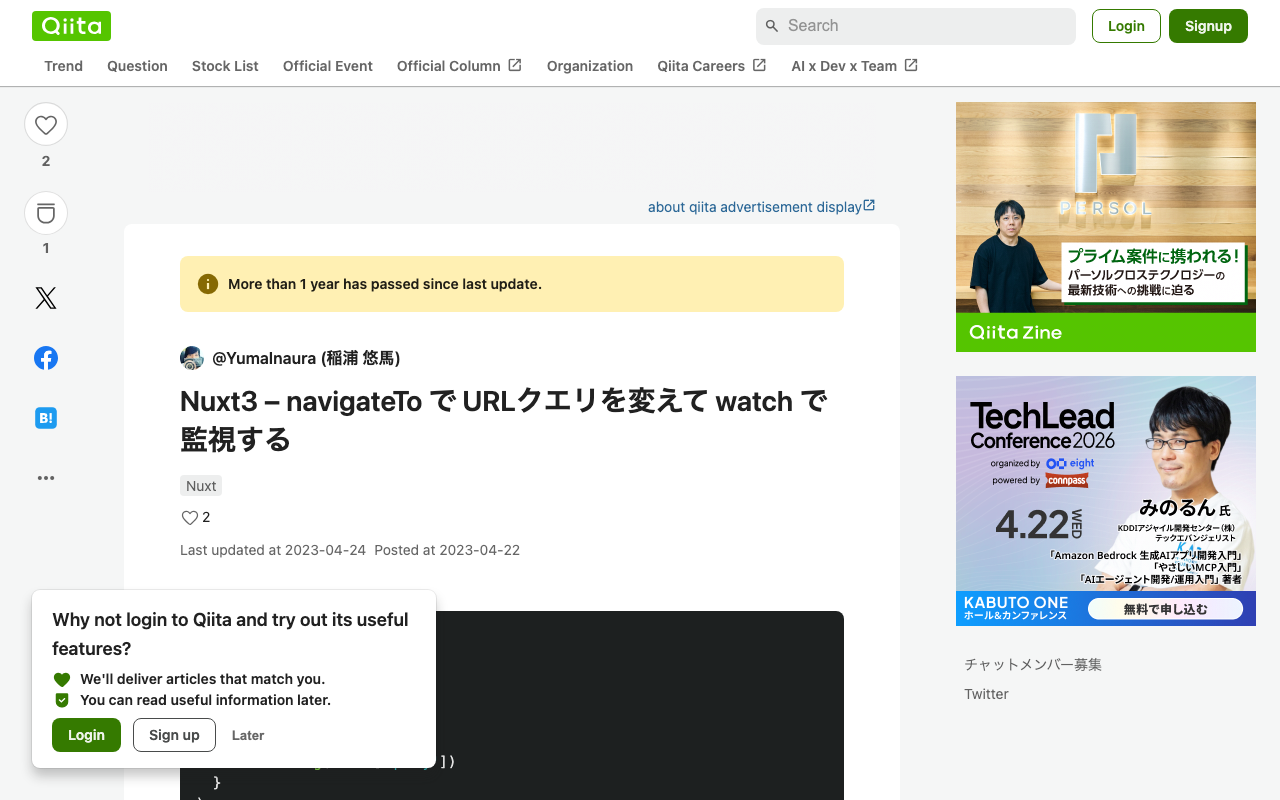
Nuxt3でURLクエリの変更をwatchで監視しようと思い、以下のように書いてみましたが、URLクエリが変更されても、watchは機能しませんでした。 <script lang="ts" setup> const route = useRoute() watch( route, () => { console.log(route['query']) } ) </script> そこで、以下の記事を参考にさせていただきました。 https://qiita.com/YumaInaura/items/9c86ed91d56402e816db 以下のような記述に変更することで、URLクエリに合わせて、watchが機能しました。 <script lang="ts" setup> const route = useRoute() watch( () => route.query, () => { console.log(route['query']) } ) </script> 色々とわかっていない点が多いですが、他の方の参考になりましたら幸いです。

CETEIceanとNuxt3を使ったサンプルリポジトリを作成しました。

CETEIceanとNuxt3を使ったサンプルリポジトリを作成しました。

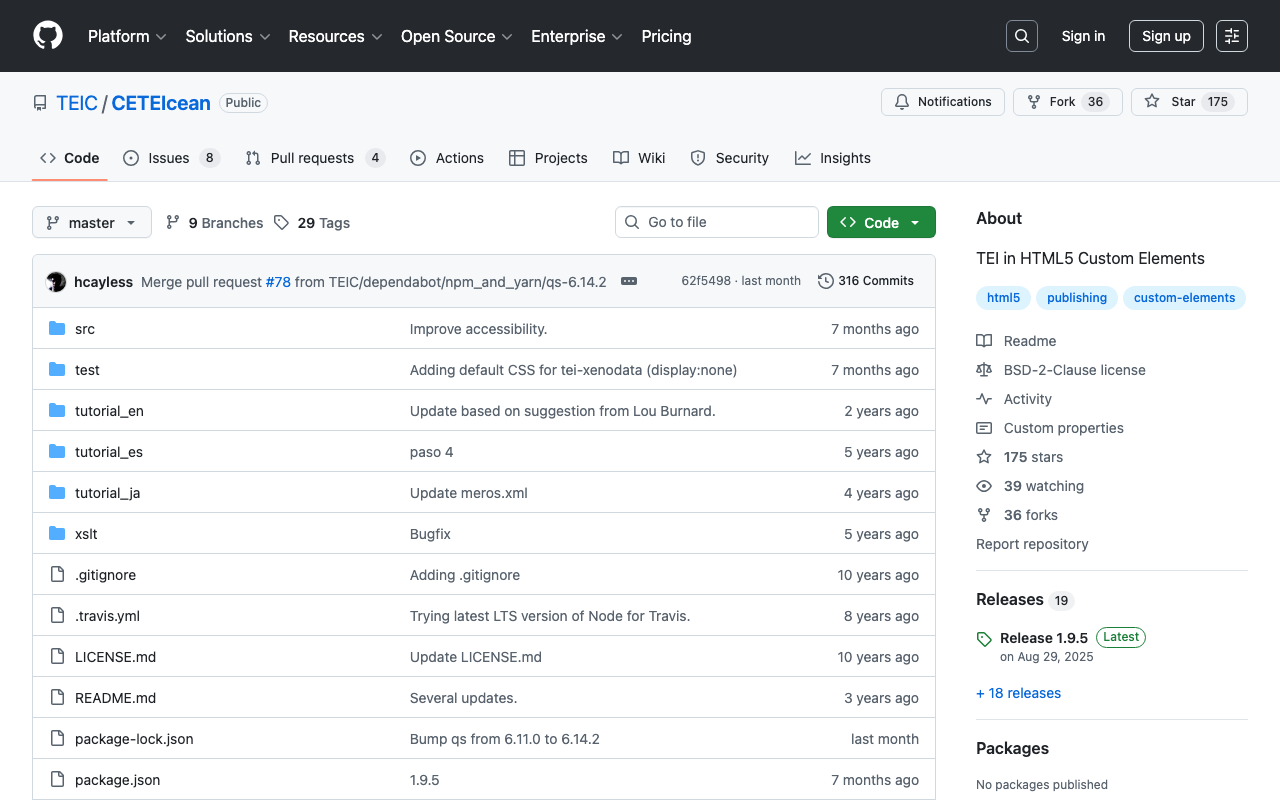
概要 CETEIceanとNuxt3を使ったサンプルリポジトリを作成しました。 https://github.com/TEIC/CETEIcean 以下のissueを参考にさせていただきました。 https://github.com/TEIC/CETEIcean/issues/27 以下で紹介されているスクリプトでは、CETEIceanのv1.8.0では動作しなかったため、CETEIceanのv1.8.0とNuxt3で動作する最小限のリポジトリを作成しました。 デモページ https://nakamura196.github.io/ceteicean-nuxt3 ソースコード https://github.com/nakamura196/ceteicean-nuxt3 主なファイル https://github.com/nakamura196/ceteicean-nuxt3/blob/main/app.vue まとめ 参考になりましたら幸いです。またCETEIceanを開発してくださっている方々に感謝いたします。

Nuxt3でOpenSeadragonとOpenSeadragon SVG Overlayを使う

Nuxt3でOpenSeadragonとOpenSeadragon SVG Overlayを使う

概要 Nuxt3でOpenSeadragonとOpenSeadragon SVG Overlayを使う例を作成しました。(鯰に御札を貼る要石)「国立国会図書館 所蔵」の画像を利用しています。 OpenSeadragon https://nuxt3-demo-nine.vercel.app/osd OpenSeadragon SVG Overlay https://nuxt3-demo-nine.vercel.app/osd-svg 方法 ポイントとして、以下のようなプラグインファイルを用意しました。これにより、SSR時に生じる不具合を解消できました。 https://github.com/nakamura196/nuxt3-demo/blob/main/plugins/osd.client.js またsvg overlayに関する記述は以下を参考にしました。 https://github.com/openseadragon/svg-overlay/blob/master/openseadragon-svg-overlay.js まとめ よりよい記述の方法があるかと思いますが、Nuxt3でのOpenSeadragonの利用にあたり、参考になりましたら幸いです。

VueUseを用いたテキスト選択(Nuxt3)

VueUseを用いたテキスト選択(Nuxt3)

概要 Nuxt3(Vue3)を用いたテキストの選択機能の実装にあたり、VueUseを使用してみましたので、その備忘録です。 https://vueuse.org/ デモ 以下のページからお試しいただけます。 https://nuxt3-demo-git-main-nakamura196.vercel.app/textSelection ソースコードは以下です。 https://github.com/nakamura196/nuxt3-demo/blob/main/pages/textSelection.vue インストール方法 以下のページに記載があります。 https://vueuse.org/guide/ 具体的な手順は、以下のとおりです。 npm i -D @vueuse/nuxt @vueuse/core // nuxt.config.ts export default defineNuxtConfig({ modules: [ '@vueuse/nuxt', ], }) まとめ テキスト選択以外にも、便利な機能が色々と使えるようなので、引き続き試してみたいと思います。

vue3とbabylon.jsの双方向のやりとり例(その2)

vue3とbabylon.jsの双方向のやりとり例(その2)

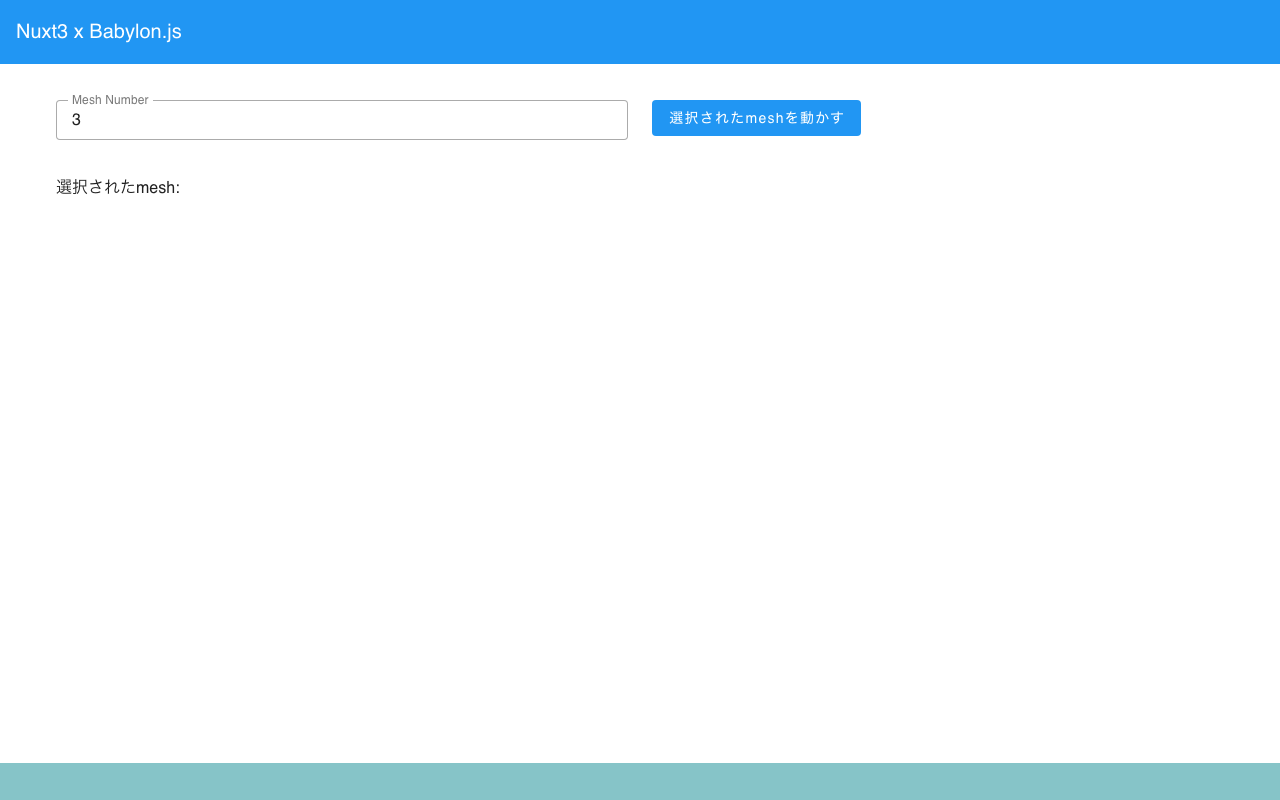
概要 以下の記事で、vue3とbabylon.jsのやりとりを行うプログラムを作成しました。 今回は上記の発展版として、sceneに渡すmeshをvueから指定しています。以下のリンク先で内容をご確認いただけます。(途中、meshをうまく削除できていない箇所があります。今後修正予定です。) https://youtu.be/-dyQp-QX42I デモサイト https://nakamura196.github.io/nuxt3-babylonjs/10 ソースコード https://github.com/nakamura196/nuxt3-babylonjs/blob/main/pages/10/index.vue まとめ 参考になりましたら幸いです。

Nuxt 3でLeaflet Marker Clusterを試す

Nuxt 3でLeaflet Marker Clusterを試す

Nuxt 3でLeaflet Marker Clusterを試す機会がありました。実装例は以下です。 https://nuxt3-demo-nine.vercel.app/map-cluster 本実装にあたり、以下のページを参考にさせていただきました。 https://codesandbox.io/s/ns238 ソースコードは以下です。 https://github.com/nakamura196/nuxt3-demo 2023年3月時点においては、POC(Proof of Concept)の段階のようです。参考になりましたら幸いです。

【Babylon.js x Vue】click eventをvueにわたす

【Babylon.js x Vue】click eventをvueにわたす

概要 以下のように、Babylon.jsでクリックしたmeshの名前を取得する方法を調査しました。 以下のチュートリアルを参考にしました。 https://doc.babylonjs.com/communityExtensions/Babylon.js+ExternalLibraries/BabylonJS_and_Vue/BabylonJS_and_Vue_2#passing-data-from-babylonjs-to-vue-using-callbacks デモページは以下です。 https://nakamura196.github.io/nuxt3-babylonjs/8/ ページのソースコードは以下です。 https://github.com/nakamura196/nuxt3-babylonjs/blob/main/pages/8/index.vue 実装方法 以下の箇所で、createSceneにcallback変数を渡しています。fpsCallbackの名前は修正したほうがよいかもしれません。 https://github.com/nakamura196/nuxt3-babylonjs/blob/5c33d2e6bcd1681df17f3f12fea3cd68fc645157/components/Scene8.vue#L10-L13 そして、createScene関数において、onPointerDownの結果を渡すようにしています。 https://github.com/nakamura196/nuxt3-babylonjs/blob/5c33d2e6bcd1681df17f3f12fea3cd68fc645157/scenes/Scene8.js#L44-L49 まとめ よりよい実装方法があるかもしれませんが、参考になりましたら幸いです。