CantaloupeのAccess Controlを試す
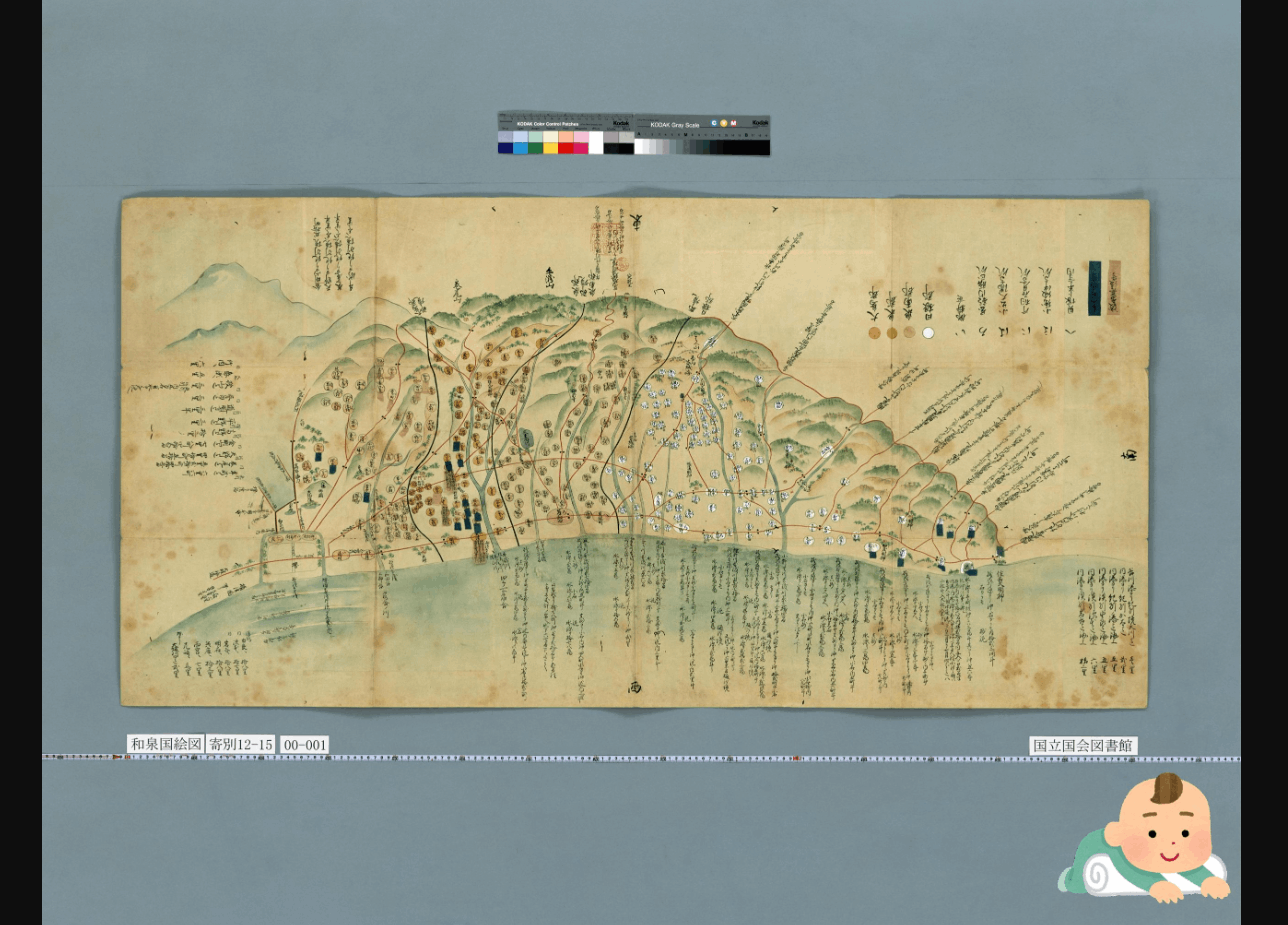
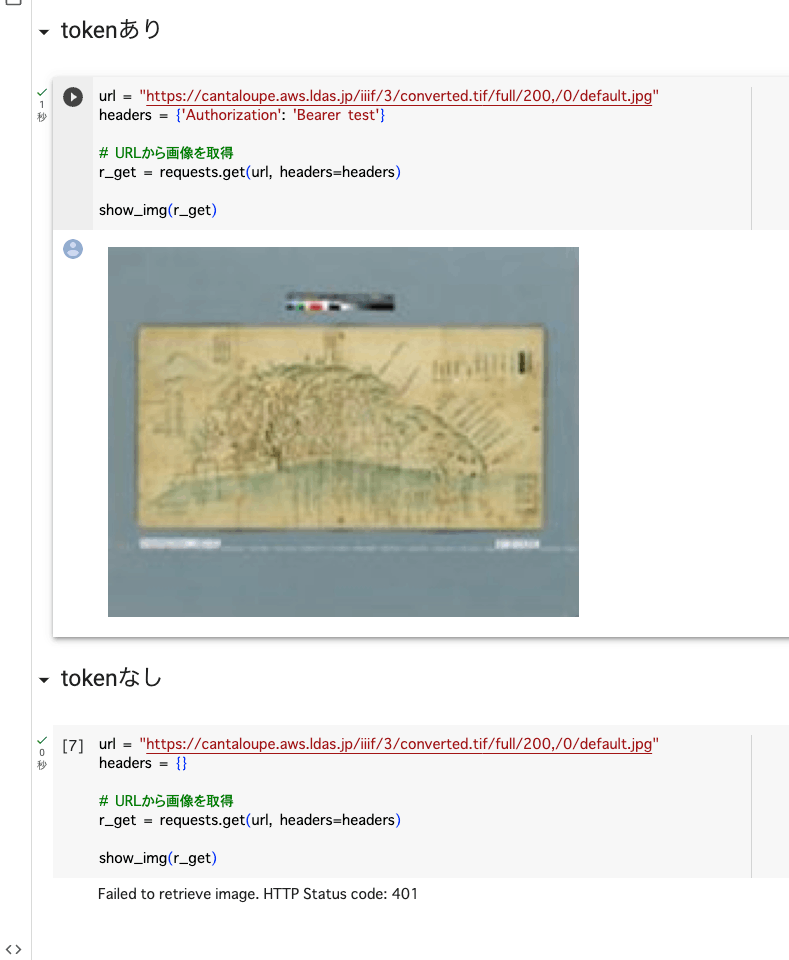
概要 CantaloupeのAccess Controlを試しましたので、備忘録です。 https://cantaloupe-project.github.io/manual/5.0/access-control.html Bearer認証 以下を参考にしました。 https://cantaloupe-project.github.io/manual/5.0/access-control.html#Tiered Access All or Nothing Access 認証情報が間違っている場合には、エラーを返却するものです。 以下のように、tokenがtestの場合は返却するようにしました。 def authorize(options = {}) header = context['request_headers'] .select{ |name, value| name.downcase == 'authorization' } .values.first if header&.start_with?('Bearer ') token = header[7..header.length - 1] if token == "test" return true end end return { 'status_code' => 401, 'challenge' => 'Bearer charset="UTF-8"' } end 上記の挙動を確認するGoogle Colabを作成しました。 https://colab.research.google.com/github/nakamura196/000_tools/blob/main/Cantaloupeのaccess_controlのテスト.ipynb 実行した結果、以下のように、tokenが正しい場合は画像を取得でき、間違っている、または提供されていない場合には画像を取得できません。 Login with degraded access for unauthed users iiif-auth-serverでは、未認証ユーザ向けに権限を制限したログイン、という例が提供されており、それをCantaloupeで再現してみます。 https://github.com/digirati-co-uk/iiif-auth-server 具体的には、認証情報が間違っている場合には、グレースケールの画像を返却します。誤っている点もあるかもしれませんが、以下のようなスクリプトを用意しました。 def authorize(options = {}) header = context['request_headers'].find { |name, value| name.downcase == 'authorization' }&.last request_uri = context['request_uri'] filename, extension = extract_filename_and_extension(request_uri) return true if filename == "gray" if header&.start_with?('Bearer ') token = header[7..-1] return true if token == "test" end { 'status_code' => 302, 'location' => "#{request_uri.sub(filename + extension, "gray#{extension}")}" } end def extract_filename_and_extension(uri_str) uri = URI.parse(uri_str) filename_with_extension = uri.path.split("/").last filename = File.basename(filename_with_extension, ".*") # Use ".*" to remove any extension extension = File.extname(filename_with_extension) [filename, extension] end Google Colabの実行結果は以下です。未認証ユーザにはグレースケールの画像が返却され、認証ユーザにはカラー画像が返却されます。 ...