JSON:API関連のエラーへの対処方法
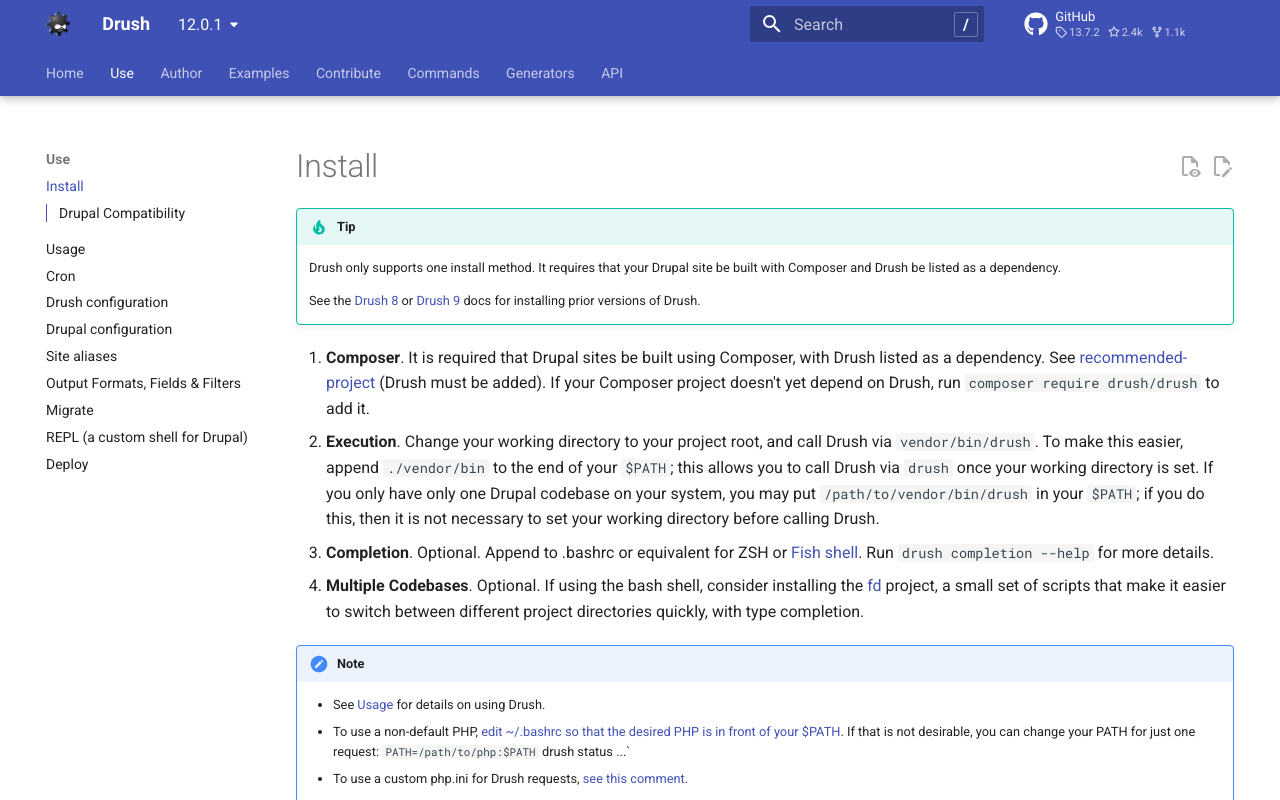
概要 JSON:API関連の以下のエラーが発生しました。このエラーに対する対処方法の備忘録です。 サイトに予期せぬエラーが起こりました。しばらくたってから再度お試しください。 TypeError: Drupal\jsonapi_search_api_facets\Plugin\facets\facet_source\JsonApiFacets::__construct(): Argument #6 ($index) must be of type Drupal\search_api\IndexInterface, null given, called in /home/j-soken/drupal/web/modules/contrib/jsonapi_search_api/modules/jsonapi_search_api_facets/src/Plugin/facets/facet_source/JsonApiFacets.php on line 61 in Drupal\jsonapi_search_api_facets\Plugin\facets\facet_source\JsonApiFacets->__construct() (line 48 of modules/contrib/jsonapi_search_api/modules/jsonapi_search_api_facets/src/Plugin/facets/facet_source/JsonApiFacets.php). Drupal\jsonapi_search_api_facets\Plugin\facets\facet_source\JsonApiFacets::create() (Line: 21) Drupal\Core\Plugin\Factory\ContainerFactory->createInstance() (Line: 83) Drupal\Component\Plugin\PluginManagerBase->createInstance() (Line: 251) facets_system_breadcrumb_alter() (Line: 545) Drupal\Core\Extension\ModuleHandler->alter() (Line: 94) Drupal\Core\Breadcrumb\BreadcrumbManager->build() (Line: 72) Drupal\system\Plugin\Block\SystemBreadcrumbBlock->build() (Line: 171) Drupal\block\BlockViewBuilder::preRender() call_user_func_array() (Line: 101) ... 対処方法 まず、エラーの表示を有効にします。以下のファイルに追記します。 $config['system.logging']['error_level'] = 'verbose'; jsonapi関連で使用していたモジュールをdrushでアンインストールし、再度インストールすることで解決しました。 drush pm:uninstall drupal/search_api drupal/facets drupal/jsonapi_search_api drupal/jsonapi_search_api_facets なお、上記をさくらのレンタルサーバで実行するにあたり、drushのインストールが必要でした。以下のページを参考に、インストールしました。 https://www.drush.org/12.0.1/install/ composer require drush/drush vendor/bin/drush pm:uninstall drupal/search_api drupal/facets drupal/jsonapi_search_api drupal/jsonapi_search_api_facets その後、以下のコマンドにより、再度インストールしました。 ...