Drupalのsimple_oauthモジュールを用いたRESTリソースのoauth2認証を試す
概要 DrupalのSimple OAuth (OAuth2) & OpenID ConnectモジュールはOAuth 2.0認証フレームワークRFCの実装と説明されています。
https://www.drupal.org/project/simple_oauth
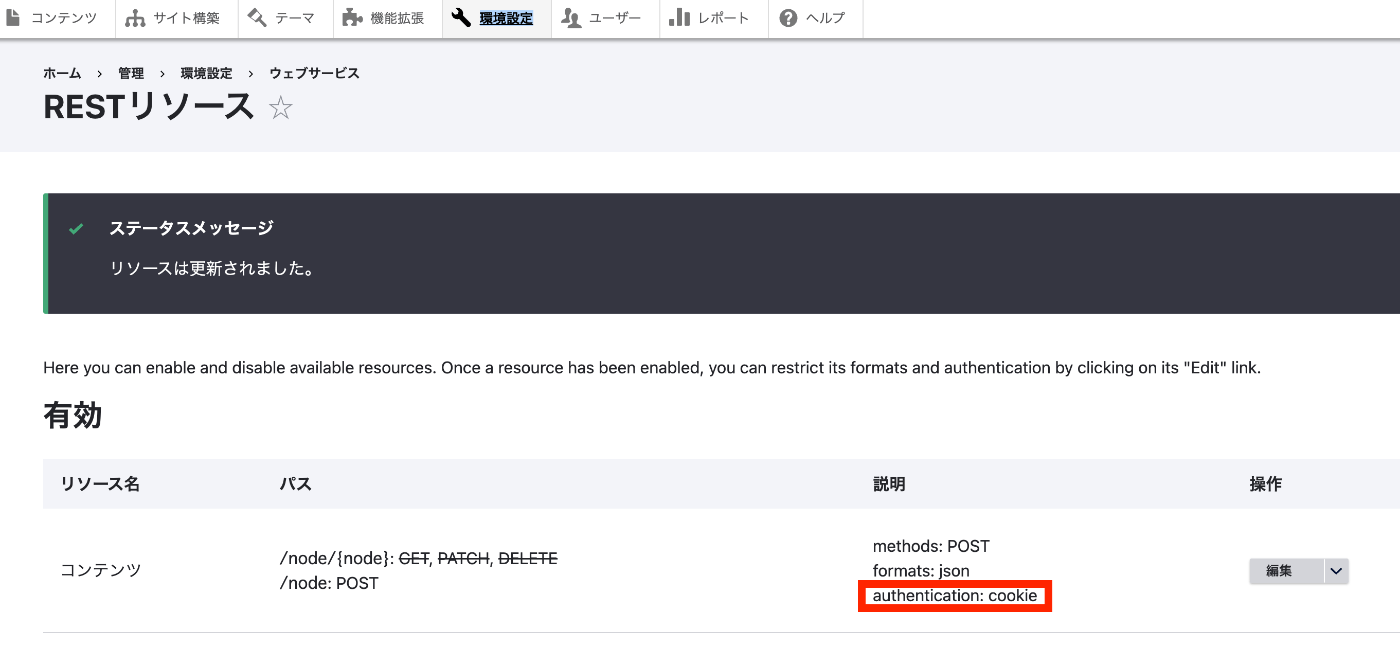
関連する記事として、cookie認証の例や、jwt認証の例も参考にしてください。
インストール simple_oauthモジュールには、5系と6系があるようですが、今回は5系を使用します。以下でインストールします。
composer.phar require 'drupal/simple_oauth:^5.2' ただし、さくらレンタルサーバを使用している場合、以下のエラーが発生しました。PHP's sodium extensionが必要でした。
composer.phar require 'drupal/simple_oauth:^5.2' ./composer.json has been updated Running composer update drupal/simple_oauth Loading composer repositories with package information Updating dependencies Your requirements could not be resolved to an installable set of packages. Problem 1 - steverhoades/oauth2-openid-connect-server v2.4.0 requires lcobucci/jwt 4.1.5 -> satisfiable by lcobucci/jwt[4.1.5]. - steverhoades/oauth2-openid-connect-server[v2.6.0, ..., v2.6.1] require lcobucci/jwt 4.1.5|^4.2|^4.3|^5.0 -> satisfiable by lcobucci/jwt[4.1.5, ..., 4.4.x-dev, 5.0.0, ..., 5.3.x-dev]. - steverhoades/oauth2-openid-connect-server v2.5.0 requires lcobucci/jwt 4.1.5|^4.2 -> satisfiable by lcobucci/jwt[4.1.5, ..., 4.4.x-dev]. - drupal/simple_oauth[5.2.0, ..., 5.x-dev] require drupal/core ^8 || ^9 -> found drupal/core[8.0.0-beta6, ..., 8.9.x-dev, 9.0.0-alpha1, ..., 9.5.x-dev] but the package is fixed to 10.2.0 (lock file version) by a partial update and that version does not match. Make sure you list it as an argument for the update command. - lcobucci/jwt[4.1.5, ..., 4.4.x-dev, 5.0.0, ..., 5.3.x-dev] require ext-sodium * -> it is missing from your system. Install or enable PHP's sodium extension. - drupal/simple_oauth[5.2.3, ..., 5.2.x-dev] require steverhoades/oauth2-openid-connect-server ^2.4 -> satisfiable by steverhoades/oauth2-openid-connect-server[v2.4.0, v2.5.0, v2.6.0, v2.6.1]. - Root composer.json requires drupal/simple_oauth ^5.2 -> satisfiable by drupal/simple_oauth[5.2.0, ..., 5.x-dev]. To enable extensions, verify that they are enabled in your .ini files: - /usr/local/php/8.1/etc/php.ini - /usr/local/php/8.1/etc/conf.d/apcu.ini - /usr/local/php/8.1/etc/conf.d/imagick.ini - /usr/local/php/8.1/etc/conf.d/mcrypt.ini - /usr/local/php/8.1/etc/conf.d/opcache.ini You can also run `php --ini` in a terminal to see which files are used by PHP in CLI mode. Alternatively, you can run Composer with `--ignore-platform-req=ext-sodium` to temporarily ignore these required extensions. Use the option --with-all-dependencies (-W) to allow upgrades, downgrades and removals for packages currently locked to specific versions. Installation failed, reverting ./composer.json and ./composer.lock to their original content. そこで、以下のサイトを参考に、PHP-sodium 拡張を追加しました。
...
2024年1月2日 · 更新: 2024年1月2日 · 3 分 · Nakamura