ホーム 記事一覧 ブック DH週間トピックス 検索 このサイトについて
English

AI画像生成でiOSアプリアイコンを作るためのプロンプトテンプレート

はじめに iOSアプリのアイコンをAI画像生成ツール(Gemini、ChatGPT/DALL-E、Midjourney等)で作る際、Apple Human Interface Guidelines(HIG)に準拠した画像を一発で生成するのは意外と難しいです。 よくある失敗: 角丸が事前に適用されている(iOSが自動で角丸マスクをかけるので不要) 四隅に白い隙間がある テキストが入っている 細かすぎて小サイズで潰れる 本記事では、これらの問題を回避するプロンプトテンプレートを紹介します。 テンプレート A flat, square 1024x1024 app icon for an iOS app called "{{APP_NAME}}" that {{APP_DESCRIPTION}}. Design requirements: - Fill the entire canvas edge-to-edge with a uniform {{BACKGROUND_COLOR}} background. No white areas, no transparency, no empty corners. - Do NOT include frames, borders, or decorative edges of any kind. - Center illustration: {{ILLUSTRATION_DESCRIPTION}}, rendered in {{INK_COLOR}} line art style. - Include one {{ACCENT_COLOR}} {{ACCENT_ELEMENT}} placed on the illustration to {{ACCENT_PURPOSE}}. - {{OPTIONAL_ELEMENT}} - Style: elegant, minimal color palette ({{COLOR_PALETTE}}), flat design, no gradients on illustration, no shadows, no 3D effects. - Detailed enough to be interesting but clear at small sizes (29px). Medium-weight lines. - Do NOT add any text, letters, or characters. - Do NOT pre-round corners — perfectly square image. iOS applies rounded corners automatically. - Output: square PNG, 1024x1024 pixels. ```text ## 変数一覧 | 変数 | 説明 | 例 | |------|------|-----| | `APP_NAME` | アプリ名 | IIIF AR | | `APP_DESCRIPTION` | 機能を1文で | places historical maps in AR | | `BACKGROUND_COLOR` | 背景色 | warm cream (#F0E4CC) | | `ILLUSTRATION_DESCRIPTION` | 中央イラストの内容 | a Japanese landscape with mountains | | `INK_COLOR` | イラストの線画色 | dark navy (#1A237E) | | `ACCENT_COLOR` | アクセント色 | blue (#1565C0) | | `ACCENT_ELEMENT` | アクセント要素 | AR pin marker | | `ACCENT_PURPOSE` | アクセントの意図 | suggest spatial placement | | `OPTIONAL_ELEMENT` | 追加要素(不要なら行ごと削除) | a subtle perspective grid | | `COLOR_PALETTE` | 色パレットの説明 | cream + navy + blue accent | ## 使用例 ### 歴史的絵図ARアプリ ```text A flat, square 1024x1024 app icon for an iOS app called "IIIF AR" that places high-resolution cultural heritage images in augmented reality at real-world scale. Design requirements: - Fill the entire canvas edge-to-edge with a uniform warm cream/parchment (#F0E4CC) background. No white areas, no transparency, no empty corners. - Do NOT include frames, borders, or decorative edges of any kind. - Center illustration: a stylized composition showing overlapping cultural heritage imagery — such as a fragment of a traditional Japanese landscape painting with mountains, water, and architecture — rendered in dark navy (#1A237E) line art style. - Include one blue (#1565C0) location/AR pin marker placed on the illustration to suggest spatial placement. - Optionally include a subtle perspective grid (2-3 thin lines) at the bottom to hint at AR floor placement. - Style: elegant, minimal color palette (cream + navy ink + one blue accent), flat design, no gradients on illustration, no shadows, no 3D effects. - Detailed enough to be interesting but clear at small sizes (29px). Medium-weight lines. - Do NOT add any text, letters, or characters. - Do NOT pre-round corners — perfectly square image. iOS applies rounded corners automatically. - Output: square PNG, 1024x1024 pixels. ```text ### くずし字OCRアプリ ```text A flat, square 1024x1024 app icon for an iOS app called "KotenOCR" that recognizes classical Japanese cursive script (kuzushiji) using on-device AI. Design requirements: - Fill the entire canvas edge-to-edge with a uniform warm ivory (#FAF3E8) background. No white areas, no transparency, no empty corners. - Do NOT include frames, borders, or decorative edges of any kind. - Center illustration: a stylized fragment of a classical Japanese manuscript page with elegant brushstroke characters, rendered in dark sumi ink (#2C1810) line art style. - Include one teal (#00897B) scanning/recognition indicator (such as a viewfinder bracket or highlight box) placed over one character to suggest OCR recognition. - Style: elegant, minimal color palette (ivory + sumi ink + one teal accent), flat design, no gradients on illustration, no shadows, no 3D effects. - Detailed enough to be interesting but clear at small sizes (29px). Medium-weight lines. - Do NOT add any text, letters, or characters. - Do NOT pre-round corners — perfectly square image. iOS applies rounded corners automatically. - Output: square PNG, 1024x1024 pixels. ```text ## Apple HIG準拠チェックリスト 生成後に以下を確認してください。 - [ ] 正方形(1024×1024px)で、角丸なし - [ ] 四隅まで背景色で塗りつぶされている(透明や白の隙間なし) - [ ] テキストが含まれていない - [ ] 写真ではなくイラスト/グラフィック - [ ] 29pxに縮小しても何のアプリかわかる - [ ] Apple製品のレプリカが含まれていない - [ ] カスタムのハイライトやドロップシャドウがない ## 適用方法 ```bash # 生成した画像を配置 cp ~/Downloads/generated_icon.png \ {PROJECT}/Assets.xcassets/AppIcon.appiconset/AppIcon.png # ビルドして確認 xcodegen generate xcodebuild build -project {PROJECT}.xcodeproj -scheme {SCHEME} ... ```text ## 参考 - [Apple Human Interface Guidelines - App Icons](https://developer.apple.com/design/human-interface-guidelines/app-icons)
Claude Codeの並列エージェントで882本のブログ記事から解説動画を自動生成した話

Claude Codeの並列エージェントで882本のブログ記事から解説動画を自動生成した話

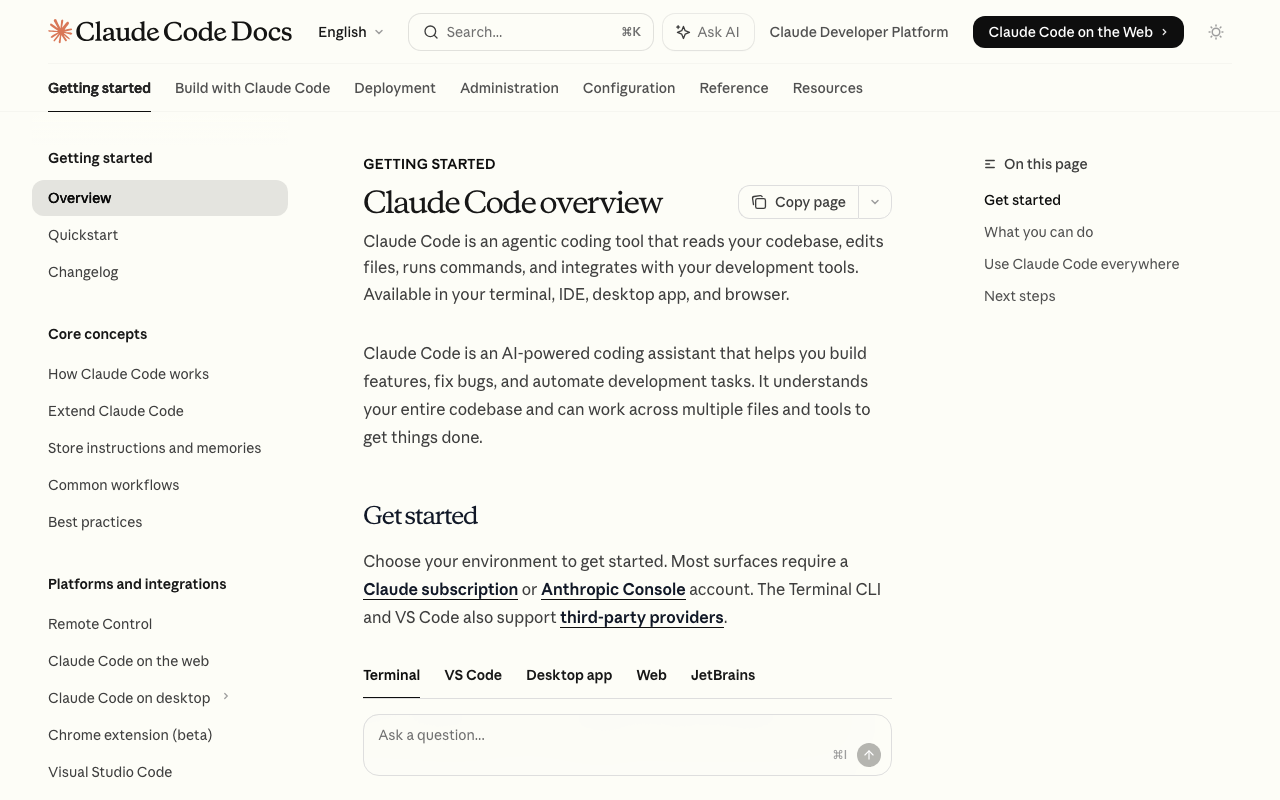
はじめに 筆者は技術ブログを882本(日英バイリンガル)運営しています。これらの記事をYouTube動画として展開するため、Claude Codeの並列エージェント機能とVOICEVOX音声合成を組み合わせた自動動画生成パイプラインを構築しました。 結果として、Claude Codeの週間利用制限(全ユーザーの上位2%が該当)に到達するという珍しい体験をしたので、パイプラインの構成と実績を共有します。 パイプラインの全体像 ブログ記事 (.md) ↓ Claude Code 並列エージェント (10本同時) 対話台本 (sections.json) ↓ VOICEVOX × 3並列ワーカー 解説動画 (video.mp4) ↓ YouTube API YouTube公開 1. 台本生成(Claude Code) 各記事を読み込み、2キャラクターの掛け合い形式の台本(sections.json)を生成します。Claude CodeのAgentツールを使い、10本のエージェントを同時に起動して並列処理します。 [ { "section_title": "セクション名", "slide_points": ["スライドに表示するポイント1", "ポイント2"], "lines": [ {"speaker": "usagi", "text": "カタカナヨミアゲテキスト", "display_text": "画面表示テキスト"}, {"speaker": "sora", "text": "カタカナヨミアゲテキスト", "display_text": "画面表示テキスト"} ] } ] text: VOICEVOX読み上げ用(英語技術用語はカタカナ表記) display_text: 画面表示用(英語技術用語はそのまま) 1記事あたり6〜10セクション、各セクション6〜8セリフ 2. キャラクターペアシステム 4組のVOICEVOXキャラクターペアを用意し、記事ごとにローテーションで割り当てます。 ペアID 質問役 解説役 スタイル zundamon_metan ずんだもん 四国めたん 素朴×丁寧 tsumugi_kiritan 春日部つむぎ 冥鳴ひまり ギャル×クール usagi_sora 中国うさぎ 九州そら 控えめ×おっとり hau_whitecul 雨晴はう WhiteCUL 元気×知的 立ち絵素材は坂本アヒルさんの素材を使用しています。 ...

IIIF絵巻物をAI動画で動かす:Video Annotationという新しいアプローチ

IIIF絵巻物をAI動画で動かす:Video Annotationという新しいアプローチ

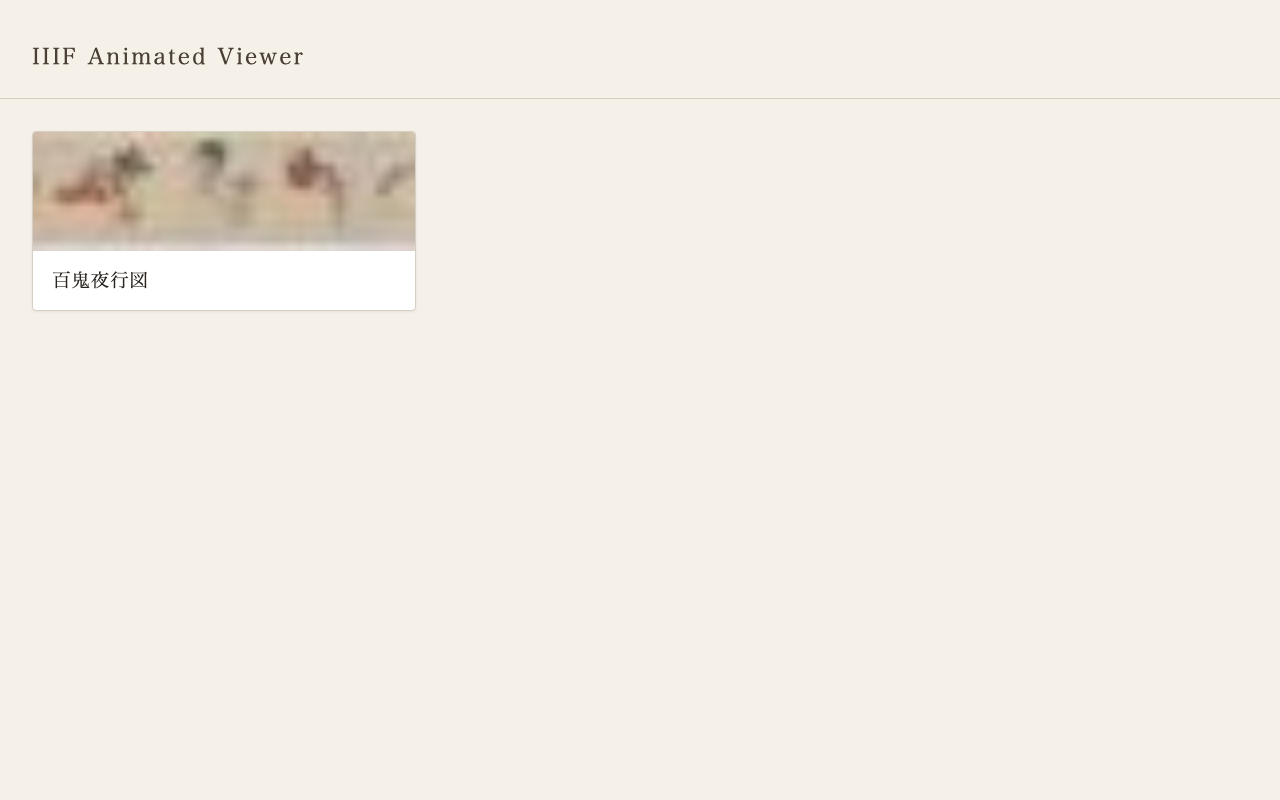
はじめに IIIF(International Image Interoperability Framework)は、デジタルアーカイブの画像を相互運用可能な形で公開するための国際標準です。世界中の図書館・博物館が採用しており、高解像度画像の深層ズームや、異なる機関のコレクションを横断的に閲覧することを可能にしています。 本記事では、IIIF画像の一部領域にAI生成動画を重ねて表示する「IIIF Animated Viewer」を開発した過程を紹介します。題材は東京大学が公開する「百鬼夜行図」――妖怪たちの行列を描いた絵巻物です。 静止画の妖怪たちが、ゆらゆらと動き出す。そんな体験を、IIIF標準の枠組みの中で実現しました。 狙い 1. 絵巻物に「動き」を与える 絵巻物は本来、巻きながら読む動的なメディアです。右から左へ進む行列、風にはためく衣、揺れる炎――静止画でありながら動きを内包しています。AI動画生成でその潜在的な動きを顕在化させることで、作品の新しい鑑賞体験を提供できるのではないか、という着想がありました。 2. IIIF標準に準拠する 独自フォーマットではなく、IIIF Presentation API 3.0のマニフェストとして動画情報を記述します。これにより、他のIIIFビューアとの互換性を保ちつつ、既存のIIIFエコシステムに乗る形で動画アノテーションを提供できます。 3. 汎用的なパイプラインにする 百鬼夜行図だけでなく、他のIIIF資料にも適用可能な仕組みを目指しました。マニフェストのメタデータと全体画像からコンテキストを自動生成し、個別領域のプロンプト生成に反映するアーキテクチャにしています。 デモ デモは GitHub Pages で公開しています。 コレクション一覧ページ。IIIFコレクションからマニフェスト一覧を読み込み、サムネイル付きで表示する。 ビューア全体表示。百鬼夜行図の全体像がOpenSeadragonで表示され、下部に再生ボタンがある。 ズームすると個々の妖怪が確認でき、動画オーバーレイが元画像の上に重なって表示される。 システム構成 docs/ … GitHub Pages公開ディレクトリ index.html … コレクション一覧ページ viewer.html … OpenSeadragon + 動画オーバーレイビューア collection.json … IIIF Collection manifest.json … IIIF Manifest(動画アノテーション含む) runs/run_002/ … 生成動画ファイル scripts/ pipeline.py … 一括生成パイプライン process_raw.py … Veo生成動画のトリミング+manifest更新 workspace/ anno.json … 領域アノテーション(19件) context.txt … 自動生成コンテキスト runs/ … 中間データ(クロップ画像、プロンプト等) IIIFマニフェストでの動画アノテーション 従来のIIIFアノテーション IIIF Presentation API 3.0では、Canvasに対するアノテーションとして画像を配置します。 ...

GitHub File History Analyzerの紹介:ファイル編集履歴をAIで分析するツール

GitHub File History Analyzerの紹介:ファイル編集履歴をAIで分析するツール

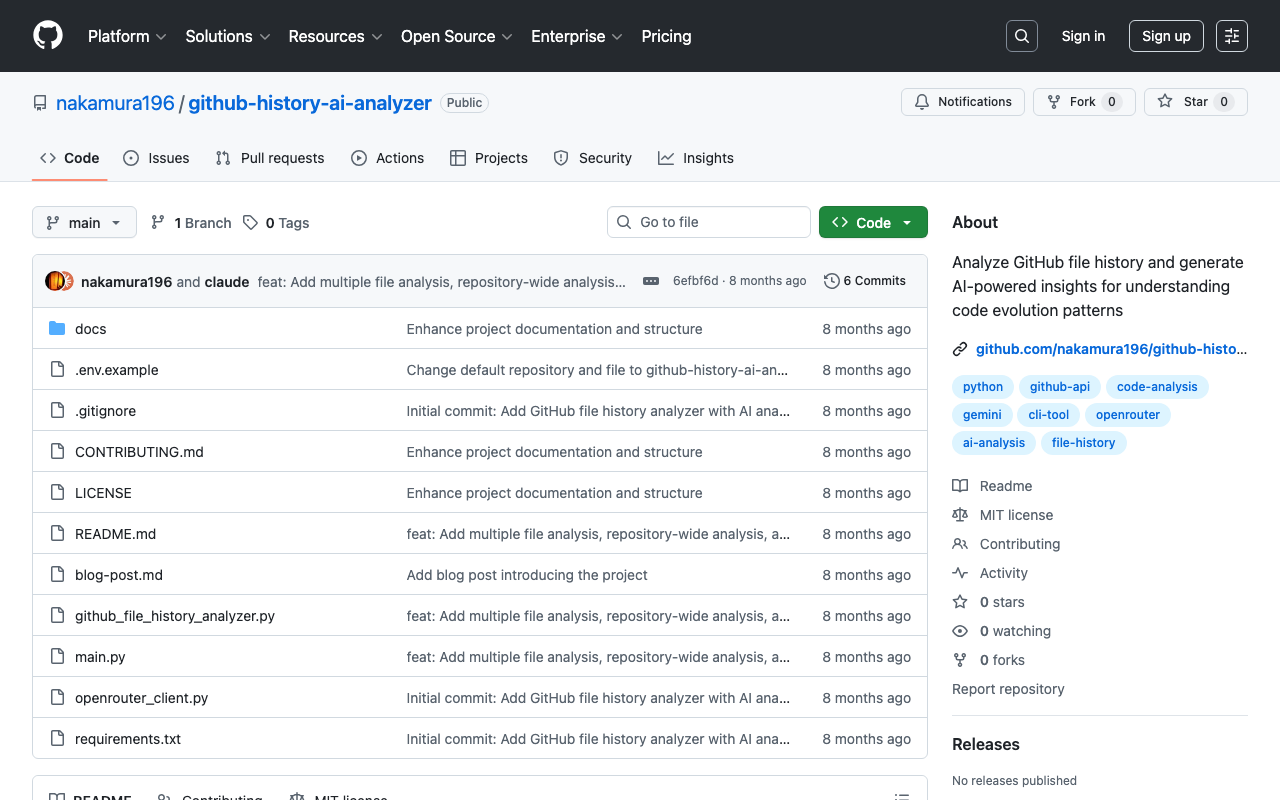
本記事はAIが作成しました。 はじめに GitHubリポジトリで管理されているファイルの編集履歴を分析したいと思ったことはありませんか?特に長期間にわたって更新されているファイルの変更パターンや、プロジェクトの進化の過程を理解したい場合があります。 GitHub File History Analyzerは、このようなニーズに応えるために開発したコマンドラインツールです。 ツールの概要 このツールは以下の機能を提供します: GitHubのAPIを使用して特定ファイルのコミット履歴を取得 変更内容の統計的な分析(追加・削除行数、変更タイプの分類など) OpenRouter経由でAI(Gemini 2.5 Proなど)による編集パターンの分析 分析結果のMarkdown/JSON形式での出力 開発の背景 デジタルアーカイブプロジェクトで、XMLファイルの長期的な編集作業を追跡する必要がありました。単純なgit logでは得られない、より深い洞察(編集の傾向、作業の質、進捗状況など)を得たいという要求から、このツールの開発に至りました。 技術的な実装 使用技術 言語 : Python 3.8+ 主要ライブラリ : PyGithub(GitHub API wrapper) requests(HTTP通信) python-dotenv(環境変数管理) アーキテクチャ ツールは主に2つのコンポーネントで構成されています: GitHubFileHistoryAnalyzer : GitHub APIを使用してファイル履歴を取得・分析 OpenRouterClient : AI分析のためのクライアント # 基本的な使用例 analyzer = GitHubFileHistoryAnalyzer(github_token) commits = analyzer.get_file_history("owner/repo", "path/to/file.xml") analysis = analyzer.analyze_patches(commits) prompt = analyzer.generate_ai_prompt(commits, analysis) 実際の使用例 基本的なコマンド # ファイル履歴の取得と表示 python main.py --repo owner/repo --file path/to/file.py # AI分析の実行 python main.py --repo owner/repo --file path/to/file.py --analyze # 結果をMarkdown形式で保存 python main.py --analyze --ai-output analysis.md 分析結果の例 ツールは以下のような情報を提供します: ...

GCP: AI Platform Notebooksの作成時のエラー対応

GCP: AI Platform Notebooksの作成時のエラー対応

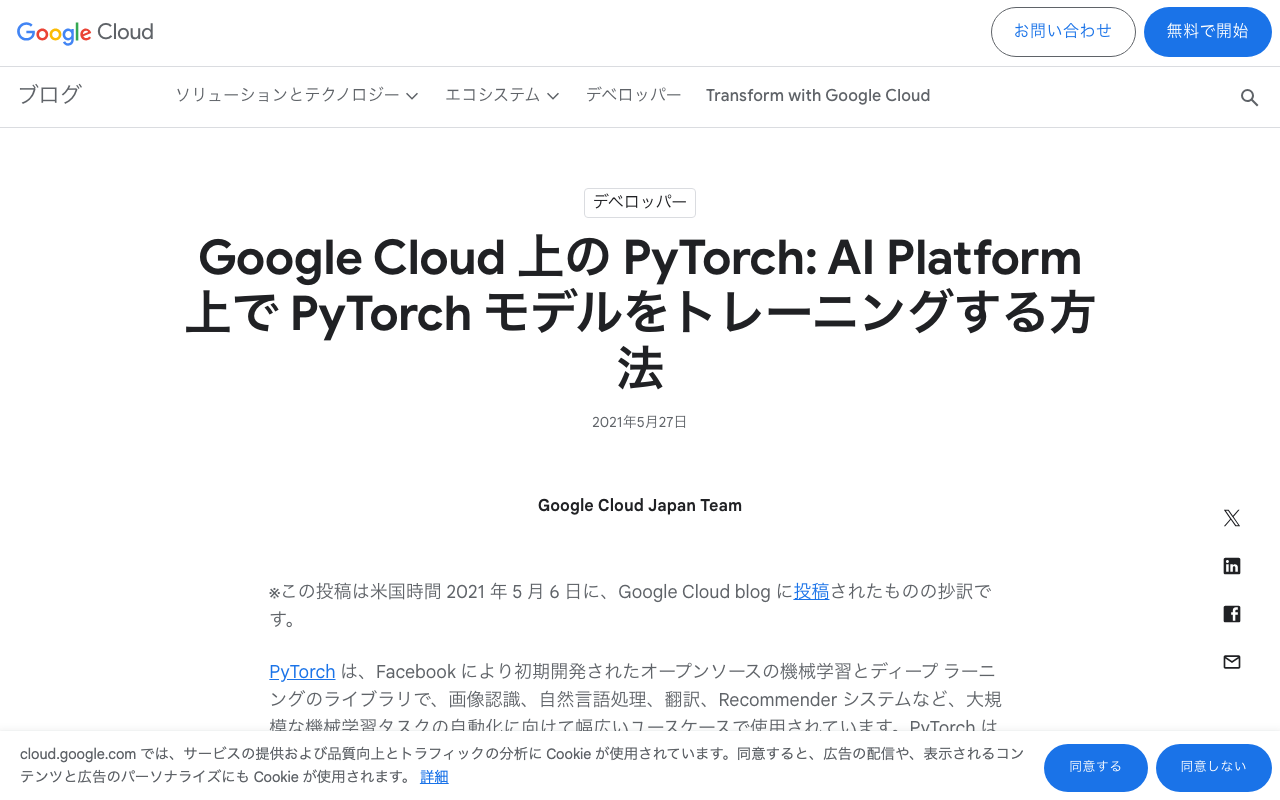
以下を参考に、ノートブックインスタンスを作成しました。 https://cloud.google.com/blog/ja/topics/developers-practitioners/pytorch-google-cloud-how-train-pytorch-models-ai-platform gcloud notebooks instances create example-instance \ --vm-image-project=deeplearning-platform-release \ --vm-image-family=pytorch-1-7-cu110-notebooks \ --machine-type=n1-standard-4 \ --location=us-central1-a \ --boot-disk-size=100 \ --accelerator-core-count=1 \ --accelerator-type=NVIDIA_TESLA_T4 \ --install-gpu-driver \ --network=default この時、以下のエラーにより、ノートブックインスタンスを作成できませんでした。 ERROR: (gcloud.notebooks.instances.create) The zone 'projects/{project}/zones/us-central1-a' does not have enough resources available to fulfill the request. '(resource type:compute)'. そのため、locationをus-central1-aからus-central1-bに変更したところ、インスタンスを作成することができました。 gcloud notebooks instances create example-instance \ --vm-image-project=deeplearning-platform-release \ --vm-image-family=pytorch-1-7-cu110-notebooks \ --machine-type=n1-standard-4 \ --location=us-central1-b \ --boot-disk-size=100 \ --accelerator-core-count=1 \ --accelerator-type=NVIDIA_TESLA_T4 \ --install-gpu-driver \ --network=default 他の方の参考になりましたら幸いです。 ...

GCP Vertex AIの特徴量(featurestore)の削除方法

GCP Vertex AIの特徴量(featurestore)の削除方法

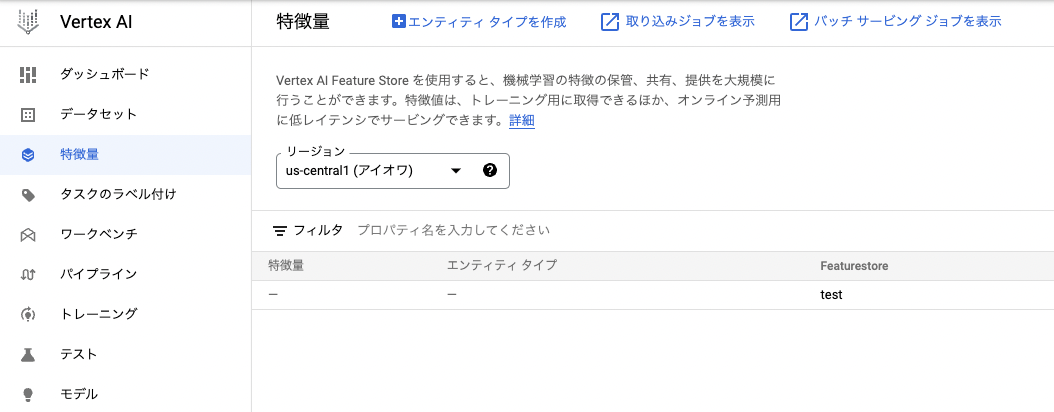
概要 GCP(Google Cloud Platform)のVertex AIにおいて、特徴量(featurestore)の削除方法のメモです。 後から気がつきましたが、以下に公式ドキュメントがありました。 https://cloud.google.com/vertex-ai/docs/featurestore/managing-featurestores#delete_a_featurestore 方法 今回は、以下に示すように、testという特徴量(featurestore)の削除を試みます。 以下のコマンドを実行することで削除できました。(GUIからの削除方法がわかりかねました。) 値 説明 LOCATION featurestore が配置されているリージョン(us-central1 など)。 PROJECT プロジェクト ID またはプロジェクト番号。 FEATURESTORE_ID featurestore の ID。 curl -X DELETE \ -H "Authorization: Bearer $(gcloud auth print-access-token)" \ https://{LOCATION}-aiplatform.googleapis.com/v1beta1/projects/{PROJECT}/locations/{LOCATION}/featurestores/{FEATURESTORE_ID} Cloud Shellで実行できました。 まとめ 同様のことでお困りの方の参考になりましたら幸いです。