PyPIでtwo factor auth enabled...への対応
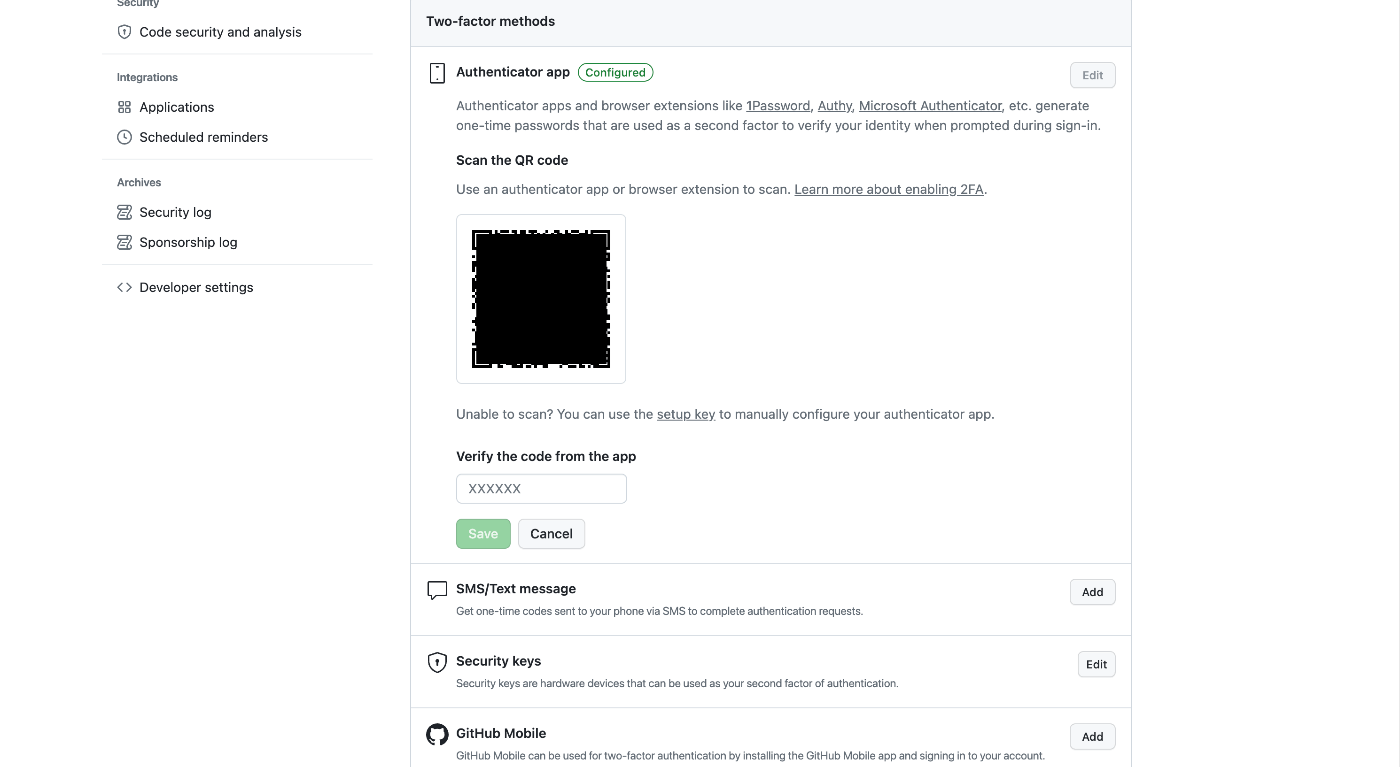
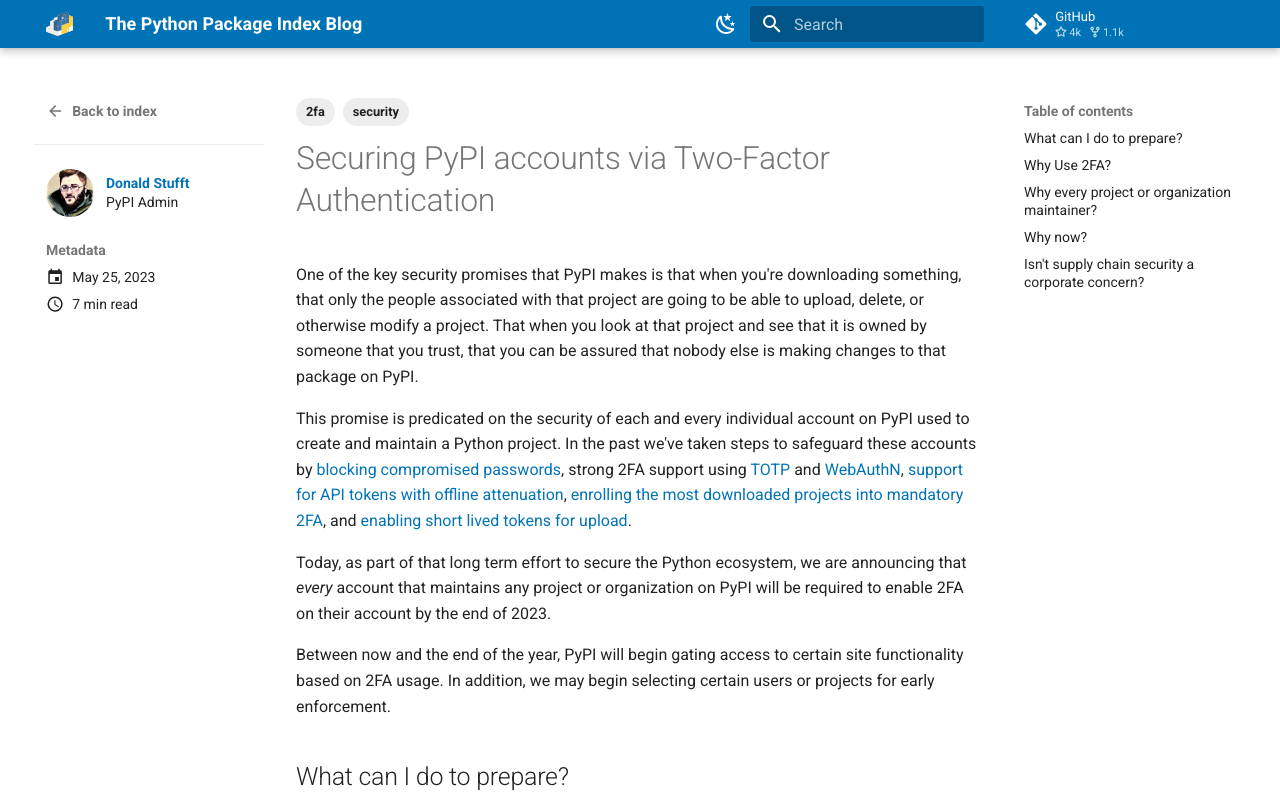
概要 PyPIで2要素認証が義務化されます。 https://blog.pypi.org/posts/2023-05-25-securing-pypi-with-2fa/ そのため2要素認証の設定を行った上でアップロードを試みたところ、以下のエラーが生じました。 Uploading xxxx.whl 100% ━━━━━━━━━━━━━━━━━━━━━━━━━━━━━━━━━━━━━━━━ 22.2/22.2 kB • 00:00 • 65.2 MB/s WARNING Error during upload. Retry with the --verbose option for more details. ERROR HTTPError: 401 Unauthorized from https://upload.pypi.org/legacy/ User <アカウント名> has two factor auth enabled, an API Token or Trusted Publisher must be used to upload in place of password. 対策 ~/.pypircを以下のように設定していました。 [pypi] username = <アカウント名> password = <パスワード> これを以下のように変更することでエラーが解消しました。APIトークンはPyPIのアカウント設定画面で作成することができました。 [pypi] username = __token__ password = <発行したAPIトークン> まとめ 私の場合、nbdevを使用していた際、以下で説明されている方法から変更する必要がありました。 https://nbdev.fast.ai/tutorials/tutorial.html#upload-to-pypi nbdevの利用に限らず、同様のことでお困りの方の参考になりましたら幸いです。 ...