Home Articles Books Search About
日本語
Publishing a YOLOv11x Model on Hugging Face

Publishing a YOLOv11x Model on Hugging Face

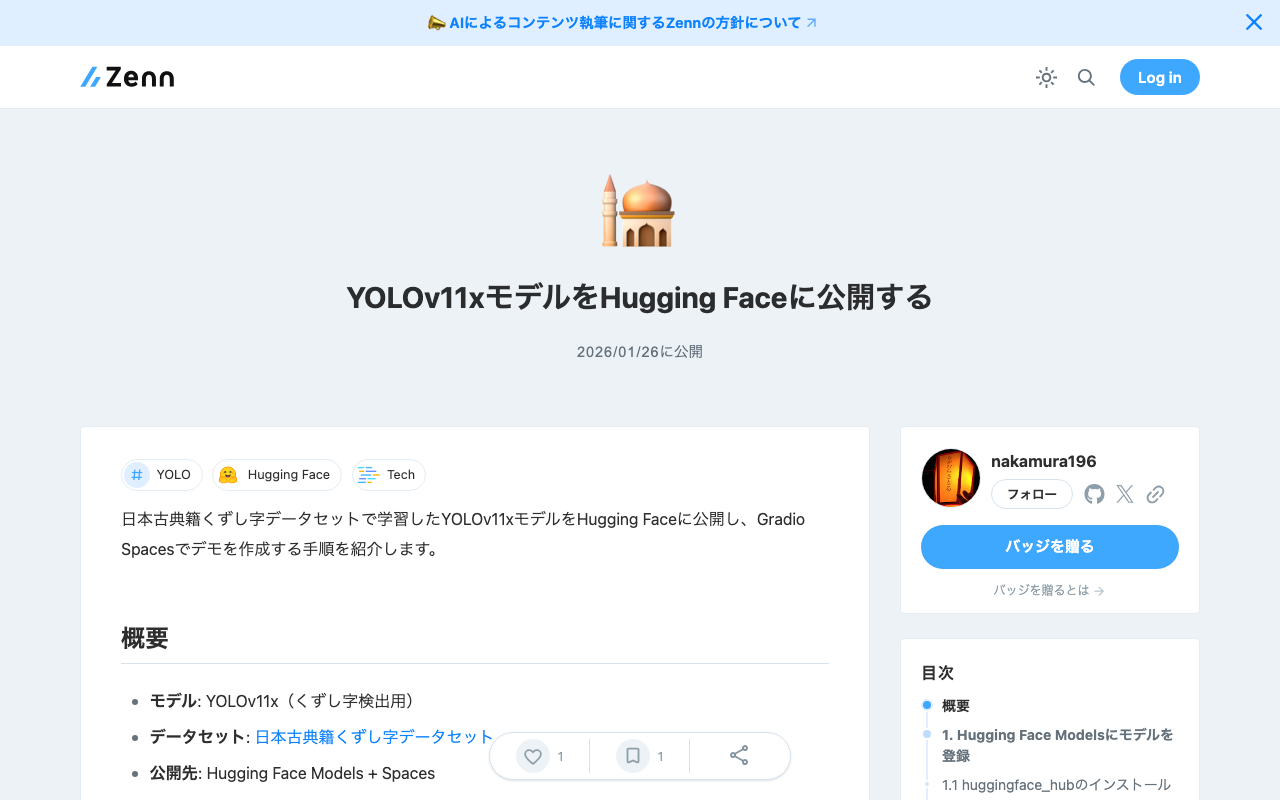
This article introduces the steps to publish a YOLOv11x model trained on the Japanese Classical Kuzushiji Dataset on Hugging Face and create a demo with Gradio Spaces. Overview Model: YOLOv11x (for kuzushiji character detection) Dataset: Japanese Classical Kuzushiji Dataset Publication: Hugging Face Models + Spaces 1. Register the Model on Hugging Face Models 1.1 Install huggingface_hub pip install huggingface_hub 1.2 Login huggingface-cli login Or from Python: from huggingface_hub import login login() You can obtain a token from https://huggingface.co/settings/tokens (Write permission required). ...

Building a Character Detection Model Using YOLOv11x and the Japanese Classical Character Dataset

Building a Character Detection Model Using YOLOv11x and the Japanese Classical Character Dataset

Overview I had the opportunity to build a character detection model using YOLOv11x and the Japanese Classical Character (Kuzushiji) Dataset, so this is a memo of the process. http://codh.rois.ac.jp/char-shape/ References Previously, I performed a similar task using YOLOv5. You can check the demo and pre-trained models at the following Spaces. https://huggingface.co/spaces/nakamura196/yolov5-char Below is an example of application to publicly available images from the “National Treasure Kanazawa Bunko Documents Database.” ...

Training YOLOv11 Classification (Kuzushiji Recognition) Using mdx.jp

Training YOLOv11 Classification (Kuzushiji Recognition) Using mdx.jp

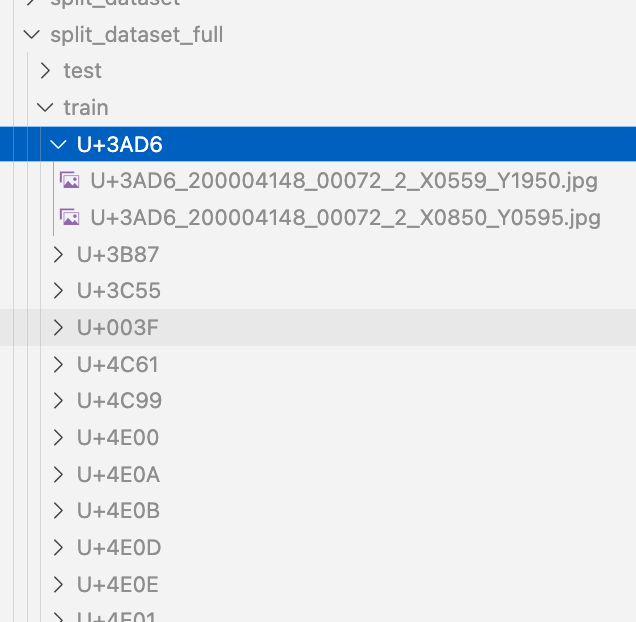
Overview We had the opportunity to train a YOLOv11 classification model (for kuzushiji/classical Japanese character recognition) using mdx.jp, so this article serves as a reference. Dataset We target the following “Kuzushiji Dataset”: http://codh.rois.ac.jp/char-shape/book/ Creating the Dataset We format the dataset to match the YOLO format. First, we merge the data, which is separated by book title, into a flat structure. #| export class Classification: def create_dataset(self, input_file_path, output_dir): # "../data/*/characters/*/*.jpg" files = glob(input_file_path) # output_dir = "../data/dataset" for file in tqdm(files): cls = file.split("/")[-2] output_file = f"{output_dir}/{cls}/{file.split('/')[-1]}" if os.path.exists(output_file): continue # print(f"Copying {file} to {output_file}") os.makedirs(f"{output_dir}/{cls}", exist_ok=True) shutil.copy(file, output_file) Next, we split the dataset using the following script: ...

Building an Inference App Using Hugging Face Spaces and YOLOv5 Model (Trained on KaoKore Dataset)

Building an Inference App Using Hugging Face Spaces and YOLOv5 Model (Trained on KaoKore Dataset)

Overview I created an inference app using Hugging Face Spaces and a YOLOv5 model trained on the KaoKore dataset. The KaoKore dataset published by the Center for Open Data in the Humanities (CODH) is as follows: Yingtao Tian, Chikahiko Suzuki, Tarin Clanuwat, Mikel Bober-Irizar, Alex Lamb, Asanobu Kitamoto, “KaoKore: A Pre-modern Japanese Art Facial Expression Dataset”, arXiv:2002.08595. http://codh.rois.ac.jp/face/dataset/ You can try the inference app at the following URL: https://huggingface.co/spaces/nakamura196/yolov5-face The source code and trained model can be downloaded from the following URL. I hope it serves as a reference when developing similar applications. ...

Resolving ModuleNotFoundError: No module named 'huggingface_hub.utils._errors'

Resolving ModuleNotFoundError: No module named 'huggingface_hub.utils._errors'

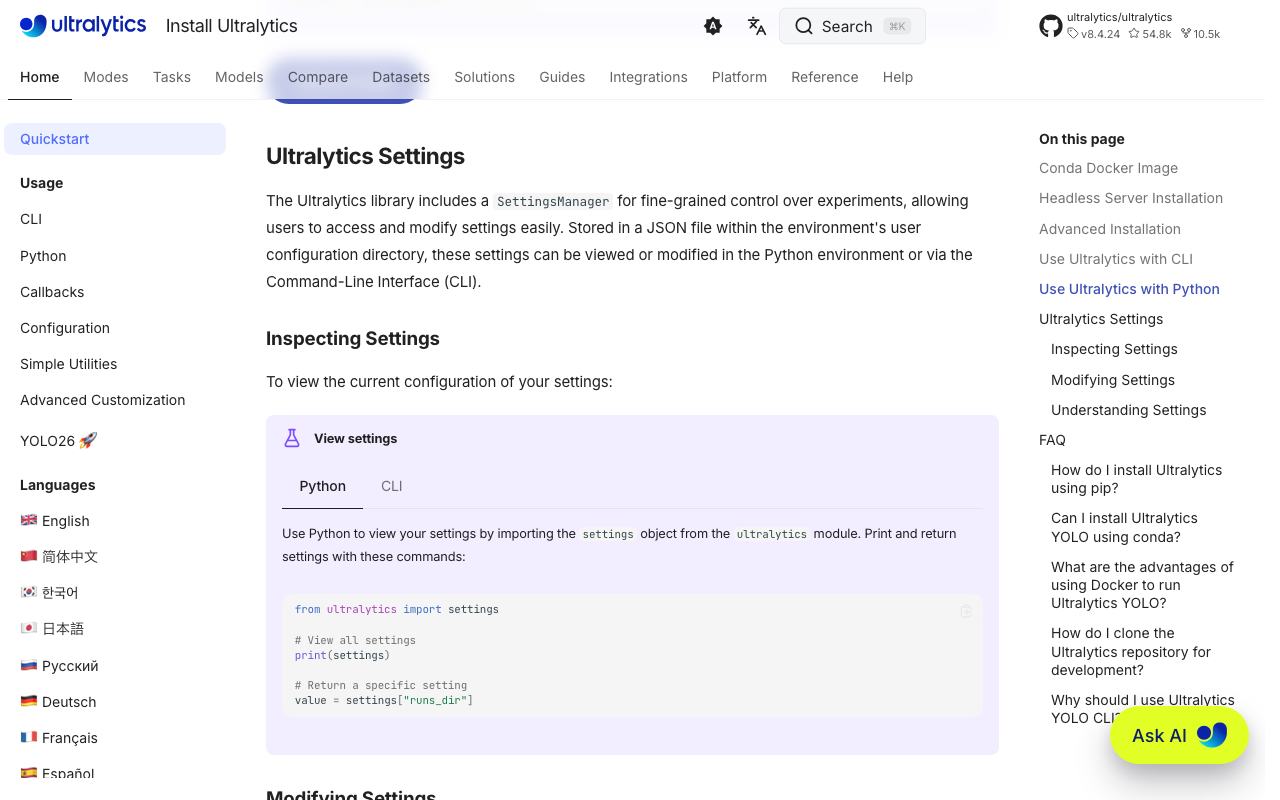
Overview When deploying an app to Hugging Face Spaces, the following error occurred. This is a memo about that error. Creating new Ultralytics Settings v0.0.6 file ✅ View Ultralytics Settings with 'yolo settings' or at '/home/user/.config/Ultralytics/settings.json' Update Settings with 'yolo settings key=value', i.e. 'yolo settings runs_dir=path/to/dir'. For help see https://docs.ultralytics.com/quickstart/#ultralytics-settings. WARNING ⚠️ DetectMultiBackend failed: No module named 'huggingface_hub.utils._errors' Traceback (most recent call last): File "/usr/local/lib/python3.10/site-packages/yolov5/helpers.py", line 38, in load_model model = DetectMultiBackend( File "/usr/local/lib/python3.10/site-packages/yolov5/models/common.py", line 338, in __init__ result = attempt_download_from_hub(w, hf_token=hf_token) File "/usr/local/lib/python3.10/site-packages/yolov5/utils/downloads.py", line 150, in attempt_download_from_hub from huggingface_hub.utils._errors import RepositoryNotFoundError ModuleNotFoundError: No module named 'huggingface_hub.utils._errors' During handling of the above exception, another exception occurred: Reference The following article was helpful. ...

Inference App Using a YOLOv5 Model (Character Region Detection)

Inference App Using a YOLOv5 Model (Character Region Detection)

Overview The character region detection app is published at the following link. https://huggingface.co/spaces/nakamura196/yolov5-char The above app had stopped working, so I fixed it following the same procedure as in the following article. The model used in this app was built using the “Japanese Classical Character Dataset” (held by NIJL and others / processed by CODH) doi:10.20676/00000340. I also made some minor improvements during this fix, which I will introduce here. ...

Fixing an Inference App Using Hugging Face Spaces and a YOLOv5 Model (Trained on NDL-DocL Dataset)

Fixing an Inference App Using Hugging Face Spaces and a YOLOv5 Model (Trained on NDL-DocL Dataset)

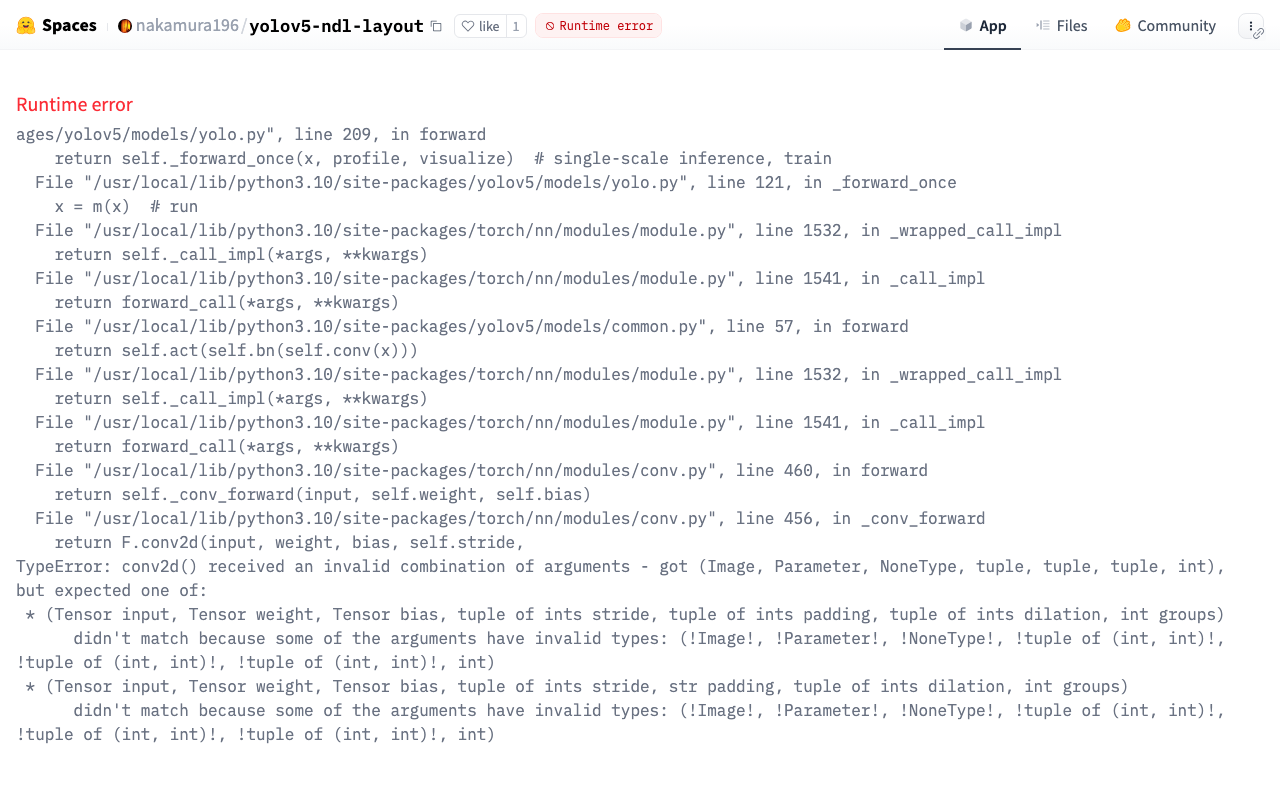
Overview In the following article, I introduced an inference app using Hugging Face Spaces and a YOLOv5 model trained on the NDL-DocL dataset. This app had stopped working, so I fixed it to make it operational again. https://huggingface.co/spaces/nakamura196/yolov5-ndl-layout Here are my notes on the changes made during this fix. Changes The modified app.py is shown below. import gradio as gr from PIL import Image import yolov5 import json model = yolov5.load("nakamura196/yolov5-ndl-layout") def yolo(im): results = model(im) # inference df = results.pandas().xyxy[0].to_json(orient="records") res = json.loads(df) im_with_boxes = results.render()[0] # results.render() returns a list of images # Convert the numpy array back to an image output_image = Image.fromarray(im_with_boxes) return [ output_image, res ] inputs = gr.Image(type='pil', label="Original Image") outputs = [ gr.Image(type="pil", label="Output Image"), gr.JSON() ] title = "YOLOv5 NDL-DocL Datasets" description = "YOLOv5 NDL-DocL Datasets Gradio demo for object detection. Upload an image or click an example image to use." article = "<p style='text-align: center'>YOLOv5 NDL-DocL Datasets is an object detection model trained on the <a href=\"https://github.com/ndl-lab/layout-dataset\">NDL-DocL Datasets</a>.</p>" examples = [ ['『源氏物語』(東京大学総合図書館所蔵).jpg'], ['『源氏物語』(京都大学所蔵).jpg'], ['『平家物語』(国文学研究資料館提供).jpg'] ] demo = gr.Interface(yolo, inputs, outputs, title=title, description=description, article=article, examples=examples) demo.launch(share=False) First, due to Gradio version upgrades, I changed gr.inputs.Image to gr.Image and similar updates. ...

Handling ultralyticsplus: ValueError: Invalid CUDA 'device=0' requested...

Handling ultralyticsplus: ValueError: Invalid CUDA 'device=0' requested...

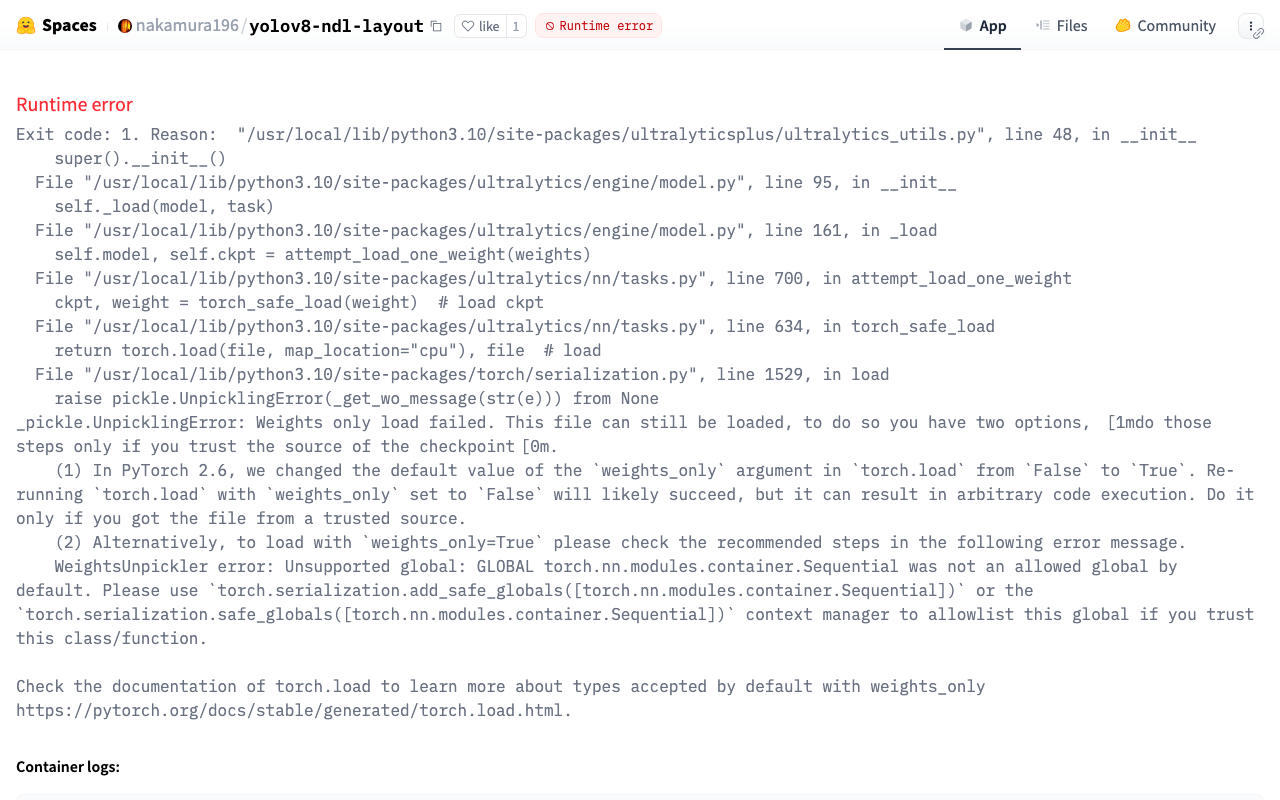
Overview I have published an inference app using YOLOv8 at the following link: https://huggingface.co/spaces/nakamura196/yolov8-ndl-layout Initially, the following error occurred: ValueError: Invalid CUDA 'device=0' requested. Use 'device=cpu' or pass valid CUDA device(s) if available, i.e. 'device=0' or 'device=0,1,2,3' for Multi-GPU. torch.cuda.is_available(): False torch.cuda.device_count(): 0 os.environ['CUDA_VISIBLE_DEVICES']: None See https://pytorch.org/get-started/locally/ for up-to-date torch install instructions if no CUDA devices are seen by torch. This error was resolved by adding device as follows: ...

Dealing with AttributeError in ultralytics/yolov5

Dealing with AttributeError in ultralytics/yolov5

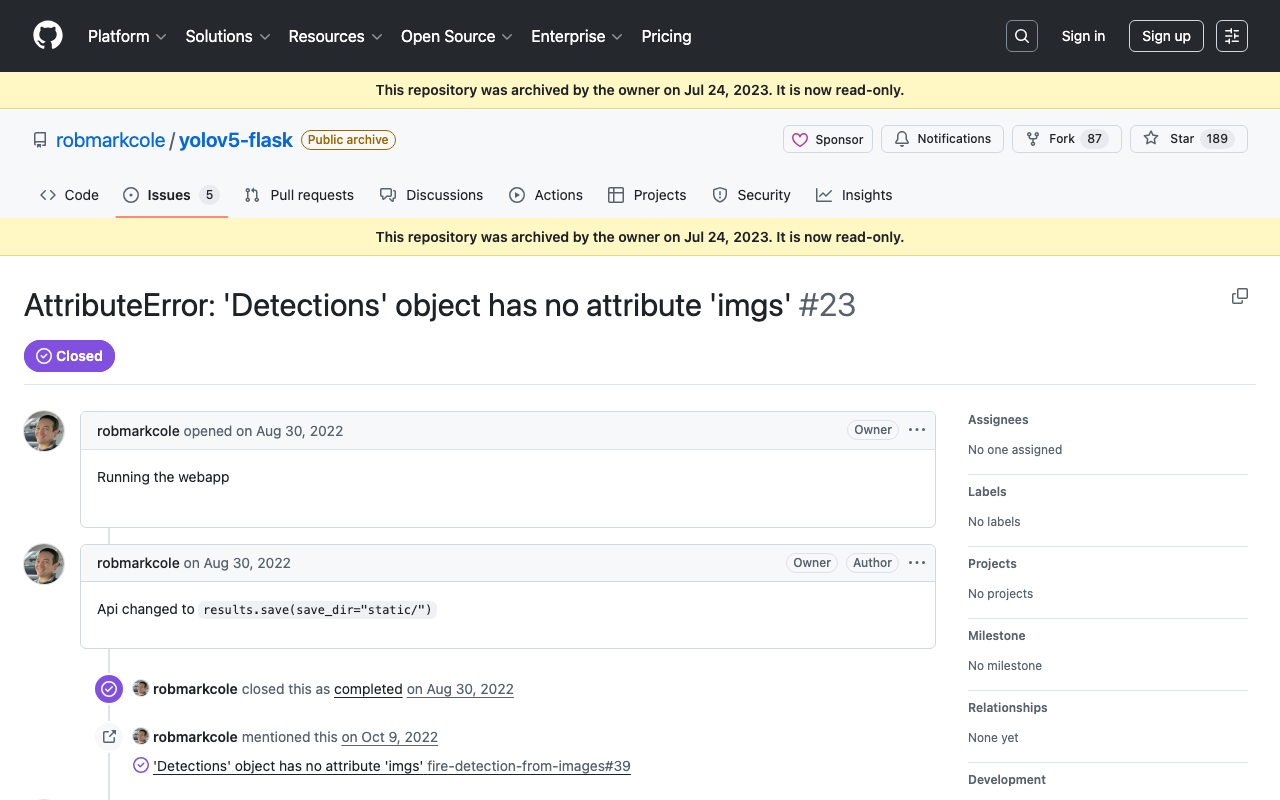
When using ultralytics/yolov5, the following error occurred. AttributeError: 'Detections' object has no attribute 'imgs' As mentioned in the following issue, this appears to be caused by an API change. https://github.com/robmarkcole/yolov5-flask/issues/23 As one example, the error was resolved by rewriting the program as follows. results = model(im) # inference # new def getImage(results): output_dir = "static" if os.path.exists(output_dir): shutil.rmtree(output_dir) results.save(save_dir=f"{output_dir}/") return Image.open(f"{output_dir}/image0.jpg") # old def oldGetImage(results): results.render() return Image.fromarray(results.imgs[0]) renderedImg = getImage(results) I hope this is helpful for those experiencing the same issue. ...

Returning JSON from Hugging Face Spaces

Returning JSON from Hugging Face Spaces

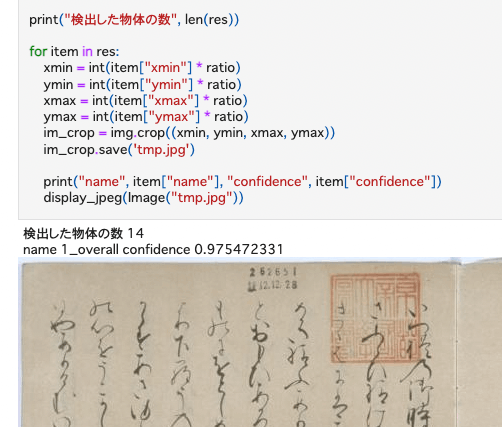
Previously, I built an inference app using Hugging Face Spaces and a YOLOv5 model (trained on the NDL-DocL dataset): This time, I modified the app above to add JSON output, as shown in the following diff: https://huggingface.co/spaces/nakamura196/yolov5-ndl-layout/commit/4d48b95ce080edd28d68fba2b5b33cc17b9b9ecb#d2h-120906 This enables processing using the returned results, as shown in the following notebook: https://github.com/nakamura196/ndl_ocr/blob/main/GradioのAPIを用いた物体検出例.ipynb There may be better approaches, but I hope this serves as a useful reference.

Building a Layout Extraction Model Using the NDL-DocL Dataset and YOLOv5

Building a Layout Extraction Model Using the NDL-DocL Dataset and YOLOv5

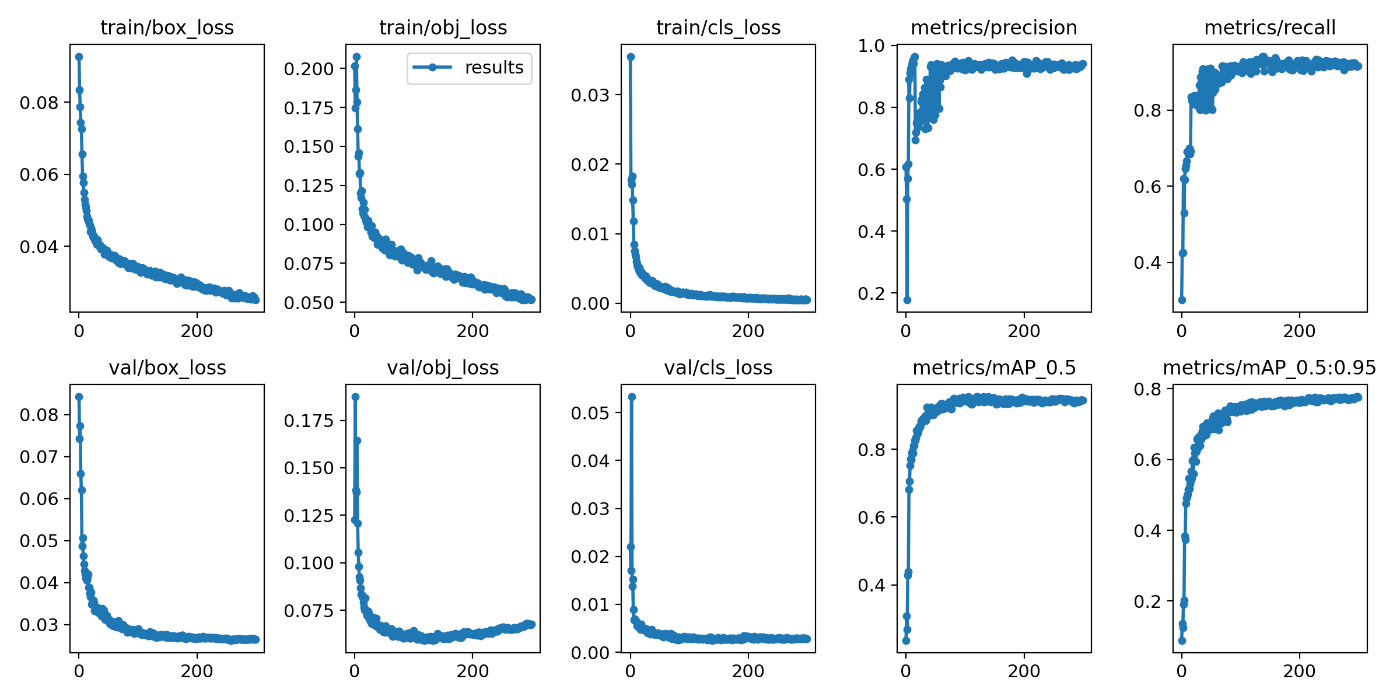
Overview I built a layout extraction model using the NDL-DocL dataset and YOLOv5. https://github.com/ndl-lab/layout-dataset https://github.com/ultralytics/yolov5 You can try this model using the following notebook. https://colab.research.google.com/github/nakamura196/ndl_ocr/blob/main/NDL_DocLデータセットとYOLOv5を用いたレイアウト抽出モデル.ipynb This article is a record of the training process above. Creating the Dataset The NDL-DocL dataset in Pascal VOC format is converted to YOLO format. For this method, refer to the following article. In addition to the conversion from Pascal VOC format to COCO format, conversion from COCO format to YOLO format was added. ...

Building an Object Detection API Using AWS Lambda (Flask + YOLOv5)

Building an Object Detection API Using AWS Lambda (Flask + YOLOv5)

Overview We build an object detection API (Flask + YOLOv5) using AWS Lambda. By building a machine learning inference model using AWS Lambda, we aim to reduce costs. The following article was used as a reference. https://zenn.dev/gokauz/articles/72e543796a6423 Updates to the repository contents and additions of how to use it from API Gateway have been made. Registering Functions on Lambda Clone the following GitHub repository. git clone https://github.com/ldasjp8/yolov5-lambda.git Running Locally Next, create a virtual environment using venv and install the modules. ...

How to Use a Flask-Based YOLOv5 Model Repository with ECR and AWS App Runner

How to Use a Flask-Based YOLOv5 Model Repository with ECR and AWS App Runner

This article introduces an example of building an object detection API using AWS App Runner and YOLOv5. Amazon ECR I registered the following repository, which publishes a YOLOv5 model using Flask, to the Amazon ECR (Elastic Container Registry) public registry. https://github.com/robmarkcole/yolov5-flask https://gallery.ecr.aws/b8m8i5m3/yolov5-flask I made some modifications to the source code from the original repository. The forked repository is here: https://github.com/ldasjp8/yolov5-flask Below, I will explain how to use this image with App Runner as an example. ...