Home Articles Books Search About
日本語
Trying the jingtrang Library for RELAX NG Schema: Creating RNG Files

Trying the jingtrang Library for RELAX NG Schema: Creating RNG Files

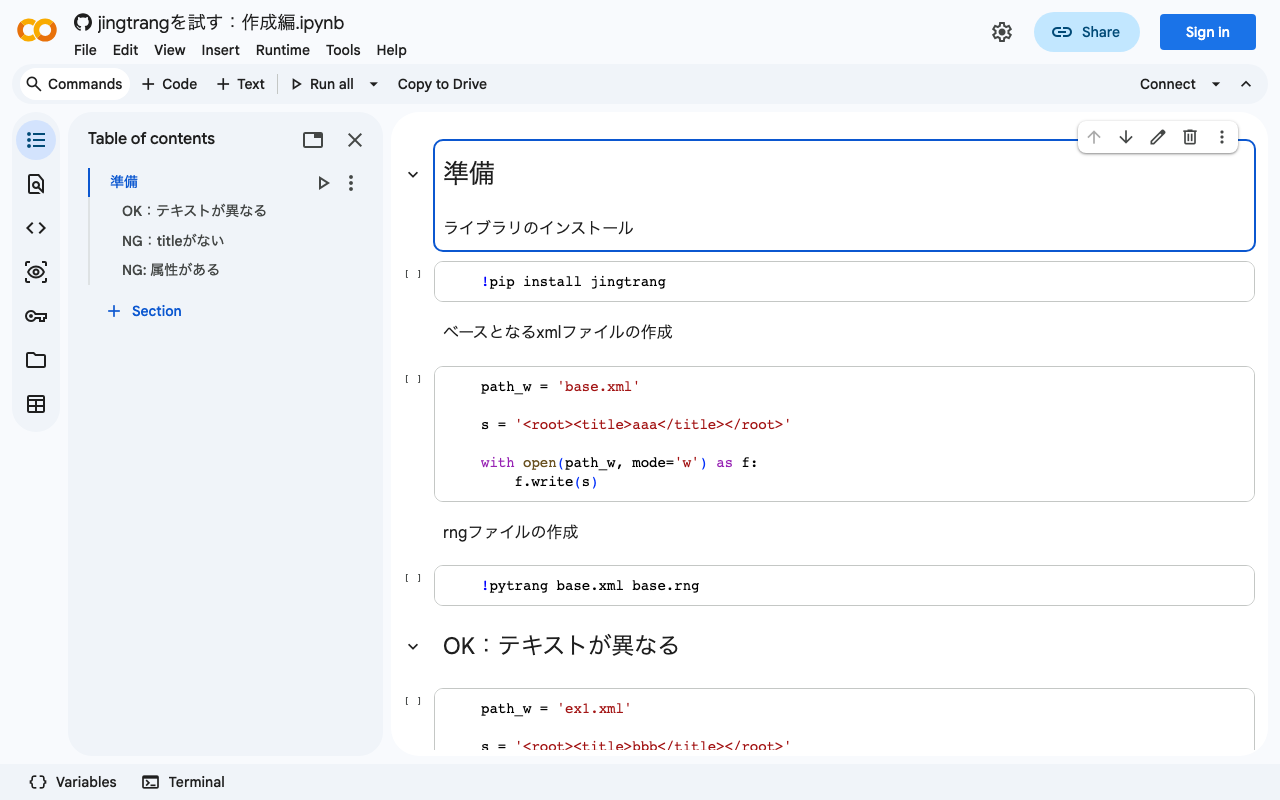
Overview In the following article, I performed XML file validation using jingtrang and RNG files. Since this jingtrang library can create RNG files from XML files, I decided to try it out. I also prepared a Google Colab notebook. https://colab.research.google.com/github/nakamura196/ndl_ocr/blob/main/jingtrangを試す:作成編.ipynb Creating an RNG File As the source file for creating the RNG file, I prepared the following: <root><title>aaa</title></root> For the above file, execute the following: pytrang base.xml base.rng As a result, the following file was created: ...
Trying the jingtrang Library for RELAX NG Schema: Validation

Trying the jingtrang Library for RELAX NG Schema: Validation

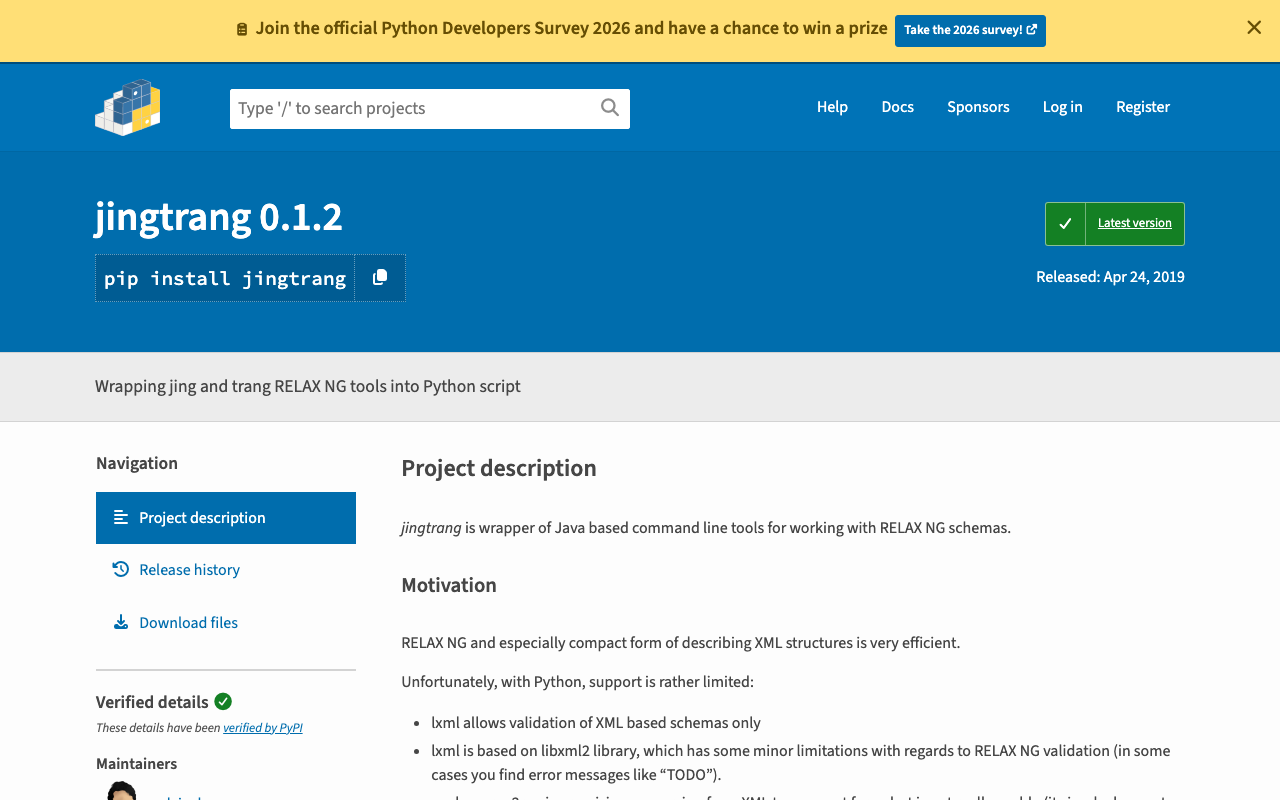
Overview I had an opportunity to create an XML file conforming to a specific schema, and needed to verify that the XML file matched the schema. To meet this requirement, I tried the jingtrang library for working with RELAX NG schemas, so here are my notes: https://pypi.org/project/jingtrang/ I also prepared a Google Colab notebook: https://colab.research.google.com/github/nakamura196/ndl_ocr/blob/main/jingtrangを試す.ipynb Trying Validation # ライブラリのインストール pip install jingtrang # rngファイルのダウンロード(tei_allを使用) wget https://raw.githubusercontent.com/nakamura196/test2021/main/tei_all.rng # validation対象のXMLファイルの用意(校異源氏物語テキストのダウンロード) wget https://kouigenjimonogatari.github.io/tei/01.xml Passing Example Running the following produced no output: ...

Double-Sided Ruby Annotations Using python-docx

Double-Sided Ruby Annotations Using python-docx

This is a memo on how to achieve double-sided ruby (furigana) in Word using python-docx. You can try it from the following notebook. https://colab.research.google.com/github/nakamura196/ndl_ocr/blob/main/python_docxを用いた両側ルビ.ipynb An output example is shown below. An input example is shown below. <body> <p> 私は <ruby> <rb> <ruby> <rb>打</rb> <rt place="right">ダ</rt> </ruby> <ruby> <rb>球</rb> <rt place="right">キウ</rt> </ruby> 場 </rb> <rt place="left">ビリヤード</rt> </ruby> に行きました。 </p> <p> <ruby> <rb>入学試験</rb> <rt place="above">にゅうがくしけん</rt> </ruby> があります。 </p> </body> The program is still incomplete, but I hope it serves as a helpful reference. ...

Converting TEI/XML Files to EPUB Using Python

Converting TEI/XML Files to EPUB Using Python

Overview I had the opportunity to convert TEI/XML files to EPUB using Python, so here are my notes. While Oxygen XML Editor is one method for converting TEI/XML files to EPUB, this time I used the Python library “EbookLib.” I referenced the following article. https://dev.classmethod.jp/articles/try-create-epub-by-python-ebooklib/ In particular, this time the goal is to create a vertical-text EPUB from the TEI/XML files published in the “Koui Genji Monogatari Text Data Repository.” ...

How to Extract and Process Only Text Strings from XML Files

How to Extract and Process Only Text Strings from XML Files

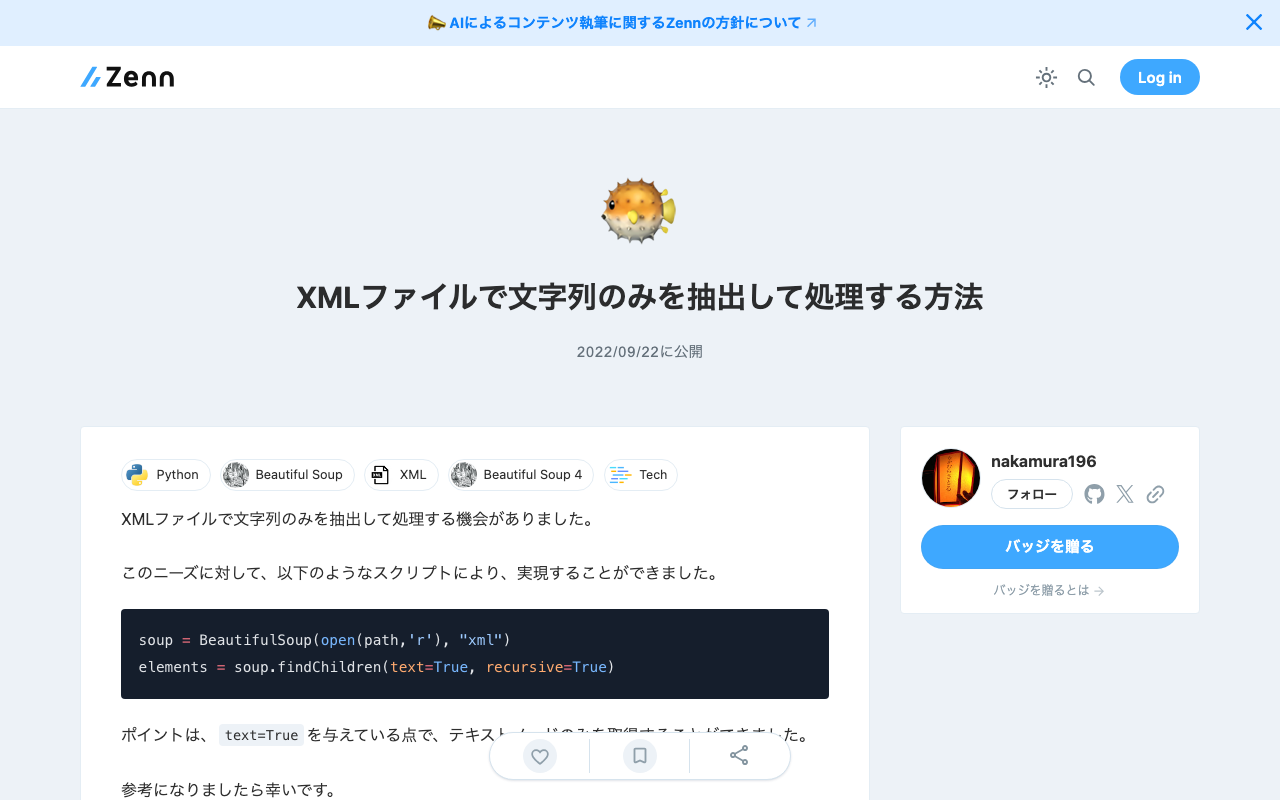
I had the opportunity to extract and process only text strings from XML files. For this need, I was able to achieve it with the following script. soup = BeautifulSoup(open(path,'r'), "xml") elements = soup.findChildren(text=True, recursive=True) The key point is passing text=True, which allows you to retrieve only text nodes. I hope this serves as a useful reference.

How to Set the xml:id Attribute with BeautifulSoup

How to Set the xml:id Attribute with BeautifulSoup

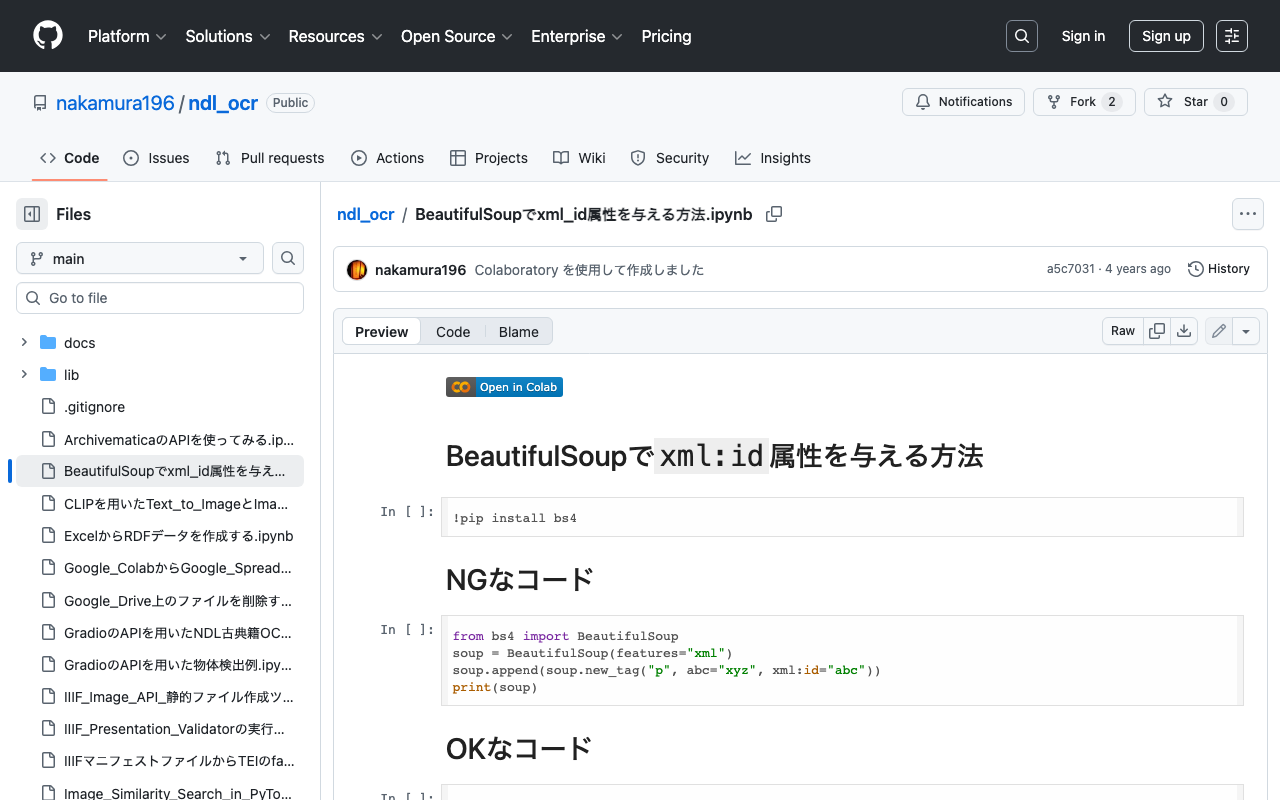
This is a memo on how to set the xml:id attribute with BeautifulSoup. The following method causes an error. from bs4 import BeautifulSoup soup = BeautifulSoup(features="xml") soup.append(soup.new_tag("p", abc="xyz", xml:id="abc")) print(soup) Writing it as follows works correctly. from bs4 import BeautifulSoup soup = BeautifulSoup(features="xml") soup.append(soup.new_tag("p", **{"abc": "xyz", "xml:id":"aiu"})) print(soup) An execution example on Google Colab is available below. https://github.com/nakamura196/ndl_ocr/blob/main/BeautifulSoupでxml_id属性を与える方法.ipynb We hope this is helpful.

I Created a Program to Extract Differences Between Two Texts

I Created a Program to Extract Differences Between Two Texts

Overview I created a program to extract differences between two texts. You can use it from the following Google Colab notebook. https://colab.research.google.com/github/nakamura196/ndl_ocr/blob/main/校異情報の生成.ipynb A well-known service for this purpose is “difff”, but this time I implemented it using Python. https://difff.jp/ For calculating the differences between texts, I used difflib.SequenceMatcher. https://docs.python.org/ja/3/library/difflib.html Usage You can choose between two output formats: HTML files and TEI files. HTML Here is an example of the HTML file output. ...

Created a Sample Repository for Running XSLT in Node.js

Created a Sample Repository for Running XSLT in Node.js

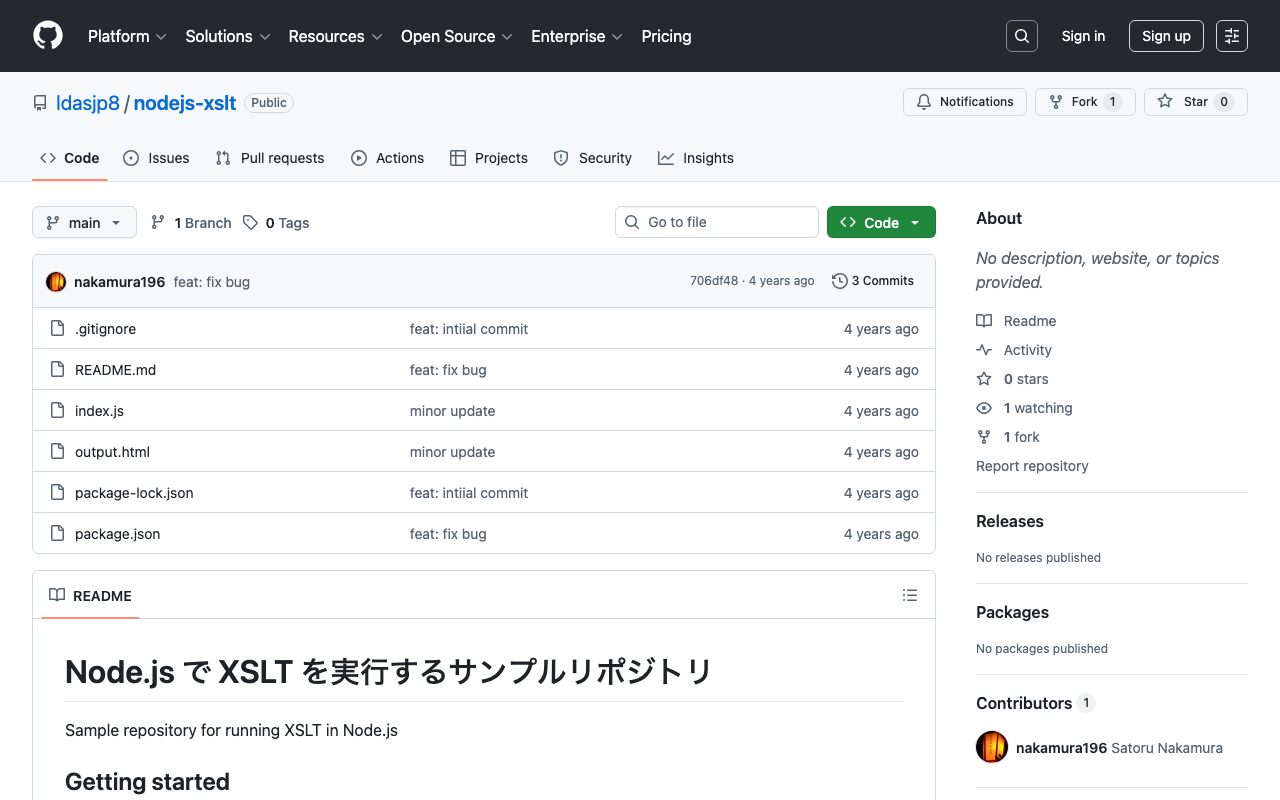
I created a sample repository for running XSLT in Node.js. https://github.com/ldasjp8/nodejs-xslt We hope this is helpful when processing TEI/XML files and similar in Node.js.