Home Articles Books Search About
日本語
How to Handle CSP Errors in Strapi

How to Handle CSP Errors in Strapi

Overview I configured Strapi with the following plugin to store media in S3. https://www.npmjs.com/package/@liashchynskyi/strapi-provider-upload-s3-cloudfront At that time, the following error occurred and images were not displayed. Refused to load the image 'https://xxx/uploads/yyy.jpg' because it violates the following Content Security Policy directive: "img-src 'self' data: blob: dl.airtable.com". I was able to resolve this issue by modifying ./config/middleware.js, as described in the following article. https://zenn.dev/studiobros/articles/04400f413eb2aa Regarding ACL Similarly, I also encountered a situation where media could not be uploaded to S3. However, as described in the above article, by enabling S3 ACL and configuring the appropriate Block Public Access (bucket settings), I was able to upload successfully. ...

Trying Strapi's Data Transfer

Trying Strapi's Data Transfer

Overview I had the opportunity to deploy local environment data to a production environment in Strapi, so I tried using the following Data transfer feature. https://docs.strapi.io/dev-docs/data-management/transfer Steps Production Environment Side Issue a Transfer Token on the production environment side. Local Environment Let’s say the production site is https://strapi.example.org and the token is xxx. With the following command, I was able to deploy the local environment data to the production environment. ...

Sorting and Pagination in Strapi v4 GraphQL

Sorting and Pagination in Strapi v4 GraphQL

I looked into how to perform sorting and pagination with Strapi v4’s GraphQL. Documentation was found at the following location. https://docs.strapi.io/dev-docs/api/graphql Specifically, pagination and sorting could be performed by writing queries like the following. query { blogPosts(pagination: {page: 1, pageSize: 10}, sort: "createdAt:desc") { meta { pagination { total } } data { id attributes { createdAt } } } } I hope this serves as a helpful reference.

Integrating Strapi with Amazon OpenSearch

Integrating Strapi with Amazon OpenSearch

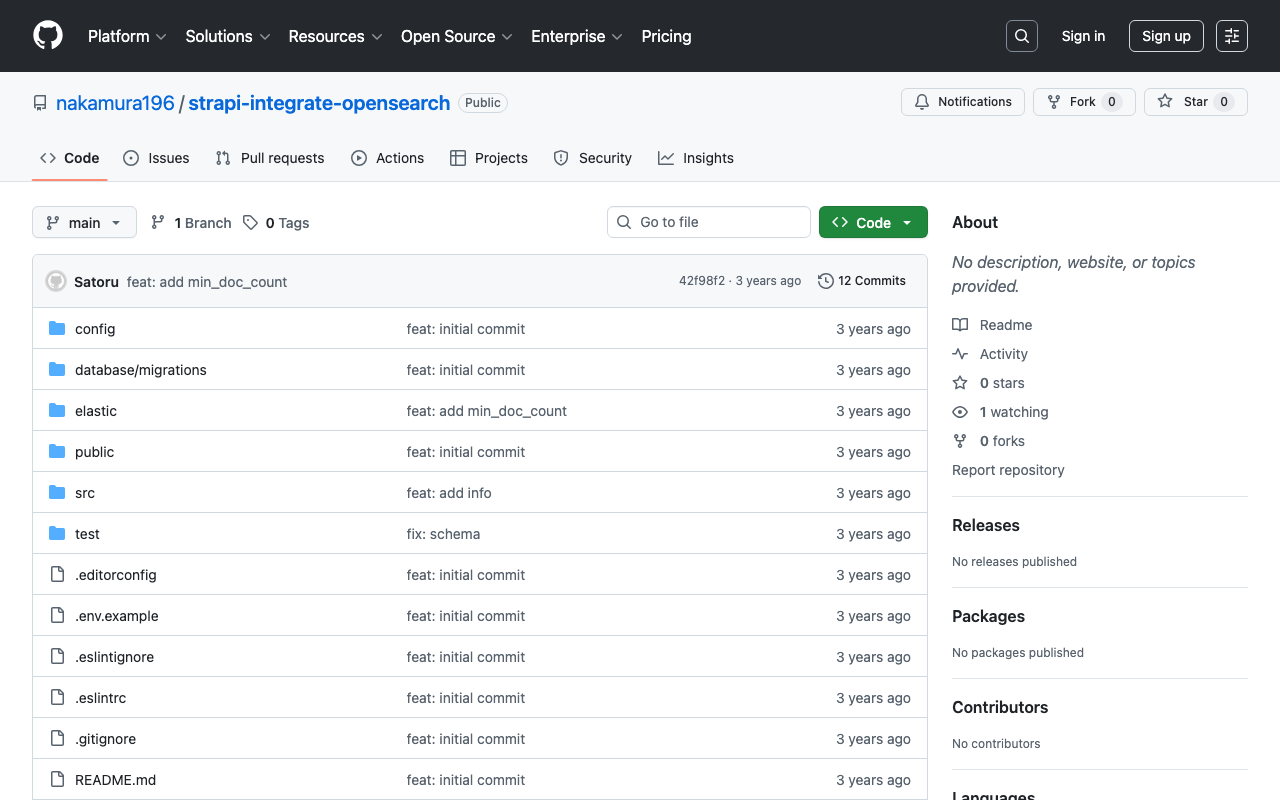
Overview The following article was helpful for integrating Strapi with Elasticsearch. https://punits.dev/blog/integrating-elasticsearch-with-strapi/ The source code is also publicly available. https://github.com/geeky-biz/strapi-integrate-elasticsearch Here, I will note some customizations made based on the above article, including integration with Amazon OpenSearch. The customized source code is available here: https://github.com/nakamura196/strapi-integrate-opensearch Modifications The article references indexing_type, but it needed to be changed to indexing_request_type. https://github.com/nakamura196/strapi-integrate-opensearch/blob/006c533d4d7882fc9779552db31a7b0e2ada5e57/elastic/cron-search-indexing.js#L16 Additionally, to use Amazon OpenSearch instead of Elasticsearch, the following libraries need to be installed. ...

Configuring Strapi's REST API

Configuring Strapi's REST API

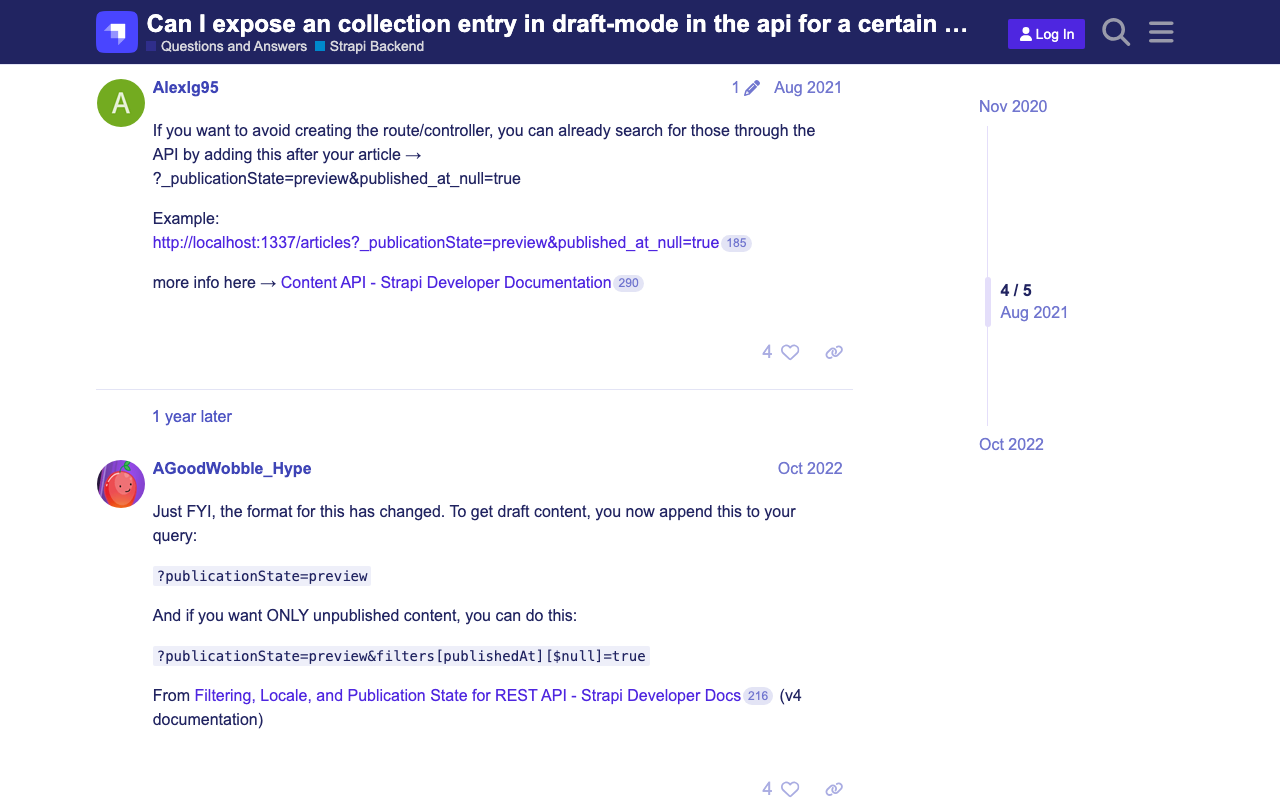
Overview This is a memo on some configuration settings for Strapi’s REST API. Changing the Search Result Limit The following documentation describes this. https://docs.strapi.io/dev-docs/api/rest/sort-pagination#pagination Specifically: The default and maximum values for pagination[limit] can be configured in the ./config/api.js file with the api.rest.defaultLimit and api.rest.maxLimit keys. module.exports = { rest: { defaultLimit: 25, maxLimit: 1000, // 100, withCount: true, }, }; Retrieving Items Including Those with Draft STATE By default, items with a Draft STATE could not be retrieved. The following article was helpful. ...

Auth0 Provider and Strapi Tutorial

Auth0 Provider and Strapi Tutorial

Overview I tried authenticating Strapi using Auth0. I was able to accomplish this by following the steps in the article below. https://strapi.io/blog/auth0-provider-and-strapi-tutorial-1 However, in the section specifying Allowed Callback URLs, I needed to change http://localhost:1337/connect/auth0/callback to http://localhost:1337/api/connect/auth0/callback. (Reference) GitHub Following the above steps as a reference, I was also able to successfully configure GitHub as a provider.

Strapi: How to Filter Results by Deeply Nested Fields

Strapi: How to Filter Results by Deeply Nested Fields

Overview The following article introduces how to filter results by deeply nested fields. https://strapi.io/blog/deep-filtering-alpha-26 As described above, by preparing the content types and fields, I was able to obtain the intended results. Notes As mentioned in the comments of the above article, the text contains “" characters, but these appear to be unnecessary. Incorrect GET /api/books?filters\[authors\][hobby][$contains]=dance By using the query without “" as follows, the intended results were obtained. Correct GET /api/books?filters[authors][hobby][$contains]=dance Summary I hope this serves as a helpful reference. ...

Adding GraphQL to Strapi

Adding GraphQL to Strapi

Overview In the following article, I launched Strapi on Amazon Lightsail. This time, I add GraphQL and try using it. Installing the GraphQL Plugin I ran the following. Please adjust paths like backend as needed. cd /opt/bitnami/apache2/htdocs/backend yarn add @strapi/plugin-graphql Then, start the application. yarn develop Accessing /graphql displays the following screen. I had already created a content type called services with a field called title. So by issuing the following query, I was able to retrieve the list and metadata. ...

Running Strapi on Amazon Lightsail (SSL, Custom Domain)

Running Strapi on Amazon Lightsail (SSL, Custom Domain)

Overview I had the opportunity to run Strapi on Amazon Lightsail, so here are my notes. I referenced the following article: https://zenn.dev/holykzm/articles/1e54cc25207657 Instance Select Node.js. Choose an instance with at least 1GB of memory. If you build on Lightsail, an out-of-memory error will occur with less. SSL and Custom Domain Please refer to the following: https://zenn.dev/nakamura196/articles/5772d6c918508a#独自ドメインの付与 Assign a Static IP, configure a custom domain in Route 53, and run the following: ...