Home Articles Books Search About
日本語
Implementing a Multilingual Historical Map with MapLibre GL JS + Rekichizu

Implementing a Multilingual Historical Map with MapLibre GL JS + Rekichizu

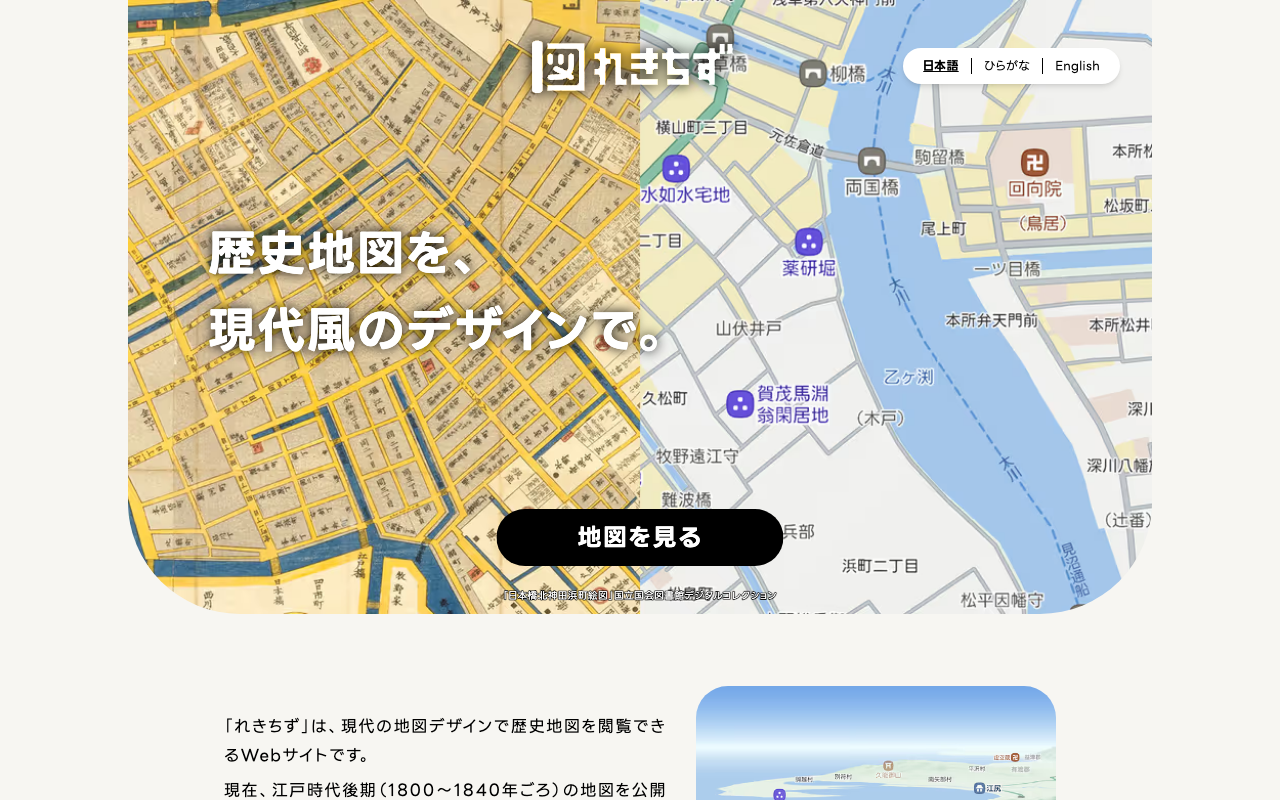
Following the multilingual support (Japanese, Hiragana, English) added to the historical map service “Rekichizu,” this article introduces how to implement a map with language switching using MapLibre GL JS. What is Rekichizu? Rekichizu is a web service that lets you browse maps of the late Edo period (around 1800-1840) in a modern design. Multilingual support was added in November 2025, and the following three styles are provided. Language Style URL Japanese https://mierune.github.io/rekichizu-style/styles/street/style.json Hiragana https://mierune.github.io/rekichizu-style/styles/street/style_hira.json English https://mierune.github.io/rekichizu-style/styles/street/style_en.json Simple HTML Version Here is an example implemented with plain HTML + JavaScript without any framework. The display language is switched based on a GET parameter (?lang=en). ...
IIIF Georeference Viewer Migration to MapLibre GL and Feature Improvements

IIIF Georeference Viewer Migration to MapLibre GL and Feature Improvements

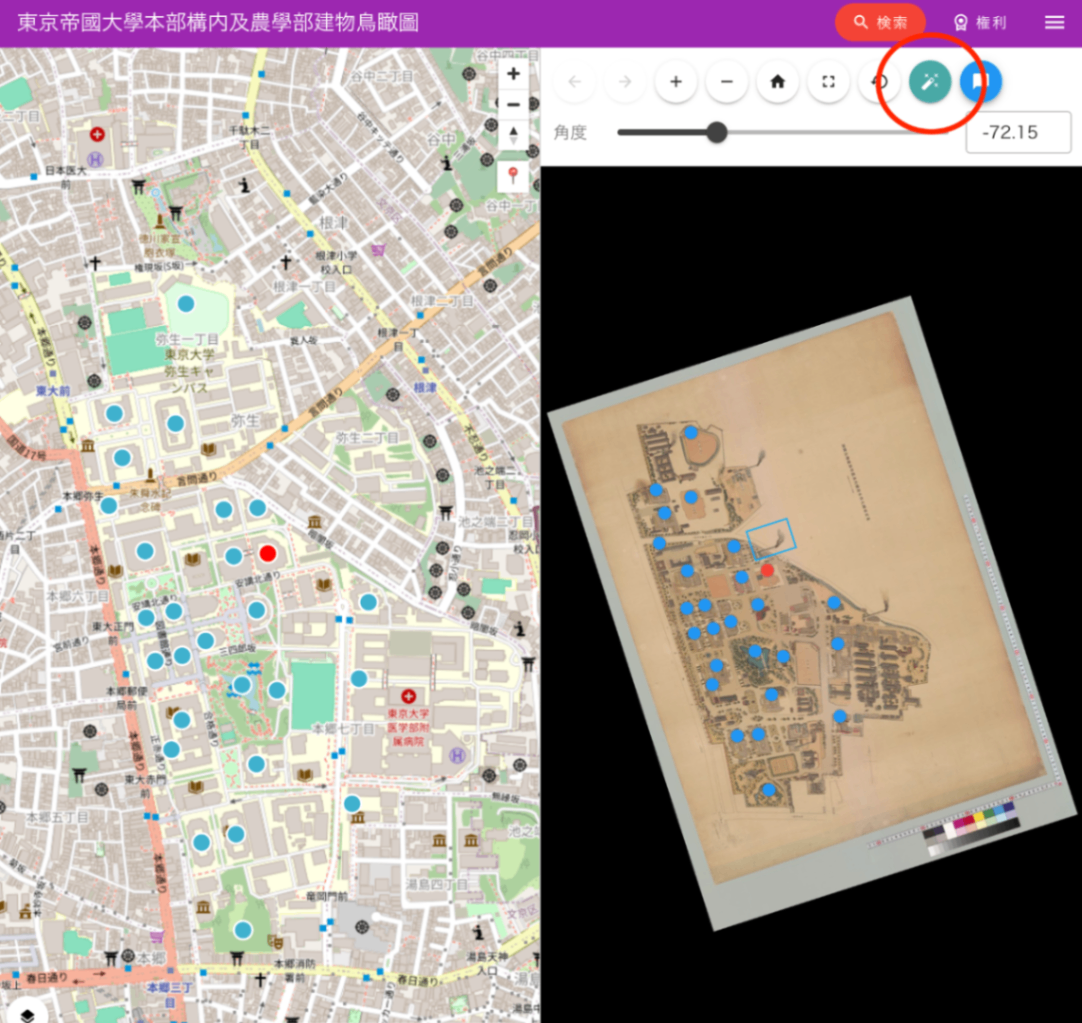
This article was created by AI with human additions. Overview We migrated the map component of the IIIF Georeference Viewer from Leaflet to MapLibre GL and implemented multiple feature improvements. This article explains the major features implemented and their technical details. https://nakamura196.github.io/iiif_geo/ Major Improvements 1. Automatic Image Rotation To display IIIF images in the correct orientation on the map, we implemented a feature that automatically calculates the rotation angle from control points (corresponding points). ...

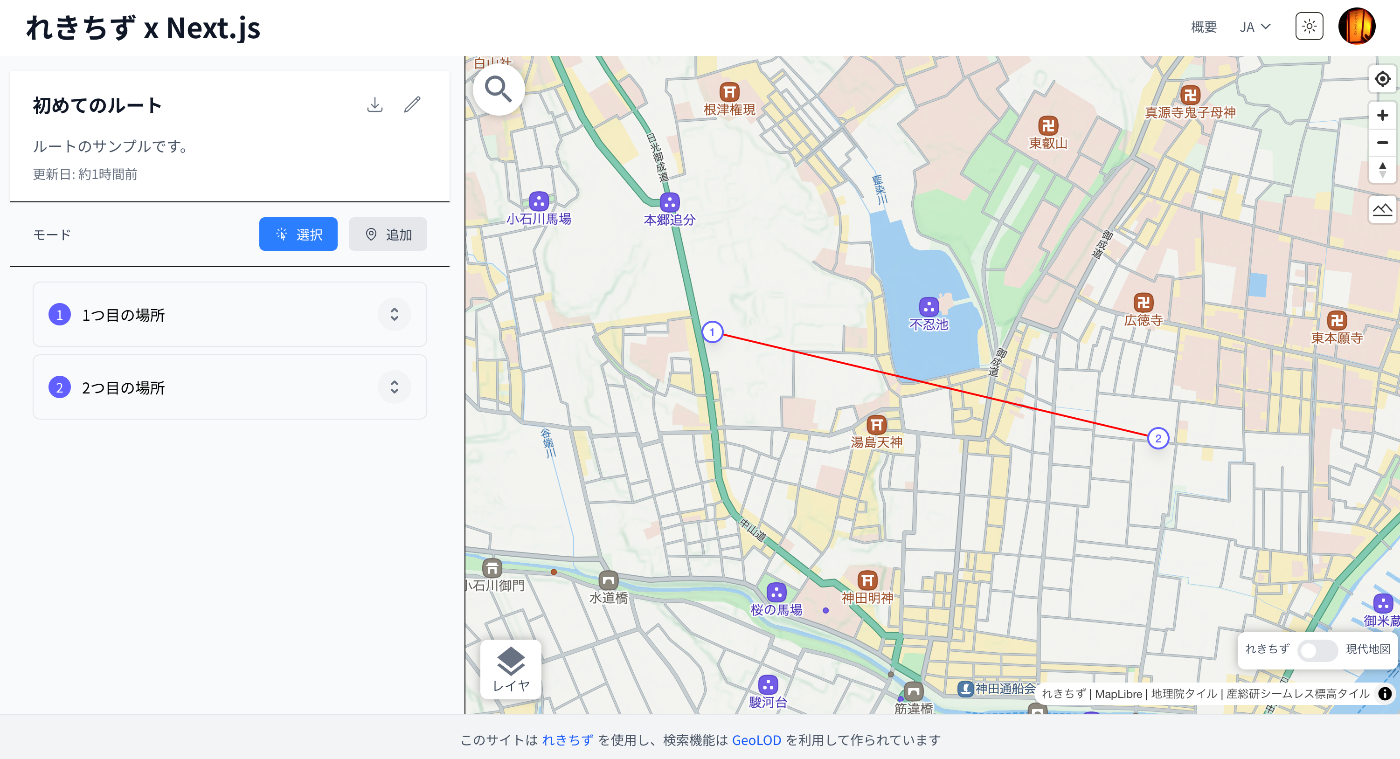
Added Route Registration Feature to "Rekichizu x Next.js"

Added Route Registration Feature to "Rekichizu x Next.js"

Overview “Rekichizu x Next.js” is a web application built with Rekichizu and Next.js. I have added a route registration feature to this web application, which I will introduce here. Feature Introduction Access the top page and click the “Manage My Routes” button. You will be prompted to log in, so click the “Login” button in the upper right corner. After logging in, a list screen like the following will be displayed. ...

Added Route Registration Feature to the "Rekichizu x Next.js" Site

Added Route Registration Feature to the "Rekichizu x Next.js" Site

Overview I added a route registration feature to the “Rekichizu x Next.js” site. Below is a display example. References The “Rekichizu x Next.js” site is introduced in the following article. As a precedent for displaying routes using “Rekichizu”, the following example exists. https://codh.rois.ac.jp/edomi/route/ This time, I added a route creation feature based on the above example. Usage Access the site. https://rekichizu-next.vercel.app/ja/ Click “Manage My Routes”. Login is required, so log in using the button in the upper right. ...