Home Articles Books Search About
日本語
Three Pitfalls When Adapting a SPARQL Client to Apache Jena Fuseki

Three Pitfalls When Adapting a SPARQL Client to Apache Jena Fuseki

We adapted the SPARQL Explorer “Snorql”, originally built for Virtuoso and Dydra, to also work with Apache Jena Fuseki. Although SPARQL is a W3C standard, behavioral differences between endpoint implementations are surprisingly significant. This article documents the three issues we encountered during Fuseki support and their solutions. Development Environment We launched Fuseki with Docker and tested locally. # docker-compose.yml services: fuseki: image: stain/jena-fuseki container_name: fuseki ports: - "3030:3030" environment: - ADMIN_PASSWORD=admin - FUSEKI_DATASET_1=test volumes: - fuseki-data:/fuseki volumes: fuseki-data: docker compose up -d # Load test data curl -X POST 'http://localhost:3030/test/data' \ -H 'Content-Type: text/turtle' \ --data-binary @testdata.ttl 1. Different Response Format for DESCRIBE Symptom When sending a DESCRIBE query to Fuseki, results were not displayed on screen. JSON parse errors appeared in the console. ...
Snorql -- Published a Browser UI for Easily Exploring Multiple SPARQL Endpoints

Snorql -- Published a Browser UI for Easily Exploring Multiple SPARQL Endpoints

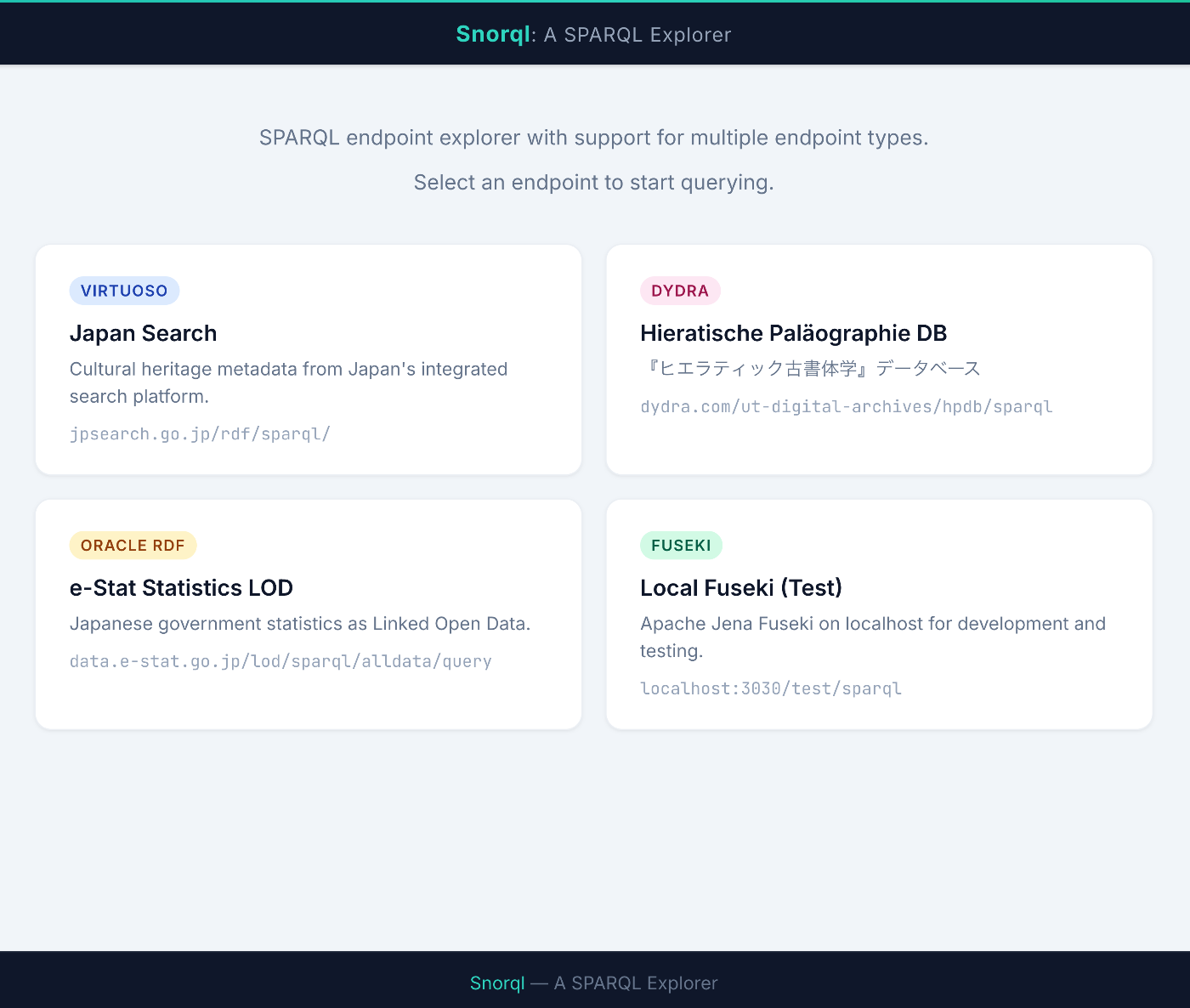
Snorql — A Browser-Based UI for Exploring Multiple SPARQL Endpoints https://nakamura196.github.io/snorql/ Introduction Have you ever wanted a quick, easy way to try out SPARQL endpoints? SPARQL is the standard query language for searching Linked Open Data (LOD), but each endpoint often has a different UI — or none at all. To solve this, I published Snorql, a tool that lets you switch between multiple endpoints from a single, unified UI. ...

Dydra JSON-LD Serialization Behavior and Workaround

Dydra JSON-LD Serialization Behavior and Workaround

Overview Dydra is an excellent cloud-based RDF triple store, but in some cases its JSON-LD serialization may produce output that differs from expectations. This blog post explains the observed behavior and the workaround we implemented. Observed Behavior Expected Output In the JSON-LD specification, URI references are commonly output in object form as follows: { "@id": "https://example.com/item/1", "@type": ["prov:Entity"], "prov:wasAttributedTo": { "@id": "https://sepolia.etherscan.io/address/0x1234..." }, "prov:wasGeneratedBy": { "@id": "https://sepolia.etherscan.io/tx/0xabcd..." } } Output Observed in Dydra In Dydra’s JSON-LD endpoint, some URI references were observed to be output as plain strings: ...

Odeuropa Visualization: A Platform for Visualizing Scent Data Using SKOS Vocabularies and SPARQL

Odeuropa Visualization: A Platform for Visualizing Scent Data Using SKOS Vocabularies and SPARQL

Introduction Odeuropa is a project that studies the history of scents in Europe, collecting and analyzing representations of scents depicted in paintings, literature, and other historical sources. This article introduces the implementation of a web application for visualizing scent data based on the SKOS (Simple Knowledge Organization System) vocabulary, utilizing Odeuropa’s SPARQL endpoint. https://odeuropa-seven.vercel.app/ja/ Project Overview Technology Stack Frontend: Next.js 15 (App Router) UI: Material-UI v5 Internationalization: next-intl Data Retrieval: SPARQL queries (Odeuropa SPARQL endpoint) Language: TypeScript Hosting: Static Site Generation (SSG) Main Features 1. Scent Search (/odeuropa-sources) This is the core feature of the application, allowing users to search and browse smell perception events collected by the Odeuropa project. ...

Distinguishing Between RDFS and SHACL: Understanding the Relationship Between range and propertyShape

Distinguishing Between RDFS and SHACL: Understanding the Relationship Between range and propertyShape

Overview When working with data in RDF (Resource Description Framework), two mechanisms come into play: “RDFS (RDF Schema)” and “SHACL (Shapes Constraint Language)”. Both can define constraints on properties and classes, but their purposes and behaviors are completely different. This article answers the following commonly confused questions: What is the difference between rdfs:domain / rdfs:range and SHACL’s sh:class / sh:datatype? Is it acceptable to set SHACL constraints that differ from the RDFS range? Is it problematic to specify a datatype (xsd:string) in SHACL when the range is a class (foaf:Person)? 1. The Fundamental Difference Between RDFS and SHACL RDFS: For Inference RDFS is a declaration that says “if this property is used, the following knowledge can be derived.” ...

Developing an RDF Metadata Management System Integrating GakuNin RDM and Dydra

Developing an RDF Metadata Management System Integrating GakuNin RDM and Dydra

Overview This article describes the development of a metadata management system for research data that integrates GakuNin RDM (Research Data Management) with the Dydra RDF database. This system can handle file management for research projects and the registration and search of Dublin Core metadata in a unified manner. System Overview Architecture ┌─────────────────┐ │ Next.js 14 │ │ (App Router) │ └────────┬────────┘ │ ┌────┴────┐ │ │ ┌───▼───┐ ┌──▼─────┐ │GakuNin│ │ Dydra │ │ RDM │ │ RDF │ │ API │ │ DB │ └───────┘ └────────┘ Technology stack: ...

Investigating the Vocabulary Hierarchy of Odeuropa Explorer

Investigating the Vocabulary Hierarchy of Odeuropa Explorer

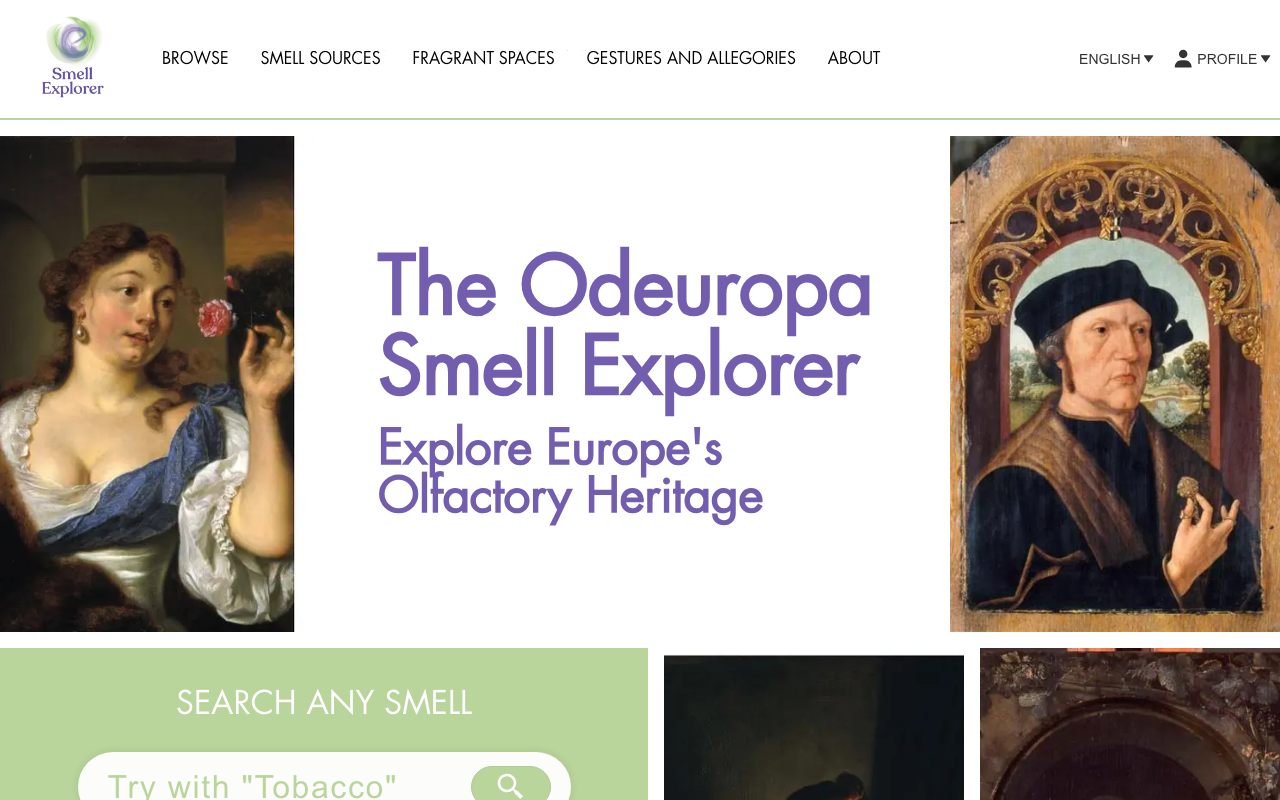
Overview Odeuropa Explorer is a fascinating project that digitizes European olfactory heritage. Funded by the EU’s Horizon 2020 research program, it provides a platform for cross-searching and exploring historical scent experiences. The project classifies scent-related information into three main categories: Smell sources: Objects and substances that emit odors Fragrant Spaces: Places and spaces associated with scents Gestures and Allegories: Gestures and allegorical expressions related to scents This article reports the results of investigating what hierarchical structures these vocabularies have, using SKOS (Simple Knowledge Organization System) data published in the Odeuropa vocabularies repository. ...

Guide to Registering RDF Data to Dydra via API

Guide to Registering RDF Data to Dydra via API

Background Dydra is a cloud-based RDF database service that provides a SPARQL endpoint and REST API. This article explains how to programmatically register RDF data using the Dydra API. Prerequisites A Dydra account An API key A Node.js environment (v16 or later recommended, when using Node.js) Note: The code examples in this article use the following sample values: Account name: your-account Repository name: your-repository API key: your_api_key_here When using them in practice, replace these with your own Dydra account information. ...

Odeuropa: The World of Linked Data for Extracting Scents from Historical Documents

Odeuropa: The World of Linked Data for Extracting Scents from Historical Documents

Overview Odeuropa is a unique project that extracts descriptions of “scents” from European historical documents and structures them as Linked Data. This article explores the actual data through the SPARQL endpoint, revealing its structure and design philosophy. What is Odeuropa? Project name: Odeuropa (Odeurs d’Europe = Scents of Europe) Database URL: https://data.odeuropa.eu/ SPARQL endpoint: https://data.odeuropa.eu/repositories/odeuropa Web interface: https://explorer.odeuropa.eu/ Data Model Overview Odeuropa uses an extended ontology specialized for scents, built on top of CIDOC-CRM (Conceptual Reference Model for Cultural Heritage). ...

How to Register the PROV-O Ontology in Omeka S

How to Register the PROV-O Ontology in Omeka S

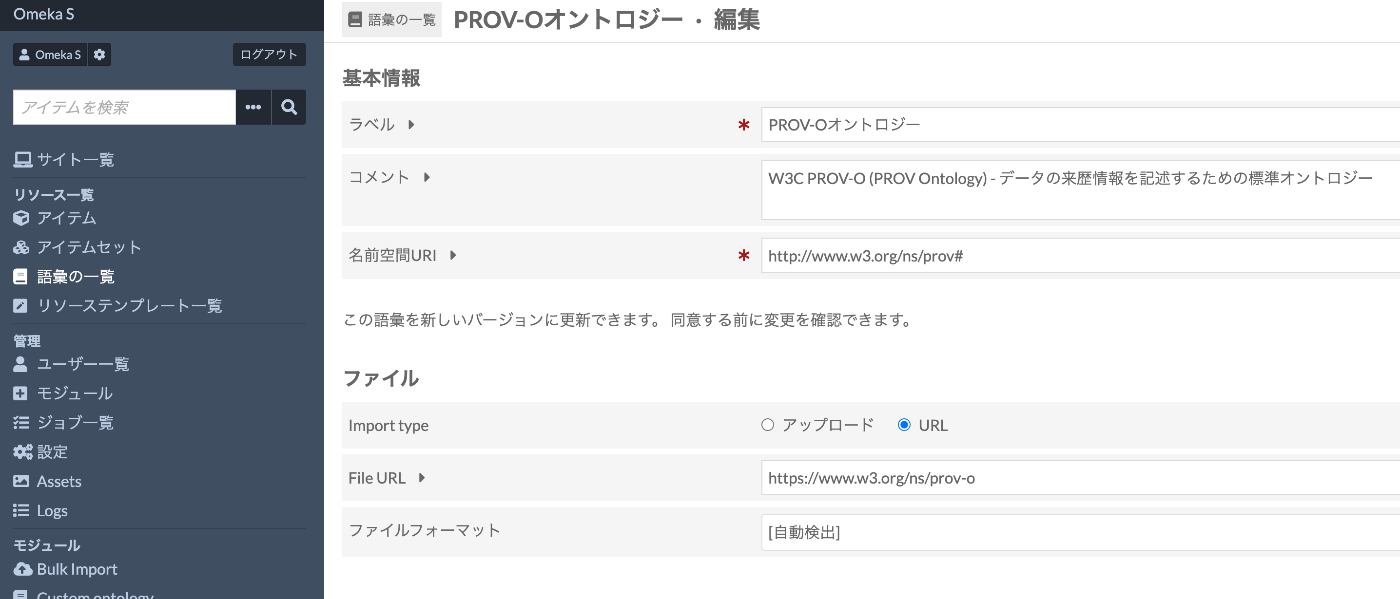
Introduction When building digital archives with Omeka S, using standard vocabularies for metadata description improves data interoperability. This article explains the steps to register PROV-O (PROV Ontology), developed by W3C, in Omeka S. PROV-O is an ontology for describing provenance information about data and digital objects, allowing structured recording of “who,” “when,” and “how” data was created or modified. Prerequisites Omeka S (version 3.0 or later) installed Logged in with administrator privileges Internet connection environment (required for importing from external URLs) Registration Steps 1. Accessing the Vocabulary Management Screen Log in to the Omeka S admin panel Click “Vocabularies” from the left menu Click the “Import new vocabulary” button in the upper right 2. Entering Basic Information Enter the vocabulary basic information as follows: ...

Trying Text Annotation with Recogito

Trying Text Annotation with Recogito

Overview I had the opportunity to try text annotation using Recogito, so this is a personal note for future reference. Recogito is available at the following link. https://recogito.pelagios.org/ It is described as follows. Semantic Annotation without the pointy brackets. Recogito is an annotation tool for texts and images - not just for Digital Humanities scholars. Sample Data We will use the following resource published by the National Diet Library as an example. ...

Trying grlc (git repository linked data API constructor)

Trying grlc (git repository linked data API constructor)

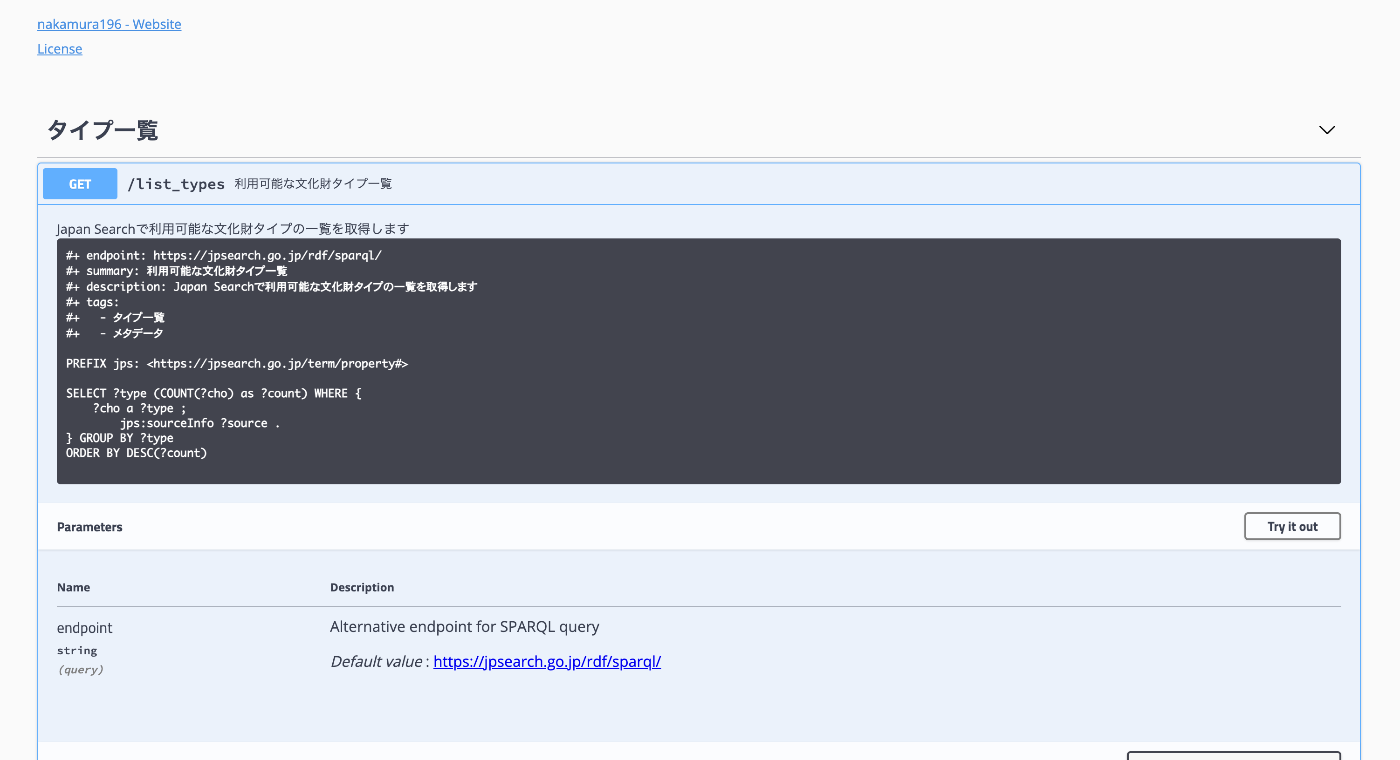
Overview The GitHub repository for grlc is as follows. https://github.com/CLARIAH/grlc It is described as follows. grlc, the git repository linked data API constructor, automatically builds Web APIs using shared SPARQL queries. I tried out this tool, so here are my notes. The API endpoint created targeting the Japan Search SPARQL Endpoint is as follows. https://grlc.io/api-git/nakamura196/grlc-jps Background While researching Odeuropa, I found this tool mentioned on the following page. https://odeuropa.eu/nosebooks/ ...

Handling Insufficient Disk Space in Ontotext GraphDB Desktop Edition

Handling Insufficient Disk Space in Ontotext GraphDB Desktop Edition

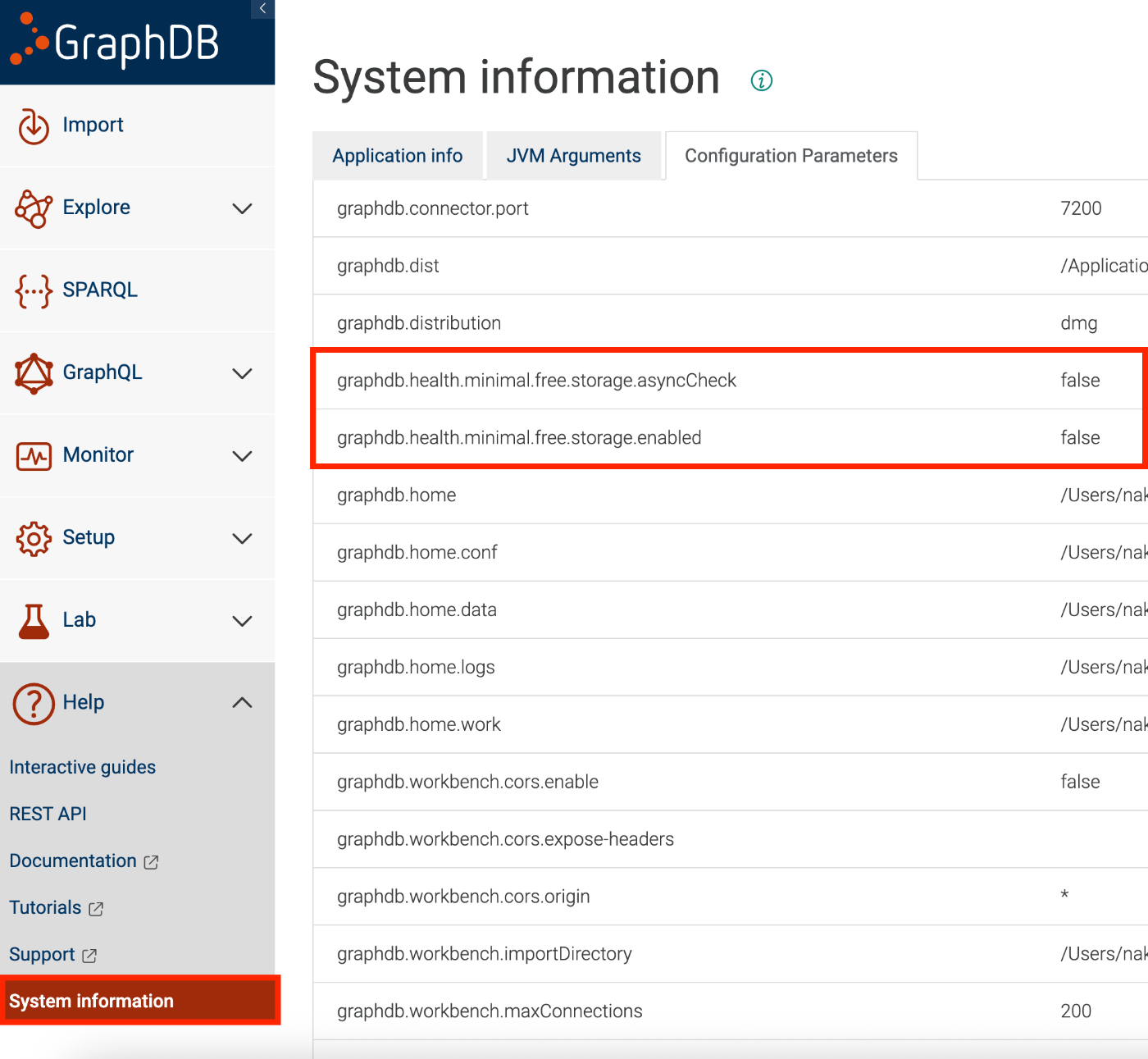
Overview When using the desktop edition of Ontotext GraphDB, https://www.ontotext.com/products/graphdb/ I encountered a situation where data imports and other operations could not be performed due to insufficient disk space: File not loaded; Insufficient disk space to start a transaction for repository ‘xxx’ due to: The repository ‘abc’ is critically low on free disk space with 4.6% (xxx GB) free left This article introduces one temporary workaround for this issue. ...

Trying AllegroGraph

Trying AllegroGraph

Overview I had the opportunity to try AllegroGraph, so this is a memo of my experience. https://allegrograph.com/ Usage There appear to be several setup methods, but I will try the following cloud version. https://allegrograph.cloud/ After setup, the following screen is displayed. After logging in, multiple repositories are displayed. Enabling Anonymous Access For example, the SPARQL endpoint for the “actors” repository is: https://ag1edt2www58hzzy.allegrograph.cloud/repositories/actors/sparql By default, Basic authentication is required. ...

Using the "Tale of Genji in Textbooks LOD"

Using the "Tale of Genji in Textbooks LOD"

Overview This is a memo about trying out the “Tale of Genji in Textbooks LOD” (Kyokasho no Naka no Genji Monogatari LOD). https://linkdata.org/work/rdf1s10294i It is described as follows. The “Tale of Genji in Textbooks LOD” is an LOD conversion of data on The Tale of Genji published in post-war authorized textbooks for the classical literature section of high schools. I would like to thank all those involved in creating and publishing the “Tale of Genji in Textbooks LOD”. ...

Trying Out Peripleo

Trying Out Peripleo

Overview I investigated how to use “Peripleo,” so here are my notes. “Peripleo” is described as follows. Peripleo is a browser-based tool for the mapping of things related to place. https://github.com/britishlibrary/peripleo This time, I will introduce how to use it in combination with “Rekichizu” (Historical Maps), which was introduced in the following article. Result You can try it out at the following URL. https://nakamura196.github.io/peripleo/ The repository is available here. ...

Differences Between ShExC and ShExJ

Differences Between ShExC and ShExJ

Overview This is a ChatGPT-generated answer about the differences between ShExC (ShEx Compact Syntax) and ShExJ (ShEx JSON Syntax). There may be some inaccuracies, but I hope it serves as a useful reference. Answer ShExC (ShEx Compact Syntax) and ShExJ (ShEx JSON Syntax) are both representation formats for ShEx (Shape Expressions) schemas, but they differ in notation format and use cases. The differences are explained below. 1. Notation Format ShExC (ShEx Compact Syntax): ...

Differences Between ShEx and SHACL

Differences Between ShEx and SHACL

Overview This is a ChatGPT-generated answer about the differences between ShEx (Shape Expressions) Schema and SHACL (Shapes Constraint Language). There may be some inaccuracies, but I hope it serves as a useful reference. Answer ShEx (Shape Expressions) Schema and SHACL (Shapes Constraint Language) are both languages for defining validation and constraints on RDF data. While they share the same purpose, they differ in syntax and approach. The differences are explained below. ...

Trying Out rico-converter

Trying Out rico-converter

Overview I had the opportunity to try rico-converter, so here are my notes. https://github.com/ArchivesNationalesFR/rico-converter It is described as follows. A tool to convert EAC-CPF and EAD 2002 XML files to RDF datasets conforming to Records in Contexts Ontology (RiC-O) Conversion Instructions are available at the following link. https://archivesnationalesfr.github.io/rico-converter/en/GettingStarted.html First, download the latest zip file from the following link and extract it. https://github.com/ArchivesNationalesFR/rico-converter/releases/latest Sample data includes input-eac and input-ead, which we will convert to RDF. ...

Registering RDF Data to Dydra Using Python

Registering RDF Data to Dydra Using Python

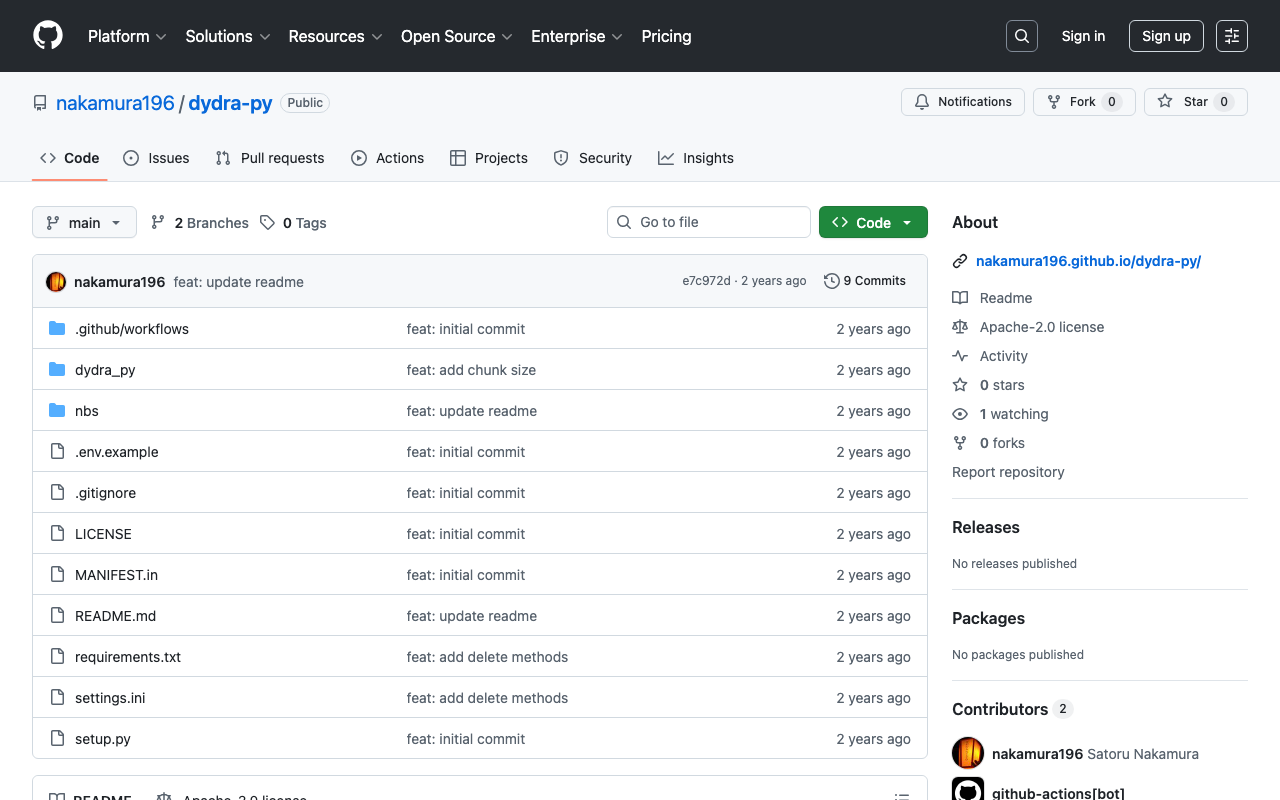
Overview I created a library for registering RDF data to Dydra using Python. https://github.com/nakamura196/dydra-py It includes some incomplete implementations, but we hope it proves useful in some situations. Implementation Details The import is performed in the following file. https://github.com/nakamura196/dydra-py/blob/main/dydra_py/api.py#L55 It uses the SPARQL INSERT DATA operation as follows. def import_by_file(self, file_path, format, graph_uri=None, verbose=False): """ Imports RDF data from a file into the Dydra store. Args: file_path (str): The path to the RDF file to import. format (str): The format of the RDF file (e.g., 'xml', 'nt'). graph_uri (str, optional): URI of the graph where data will be inserted. Defaults to None. """ headers = { "Authorization": f"Bearer {self.api_key}", "Content-Type": "application/sparql-update" } files = self._chunk_rdf_file(file_path, format=format) print("Number of chunks: ", len(files)) for file in tqdm(files): # RDFファイルの読み込み graph = rdflib.Graph() graph.parse(file, format=format) # フォーマットはファイルに応じて変更 nt_data = graph.serialize(format='nt') if graph_uri is None: query = f""" INSERT DATA {{ {nt_data} }} """ else: query = f""" INSERT DATA {{ GRAPH <{graph_uri}> {{ {nt_data} }} }} """ if verbose: print(query) response = requests.post(self.endpoint, data=query, headers=headers) if response.status_code == 200: print("Data successfully inserted.") else: print(f"Error: {response.status_code} {response.text}") Key Design Decision One notable design decision was handling large RDF files. When uploading large RDF files all at once, there were cases where the process would stop midway. ...