Home Articles Books Search About
日本語
Converting Word to TEI/XML

Converting Word to TEI/XML

Overview I had an opportunity to convert Word files to TEI/XML files. Upon investigation, in addition to official TEI tools such as TEIGarage Conversion, I found a conversion example in TEI Publisher: https://teipublisher.com/exist/apps/tei-publisher/test/test.docx.xml The above example appeared to convert Word style information into TEI tags, so I tried this approach. For this project, I used the python-docx library with the goal of using it independently of TEI Publisher. Word File I created a prototype Word file like the one below. All styles are provisional, but I created styles such as “tei:persName” and “tei:warichu” and changed their visual styling such as color. The mechanism works by applying styles to perform simple structuring. ...
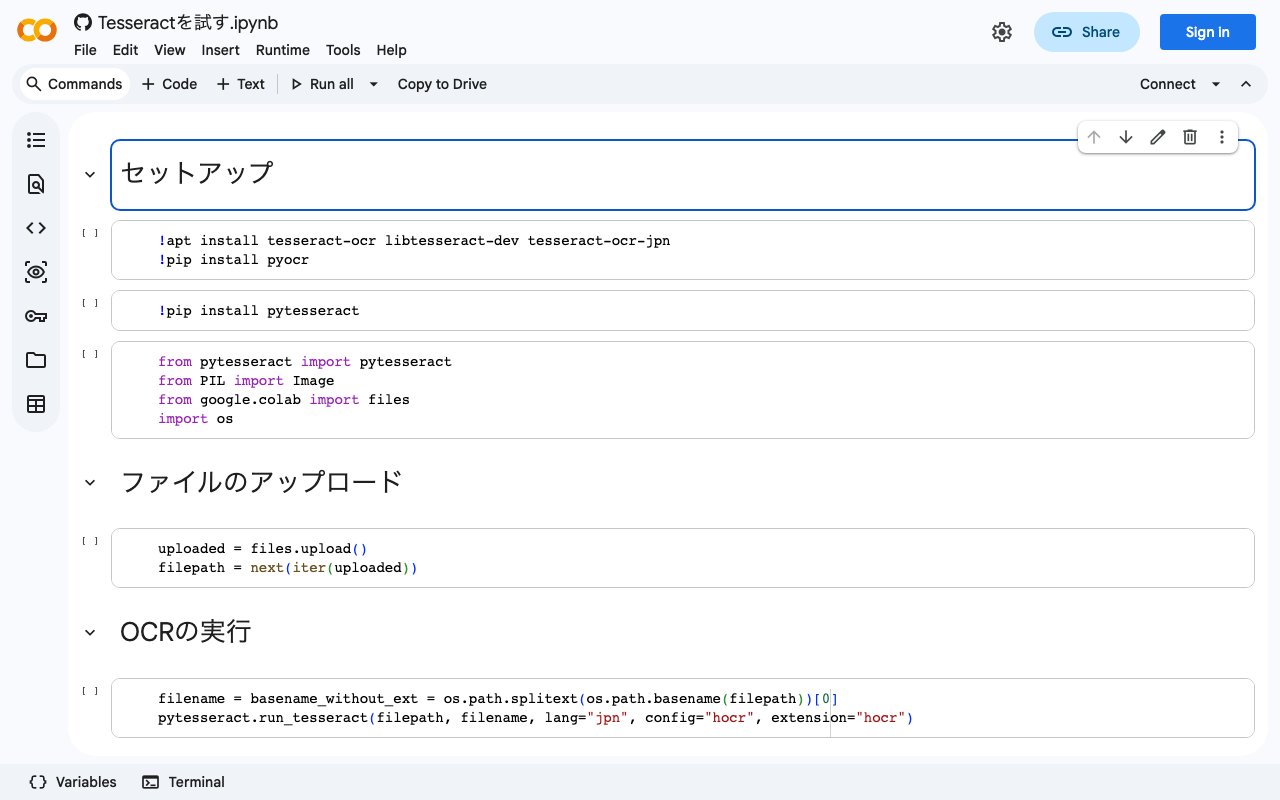
Running Tesseract on Google Colab (with Japanese Support)

Running Tesseract on Google Colab (with Japanese Support)

I created a notebook for running Tesseract on Google Colab. It also supports Japanese. We hope this serves as a useful reference. https://colab.research.google.com/github/nakamura196/ndl_ocr/blob/main/Tesseractを試す.ipynb At the end, I also introduce a flow for converting hocr files to alto format XML files. Specifically, the following tool is used: https://digi.bib.uni-mannheim.de/ocr-fileformat/ We hope this serves as a useful reference.

Workaround for HuggingFace Trainer() Not Starting When Using Vertex AI Workbench

Workaround for HuggingFace Trainer() Not Starting When Using Vertex AI Workbench

I encountered an issue where HuggingFace’s Trainer() would not start when using Google Cloud’s Vertex AI Workbench. A similar bug was reported on the following page: https://stackoverflow.com/questions/73415068/huggingface-trainer-does-nothing-only-on-vertex-ai-workbench-works-on-colab Initially, I had selected the “PyTorch” environment as shown below, and this is where the bug occurred: As described in the article above, switching to the “Python” environment resolved the issue: Note that when using this environment, you first need to run the following: ...

Trying the ResourceSync Python Library

Trying the ResourceSync Python Library

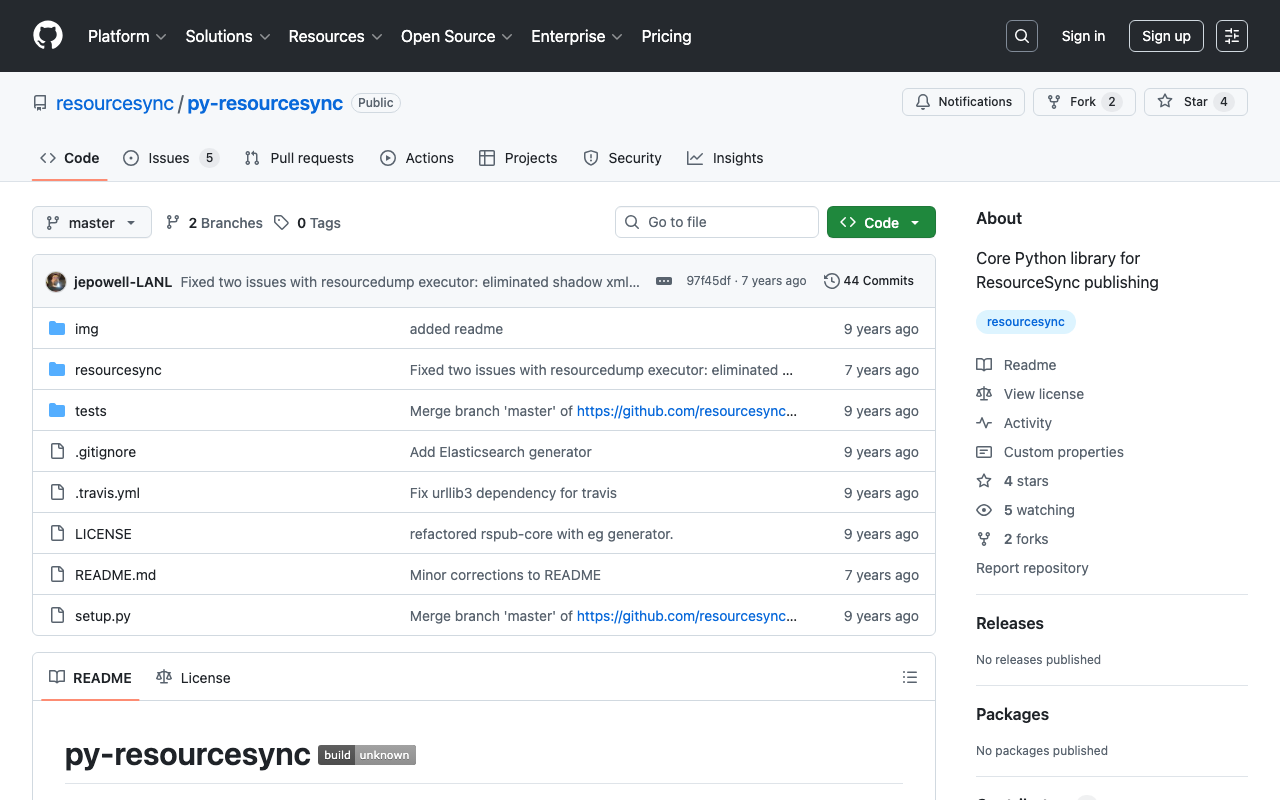
Overview This is a memo from trying out “py-resourcesync,” a Python library for ResourceSync. https://github.com/resourcesync/py-resourcesync Setup git clone https://github.com/resourcesync/py-resourcesync cd py-resourcesync python setup install Execution resourcelist First, create the output resource_dir directory. An ex_resource_dir folder will be created in the current directory. resource_dir = "ex_resource_dir" !mkdir -p $resource_dir Next, execute the following. You would modify the generator as needed, but here the sample EgGenerator is used. from resourcesync.resourcesync import ResourceSync # from my_generator import MyGenerator from resourcesync.generators.eg_generator import EgGenerator my_generator = EgGenerator() metadata_dir = "ex_metadata_dir" # Change as appropriate. rs = ResourceSync(strategy=0, resource_dir=resource_dir, metadata_dir=metadata_dir) rs.generator = my_generator rs.execute() As a result, .well_known, capabilitylist.xml, and resourcelist_0000.xml are created in ex_resource_dir/ex_metadata_dir. ...

A Python Package for Interacting with the Omeka S REST API

A Python Package for Interacting with the Omeka S REST API

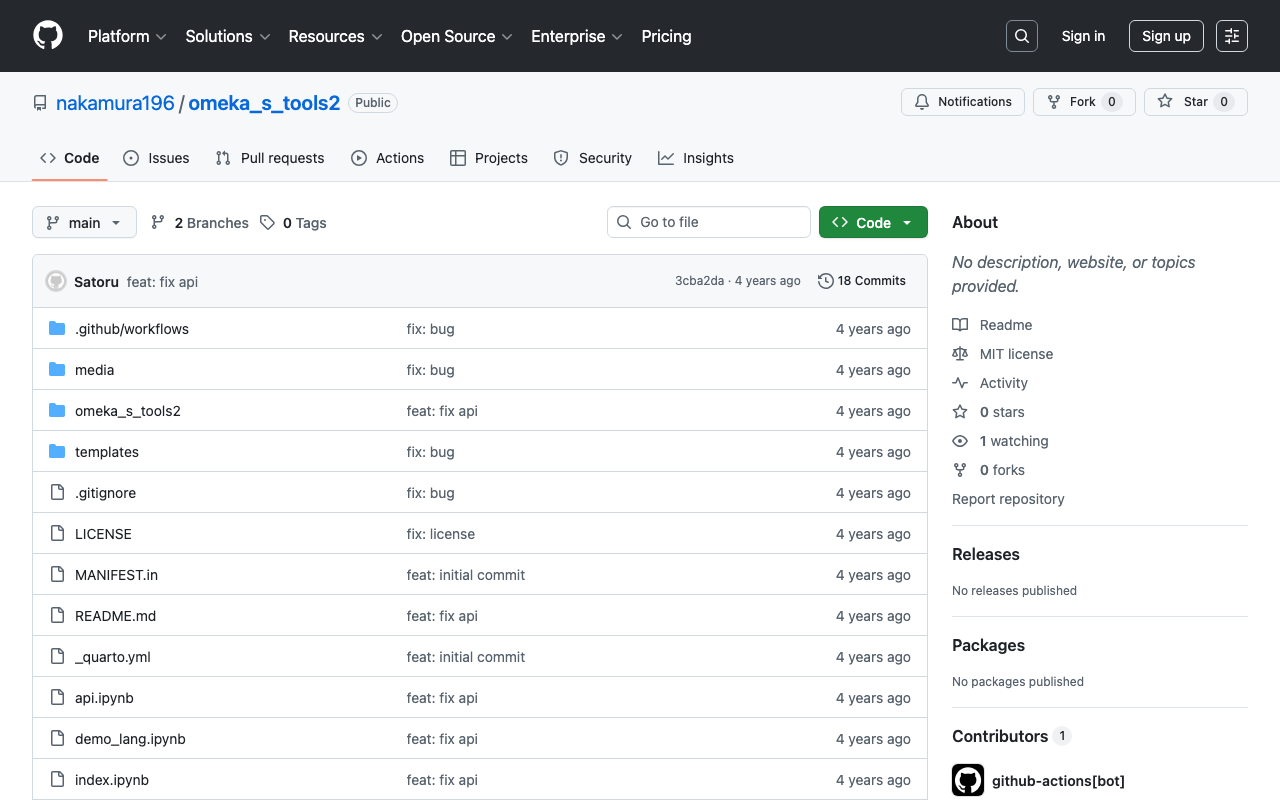
Overview A package has been developed that allows you to operate the Omeka S REST API from Python. https://github.com/wragge/omeka_s_tools Furthermore, based on the above repository, I have created a repository with several additional features. https://github.com/nakamura196/omeka_s_tools2 In this article, I will introduce this repository. Usage Please refer to the following page. https://nakamura196.github.io/omeka_s_tools2/ This repository was developed using nbdev, which allows package development and documentation to proceed in parallel, and I found it to be a very convenient system. ...

Double-Sided Ruby Annotations Using python-docx

Double-Sided Ruby Annotations Using python-docx

This is a memo on how to achieve double-sided ruby (furigana) in Word using python-docx. You can try it from the following notebook. https://colab.research.google.com/github/nakamura196/ndl_ocr/blob/main/python_docxを用いた両側ルビ.ipynb An output example is shown below. An input example is shown below. <body> <p> 私は <ruby> <rb> <ruby> <rb>打</rb> <rt place="right">ダ</rt> </ruby> <ruby> <rb>球</rb> <rt place="right">キウ</rt> </ruby> 場 </rb> <rt place="left">ビリヤード</rt> </ruby> に行きました。 </p> <p> <ruby> <rb>入学試験</rb> <rt place="above">にゅうがくしけん</rt> </ruby> があります。 </p> </body> The program is still incomplete, but I hope it serves as a helpful reference. ...

Converting TEI/XML Files to EPUB Using Python

Converting TEI/XML Files to EPUB Using Python

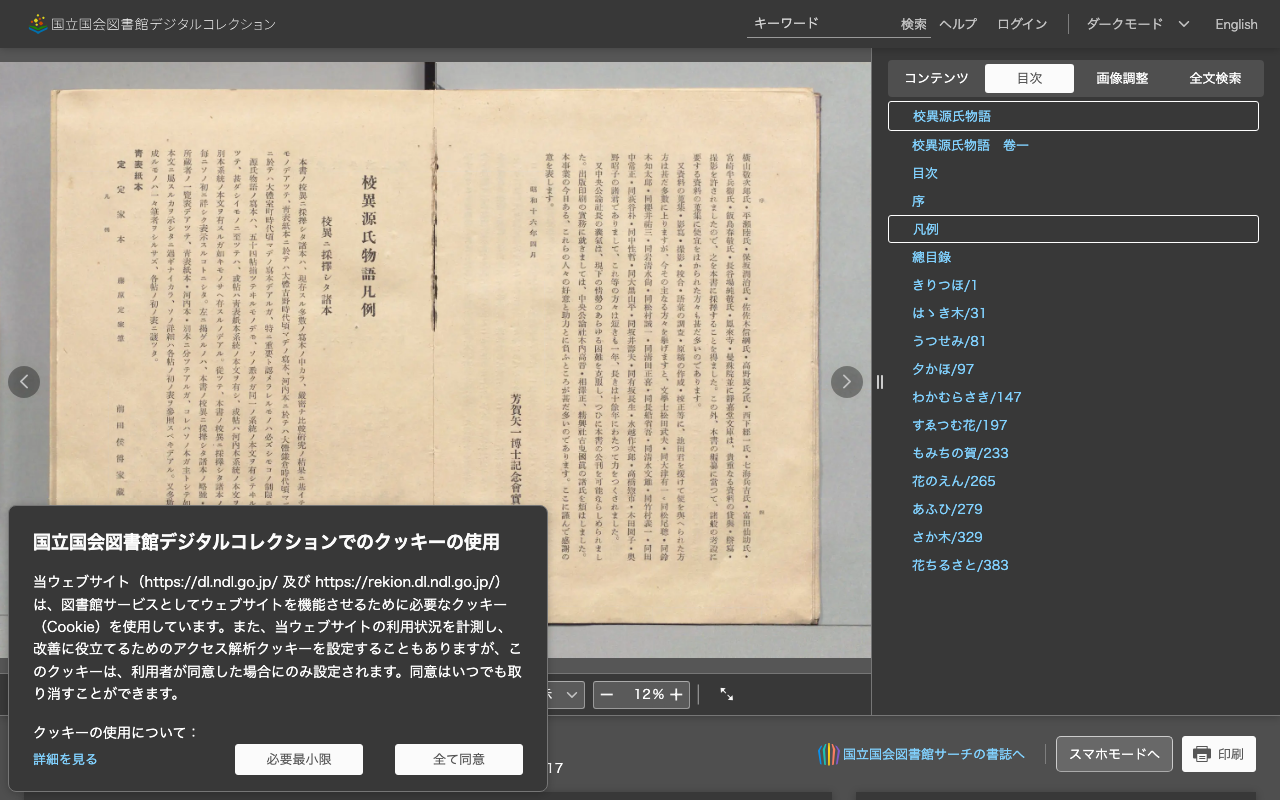
Overview I had the opportunity to convert TEI/XML files to EPUB using Python, so here are my notes. While Oxygen XML Editor is one method for converting TEI/XML files to EPUB, this time I used the Python library “EbookLib.” I referenced the following article. https://dev.classmethod.jp/articles/try-create-epub-by-python-ebooklib/ In particular, this time the goal is to create a vertical-text EPUB from the TEI/XML files published in the “Koui Genji Monogatari Text Data Repository.” ...

How to Extract and Process Only Text Strings from XML Files

How to Extract and Process Only Text Strings from XML Files

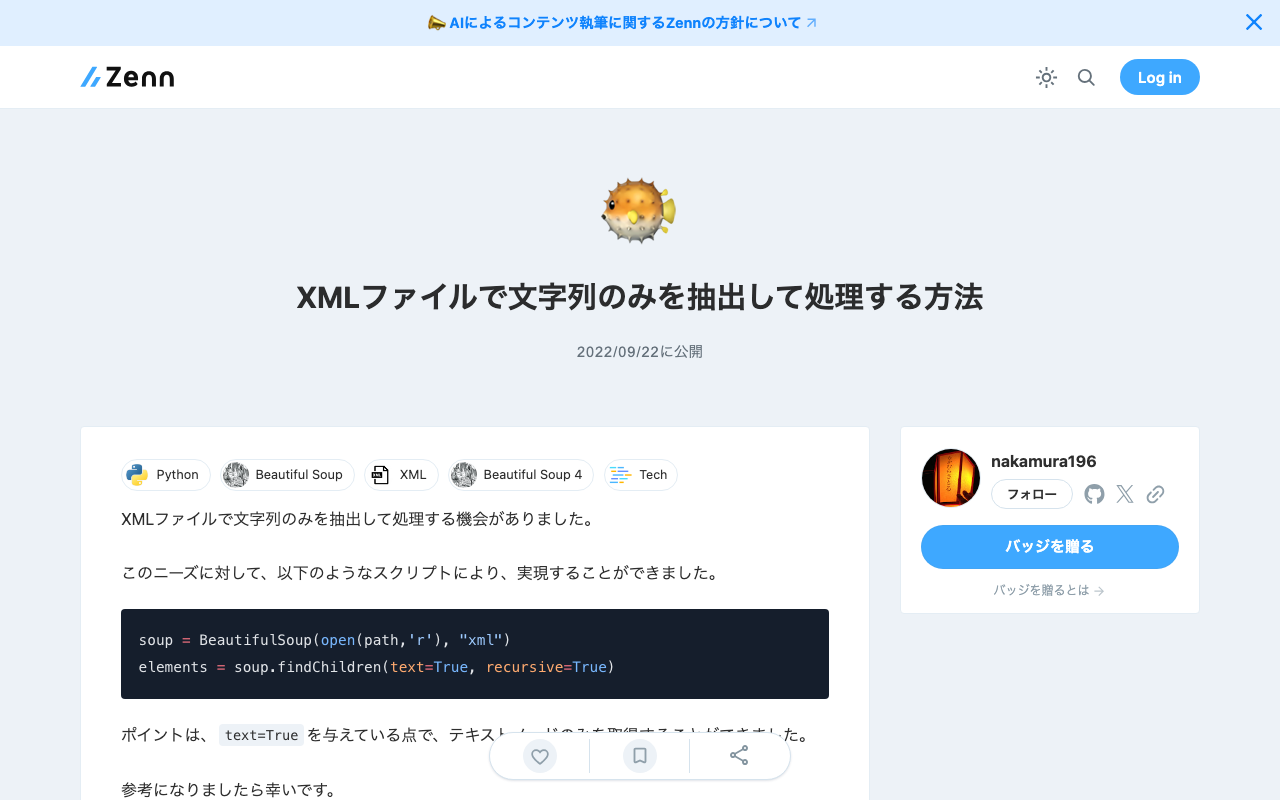
I had the opportunity to extract and process only text strings from XML files. For this need, I was able to achieve it with the following script. soup = BeautifulSoup(open(path,'r'), "xml") elements = soup.findChildren(text=True, recursive=True) The key point is passing text=True, which allows you to retrieve only text nodes. I hope this serves as a useful reference.

How to Set the xml:id Attribute with BeautifulSoup

How to Set the xml:id Attribute with BeautifulSoup

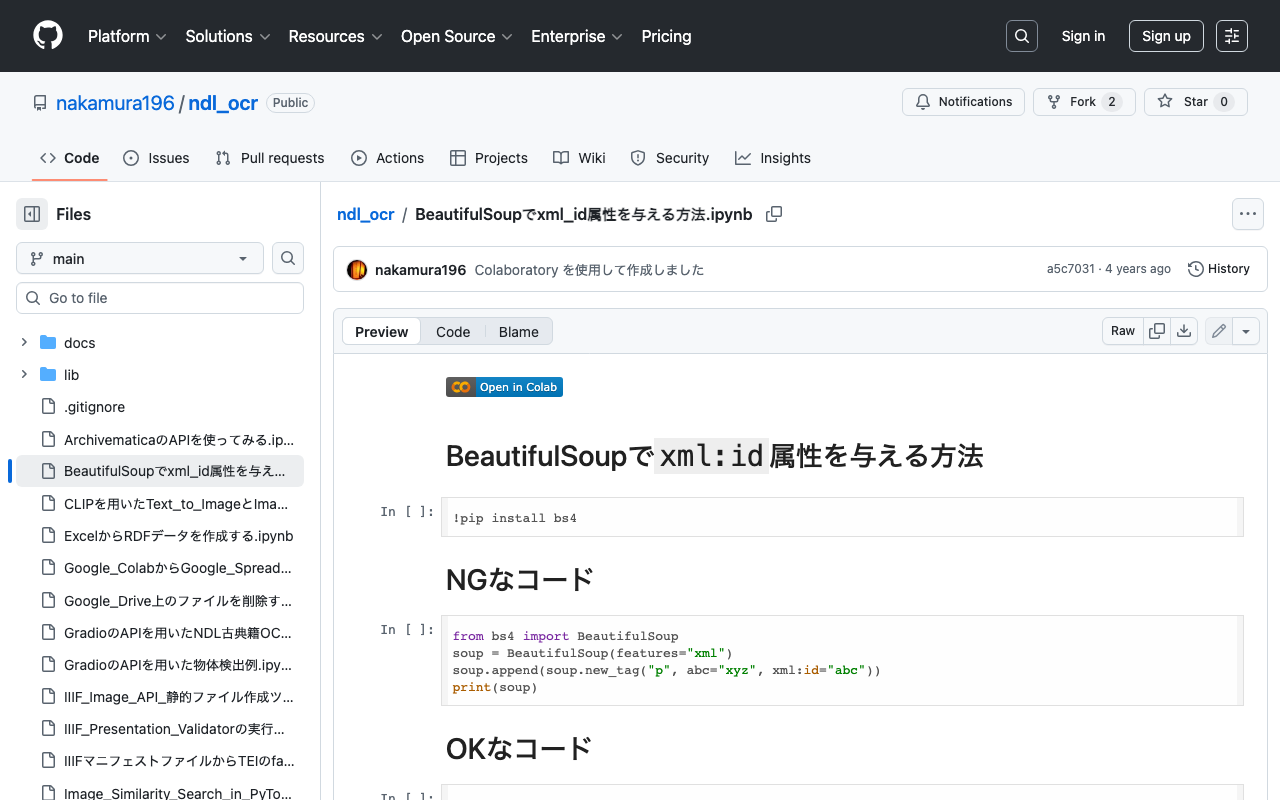
This is a memo on how to set the xml:id attribute with BeautifulSoup. The following method causes an error. from bs4 import BeautifulSoup soup = BeautifulSoup(features="xml") soup.append(soup.new_tag("p", abc="xyz", xml:id="abc")) print(soup) Writing it as follows works correctly. from bs4 import BeautifulSoup soup = BeautifulSoup(features="xml") soup.append(soup.new_tag("p", **{"abc": "xyz", "xml:id":"aiu"})) print(soup) An execution example on Google Colab is available below. https://github.com/nakamura196/ndl_ocr/blob/main/BeautifulSoupでxml_id属性を与える方法.ipynb We hope this is helpful.

How to Register and Delete RDF Files in Virtuoso RDF Store Using curl and Python

How to Register and Delete RDF Files in Virtuoso RDF Store Using curl and Python

Overview Notes on how to register and delete RDF files in Virtuoso RDF store using curl and Python. The following was used as a reference. https://vos.openlinksw.com/owiki/wiki/VOS/VirtRDFInsert#HTTP PUT curl As described on the above page. First, create myfoaf.rdf as sample data for registration. <rdf:RDF xmlns:foaf="http://xmlns.com/foaf/0.1/"> <foaf:Person rdf:about="http://www.example.com/people/中村覚"> <foaf:name>中村覚</foaf:name> </foaf:Person> </rdf:RDF> Next, execute the following command. curl -T ${filename1} ${endpoint}/DAV/home/${user}/rdf_sink/${filename2} -u ${user}:${passwd} A specific example is as follows. curl -T myfoaf.rdf http://localhost:8890/DAV/home/dba/rdf_sink/myfoaf.rdf -u dba:dba Python Here is an execution example. The following uses rdflib to create the RDF file from scratch. Also, by setting the action to delete, you can perform deletion. ...

I Created a Program to Extract Differences Between Two Texts

I Created a Program to Extract Differences Between Two Texts

Overview I created a program to extract differences between two texts. You can use it from the following Google Colab notebook. https://colab.research.google.com/github/nakamura196/ndl_ocr/blob/main/校異情報の生成.ipynb A well-known service for this purpose is “difff”, but this time I implemented it using Python. https://difff.jp/ For calculating the differences between texts, I used difflib.SequenceMatcher. https://docs.python.org/ja/3/library/difflib.html Usage You can choose between two output formats: HTML files and TEI files. HTML Here is an example of the HTML file output. ...

File Upload (Python) and Download (PHP)

File Upload (Python) and Download (PHP)

I had an opportunity to upload files to a server, so this is a memo of the process. The image receiving program running on the server was created in PHP. Please be careful about security. upload.php <?php $root = "./"; // Change as appropriate. $path = $_POST["path"]; $dirname = dirname($path); if (!file_exists($dirname)) { mkdir($dirname, 0755, true); } move_uploaded_file($_FILES['media']['tmp_name'], $root.$path); ?> The program to upload files via POST was created in Python. It posts the local image file and the output destination path. ...

Creating Microsoft Word Files with python-docx: Using Templates and int2kanji

Creating Microsoft Word Files with python-docx: Using Templates and int2kanji

Overview I had the opportunity to convert information managed in a tabular format into a vertical-writing Microsoft Word format, so here are my notes. Before conversion: Research Project Title Project Number Direct Costs Development of Digital Archive System Construction Methods Considering Sustainability and Reusability 21K18014 2600000 After conversion: The implementation uses a specified template and the “Kanjize” library for mutual conversion between numbers and kanji numerals. Creating Microsoft Word Files with python-docx First, create a Microsoft Word template file like the following. While using the specified layout, place {<variable_name>} in the parts where values should be changed. ...

Execution Time for NDLOCR Using Google Colab

Execution Time for NDLOCR Using Google Colab

I recently wrote the following article: This time, I conducted a brief investigation on the execution time of NDLOCR using Google Colab, and here are the results. Configuration The GPU used was: Fri Apr 29 06:26:29 2022 +-----------------------------------------------------------------------------+ | NVIDIA-SMI 460.32.03 Driver Version: 460.32.03 CUDA Version: 11.2 | |-------------------------------+----------------------+----------------------+ | GPU Name Persistence-M| Bus-Id Disp.A | Volatile Uncorr. ECC | | Fan Temp Perf Pwr:Usage/Cap| Memory-Usage | GPU-Util Compute M. | | | | MIG M. | |===============================+======================+======================| | 0 Tesla V100-SXM2... Off | 00000000:00:04.0 Off | 0 | | N/A 35C P0 23W / 300W | 0MiB / 16160MiB | 0% Default | | | | N/A | +-------------------------------+----------------------+----------------------+ +-----------------------------------------------------------------------------+ | Processes: | | GPU GI CI PID Type Process name GPU Memory | | ID ID Usage | |=============================================================================| | No running processes found | +-----------------------------------------------------------------------------+ The following image was used. The size was 5000 x 3415 px, 1.1 MB: ...

Example of Running SPARQL Queries Against the Japan Search RDF Store Using Google Colab

Example of Running SPARQL Queries Against the Japan Search RDF Store Using Google Colab

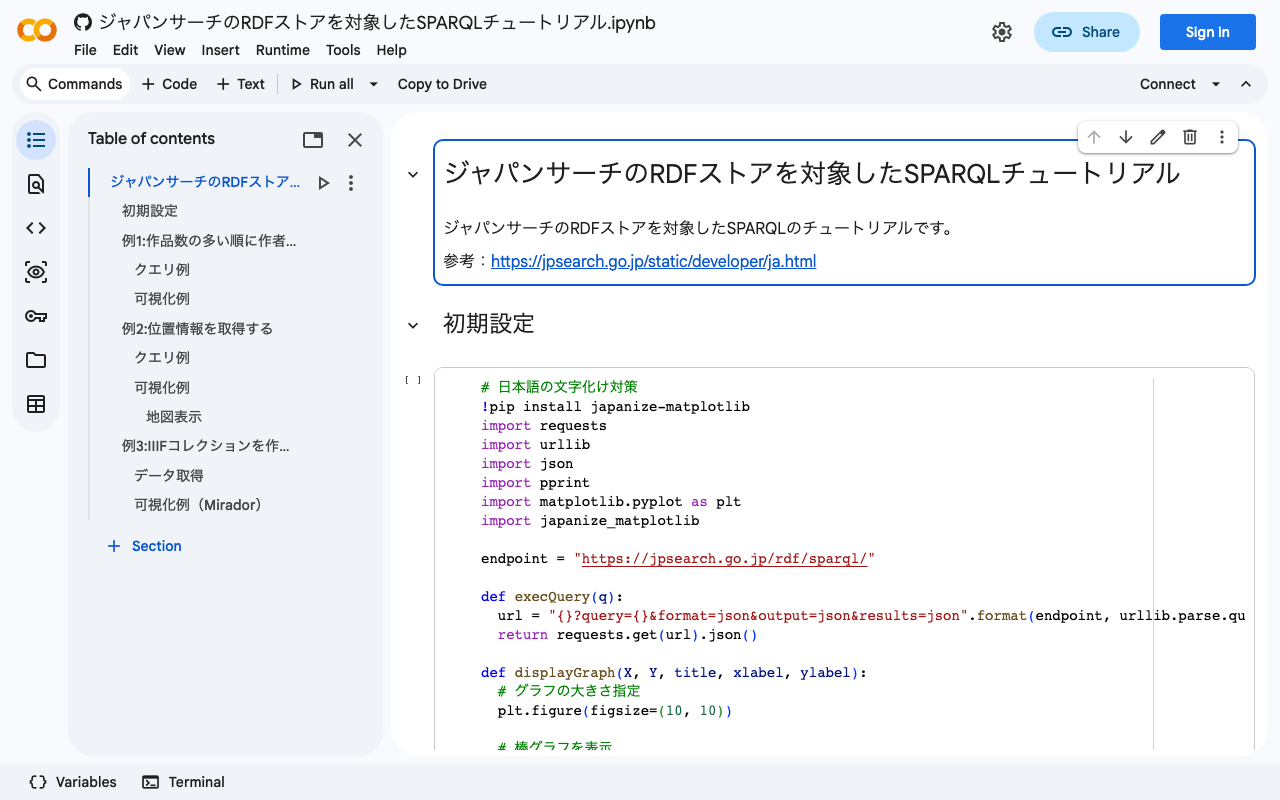
I created a notebook demonstrating examples of running SPARQL queries against the Japan Search RDF store using Google Colab. I hope it serves as a useful reference when using RDF stores with Python. https://colab.research.google.com/github/nakamura196/ndl_ocr/blob/main/ジャパンサーチのRDFストアを対象したSPARQLチュートリアル.ipynb Other reference sites and tutorials include the following. https://www.kanzaki.com/works/ld/jpsearch/ https://lab.ndl.go.jp/data_set/tutorial/

Building an Object Detection API Using AWS Lambda (Flask + YOLOv5)

Building an Object Detection API Using AWS Lambda (Flask + YOLOv5)

Overview We build an object detection API (Flask + YOLOv5) using AWS Lambda. By building a machine learning inference model using AWS Lambda, we aim to reduce costs. The following article was used as a reference. https://zenn.dev/gokauz/articles/72e543796a6423 Updates to the repository contents and additions of how to use it from API Gateway have been made. Registering Functions on Lambda Clone the following GitHub repository. git clone https://github.com/ldasjp8/yolov5-lambda.git Running Locally Next, create a virtual environment using venv and install the modules. ...

[Google Colab] Retrieving Article Lists Using the Hatena Blog AtomPub API

[Google Colab] Retrieving Article Lists Using the Hatena Blog AtomPub API

I created a sample program for retrieving article lists using the Hatena Blog AtomPub API. You can try it on the following Google Colab. https://colab.research.google.com/drive/15z0Iime9Bbma7HW09__Fq_fRkcWP6nyS?usp=sharing After running the above program, an Excel file like the following will be downloaded. https://docs.google.com/spreadsheets/d/14myDqZTxocwOT0Mw3ZzKLO81E6r15R-49oUh2dG9Rbo/edit?usp=sharing The “metadata” sheet stores blog information, and the “items” sheet stores the list of articles. Some aspects may be unclear due to the notation in column A of the “metadata” sheet, the heading rows, and the heading rows of the “items” sheet (which are designed for connection with other applications), but I hope this is helpful when using the Hatena Blog AtomPub API. ...