Home Articles Books Search About
日本語

Pitfalls of Converting TEI XML Standoff Annotations to Inline, and a DOM-Based Solution

Digital Engishiki is a project that encodes the Engishiki — a collection of supplementary regulations for the ritsuryō legal system, completed in 927 CE — in TEI (Text Encoding Initiative) XML, making it browsable and searchable on the web. Led by the National Museum of Japanese History, the project provides TEI markup for critical editions, modern Japanese translations, and English translations, served through a Nuxt.js (Vue.js) based viewer. During development, we encountered a bug where converting TEI XML standoff annotations to inline annotations caused the XML document structure to collapse. This article records the cause and the DOM-based solution. ...

Observed Timing: Apple Sales Reports API Data Availability and YouTube API Quota Reset

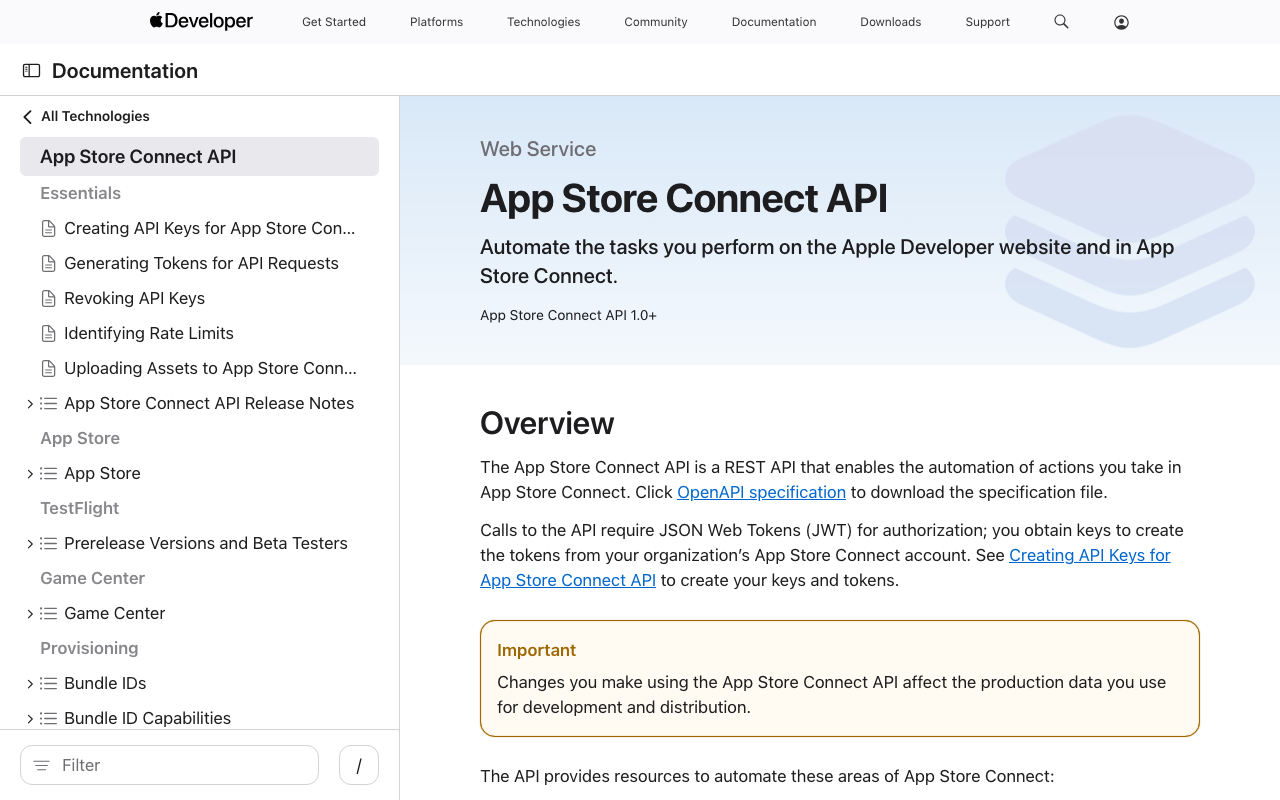
When automating daily data collection with external APIs, knowing when data becomes available or when quotas reset helps with scheduling. This post documents the observed timings for two APIs: Apple App Store Connect Sales Reports and YouTube Data API v3. Apple App Store Connect Sales Reports API What the official documentation says According to Apple’s official documentation, daily sales reports are available “by 8:00 AM Pacific Time” the following day. ...

Automating researchmap KAKENHI-Achievement Linking with Playwright

Automating researchmap KAKENHI-Achievement Linking with Playwright

Introduction researchmap is a platform for researchers in Japan to manage and publish their academic achievements. In addition to registering publications, presentations, and other works, researchers can link them to KAKENHI (Grants-in-Aid for Scientific Research) projects to aggregate outputs per research project. I looked into whether this linking could be done in bulk via the API or CSV import. As far as I could tell, it appeared to be limited to manual operations through the Web UI. So I tried automating it with Playwright. ...

Building an NDC Book Classifier with LoRA: Fine-Tuning a Japanese LLM on Library Data

Building an NDC Book Classifier with LoRA: Fine-Tuning a Japanese LLM on Library Data

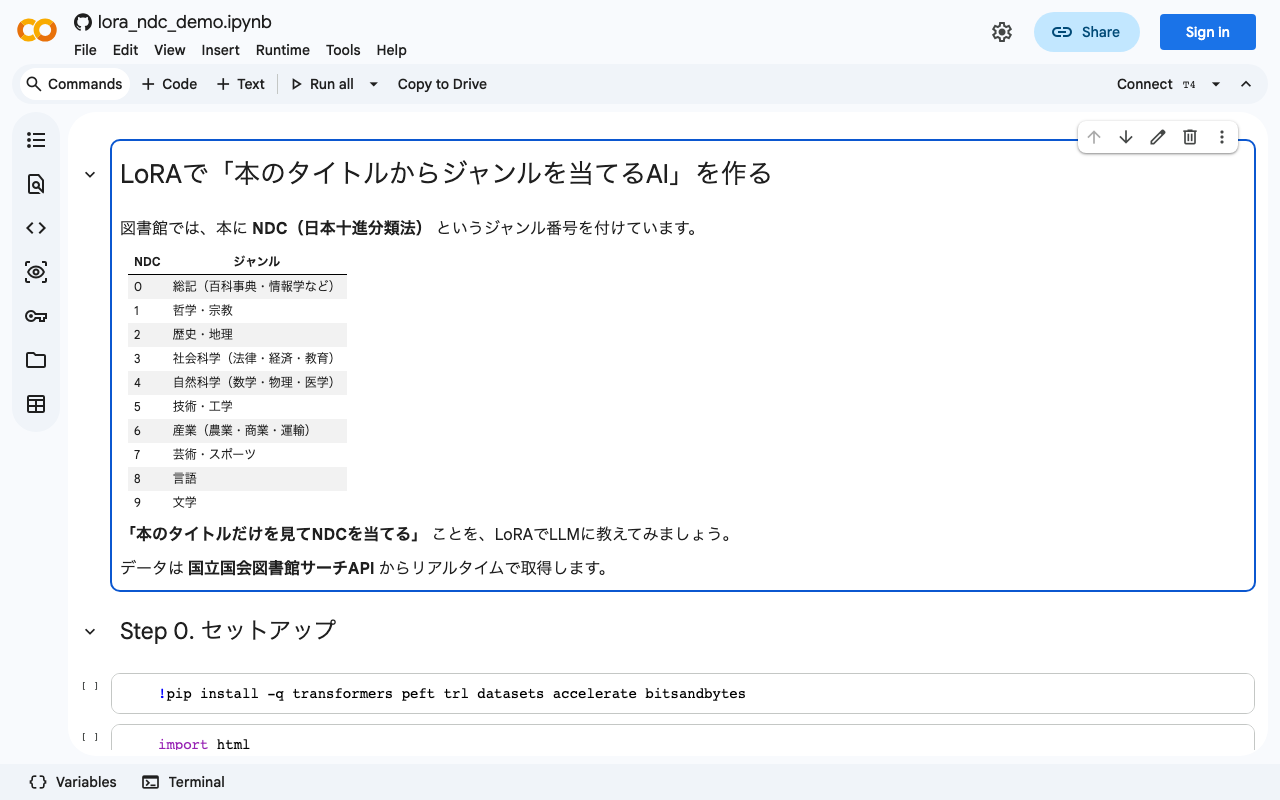
Notebook: Open in Google Colab / GitHub TL;DR Collected 617 bibliographic records from the National Diet Library Search API (SRU endpoint) Fine-tuned llm-jp-3-1.8b with LoRA, training only 0.67% of all parameters Pre-training accuracy: 22.0% → Post-training: 78.0% (+56 points) LoRA teaches the model how to perform a task, not just memorize facts What is NDC? The Nippon Decimal Classification (NDC) is the standard book classification system used across Japanese libraries. Every book is assigned a numeric code, where the first digit indicates one of ten broad categories: ...

Fully Automating App Store Screenshot Generation with Python and Xcode UI Tests

Fully Automating App Store Screenshot Generation with Python and Xcode UI Tests

TL;DR Capture iPhone and iPad simulator screenshots in multiple languages using XCUITest Generate marketing images with Python Pillow: gradient backgrounds, device frames, and text overlays Record demo videos with xcrun simctl io recordVideo Upload everything to App Store Connect via API Run it all from a single shell script Introduction Preparing App Store screenshots involves a fair amount of repetitive work: iPhone 6.7-inch, iPad 12.9-inch, each in two languages – that’s 12+ images minimum. ...

How to Submit an iOS App Update for Review Using the App Store Connect API

How to Submit an iOS App Update for Review Using the App Store Connect API

TL;DR I submitted an iOS app update for review—build → upload → build association → whatsNew → review submission—entirely from the command line using the App Store Connect REST API. Unlike the initial release, metadata and screenshots carry over from the previous version, so the required operations are minimal. Prerequisite: This guide assumes you’ve already completed the setup from Complete Guide to Submitting an iOS App for Review Using Only the App Store Connect API (API key, JWT generation, helper functions). ...

Complete Guide to Adding a Tip Jar (In-App Purchase) to Your iOS App with App Store Connect API

Complete Guide to Adding a Tip Jar (In-App Purchase) to Your iOS App with App Store Connect API

TL;DR I added a Tip Jar feature to my iOS app. The app side was implemented with SwiftUI + StoreKit 2, and the App Store Connect REST API was used to complete product registration, localization, pricing, review screenshots, territory availability, and TestFlight distribution entirely from the command line. This article documents the full procedure in a reproducible manner. Prerequisites: This is a follow-up to Complete Guide to Submitting an iOS App for Review Using Only the App Store Connect API. It assumes you have already set up API key retrieval and JWT generation. ...

Auto-Generating VRM Character Animation Videos with Three.js + Puppeteer

Auto-Generating VRM Character Animation Videos with Three.js + Puppeteer

Introduction What if we could automatically convert tech blog posts into VTuber-style explainer videos? Starting from that idea, I built a pipeline that renders VRM characters frame-by-frame using Three.js + Puppeteer, syncs them with VOICEVOX speech, and produces finished videos. In this post, I’ll share the lessons learned and pitfalls encountered during implementation. Overall Pipeline The processing flow is as follows: Load a Markdown article → Generate a section-divided script using an LLM (OpenRouter API) VOICEVOX generates speech audio (WAV) and phoneme timing for each section Three.js + @pixiv/three-vrm renders a VRM model on headless Chrome, outputting lip-synced animation as sequential PNG frames based on phoneme data Auto-generate slide images (HTML → headless Chrome → PNG) FFmpeg composites the slide background + VRM animation + audio into an MP4 video A Python script serves as the orchestrator, invoking the Node.js VRM rendering script as a child process. ...

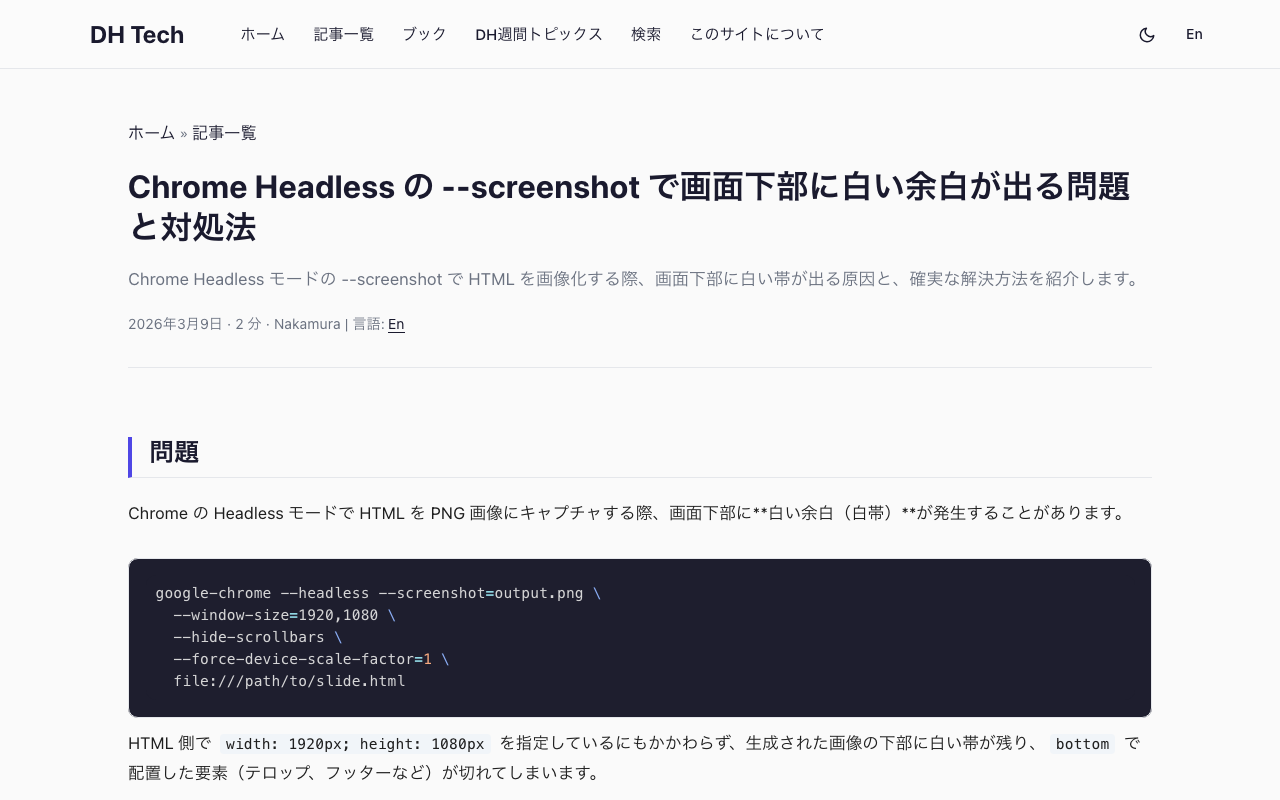
Fixing the White Bar at the Bottom of Chrome Headless Screenshots

Fixing the White Bar at the Bottom of Chrome Headless Screenshots

The Problem When capturing HTML as PNG images using Chrome’s Headless mode, a white bar appears at the bottom of the output image. google-chrome --headless --screenshot=output.png \ --window-size=1920,1080 \ --hide-scrollbars \ --force-device-scale-factor=1 \ file:///path/to/slide.html Even when the HTML specifies width: 1920px; height: 1080px, the generated image has a white strip at the bottom, and elements positioned with bottom (such as captions, footers, or telops) get clipped. Root Cause --window-size=1920,1080 sets the outer window size, not the actual viewport (rendering area). The viewport ends up slightly smaller, even in Headless mode. ...

Submitting an iOS App for Review Using Only the App Store Connect API

Submitting an iOS App for Review Using Only the App Store Connect API

TL;DR Using the App Store Connect REST API, I completed nearly all the tasks required for iOS app review submission—metadata, screenshots, age ratings, build association, encryption compliance, pricing, and URL configuration—from the command line. This article documents the procedure in a reproducible way. Note: As of March 2026, “App Privacy” (data usage declarations) cannot be configured via API and must be set through the App Store Connect web interface. Prerequisites Enrolled in the Apple Developer Program API key issued in App Store Connect Bundle ID registered A build archived and uploaded via Xcode (can be uploaded with xcodebuild -exportArchive) Python 3 + PyJWT + cryptography installed pip install PyJWT cryptography 1. Preparing the API Key 1.1 Issuing an API Key Go to App Store Connect → Users and Access → Integrations → App Store Connect API and generate a new key. ...

How to Bulk Unpublish Hatena Blog Articles (AtomPub API)

How to Bulk Unpublish Hatena Blog Articles (AtomPub API)

When you want to bulk unpublish old articles after migrating your Hatena Blog articles to another site. Important Note: You Cannot Revert to Draft With the Hatena Blog AtomPub API, you cannot revert published articles back to draft. Sending <app:draft>yes</app:draft> via a PUT request results in a 400 Cannot Change into Draft error. Therefore, there are two approaches: Method 1: Replace the Article Body with “This Article Has Moved” You can rewrite the article’s <content> using the AtomPub API’s PUT method. ...

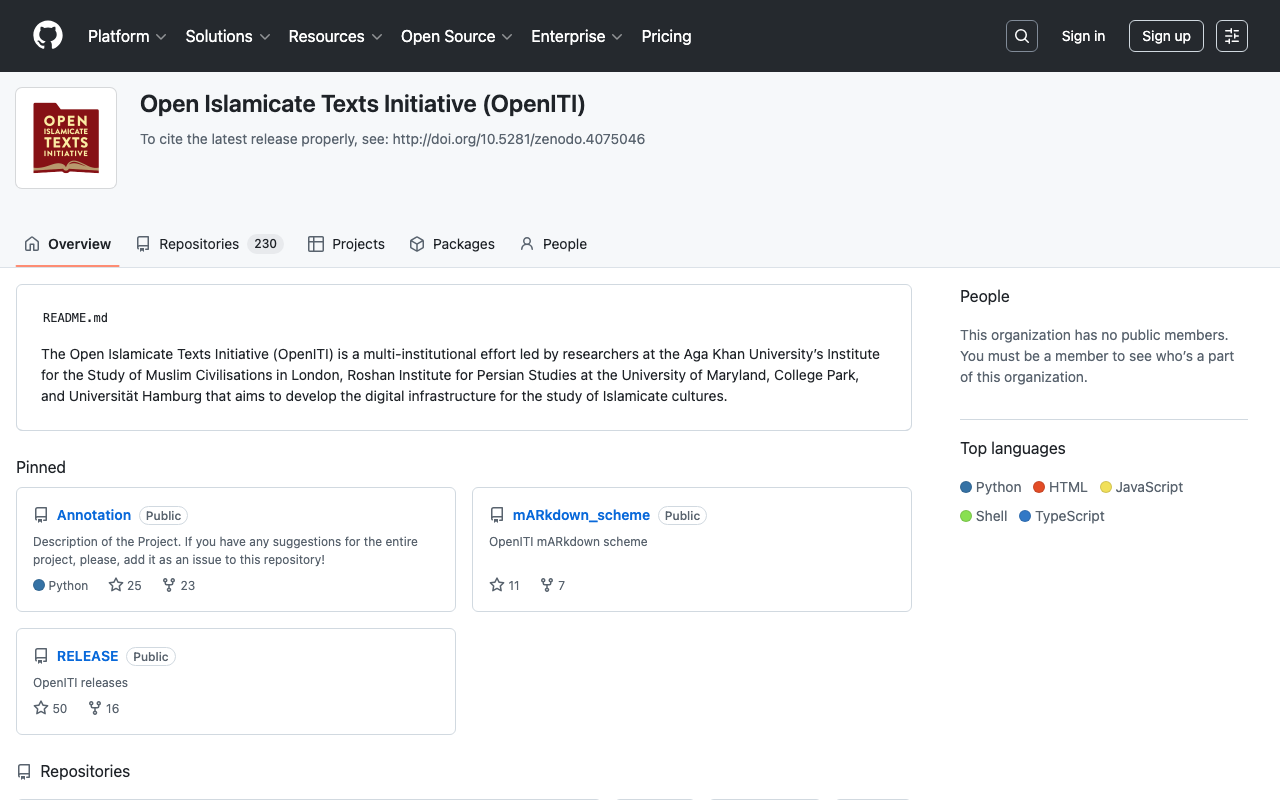
Trying "oitei" - An Automatic Conversion Tool from OpenITI mARkdown to TEI XML

Trying "oitei" - An Automatic Conversion Tool from OpenITI mARkdown to TEI XML

Introduction In the OpenITI (Open Islamicate Texts Initiative) project, which handles historical texts from the Islamicate world, texts can be tagged using a lightweight notation called mARkdown instead of TEI/XML. While TEI/XML is a powerful international standard for structuring texts, it has problems with right-to-left (RTL) languages like Arabic, where mixing XML tags causes display issues in editors. mARkdown was designed to solve this problem. In this article, we will try running oitei, a Python tool that automatically converts mARkdown texts to TEI XML. ...

Complete Restoration of Deep Zoom Images: Converting Tile Images to BigTIFF

Complete Restoration of Deep Zoom Images: Converting Tile Images to BigTIFF

Introduction Deep Zoom technology is used to smoothly zoom and display high-resolution images on websites. There are cases where you need to restore the original high-resolution image from tiled image data generated by tools such as Microsoft Deep Zoom Composer. This article explains the technology for restoring original high-resolution TIFF images from image data published in Deep Zoom format. How Deep Zoom Images Work Tile Structure Deep Zoom images divide a single large image into multiple small tile images and store them in a pyramid structure: ...

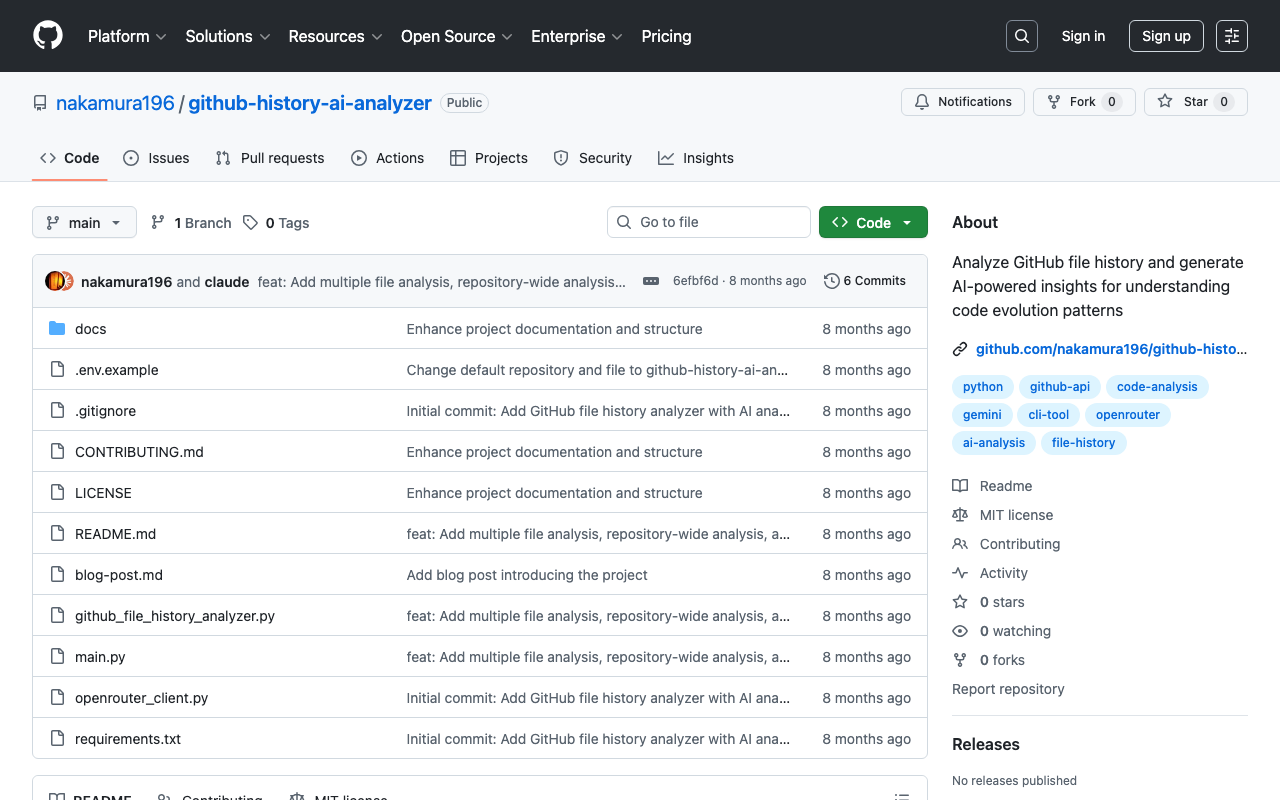
Introducing GitHub File History Analyzer: A Tool for Analyzing File Edit History with AI

Introducing GitHub File History Analyzer: A Tool for Analyzing File Edit History with AI

This article was created by AI. Introduction Have you ever wanted to analyze the edit history of files managed in a GitHub repository? There are cases where you want to understand change patterns of files that have been updated over a long period, or the evolution process of a project. GitHub File History Analyzer is a command-line tool developed to meet such needs. Tool Overview This tool provides the following features: ...

Fixing the 'ref' Bug in DHConvalidator

Fixing the 'ref' Bug in DHConvalidator

This article was partially written by AI. Overview DHConvalidator is a tool for converting Digital Humanities (DH) conference abstracts into a consistent TEI (Text Encoding Initiative) text base. https://github.com/ADHO/dhconvalidator When using this tool, the following error occurred during the conversion process from Microsoft Word format (DOCX) to TEI XML format: ERROR: nu.xom.ParsingException: cvc-complex-type.2.4.a: Invalid content was found starting with element 'ref' This article shares the cause and solution for this issue. ...

Adding Normalization Rules in Archivematica's Preservation Planning

Adding Normalization Rules in Archivematica's Preservation Planning

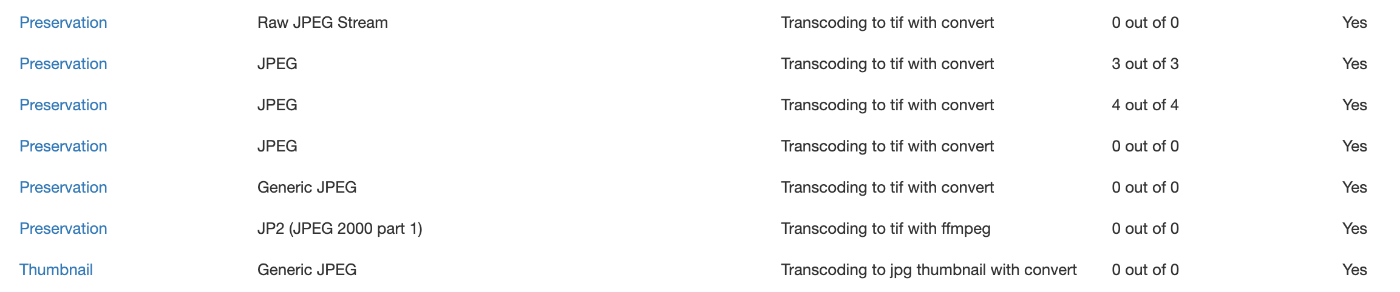
Overview This is a memo on how to add Normalization rules in Archivematica’s Preservation planning. Background When ingesting images with the .jpg extension into Archivematica, there were cases where tif files were not created for preservation, despite having a rule to create tif files for items with Format of JPEG as shown below. I checked the task details from the history screen shown below. The results were as follows. ...

Registering Objects Using the AtoM (Access to Memory) API

Registering Objects Using the AtoM (Access to Memory) API

Overview This is a memo on how to register objects using the AtoM (Access to Memory) API. Enabling the API Access the following. /sfPluginAdminPlugin/plugins Enable arRestApiPlugin. Obtaining an API Key The following explains how to generate an API key. https://www.accesstomemory.org/en/docs/2.9/dev-manual/api/api-intro/#generating-an-api-key-for-a-user While it appears you can also connect to the API with a username and password, this time I issued a REST API Key. Endpoints AtoM provides multiple menus such as “Authority records” and “Functions,” but it appears that only the following are available via the API. ...

How to Convert Word Files to TEI XML: A Guide to Using the TEIgarage API

How to Convert Word Files to TEI XML: A Guide to Using the TEIgarage API

This article was created by AI with some human modifications. Introduction In the world of digital humanities, it has become common to store documents in TEI (Text Encoding Initiative) format. TEI is a standard for structuring scholarly texts. This article explains how to convert documents created in Microsoft Word to TEI XML format using Python. What is TEIgarage? TEIgarage is an online service for converting documents in various formats to TEI XML. The service provides an API that can be called directly from programs. In this article, we will call this API from Python to convert Word files. ...

Registering Data with Drupal's JSON:API Using Username and Password

Registering Data with Drupal's JSON:API Using Username and Password

Overview In the past, I wrote articles about registering data using Drupal’s JSON:API with Python. The following uses Basic authentication. And the following uses an API Key. In addition to these methods, I was able to register data using regular login authentication, so this is a memo of that process. Code The code is as follows. It logs in, obtains a CSRF token, and then registers content. import requests import json import os from dotenv import load_dotenv class ApiClient: def __init__(self): load_dotenv(override=True) # DrupalサイトのURL(例) self.DRUPAL_BASE_URL = os.getenv("DRUPAL_BASE_URL") # エンドポイント(JSON:API) # self.JSONAPI_ENDPOINT = f"{self.DRUPAL_BASE_URL}/jsonapi/node/article" # 認証情報(Basic認証) self.USERNAME = os.getenv("USERNAME") self.PASSWORD = os.getenv("PASSWORD") def login(self): # ログインリクエスト login_url = f"{self.DRUPAL_BASE_URL}/user/login?_format=json" login_response = requests.post( login_url, json={"name": self.USERNAME, "pass": self.PASSWORD}, headers={"Content-Type": "application/json"} ) if login_response.status_code == 200: self.session_cookies = login_response.cookies def get_csrf_token(self): # CSRFトークンを取得 csrf_token_response = requests.get( f"{self.DRUPAL_BASE_URL}/session/token", cookies=self.session_cookies # ここでログインセッションを渡す ) if csrf_token_response.status_code == 200: # return csrf_token_response.text # self.csrf_token = csrf_token_response.text self.headers = { "Content-Type": "application/vnd.api+json", "Accept": "application/vnd.api+json", "X-CSRF-Token": csrf_token_response.text, } else: # raise Exception(f"CSRFトークン取得失敗: {csrf_token_response.status_code} {csrf_token_response.text}") self.csrf_token = None def create_content(self, data: dict): # 記事作成リクエスト url = f"{self.DRUPAL_BASE_URL}/jsonapi/{data['data']['type'].replace('--', '/')}" response = requests.post( # self.JSONAPI_ENDPOINT, url, headers=self.headers, cookies=self.session_cookies, json=data ) if response.status_code == 201: print("コンテンツが作成されました!") else: print("エラー:", response.status_code, response.text) With this, content can be registered as follows. ...

How to Get Coordinates of Sub-Images from a Larger Image

How to Get Coordinates of Sub-Images from a Larger Image

Overview I had an opportunity to obtain the coordinates within a larger image from multiple cropped sub-images. This article is a memo summarizing the method for doing this. I introduce a method using OpenCV’s SIFT (Scale-Invariant Feature Transform) to perform feature point matching between template images and the original image, estimate the affine transformation, and obtain the coordinates. Implementation Required Libraries pip install opencv-python numpy tqdm Python Code The following code matches template images (PNG images in templates_dir) against a specified large image (image_path) using SIFT, and obtains the coordinates within the original image. ...