Home Articles Books Search About
日本語
Animating IIIF Scroll Paintings with AI Video: A Video Annotation Approach

Animating IIIF Scroll Paintings with AI Video: A Video Annotation Approach

Introduction IIIF (International Image Interoperability Framework) is an international standard for publishing digital archive images in an interoperable format. Adopted by libraries and museums worldwide, it enables deep zoom of high-resolution images and cross-institutional browsing of collections. This article describes the development of “IIIF Animated Viewer,” which overlays AI-generated videos on specific regions of IIIF images. The subject is the “Hyakki Yako-zu” (Night Parade of One Hundred Demons) — a scroll painting depicting a procession of yokai (supernatural creatures) — published by the University of Tokyo. ...

Development of an IIIF Image Coordinate Editor with Auto-Navigation

Development of an IIIF Image Coordinate Editor with Auto-Navigation

Overview The editor developed in this project is a web-based tool for recording and managing arbitrary coordinates on IIIF-compatible high-resolution images. It is designed as a general-purpose coordinate recording tool that can specify images via URL parameters and be used across various research projects. https://youtu.be/UqPo5Xrkin8 Technology Stack OpenSeadragon: IIIF image viewer library (v4.1) SVG Overlay: For marker display localStorage: Data persistence Vanilla JavaScript: Framework-free implementation Technical Features 1. Image Specification via URL Parameters The tool’s most distinctive feature is the ability to specify any IIIF image via URL parameters: ...

Improvements to the Polygon Annotation Support Tool for IIIF Images

Improvements to the Polygon Annotation Support Tool for IIIF Images

Overview I made improvements to “IIIF Annotator,” a polygon annotation support tool for IIIF images. Specifically, I worked on the following three points: Support for manifest files that do not use an Image Server Export function for IIIF manifest files with annotations Export function for TEI/XML files The following sections explain these improvements. Background The following article explained the reasons for creating a new annotation tool. The features added this time are also available in other tools, but were implemented for improved convenience. ...

Rotating Images and Specifying Regions on Initial Load in Mirador 4

Rotating Images and Specifying Regions on Initial Load in Mirador 4

Overview I introduce how to rotate images and specify regions on initial load in Mirador 4. Background As of March 2025, development of Mirador 4 is underway. The alpha version can be checked at the following link. https://github.com/ProjectMirador/mirador/releases This is probably a feature from Mirador 4, and the following FAQ describes the initial configuration method. https://github.com/ProjectMirador/mirador/wiki/Frequently-Asked-Questions#q-how-do-i-change-the-view-of-an-image-to-zoom-to-a-certain-area Specifically, as shown below, initial configuration was achieved by using initialViewerConfig. https://github.com/ProjectMirador/mirador/blob/main/__tests__/integration/mirador/mirador-configs/initial-viewer-config.js export default { id: 'mirador', windows: [{ canvasId: 'https://iiif.harvardartmuseums.org/manifests/object/299843/canvas/canvas-47174892', initialViewerConfig: { thumbnailNavigationPosition: 'far-bottom', x: 934, y: 782, // you need to specify zoom for this to look good zoom: 0.0007, }, manifestId: 'https://iiif.harvardartmuseums.org/manifests/object/299843', }], }; Application Building on the above, I tried the following initial configuration. ...

Sample Program Using the Annotorious OpenSeadragon Plugin

Sample Program Using the Annotorious OpenSeadragon Plugin

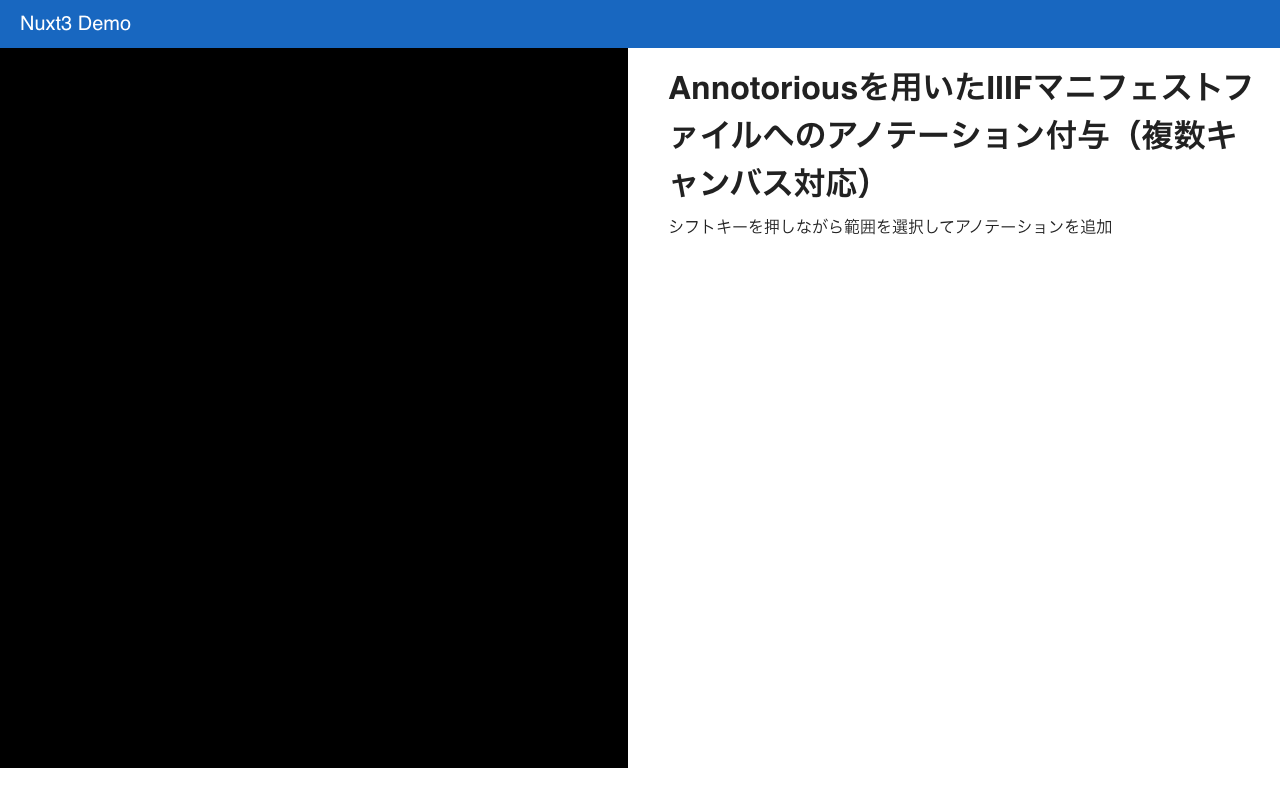
Overview I created a sample program using the Annotorious OpenSeadragon Plugin that allows adding annotations to multiple images loaded from an IIIF manifest file. You can try it at the following link. https://nakamura196.github.io/nuxt3-demo/annotorious Source Code Please refer to the following. https://github.com/nakamura196/nuxt3-demo/blob/main/pages/annotorious/index.vue Key Points npm install –force The library @recogito/annotorious-openseadragon does not appear to support openseadragon v5, so a forced installation was necessary. npm error Could not resolve dependency: npm error peer openseadragon@"^3.0.0 || ^4.0.0" from @recogito/annotorious-openseadragon@2.7.18 npm error node_modules/@recogito/annotorious-openseadragon npm error @recogito/annotorious-openseadragon@"^2.7.18" from the root project plugins I loaded Annotorious as a plugin. ...

Examining Zoom, Scale, and Rotation Behavior in Mirador 4

Examining Zoom, Scale, and Rotation Behavior in Mirador 4

Overview I needed to change the zoom, scale, and rotation behavior of Mirador 4, so this is a memo on how to make those changes. Setup Start Mirador 4 locally with the following commands. git clone https://github.com/projectmirador/mirador cd mirador pnpm i pnpm start It starts on port 4444. Customizing the zoomIn Processing As an example, let’s modify the processing when the zoomIn button is clicked as follows. ... handleZoomInClick() { const { windowId, updateViewport, viewer } = this.props; updateViewport(windowId, { // zoom: viewer.zoom * 2, zoom: viewer.zoom * 1.1, // added rotation: viewer.rotation + 5, // added x: viewer.x * 1.1, // added y: viewer.y * 1.1, // added }); } ... As a result, when pressing the zoomIn button, you can see that zoom and rotation occur while the center shifts slightly. ...

Using zoomTo in OpenSeadragon to Satisfy Viewport Constraints

Using zoomTo in OpenSeadragon to Satisfy Viewport Constraints

After using the zoomTo method in OpenSeadragon, you can call viewport.applyConstraints() to ensure the viewport is adjusted to satisfy the configured constraints. This is useful when zoom or pan operations exceed the viewport constraints. Here is an example: // `viewer` is an OpenSeadragon instance const zoomLevel = 2.0; viewer.viewport.zoomTo(zoomLevel); viewer.viewport.applyConstraints(); In the code above, we first set the viewport zoom level to a specified value. Then, by calling the applyConstraints method, the viewport is adjusted to satisfy its constraints. In other words, if the specified zoom level exceeds the configured constraints, the zoom level will be adjusted to fit within those constraints. ...

Difference Between `fitBounds` and `fitBoundsWithConstraints` in OpenSeadragon (OSD)

Difference Between `fitBounds` and `fitBoundsWithConstraints` in OpenSeadragon (OSD)

(The following is a response from ChatGPT. I hope it serves as a helpful reference.) The difference between fitBounds and fitBoundsWithConstraints in OpenSeadragon (OSD) lies in whether or not constraints are applied. OSD is a JavaScript library with advanced zoom and panning capabilities, used for handling deeply zoomable images and content. Among its methods, fitBounds and fitBoundsWithConstraints are used to fit the viewport (display area) to specific bounds. fitBounds(rectangle, immediately): Fits the viewport to the specified rectangle. If the immediately parameter is true, the viewport fits instantly without animation. If false, the viewport fits with animation. ...

Using OpenSeadragon and OpenSeadragon SVG Overlay with Nuxt3

Using OpenSeadragon and OpenSeadragon SVG Overlay with Nuxt3

Overview I created examples of using OpenSeadragon and OpenSeadragon SVG Overlay with Nuxt3. The image used is (Catfish with Ofuda on Kaname-ishi) “National Diet Library Collection”. OpenSeadragon https://nuxt3-demo-nine.vercel.app/osd OpenSeadragon SVG Overlay https://nuxt3-demo-nine.vercel.app/osd-svg Method A key point was preparing a plugin file as shown below. This resolved issues that occurred during SSR. https://github.com/nakamura196/nuxt3-demo/blob/main/plugins/osd.client.js For the SVG overlay implementation, I referenced the following. https://github.com/openseadragon/svg-overlay/blob/master/openseadragon-svg-overlay.js Summary There may be better ways to write this, but I hope it is helpful for using OpenSeadragon with Nuxt3. ...

Created a Custom OpenSeaDragon Viewer for Use in TEI Viewers

Created a Custom OpenSeaDragon Viewer for Use in TEI Viewers

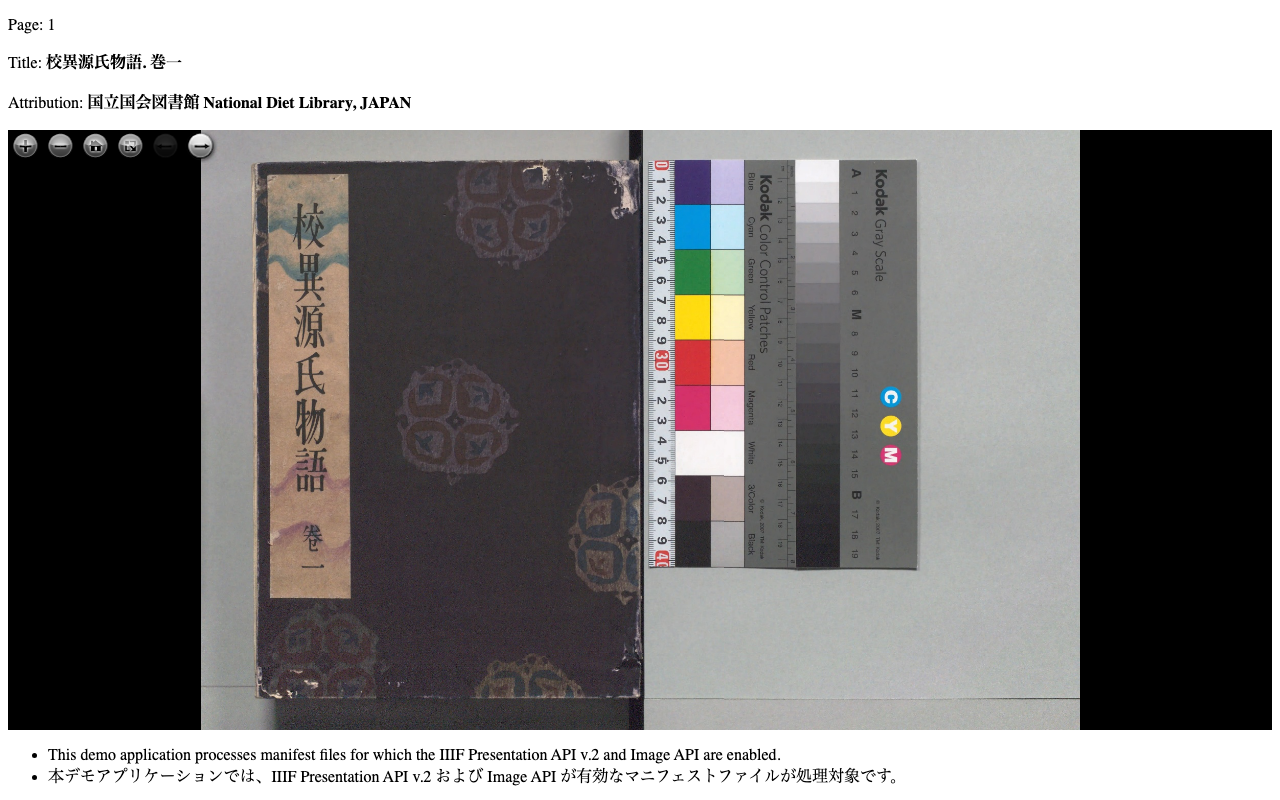
Overview I created a Custom OpenSeaDragon Viewer intended for use in TEI viewers. Background In developing a viewer that links TEI and IIIF as shown below, a viewer with the following capabilities was needed. https://www.hi.u-tokyo.ac.jp/collection/digitalgallery/wakozukan/tei/ Ability to load IIIF manifest files. Ability to track page navigation within the viewer component from outside the component. Ability to highlight partial regions of images. Since I could not find an existing IIIF-compatible viewer that met all of the above requirements, I attempted to develop a custom viewer. I also tried publishing it as an npm package. ...

Created a Sample Repository for Using OpenSeadragon with Vue3

Created a Sample Repository for Using OpenSeadragon with Vue3

I created a sample repository for using OpenSeadragon with Vue3. Here is a working example. https://static.ldas.jp/vue3-osd/ The source code is available below. https://github.com/ldasjp8/vue3-osd As I am a Vue3 beginner, there may be some errors, but I hope this is helpful.