Home Articles Books Search About
日本語
Creating Apps with Azure OpenAI Assistants API Using Gradio and Next.js

Creating Apps with Azure OpenAI Assistants API Using Gradio and Next.js

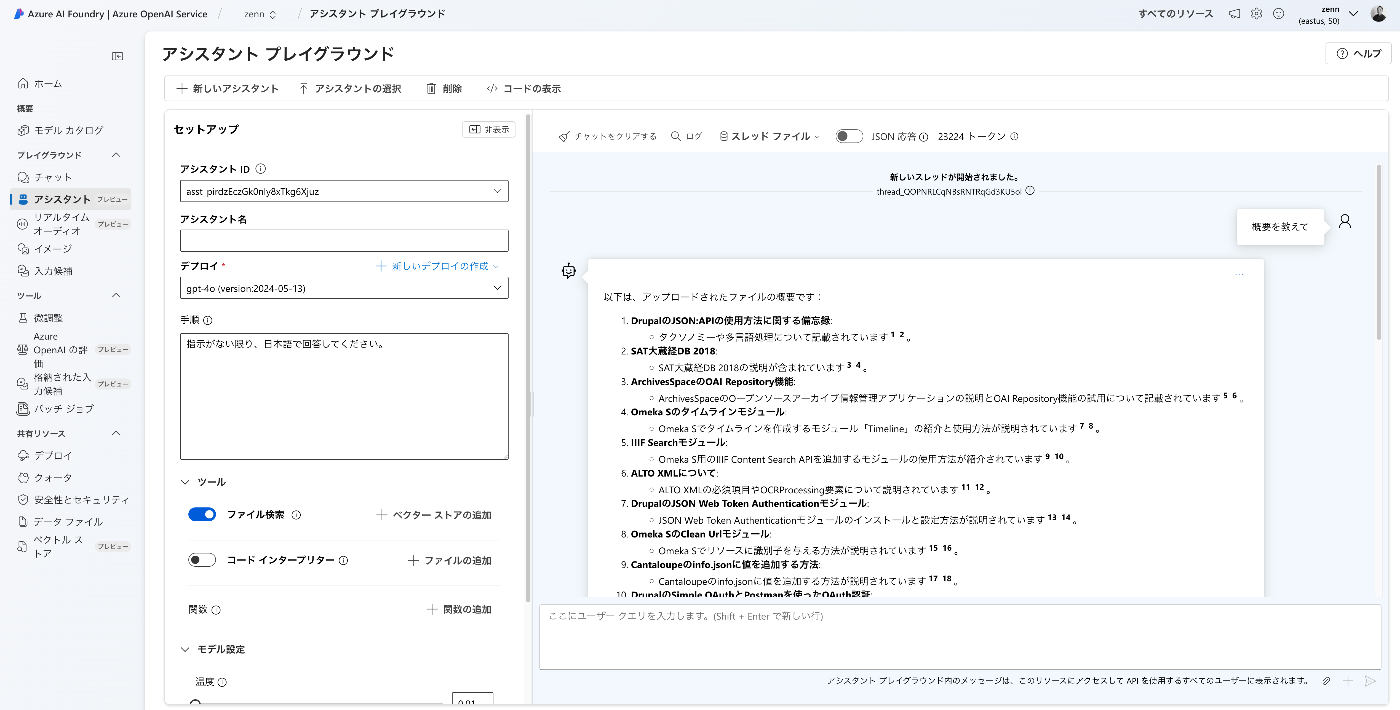
Overview I created apps using the Azure OpenAI Assistants API with Gradio and Next.js, so here are my notes. Target Data I used articles published on Zenn as the target data. First, I bulk downloaded them with the following code. import requests from bs4 import BeautifulSoup import os from tqdm import tqdm page = 1 urls = [] while 1: url = f"https://zenn.dev/api/articles?username=nakamura196&page={page}" response = requests.get(url) data = response.json() articles = data['articles'] if len(articles) == 0: break for article in articles: urls.append("https://zenn.dev" + article['path']) page += 1 for url in tqdm(urls): text_opath = f"data/text/{url.split('/')[-1]}.txt" if os.path.exists(text_opath): continue response = requests.get(url) soup = BeautifulSoup(response.text, "html.parser") html = soup.find(class_="znc") txt = html.get_text() os.makedirs(os.path.dirname(text_opath), exist_ok=True) with open(text_opath, "w") as f: f.write(txt) Registering to the Vector Store Upload data files with the following code. ...

Building a RAG-based Chat Using Azure OpenAI, LlamaIndex, and Gradio

Building a RAG-based Chat Using Azure OpenAI, LlamaIndex, and Gradio

Overview I tried building a RAG-based chat using Azure OpenAI, LlamaIndex, and Gradio, so here are my notes. Azure OpenAI Create an Azure OpenAI resource. Then, click “Endpoint: Click here to view endpoint” to note down the endpoint and key. Then, navigate to the Azure OpenAI Service. Go to “Model catalog” and deploy “gpt-4o” and “text-embedding-3-small”. The result is displayed as follows. Downloading the Text This time, we target “The Tale of Genji” published on Aozora Bunko (a free digital library of Japanese literature). ...

Deleting All Files in OpenAI Storage

Deleting All Files in OpenAI Storage

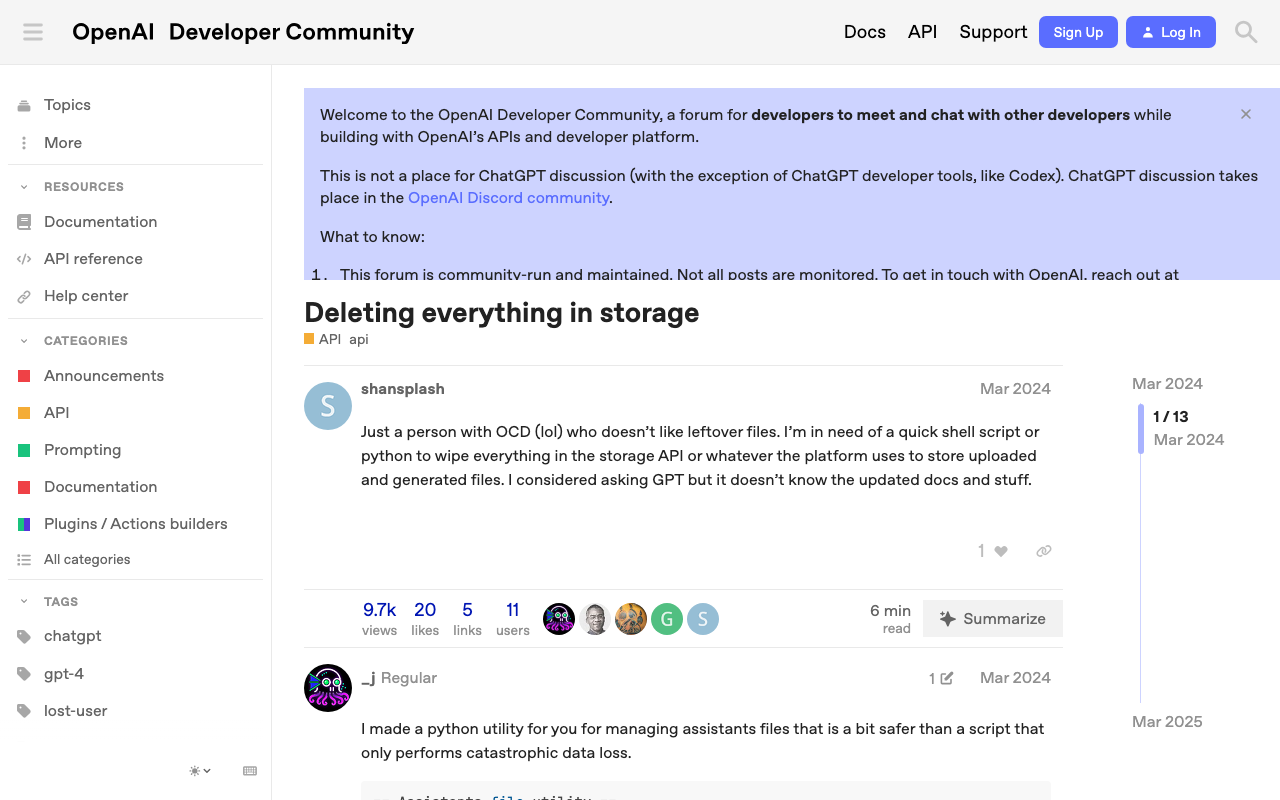
Overview This is a memo on how to delete all files in OpenAI storage. The following page was helpful. https://community.openai.com/t/deleting-everything-in-storage/664945 Background There was a case where I wanted to bulk-delete multiple files uploaded using code like the following. file_paths = glob("data/txt/*.txt") file_streams = [open(path, "rb") for path in file_paths] # Use the upload and poll SDK helper to upload the files, add them to the vector store, # and poll the status of the file batch for completion. file_batch = client.beta.vector_stores.file_batches.upload_and_poll( vector_store_id=vector_store.id, files=file_streams ) # You can print the status and the file counts of the batch to see the result of this operation. print(file_batch.status) print(file_batch.file_counts) Method Running the following code allowed me to perform bulk deletion. ...

Adding Images to IIIF Manifest Files for Audio Materials

Adding Images to IIIF Manifest Files for Audio Materials

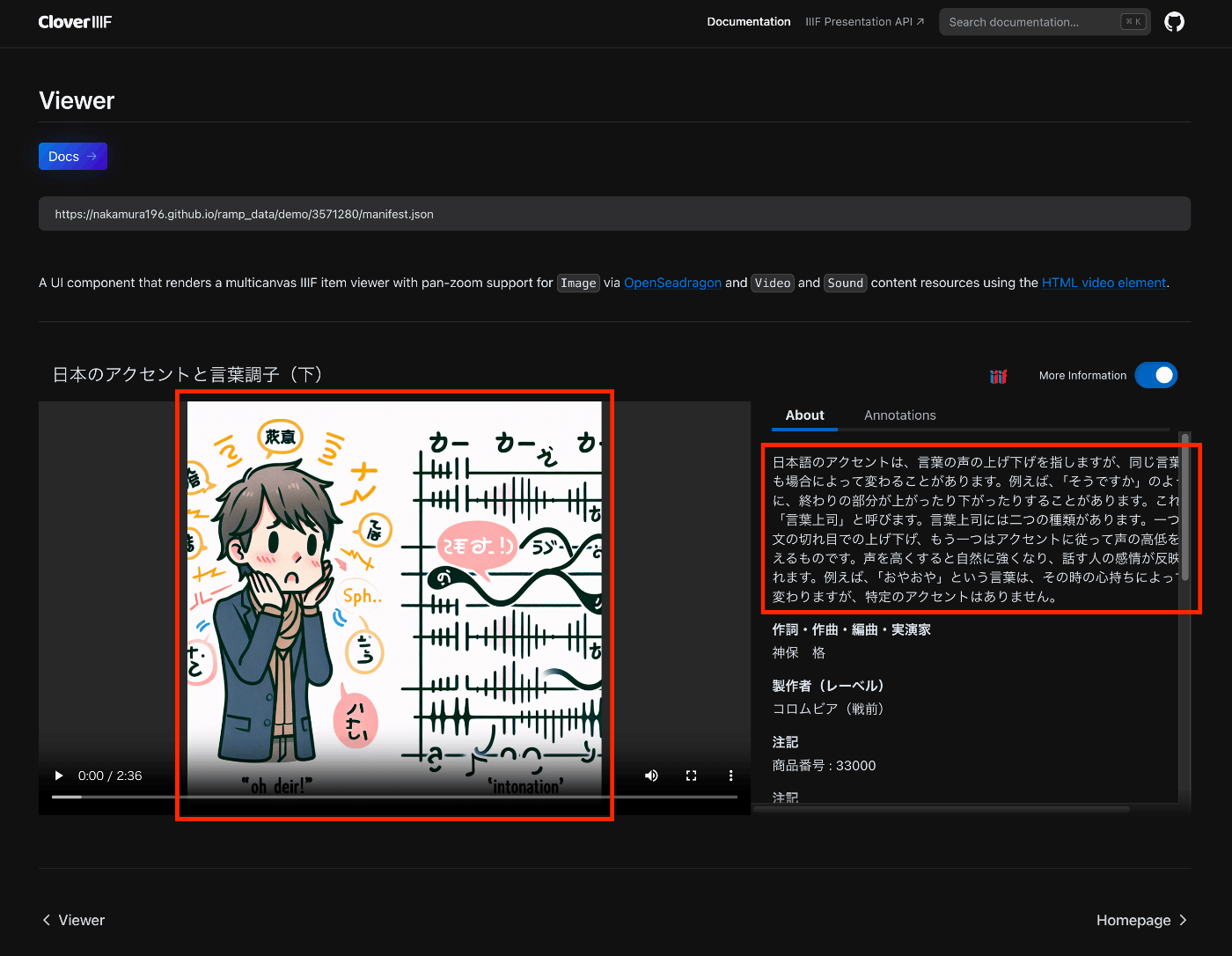
Overview This is a note on trying out the Audio Presentation with Accompanying Image recipe. https://iiif.io/api/cookbook/recipe/0014-accompanyingcanvas/ The following is an example displayed in Clover, where the configured image appears in the player. https://samvera-labs.github.io/clover-iiif/docs/viewer/demo?iiif-content=https://nakamura196.github.io/ramp_data/demo/3571280/manifest.json Manifest File Description An example is stored at the following location. https://github.com/nakamura196/ramp_data/blob/main/docs/demo/3571280/manifest.json Specifically, it was necessary to add an accompanyingCanvas to the Canvas as follows. { "id": "https://nakamura196.github.io/ramp_data/demo/3571280/canvas", "type": "Canvas", "duration": 156.07999999999998, "accompanyingCanvas": { "id": "https://nakamura196.github.io/ramp_data/demo/3571280/canvas/accompanying", "type": "Canvas", "height": 1024, "width": 1024, "items": [ { "id": "https://nakamura196.github.io/ramp_data/demo/3571280/canvas/accompanying/annotation/page", "type": "AnnotationPage", "items": [ { "id": "https://nakamura196.github.io/ramp_data/demo/3571280/canvas/accompanying/annotation/image", "type": "Annotation", "motivation": "painting", "body": { "id": "https://nakamura196.github.io/ramp_data/demo/3571280/3571280_summary_image.jpg", "type": "Image", "height": 1024, "width": 1024, "format": "image/jpeg" }, "target": "https://nakamura196.github.io/ramp_data/demo/3571280/canvas/accompanying/annotation/page" } ] } ] }, It may be a bit hard to follow, but here is the code example using iiif_prezi3. The accompanyingCanvas is created via create_accompanying_canvas() and associated with the canvas. ...

IIIF Audio/Visual: Describing Multiple VTT Files

IIIF Audio/Visual: Describing Multiple VTT Files

Overview This is a note on how to describe multiple VTT files for Audio/Visual materials using IIIF. Here, we describe transcription text in both Japanese and English as shown below. https://ramp.avalonmediasystem.org/?iiif-content=https://nakamura196.github.io/ramp_data/demo/3571280/manifest.json Manifest File Description An example is stored at the following location. https://github.com/nakamura196/ramp_data/blob/main/docs/demo/3571280/manifest.json Please also refer to the following article. Specifically, by describing them as multiple annotations as shown below, they were correctly processed by the Ramp viewer. ...

Displaying Audio Files with Subtitles in an IIIF Viewer

Displaying Audio Files with Subtitles in an IIIF Viewer

Overview I had the opportunity to display audio files with subtitles in an IIIF viewer, so this is a memo. The target is “Accents and Intonation of the Japanese Language (Part 2)” published in the National Diet Library Historical Sound Archive. OpenAI’s Speech to text was used. Please note that the transcription results may contain errors. The following is a display example in Ramp. https://ramp.avalonmediasystem.org/?iiif-content=https://nakamura196.github.io/ramp_data/demo/3571280/manifest.json The following is a display example in Clover. ...