Home Articles Books Search About
日本語
(Non-Standard) Outputting Delete Records with the Omeka S OAI-PMH Repository Module

(Non-Standard) Outputting Delete Records with the Omeka S OAI-PMH Repository Module

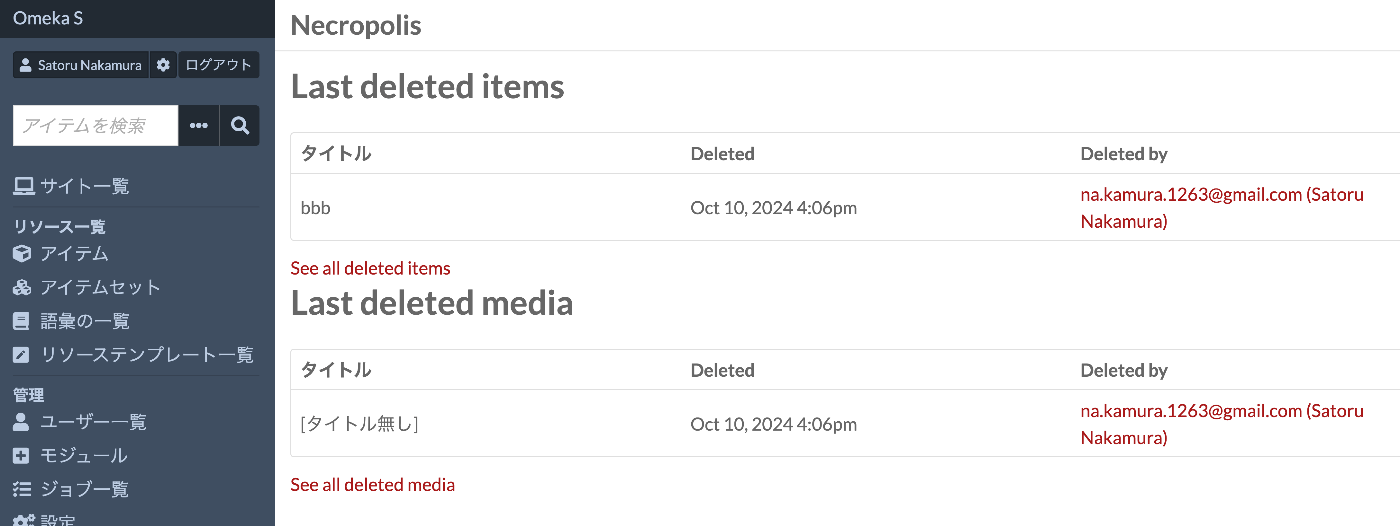
Overview I tried outputting Delete records with the Omeka S OAI-PMH Repository module, so this is a personal note for future reference. Background By using the following module, you can build OAI-PMH repository functionality. https://omeka.org/s/modules/OaiPmhRepository/ However, as far as I could confirm, there did not appear to be a feature for outputting Delete records. Related Module Omeka’s standard features do not seem to include functionality for storing deleted resources. On the other hand, the following module adds functionality to retain deleted resources. ...
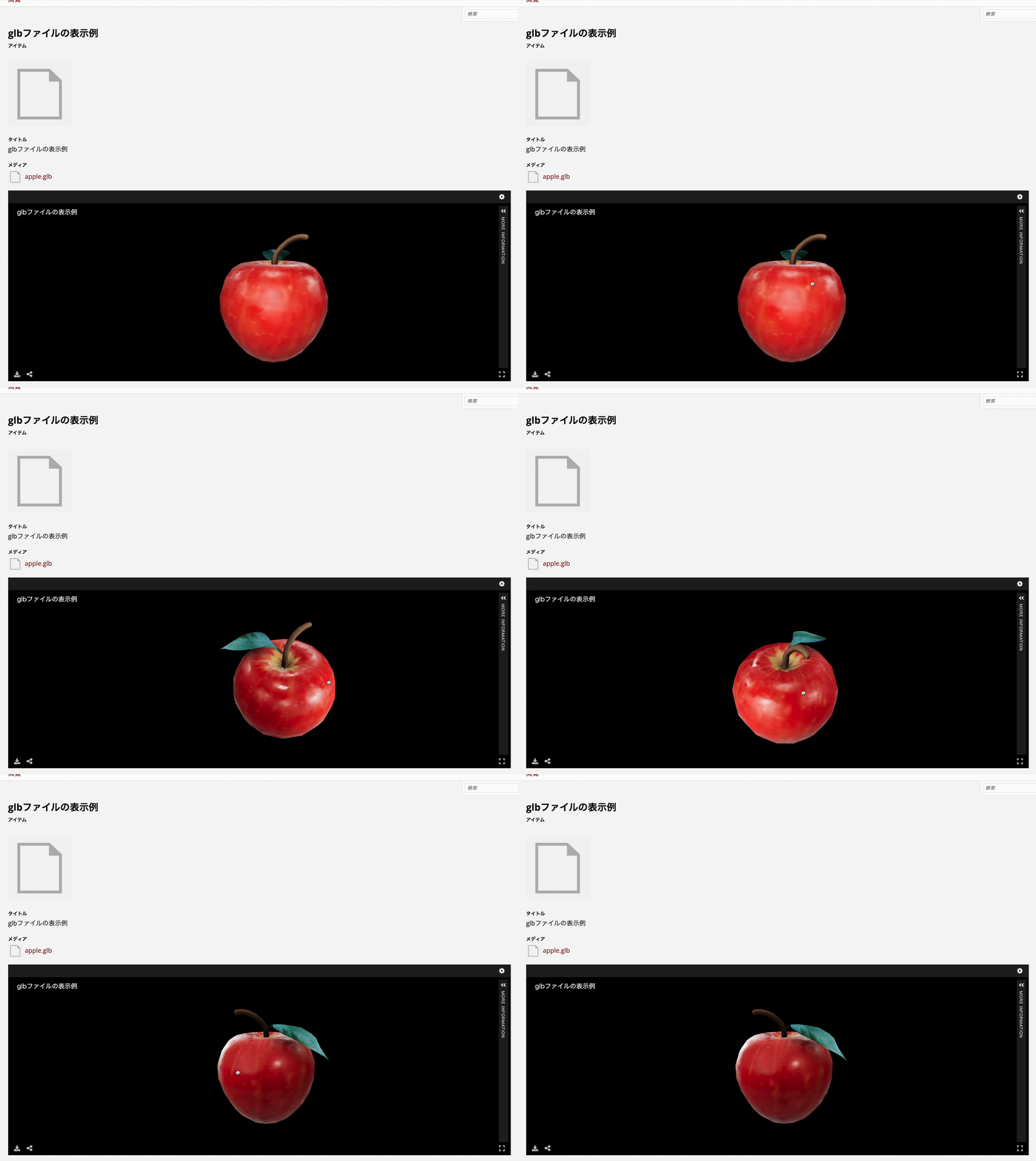
A Program to Create a Visual Overview Page of Omeka S Themes

A Program to Create a Visual Overview Page of Omeka S Themes

Overview In the following article, I introduced a page for visually reviewing Omeka S themes. The program used to create the above page has been published in the following repository. https://github.com/nakamura196/OmekaS Summary We hope this is helpful for similar work.

Publishing 3D Models in Omeka S

Publishing 3D Models in Omeka S

Overview I looked into how to publish 3D models in Omeka S, so here are my notes. As a result, I was able to handle 3D models in Omeka S as shown below. https://omeka.aws.ldas.jp/s/sample/item/43 Versions The versions of Omeka S and modules used are as follows. Omeka S 4.1.1 Common 3.4.62 IIIF Server 3.6.21 Universal Viewer 3.6.9 Module Installation Install the Common, IIIF Server, and Universal Viewer modules. Module Configuration Configure two settings for the IIIF Server module. ...

Handling the CSRF: Value is required and can't be empty Error in Omeka S

Handling the CSRF: Value is required and can't be empty Error in Omeka S

Overview In Omeka S, I encountered an issue where the error message “CSRF: Value is required and can’t be empty” was displayed when trying to save an item associated with many media, and saving would not complete. This article explains how to address this error. Related Articles This is mentioned in articles such as the following. It appears to be a known error, and it is stated that php.ini needs to be modified. ...

Handling Errors When Updating Omeka S from v4.0.4 to v4.1

Handling Errors When Updating Omeka S from v4.0.4 to v4.1

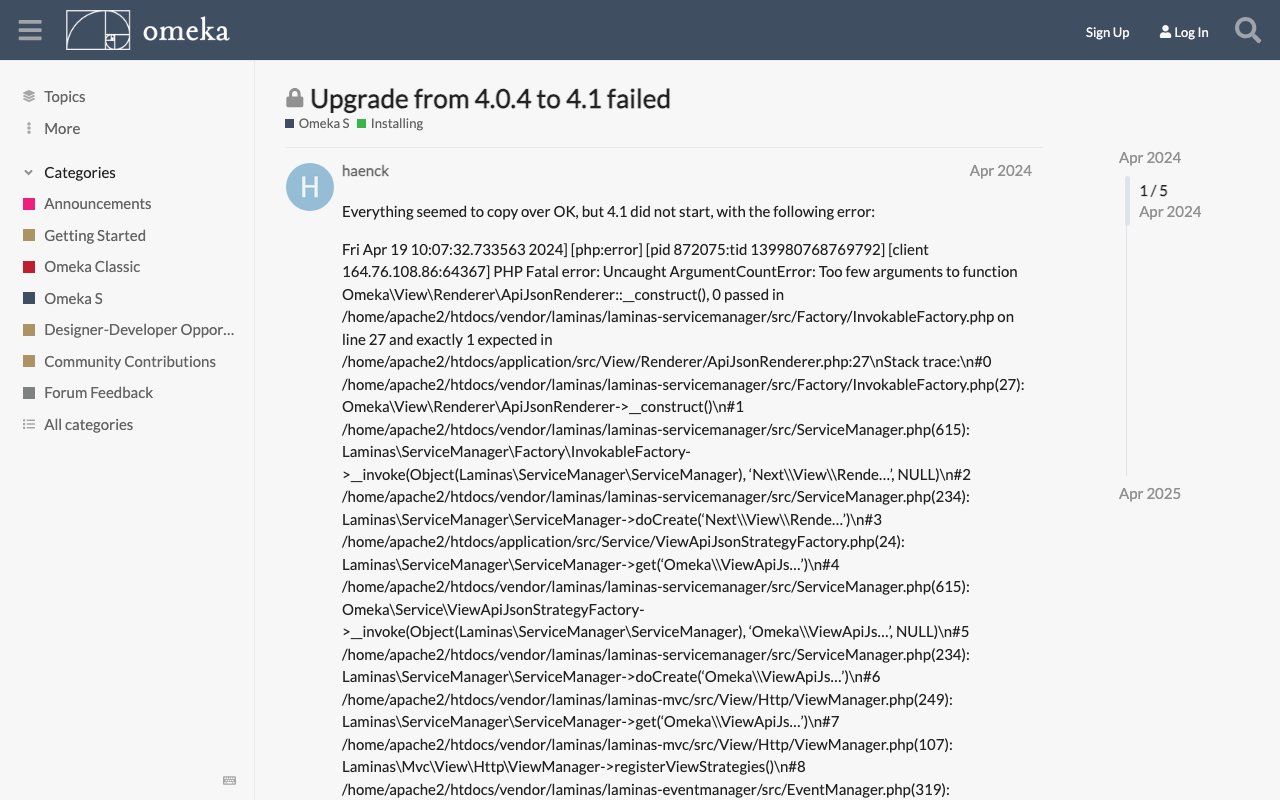
Overview During the Omeka S update process, the following error occurred. Fatal error: Uncaught ArgumentCountError: Too few arguments to function Omeka\View\Renderer\ApiJsonRenderer::__construct(), 0 passed This is a personal note on how to address this error. Solution The solution was found at the following link. https://forum.omeka.org/t/upgrade-from-4-0-4-to-4-1-failed/22281 Specifically, uninstalling the Next module resolved the above issue. Summary I hope this serves as a useful reference for those encountering the same issue.

Updating Omeka S

Updating Omeka S

Overview This is a personal note on updating Omeka S. Please also refer to the following official documentation. https://omeka.org/s/docs/user-manual/install/#updating Preparation: Backup Before performing update operations, be sure to create backups of the database and all files in case of unforeseen circumstances. 1. Database Backup Create a database dump file using the mysqldump command or similar. # mysqldump -u [DB username] -p [DB name] > [output filename] mysqldump -u db_user -p omeka_s_db > omeka_s_backup.sql 2. File Backup Back up (duplicate) the entire Omeka S installation directory. ...

Exporting Only Specific Items and Selected Fields Using Omeka S BulkExport

Exporting Only Specific Items and Selected Fields Using Omeka S BulkExport

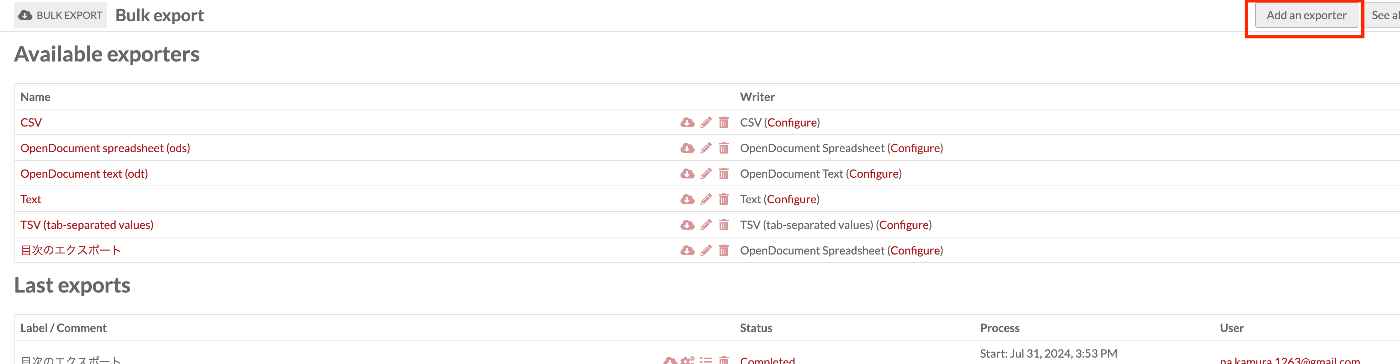
Overview This article introduces how to export only specific items with selected fields using Omeka S BulkExport. Here, we will limit the export to items that have “Table Of Contents (dcterms:tableOfContents)” and export only “Title (dcterms:title)” and “Identifier (dcterms:identifier)”. Related The following article explains the overview of the Omeka S BulkExport module. This time, I will explain based on a specific use case. Method Navigate to the following path. ...

Retrieving the URL of Site Pages Where Items Are Published in the Omeka S OaiPmh Repository Module

Retrieving the URL of Site Pages Where Items Are Published in the Omeka S OaiPmh Repository Module

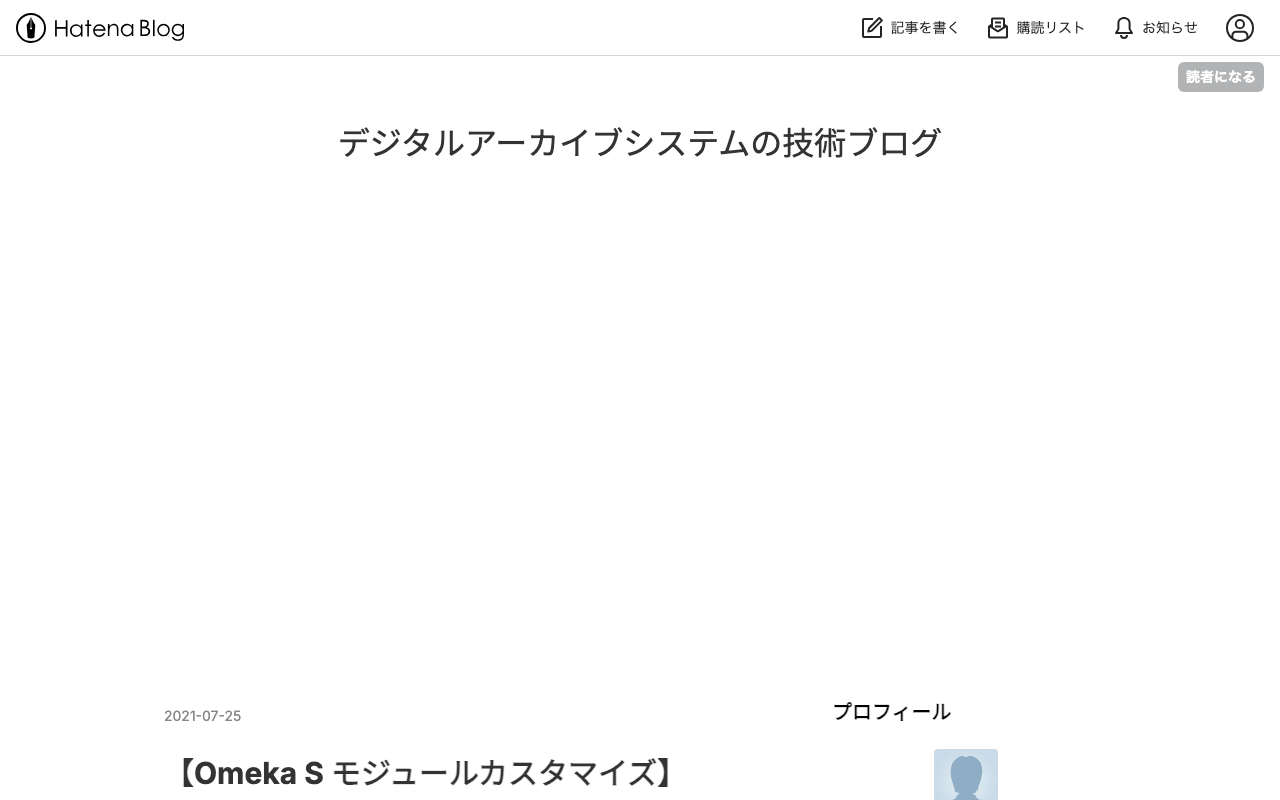
Overview This is a personal note on how to retrieve the URL of site pages where items are published in the Omeka S OaiPmh Repository module. Background The following article introduces how to create custom vocabularies using OaiPmhRepository. https://nakamura196.hatenablog.com/entry/2021/07/25/222651 Please refer to it as well. Retrieving the URL of Site Pages Where Items Are Published Before Fix In a certain customization case, the site page URL was retrieved as follows. This does not work properly when something other than dcterms:identifier is configured in the Clean URL module. Additionally, hardcoded paths like /s/db/record/ can be seen. ...

Difference Between production and development in Omeka S SetEnv APPLICATION_ENV

Difference Between production and development in Omeka S SetEnv APPLICATION_ENV

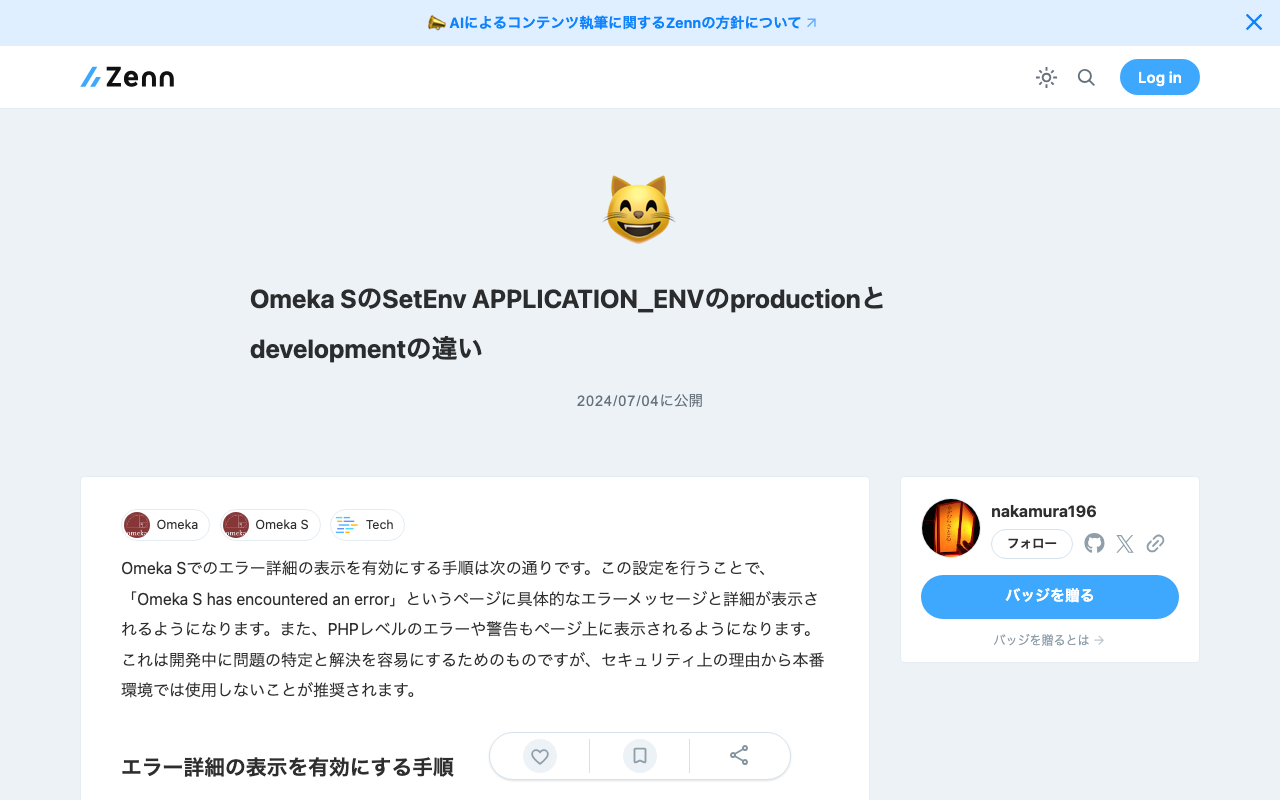
The steps to enable detailed error display in Omeka S are as follows. By making this setting, specific error messages and details will be displayed on the “Omeka S has encountered an error” page. Additionally, PHP-level errors and warnings will also be displayed on the page. This is intended to make it easier to identify and resolve issues during development, but for security reasons, it is recommended not to use this in production environments. ...

Configuration Example for Using BulkImport in Omeka S

Configuration Example for Using BulkImport in Omeka S

Overview When performing bulk data registration using Omeka S’s BulkImport, you can configure various settings for the registration method. While these settings can be configured each time you upload, using pre-registered settings can help reduce errors made by operators. Here, I introduce a configuration example for bulk registration when associating IIIF images with already registered items. Item Example Create an item with sample as the dcterms:identifier as shown below: ...

Bug in the BulkImport Module for Omeka S

Bug in the BulkImport Module for Omeka S

Overview When using the BulkImport module with the combination of PHP 8.1.29 and Omeka S version 4.0.4, the following error occurred. Fatal error: Uncaught TypeError: mb_substr(): Argument #1 ($string) must be of type string, null given in /home/xxx/www/omeka-s/modules/BulkImport/src/Processor/ResourceProcessor.php:1079 Stack trace: #0 /home/xxx/www/omeka-… I have not been able to identify the root cause at this point, but I will describe the workaround. Workaround By using BulkImport v3.4.51 below, the above error no longer occurred. ...

CORS Error with Omeka S IIIF Server Module

CORS Error with Omeka S IIIF Server Module

Overview When distributing IIIF manifests using the Omeka S IIIF Server module, the following CORS error occurred in external viewers. Access to fetch at 'https://xxx/iiif/2/09fd29d5-8497-4def-a64d-ca104284f90d/manifest' from origin 'https://universalviewer.io' has been blocked by CORS policy: No 'Access-Control-Allow-Origin' header is present on the requested resource. If an opaque response serves your needs, set the request's mode to 'no-cors' to fetch the resource with CORS disabled. This article introduces measures to address CORS errors in Omeka S. ...

Service with name "Omeka\Acl" could not be created

Service with name "Omeka\Acl" could not be created

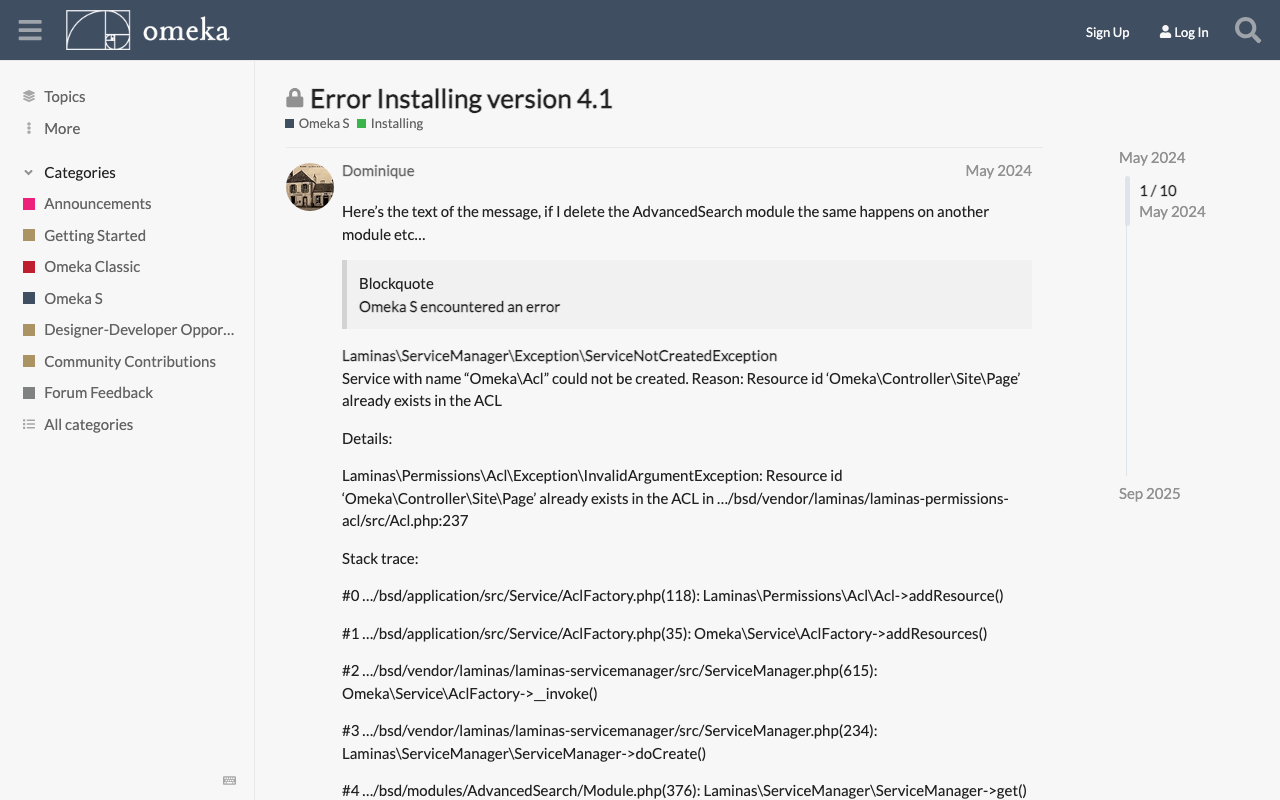
Overview When installing the CleanUrl module on Omeka S 4.1.x, the following error occurred. Laminas\ServiceManager\Exception\ServiceNotCreatedException Service with name "Omeka\Acl" could not be created. Reason: Resource id 'Omeka\Controller\Site\Page' already exists in the ACL This issue had also been reported in the following forum. https://forum.omeka.org/t/error-installing-version-4-1/22522 Solution The issue was resolved by downgrading to Omeka S 4.0.x. Summary I hope you find this helpful.

'session.name' is not a valid sessions-related ini setting

'session.name' is not a valid sessions-related ini setting

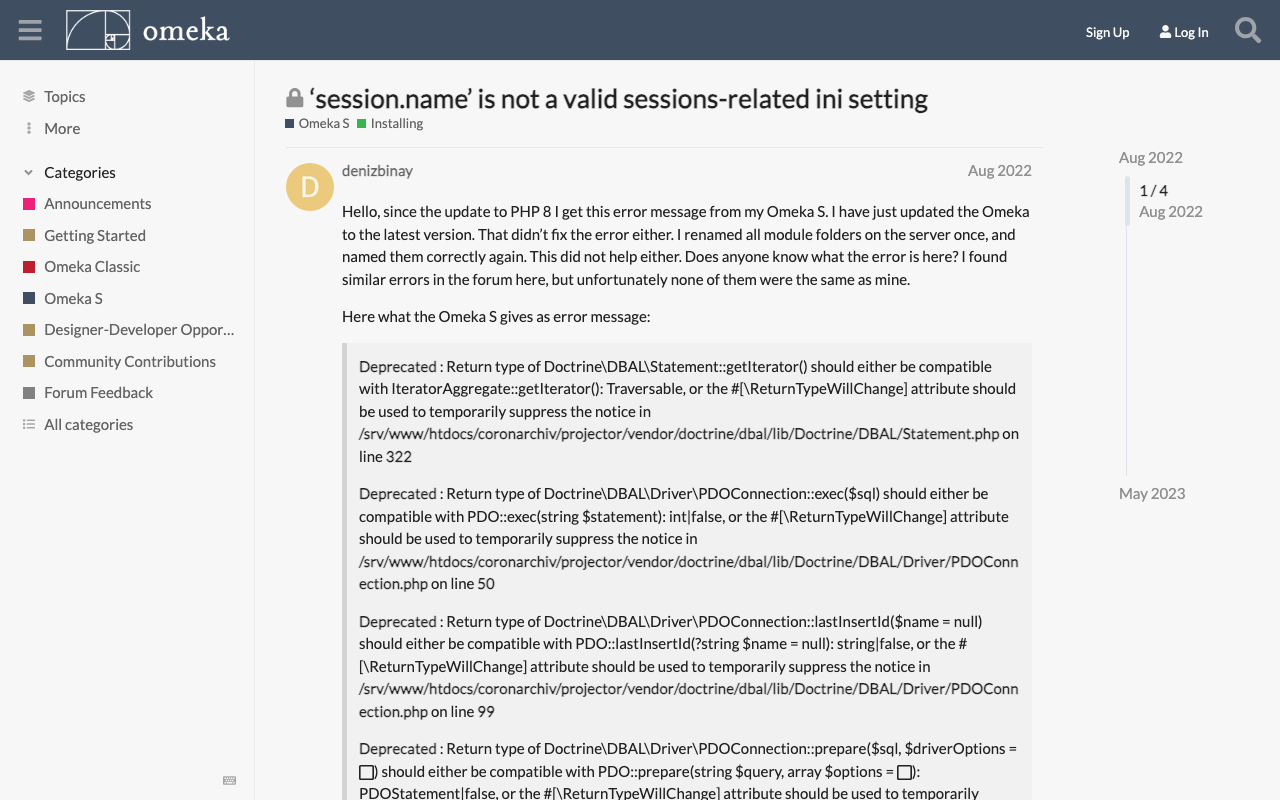
Overview The following error occurred during Omeka S operation. 'session.name' is not a valid sessions-related ini setting This same issue was reported in the following forum. https://forum.omeka.org/t/session-name-is-not-a-valid-sessions-related-ini-setting/15499 Cause and Solution This appears to occur with the combination of Omeka S version 3.x and PHP 8.1. The issue here is PHP 8.1 specifically. You won’t see it on 8.0 or older versions. An upcoming release of Omeka S will resolve this problem with PHP 8.1, but I don’t have a date currently set on when that will release. ...

Adding Classes and Properties Using the Omeka S CustomOntology Module

Adding Classes and Properties Using the Omeka S CustomOntology Module

Overview Custom Ontology is a module that allows you to add custom vocabularies when standard ontologies such as LOV, schema.org, and W3C are not available. For basic usage of this module, please refer to the following. https://nakamura196.hatenablog.com/entry/2021/07/24/235050 For how to update vocabularies that have already been created using this module, please refer to the following. This article explains how to add classes and properties to an already created vocabulary. ...

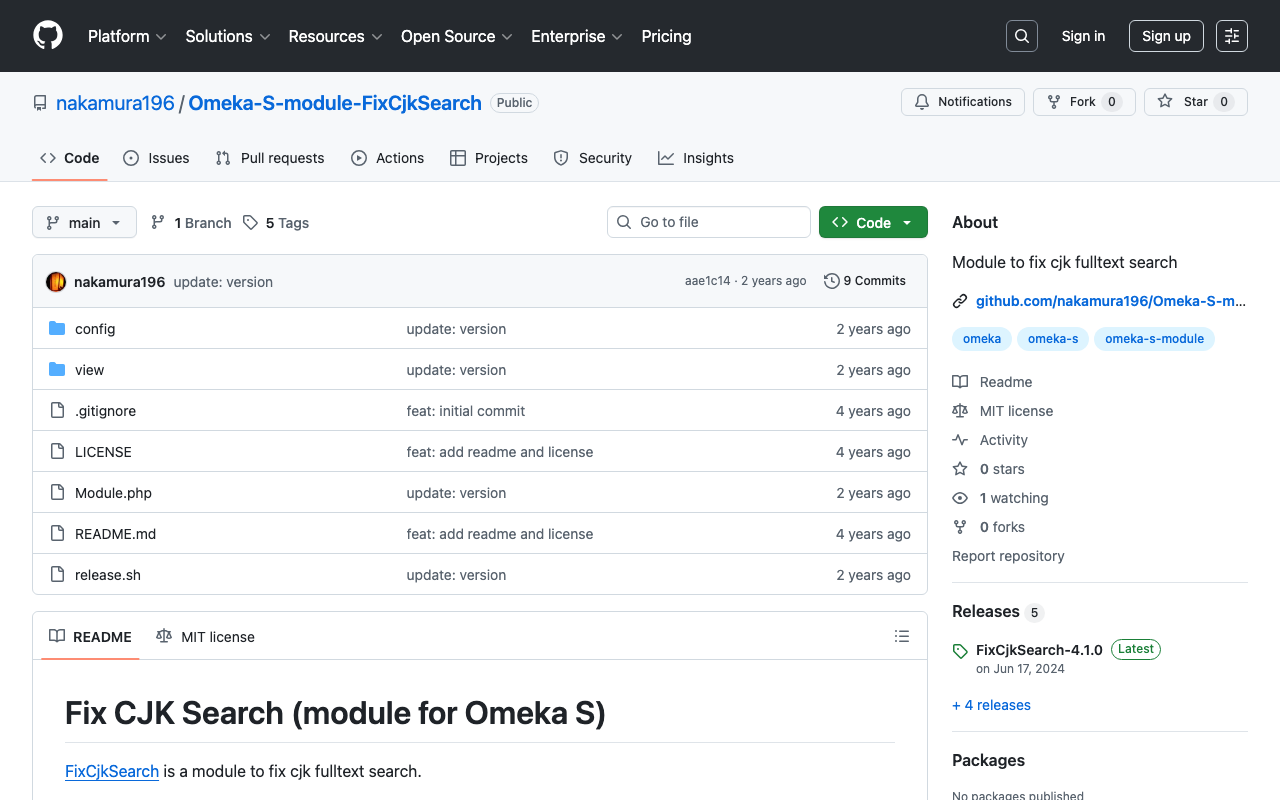
Released v4.1.0 of Omeka-S-module-FixCjkSearch

Released v4.1.0 of Omeka-S-module-FixCjkSearch

Overview To address the issue where full-text search in Japanese does not work well with Omeka S’s standard functionality, I have created the following module. https://github.com/nakamura196/Omeka-S-module-FixCjkSearch This module had stopped working with the latest version of Omeka S at the time of writing (v4.1.0), so I released an updated version of the module. https://github.com/omeka-j/Omeka-S-module-FixCjkSearch/releases There may be some incomplete aspects, but I hope this serves as a helpful reference. ...

Accent Sensitivity in Omeka S Partial Match Search

Accent Sensitivity in Omeka S Partial Match Search

Overview I investigated accent sensitivity in Omeka S partial match search, and here are my notes. Symptom For example, when items containing the string “tako” (in hiragana) are stored, searching for “tako” in hiragana, katakana, or with dakuten (voiced mark) variations all return the same results. Cause The issue appeared to be caused by the default collation “utf8mb4_unicode_ci” set during installation. Specifically, this collation is “case-insensitive” (does not distinguish between uppercase and lowercase) and “accent-insensitive” (does not distinguish between accented and unaccented characters), which is why hiragana, katakana, and dakuten variations return the same search results. ...

Released ver 4.0.2 of the Omeka S Theme Using Bootstrap 5

Released ver 4.0.2 of the Omeka S Theme Using Bootstrap 5

Overview I updated the Omeka S theme using Bootstrap 5. Here I introduce the features added in this update. https://github.com/ldasjp8/Omeka-S-theme-Bootstrap5/releases/tag/4.0.2 New Features Advanced Search Button Link Configuration I added an “Advanced Search URL” option to the theme settings screen. In the example above, a setting is configured to navigate to the “page/advanced” page. Specifically, when clicking the “Advanced Search” button shown below, it navigates to the URL configured here. (If not configured, it navigates to Omeka’s standard advanced search page.) ...

Partial Match Search with the Advanced Search Module in Omeka S

Partial Match Search with the Advanced Search Module in Omeka S

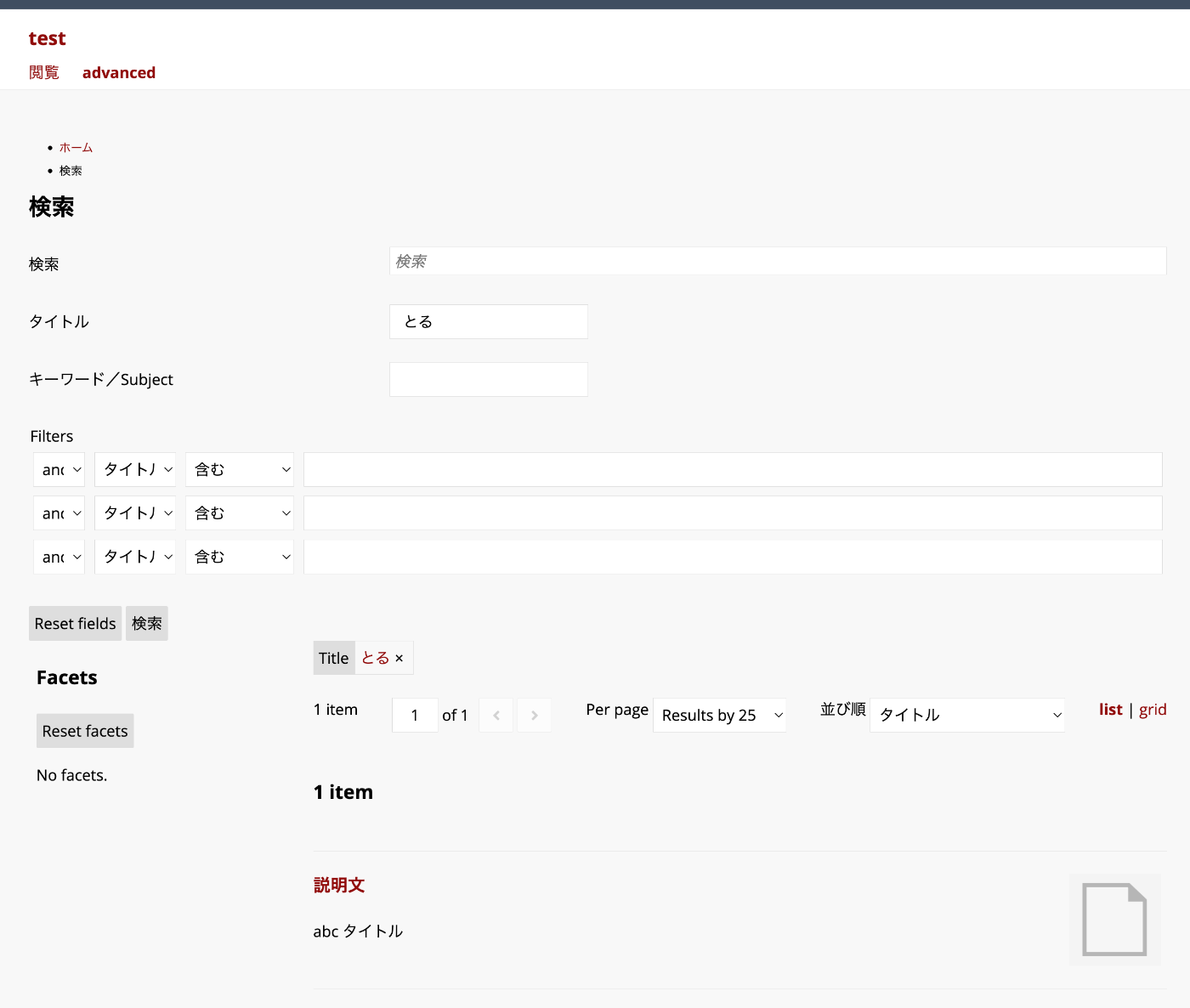
Overview This article explains how to perform partial match searches using filters added through the Advanced Search module. In the example above, the query string “toru” matches items with the title “abc title”. Background The Advanced Search module allows you to flexibly configure search conditions and facets. https://omeka.org/s/modules/AdvancedSearch/ In particular, when combined with the “Reference” module, faceted search like the following can be achieved. You can also add filters. However, when performing partial match searches with filters, additional configuration is required. ...

Specifying Items to Display in Omeka S Search Results

Specifying Items to Display in Omeka S Search Results

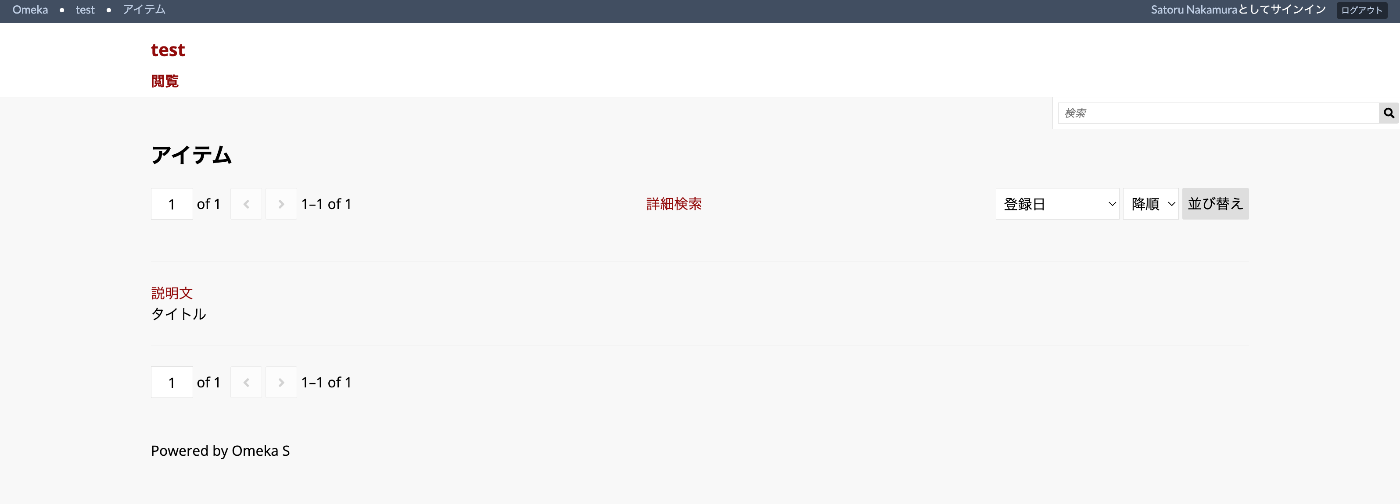
Overview This article explains how to specify which items to display in search results, as shown below. Configuration In the default settings, the “Heading” displays the title (dcterms:title) and the “Body” displays the description (dcterms:description), as shown below. You can configure which items to display for “Heading” and “Body” respectively by changing the following section in the per-site settings screen. For Advanced Search Even when using the Advanced Search module, these settings are inherited. ...