Home Articles Books Search About
日本語
Linking to Other Items Using the Custom Vocab Module in Omeka S

Linking to Other Items Using the Custom Vocab Module in Omeka S

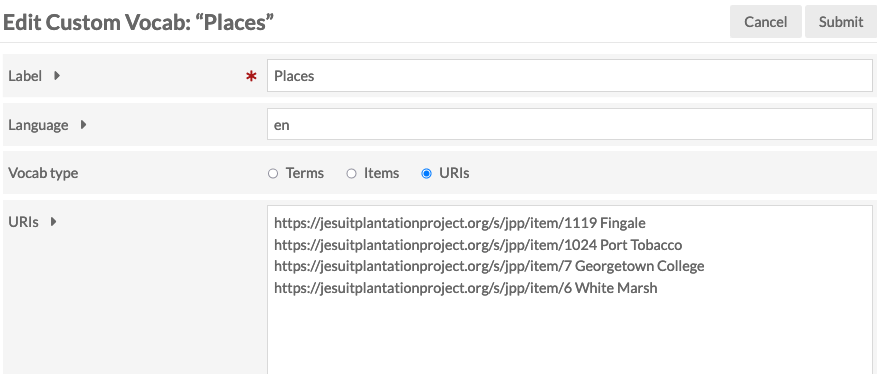
Overview I had an opportunity to link to other items using the Custom Vocab module in Omeka S, so here are my notes. Background The following article explained how to use custom vocabularies. This time, instead of strings or URIs, I will try linking items. Creating an Item Set First, create an item set to store the items to be linked. In this case, I created an item set called “Reuse Condition Display.” ...

Trying the Model Viewer Module for Omeka S

Trying the Model Viewer Module for Omeka S

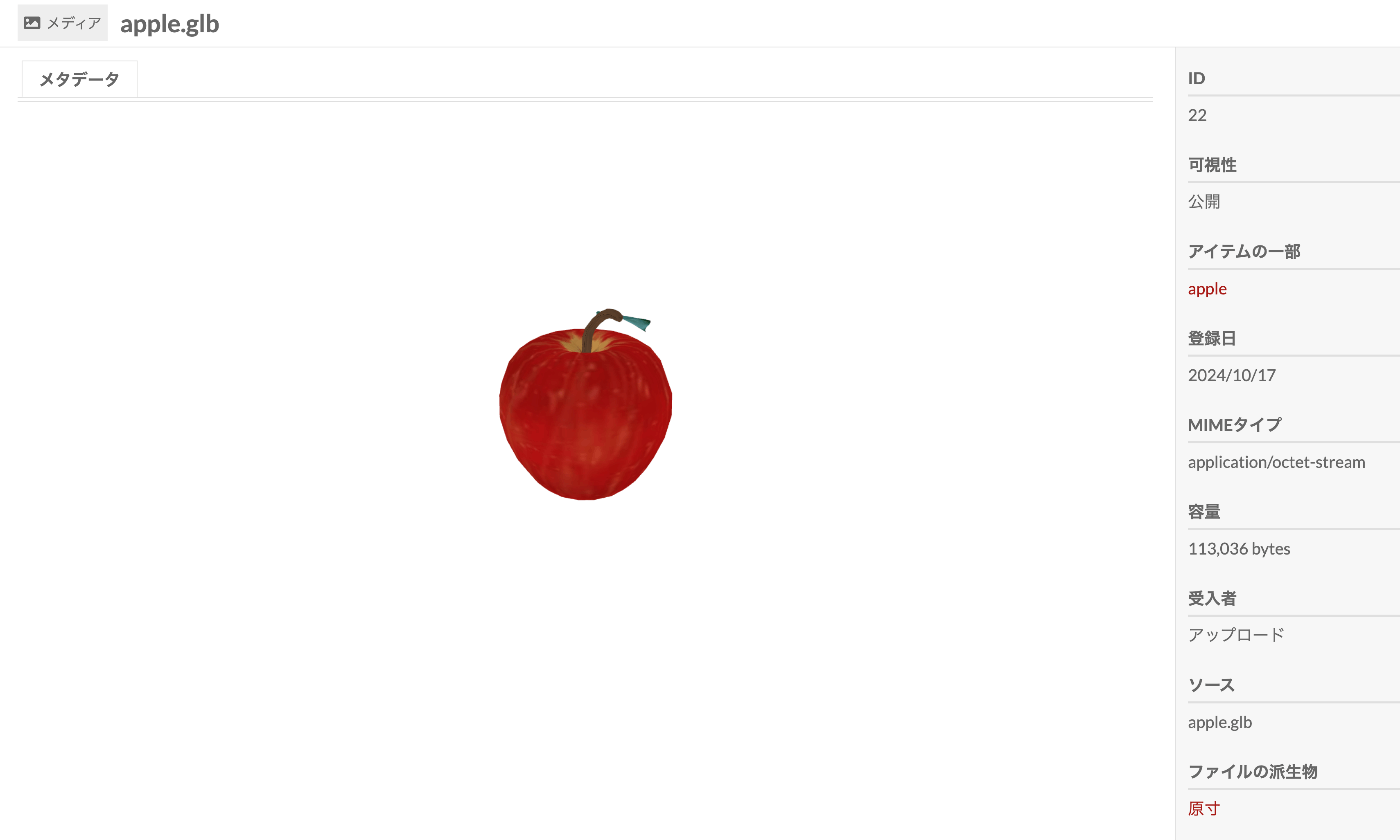
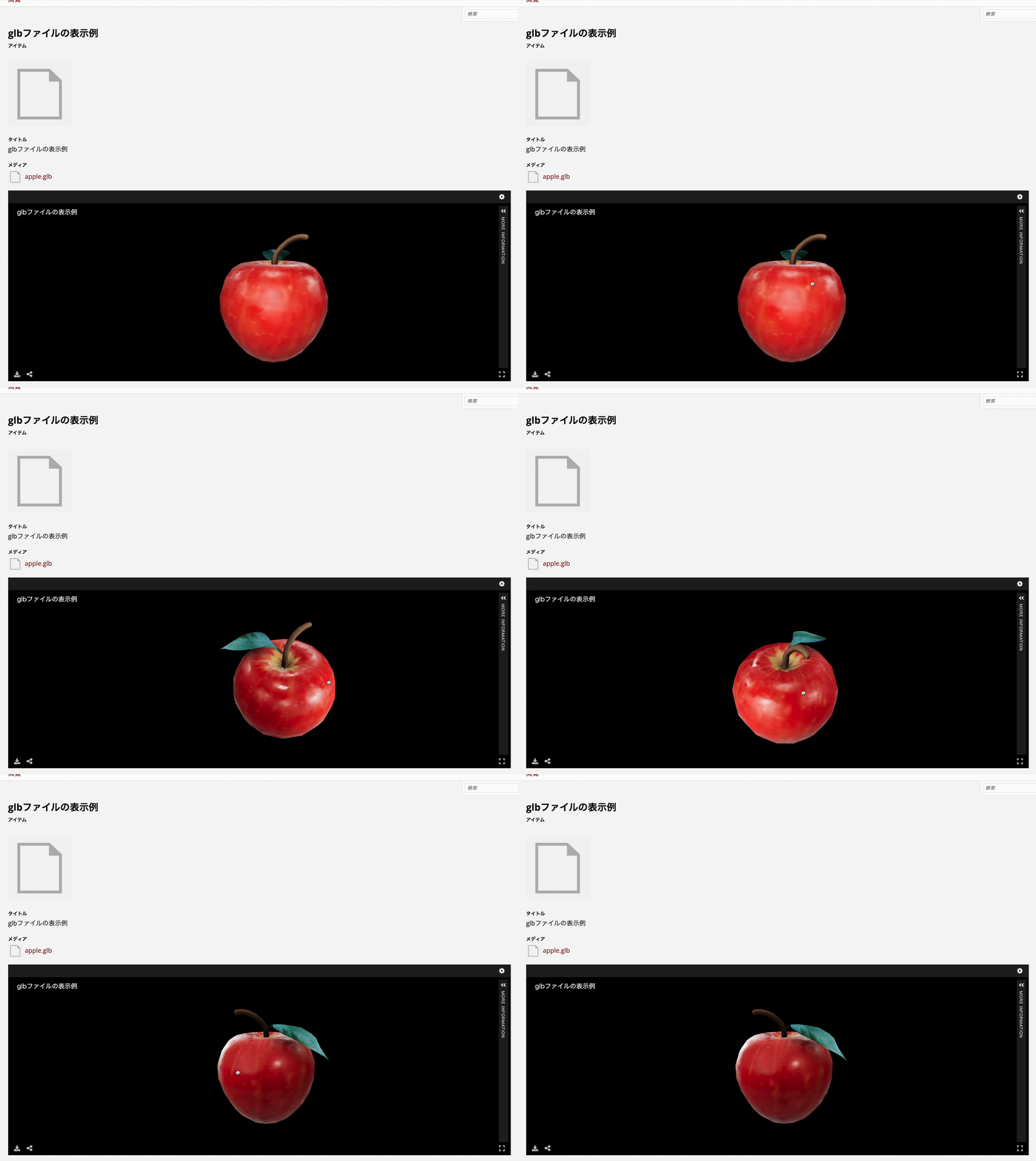
Overview Model Viewer is a module for Omeka S that integrates three.js, a viewer for 3D models. https://github.com/Daniel-KM/Omeka-S-module-ModelViewer This article explains how to use this module. References The following article introduces how to publish 3D models using IIIF. Please refer to it as well. Installation The installation process is the same as for other standard modules. Usage On the media detail page, the 3D viewer is displayed as shown below. ...

Addressing the resumptionToken Bug in Omeka S OAI-PMH Repository

Addressing the resumptionToken Bug in Omeka S OAI-PMH Repository

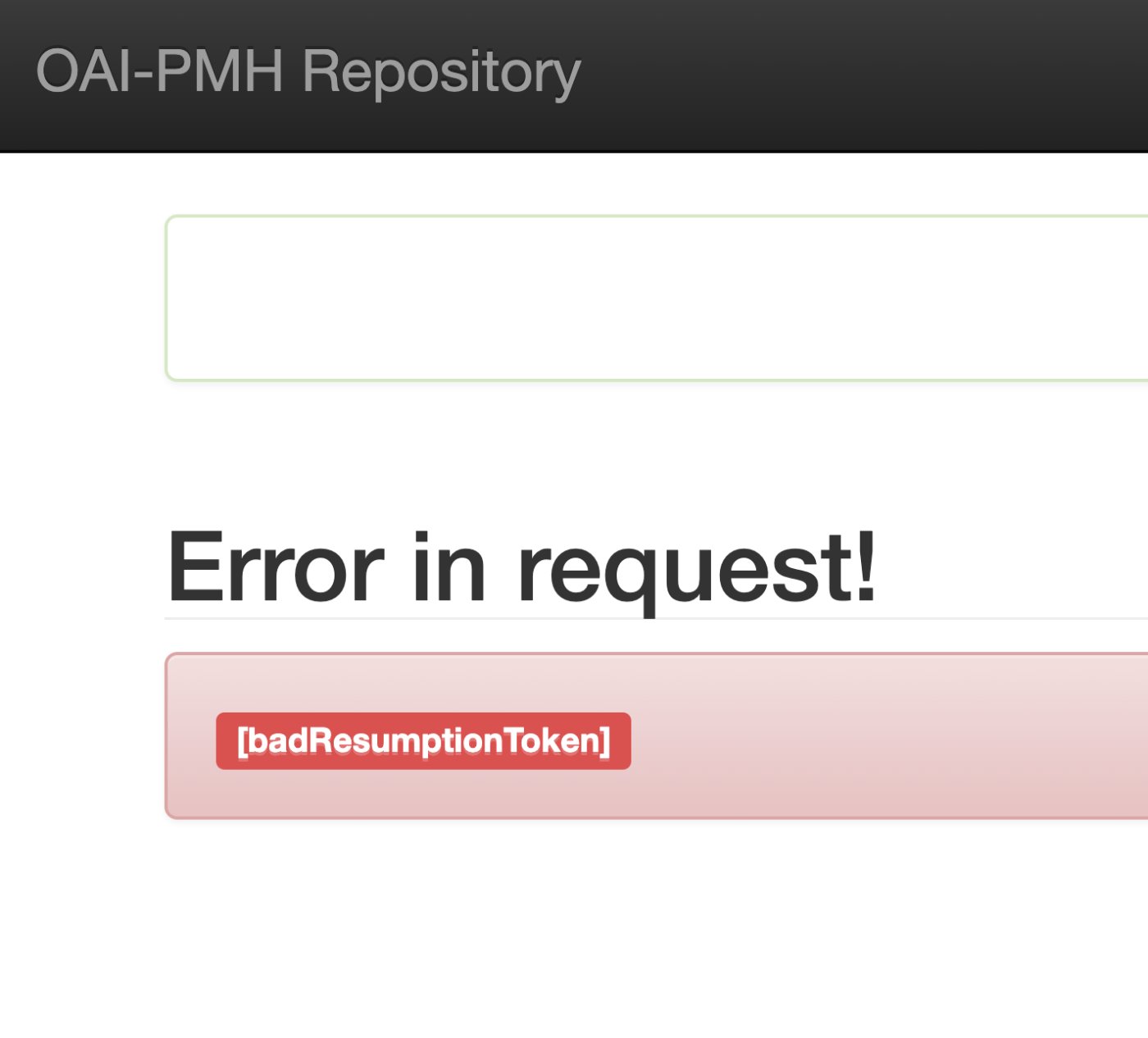
Overview I encountered an issue where the Omeka S OAI-PMH repository’s resumptionToken was outputting a [badResumptionToken] error even though the token was still within its expiration period. Here are my notes on how to address this bug. Solution By adding a comparison between $currentTime and $expirationTime to the following file, tokens within their expiration period are now properly retained. ... private function resumeListResponse($token): void { $api = $this->serviceLocator->get('ControllerPluginManager')->get('api'); $expiredTokens = $api->search('oaipmh_repository_tokens', [ 'expired' => true, ])->getContent(); foreach ($expiredTokens as $expiredToken) { $currentTime = new \DateTime(); // Added $expirationTime = $expiredToken->expiration(); // Added if (!$expiredToken || $currentTime > $expirationTime) { // Added $api->delete('oaipmh_repository_tokens', $expiredToken->id()); } // Added } There were cases where things worked without this fix, so there may be differences depending on the PHP version, etc. ...

(Non-Standard) Outputting Delete Records with the Omeka S OAI-PMH Repository Module

(Non-Standard) Outputting Delete Records with the Omeka S OAI-PMH Repository Module

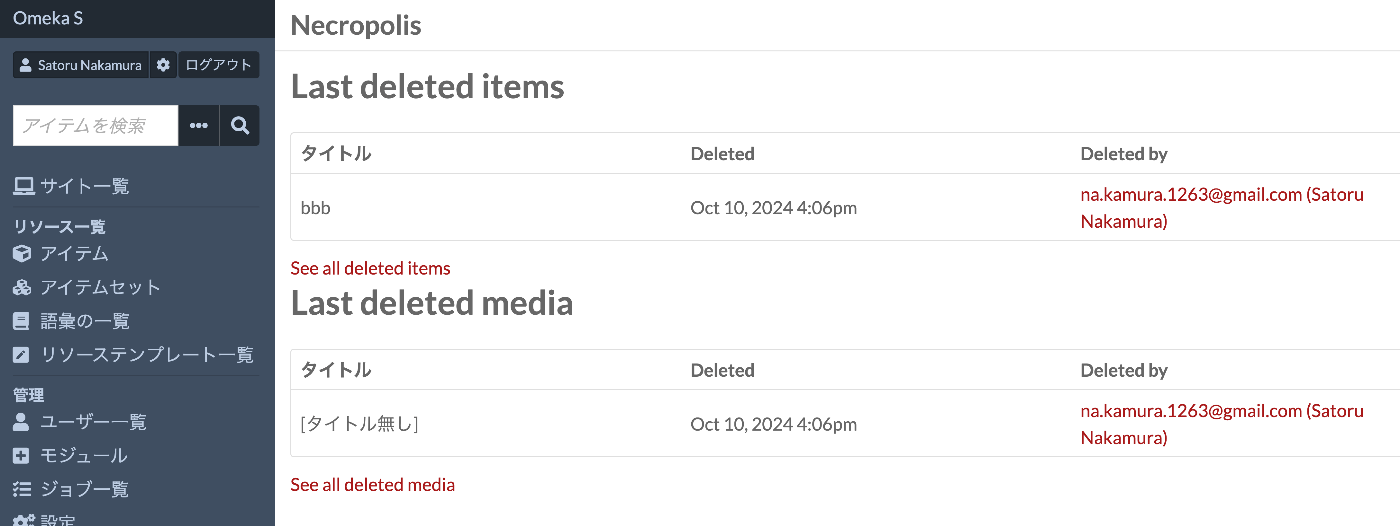
Overview I tried outputting Delete records with the Omeka S OAI-PMH Repository module, so this is a personal note for future reference. Background By using the following module, you can build OAI-PMH repository functionality. https://omeka.org/s/modules/OaiPmhRepository/ However, as far as I could confirm, there did not appear to be a feature for outputting Delete records. Related Module Omeka’s standard features do not seem to include functionality for storing deleted resources. On the other hand, the following module adds functionality to retain deleted resources. ...

A Program to Create a Visual Overview Page of Omeka S Themes

A Program to Create a Visual Overview Page of Omeka S Themes

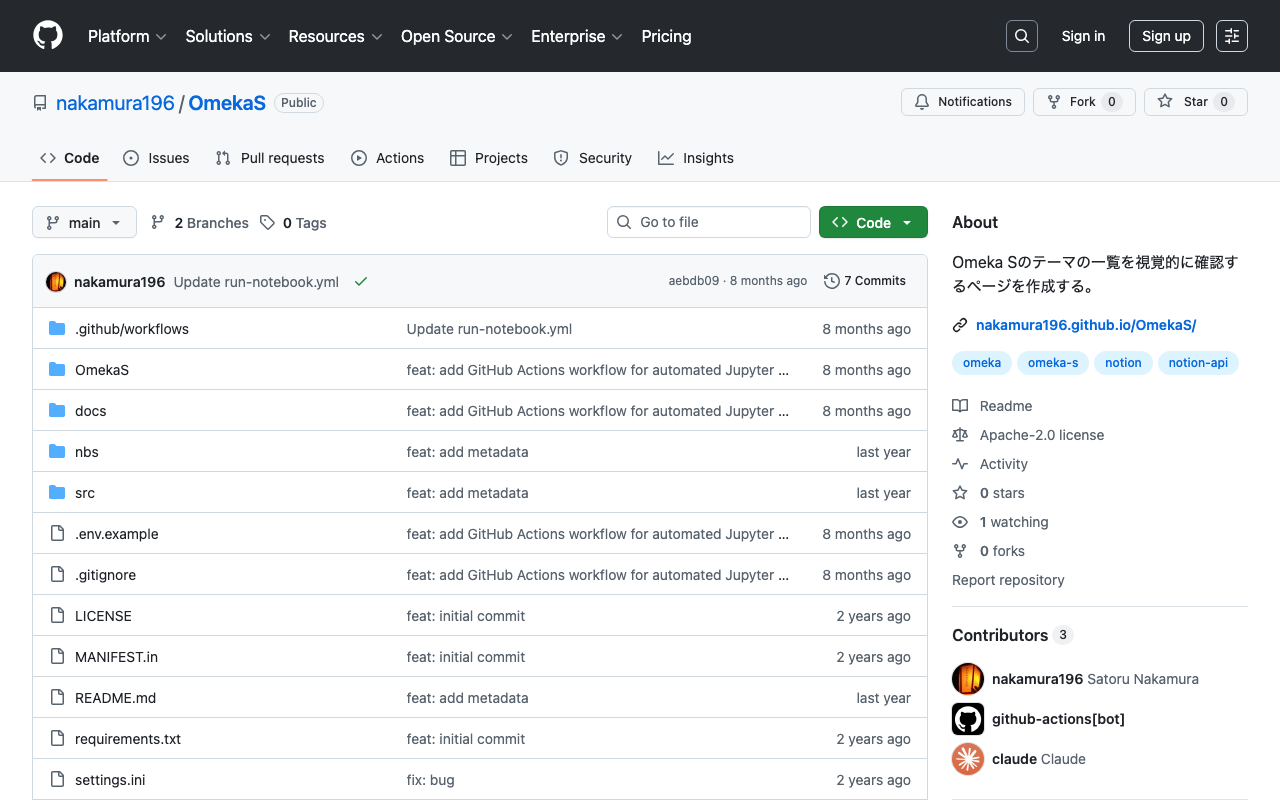
Overview In the following article, I introduced a page for visually reviewing Omeka S themes. The program used to create the above page has been published in the following repository. https://github.com/nakamura196/OmekaS Summary We hope this is helpful for similar work.

Publishing 3D Models in Omeka S

Publishing 3D Models in Omeka S

Overview I looked into how to publish 3D models in Omeka S, so here are my notes. As a result, I was able to handle 3D models in Omeka S as shown below. https://omeka.aws.ldas.jp/s/sample/item/43 Versions The versions of Omeka S and modules used are as follows. Omeka S 4.1.1 Common 3.4.62 IIIF Server 3.6.21 Universal Viewer 3.6.9 Module Installation Install the Common, IIIF Server, and Universal Viewer modules. Module Configuration Configure two settings for the IIIF Server module. ...

Handling the CSRF: Value is required and can't be empty Error in Omeka S

Handling the CSRF: Value is required and can't be empty Error in Omeka S

Overview In Omeka S, I encountered an issue where the error message “CSRF: Value is required and can’t be empty” was displayed when trying to save an item associated with many media, and saving would not complete. This article explains how to address this error. Related Articles This is mentioned in articles such as the following. It appears to be a known error, and it is stated that php.ini needs to be modified. ...

Exporting Tropy Data to Omeka S

Exporting Tropy Data to Omeka S

Overview I had the opportunity to export Tropy data to Omeka S, so this is a memo of the process. Instructions A machine translation of the official manual is provided at the end of this article. Usage Example Below is the Tropy screen. We used images from Irasutoya. As shown, it was possible to annotate images. Below is the result after exporting to Omeka S. The item was registered as a new item along with multiple media including cropped images. ...

Handling Errors When Updating Omeka S from v4.0.4 to v4.1

Handling Errors When Updating Omeka S from v4.0.4 to v4.1

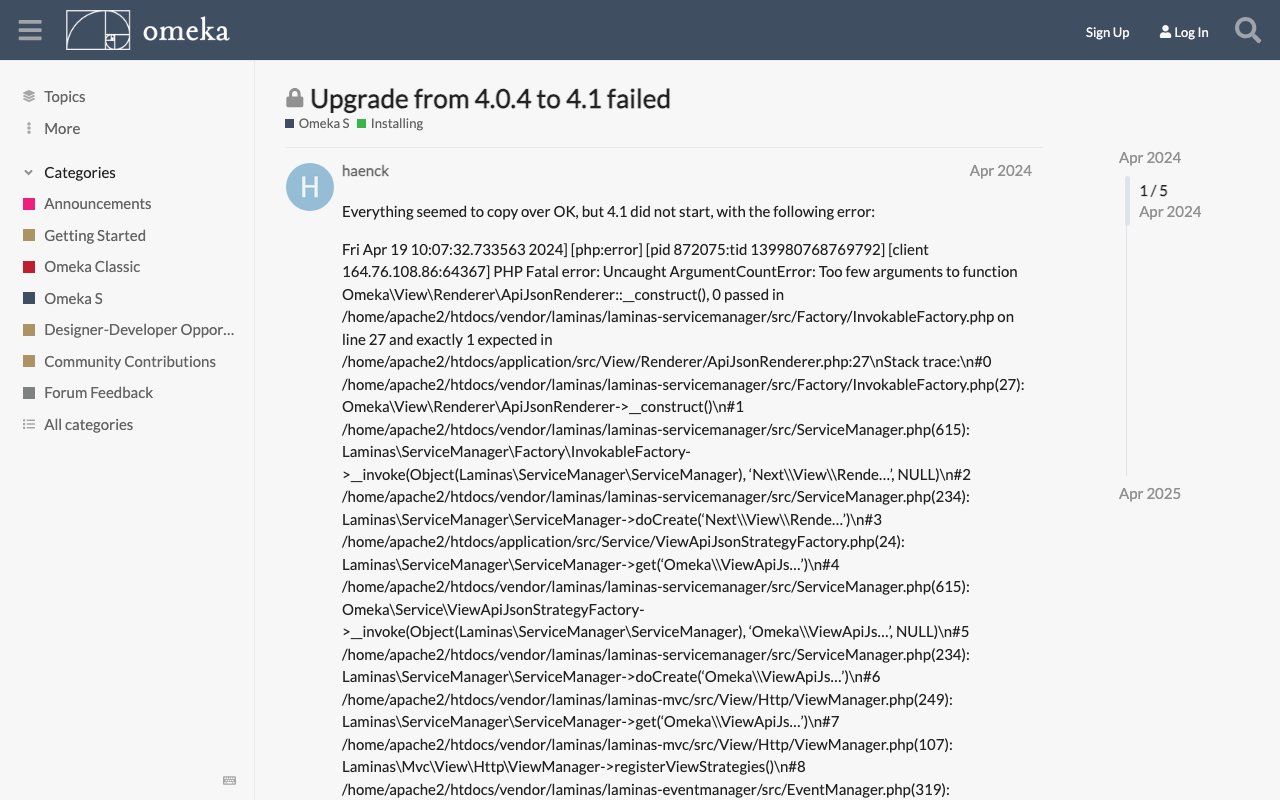
Overview During the Omeka S update process, the following error occurred. Fatal error: Uncaught ArgumentCountError: Too few arguments to function Omeka\View\Renderer\ApiJsonRenderer::__construct(), 0 passed This is a personal note on how to address this error. Solution The solution was found at the following link. https://forum.omeka.org/t/upgrade-from-4-0-4-to-4-1-failed/22281 Specifically, uninstalling the Next module resolved the above issue. Summary I hope this serves as a useful reference for those encountering the same issue.

Updating Omeka S

Updating Omeka S

Overview This is a personal note on updating Omeka S. Please also refer to the following official documentation. https://omeka.org/s/docs/user-manual/install/#updating Preparation: Backup Before performing update operations, be sure to create backups of the database and all files in case of unforeseen circumstances. 1. Database Backup Create a database dump file using the mysqldump command or similar. # mysqldump -u [DB username] -p [DB name] > [output filename] mysqldump -u db_user -p omeka_s_db > omeka_s_backup.sql 2. File Backup Back up (duplicate) the entire Omeka S installation directory. ...

Exporting Only Specific Items and Selected Fields Using Omeka S BulkExport

Exporting Only Specific Items and Selected Fields Using Omeka S BulkExport

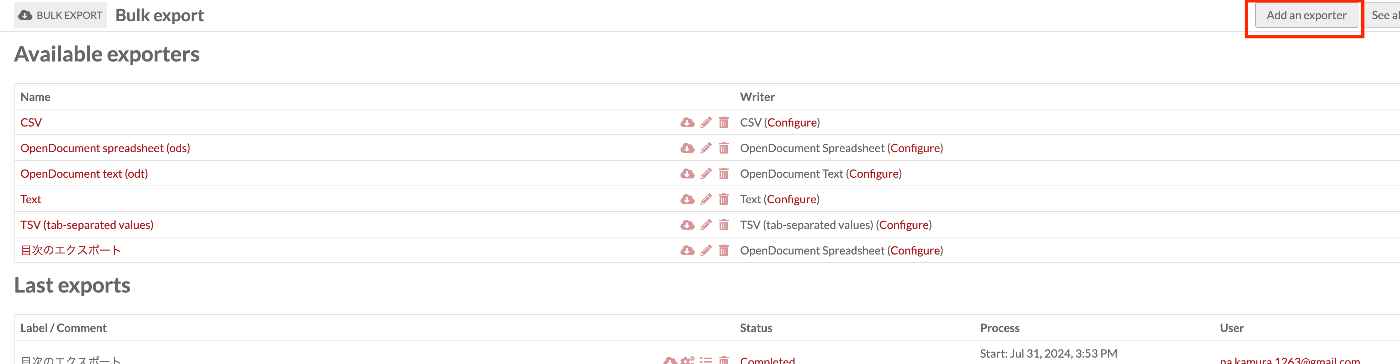
Overview This article introduces how to export only specific items with selected fields using Omeka S BulkExport. Here, we will limit the export to items that have “Table Of Contents (dcterms:tableOfContents)” and export only “Title (dcterms:title)” and “Identifier (dcterms:identifier)”. Related The following article explains the overview of the Omeka S BulkExport module. This time, I will explain based on a specific use case. Method Navigate to the following path. ...

Bug in Omeka S IIIF Server Module [3.6.19, 3.6.20]

Bug in Omeka S IIIF Server Module [3.6.19, 3.6.20]

Overview A bug has been confirmed in versions 3.6.19 and 3.6.20 of the Omeka S IIIF Server module where URIs are malformed. Specifically, the FQDN becomes incorrect, like the following. https://xxx.yyy.zzz.jp//aaa.bbb.ccc.jp/iiif/3/1234/manifest Workaround As of the time of writing this article, version 3.6.21 has not been released, so I recommend using version 3.6.18 or earlier of the module. Summary I hope this serves as a useful reference.

Fetching All Records from an OAI-PMH Repository Using Python

Fetching All Records from an OAI-PMH Repository Using Python

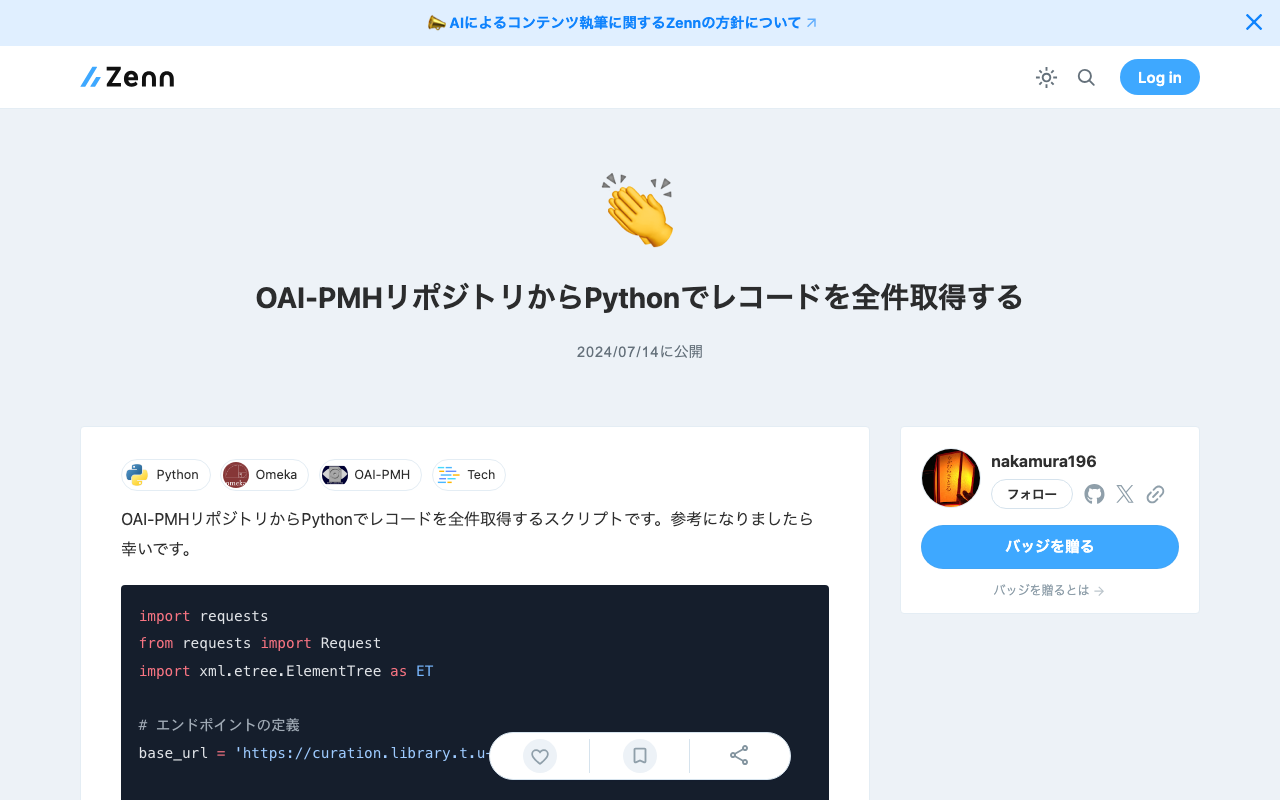
Here is a script for fetching all records from an OAI-PMH repository using Python. I hope it serves as a useful reference. import requests from requests import Request import xml.etree.ElementTree as ET # Define the endpoint base_url = 'https://curation.library.t.u-tokyo.ac.jp/oai' # Initial OAI-PMH request params = { 'verb': 'ListRecords', 'metadataPrefix': 'curation', 'set': '97590' } response = requests.get(base_url, params=params) # Prepare the initial request req = Request('GET', base_url,params=params) prepared_req = req.prepare() print("Sending request to:", prepared_req.url) # Output the URL root = ET.fromstring(response.content) data = [] # Fetch all data while True: # Process records for record in root.findall('.//{http://www.openarchives.org/OAI/2.0/}record'): identifier = record.find('.//{http://www.openarchives.org/OAI/2.0/}identifier').text print(f'Record ID: {identifier}') # Other data can be processed here as well data.append(record) # Get resumptionToken and execute next request token_element = root.find('.//{http://www.openarchives.org/OAI/2.0/}resumptionToken') if token_element is None or not token_element.text: break # End loop if no token params = { 'verb': 'ListRecords', 'resumptionToken': token_element.text } response = requests.get(base_url, params=params) root = ET.fromstring(response.content) print("All records have been fetched.") print(len(data))

Retrieving the URL of Site Pages Where Items Are Published in the Omeka S OaiPmh Repository Module

Retrieving the URL of Site Pages Where Items Are Published in the Omeka S OaiPmh Repository Module

Overview This is a personal note on how to retrieve the URL of site pages where items are published in the Omeka S OaiPmh Repository module. Background The following article introduces how to create custom vocabularies using OaiPmhRepository. https://nakamura196.hatenablog.com/entry/2021/07/25/222651 Please refer to it as well. Retrieving the URL of Site Pages Where Items Are Published Before Fix In a certain customization case, the site page URL was retrieved as follows. This does not work properly when something other than dcterms:identifier is configured in the Clean URL module. Additionally, hardcoded paths like /s/db/record/ can be seen. ...

Large Videos Not Playing in Chrome

Large Videos Not Playing in Chrome

Overview I encountered an issue where large videos could not be played in Chrome. However, they could be played in Safari. When I checked with the developer tools, the download was being cancelled. The viewer part looks like this: <video controls="controls" preload="none" style="width: 620px; height: 465px;" width="100%" height="100%"> <source src="https://omeka.aws.ldas.jp/files/original/c486fe4ae8d926034678fa11b0d6b2fd55b0e695.mp4" type="video/quicktime" title="undefined"> </video> This HTML was generated by the combination of Omeka S + IIIF Server introduced in the following article. Cause Looking at the HTML above, the type is type="video/quicktime", and although the extension is mp4, the actual content is different (a mov file perhaps). ...

Difference Between production and development in Omeka S SetEnv APPLICATION_ENV

Difference Between production and development in Omeka S SetEnv APPLICATION_ENV

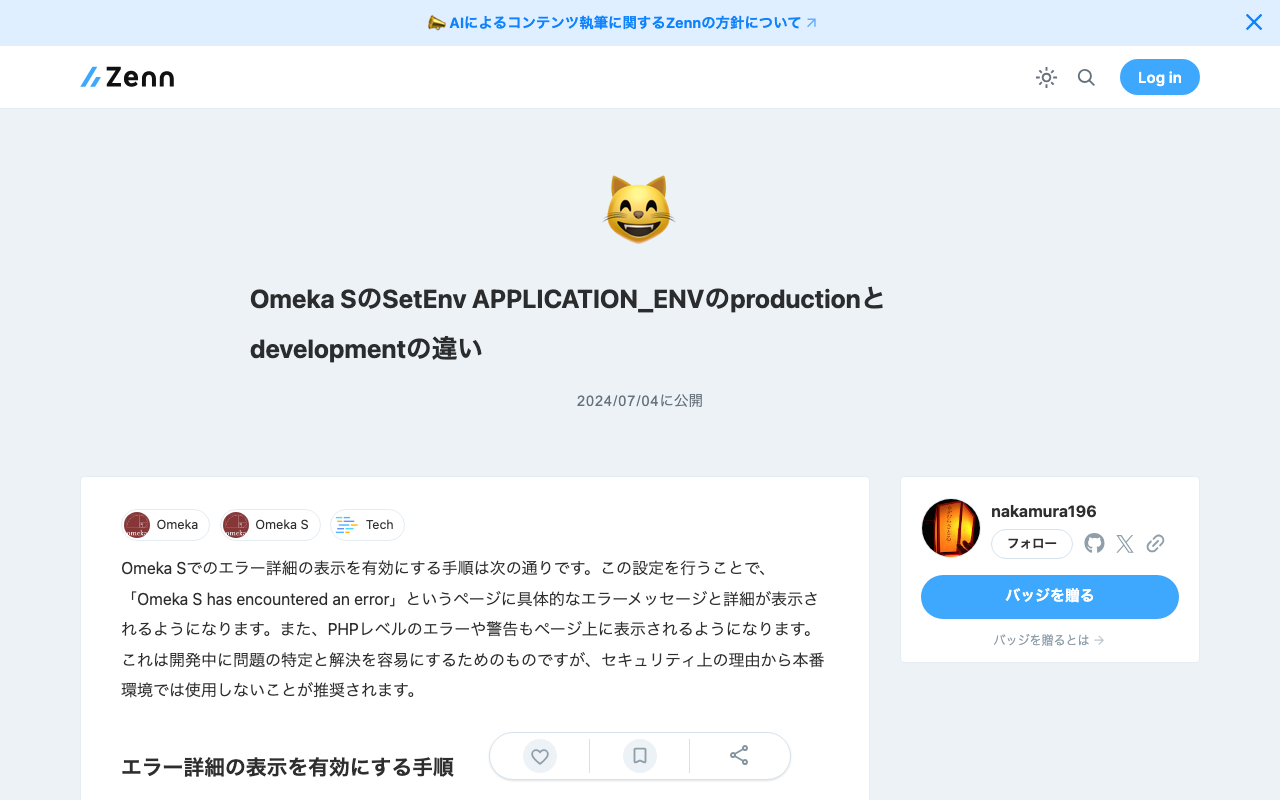
The steps to enable detailed error display in Omeka S are as follows. By making this setting, specific error messages and details will be displayed on the “Omeka S has encountered an error” page. Additionally, PHP-level errors and warnings will also be displayed on the page. This is intended to make it easier to identify and resolve issues during development, but for security reasons, it is recommended not to use this in production environments. ...

Fixing Issues with the Omeka S GoogleAnalytics Module

Fixing Issues with the Omeka S GoogleAnalytics Module

Overview In Omeka S, there is a module called Google Analytics for enabling Google Analytics. https://github.com/Libnamic/Omeka-S-GoogleAnalytics/ When enabling this module, there were cases where the following error message was displayed. Undefined index: additional_snippet in (...) /modules/GoogleAnalytics/Module.php on line 316 The following issue had also been raised regarding this. https://github.com/Libnamic/Omeka-S-GoogleAnalytics/issues/9 I will share the method for addressing this issue. Fix Method Make the following changes. https://github.com/Libnamic/Omeka-S-GoogleAnalytics/pull/10/commits/0123ce557d0f38834c5c37fa1ac9c986c87cbc90 Specifically, the changes are as follows. ...

Configuring CORS for Docker-based Omeka S

Configuring CORS for Docker-based Omeka S

Overview When implementing CORS configuration for a Docker-based Omeka S as described in the following article, a server error occurred. This is a memo about that issue. Dockerfile The target is a Dockerfile like the following. FROM php:apache LABEL maintainer="Satoru Nakamura <na.kamura.1263@gmail.com>" RUN a2enmod rewrite ENV DEBIAN_FRONTEND noninteractive RUN apt-get -qq update && apt-get -qq -y upgrade RUN apt-get install -y \ zlib1g-dev \ libpng-dev \ libjpeg-dev \ libfreetype6-dev \ imagemagick \ unzip \ wget # PHP extensions RUN docker-php-ext-install -j$(nproc) iconv pdo pdo_mysql mysqli gd RUN docker-php-ext-configure gd --with-jpeg=/usr/include/ --with-freetype=/usr/include/ # Download Omeka-s ARG version=4.1.1 RUN wget https://github.com/omeka/omeka-s/releases/download/v${version}/omeka-s-${version}.zip -O /var/www/omeka-s-${version}.zip \ && unzip -q /var/www/omeka-s-${version}.zip -d /var/www/ \ && rm /var/www/omeka-s-${version}.zip \ && rm -rf /var/www/html/ \ && mv /var/www/omeka-s/ /var/www/html/ COPY ./.htaccess /var/www/html/.htaccess # Configure volumes and permissions COPY ./database.ini /var/www/html/volume/config/ RUN mkdir -p /var/www/html/volume/files/ \ && rm /var/www/html/config/database.ini \ && ln -s /var/www/html/volume/config/database.ini /var/www/html/config/database.ini \ && rm -Rf /var/www/html/files/ \ && ln -s /var/www/html/volume/files/ /var/www/html/files \ && chown -R www-data:www-data /var/www/html/ \ && find /var/www/html/volume/ -type f -exec chmod 600 {} \; VOLUME /var/www/html/volume/ CMD ["apache2-foreground"] Cause and Solution The following line needed to be added. ...

Configuration Example for Using BulkImport in Omeka S

Configuration Example for Using BulkImport in Omeka S

Overview When performing bulk data registration using Omeka S’s BulkImport, you can configure various settings for the registration method. While these settings can be configured each time you upload, using pre-registered settings can help reduce errors made by operators. Here, I introduce a configuration example for bulk registration when associating IIIF images with already registered items. Item Example Create an item with sample as the dcterms:identifier as shown below: ...

Bug in the BulkImport Module for Omeka S

Bug in the BulkImport Module for Omeka S

Overview When using the BulkImport module with the combination of PHP 8.1.29 and Omeka S version 4.0.4, the following error occurred. Fatal error: Uncaught TypeError: mb_substr(): Argument #1 ($string) must be of type string, null given in /home/xxx/www/omeka-s/modules/BulkImport/src/Processor/ResourceProcessor.php:1079 Stack trace: #0 /home/xxx/www/omeka-… I have not been able to identify the root cause at this point, but I will describe the workaround. Workaround By using BulkImport v3.4.51 below, the above error no longer occurred. ...