Home Articles Books Search About
日本語
Running the NDLOCR Application Using Google Cloud Platform Compute Engine

Running the NDLOCR Application Using Google Cloud Platform Compute Engine

Overview This is a memo about running the NDLOCR application published by NDL (National Diet Library) using a virtual machine on GCP (Google Cloud Platform). For details about this application, please refer to the following repository. https://github.com/ndl-lab/ndlocr_cli Creating a VM Instance Access Compute Engine on GCP and click the “Create Instance” button at the top of the screen. Under “Machine configuration” > “Machine family”, select “GPU”. Then for “GPU type”, select “NVIDIA T4”, which is the most affordable option. Set “Number of GPUs” to 1. ...

Added TEI/XML Download Functionality to the "NDL OCR x IIIF" App

Added TEI/XML Download Functionality to the "NDL OCR x IIIF" App

I added the ability to download OCR results in TEI/XML format to the app that allows viewing OCR results published in the National Diet Library’s “Next-Generation Digital Library” using an IIIF viewer. https://static.ldas.jp/ndl-ocr-iiif/ Please also refer to the following article about this app. In adding this feature, I updated the UI. The results are divided into “Viewer” and “Data.” For “Viewer,” in addition to the previously provided “Mirador” and “Curation Viewer,” I added “Universal Viewer” and “Image Annotator.” I also added a link to the “Next-Generation Digital Library” and implemented a page called “TEI Viewer” as a simple viewer for TEI/XML files. ...

[Development Guide] I Created an App to View OCR Results Published by the National Diet Library's Next-Generation Digital Library in an IIIF Viewer

[Development Guide] I Created an App to View OCR Results Published by the National Diet Library's Next-Generation Digital Library in an IIIF Viewer

Overview I created an app to view OCR results published by the National Diet Library’s “Next-Generation Digital Library” in an IIIF viewer. The usage instructions are summarized in the following article. This time, I will explain how to build the above app. Build Method Backend I used AWS. The system was primarily built using SAM (Serverless Application Model). Creating IIIF Manifests & Curation Lists The flow for generating IIIF manifests and curation lists reflecting the OCR results published by the Next-Generation Digital Library is as follows. ...

An App for Viewing OCR Results from the NDL "Next-Generation Digital Library" in an IIIF Viewer

An App for Viewing OCR Results from the NDL "Next-Generation Digital Library" in an IIIF Viewer

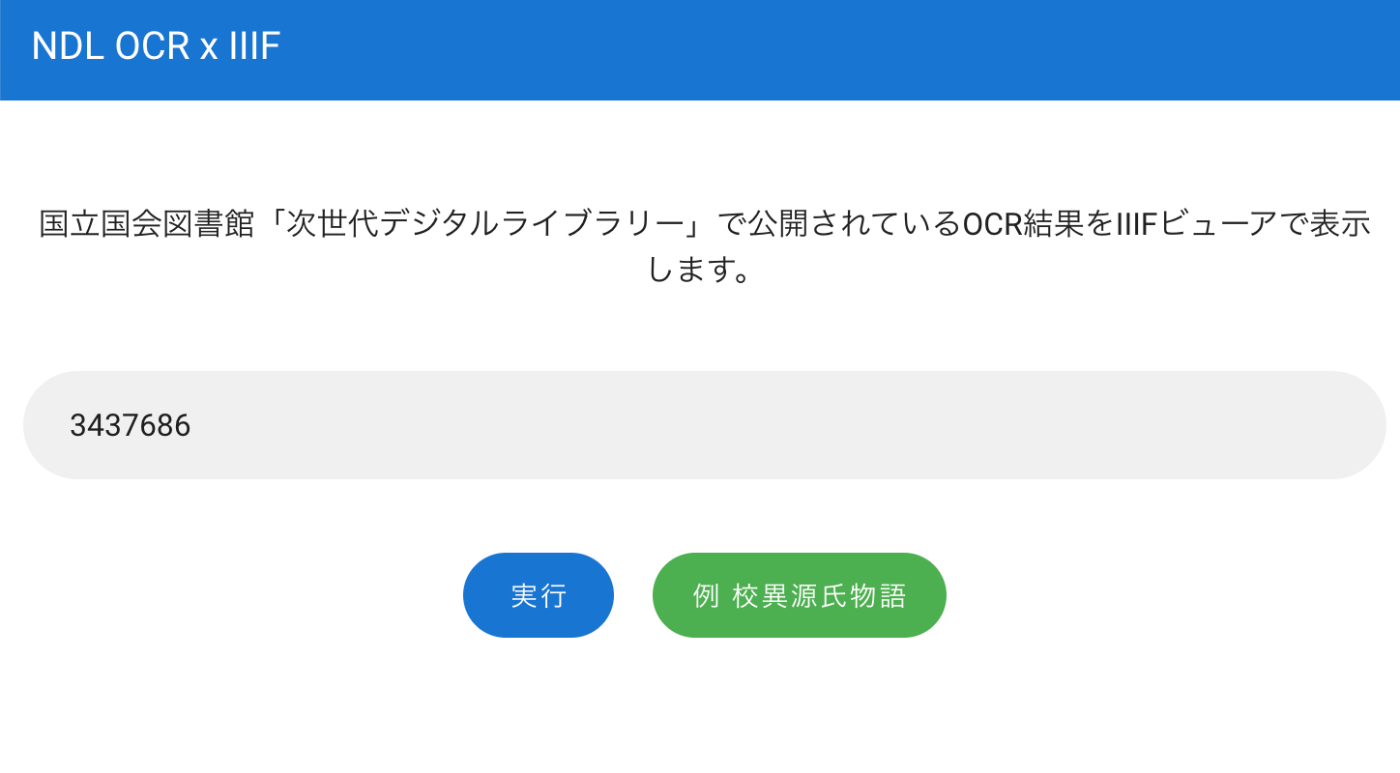
Overview I created an app for viewing OCR results published on the National Diet Library’s “Next-Generation Digital Library” in an IIIF viewer. You can try it at the following URL. https://static.ldas.jp/ndl-ocr-iiif/ Usage Enter the ID of a material published on the “Next-Generation Digital Library” in the input form. After a short while, buttons for “Mirador” and CODH’s “Curation Viewer” will appear. You can view the OCR results in each viewer. ...