Home Articles Books Search About
日本語
Authenticating with ORCID, The Open Science Framework, and GakuNin RDM Using NextAuth.js

Authenticating with ORCID, The Open Science Framework, and GakuNin RDM Using NextAuth.js

Overview This article describes how to perform authentication with ORCID, OSF (The Open Science Framework), and GRDM (GakuNin RDM) using NextAuth.js. Demo Apps ORCID https://orcid-app.vercel.app/ OSF https://osf-app.vercel.app/ GRDM https://rdm-app.vercel.app/ Repository ORCID https://github.com/nakamura196/orcid_app Below is an example of the options configuration. https://github.com/nakamura196/orcid_app/blob/main/src/app/api/auth/[…nextauth]/authOptions.js export const authOptions = { providers: [ { id: "orcid", name: "ORCID", type: "oauth", clientId: process.env.ORCID_CLIENT_ID, clientSecret: process.env.ORCID_CLIENT_SECRET, authorization: { url: "https://orcid.org/oauth/authorize", params: { scope: "/authenticate", response_type: "code", redirect_uri: process.env.NEXTAUTH_URL + "/api/auth/callback/orcid", }, }, token: "https://orcid.org/oauth/token", userinfo: { url: "https://pub.orcid.org/v3.0/[ORCID]", async request({ tokens }) { const res = await fetch(`https://pub.orcid.org/v3.0/${tokens.orcid}`, { headers: { Authorization: `Bearer ${tokens.access_token}`, Accept: "application/json", }, }); return await res.json(); }, }, profile(profile) { return { id: profile["orcid-identifier"].path, // Get ORCID ID name: profile.person?.name?.["given-names"]?.value + " " + profile.person?.name?.["family-name"]?.value, email: profile.person?.emails?.email?.[0]?.email, }; }, }, ], callbacks: { async session({ session, token }) { session.accessToken = token.accessToken; session.user.id = token.orcid; // Add ORCID ID to session return session; }, async jwt({ token, account }) { if (account) { token.accessToken = account.access_token; token.orcid = account.orcid; } return token; }, }, }; OSF https://github.com/nakamura196/osf-app ...
Verifying OAuth Authentication Using Drupal's Simple OAuth and Postman

Verifying OAuth Authentication Using Drupal's Simple OAuth and Postman

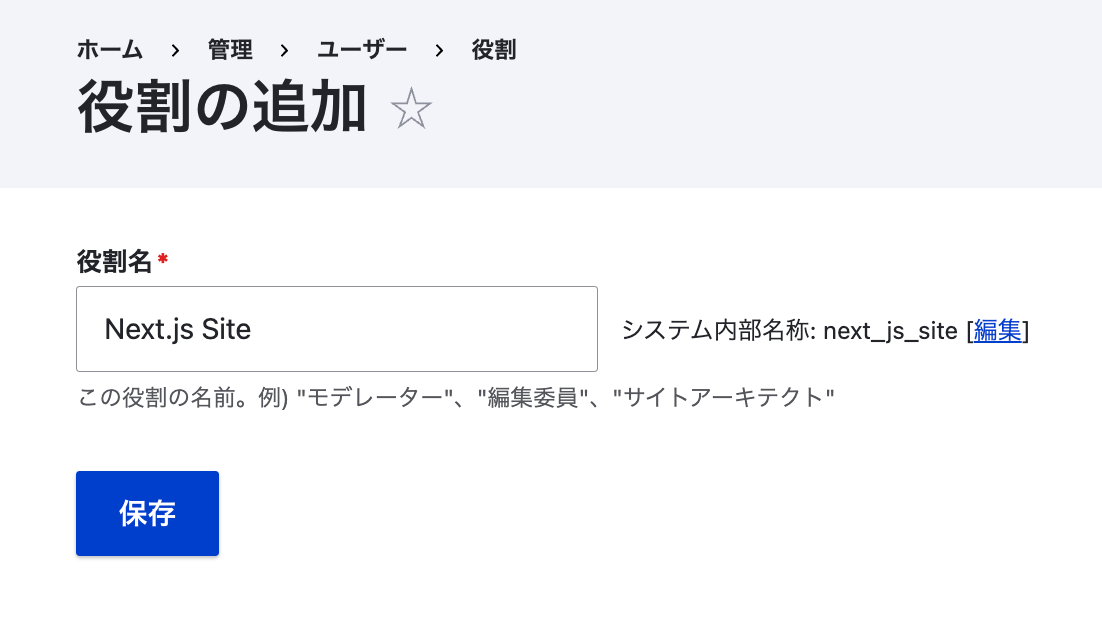
Overview This article verifies OAuth authentication using Drupal’s Simple OAuth and Postman. I previously wrote the following article, but this time I will go into more detail. Setting Up Simple OAuth in Drupal Please refer to the following: https://tech.ldas.jp/en/posts/e4ce978db12227/#Creating an OAuth Client Postman When the grant type is password Send a POST request to /oauth/token with the following specified in Body > x-www-form-urlencoded: Key Value grant_type password client_id {your CLIENT_ID, e.g.: gt8UKlKltI4qs1XP5KLucIXiYw9ulGb0xS4RyO437dc} client_secret {your CLIENT_SECRET, e.g.: test} username {username, e.g.: yamato} password {password, e.g.: yamato} The following JSON was returned: ...

Trying OAuth2 Authentication for REST Resources Using Drupal's simple_oauth Module

Trying OAuth2 Authentication for REST Resources Using Drupal's simple_oauth Module

Overview Drupal’s Simple OAuth (OAuth2) & OpenID Connect module is described as an implementation of the OAuth 2.0 Authentication Framework RFC. https://www.drupal.org/project/simple_oauth For related articles, please also refer to examples of cookie authentication and JWT authentication. Installation There appear to be version 5.x and 6.x of the simple_oauth module, but this time version 5.x is used. Install with the following: composer.phar require 'drupal/simple_oauth:^5.2' However, when using Sakura Rental Server, the following error occurred. PHP's sodium extension was required. ...

Auth0 Provider and Strapi Tutorial

Auth0 Provider and Strapi Tutorial

Overview I tried authenticating Strapi using Auth0. I was able to accomplish this by following the steps in the article below. https://strapi.io/blog/auth0-provider-and-strapi-tutorial-1 However, in the section specifying Allowed Callback URLs, I needed to change http://localhost:1337/connect/auth0/callback to http://localhost:1337/api/connect/auth0/callback. (Reference) GitHub Following the above steps as a reference, I was also able to successfully configure GitHub as a provider.