Home Articles Books Search About
日本語
Addressing the resumptionToken Bug in Omeka S OAI-PMH Repository

Addressing the resumptionToken Bug in Omeka S OAI-PMH Repository

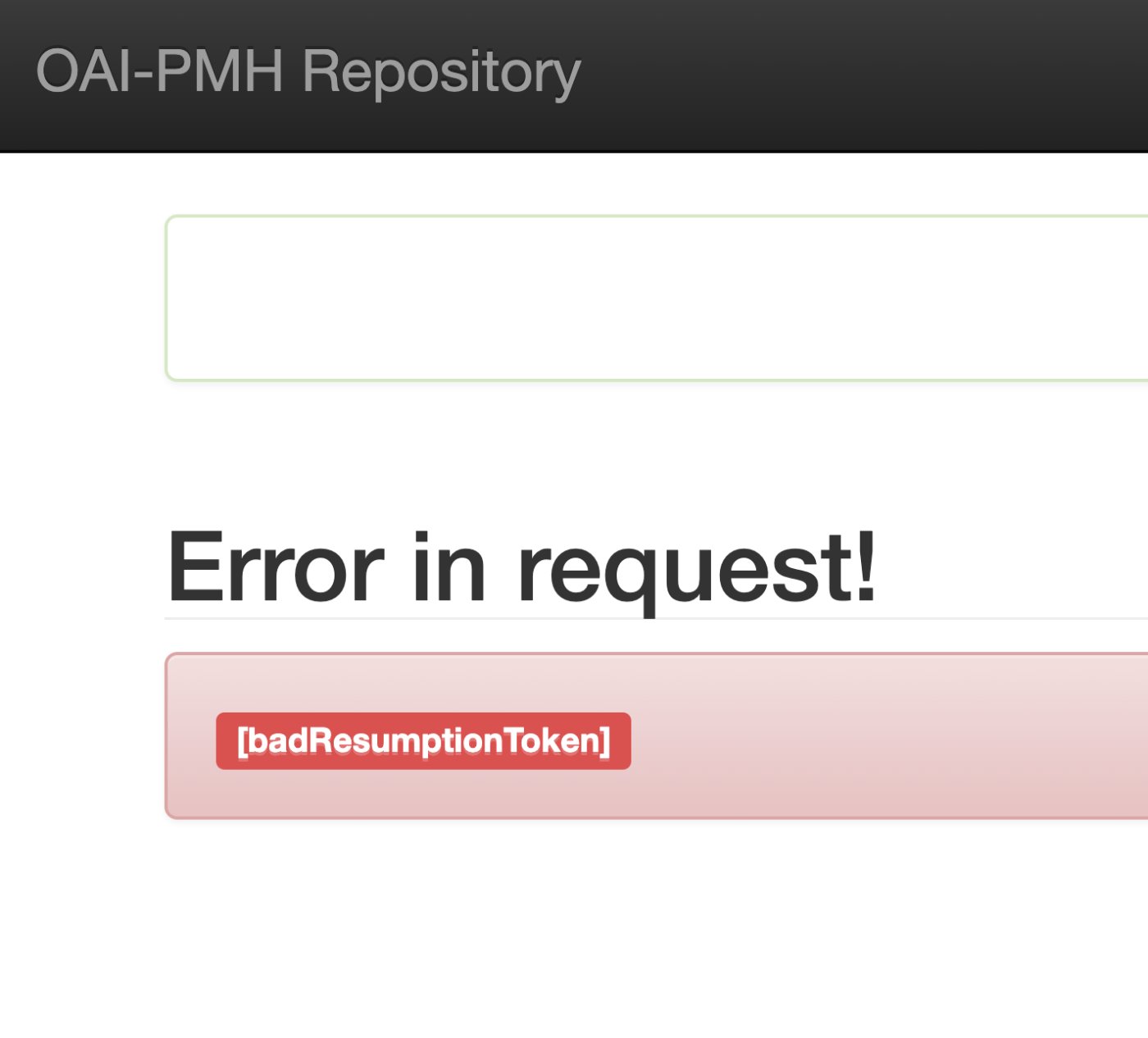
Overview I encountered an issue where the Omeka S OAI-PMH repository’s resumptionToken was outputting a [badResumptionToken] error even though the token was still within its expiration period. Here are my notes on how to address this bug. Solution By adding a comparison between $currentTime and $expirationTime to the following file, tokens within their expiration period are now properly retained. ... private function resumeListResponse($token): void { $api = $this->serviceLocator->get('ControllerPluginManager')->get('api'); $expiredTokens = $api->search('oaipmh_repository_tokens', [ 'expired' => true, ])->getContent(); foreach ($expiredTokens as $expiredToken) { $currentTime = new \DateTime(); // Added $expirationTime = $expiredToken->expiration(); // Added if (!$expiredToken || $currentTime > $expirationTime) { // Added $api->delete('oaipmh_repository_tokens', $expiredToken->id()); } // Added } There were cases where things worked without this fix, so there may be differences depending on the PHP version, etc. ...
(Non-Standard) Outputting Delete Records with the Omeka S OAI-PMH Repository Module

(Non-Standard) Outputting Delete Records with the Omeka S OAI-PMH Repository Module

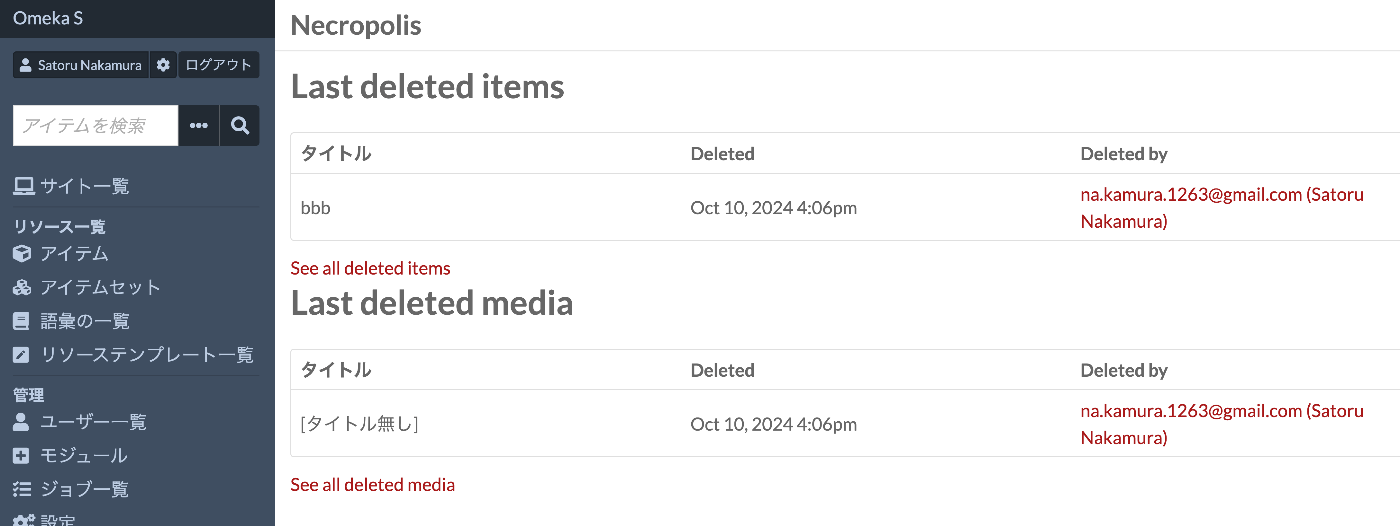
Overview I tried outputting Delete records with the Omeka S OAI-PMH Repository module, so this is a personal note for future reference. Background By using the following module, you can build OAI-PMH repository functionality. https://omeka.org/s/modules/OaiPmhRepository/ However, as far as I could confirm, there did not appear to be a feature for outputting Delete records. Related Module Omeka’s standard features do not seem to include functionality for storing deleted resources. On the other hand, the following module adds functionality to retain deleted resources. ...

Fetching All Records from an OAI-PMH Repository Using Python

Fetching All Records from an OAI-PMH Repository Using Python

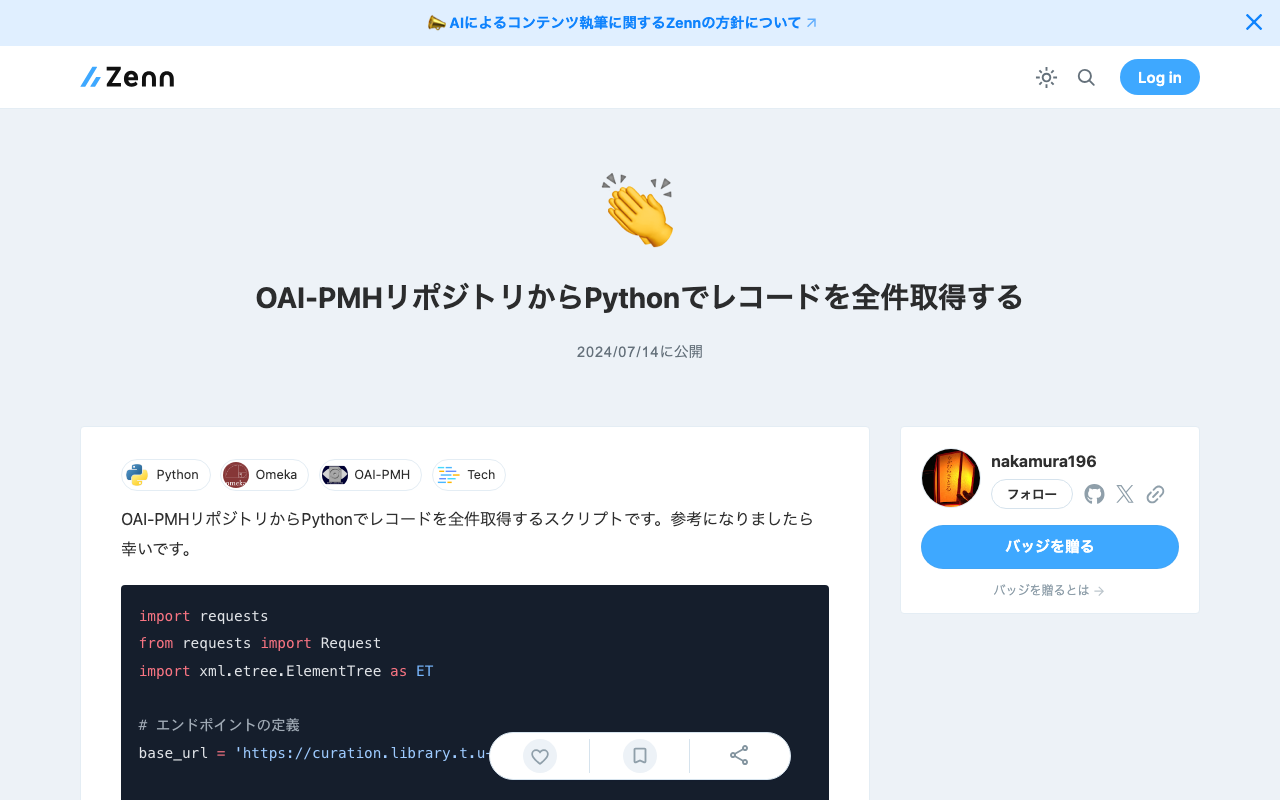
Here is a script for fetching all records from an OAI-PMH repository using Python. I hope it serves as a useful reference. import requests from requests import Request import xml.etree.ElementTree as ET # Define the endpoint base_url = 'https://curation.library.t.u-tokyo.ac.jp/oai' # Initial OAI-PMH request params = { 'verb': 'ListRecords', 'metadataPrefix': 'curation', 'set': '97590' } response = requests.get(base_url, params=params) # Prepare the initial request req = Request('GET', base_url,params=params) prepared_req = req.prepare() print("Sending request to:", prepared_req.url) # Output the URL root = ET.fromstring(response.content) data = [] # Fetch all data while True: # Process records for record in root.findall('.//{http://www.openarchives.org/OAI/2.0/}record'): identifier = record.find('.//{http://www.openarchives.org/OAI/2.0/}identifier').text print(f'Record ID: {identifier}') # Other data can be processed here as well data.append(record) # Get resumptionToken and execute next request token_element = root.find('.//{http://www.openarchives.org/OAI/2.0/}resumptionToken') if token_element is None or not token_element.text: break # End loop if no token params = { 'verb': 'ListRecords', 'resumptionToken': token_element.text } response = requests.get(base_url, params=params) root = ET.fromstring(response.content) print("All records have been fetched.") print(len(data))

Retrieving the URL of Site Pages Where Items Are Published in the Omeka S OaiPmh Repository Module

Retrieving the URL of Site Pages Where Items Are Published in the Omeka S OaiPmh Repository Module

Overview This is a personal note on how to retrieve the URL of site pages where items are published in the Omeka S OaiPmh Repository module. Background The following article introduces how to create custom vocabularies using OaiPmhRepository. https://nakamura196.hatenablog.com/entry/2021/07/25/222651 Please refer to it as well. Retrieving the URL of Site Pages Where Items Are Published Before Fix In a certain customization case, the site page URL was retrieved as follows. This does not work properly when something other than dcterms:identifier is configured in the Clean URL module. Additionally, hardcoded paths like /s/db/record/ can be seen. ...

Trying ArchivesSpace's OAI Repository

Trying ArchivesSpace's OAI Repository

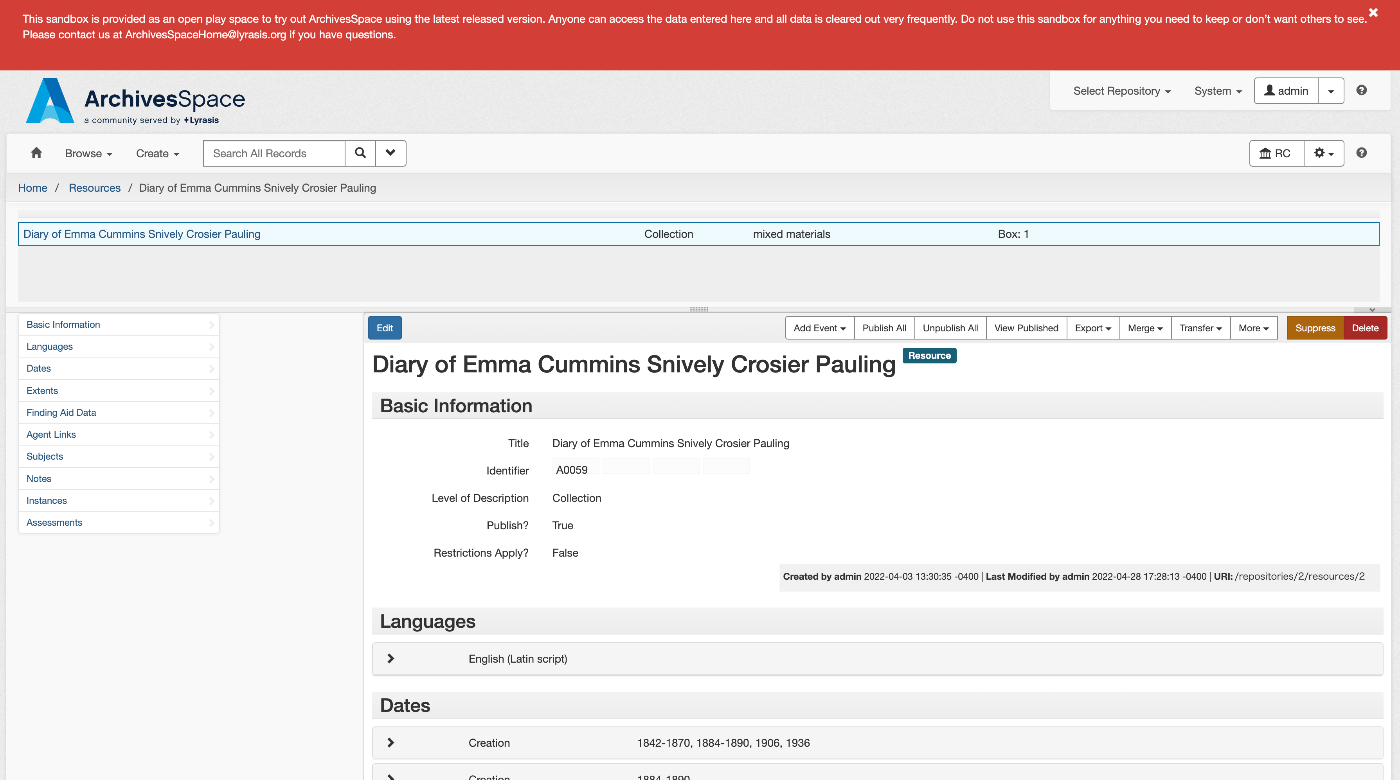
Overview ArchivesSpace is described as follows. https://github.com/archivesspace/archivesspace Built for archives by archivists, ArchivesSpace is the open source archives information management application for managing and providing web access to archives, manuscripts and digital objects. This article tries out the OAI Repository feature provided by ArchivesSpace. https://archivesspace.github.io/tech-docs/architecture/oai-pmh/ Configuration This time, we use the ArchivesSpace demo site. Access the following page and configure the necessary settings. https://sandbox.archivesspace.org/staff/oai_config/edit Retrieving the List of Metadata Formats The list of metadata formats was retrieved using the following. ...

Trying Access to Memory's OAI Repository

Trying Access to Memory's OAI Repository

Overview Access to Memory is described as follows. https://github.com/artefactual/atom AtoM (short for Access to Memory) is a web-based, open source application for standards-based archival description and access. The application is multilingual and multi-repository. First commissioned by the International Council on Archives (ICA) to make it easier for archival institutions worldwide to put their holdings online using the ICA’s descriptive standards, the project has since grown into an internationally used community-driven project. ...

Trying ro-crate-py

Trying ro-crate-py

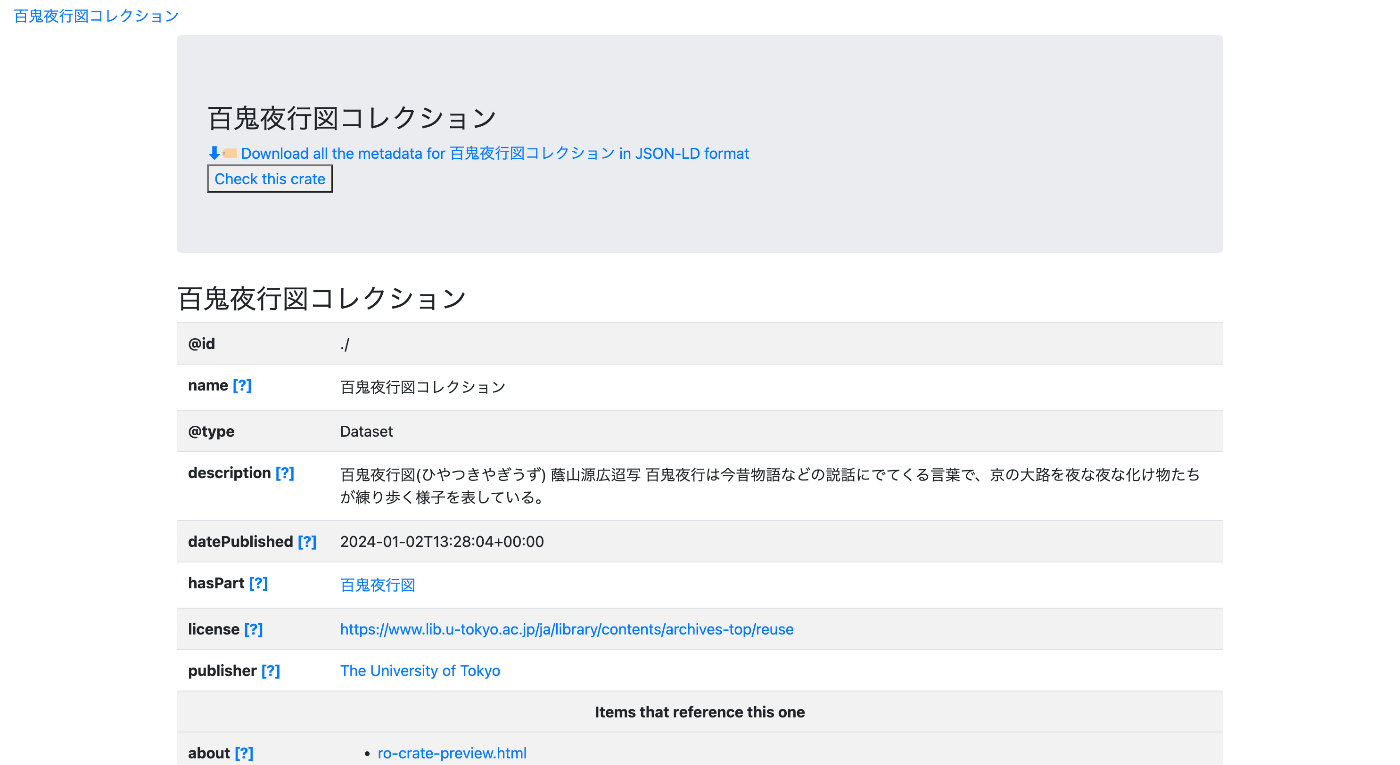
Overview ro-crate-py is a Python library for creating and consuming Research Object Crates (RO-Crate). https://doi.org/10.5281/zenodo.3956493 ro-crate-py is a Python library to create and consume Research Object Crates. It currently supports the RO-Crate 1.1 specification. Goal The goal is to create a page like the one shown below. https://nakamura196.github.io/rocrate_demo/crate/test/data/ro-crate-preview.html Dataset Page Individual Item Page JSON Data We will create JSON data like the following. https://nakamura196.github.io/rocrate_demo/crate/test/data/ro-crate-metadata.json For the item ID, we use the following OAI-PMH record. ...

[Omeka S Module Customization] OaiPmhRepository: Creating Custom Vocabularies

[Omeka S Module Customization] OaiPmhRepository: Creating Custom Vocabularies

This article explains how to customize the OaiPmhRepository module for Omeka S to publish metadata by mapping it to DC-NDL (Simple). Please refer to the following GitLab repository as needed. gitlab.com Note: A separate introductory article on OaiPmhRepository is planned. File Modifications Please refer to the following commit. https://gitlab.com/nakamura196/Omeka-S-module-OaiPmhRepository/-/commit/702f1c693a62ae21ef03da495e3b4efd6060c561#d57ba0f1ebb8e2008538c451770f3fe535e1c2ca Specifically, modifications are made to the following files. OaiPmhRepository/config/module.config.php Add the information for the custom vocabulary. OaiPmhRepository/src/OaiPmh/Metadata/DCNDLSimple.php This file defines the mapping between Omeka S properties and the output fields. The mapping rules in the commit above are specific to that repository. You will need to modify them according to the metadata description rules of your own Omeka S installation. ...