Home Articles Books Search About
日本語
Nuxt 3 Project Package Update Summary

Nuxt 3 Project Package Update Summary

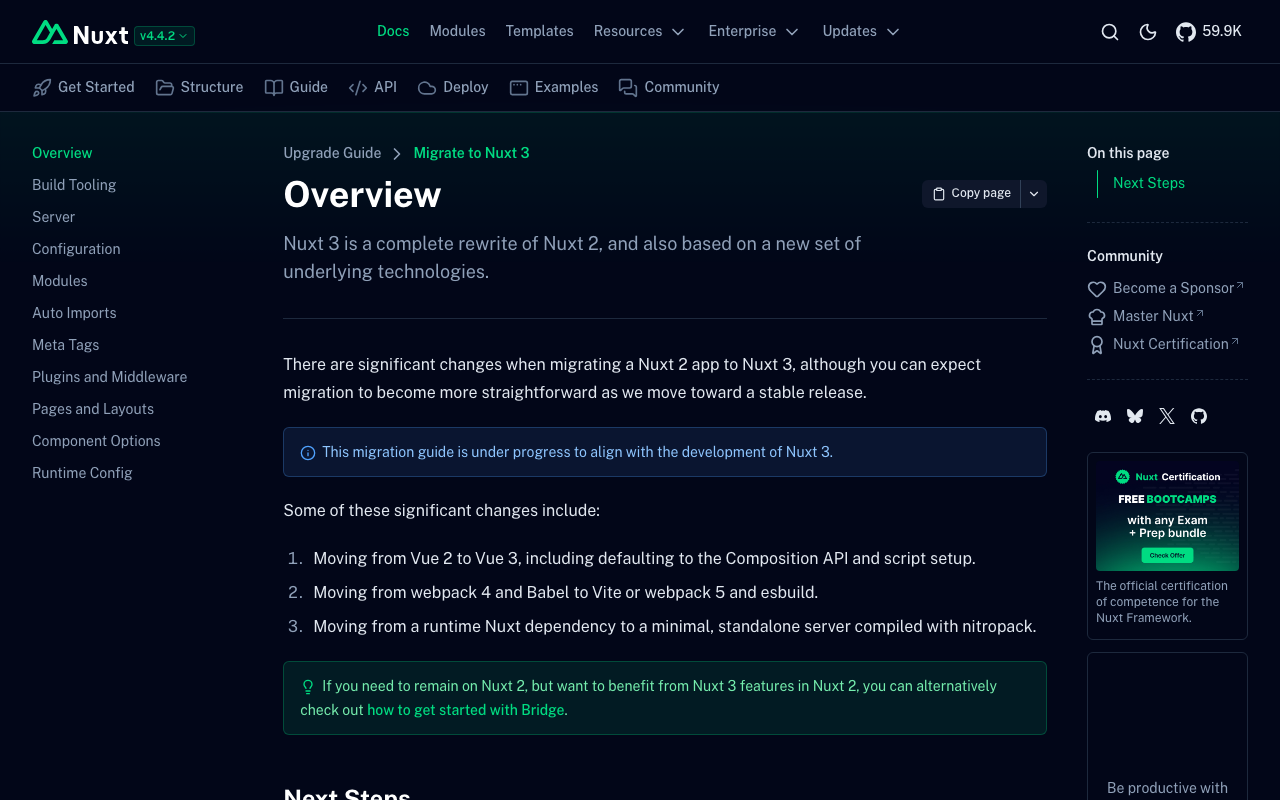
Overview I performed a large-scale dependency package update, including a major update from Nuxt 3.2.3 to 3.20.2. Major Package Updates Package Before After nuxt 3.2.3 3.20.2 @nuxt/content 2.5.2 3.11.0 @nuxtjs/i18n 8.0.0-beta.10 10.2.1 vuetify 3.1.8 3.7.6 sass 1.58.3 1.83.4 @mdi/js 7.1.96 7.4.47 Newly Added Packages better-sqlite3: ^12.5.0 - Dependency of @nuxt/content v3 vue-i18n: ^11.0.0 - Dependency of the i18n module Changes That Required Action 1. Migration to @nuxt/content v3 Creating a new content.config.ts was required. ...

How to Disable Browser Language Detection in Nuxt i18n

How to Disable Browser Language Detection in Nuxt i18n

Overview (Created by ChatGPT) The Nuxt i18n module has a feature that detects the user’s browser language and redirects them to the appropriate language page. However, in certain situations you may want to disable this feature. This article explains how to completely disable browser language detection using detectBrowserLanguage: false. https://v8.i18n.nuxtjs.org/guide/browser-language-detection Configuration To disable the browser language detection feature, set the detectBrowserLanguage option to false in your nuxt.config.js file. export default defineNuxtConfig({ // その他の設定 i18n: { // 言語検出を無効化 detectBrowserLanguage: false }, // その他の設定 }) Use Cases Where This Is Helpful When you want users to directly access specific URLs: If you intend for users to directly visit specific content, redirects can be an obstacle. Optimizing crawling: When you want search engine crawlers to be able to directly access specific language pages. Consistent user experience: For example, when you want to avoid unexpected redirects for users navigating between linked language pages. Summary By using detectBrowserLanguage: false, you can control site access for user experience and SEO optimization without relying on redirects. Using this setting in appropriate situations can improve your site’s usability. ...

Nuxt Content: Addressing 'Cannot find name queryContent'

Nuxt Content: Addressing 'Cannot find name queryContent'

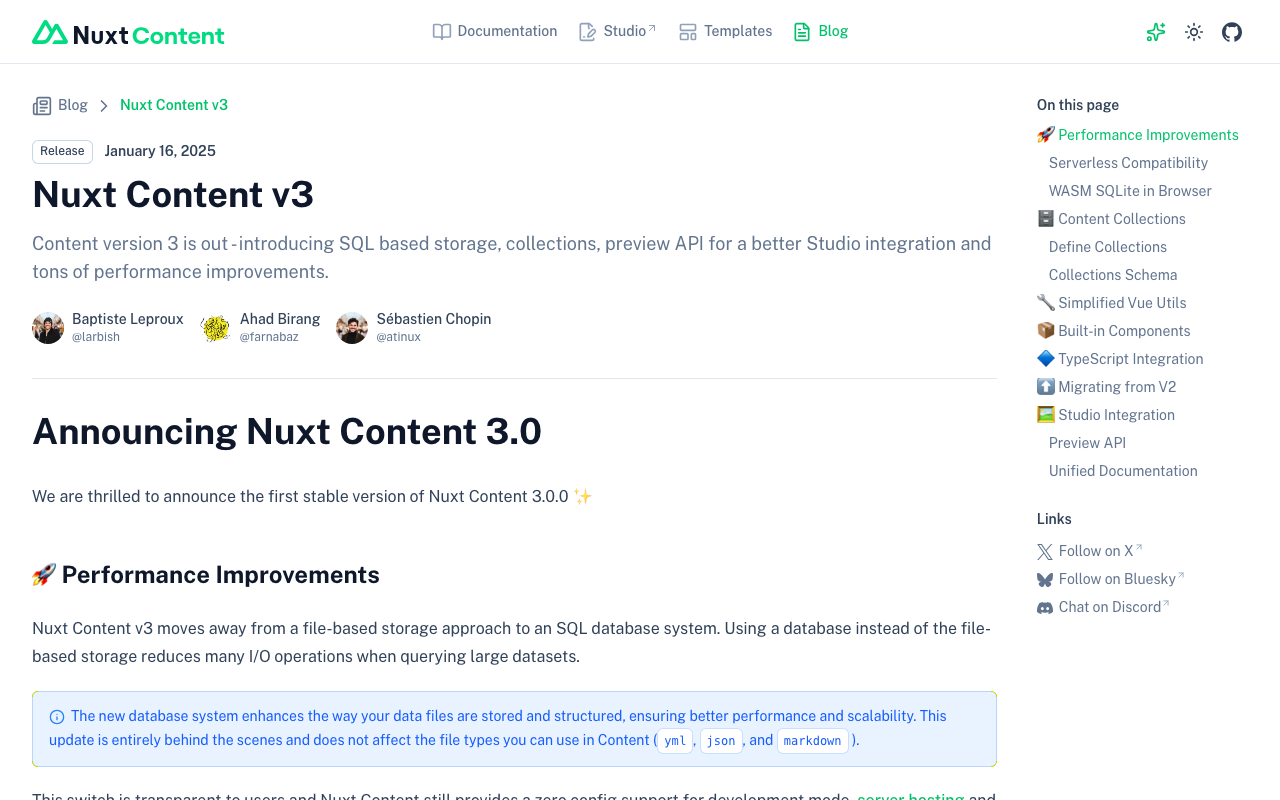
Overview This is a memo on how to address the error “Cannot find name ‘queryContent’.” that occurred in Nuxt Content. Cause It appears that Nuxt Content v3 was released on 2025/1/16. https://content.nuxt.com/blog/v3 As a result, queryContent has been changed to queryCollection and similar. Solution As described in the following, it appears necessary to create a content.config.ts file and change to using queryCollection and similar. https://content.nuxt.com/blog/v3#️-content-collections By applying the above changes, the error was resolved. ...

Trying Local Authentication with @sidebase/nuxt-auth

Trying Local Authentication with @sidebase/nuxt-auth

Overview I had the opportunity to try local authentication with @sidebase/nuxt-auth, so this is a personal note for future reference. Background In the following article, I introduced how to perform Drupal authentication using @sidebase/nuxt-auth. In that article, I was using Nuxt 3’s SSR with the authjs provider of @sidebase/nuxt-auth. The provider descriptions are as follows. authjs: for non-static apps that want to use Auth.js / NextAuth.js to offer the reliability & convenience of a 23k star library to the Nuxt 3 ecosystem with a native developer experience (DX) local: for static pages that rely on an external backend with a credential flow for authentication. The Local Provider also supports refresh tokens since v0.9.0. Read more here. ...

Authenticating with Drupal Using Nuxt 3 and @sidebase/nuxt-auth

Authenticating with Drupal Using Nuxt 3 and @sidebase/nuxt-auth

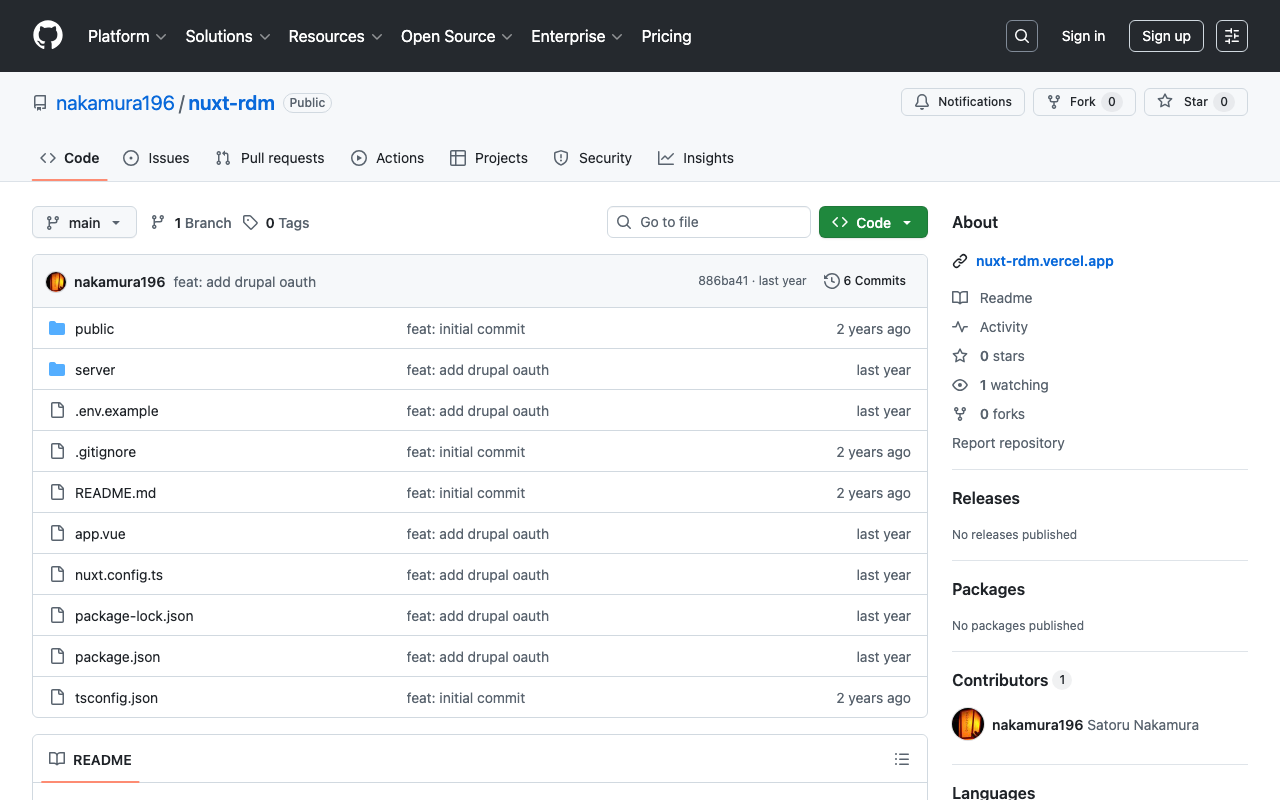
Overview This describes how to authenticate with Drupal using Nuxt 3 and @sidebase/nuxt-auth. Background The following article introduced a method for authenticating with GakuNin RDM. The following article introduced a method for using Drupal OAuth from Next.js. Using these as reference, we use Drupal OAuth from Nuxt 3. Method The source code can be found in the following repository. https://github.com/nakamura196/nuxt-rdm Specifically, the implementation is here. https://github.com/nakamura196/nuxt-rdm/blob/main/server/api/auth/[…].ts { id: "drupal", name: "Drupal", type: "oauth", clientId: useRuntimeConfig().drupalClientId, clientSecret: useRuntimeConfig().drupalClientSecret, authorization: { url: process.env.DRUPAL_AUTH_URL, params: { scope: process.env.DRUPAL_SCOPE, response_type: "code", redirect_uri: `${ useRuntimeConfig().nextAuthUrl }/api/auth/callback/drupal`, }, }, token: { async request(context) { const body = new URLSearchParams({ client_id: useRuntimeConfig().drupalClientId, client_secret: useRuntimeConfig().drupalClientSecret, code: context.params.code || "", grant_type: "authorization_code", redirect_uri: `${ useRuntimeConfig().nextAuthUrl }/api/auth/callback/drupal`, }); const res = await fetch(process.env.DRUPAL_TOKEN_URL || "", { method: "POST", headers: { "Content-Type": "application/x-www-form-urlencoded", }, body, }); const json = await res.json(); // Parse the response body once if (!res.ok) { throw new Error(`Token request failed: ${res.statusText}`); } return { tokens: json }; }, }, profile(profile) { return { id: profile.sub, // Use "sub" as the user's unique ID name: profile.name || profile.preferred_username || "Unknown User", // Set name priority email: profile.email || "No Email Provided", // Fallback when no email image: profile.profile || null, // Use profile URL as image (adjust as needed) }; }, }, Summary There may be some errors, but I hope this serves as a helpful reference. ...

Created a Sample Repository Using @elastic/search-ui with Nuxt

Created a Sample Repository Using @elastic/search-ui with Nuxt

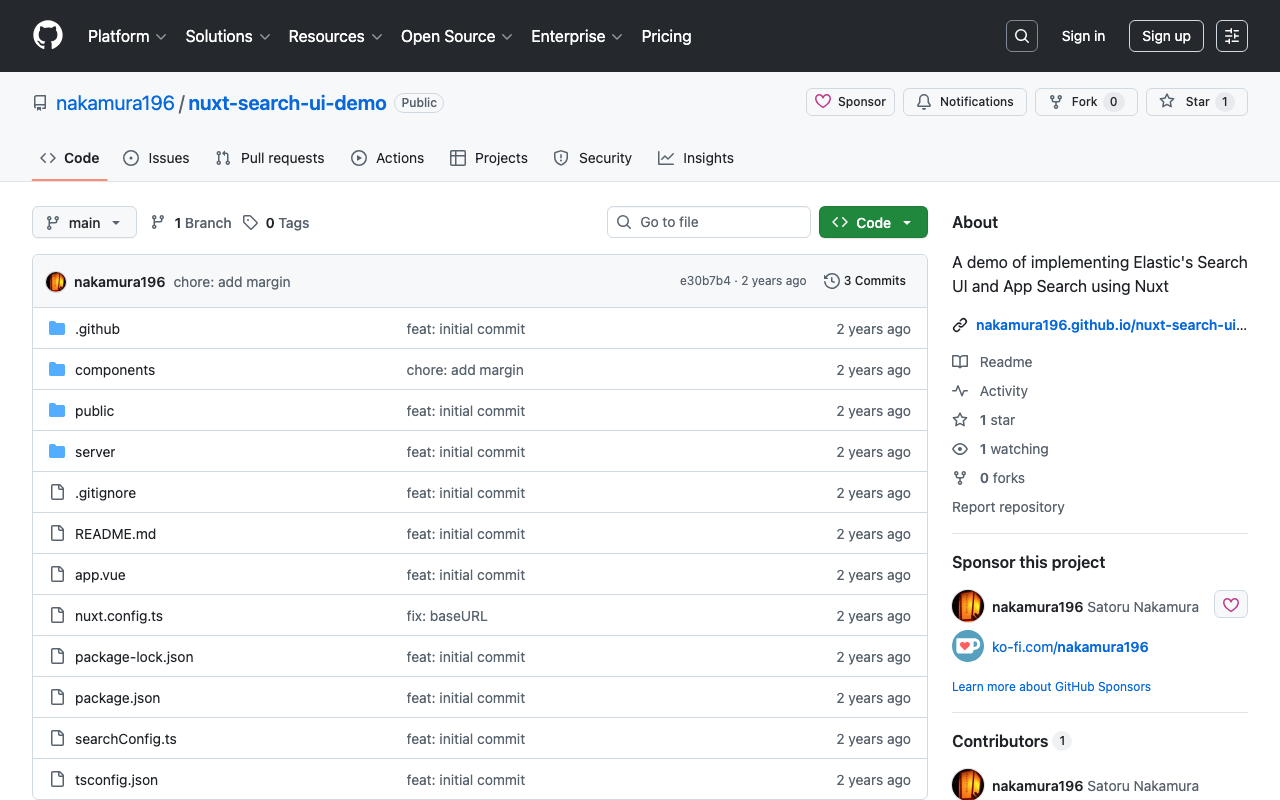
Overview I created a sample repository using @elastic/search-ui with Nuxt. https://github.com/nakamura196/nuxt-search-ui-demo You can try it from the following URL. https://nakamura196.github.io/nuxt-search-ui-demo Background @elastic/search-ui is described as follows. https://www.elastic.co/docs/current/search-ui/overview A JavaScript library for the fast development of modern, engaging search experiences with Elastic. Get up and running quickly without re-inventing the wheel. A sample repository using Vue.js is published at the following link. https://github.com/elastic/vue-search-ui-demo This time, I created a sample repository using Nuxt, based on the above repository. ...

Bringing a Specified Marker to the Front in nuxt3-leaflet

Bringing a Specified Marker to the Front in nuxt3-leaflet

Overview This is a memo on how to bring a specified marker to the front in nuxt3-leaflet. Method By using the z-index-offset attribute on LMarker as shown below, I was able to bring a specified marker to the front. <template v-for="marker in markers"> <LMarker @click="selectMarker(marker)" :lat-lng="[marker.lat, marker.lng]" :z-index-offset="selectedSpotId === marker.id ? 1000 : 0" > <LTooltip> {{ marker.title }} </LTooltip> <LIcon :iconUrl="marker.icon" :iconSize="[25, 41]" :iconAnchor="[12, 41]" :popupAnchor="[1, -34]" :tooltipAnchor="[16, -28]" shadowUrl="https://esm.sh/leaflet@1.9.2/dist/images/marker-shadow.png" :shadowSize="[41, 41]" :shadowAnchor="[12, 41]" ></LIcon> </LMarker> </template> Summary I hope this is helpful when using nuxt3-leaflet. ...

Creating a Sitemap in Nuxt 3

Creating a Sitemap in Nuxt 3

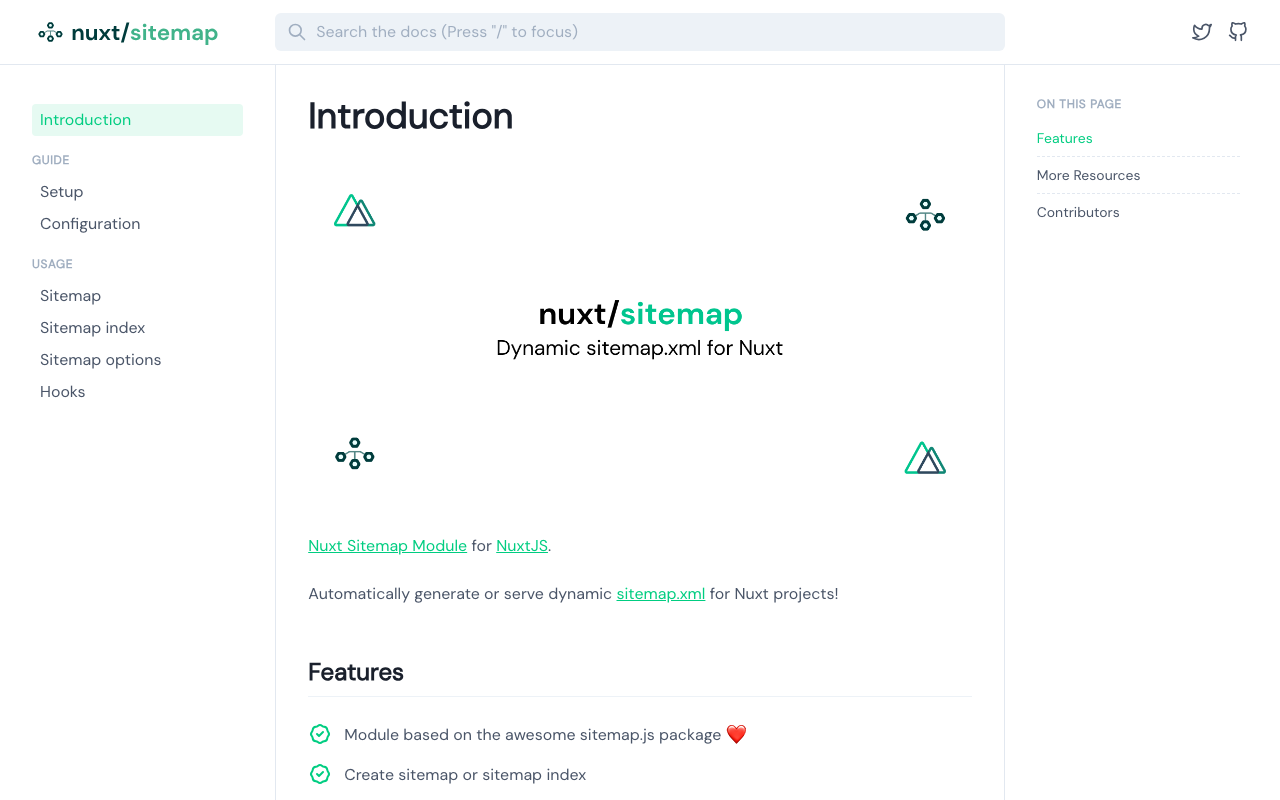
Overview There are several ways to create a sitemap in Nuxt 3, so here are my notes. [1] @nuxtjs/sitemap Documentation https://sitemap.nuxtjs.org/ Reference Article https://zenn.dev/kumao/articles/3fe10078a7e9d2 Installation npm install -D @nuxtjs/sitemap Repository https://github.com/nuxt-community/sitemap-module [2] sitemap Reference Article https://zenn.dev/kakkokari_gtyih/articles/db1aed4fed6054 Installation npm install -D sitemap Repository https://github.com/ekalinin/sitemap.js [3] nuxt-simple-sitemap This package has the following note, so using @nuxtjs/sitemap from [1] seems to be the better choice: Package has been migrated to @nuxtjs/sitemap. https://www.npmjs.com/package/nuxt-simple-sitemap ...

Nuxt3 x Vuetify x Cesium

Nuxt3 x Vuetify x Cesium

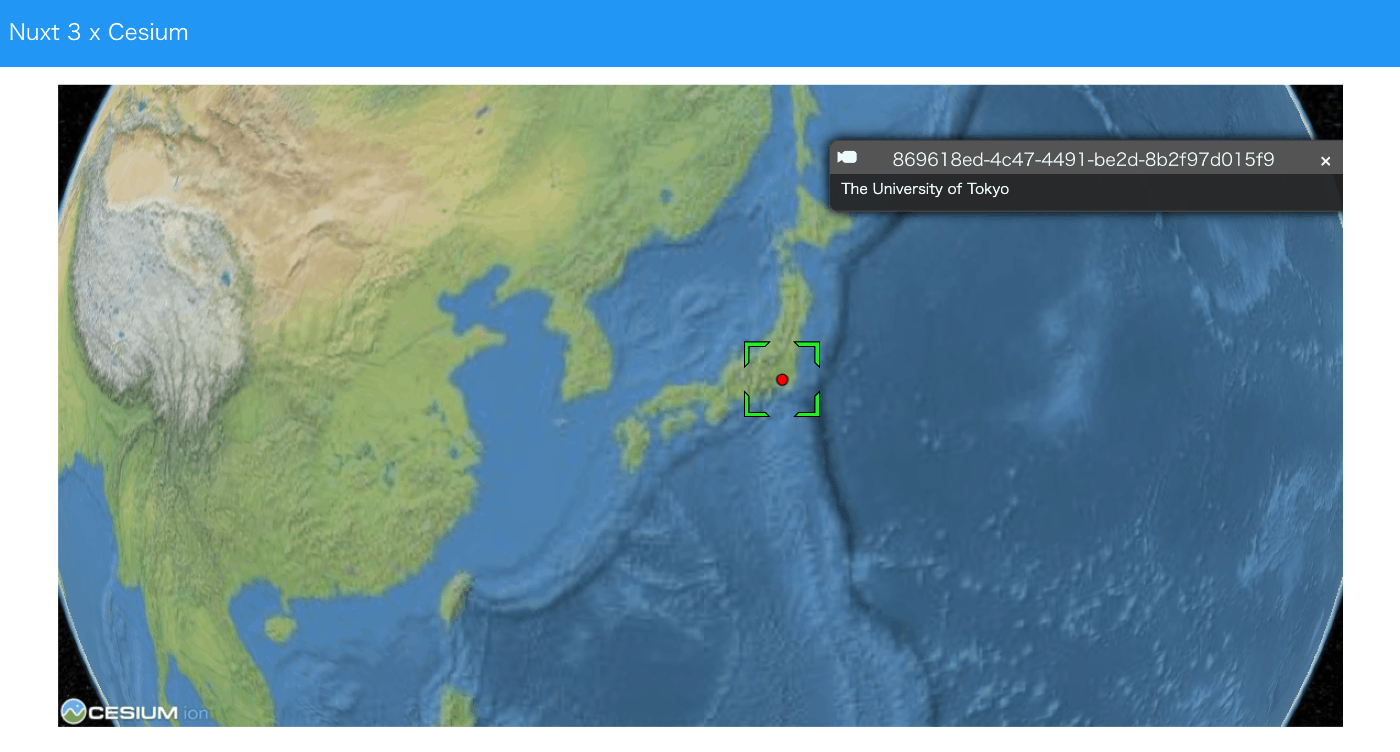
Overview I created a sample repository using Nuxt3, Vuetify, and Cesium. Source Code vue-cesium is used. https://github.com/zouyaoji/vue-cesium The GitHub repository is as follows. https://github.com/nakamura196/nuxt3-vuetify-cesium Demo Site https://nakamura196.github.io/nuxt3-vuetify-cesium/ Summary We hope this serves as a useful reference.

Trying Nuxt 3 and Decap CMS

Trying Nuxt 3 and Decap CMS

Overview I tried out Nuxt 3 and Decap CMS, so here are my notes. https://decapcms.org/ Preparing the Nuxt 3 Project I referred to the following for adding Decap CMS to an existing site. https://decapcms.org/docs/add-to-your-site/ First, prepare a Nuxt 3 project that includes the nuxt/content module. Here is an example of the source code. https://github.com/nakamura196/nuxt3-decapcms The following two files were created. # when using the default proxy server port local_backend: true # This line should *not* be indented publish_mode: editorial_workflow backend: name: git-gateway branch: main # Branch to update (optional; defaults to master) media_folder: public/img public_folder: /img collections: - name: 'blog' label: 'Blog' folder: 'content/blog' format: 'frontmatter' create: true slug: '{{year}}-{{month}}-{{day}}-{{slug}}' fields: - { label: 'Title', name: 'title', widget: 'string' } - { label: 'Publish Date', name: 'date', widget: 'datetime' } - { label: 'Description', name: 'description', widget: 'string' } - { label: 'Body', name: 'body', widget: 'markdown' } <!DOCTYPE html> <html> <head> <meta charset="utf-8" /> <meta name="viewport" content="width=device-width, initial-scale=1.0" /> <title>Content Manager</title> <!-- Include the script that enables Netlify Identity on this page. --> <script src="https://identity.netlify.com/v1/netlify-identity-widget.js"></script> </head> <body> <!-- Include the script that builds the page and powers Decap CMS --> <script src="https://unpkg.com/decap-cms@^3.0.0/dist/decap-cms.js"></script> </body> </html> Then, it was pushed to GitHub. ...

Trying Leaflet Marker Cluster with Nuxt 3 and Composition API

Trying Leaflet Marker Cluster with Nuxt 3 and Composition API

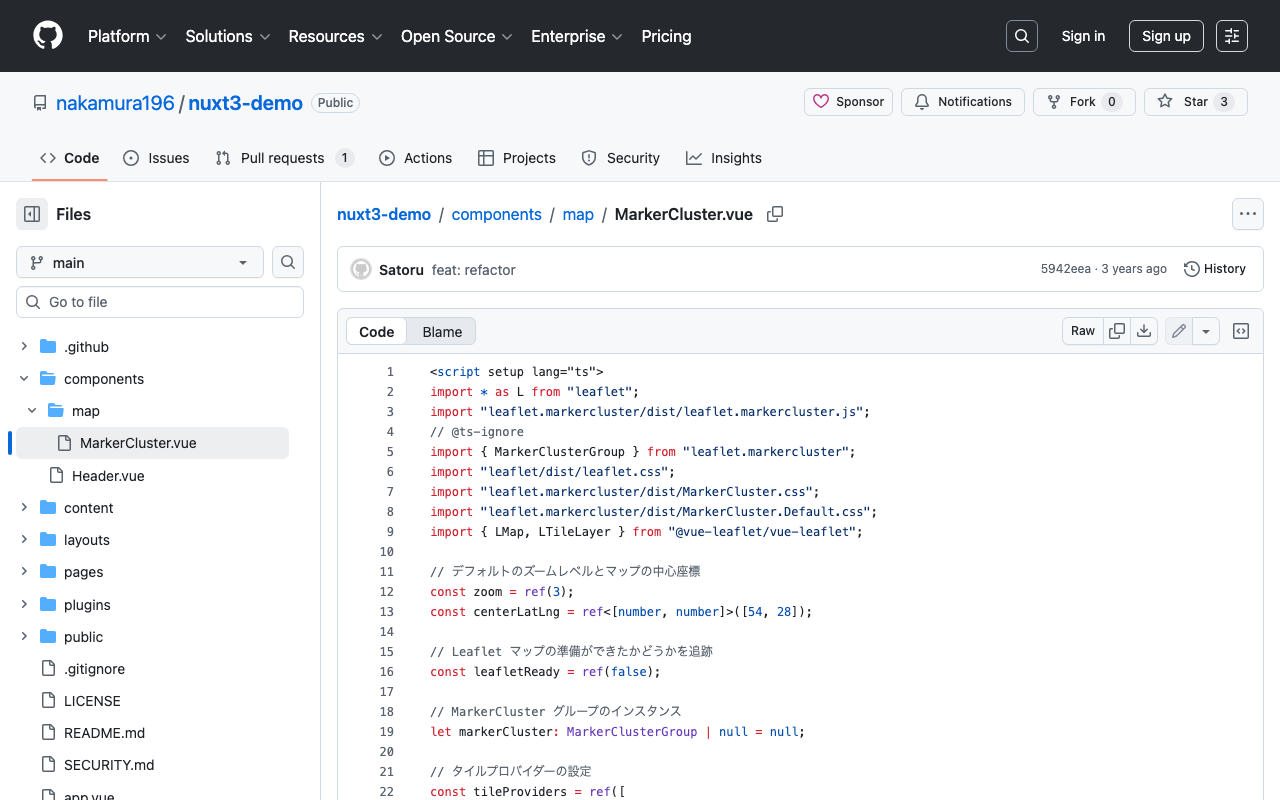
Overview In the following article, I introduced how to use Leaflet Marker Cluster with Nuxt 3. This time, I updated it to use the Composition API, so here are my notes. Installation Install the following: npm i leaflet leaflet.markercluster @vue-leaflet/vue-leaflet npm i -D @types/leaflet @types/leaflet.markercluster Source Code Please refer to the following: https://github.com/nakamura196/nuxt3-demo/blob/main/components/map/MarkerCluster.vue Summary There are some parts where TypeScript support is incomplete, but I hope this serves as a useful reference. ...

Nuxt3 x Vuetify x Cytoscape

Nuxt3 x Vuetify x Cytoscape

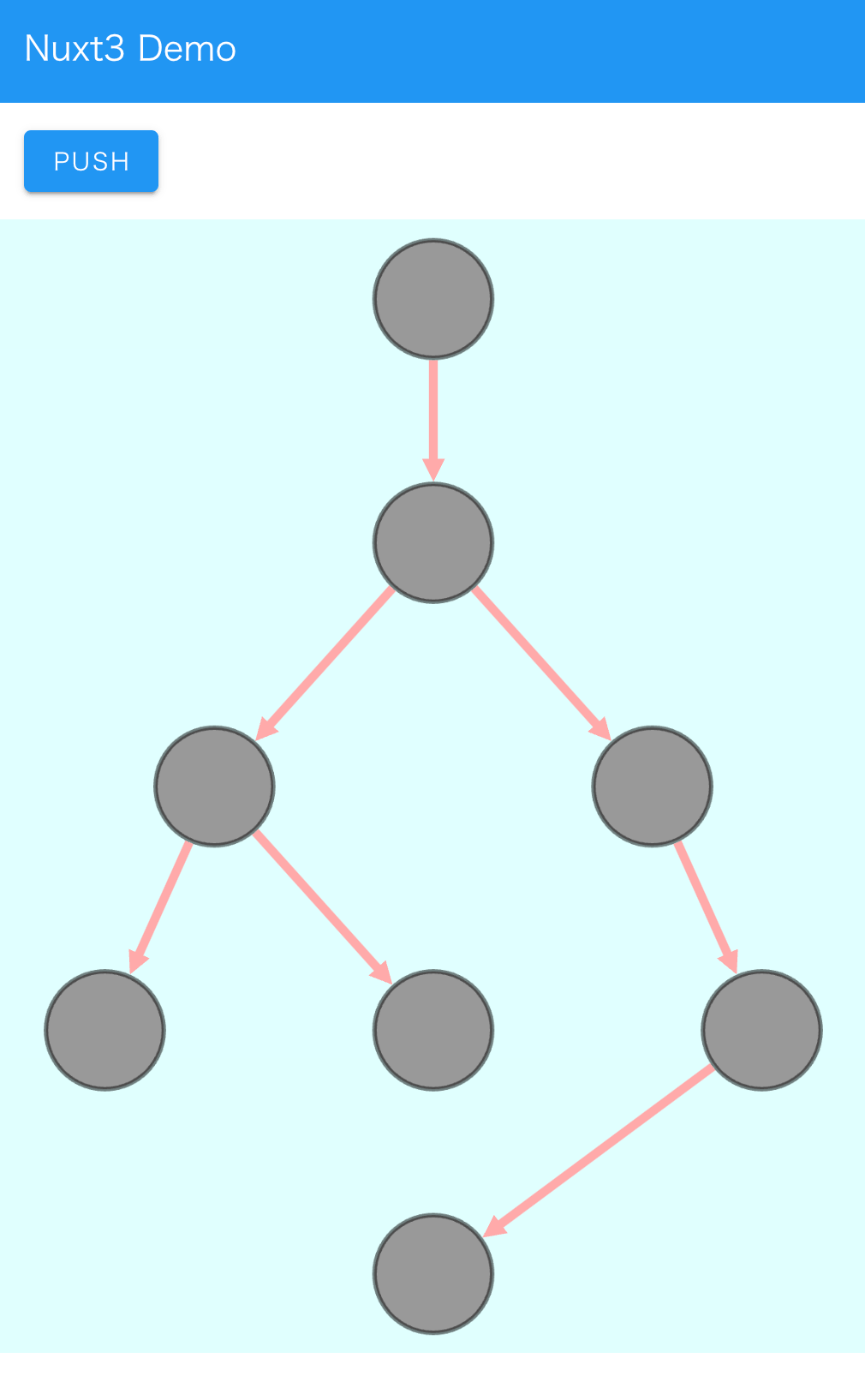
Overview I added a Cytoscape demo to a sample repository using Nuxt3 and Vuetify. https://github.com/nakamura196/nuxt3-demo You can check it working on the following page. https://nakamura196.github.io/nuxt3-demo/ Installation I ran the following. npm i cytoscape npm i @types/cytoscape Source Code <template> <div id="view"> <v-btn class="ma-4" color="primary" v-on:click="addNode">push</v-btn> <div id="cy"></div> </div> </template> <script setup lang="ts"> import cytoscape from "cytoscape"; let cy: any = null; // = ref(null); //reactive({}); //: any const count: number = 0; // = ref(0); //reactive(0); const addNode = () => { cy.add([ { group: "nodes", data: { id: "node" + count }, position: { x: 300, y: 200 }, }, { group: "edges", data: { id: "edge" + count, source: "node" + count, target: "cat" }, }, ]); }; onMounted(() => { cy = cytoscape({ container: document.getElementById("cy"), boxSelectionEnabled: false, autounselectify: true, style: cytoscape .stylesheet() .selector("node") .css({ height: 80, width: 80, "background-fit": "cover", "border-color": "#000", "border-width": 3, "border-opacity": 0.5, content: "data(name)", "text-valign": "center", }) .selector("edge") .css({ width: 6, "target-arrow-shape": "triangle", "line-color": "#ffaaaa", "target-arrow-color": "#ffaaaa", "curve-style": "bezier", }), elements: { nodes: [ { data: { id: "cat" } }, { data: { id: "bird" } }, { data: { id: "ladybug" } }, { data: { id: "aphid" } }, { data: { id: "rose" } }, { data: { id: "grasshopper" } }, { data: { id: "plant" } }, { data: { id: "wheat" } }, ], edges: [ { data: { source: "cat", target: "bird" } }, { data: { source: "bird", target: "ladybug" } }, { data: { source: "bird", target: "grasshopper" } }, { data: { source: "grasshopper", target: "plant" } }, { data: { source: "grasshopper", target: "wheat" } }, { data: { source: "ladybug", target: "aphid" } }, { data: { source: "aphid", target: "rose" } }, ], }, layout: { name: "breadthfirst", directed: true, padding: 10, }, }); }); </script> <style scoped> #cy { width: 100%; height: 80%; position: absolute; background-color: lightcyan; } </style> Summary I hope this is helpful. ...

Error When Running npx nuxi typecheck

Error When Running npx nuxi typecheck

When running npx nuxi typecheck in Nuxt3, the following error occurred. nuxt.config.ts:16:3 - error TS2345: Argument of type '{ app: { baseURL: string; }; runtimeConfig: { public: { token: string; }; }; typescript: { strict: boolean; }; }' is not assignable to parameter of type 'InputConfig<NuxtConfig, ConfigLayerMeta>'. Object literal may only specify known properties, and '"app"' does not exist in type 'InputConfig<NuxtConfig, ConfigLayerMeta>'. As a solution, as described in the following documentation, it was necessary to install two libraries. ...

Watching URL Query Changes with watch in Nuxt3

Watching URL Query Changes with watch in Nuxt3

I wanted to watch URL query changes with watch in Nuxt3, so I wrote the following code, but the watch did not work when the URL query changed. <script lang="ts" setup> const route = useRoute() watch( route, () => { console.log(route['query']) } ) </script> So I referenced the following article. https://qiita.com/YumaInaura/items/9c86ed91d56402e816db By changing the code to the following, the watch worked in response to URL query changes. <script lang="ts" setup> const route = useRoute() watch( () => route.query, () => { console.log(route['query']) } ) </script> There are still many things I don’t fully understand, but I hope this is helpful to others. ...

I Created a Sample Repository Using CETEIcean and Nuxt 3

I Created a Sample Repository Using CETEIcean and Nuxt 3

Overview I created a sample repository using CETEIcean and Nuxt 3. https://github.com/TEIC/CETEIcean I referenced the following issue. https://github.com/TEIC/CETEIcean/issues/27 The script introduced there did not work with CETEIcean v1.8.0, so I created a minimal repository that works with CETEIcean v1.8.0 and Nuxt 3. Demo Page https://nakamura196.github.io/ceteicean-nuxt3 Source Code https://github.com/nakamura196/ceteicean-nuxt3 Main File https://github.com/nakamura196/ceteicean-nuxt3/blob/main/app.vue Summary I hope this serves as a useful reference. I would also like to express my gratitude to those who developed CETEIcean. ...

Using OpenSeadragon and OpenSeadragon SVG Overlay with Nuxt3

Using OpenSeadragon and OpenSeadragon SVG Overlay with Nuxt3

Overview I created examples of using OpenSeadragon and OpenSeadragon SVG Overlay with Nuxt3. The image used is (Catfish with Ofuda on Kaname-ishi) “National Diet Library Collection”. OpenSeadragon https://nuxt3-demo-nine.vercel.app/osd OpenSeadragon SVG Overlay https://nuxt3-demo-nine.vercel.app/osd-svg Method A key point was preparing a plugin file as shown below. This resolved issues that occurred during SSR. https://github.com/nakamura196/nuxt3-demo/blob/main/plugins/osd.client.js For the SVG overlay implementation, I referenced the following. https://github.com/openseadragon/svg-overlay/blob/master/openseadragon-svg-overlay.js Summary There may be better ways to write this, but I hope it is helpful for using OpenSeadragon with Nuxt3. ...

Text Selection Using VueUse (Nuxt 3)

Text Selection Using VueUse (Nuxt 3)

Overview This is a personal note on using VueUse for implementing text selection functionality with Nuxt 3 (Vue 3). https://vueuse.org/ Demo You can try it from the following page. https://nuxt3-demo-git-main-nakamura196.vercel.app/textSelection The source code is at the following URL. https://github.com/nakamura196/nuxt3-demo/blob/main/pages/textSelection.vue Installation Method The installation instructions are described on the following page. https://vueuse.org/guide/ The specific steps are as follows. npm i -D @vueuse/nuxt @vueuse/core // nuxt.config.ts export default defineNuxtConfig({ modules: [ '@vueuse/nuxt', ], }) Summary In addition to text selection, there seem to be many other useful features available, so I would like to continue trying them out. ...

Bidirectional Interaction Between Vue 3 and Babylon.js (Part 2)

Bidirectional Interaction Between Vue 3 and Babylon.js (Part 2)

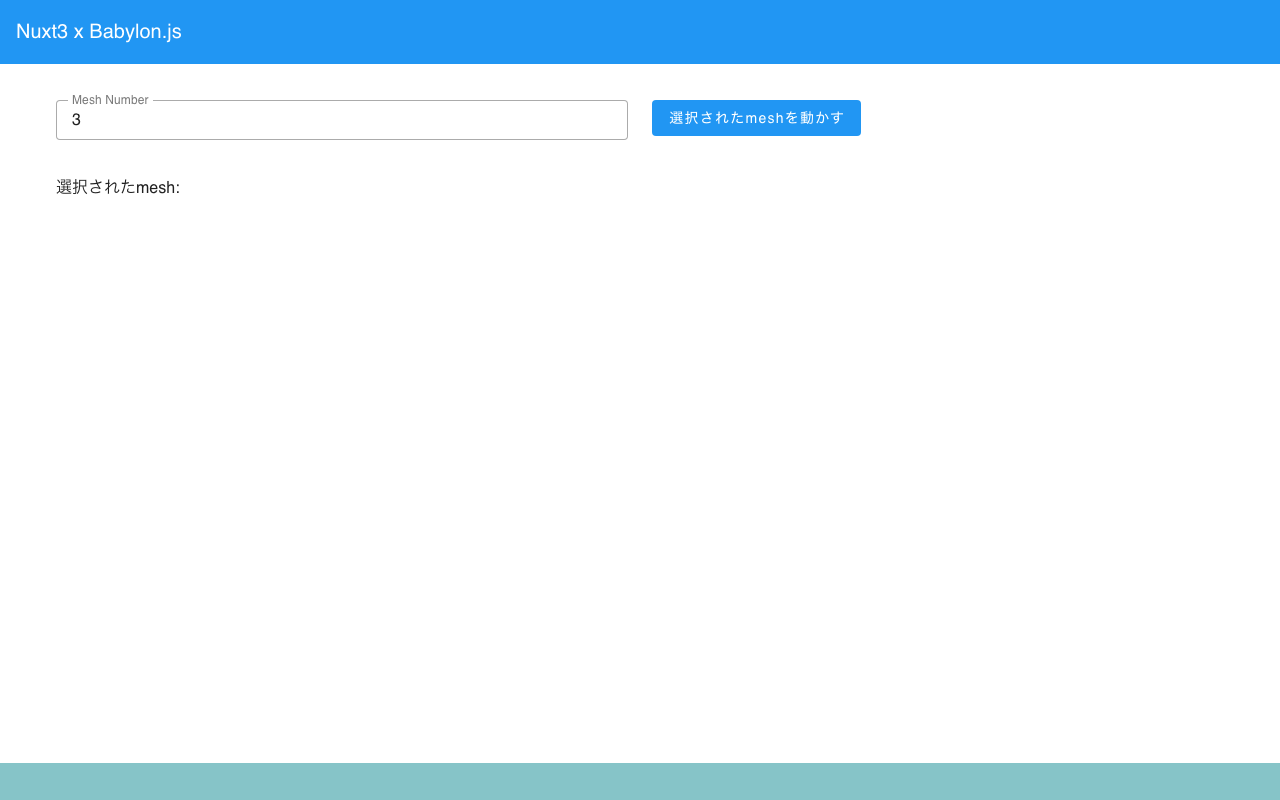
Overview In the following article, I created a program for interaction between Vue 3 and Babylon.js. This time, as an advanced version of the above, the mesh to be passed to the scene is specified from Vue. You can check the content at the following link. (There are some parts where meshes are not properly deleted. This is planned to be fixed in the future.) https://youtu.be/-dyQp-QX42I Demo Site https://nakamura196.github.io/nuxt3-babylonjs/10 ...

Trying Leaflet Marker Cluster with Nuxt 3

Trying Leaflet Marker Cluster with Nuxt 3

I had the opportunity to try Leaflet Marker Cluster with Nuxt 3. The implementation example is as follows. https://nuxt3-demo-nine.vercel.app/map-cluster For this implementation, I referenced the following page. https://codesandbox.io/s/ns238 The source code is at the following URL. https://github.com/nakamura196/nuxt3-demo As of March 2023, it appears to be at the POC (Proof of Concept) stage. I hope this serves as a useful reference.

[Babylon.js x Vue] Passing Click Events to Vue

[Babylon.js x Vue] Passing Click Events to Vue

Overview I investigated how to get the name of a mesh clicked in Babylon.js, as shown below. I referenced the following tutorial. https://doc.babylonjs.com/communityExtensions/Babylon.js+ExternalLibraries/BabylonJS_and_Vue/BabylonJS_and_Vue_2#passing-data-from-babylonjs-to-vue-using-callbacks The demo page is as follows. https://nakamura196.github.io/nuxt3-babylonjs/8/ The source code for the page is as follows. https://github.com/nakamura196/nuxt3-babylonjs/blob/main/pages/8/index.vue Implementation In the following section, a callback variable is passed to createScene. The name fpsCallback might need to be revised. https://github.com/nakamura196/nuxt3-babylonjs/blob/5c33d2e6bcd1681df17f3f12fea3cd68fc645157/components/Scene8.vue#L10-L13 Then, in the createScene function, the result of onPointerDown is passed. ...