Home Articles Books Search About
日本語
I Created a Sample Repository Using CETEIcean and Nuxt 3

I Created a Sample Repository Using CETEIcean and Nuxt 3

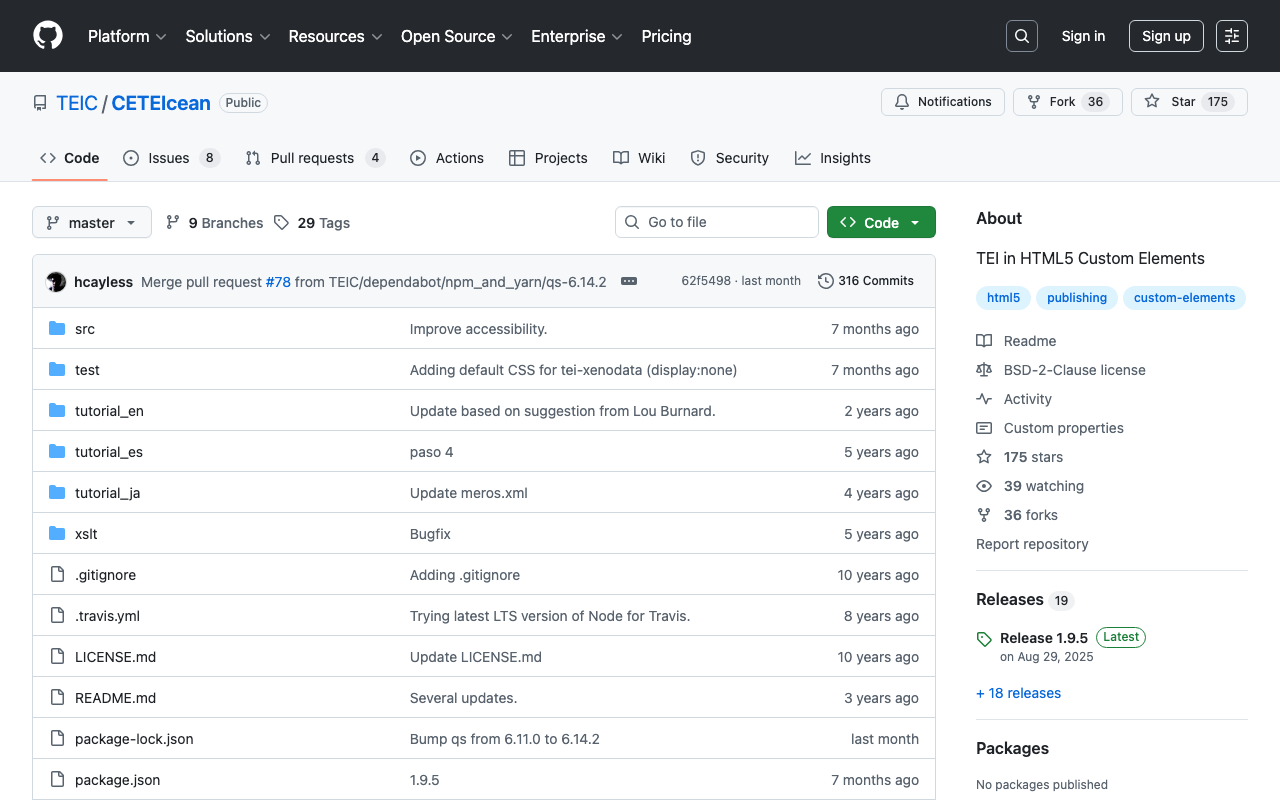
Overview I created a sample repository using CETEIcean and Nuxt 3. https://github.com/TEIC/CETEIcean I referenced the following issue. https://github.com/TEIC/CETEIcean/issues/27 The script introduced there did not work with CETEIcean v1.8.0, so I created a minimal repository that works with CETEIcean v1.8.0 and Nuxt 3. Demo Page https://nakamura196.github.io/ceteicean-nuxt3 Source Code https://github.com/nakamura196/ceteicean-nuxt3 Main File https://github.com/nakamura196/ceteicean-nuxt3/blob/main/app.vue Summary I hope this serves as a useful reference. I would also like to express my gratitude to those who developed CETEIcean. ...

Text Selection Using VueUse (Nuxt 3)

Text Selection Using VueUse (Nuxt 3)

Overview This is a personal note on using VueUse for implementing text selection functionality with Nuxt 3 (Vue 3). https://vueuse.org/ Demo You can try it from the following page. https://nuxt3-demo-git-main-nakamura196.vercel.app/textSelection The source code is at the following URL. https://github.com/nakamura196/nuxt3-demo/blob/main/pages/textSelection.vue Installation Method The installation instructions are described on the following page. https://vueuse.org/guide/ The specific steps are as follows. npm i -D @vueuse/nuxt @vueuse/core // nuxt.config.ts export default defineNuxtConfig({ modules: [ '@vueuse/nuxt', ], }) Summary In addition to text selection, there seem to be many other useful features available, so I would like to continue trying them out. ...

Loading .glb Files with Nuxt3 x babylon.js

Loading .glb Files with Nuxt3 x babylon.js

Overview I encountered an error when attempting to load a .glb file in Nuxt3 x babylon.js, so this is a memo of how I resolved it. Error Details The following error occurred: Unable to load from ./models/test.glb: importScene of undefined from undefined version: undefined, exporter version: undefinedimportScene has failed JSON parse Solution The issue was resolved by additionally installing the following package: npm install @babylonjs/loaders As a result, I was able to display the model with the following JavaScript file: ...

Hosting Nuxt 3 SSR on Vercel (+ Enabling CORS)

Hosting Nuxt 3 SSR on Vercel (+ Enabling CORS)

I had the opportunity to host Nuxt 3 SSR on Vercel, so this is a note for reference. For the build settings, I needed to set the Output Directory to .output/server as follows. For enabling CORS, the following article was helpful. https://vercel.com/guides/how-to-enable-cors Specifically, I was able to handle this by placing the following file at the root of the project. { "headers": [ { "source": "/api/(.*)", "headers": [ { "key": "Access-Control-Allow-Credentials", "value": "true" }, { "key": "Access-Control-Allow-Origin", "value": "*" }, { "key": "Access-Control-Allow-Methods", "value": "GET,OPTIONS,PATCH,DELETE,POST,PUT" }, { "key": "Access-Control-Allow-Headers", "value": "X-CSRF-Token, X-Requested-With, Accept, Accept-Version, Content-Length, Content-MD5, Content-Type, Date, X-Api-Version" } ] } ] } There may be incorrect descriptions, but I hope this is helpful. ...

Using Babylon.js with Nuxt3 and Vuetify Together

Using Babylon.js with Nuxt3 and Vuetify Together

I had the opportunity to use Babylon.js combined with Nuxt3 and Vuetify, so this is a memo of my experience. The site I built can be viewed at the following URL. https://nakamura196.github.io/nuxt3-babylonjs/ The source code is available below. https://github.com/nakamura196/nuxt3-babylonjs I hope this is helpful when developing an app with this combination.

Introducing an IIIF Viewer in Nuxt3 with SSR

Introducing an IIIF Viewer in Nuxt3 with SSR

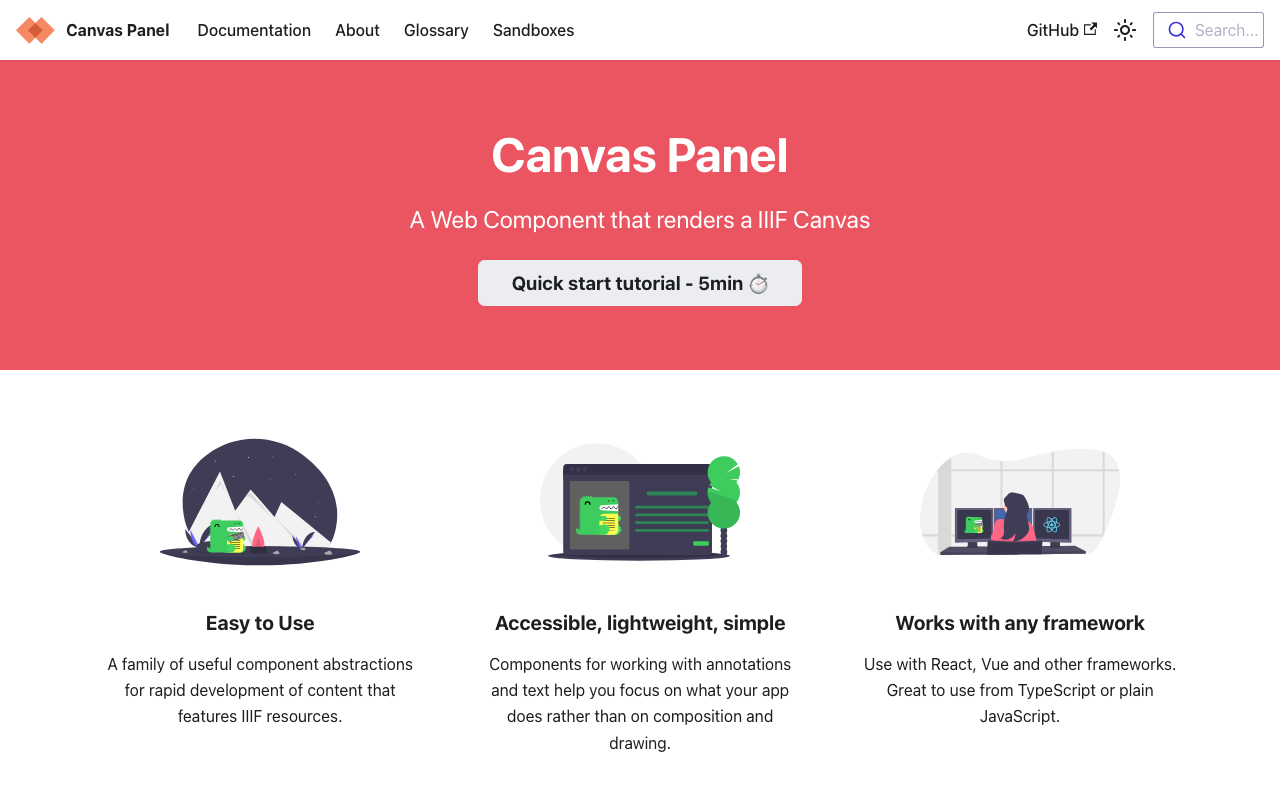
Overview This is a memo on how to introduce an IIIF viewer in Nuxt3 with SSR. Canvas Panel This section covers the introduction of the following viewer. https://iiif-canvas-panel.netlify.app/ Installation npm i @digirati/canvas-panel-web-components Page Please refer to the following. https://github.com/nakamura196/nuxt3-iiif-viewer/blob/main/pages/canvas-panel/index.vue Display Example https://nakamura196.github.io/nuxt3-iiif-viewer/canvas-panel Tify This section covers the introduction of the following viewer. https://github.com/tify-iiif-viewer/tify Installation npm i tify Page Please refer to the following. https://github.com/nakamura196/nuxt3-iiif-viewer/blob/main/pages/tify/index.vue In the case of SSR, a document is not defined. error occurred, so I added the following file to the plugins. ...

An Example of Manipulating JSON Files with Nuxt 3's server/api

An Example of Manipulating JSON Files with Nuxt 3's server/api

This is an example of how to manipulate (import and use) JSON files with Nuxt 3’s server/api. The following article was used as a reference. https://github.com/nuxt/framework/discussions/775#discussioncomment-1470136 While there is much room for improvement in areas such as type definitions, the following approach was confirmed to work. // async/await を使用しています。 export default defineEventHandler(async (event) => { const items_: any = await import('~/assets/index.json') // .defaultをつける点に注意 const items_total: any[] = items_.default // 以下の参考リンクを参照してください。 const query = getQuery(event) const page: number = Number(query.page) || 1; const size: number = Number(query.size) || 20; const items: any[] = items_total.slice((page - 1) * size, page * size); return { "hits": { "total": { "value": items_total.length, }, "hits": items } } }); With the above, by using a query like /api/items?page=2&size=40, it was possible to return a portion of the imported JSON file (~/assets/index.json). Paths other than assets seem to work as well, but this has not been thoroughly verified. ...

Trying Omeka Classic as a Headless CMS

Trying Omeka Classic as a Headless CMS

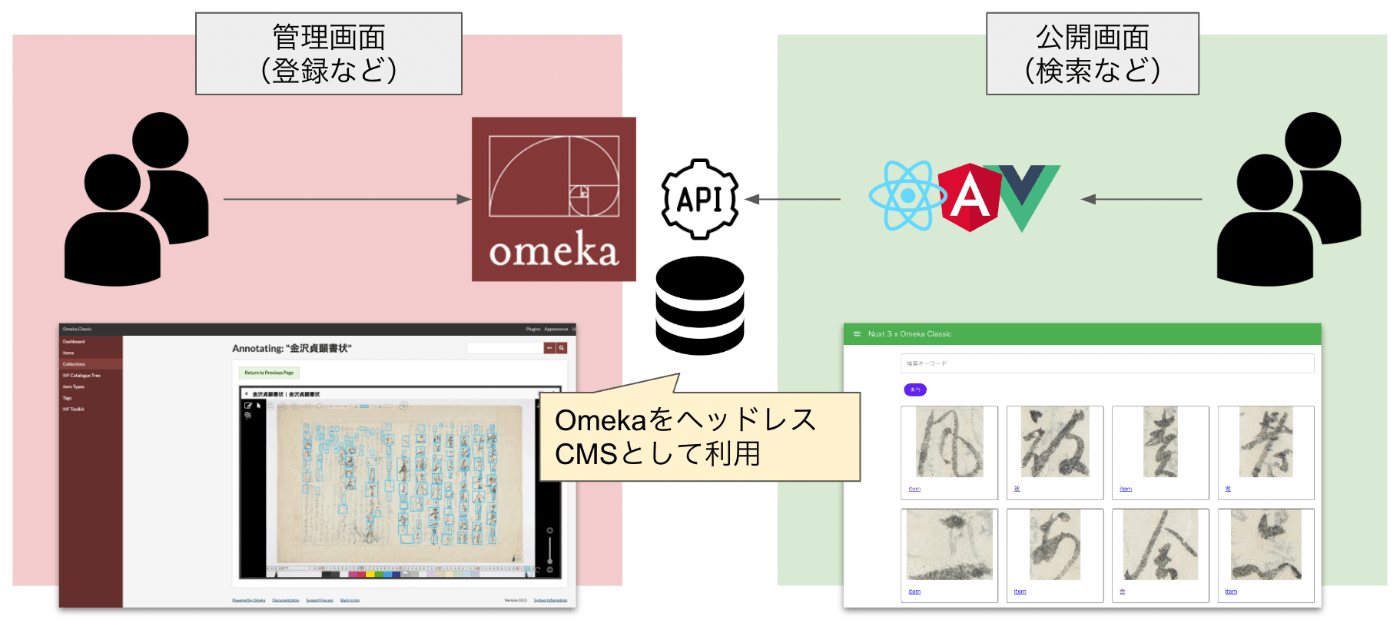
Overview Omeka S and Omeka Classic are very useful tools for building digital archives and for humanities (informatics) research. https://omeka.org/ They come with a REST API as standard and have high extensibility through the addition of modules and plugins. Various existing assets can also be used, including IIIF-related tools, transcription support tools, and tools for handling spatiotemporal information. On the other hand, I (personally) feel that theme development for changing the appearance of sites requires knowledge of PHP and Omeka, making it relatively difficult. On this point, the Headless CMS approach, where the backend and frontend are separated, has been gaining popularity in recent years. ...

I Created an IIIF Image API Tool Using Nuxt 3 and Vuetify 3

I Created an IIIF Image API Tool Using Nuxt 3 and Vuetify 3

Overview I created an IIIF Image API tool using Nuxt 3 and Vuetify 3. The background for developing this tool was a need to work with the IIIF Image API, as well as the purpose of learning how to use Nuxt 3. The GitHub repository is as follows. I hope it serves as a useful reference. https://github.com/nakamura196/nuxt3-vuetify3 Usage You can access it from the following URL. https://nv3.netlify.app/ As shown below, pressing the “Example” button inputs a URL into the text form at the top of the screen, and the elements contained in that URL (such as “region” and “size”) are displayed at the bottom of the screen. ...

Fixing the GitHub Repository Demonstrating Mirador 3 Usage with Nuxt 2

Fixing the GitHub Repository Demonstrating Mirador 3 Usage with Nuxt 2

I have been demonstrating an example of using Mirador 3 with Nuxt 2 in the following GitHub repository. https://github.com/nakamura196/nuxt-mirador However, I found that the above repository had an issue in the production environment. Specifically, Mirador’s display would break after page navigation. An issue was submitted: https://github.com/nakamura196/nuxt-mirador/issues/1 A pull request fixing the bug was also submitted for this issue. https://github.com/nakamura196/nuxt-mirador/pull/2 Specifically, as shown below, it was necessary to unmount in beforeDestroy. ...

How to Enable Hot Reload for the static Directory in Nuxt.js

How to Enable Hot Reload for the static Directory in Nuxt.js

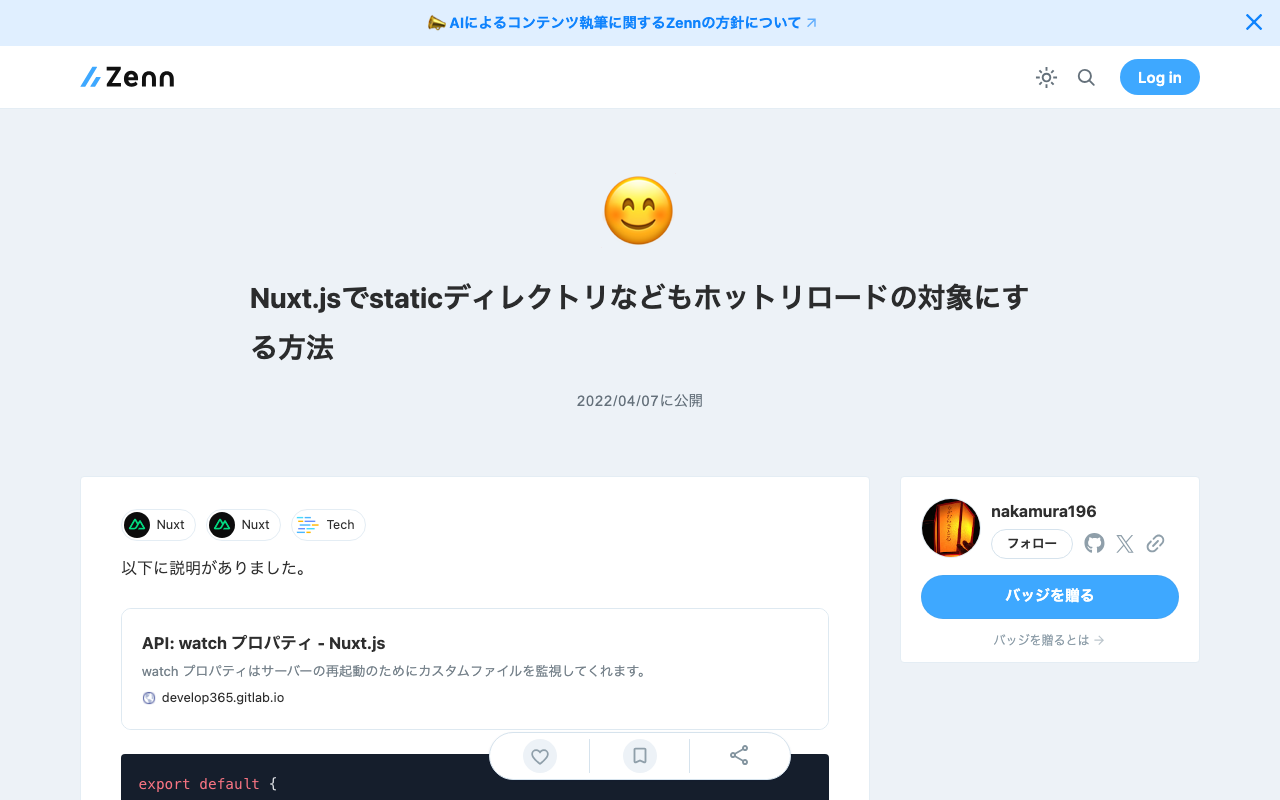
The explanation was found at the following link. https://develop365.gitlab.io/nuxtjs-2.8.X-doc/ja/api/configuration-watch/ export default { ..., generate: { fallback: true, }, watch: ['static'], } By providing watch in the nuxt.config.js file as shown above, the target directory became a watch target as well.

[For Developers] Setting Up a Search Application Development Environment Using AWS x Nuxt.js x Elasticsearch

[For Developers] Setting Up a Search Application Development Environment Using AWS x Nuxt.js x Elasticsearch

This article explains how to set up a development environment for a search application using AWS x Nuxt.js x Elasticsearch. This is primarily a personal reference note. We aim for the following architecture. While there may be better configurations and approaches, this at least provides a working development environment for a Nuxt.js web application using Elasticsearch as the search engine on AWS. The Cultural Japan project also uses a nearly identical architecture. ...

Created a GitHub Repository Demonstrating How to Use vis.js with Nuxt.js

Created a GitHub Repository Demonstrating How to Use vis.js with Nuxt.js

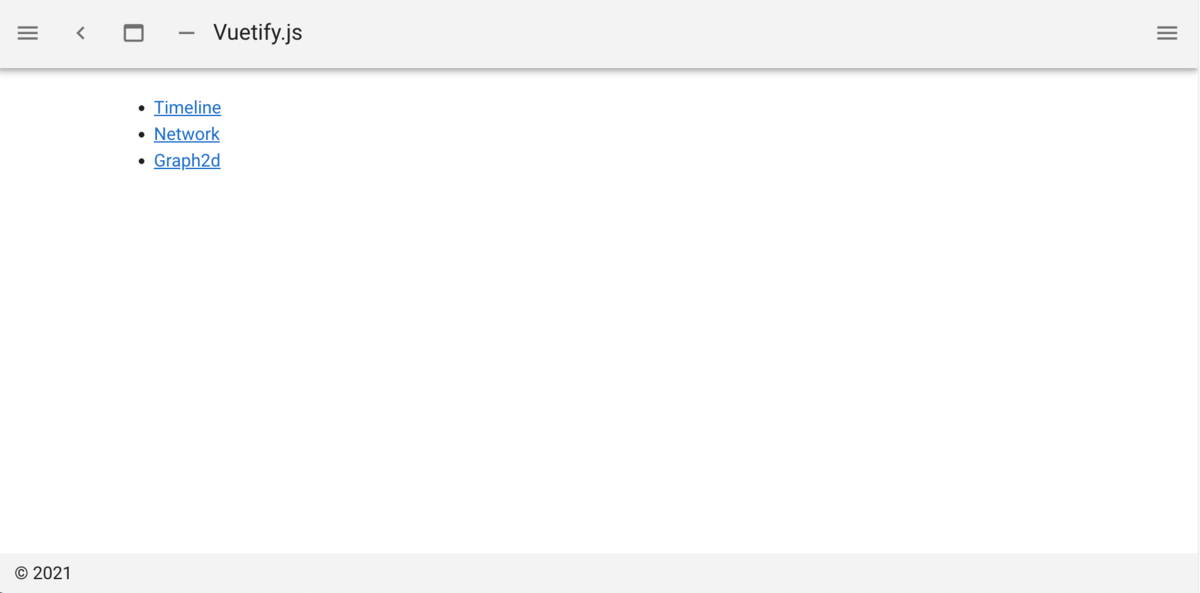
Overview We created a GitHub repository demonstrating how to use vis.js with Nuxt.js. github.com You can check the demo site from the following page: https://nuxt-visjs.netlify.app/ Details Nuxt.js is a framework that allows you to use Vue.js more effectively. vis.js is a visualization library that can create network diagrams and timelines. visjs.org We created a GitHub repository demonstrating how to use vis.js with Nuxt.js. The repository includes basic visualization examples using “Timeline,” “Network,” and “Graph2d.” ...