Home Articles Books Search About
日本語
Fixing Universal Viewer 4.x "Unknown content type" Error with Local Hosting

Fixing Universal Viewer 4.x "Unknown content type" Error with Local Hosting

The Problem In a Nuxt 3 project, I was using Universal Viewer (UV) embedded via iframe to display IIIF manifest images. The iframe source pointed to the external https://universalviewer.io/uv.html, but at some point the viewer stopped rendering entirely. The browser console showed these errors: SES Removing unpermitted intrinsics UV.js:2 Unknown content type Investigation universalviewer.io Redirect The first finding was that universalviewer.io now redirects to universalviewer.dev: <meta http-equiv="refresh" content="0; url=https://universalviewer.dev/uv.html"> Testing the same manifest URL on universalviewer.dev/uv.html produced the identical “Unknown content type” error. The issue was reproducible on the official site itself. ...

Improving Google Search Console Indexing Issues with schema.org Structured Data

Improving Google Search Console Indexing Issues with schema.org Structured Data

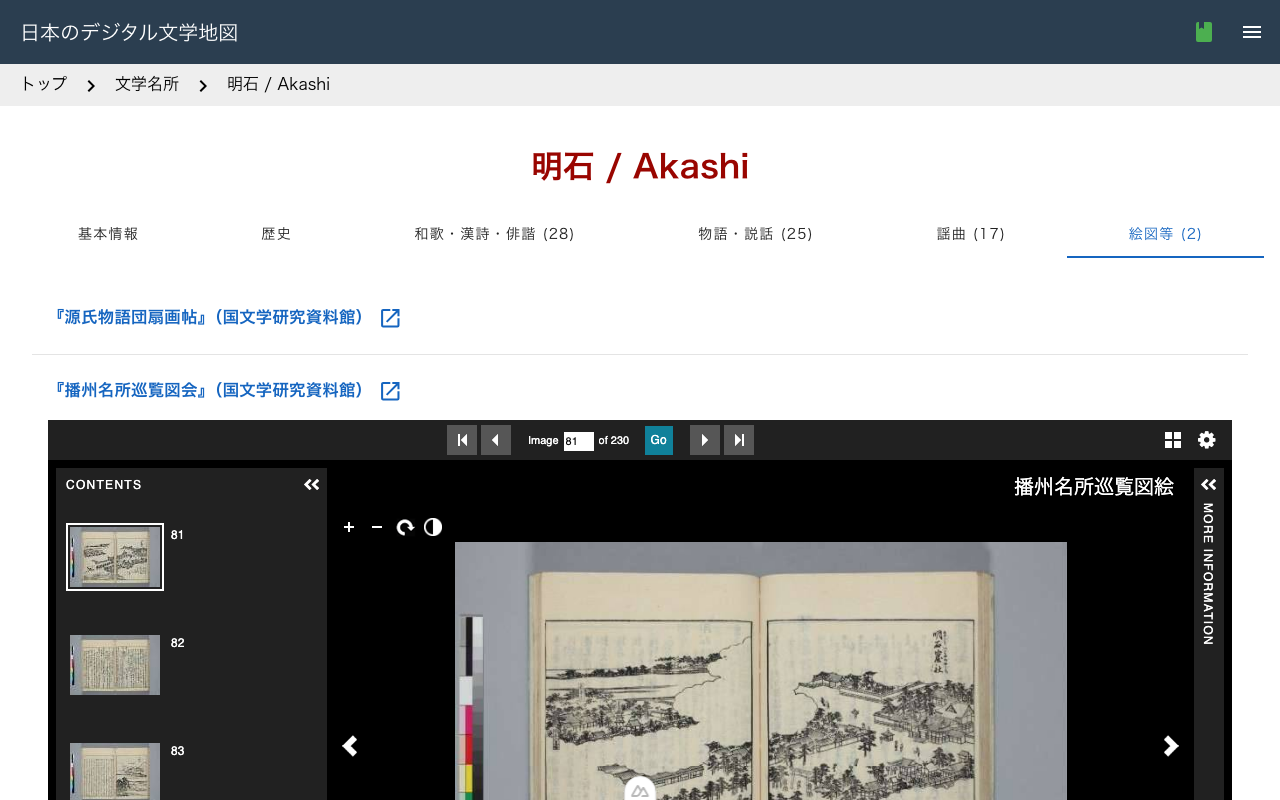
Introduction While developing Digital Literary Map of Japan, a bilingual (Japanese/English) database of literary places in classical Japanese literature, Google Search Console reported 391 pages as “Crawled - currently not indexed.” Google was visiting these pages but choosing not to include them in its index. Why? One key measure we took was implementing schema.org structured data. In this post, I’ll explain what structured data is, how we implemented it, and what improvements we expect. ...

IIIF Georeference Viewer: Visualizing Georeferenced Content on Interactive Maps

IIIF Georeference Viewer: Visualizing Georeferenced Content on Interactive Maps

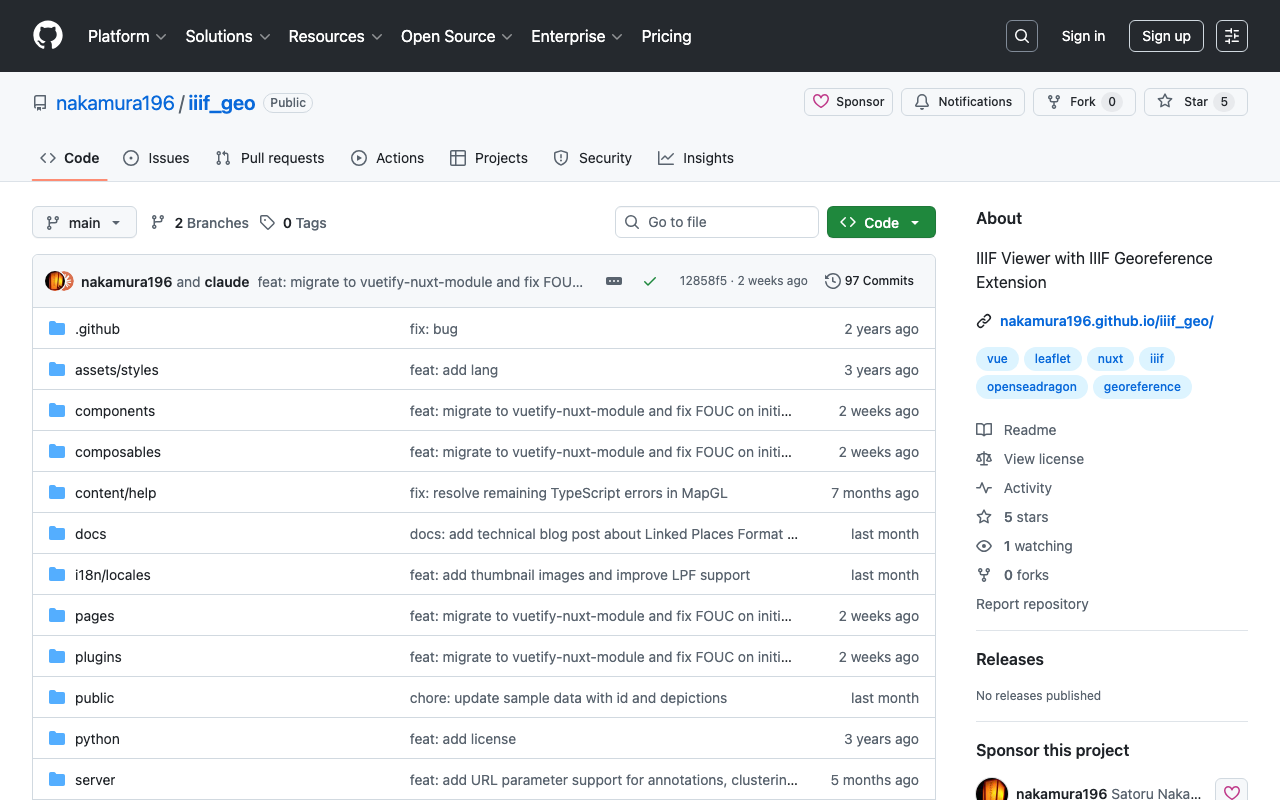
Introduction In the fields of digital archives and humanities research, there is a growing need to view historical maps, old photographs, and other materials within a geographic context. IIIF (International Image Interoperability Framework) is an international standard for enhancing image interoperability, and with the recent IIIF Georeference Extension, it is now possible to attach geographic coordinate information to IIIF images. The IIIF Georeference Viewer (iiif_geo) is a web application for visualizing such georeferenced IIIF content on interactive maps. ...

Nuxt Content + trailingSlash: Links to Static Files Return 404 - Problem and Solution

Nuxt Content + trailingSlash: Links to Static Files Return 404 - Problem and Solution

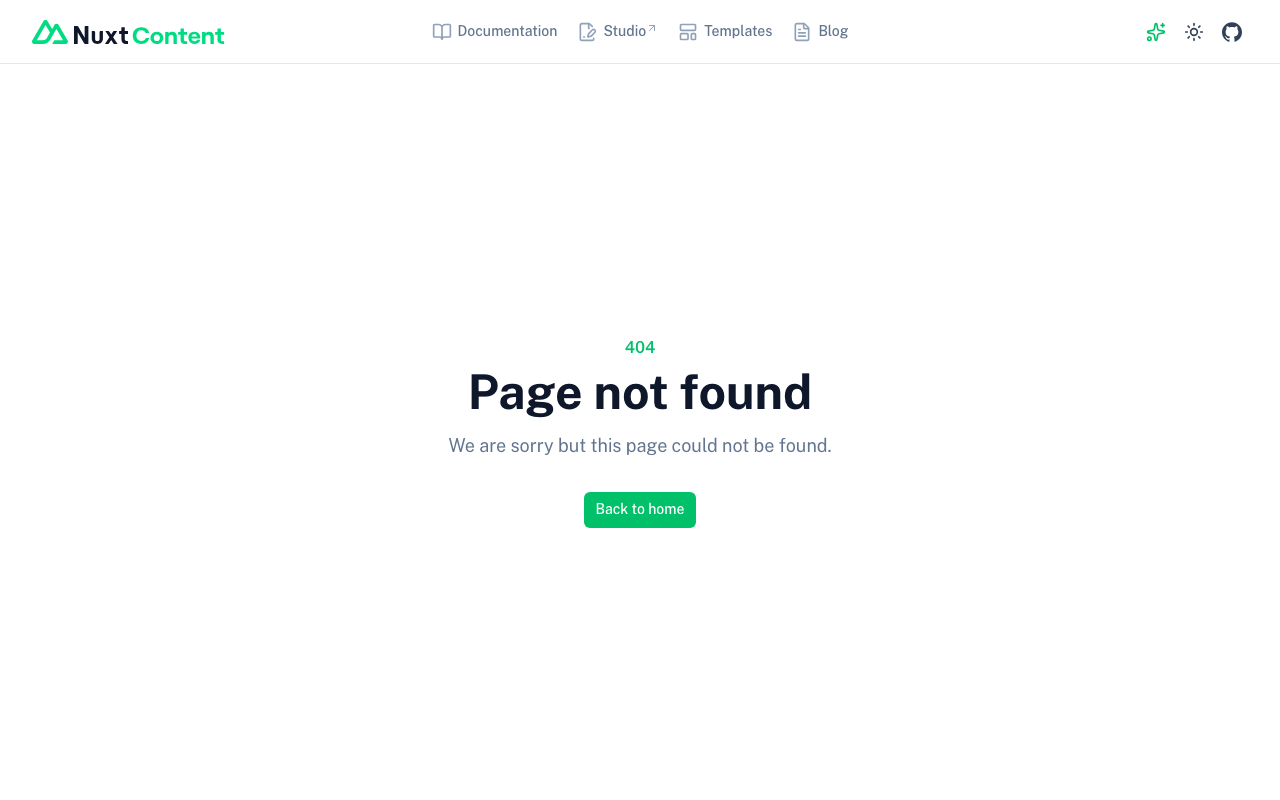
Overview In a Nuxt 3/4 + Nuxt Content environment with trailingSlash: "append" configured, links to static files such as PDFs and images within content may result in 404 errors. Conditions for Occurrence This occurs when all of the following conditions are met: Using Nuxt 3/4 + Nuxt Content trailingSlash: "append" is set in nuxt.config.ts There are links to static files (PDFs, images, etc.) in Markdown or content Problem Details Symptoms When writing a link like the following in content: ...

Nuxt 3 Project Package Update Summary

Nuxt 3 Project Package Update Summary

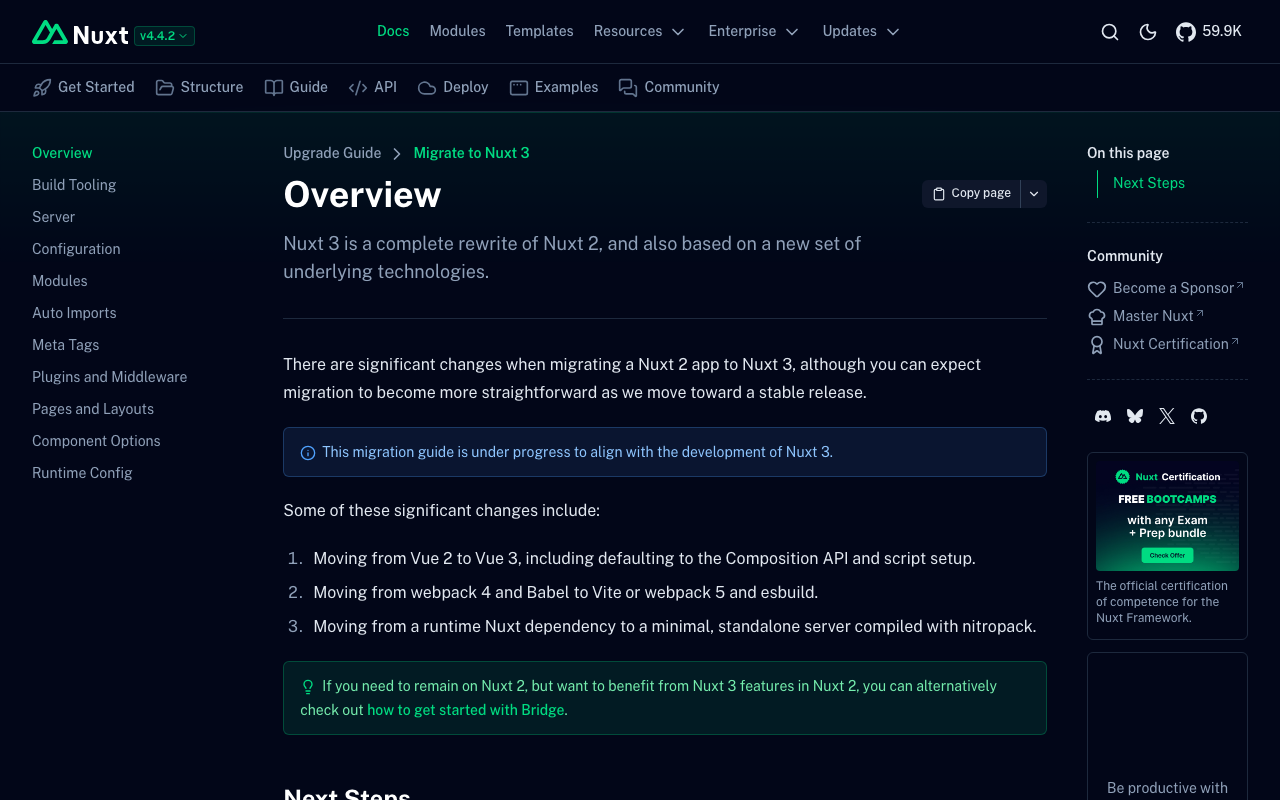
Overview I performed a large-scale dependency package update, including a major update from Nuxt 3.2.3 to 3.20.2. Major Package Updates Package Before After nuxt 3.2.3 3.20.2 @nuxt/content 2.5.2 3.11.0 @nuxtjs/i18n 8.0.0-beta.10 10.2.1 vuetify 3.1.8 3.7.6 sass 1.58.3 1.83.4 @mdi/js 7.1.96 7.4.47 Newly Added Packages better-sqlite3: ^12.5.0 - Dependency of @nuxt/content v3 vue-i18n: ^11.0.0 - Dependency of the i18n module Changes That Required Action 1. Migration to @nuxt/content v3 Creating a new content.config.ts was required. ...

How to Correctly Load Local JSON Files in Nuxt 4 SSG

How to Correctly Load Local JSON Files in Nuxt 4 SSG

Introduction When performing Static Site Generation (SSG) with Nuxt 4, there are cases where you want to load data from local JSON files to generate static pages. However, unlike Next.js’s getStaticProps, it is not straightforward, and there are several pitfalls to watch out for. This article introduces the correct approach discovered through trial and error. The Problem: Why Simple fs Reading Does Not Work The First Approach We Tried (Failed) // This does not work const fetchLocalData = async (filePath: string) => { if (import.meta.server) { const fs = await import('fs'); const path = await import('path'); const fullPath = path.resolve(process.cwd(), 'public/data', filePath); const data = fs.readFileSync(fullPath, 'utf-8'); return JSON.parse(data); } // Client-side const response = await fetch(`/data/${filePath}`); return await response.json(); }; This approach has the following problems: ...

How to Disable Browser Language Detection in Nuxt i18n

How to Disable Browser Language Detection in Nuxt i18n

Overview (Created by ChatGPT) The Nuxt i18n module has a feature that detects the user’s browser language and redirects them to the appropriate language page. However, in certain situations you may want to disable this feature. This article explains how to completely disable browser language detection using detectBrowserLanguage: false. https://v8.i18n.nuxtjs.org/guide/browser-language-detection Configuration To disable the browser language detection feature, set the detectBrowserLanguage option to false in your nuxt.config.js file. export default defineNuxtConfig({ // その他の設定 i18n: { // 言語検出を無効化 detectBrowserLanguage: false }, // その他の設定 }) Use Cases Where This Is Helpful When you want users to directly access specific URLs: If you intend for users to directly visit specific content, redirects can be an obstacle. Optimizing crawling: When you want search engine crawlers to be able to directly access specific language pages. Consistent user experience: For example, when you want to avoid unexpected redirects for users navigating between linked language pages. Summary By using detectBrowserLanguage: false, you can control site access for user experience and SEO optimization without relying on redirects. Using this setting in appropriate situations can improve your site’s usability. ...

Nuxt Content: Addressing 'Cannot find name queryContent'

Nuxt Content: Addressing 'Cannot find name queryContent'

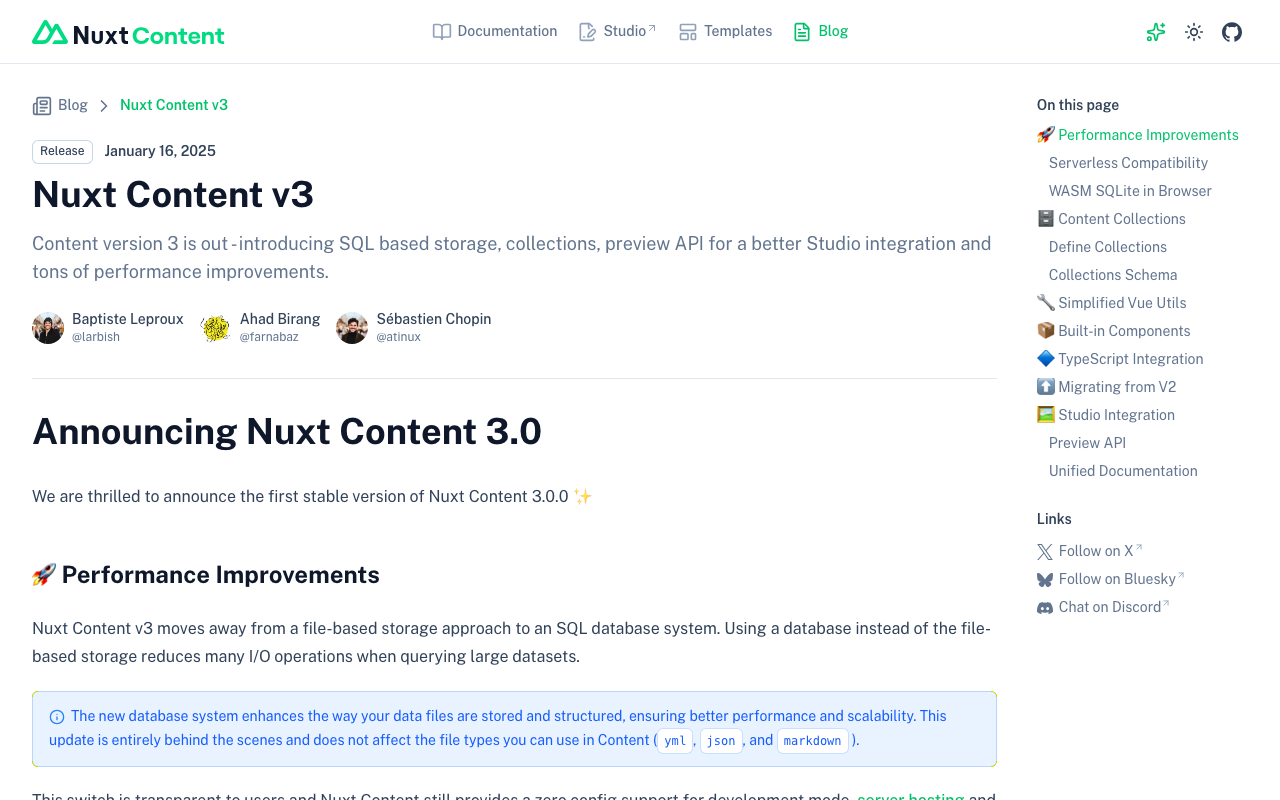
Overview This is a memo on how to address the error “Cannot find name ‘queryContent’.” that occurred in Nuxt Content. Cause It appears that Nuxt Content v3 was released on 2025/1/16. https://content.nuxt.com/blog/v3 As a result, queryContent has been changed to queryCollection and similar. Solution As described in the following, it appears necessary to create a content.config.ts file and change to using queryCollection and similar. https://content.nuxt.com/blog/v3#️-content-collections By applying the above changes, the error was resolved. ...

Trying Local Authentication with @sidebase/nuxt-auth

Trying Local Authentication with @sidebase/nuxt-auth

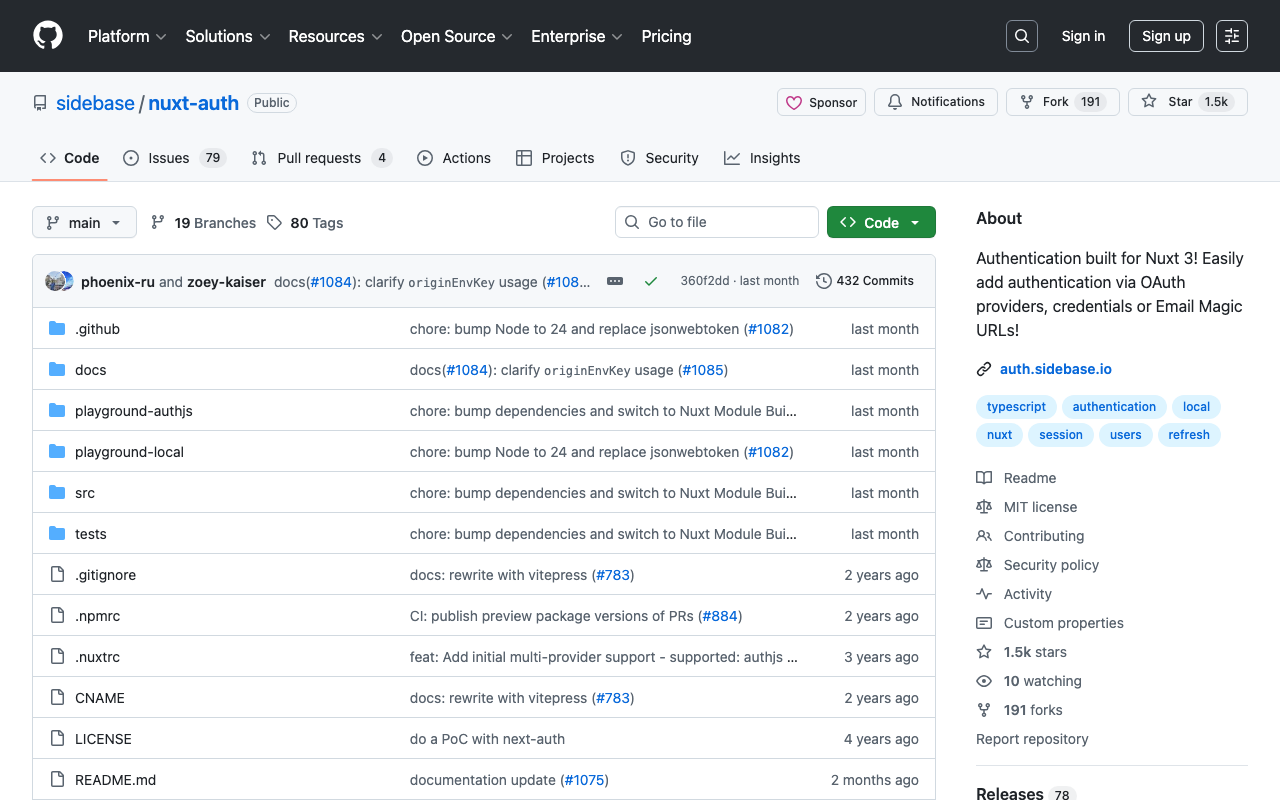
Overview I had the opportunity to try local authentication with @sidebase/nuxt-auth, so this is a personal note for future reference. Background In the following article, I introduced how to perform Drupal authentication using @sidebase/nuxt-auth. In that article, I was using Nuxt 3’s SSR with the authjs provider of @sidebase/nuxt-auth. The provider descriptions are as follows. authjs: for non-static apps that want to use Auth.js / NextAuth.js to offer the reliability & convenience of a 23k star library to the Nuxt 3 ecosystem with a native developer experience (DX) local: for static pages that rely on an external backend with a credential flow for authentication. The Local Provider also supports refresh tokens since v0.9.0. Read more here. ...

Authenticating with Drupal Using Nuxt 3 and @sidebase/nuxt-auth

Authenticating with Drupal Using Nuxt 3 and @sidebase/nuxt-auth

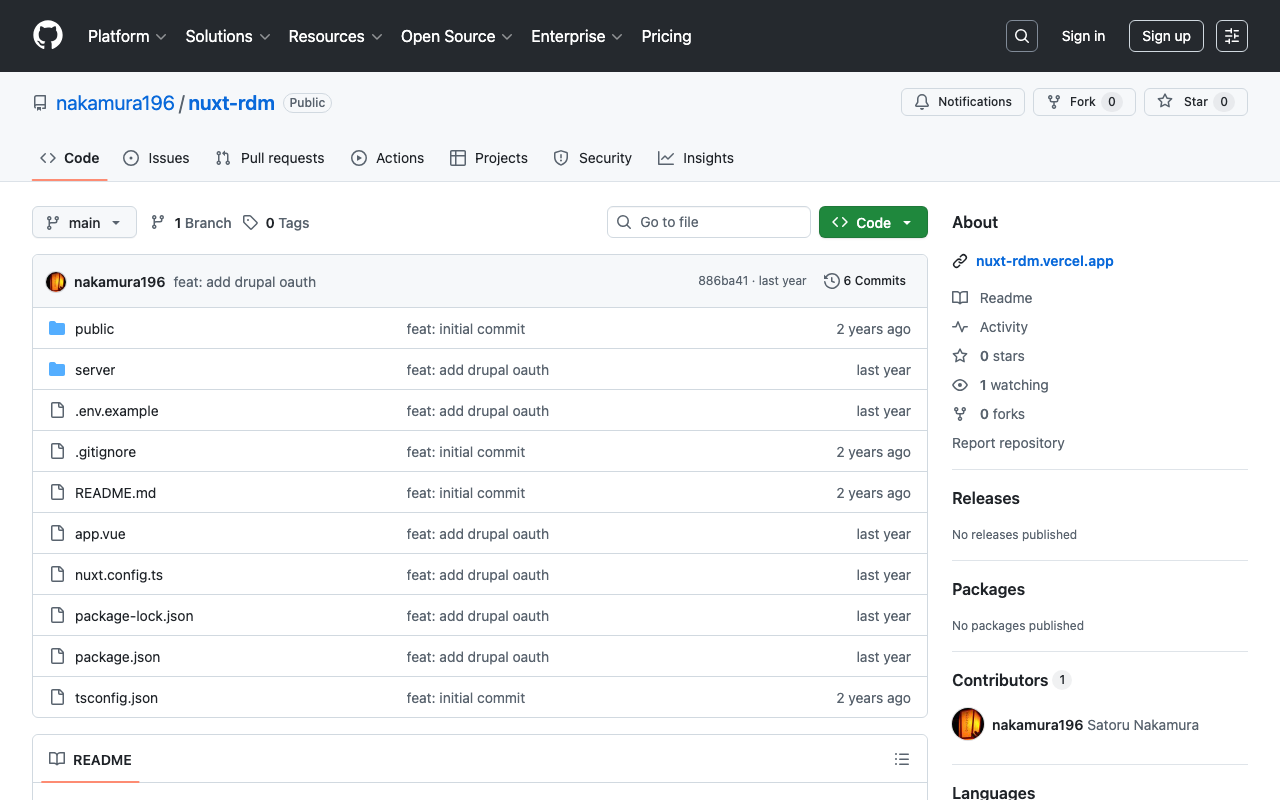
Overview This describes how to authenticate with Drupal using Nuxt 3 and @sidebase/nuxt-auth. Background The following article introduced a method for authenticating with GakuNin RDM. The following article introduced a method for using Drupal OAuth from Next.js. Using these as reference, we use Drupal OAuth from Nuxt 3. Method The source code can be found in the following repository. https://github.com/nakamura196/nuxt-rdm Specifically, the implementation is here. https://github.com/nakamura196/nuxt-rdm/blob/main/server/api/auth/[…].ts { id: "drupal", name: "Drupal", type: "oauth", clientId: useRuntimeConfig().drupalClientId, clientSecret: useRuntimeConfig().drupalClientSecret, authorization: { url: process.env.DRUPAL_AUTH_URL, params: { scope: process.env.DRUPAL_SCOPE, response_type: "code", redirect_uri: `${ useRuntimeConfig().nextAuthUrl }/api/auth/callback/drupal`, }, }, token: { async request(context) { const body = new URLSearchParams({ client_id: useRuntimeConfig().drupalClientId, client_secret: useRuntimeConfig().drupalClientSecret, code: context.params.code || "", grant_type: "authorization_code", redirect_uri: `${ useRuntimeConfig().nextAuthUrl }/api/auth/callback/drupal`, }); const res = await fetch(process.env.DRUPAL_TOKEN_URL || "", { method: "POST", headers: { "Content-Type": "application/x-www-form-urlencoded", }, body, }); const json = await res.json(); // Parse the response body once if (!res.ok) { throw new Error(`Token request failed: ${res.statusText}`); } return { tokens: json }; }, }, profile(profile) { return { id: profile.sub, // Use "sub" as the user's unique ID name: profile.name || profile.preferred_username || "Unknown User", // Set name priority email: profile.email || "No Email Provided", // Fallback when no email image: profile.profile || null, // Use profile URL as image (adjust as needed) }; }, }, Summary There may be some errors, but I hope this serves as a helpful reference. ...

Authenticating with GakuNin RDM Using Nuxt 3 and @sidebase/nuxt-auth

Authenticating with GakuNin RDM Using Nuxt 3 and @sidebase/nuxt-auth

Overview This article describes how to authenticate with GakuNin RDM using Nuxt 3 and @sidebase/nuxt-auth. Demo App https://nuxt-rdm.vercel.app/ Repository https://github.com/nakamura196/nuxt-rdm Notes Initially, the following warning was displayed. AUTH_NO_ORIGIN: No origin - this is an error in production, see https://sidebase.io/nuxt-auth/resources/errors. You can ignore this during development Therefore, based on the following reference: https://auth.sidebase.io/resources/error-reference I configured it as follows, which resulted in an error. ... auth: { baseURL: process.env.NEXTAUTH_URL, }, ... The cause was that I was using an rc version of the library. ...

Created a Sample Repository Using @elastic/search-ui with Nuxt

Created a Sample Repository Using @elastic/search-ui with Nuxt

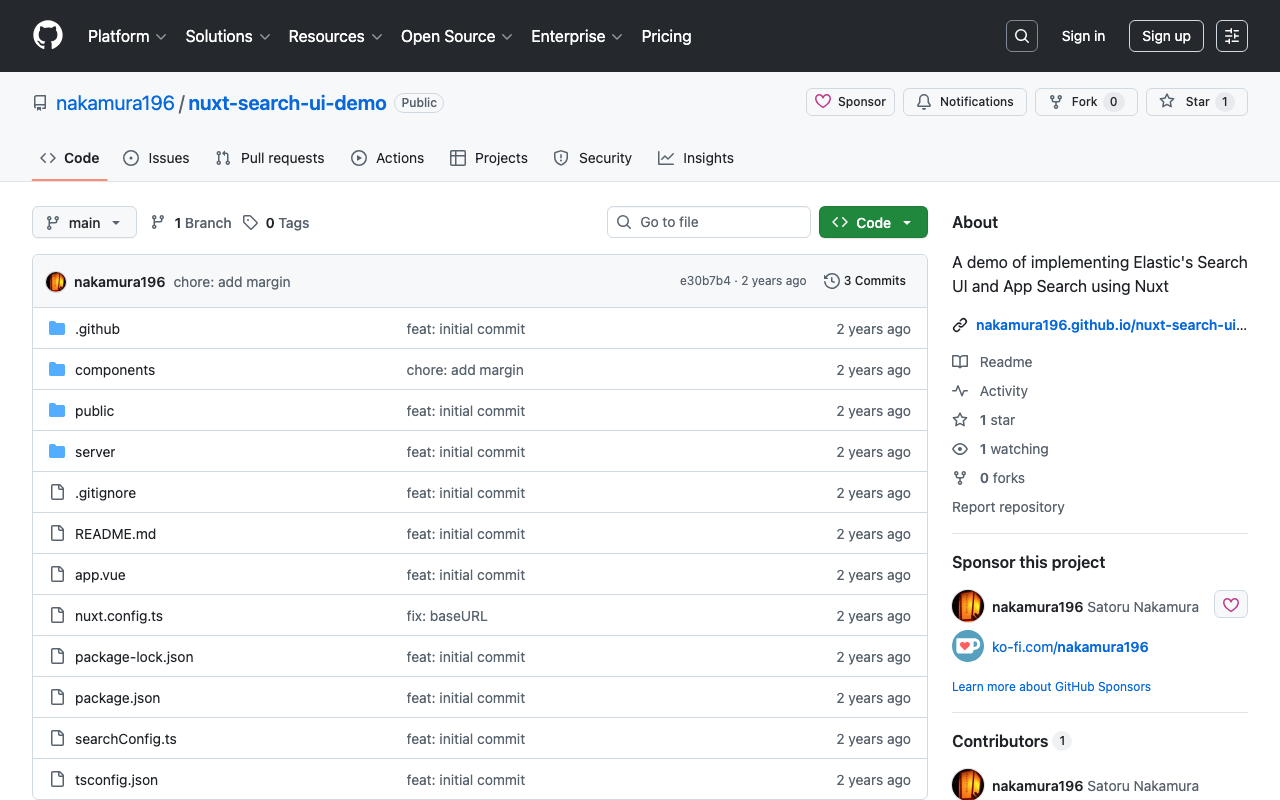
Overview I created a sample repository using @elastic/search-ui with Nuxt. https://github.com/nakamura196/nuxt-search-ui-demo You can try it from the following URL. https://nakamura196.github.io/nuxt-search-ui-demo Background @elastic/search-ui is described as follows. https://www.elastic.co/docs/current/search-ui/overview A JavaScript library for the fast development of modern, engaging search experiences with Elastic. Get up and running quickly without re-inventing the wheel. A sample repository using Vue.js is published at the following link. https://github.com/elastic/vue-search-ui-demo This time, I created a sample repository using Nuxt, based on the above repository. ...

Bringing a Specified Marker to the Front in nuxt3-leaflet

Bringing a Specified Marker to the Front in nuxt3-leaflet

Overview This is a memo on how to bring a specified marker to the front in nuxt3-leaflet. Method By using the z-index-offset attribute on LMarker as shown below, I was able to bring a specified marker to the front. <template v-for="marker in markers"> <LMarker @click="selectMarker(marker)" :lat-lng="[marker.lat, marker.lng]" :z-index-offset="selectedSpotId === marker.id ? 1000 : 0" > <LTooltip> {{ marker.title }} </LTooltip> <LIcon :iconUrl="marker.icon" :iconSize="[25, 41]" :iconAnchor="[12, 41]" :popupAnchor="[1, -34]" :tooltipAnchor="[16, -28]" shadowUrl="https://esm.sh/leaflet@1.9.2/dist/images/marker-shadow.png" :shadowSize="[41, 41]" :shadowAnchor="[12, 41]" ></LIcon> </LMarker> </template> Summary I hope this is helpful when using nuxt3-leaflet. ...

Creating a Sitemap in Nuxt 3

Creating a Sitemap in Nuxt 3

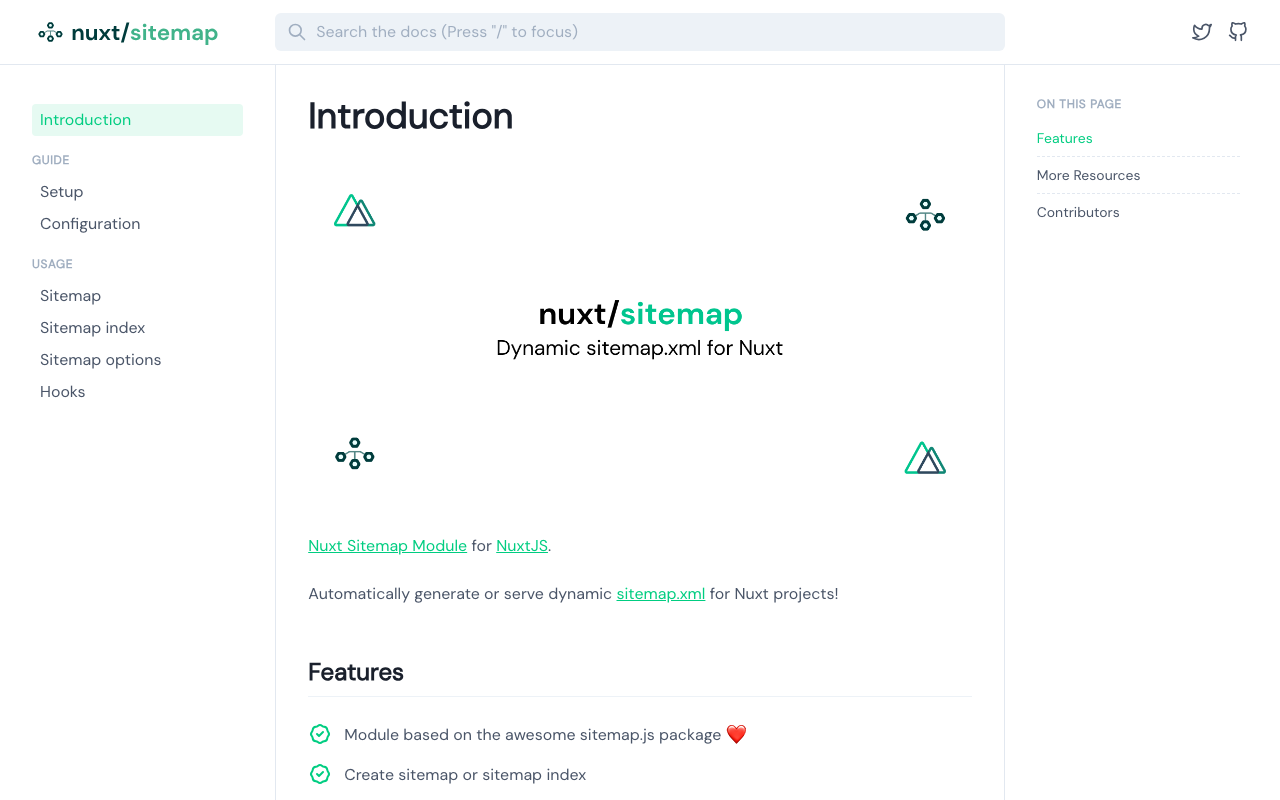
Overview There are several ways to create a sitemap in Nuxt 3, so here are my notes. [1] @nuxtjs/sitemap Documentation https://sitemap.nuxtjs.org/ Reference Article https://zenn.dev/kumao/articles/3fe10078a7e9d2 Installation npm install -D @nuxtjs/sitemap Repository https://github.com/nuxt-community/sitemap-module [2] sitemap Reference Article https://zenn.dev/kakkokari_gtyih/articles/db1aed4fed6054 Installation npm install -D sitemap Repository https://github.com/ekalinin/sitemap.js [3] nuxt-simple-sitemap This package has the following note, so using @nuxtjs/sitemap from [1] seems to be the better choice: Package has been migrated to @nuxtjs/sitemap. https://www.npmjs.com/package/nuxt-simple-sitemap ...

Tips for Using sidebase/nuxt-auth in a Production Environment

Tips for Using sidebase/nuxt-auth in a Production Environment

Overview This is a memo about important considerations when using sidebase/nuxt-auth in a production environment. sidebase/nuxt-auth is an authentication module for Nuxt 3 applications. https://github.com/sidebase/nuxt-auth Problem When deploying to Vercel or AWS Amplify, a server error occurred with the following message. AUTH_NO_ORIGIN: No `origin` - this is an error in production, see https://sidebase.io/nuxt-auth/resources/errors. You can ignore this during development Solution The following was helpful. https://github.com/sidebase/nuxt-auth/issues/613 By providing baseURL as shown below, the above error was resolved. ...

Nuxt3 x Vuetify x Cesium

Nuxt3 x Vuetify x Cesium

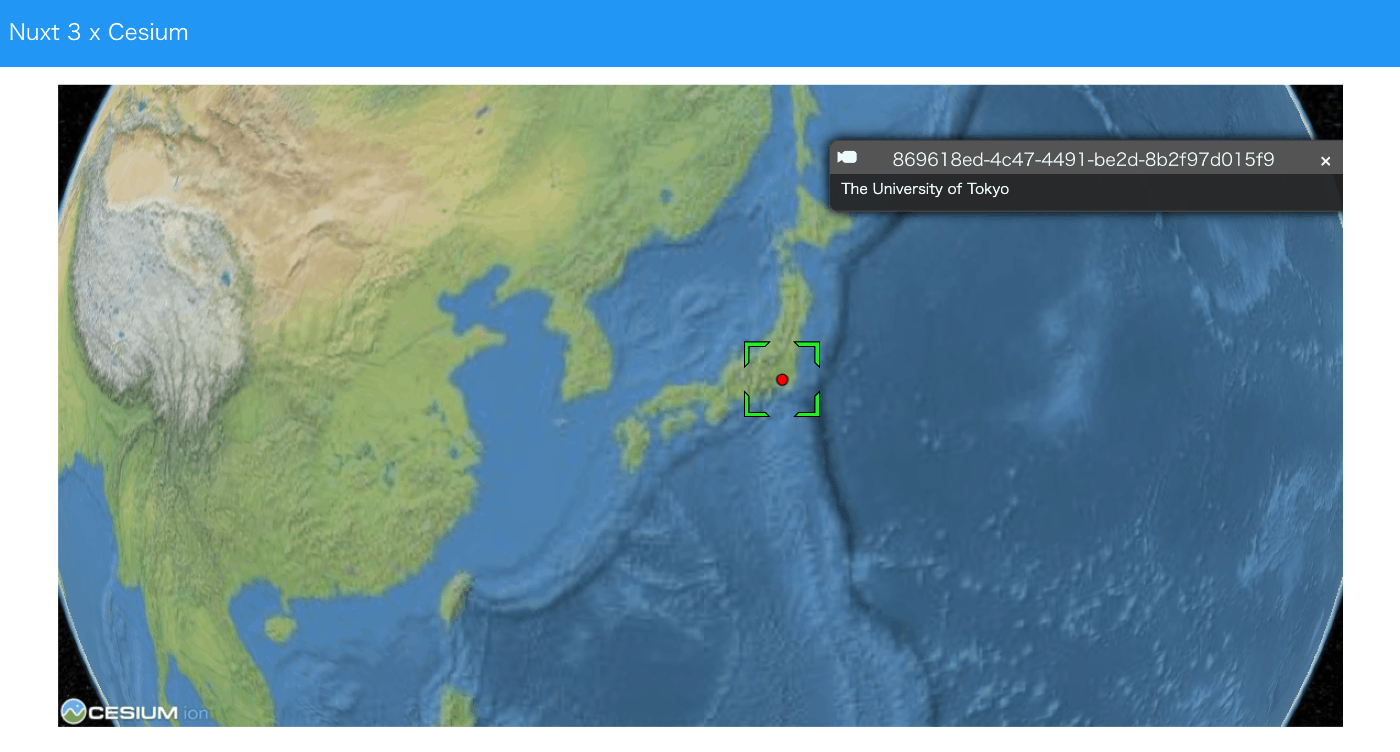
Overview I created a sample repository using Nuxt3, Vuetify, and Cesium. Source Code vue-cesium is used. https://github.com/zouyaoji/vue-cesium The GitHub repository is as follows. https://github.com/nakamura196/nuxt3-vuetify-cesium Demo Site https://nakamura196.github.io/nuxt3-vuetify-cesium/ Summary We hope this serves as a useful reference.

Trying Nuxt 3 and Decap CMS

Trying Nuxt 3 and Decap CMS

Overview I tried out Nuxt 3 and Decap CMS, so here are my notes. https://decapcms.org/ Preparing the Nuxt 3 Project I referred to the following for adding Decap CMS to an existing site. https://decapcms.org/docs/add-to-your-site/ First, prepare a Nuxt 3 project that includes the nuxt/content module. Here is an example of the source code. https://github.com/nakamura196/nuxt3-decapcms The following two files were created. # when using the default proxy server port local_backend: true # This line should *not* be indented publish_mode: editorial_workflow backend: name: git-gateway branch: main # Branch to update (optional; defaults to master) media_folder: public/img public_folder: /img collections: - name: 'blog' label: 'Blog' folder: 'content/blog' format: 'frontmatter' create: true slug: '{{year}}-{{month}}-{{day}}-{{slug}}' fields: - { label: 'Title', name: 'title', widget: 'string' } - { label: 'Publish Date', name: 'date', widget: 'datetime' } - { label: 'Description', name: 'description', widget: 'string' } - { label: 'Body', name: 'body', widget: 'markdown' } <!DOCTYPE html> <html> <head> <meta charset="utf-8" /> <meta name="viewport" content="width=device-width, initial-scale=1.0" /> <title>Content Manager</title> <!-- Include the script that enables Netlify Identity on this page. --> <script src="https://identity.netlify.com/v1/netlify-identity-widget.js"></script> </head> <body> <!-- Include the script that builds the page and powers Decap CMS --> <script src="https://unpkg.com/decap-cms@^3.0.0/dist/decap-cms.js"></script> </body> </html> Then, it was pushed to GitHub. ...

Trying Leaflet Marker Cluster with Nuxt 3 and Composition API

Trying Leaflet Marker Cluster with Nuxt 3 and Composition API

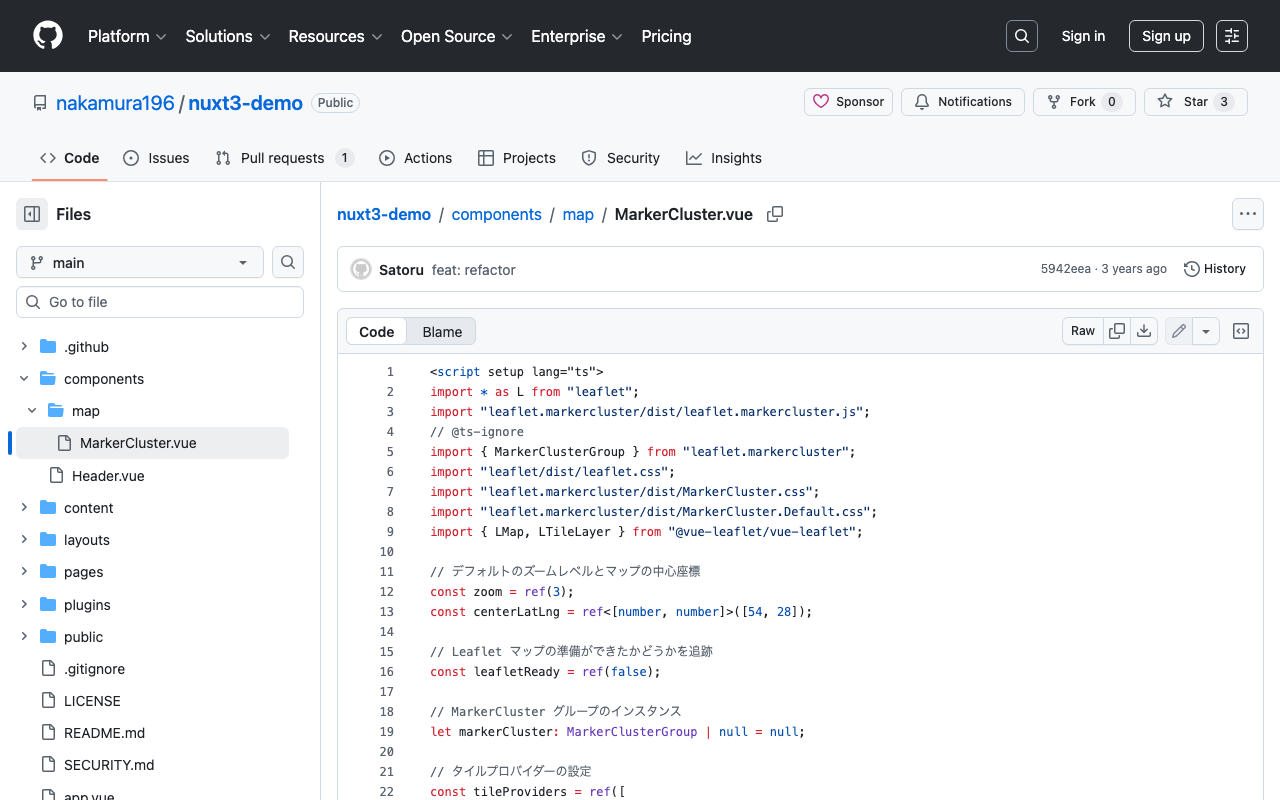
Overview In the following article, I introduced how to use Leaflet Marker Cluster with Nuxt 3. This time, I updated it to use the Composition API, so here are my notes. Installation Install the following: npm i leaflet leaflet.markercluster @vue-leaflet/vue-leaflet npm i -D @types/leaflet @types/leaflet.markercluster Source Code Please refer to the following: https://github.com/nakamura196/nuxt3-demo/blob/main/components/map/MarkerCluster.vue Summary There are some parts where TypeScript support is incomplete, but I hope this serves as a useful reference. ...

Nuxt3 x Vuetify x Cytoscape

Nuxt3 x Vuetify x Cytoscape

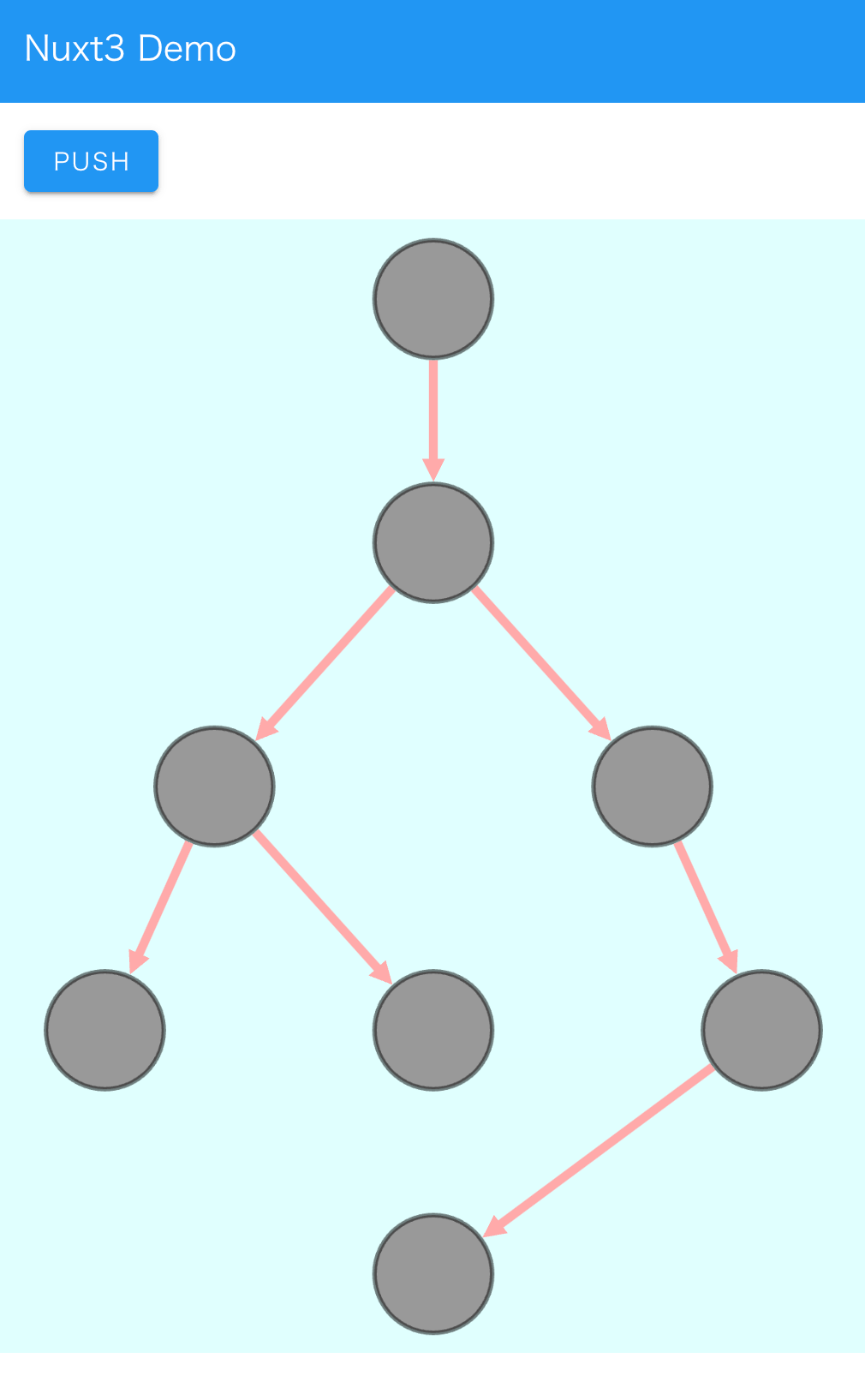
Overview I added a Cytoscape demo to a sample repository using Nuxt3 and Vuetify. https://github.com/nakamura196/nuxt3-demo You can check it working on the following page. https://nakamura196.github.io/nuxt3-demo/ Installation I ran the following. npm i cytoscape npm i @types/cytoscape Source Code <template> <div id="view"> <v-btn class="ma-4" color="primary" v-on:click="addNode">push</v-btn> <div id="cy"></div> </div> </template> <script setup lang="ts"> import cytoscape from "cytoscape"; let cy: any = null; // = ref(null); //reactive({}); //: any const count: number = 0; // = ref(0); //reactive(0); const addNode = () => { cy.add([ { group: "nodes", data: { id: "node" + count }, position: { x: 300, y: 200 }, }, { group: "edges", data: { id: "edge" + count, source: "node" + count, target: "cat" }, }, ]); }; onMounted(() => { cy = cytoscape({ container: document.getElementById("cy"), boxSelectionEnabled: false, autounselectify: true, style: cytoscape .stylesheet() .selector("node") .css({ height: 80, width: 80, "background-fit": "cover", "border-color": "#000", "border-width": 3, "border-opacity": 0.5, content: "data(name)", "text-valign": "center", }) .selector("edge") .css({ width: 6, "target-arrow-shape": "triangle", "line-color": "#ffaaaa", "target-arrow-color": "#ffaaaa", "curve-style": "bezier", }), elements: { nodes: [ { data: { id: "cat" } }, { data: { id: "bird" } }, { data: { id: "ladybug" } }, { data: { id: "aphid" } }, { data: { id: "rose" } }, { data: { id: "grasshopper" } }, { data: { id: "plant" } }, { data: { id: "wheat" } }, ], edges: [ { data: { source: "cat", target: "bird" } }, { data: { source: "bird", target: "ladybug" } }, { data: { source: "bird", target: "grasshopper" } }, { data: { source: "grasshopper", target: "plant" } }, { data: { source: "grasshopper", target: "wheat" } }, { data: { source: "ladybug", target: "aphid" } }, { data: { source: "aphid", target: "rose" } }, ], }, layout: { name: "breadthfirst", directed: true, padding: 10, }, }); }); </script> <style scoped> #cy { width: 100%; height: 80%; position: absolute; background-color: lightcyan; } </style> Summary I hope this is helpful. ...

Formatting and Syntax Highlighting XML in Nuxt3

Formatting and Syntax Highlighting XML in Nuxt3

Overview As shown in the following image, I had the opportunity to display XML text data using Nuxt3, so this is a memo. Installation I used the following two libraries. npm i xml-formatter npm i highlight.js Usage I created the following file as a Nuxt3 component. It formats XML strings with xml-formatter and then applies syntax highlighting with highlight.js. <script setup lang="ts"> import hljs from "highlight.js"; import "highlight.js/styles/xcode.css"; import formatter from "xml-formatter"; interface PropType { xml: string; } const props = withDefaults(defineProps<PropType>(), { xml: "", }); const formattedXML = ref<string>(""); onMounted(() => { // `highlightAuto` 関数が非同期でない場合は、 // `formattedXML` を直接アップデートできます。 // そうでない場合は、適切な非同期処理を行ってください。 formattedXML.value = hljs.highlightAuto(formatXML(props.xml)).value; }); const formatXML = (xmlstring: string) => { return formatter(xmlstring, { indentation: " ", filter: (node) => node.type !== "Comment", }); }; </script> <template> <pre class="pa-4" v-html="formattedXML"></pre> </template> <style> pre { /* 以下のスタイルは適切で、pre要素内のテキストの折り返しを制御しています。 */ white-space: pre-wrap; /* CSS 3 */ white-space: -moz-pre-wrap; /* Mozilla, 1999年から2002年までに対応 */ white-space: -pre-wrap; /* Opera 4-6 */ white-space: -o-pre-wrap; /* Opera 7 */ word-wrap: break-word; /* Internet Explorer 5.5+ */ } </style> Summary I hope this is helpful for visualizing TEI/XML data. ...