Home Articles Books Search About
日本語
Mirador Repository with Vertical Text Support for the Text Overlay Plugin

Mirador Repository with Vertical Text Support for the Text Overlay Plugin

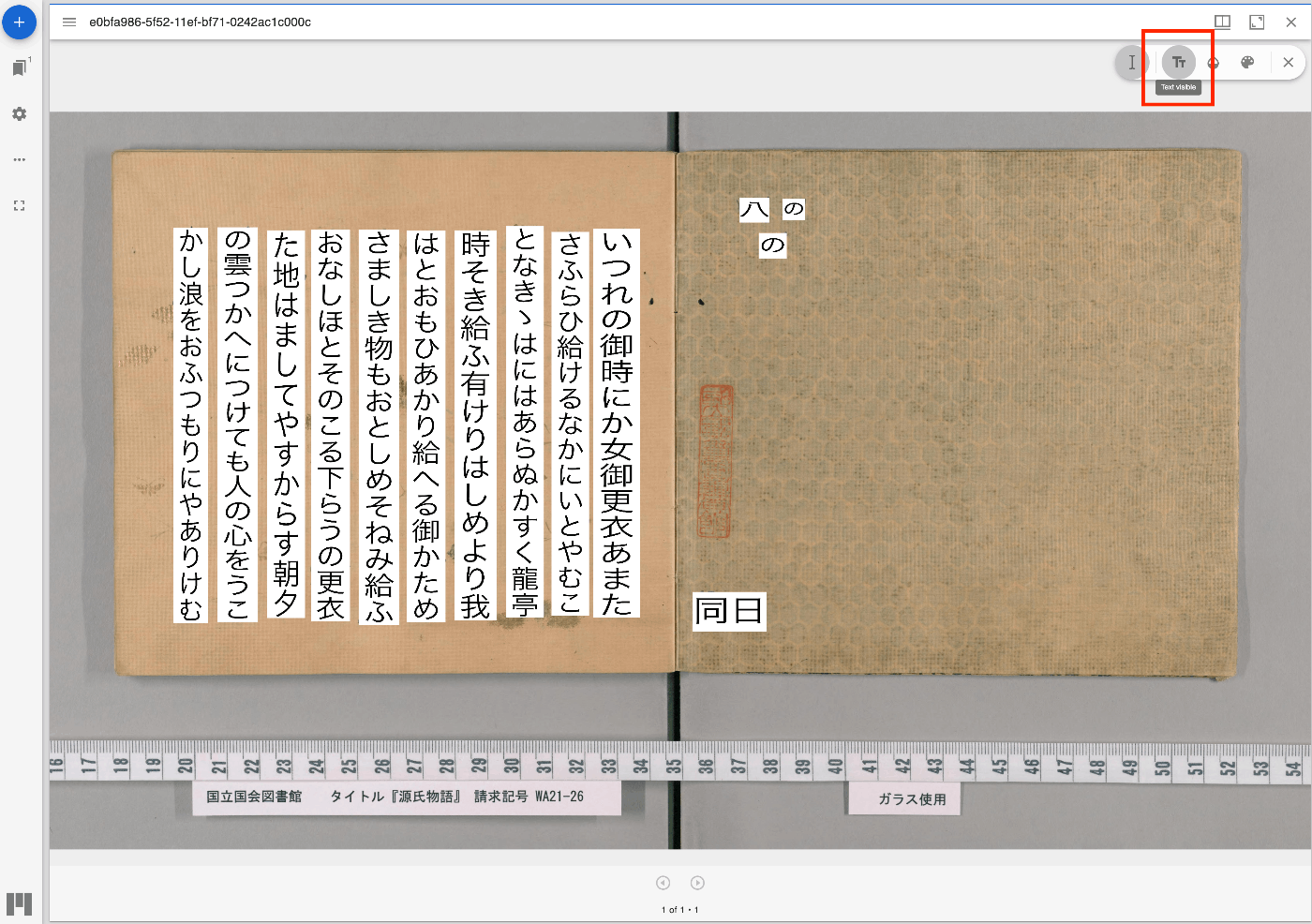
Overview I have updated the Mirador repository with the Text Overlay plugin that supports vertical text. https://github.com/nakamura196/mirador-integration-textoverlay References The original Text Overlay plugin repository is below. https://github.com/dbmdz/mirador-textoverlay Demo You can check the behavior on the following page. https://nakamura196.github.io/mirador-integration-textoverlay/ Press the “Text visible” button in the upper right to display the text. If it remains in a loading state, try reloading the page. References The Text Overlay plugin was added to Mirador 3 using the method introduced in the following article. ...

Trying the Mirador 3 Annotations Plugin with an IIIF Manifest Specified via URL Parameters

Trying the Mirador 3 Annotations Plugin with an IIIF Manifest Specified via URL Parameters

Overview I prepared a demo page where you can try the Mirador 3 annotations plugin with an IIIF manifest specified via URL parameters. https://mirador-annotations.vercel.app/ By using the iiif-content or manifest parameter, you can target a specified IIIF manifest. https://mirador-annotations.vercel.app/?iiif-content=https://dl.ndl.go.jp/api/iiif/1301543/manifest.json This article is a memo about creating this demo page. Background There is an annotation plugin for Mirador 3 called mirador-annotations. https://github.com/ProjectMirador/mirador-annotations I introduced usage examples in the following article. A demo page is already available at the following link, but it does not provide the ability to specify an IIIF manifest file via URL parameters. ...

Using Scroll View in Mirador 3

Using Scroll View in Mirador 3

Overview These are notes on how to use Scroll View in Mirador 3. The following example uses “Kagoshima Seitoki no Uchi: The Battle at Takase River Crossing - Nozu’s Brigade Recaptures the Regimental Flag” (held by the National Diet Library). This IIIF manifest consists of three canvases (images), and in the default display mode (Single), images are shown one at a time. Our goal is to display all three connected together. ...

Published the Mirador 4 Version of mirador-sync-windows Repository

Published the Mirador 4 Version of mirador-sync-windows Repository

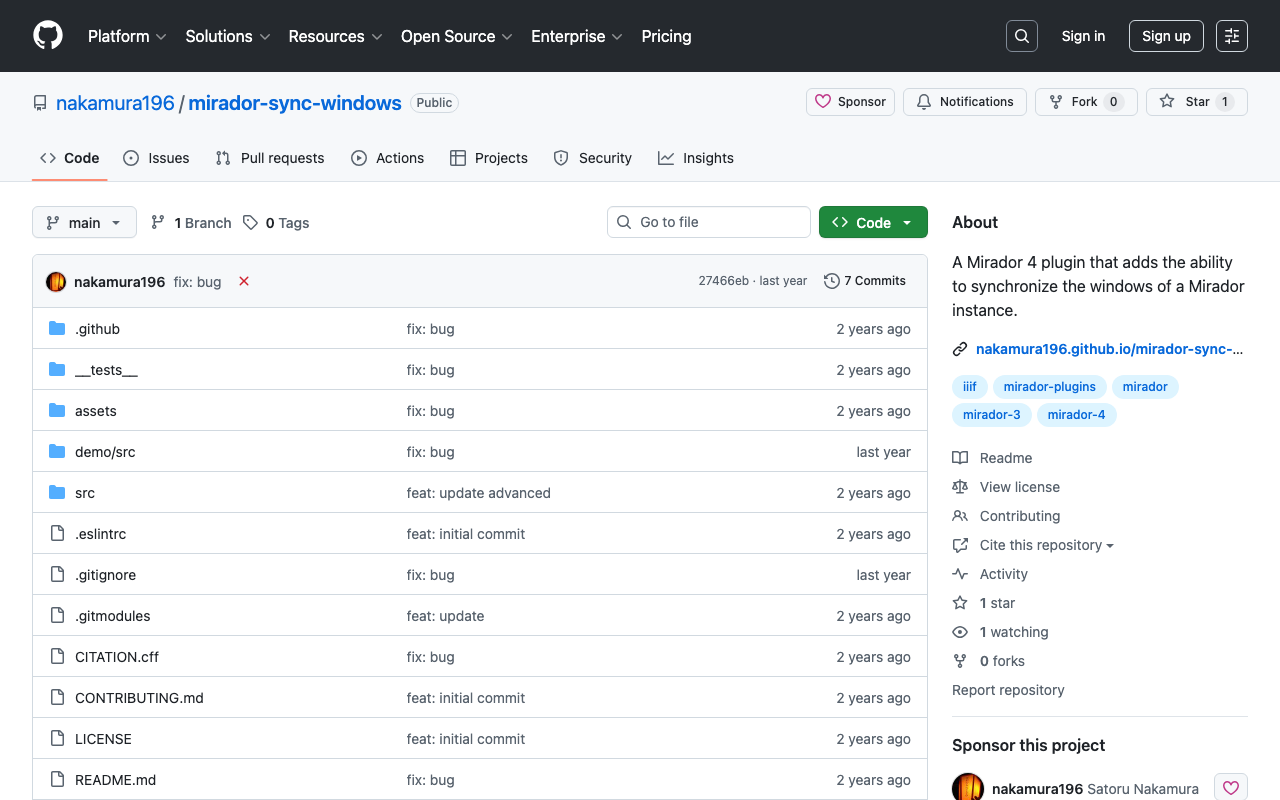
Overview In the following article, I introduced the creation of the Mirador 4 (3) version of mirador-sync-windows. This time, I am writing a quick note about publishing the repository for this plugin. Repository It is available at the following URL. https://github.com/nakamura196/mirador-sync-windows Demo Page You can try it out at the following URL. https://nakamura196.github.io/mirador-sync-windows/ Here are the configurations I made for publishing on GitHub Pages. webpack I made some changes to the following file. ...

Mirador 4 Plugin Development: Rotating Images at Arbitrary Angles

Mirador 4 Plugin Development: Rotating Images at Arbitrary Angles

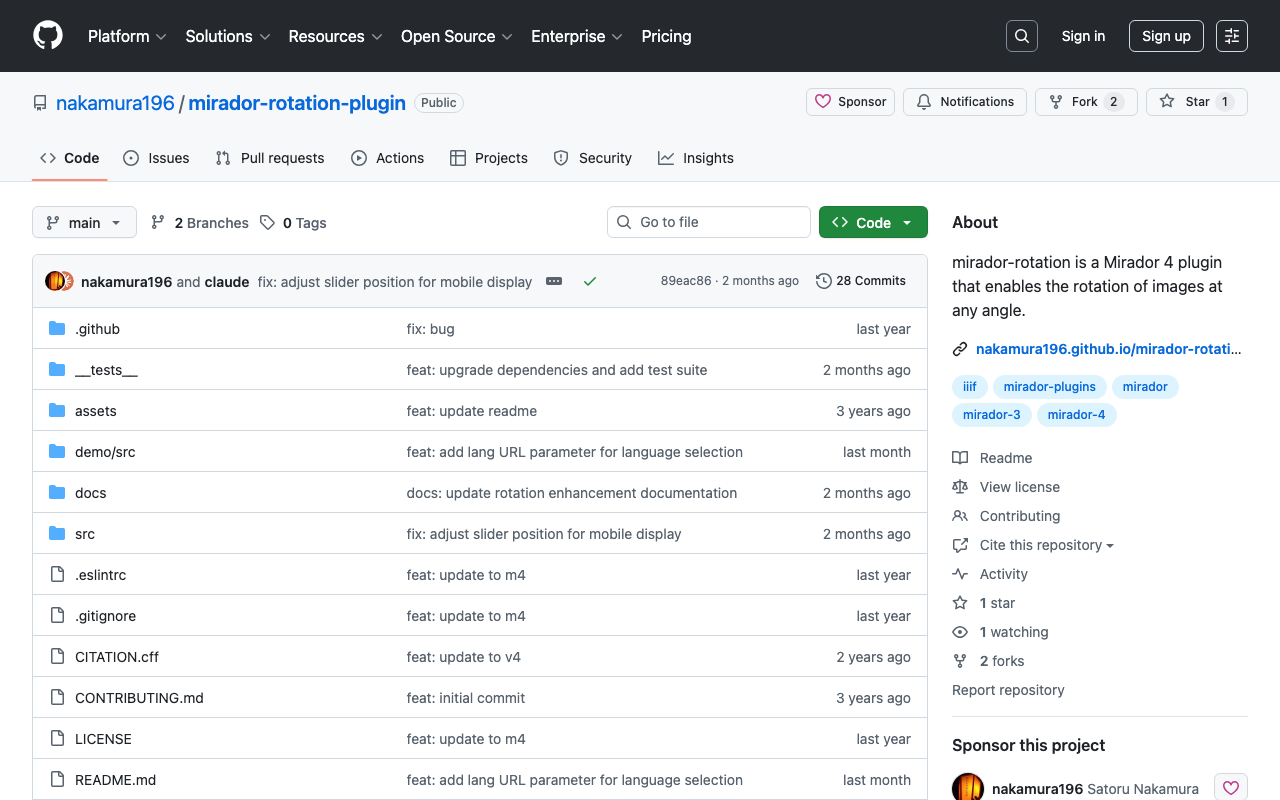
Overview I created a plugin for Mirador 4 that allows rotating images at arbitrary angles. https://github.com/nakamura196/mirador-rotation-plugin You can check the behavior at the following URL. https://nakamura196.github.io/mirador-rotation-plugin/ Background I had been developing this plugin for Mirador 3, but Mirador 4 was pre-released on 2024/3/15. https://github.com/ProjectMirador/mirador/releases/tag/v4.0.0.alpha-1 The latest version of Mirador 3, v3.3.0, was released in 2021, so the libraries it used had become outdated. With this update, development has become easier. ...

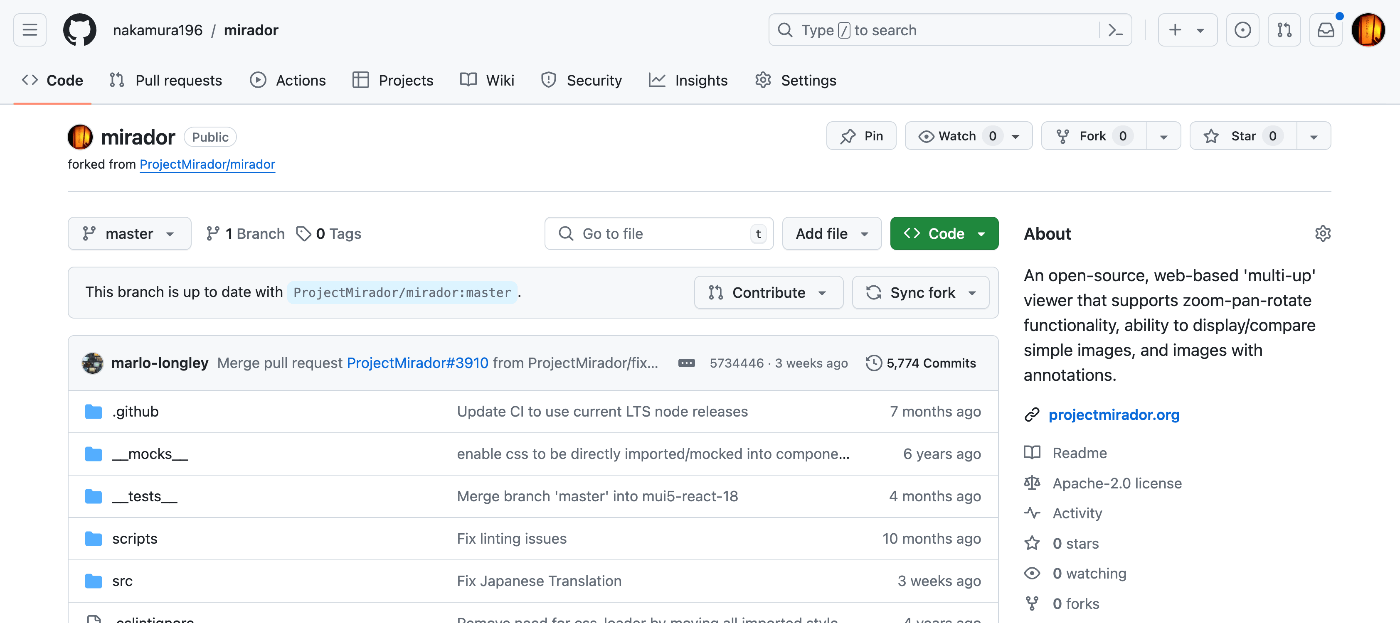
Publishing a Customized Mirador 4 as an npm Package

Publishing a Customized Mirador 4 as an npm Package

Overview I had the opportunity to publish a customized Mirador 4 as an npm package, so this is a memo of the process. Fork Fork the repository from the following official site. https://github.com/projectmirador/mirador The result looks like this: Create a Branch Clone and create a branch. git clone https://github.com/nakamura196/mirador cd mirador git checkout -b feature-add-immediately-property The following output appears: Switched to a new branch 'feature-add-immediately-property' Development Make modifications as introduced in the following article. ...

Examining Zoom, Scale, and Rotation Behavior in Mirador 4

Examining Zoom, Scale, and Rotation Behavior in Mirador 4

Overview I needed to change the zoom, scale, and rotation behavior of Mirador 4, so this is a memo on how to make those changes. Setup Start Mirador 4 locally with the following commands. git clone https://github.com/projectmirador/mirador cd mirador pnpm i pnpm start It starts on port 4444. Customizing the zoomIn Processing As an example, let’s modify the processing when the zoomIn button is clicked as follows. ... handleZoomInClick() { const { windowId, updateViewport, viewer } = this.props; updateViewport(windowId, { // zoom: viewer.zoom * 2, zoom: viewer.zoom * 1.1, // added rotation: viewer.rotation + 5, // added x: viewer.x * 1.1, // added y: viewer.y * 1.1, // added }); } ... As a result, when pressing the zoomIn button, you can see that zoom and rotation occur while the center shifts slightly. ...

Verifying the Behavior of Mirador 2 Plugins

Verifying the Behavior of Mirador 2 Plugins

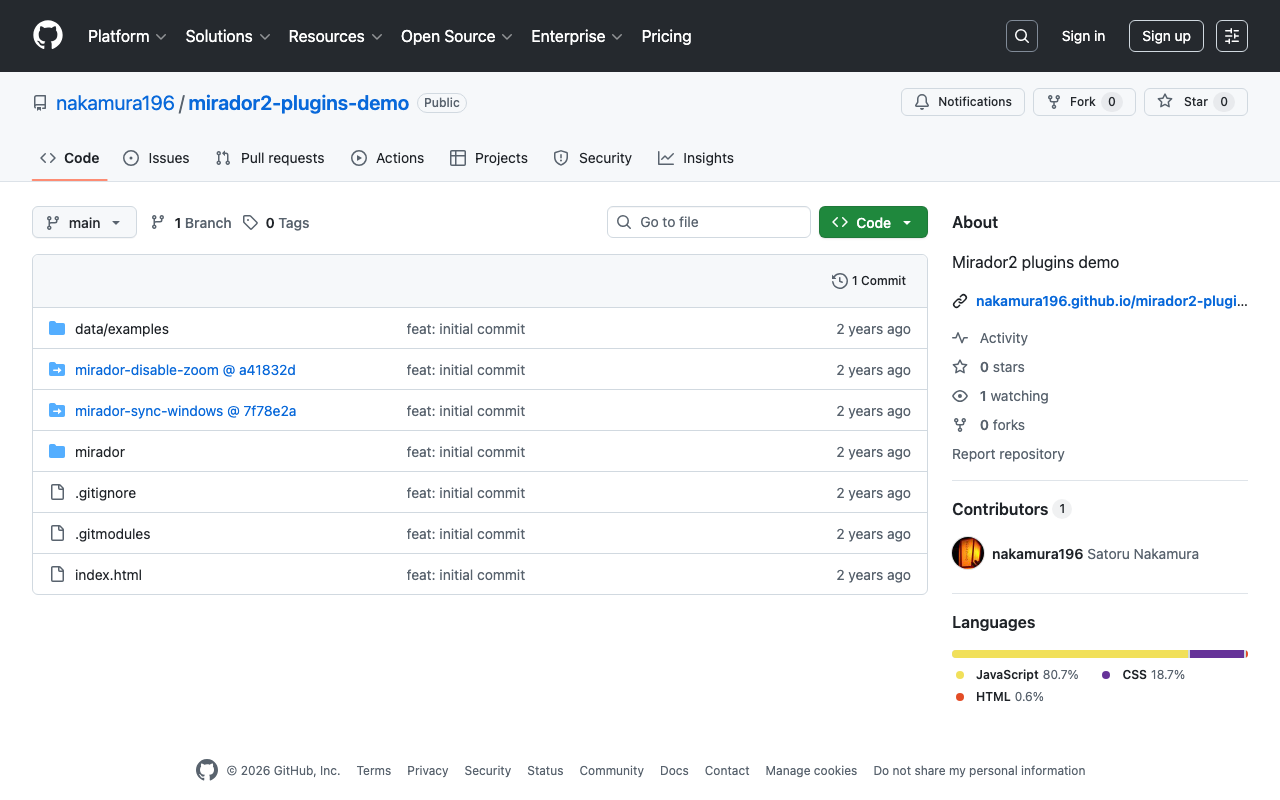
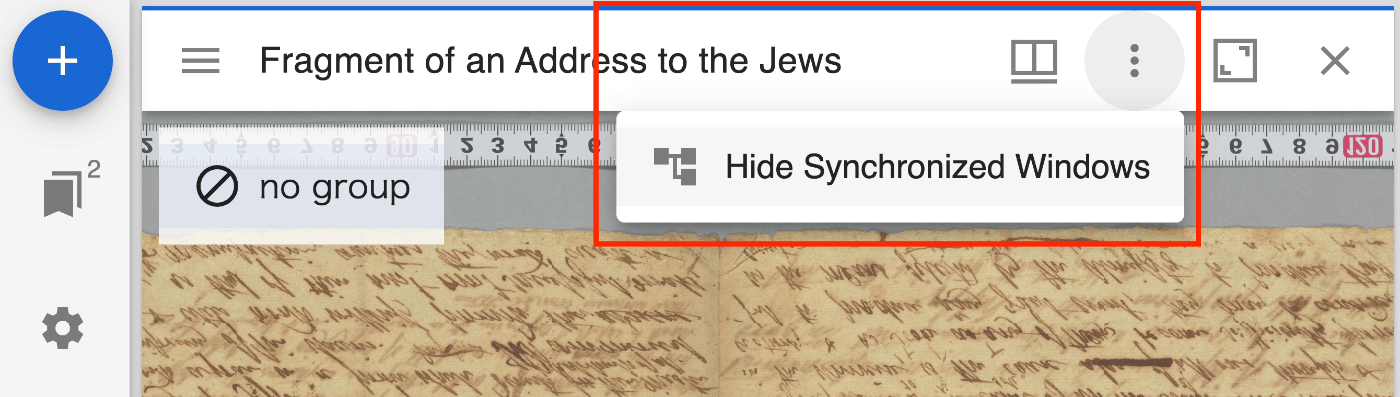
Overview I created a repository for verifying the behavior of Mirador 2 plugins. https://github.com/nakamura196/mirador2-plugins-demo You can try it from the following URL. https://nakamura196.github.io/mirador2-plugins-demo/ A working example with sample data is as follows. https://nakamura196.github.io/mirador2-plugins-demo/?manifest=https://nakamura196.github.io/mirador2-sync-windows/data/examples/org.json;https://nakamura196.github.io/mirador2-sync-windows/data/examples/inf.json The purpose of creating this repository was to verify the behavior of plugins developed for Mirador 2 in order to port them to Mirador 3. Plugins mirador-sync-windows The mirador-sync-windows plugin introduced in the following article is enabled. ...

Developing a Zoom Disable Plugin for Mirador 3 (4)

Developing a Zoom Disable Plugin for Mirador 3 (4)

Overview I created a plugin for Mirador 3 (actually Mirador 4) that disables zoom operations. https://github.com/nakamura196/mirador-disable-zoom/ Here is a demo video. https://youtu.be/RN2V4b7IYoI You can try it at the following URL. https://nakamura196.github.io/mirador-disable-zoom/ This plugin is based on the following plugin created by UCLA Library for Mirador 2. https://github.com/UCLALibrary/mirador-disable-zoom This time, I will note some findings from developing this plugin. Specifying the Target The target property allows you to specify where to place the plugin button. In this case, by specifying WindowTopBarPluginArea, I was able to display the icon directly on the per-window bar. ...

Created an M3 Version of mirador-sync-windows

Created an M3 Version of mirador-sync-windows

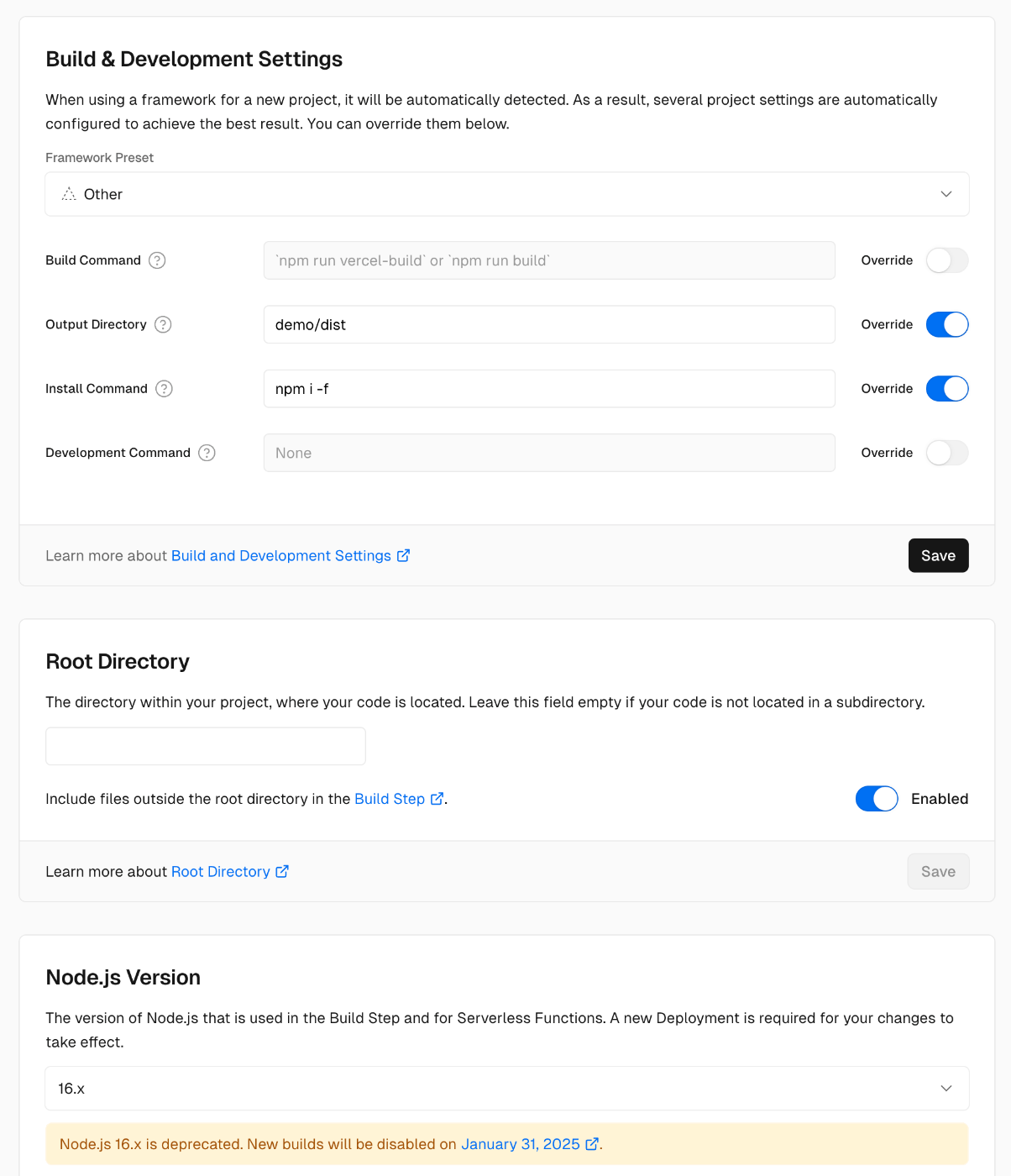
Overview In the following article, I introduced mirador-sync-windows, a plugin for Mirador 2. This time, I updated the above functionality for Mirador 3 (actually Mirador 4). The behavior is still somewhat unstable, but you can try it at the following link. https://mirador-sync-windows.vercel.app/ Deploying to Vercel Development was based on the Mirador 4-compatible branch of the mirador-image-tools plugin. https://github.com/ProjectMirador/mirador-image-tools/tree/mirador4-compat-clean The above project provides the following commands: { ... "scripts": { "build": "npm run build:umd", "build:demo": "NODE_ENV=development webpack --mode=development", "build:umd": "NODE_ENV=production webpack --mode=production", "build:es": "mkdir -p es && cp -r src/* es && NODE_ENV=production MODULE_FORMAT=es npx babel es -d es", "build:cjs": "mkdir -p lib && cp -r src/* lib && NODE_ENV=production MODULE_FORMAT=cjs npx babel lib -d lib", "clean": "rm -rf ./umd && rm -rf ./es && rm -rf ./lib && rm -rf ./demo/dist", "lint": "eslint ./src ./__tests__", "prepublishOnly": "npm run clean && npm run build:es && npm run build:cjs && npm run build", "start": "NODE_ENV=development webpack serve --open", "test": "npm run lint && jest", "test:coverage": "jest --coverage", "test:watch": "jest --watch" }, ... } Based on the above commands, I modified the Vercel deployment settings as follows: ...

Trying Out mirador-sync-windows

Trying Out mirador-sync-windows

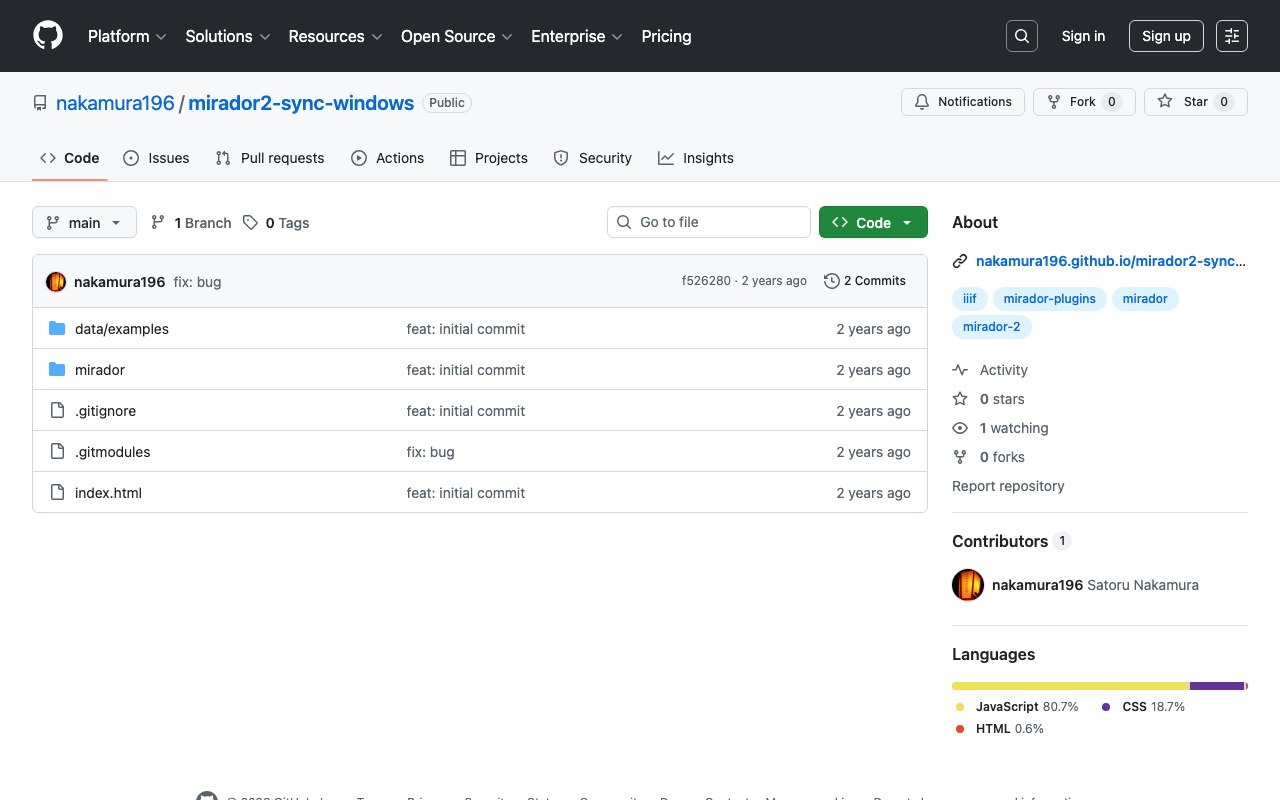
Overview mirador-sync-windows is described as follows. https://github.com/UCLALibrary/mirador-sync-windows When comparing multiple nearly identical images, such as different spectral images of the same object, it is helpful to apply actions simultaneously across multiple windows. Here is a usage demo: https://youtu.be/Ls2zvJpSRlc Note that this is a plugin for Mirador 2, and the repository has been archived. This time, I created a repository for trying out mirador-sync-windows, so I will introduce it. ...

Trying Mirador 2's Physical Document Ruler

Trying Mirador 2's Physical Document Ruler

Overview IIIF’s Linking to External Services includes Physical Dimensions. https://iiif.io/api/annex/services/#physical-dimensions It is described as follows. For digitized objects, it is often useful to know the physical dimensions of the object. When available, they allow a client to present a ruler, or other rendition of physical scale, to the user. For Mirador ver.2 and ver.3, the following plugins exist respectively. ver.2 https://github.com/dbmdz/mirador-plugins#physical-document-ruler ver.3 https://github.com/ubleipzig/mirador-ruler-plugin Unfortunately, I was unable to successfully introduce the ver.3 plugin. Therefore, I will explain how to use the Physical Document Ruler with Mirador 2. ...

Mirador 3 Plugin Development: Adding Vertical Text Support to the Text Overlay Plugin

Mirador 3 Plugin Development: Adding Vertical Text Support to the Text Overlay Plugin

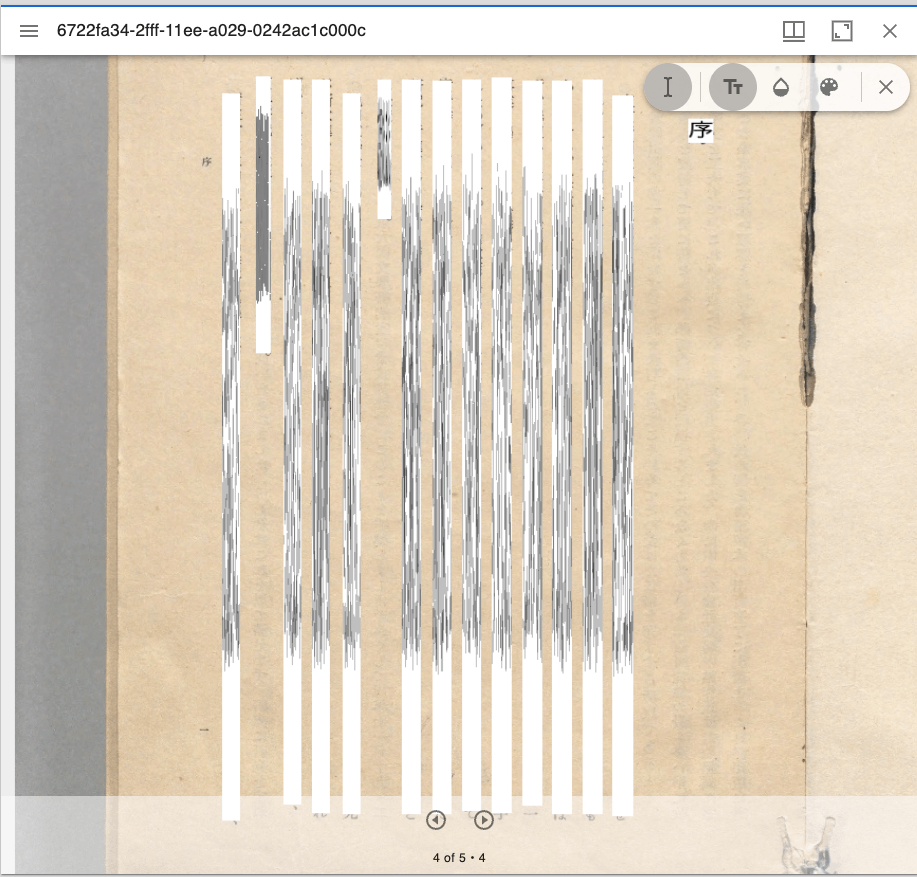
Overview Text Overlay plugin for Mirador 3 is a Mirador 3 plugin that displays selectable text overlays based on OCR or transcription. https://github.com/dbmdz/mirador-textoverlay A demo page is available at the following link. https://mirador-textoverlay.netlify.app/ However, when trying to display vertical text such as Japanese, it didn’t display correctly, as shown below. So I forked the above repository and made it possible to display vertical text as well. The source code is published in the following repository. (I hope to consider a pull request in the future.) ...

Trying the mirador-annotations Plugin and SimpleAnnotationServer with Mirador 3

Trying the mirador-annotations Plugin and SimpleAnnotationServer with Mirador 3

Overview mirador-annotations is a Mirador 3 plugin that adds annotation creation tools. https://github.com/ProjectMirador/mirador-annotations This time, I tried combining it with the following SimpleAnnotationServer, and this is a memorandum of the process. https://github.com/glenrobson/SimpleAnnotationServer Preparing SimpleAnnotationServer Follow the Getting Started guide below. https://github.com/glenrobson/SimpleAnnotationServer#getting-started When you access http://localhost:8888/index.html, the following screen is displayed. The endpoint appears to be http://localhost:8888/annotation/, which displays a list of registered annotations (initially empty). This endpoint will be used from Mirador 3. ...

Mirador 3 Plugin Development: Creating a Layer Slideshow

Mirador 3 Plugin Development: Creating a Layer Slideshow

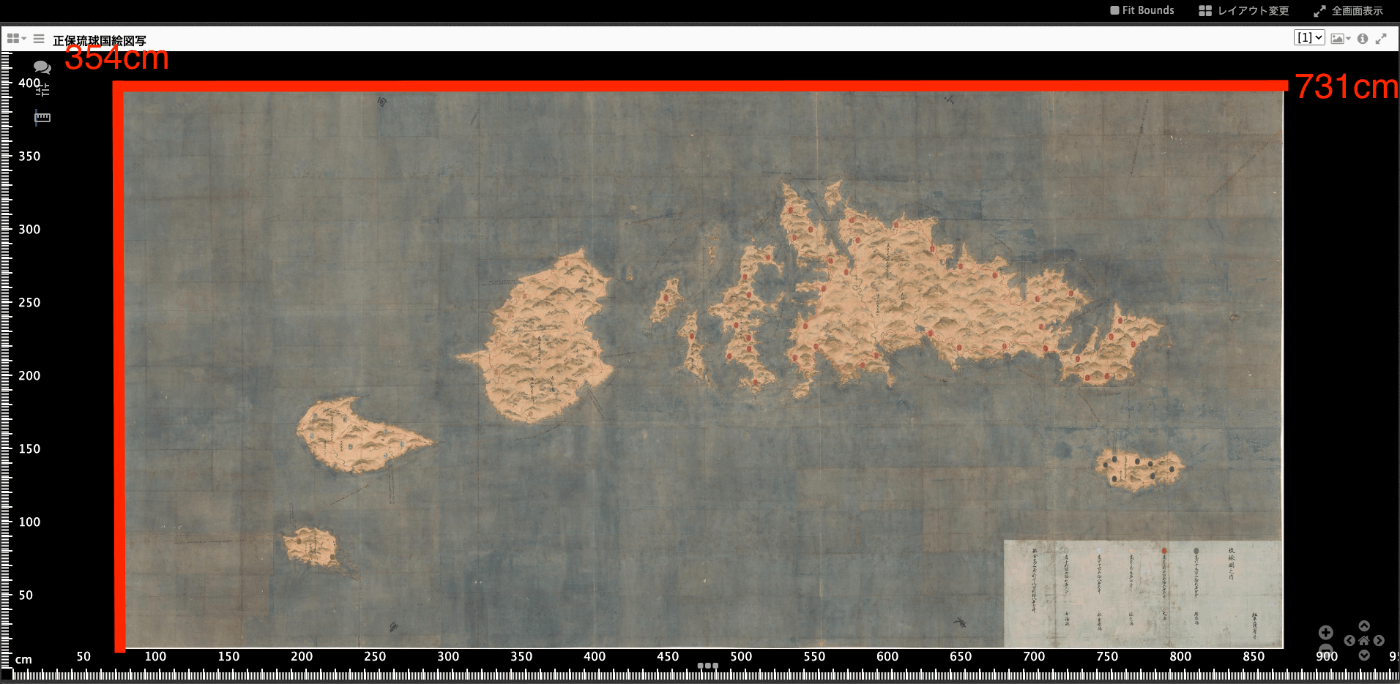
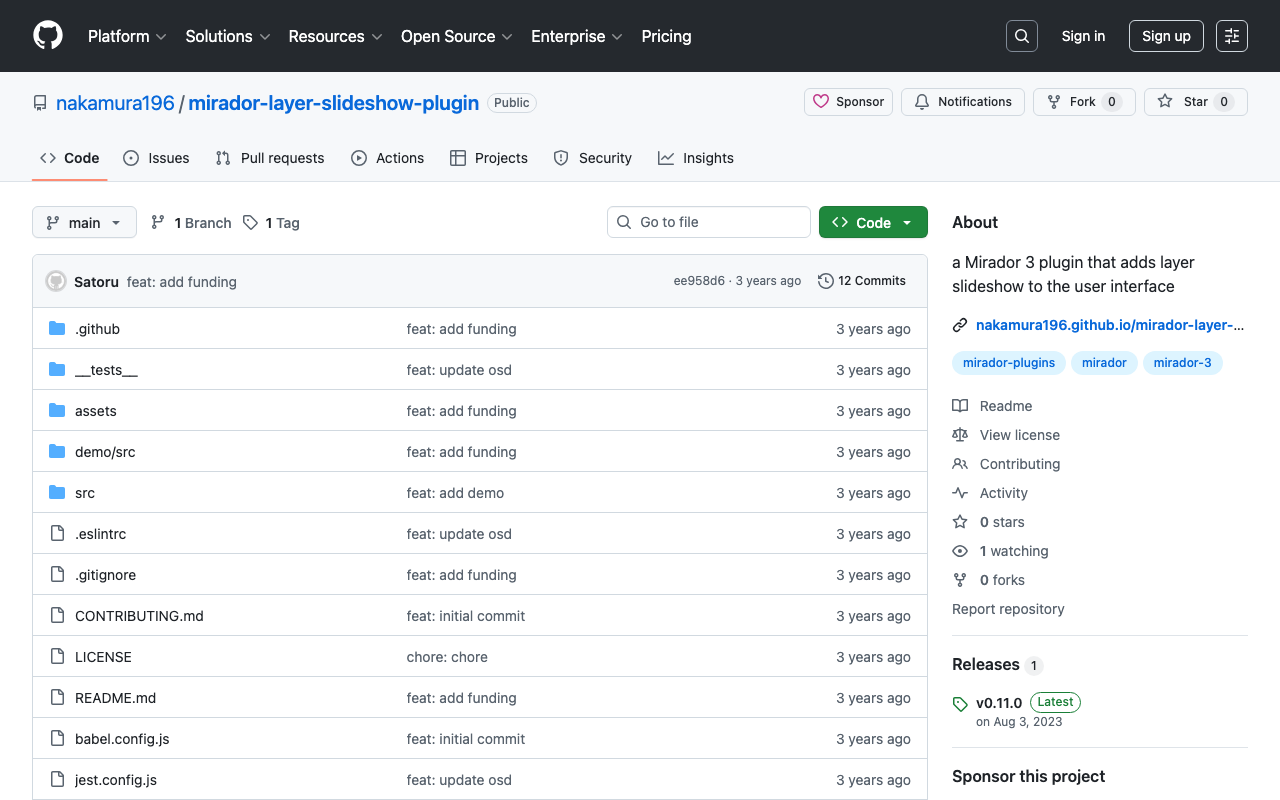
Overview I developed a Mirador 3 plugin that performs layer slideshows. https://youtu.be/r1ShHGqCs24 As described in the following article, I previously achieved this through customization of Mirador 2. The article below attempts a IIIF implementation of “Okiezu” (illustrated maps). https://nakamura196.hatenablog.com/entry/2020/08/14/073700 This time, I attempted to develop it as a Mirador 3 plugin. Repository https://github.com/nakamura196/mirador-layer-slideshow-plugin Demo Site https://nakamura196.github.io/mirador-layer-slideshow-plugin/ Summary There is much room for improvement, but I hope this serves as a useful reference. ...

Mirador 3 Plugin Development: Copying a Window

Mirador 3 Plugin Development: Copying a Window

Overview I created a plugin for Mirador 3 that copies a window. Note that this functionality is already provided by the following plugin. https://github.com/ProjectMirador/mirador-plugin-demos Therefore, this plugin was created to learn the plugin development process. I hope this plugin serves as a useful reference from that perspective. Here is a screenshot. The source code is available here. https://github.com/nakamura196/mirador-copy-window-plugin The demo site is available here. https://nakamura196.github.io/mirador-copy-window-plugin/ Development Notes For developing this plugin, I first cloned the following repository and made modifications to it. ...

Zooming to Meet Viewport Constraints in Mirador 3

Zooming to Meet Viewport Constraints in Mirador 3

Overview To zoom to a specific area in Mirador 3, you can use the method described below. https://github.com/ProjectMirador/mirador/wiki/M3---Mirador-3-Frequently-Asked-Questions#q-how-do-i-change-the-view-of-an-image-to-zoom-to-a-certain-area Specifically, it looks like this. // Box to zoom to const boxToZoom = { x: 1420, y: 1831, width: 800, height: 1195 }; const zoomCenter = { x: boxToZoom.x + boxToZoom.width / 2, y: boxToZoom.y + boxToZoom.height / 2 }; var action = Mirador.actions.updateViewport(windowId, { x: zoomCenter.x, y: zoomCenter.y, zoom: 1 / boxToZoom.width }); miradorInstance.store.dispatch(action); Internally, it appears that OpenSeadragon’s panTo and zoomTo are used. The issue here is that zoomTo ignores constraints when zooming, as described in the following article. ...

Guide to the IIIF Mirador 2 Annotation Interface

Guide to the IIIF Mirador 2 Annotation Interface

Overview This article explains (part of) how to use the annotation interface in IIIF Mirador 2. Creating Rectangle Annotations https://www.youtube.com/watch?v=jny09nLZvLU Creating Path (Polygon) Annotations To finish an annotation, double-click. https://www.youtube.com/watch?v=4cM-6-rXL9M Editing Existing Annotations https://www.youtube.com/watch?v=HlE36inbgq4 Deleting Existing Annotations https://www.youtube.com/watch?v=STk2vjLc_-k Summary I hope this is helpful when creating annotations using IIIF Mirador 2.

Created an Image Comparison Tool Using Mirador 3

Created an Image Comparison Tool Using Mirador 3

I created an image comparison tool using Mirador 3. The URL is as follows. https://ldas-jp.github.io/viewer/input/ The GitHub repository URL is as follows. https://github.com/ldas-jp/viewer Below is the input form. You specify the URLs of the IIIF manifest files and the Canvas URIs for the images you want to compare. You can check input examples by clicking the buttons under “Examples.” Clicking the “Open” button launches Mirador 3 as shown below. You can compare images based on the input information. ...

How to Add the mirador-image-tools Plugin to Mirador 3 and Bundle It into a Single JS File for Distribution

How to Add the mirador-image-tools Plugin to Mirador 3 and Bundle It into a Single JS File for Distribution

Overview As the title suggests, this article describes how to add plugins such as mirador-image-tools to Mirador 3 and bundle them into a single JS file for distribution. Due to my limited knowledge of JavaScript, there may be some inaccuracies. I would appreciate it if you could point out any mistakes. Goal The goal is to create an application like the one at the following URL by writing an HTML file as shown below. It uses Mirador 3 with the mirador-image-tools plugin enabled. ...