"Image Collection Management" Tool Usage Guide
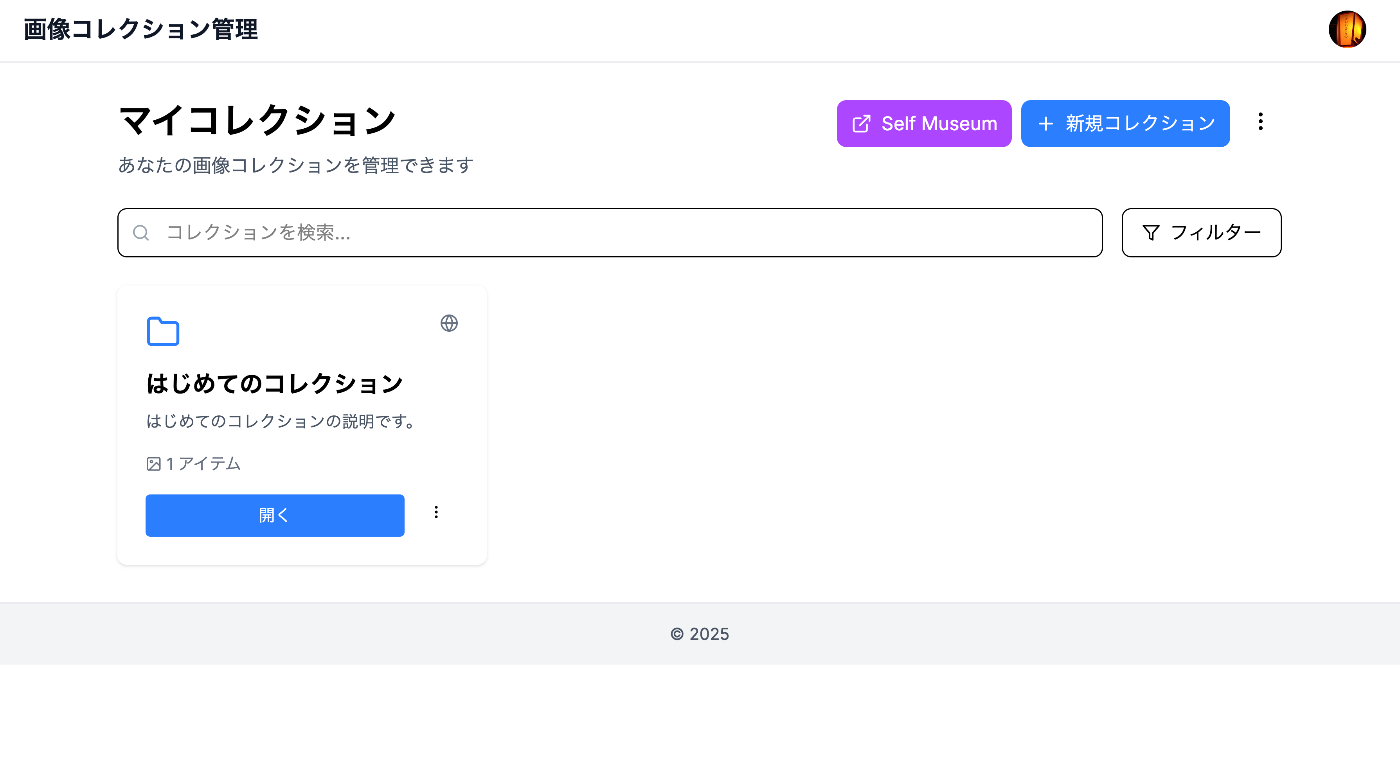
Overview I created an “Image Collection Management” tool designed to make it easy to try out IIIF features. https://pocket.webcatplus.jp https://pocket.webcatplus.jp/ This article introduces how to use this tool. Collection Management Creating a Collection Click the “New Collection” button on the dashboard Enter the required information: Collection Name (required): Give it a descriptive name Description (optional): Describe the collection’s contents Visibility Setting: Choose public or private Click “Create” Editing a Collection Click the “…” menu on the collection you want to edit from the collection list Select “Edit” Update the information and click “Save” Deleting a Collection Click the “…” menu on the collection you want to delete from the collection list Select “Delete” Click “Delete” in the confirmation dialog Warning: Deleting a collection will also delete all items it contains. ...