Home Articles Books Search About
日本語
NDL Classical Text OCR Using Google Colab

NDL Classical Text OCR Using Google Colab

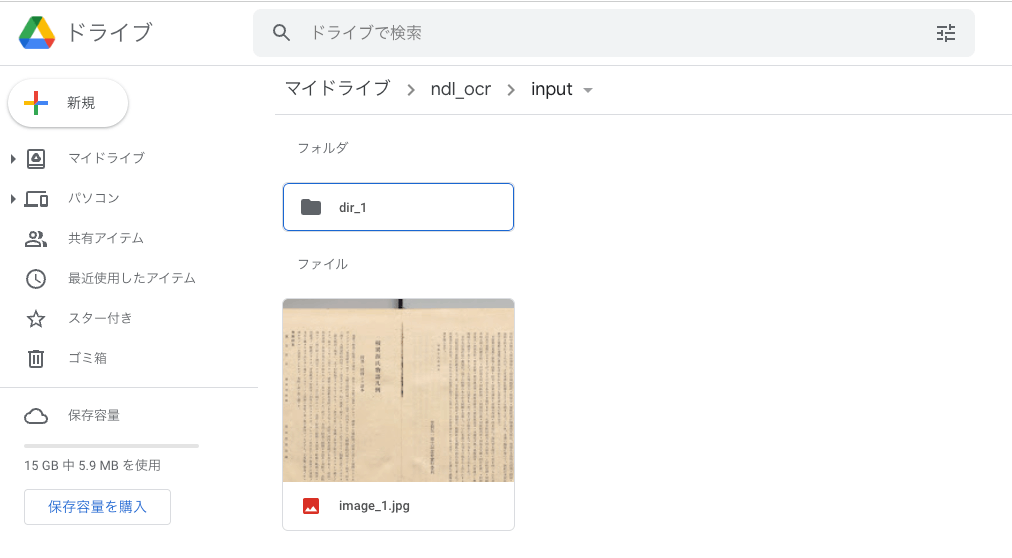
Overview I created an NDL “Classical Text” OCR application using Google Colab. You can try it at the following URL. https://colab.research.google.com/github/nakamura196/ndl_ocr/blob/main/NDL古典籍OCRの実行例.ipynb The description of NDL Classical Text OCR is as follows. https://github.com/ndl-lab/ndlkotenocr_cli The notebook was created with reference to @blue0620’s notebook. Thank you! https://twitter.com/blue0620/status/1617888733323485184 In the notebook I created, I added support for additional input formats and a feature to save to Google Drive. How to Use The usage is almost the same as the NDLOCR application. Please refer to the following video. ...

Workaround for HuggingFace Trainer() Not Starting When Using Vertex AI Workbench

Workaround for HuggingFace Trainer() Not Starting When Using Vertex AI Workbench

I encountered an issue where HuggingFace’s Trainer() would not start when using Google Cloud’s Vertex AI Workbench. A similar bug was reported on the following page: https://stackoverflow.com/questions/73415068/huggingface-trainer-does-nothing-only-on-vertex-ai-workbench-works-on-colab Initially, I had selected the “PyTorch” environment as shown below, and this is where the bug occurred: As described in the article above, switching to the “Python” environment resolved the issue: Note that when using this environment, you first need to run the following: ...

Building an Inference App Using Hugging Face Spaces and a YOLOv5 Model (Trained on the NDL-DocL Dataset)

Building an Inference App Using Hugging Face Spaces and a YOLOv5 Model (Trained on the NDL-DocL Dataset)

Overview I created an inference app using Hugging Face Spaces and the YOLOv5 model (trained on the NDL-DocL dataset) introduced in the following article. You can try it at the following URL. https://huggingface.co/spaces/nakamura196/yolov5-ndl-layout You can also download the source code and trained model from the following URL. We hope this serves as a reference when developing similar applications. https://huggingface.co/spaces/nakamura196/yolov5-ndl-layout The application development referenced the following Space. https://huggingface.co/spaces/pytorch/YOLOv5 Usage You can upload an image or select one from the Examples. The recognition results can be viewed as shown below. ...

Execution Time for NDLOCR Using Google Colab

Execution Time for NDLOCR Using Google Colab

I recently wrote the following article: This time, I conducted a brief investigation on the execution time of NDLOCR using Google Colab, and here are the results. Configuration The GPU used was: Fri Apr 29 06:26:29 2022 +-----------------------------------------------------------------------------+ | NVIDIA-SMI 460.32.03 Driver Version: 460.32.03 CUDA Version: 11.2 | |-------------------------------+----------------------+----------------------+ | GPU Name Persistence-M| Bus-Id Disp.A | Volatile Uncorr. ECC | | Fan Temp Perf Pwr:Usage/Cap| Memory-Usage | GPU-Util Compute M. | | | | MIG M. | |===============================+======================+======================| | 0 Tesla V100-SXM2... Off | 00000000:00:04.0 Off | 0 | | N/A 35C P0 23W / 300W | 0MiB / 16160MiB | 0% Default | | | | N/A | +-------------------------------+----------------------+----------------------+ +-----------------------------------------------------------------------------+ | Processes: | | GPU GI CI PID Type Process name GPU Memory | | ID ID Usage | |=============================================================================| | No running processes found | +-----------------------------------------------------------------------------+ The following image was used. The size was 5000 x 3415 px, 1.1 MB: ...

Running the NDL Lab Automatic Figure/Table Extraction Program Using Google Colab

Running the NDL Lab Automatic Figure/Table Extraction Program Using Google Colab

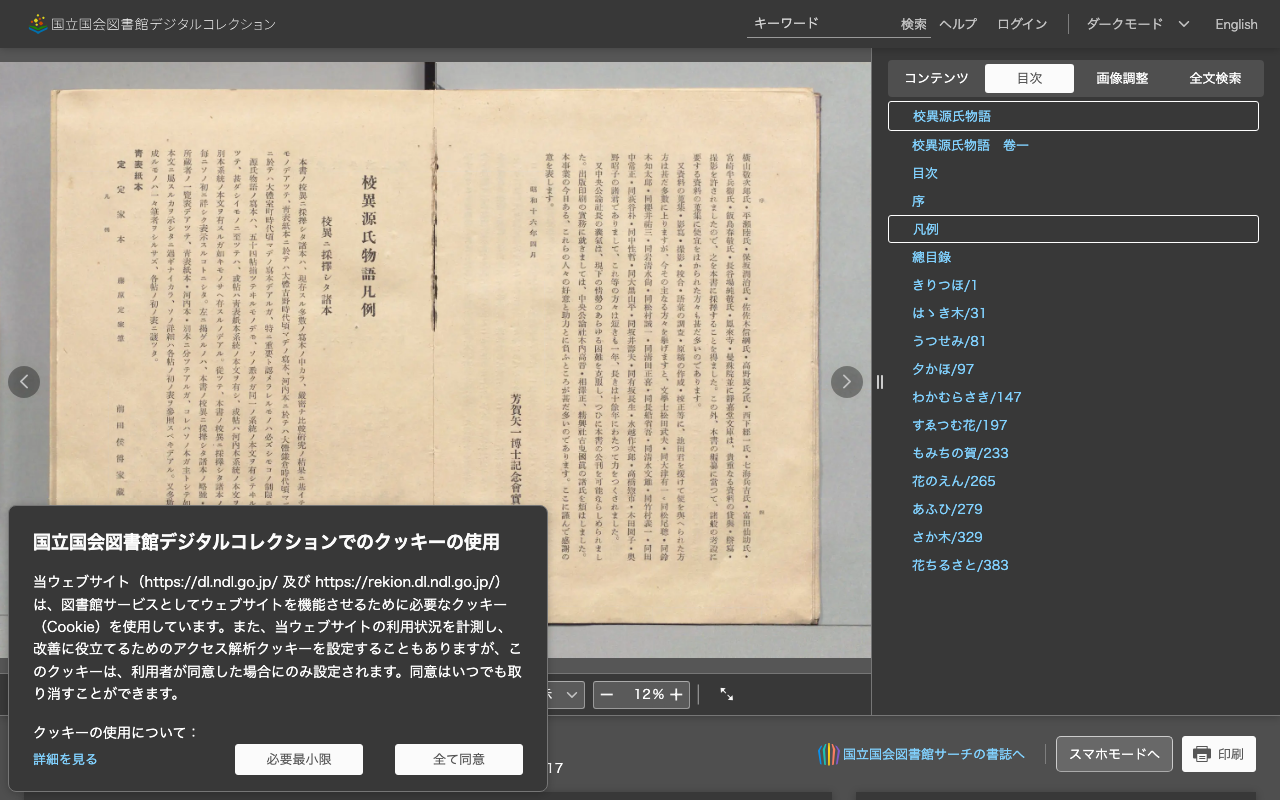
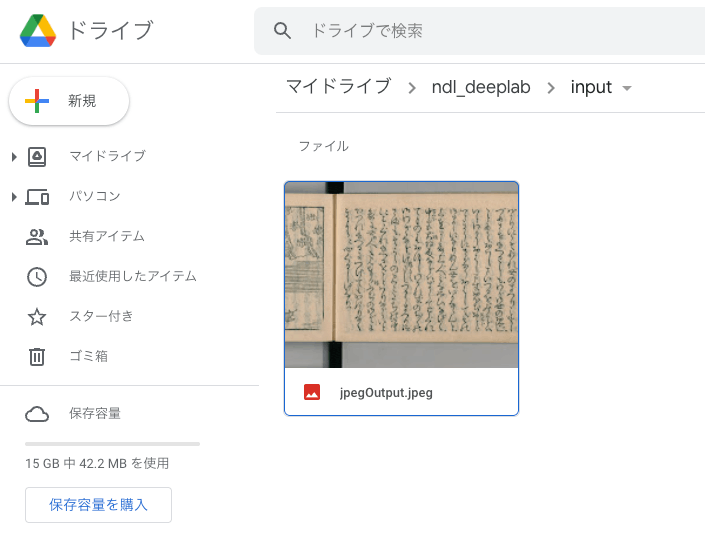
Overview NDL Lab publishes the following automatic figure/table extraction program. https://github.com/ndl-lab/tensorflow-deeplab-v3-plus This time, I summarize how to use Google Colab for the above program, including the procedures for inputting images via Google Drive and saving results. Notebook The Google Colab notebook created this time can be accessed from the following. https://colab.research.google.com/github/nakamura196/ndl_ocr/blob/main/ndl_deeplab.ipynb By preparing a folder of input images on Google Drive, you can execute the automatic figure/table extraction process. For basic operation instructions, please check the explanations within the notebook above. Below, I introduce execution examples. ...

Running NDLOCR App with Google Colab (Image Input and Result Saving via Google Drive)

Running NDLOCR App with Google Colab (Image Input and Result Saving via Google Drive)

Overview Previously, I shared a method for running the NDLOCR app using Google Cloud Platform’s Compute Engine. However, the above method involves somewhat cumbersome procedures and incurs costs. While it is suitable for production environments, it presented a high barrier for small-scale or experimental use. To address this issue, @blue0620 created a method for running the NDLOCR app using Google Colab. https://twitter.com/blue0620/status/1519294332159012864 By using the above notebook, you can easily (with one click from “Runtime” > “Run all”) and freely run OCR. ...

Running the NDLOCR Application Using Google Cloud Platform Compute Engine

Running the NDLOCR Application Using Google Cloud Platform Compute Engine

Overview This is a memo about running the NDLOCR application published by NDL (National Diet Library) using a virtual machine on GCP (Google Cloud Platform). For details about this application, please refer to the following repository. https://github.com/ndl-lab/ndlocr_cli Creating a VM Instance Access Compute Engine on GCP and click the “Create Instance” button at the top of the screen. Under “Machine configuration” > “Machine family”, select “GPU”. Then for “GPU type”, select “NVIDIA T4”, which is the most affordable option. Set “Number of GPUs” to 1. ...

How to Use a Flask-Based YOLOv5 Model Repository with ECR and AWS App Runner

How to Use a Flask-Based YOLOv5 Model Repository with ECR and AWS App Runner

This article introduces an example of building an object detection API using AWS App Runner and YOLOv5. Amazon ECR I registered the following repository, which publishes a YOLOv5 model using Flask, to the Amazon ECR (Elastic Container Registry) public registry. https://github.com/robmarkcole/yolov5-flask https://gallery.ecr.aws/b8m8i5m3/yolov5-flask I made some modifications to the source code from the original repository. The forked repository is here: https://github.com/ldasjp8/yolov5-flask Below, I will explain how to use this image with App Runner as an example. ...