Home Articles Books Search About
日本語
Creating Pyramidal Tiled TIFFs with vips and Comparing Compression Methods

Creating Pyramidal Tiled TIFFs with vips and Comparing Compression Methods

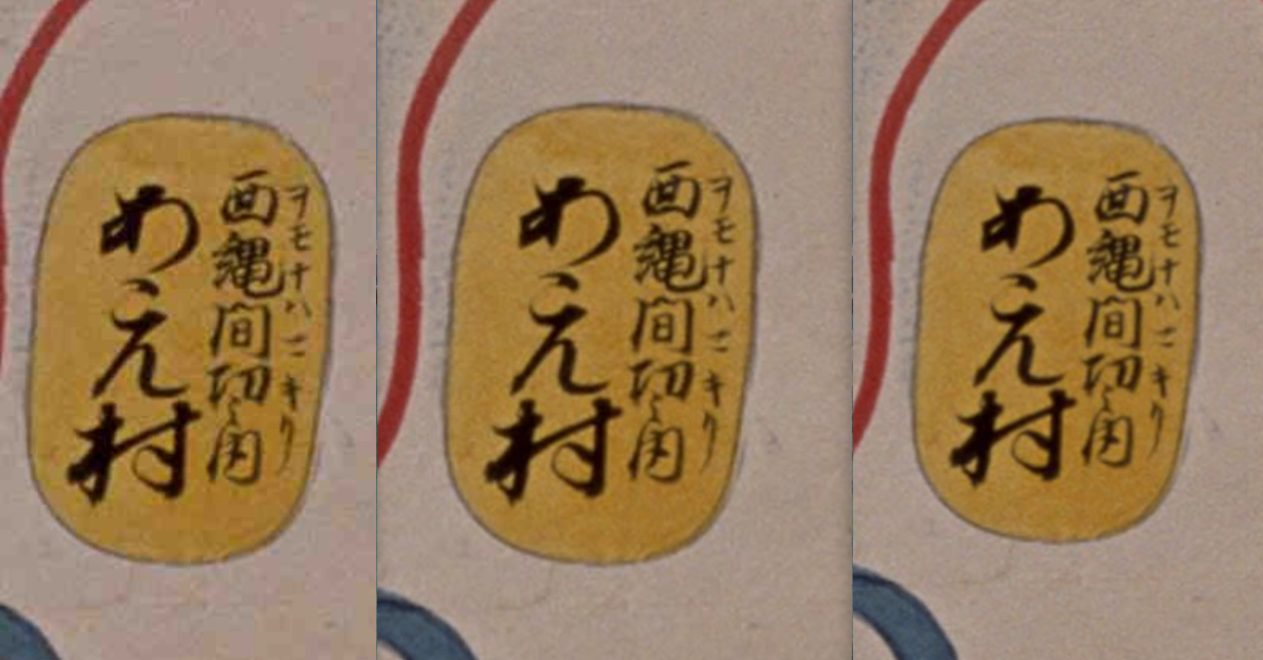
Introduction To comfortably view high-resolution images on the web, pyramidal structures (multiple resolutions) and tile segmentation are essential. In this article, we used vips to create pyramidal tiled TIFFs from JPEG2000 images and compared the file sizes of various compression methods. Test Environment vips 8.17.3 macOS (darwin) Source image: 764029-1.jp2 (274MB) Source: National Archives of Japan Digital Archive vips Commands JPEG Compression (Lossy) # Quality 100 (nearly lossless) vips tiffsave input.jp2 output_q100.tif --tile --pyramid --compression=jpeg --Q=100 # Quality 75 (balanced) vips tiffsave input.jp2 output_q75.tif --tile --pyramid --compression=jpeg --Q=75 # Quality 25 (high compression) vips tiffsave input.jp2 output_q25.tif --tile --pyramid --compression=jpeg --Q=25 Lossless Compression # Deflate compression (zlib) vips tiffsave input.jp2 output_deflate.tif --tile --pyramid --compression=deflate # LZW compression vips tiffsave input.jp2 output_lzw.tif --tile --pyramid --compression=lzw # Uncompressed (BigTIFF format required if over 4GB) vips tiffsave input.jp2 output_none.tif --tile --pyramid --compression=none --bigtiff Test Results File Compression Method Size Ratio to Original Notes Original JPEG2000 274MB - Input q25.tif JPEG Q=25 57MB 0.21x Lossy, high compression q75.tif JPEG Q=75 167MB 0.61x Lossy, balanced q100.tif JPEG Q=100 2.4GB 8.8x Lossy, high quality deflate.tif Deflate 2.8GB 10.2x Lossless lzw.tif LZW 3.2GB 11.7x Lossless none.tif Uncompressed 4.3GB 15.7x Lossless Image Quality Comparison We visually compared the differences in JPEG compression quality (from left: Q=25, Q=75, Q=100). ...
Cases Where ImageMagick May Not Work Properly for Creating Pyramidal TIFFs?

Cases Where ImageMagick May Not Work Properly for Creating Pyramidal TIFFs?

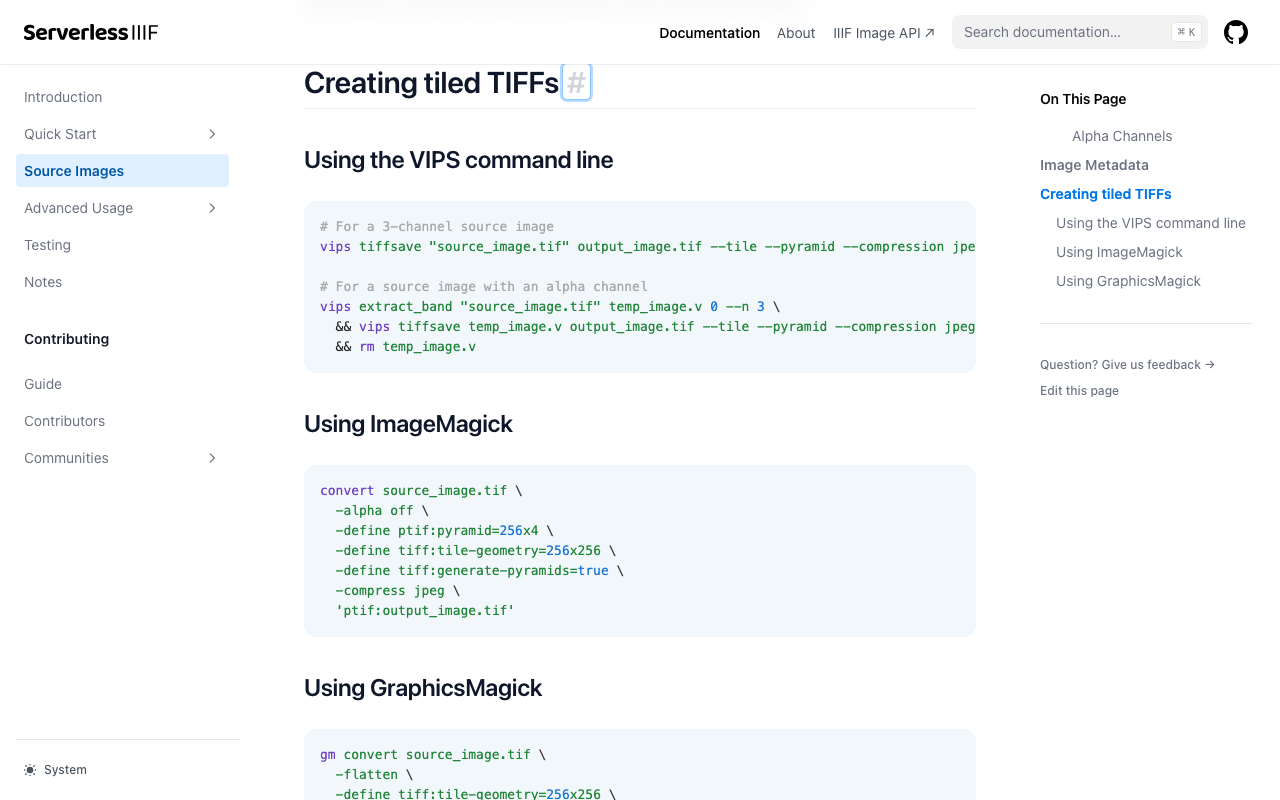
Overview I investigated cases where ImageMagick does not work properly when creating pyramidal TIFFs for IIIF image delivery. References Conversion methods are explained on pages like the following. https://samvera.github.io/serverless-iiif/docs/source-images#creating-tiled-tiffs Using the VIPS command line # For a 3-channel source image vips tiffsave source_image.tif output_image.tif --tile --pyramid --compression jpeg --tile-width 256 --tile-height 256 # For a source image with an alpha channel vips extract_band source_image.tif temp_image.v 0 --n 3 \ && vips tiffsave temp_image.v output_image.tif --tile --pyramid --compression jpeg --tile-width 256 --tile-height 256 \ && rm temp_image.v Using ImageMagick convert source_image.tif -alpha off \ -define tiff:tile-geometry=256x256 \ -define tiff:generate-pyramids=true \ -compress jpeg \ 'ptif:output_image.tif' Target Data The following image was used. ...

How to Use pyvips and Create Pyramid Tiled TIFF Files

How to Use pyvips and Create Pyramid Tiled TIFF Files

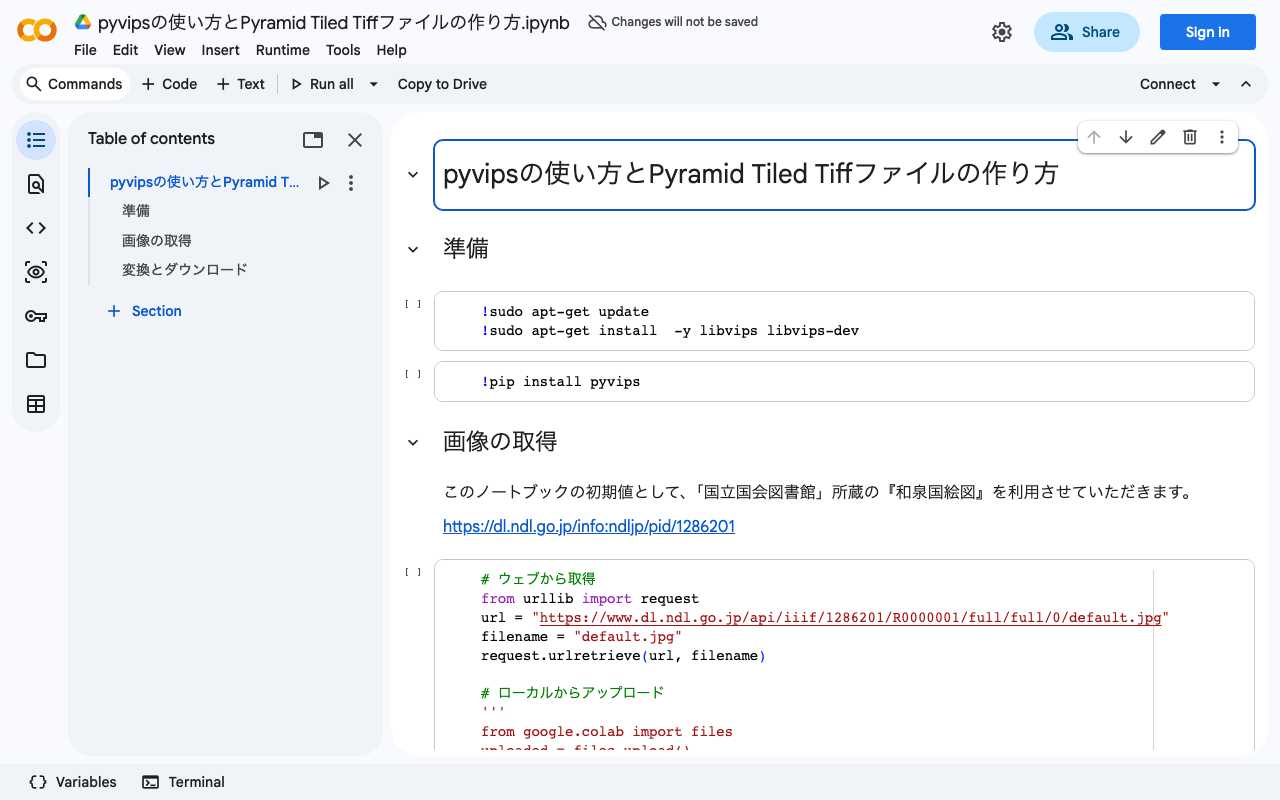
Overview I created a program to generate Pyramid Tiled TIFF files using pyvips. You can try it on the following Google Colab. https://colab.research.google.com/drive/1VO1PgKgS3H21zXpg4g2inN-mtIrON5TQ?usp=sharing When delivering images via IIIF, there are situations where Pyramid Tiled TIFF files need to be created. We hope this is helpful for image conversion using Python and Vips. The parameters are based on the following. https://github.com/samvera-labs/serverless-iiif#using-vips Also, as one example of how to deliver converted Pyramid Tiled TIFF files, the following article may also be helpful. ...