Home Articles Books Search About
日本語
Dydra JSON-LD Serialization Behavior and Workaround

Dydra JSON-LD Serialization Behavior and Workaround

Overview Dydra is an excellent cloud-based RDF triple store, but in some cases its JSON-LD serialization may produce output that differs from expectations. This blog post explains the observed behavior and the workaround we implemented. Observed Behavior Expected Output In the JSON-LD specification, URI references are commonly output in object form as follows: { "@id": "https://example.com/item/1", "@type": ["prov:Entity"], "prov:wasAttributedTo": { "@id": "https://sepolia.etherscan.io/address/0x1234..." }, "prov:wasGeneratedBy": { "@id": "https://sepolia.etherscan.io/tx/0xabcd..." } } Output Observed in Dydra In Dydra’s JSON-LD endpoint, some URI references were observed to be output as plain strings: ...

Testing IIIF Authentication API 2.0

Testing IIIF Authentication API 2.0

Overview I had the opportunity to test the IIIF Authentication API 2.0, so here are my notes. https://iiif.io/api/auth/2.0/ I created the following demo site. https://iiif-auth-nextjs.vercel.app/ja The repository is available here. https://github.com/nakamura196/iiif-auth-nextjs The following explanation is AI-generated. Note that I was unable to get it working with Mirador, which remains a future task. Overview This article explains the authentication flow of IIIF Authentication API 2.0 in detail at the HTTP request/response level. We will trace what requests are sent and what responses are returned at each step. ...

Applying Filters to created and changed Fields in Drupal's JSON:API

Applying Filters to created and changed Fields in Drupal's JSON:API

Overview This is a memo on how to apply filters to created and changed fields in Drupal’s JSON:API. Background The following was used as a reference. https://www.drupal.org/docs/core-modules-and-themes/core-modules/jsonapi-module/filtering For example, when trying to filter only items updated on or after June 2, the following query did not work correctly. ?filter[a-label][condition][path]=changed&filter[a-label][condition][operator]=%3E%3D&filter[a-label][condition][value]=2025-06-02 Correct Method The following article was helpful. https://www.reddit.com/r/drupal/comments/1bdvu61/json_api_drupal_filter_on_date/ Note that timestamp fields (like created or changed) currently must use a timestamp for filtering: ...

Using the JSON Field Module to Handle JSON Format Fields in Drupal

Using the JSON Field Module to Handle JSON Format Fields in Drupal

Overview I had the opportunity to use the “JSON Field” module for handling JSON format fields in Drupal, so this is a personal note for future reference. https://www.drupal.org/project/json_field As a result, JSON can now be handled together with an editor as shown below. Installation Download it with the following commands. composer require 'drupal/json_field:^1.4' drush en json_field Furthermore, enable the widget as well with the following. drush en json_field_widget If enabling from the GUI, enable the following two modules. ...

Developing a DTS (Distributed Text Services) Viewer

Developing a DTS (Distributed Text Services) Viewer

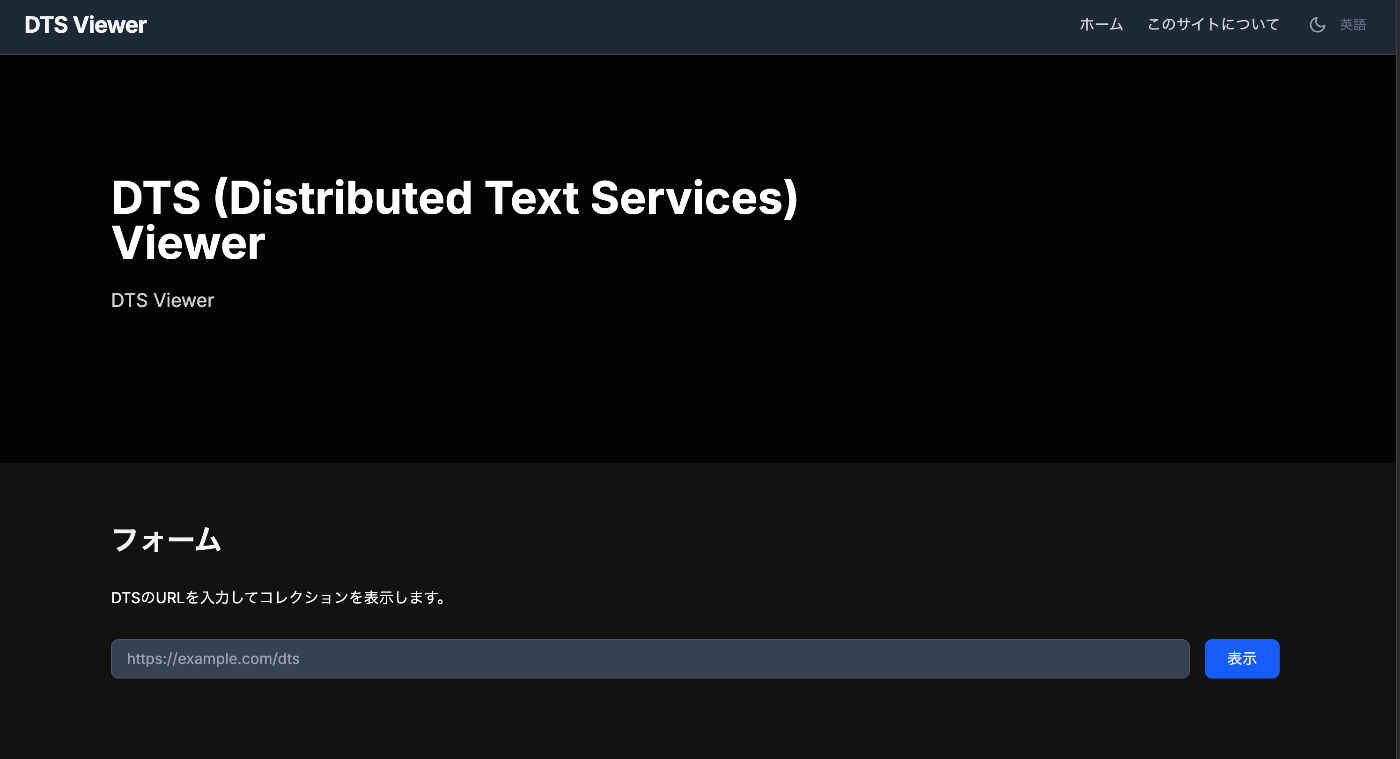
Overview I developed a viewer for DTS (Distributed Text Services), so this is a memo of the process. You can try it at the following URL. https://dts-viewer.vercel.app/ja/ Background The official page for DTS (Distributed Text Services) is below. https://distributed-text-services.github.io/specifications/ I also covered this in the following article. This time, I developed a viewer that partially conforms to this DTS specification. Usage The following is the top page. Enter the DTS URL in the form. Examples are provided at the bottom of the page. Technically, it uses the Entry point. ...

Using The New York Public Library API

Using The New York Public Library API

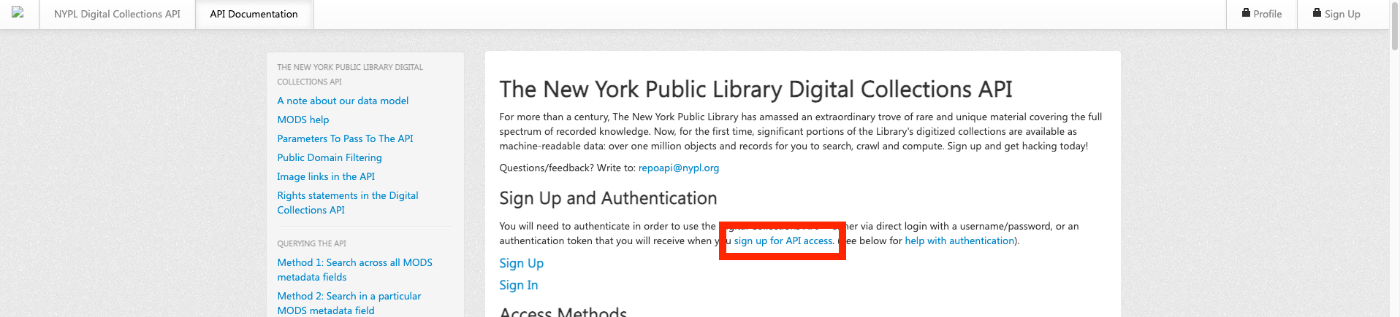
Overview The New York Public Library provides a Digital Collections API. http://api.repo.nypl.org/ This article explains an example of how to use this API. Sign Up First, click the following link to sign up. A form like the following will be displayed, so enter the required information. After entering your information, you will receive an email with the subject Welcome to NYPL API. This email contains the Authentication Token. ...